

Stouchi Mac Mini M4 Dock: 8TB SSD Enclosure, 8-Port Hub & Power Button for a Neat Mac Mini Setup
Product description
What it is and what problem it solves
The Stouchi Mac Mini M4 Dock is an all-in-one stand designed for Mac mini M4. It combines an 8TB SSD enclosure with a multi-port USB hub and a bottom-mounted power button, aiming to reduce desk clutter and simplify expansion. On paper, it promises plug-and-play storage and connectivity without needing separate adapters or tangled cables.
How it performs on paper
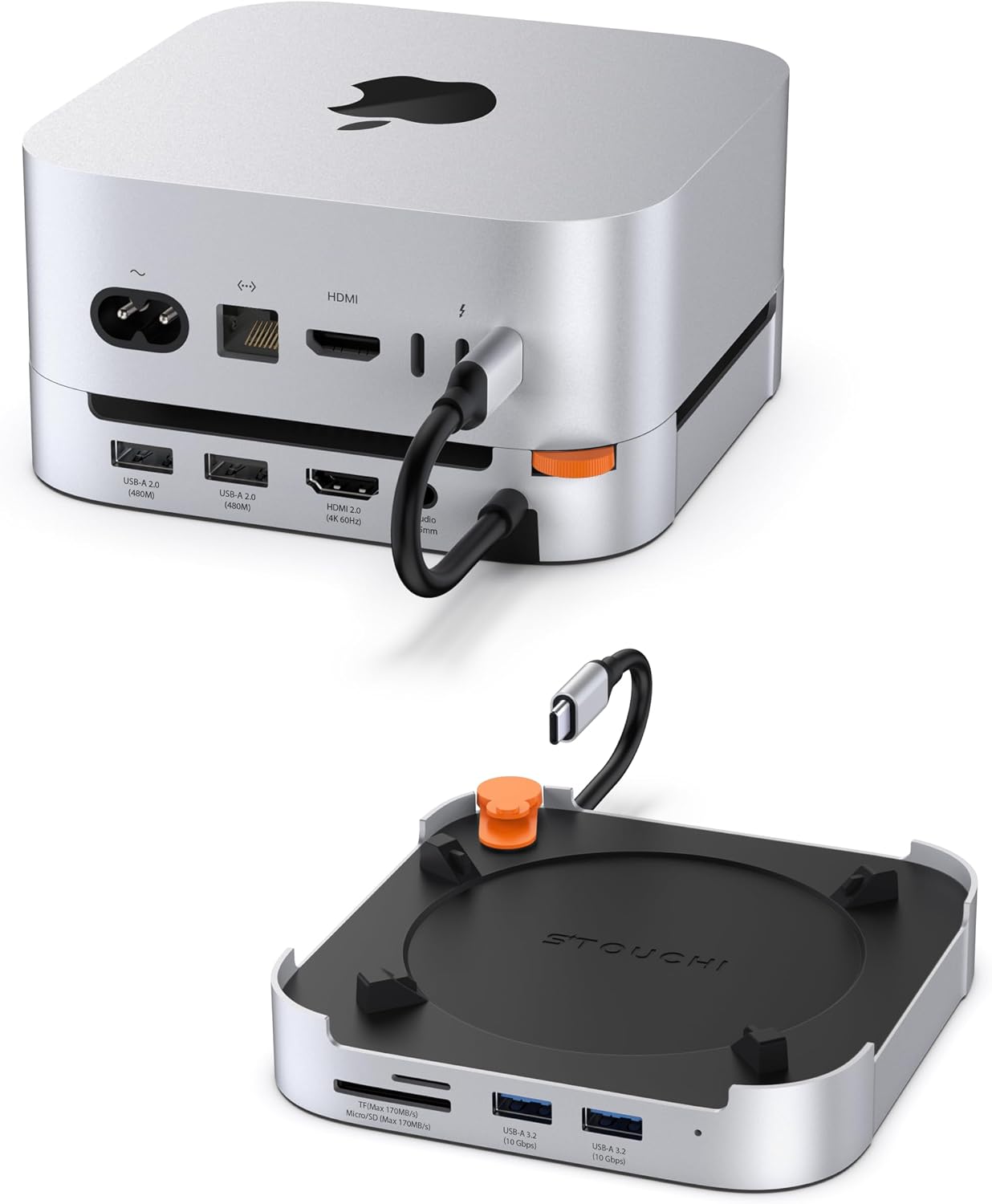
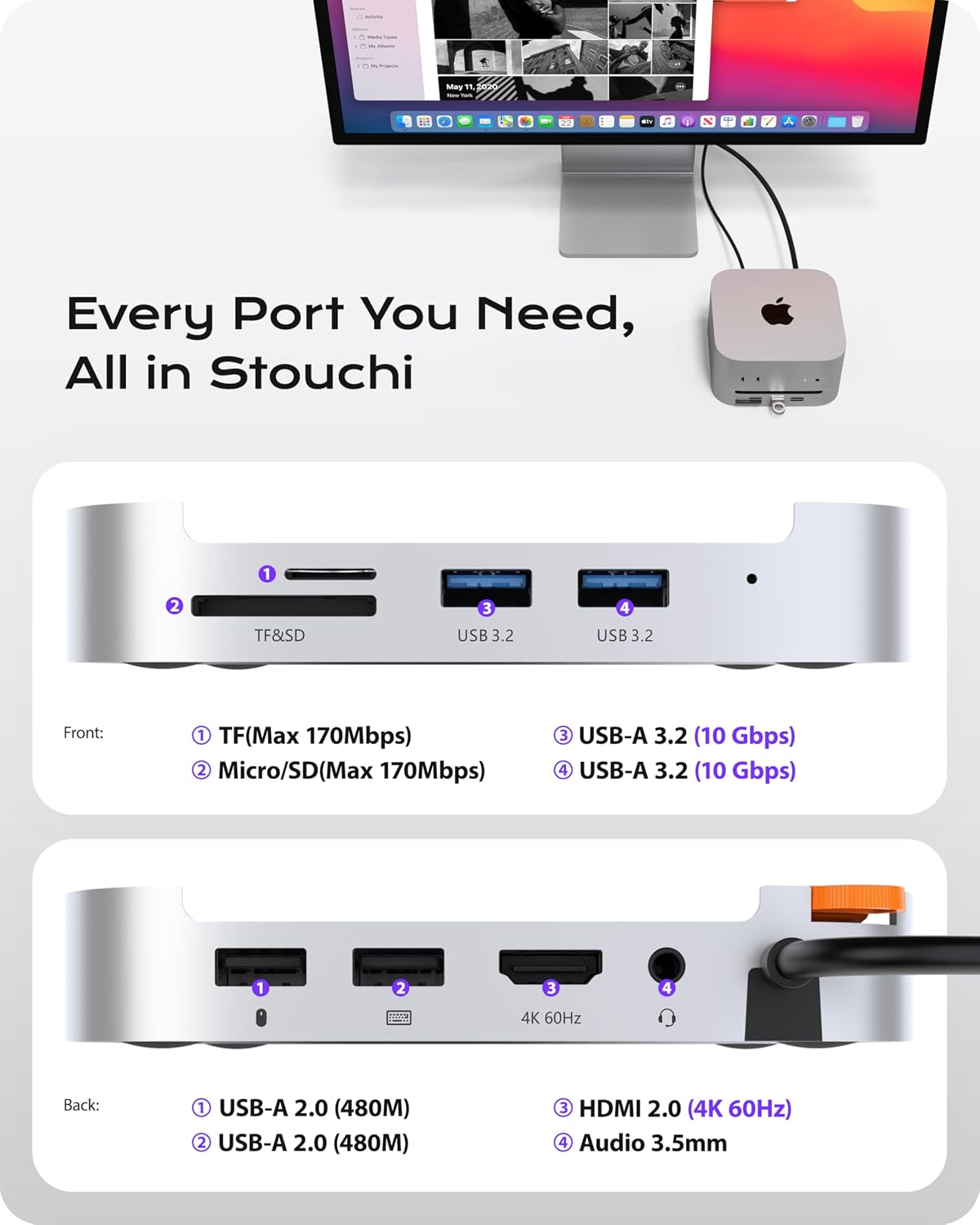
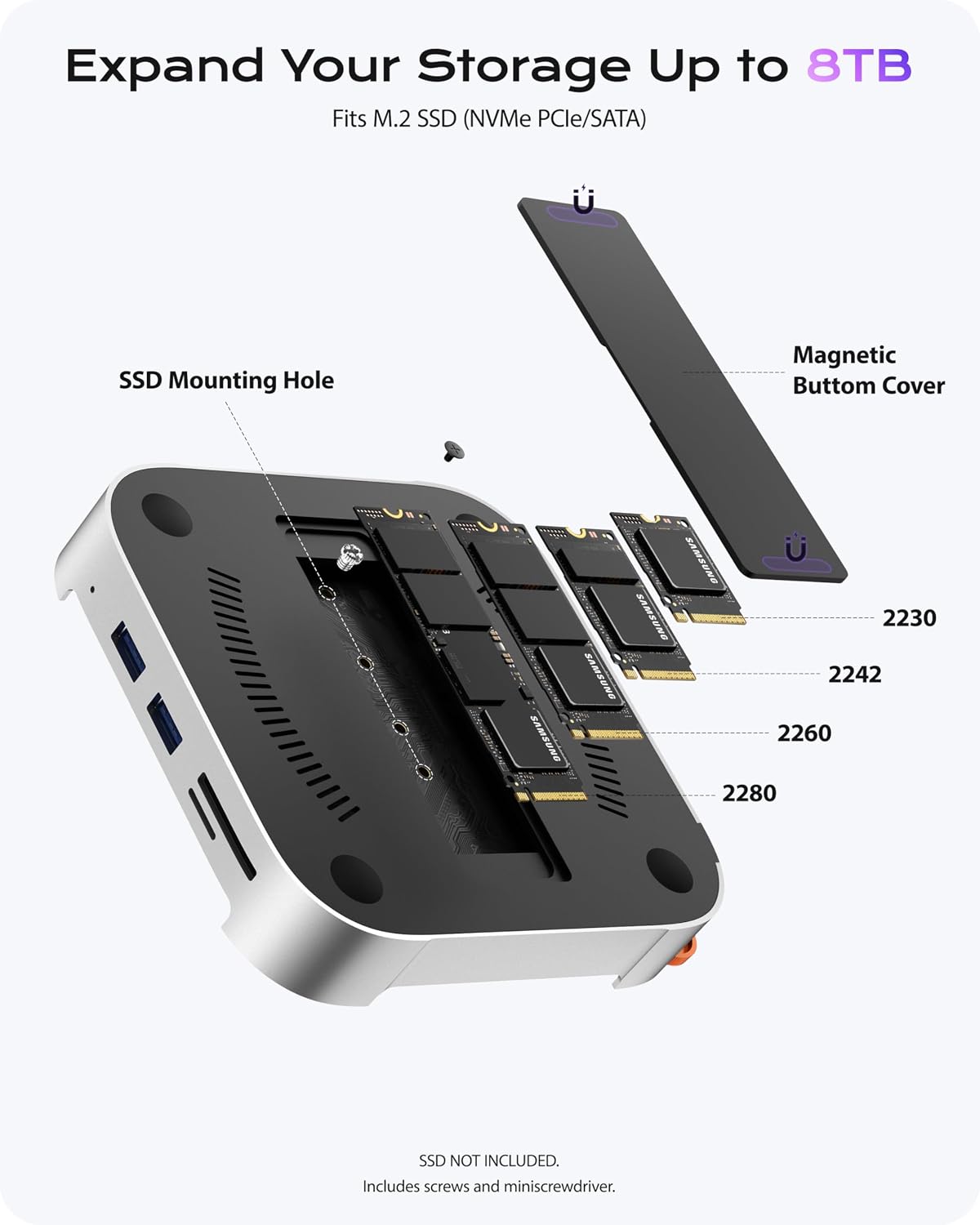
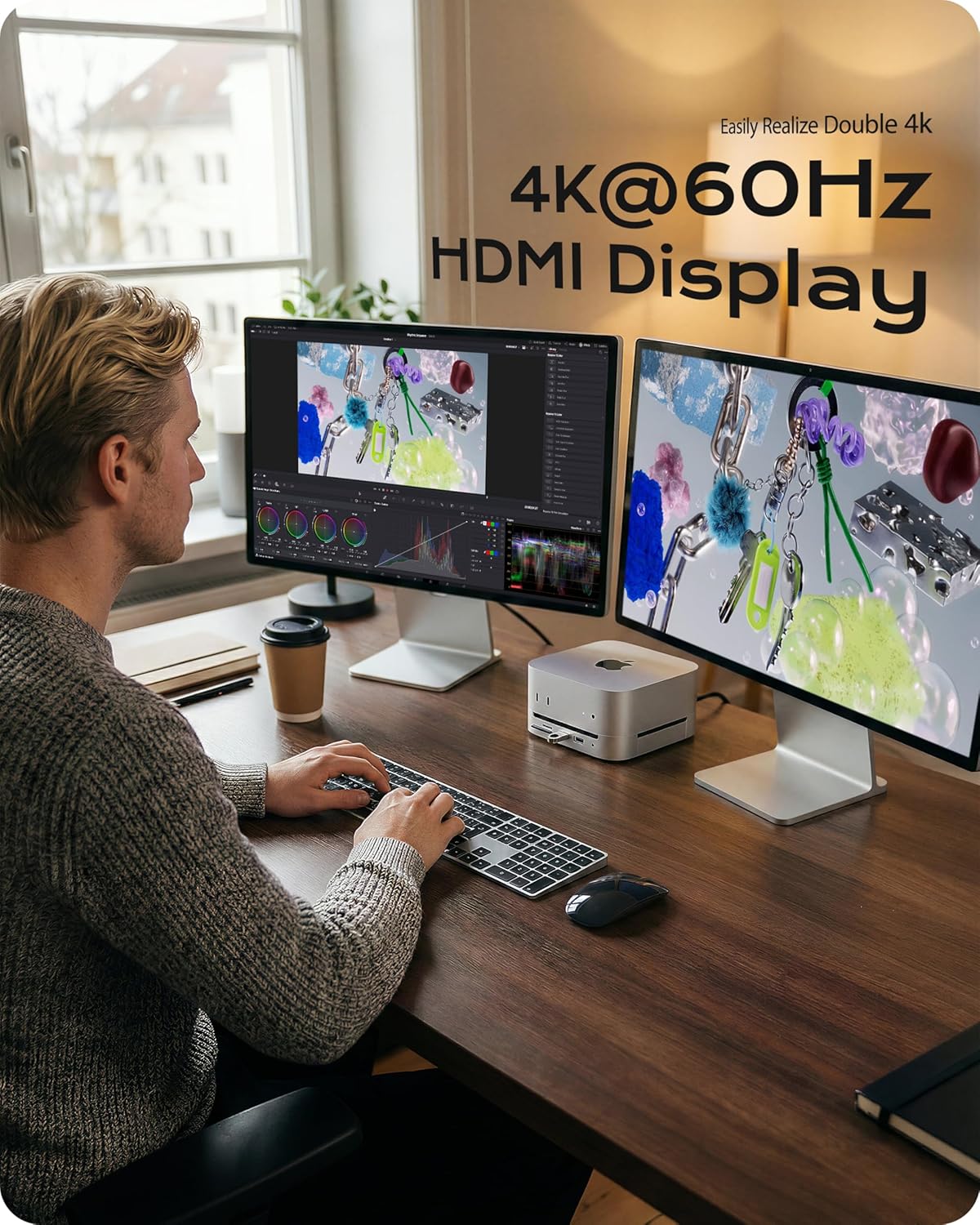
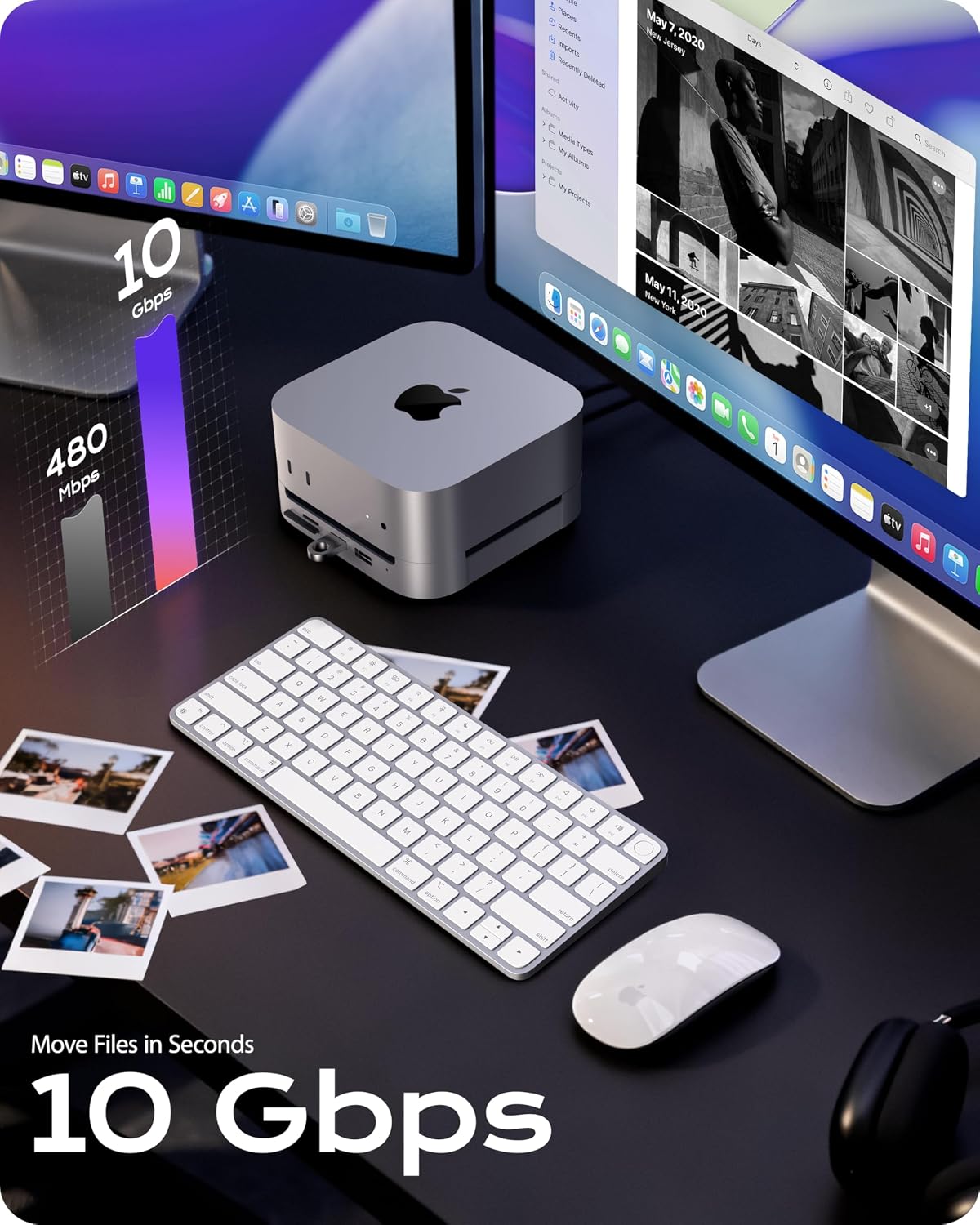
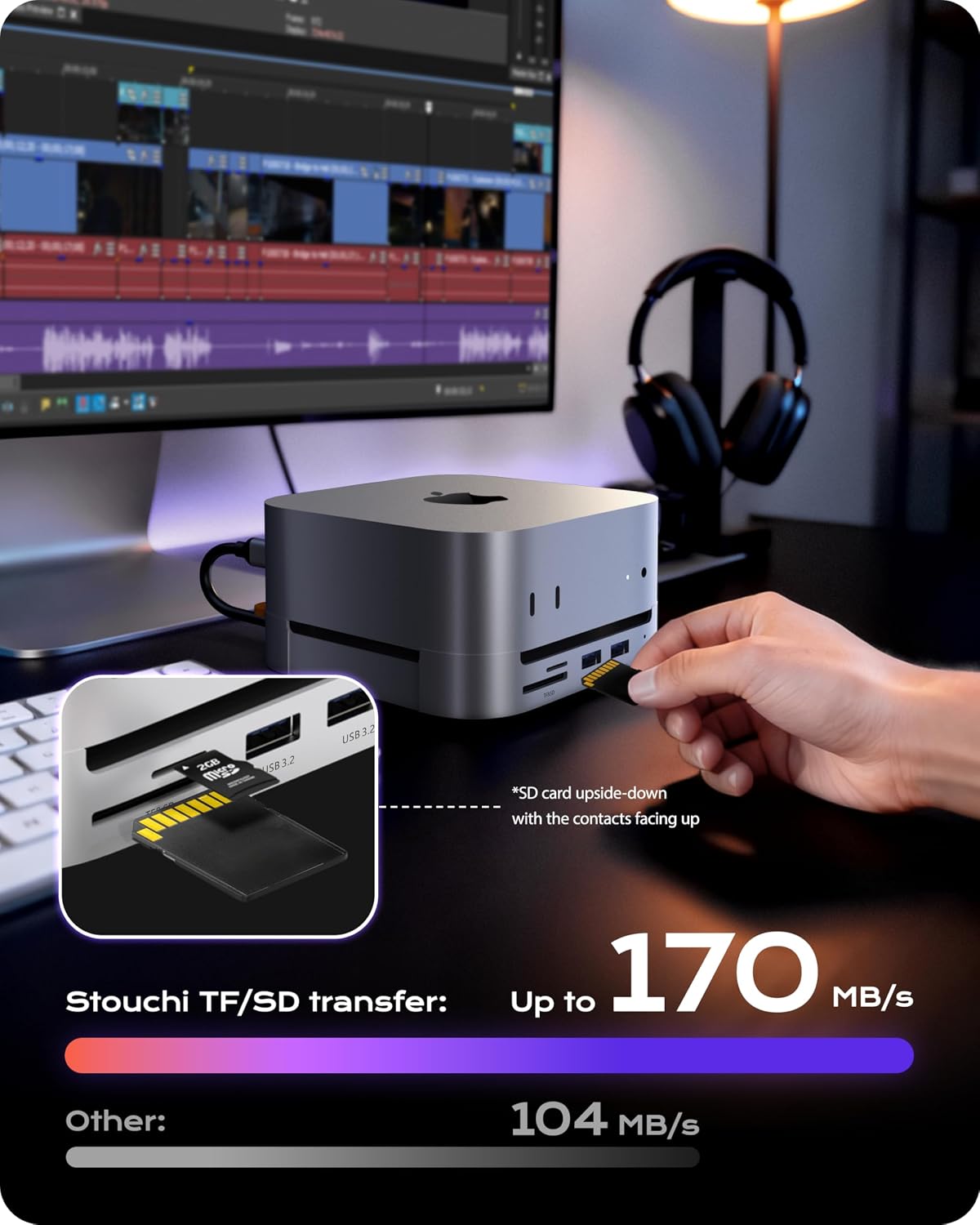
A key feature is the ability to accept any M.2 NVMe or SATA SSD (2280/2260/2242/2230) for up to 8TB total storage. It touts 10Gbps transfer speeds via the USB-C/USB-A ports, which is more than twice the speed of typical USB 3.0 hubs. This setup should benefit tasks that involve large files or frequent backups, and it can support 4K video workflows through the HDMI output at 4K/60Hz. The enclosure includes card readers (SD/TF), two USB-A 3.0 ports and two USB-A 2.0 ports, a 3.5mm audio jack, and a stable Wi‑Fi experience through shielding designed to minimise interference.
What stands out in use
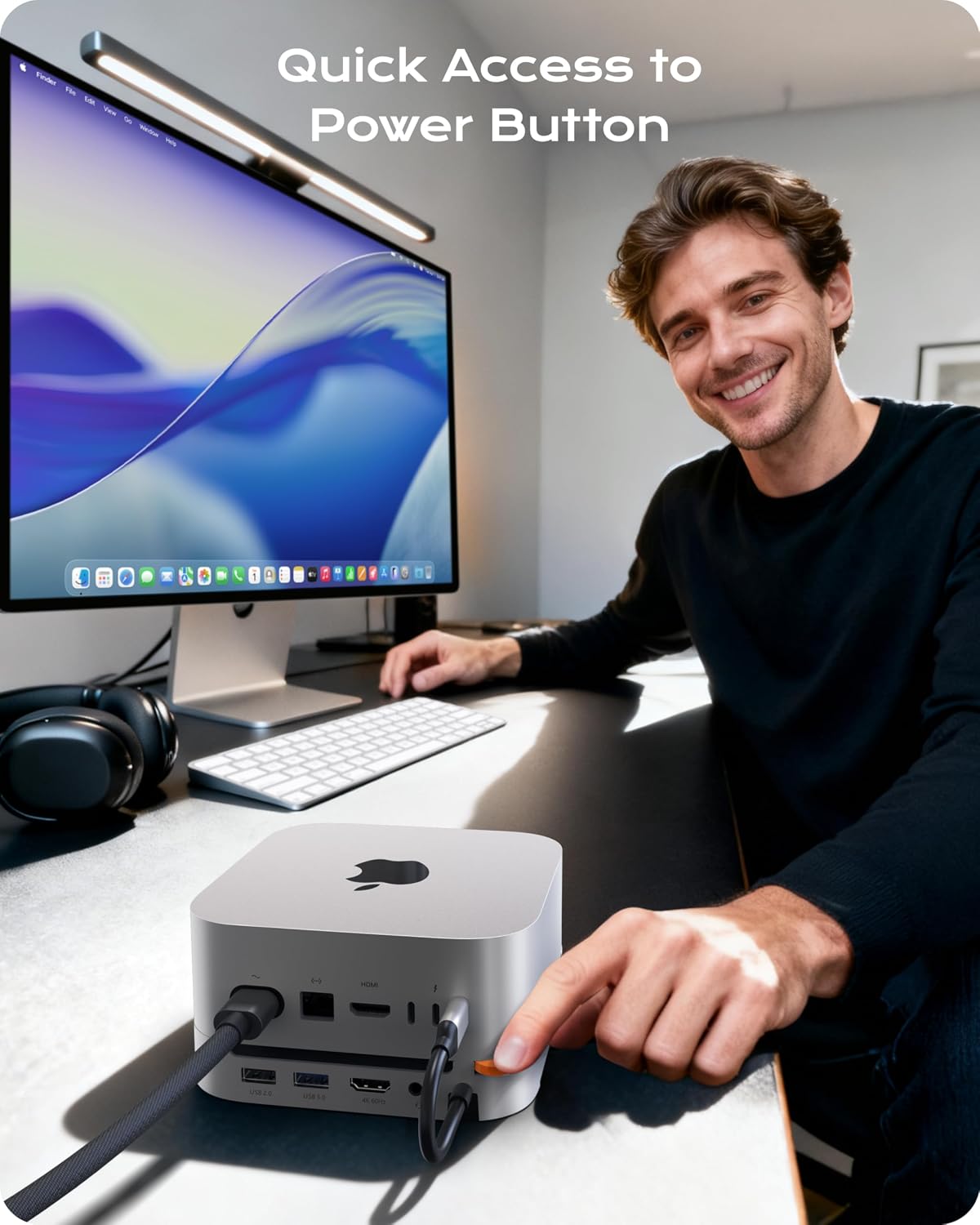
If you prioritise a tidy desk and a single point of expansion for a Mac Mini M4, this dock offers a neat solution: storage, a full port suite, and a direct power control in one compact unit. The bottom-mounted power button means you don’t need to tilt or lift the Mac mini to power it on or off, which is handy for frequent access. The four anchor points and silicone feet promise a stable stand that stays put during everyday use.
The good and the not-so-good
On the plus side, the option to house an 8TB SSD and the generous port selection provide real flexibility for creative projects or heavy backups. The 10Gbps transfer rate can help when moving large video files or working with sizeable datasets. However, a notable caveat is that the SSD is not included, so total cost depends on the drive you choose. Also, while the speed promise sounds strong on paper, real-world performance will depend on the SSD you install and the Mac Mini M4’s own capabilities.
Who this is for
This dock is most suitable for Mac Mini M4 owners who want a cleaner setup and need extra storage alongside quick access to essential peripherals – especially if you’re dealing with 4K media, large project files, or frequent backups. It could appeal to creators, photographers, video editors, or power users who prefer a compact, single-dock solution instead of juggling multiple devices.
Who might want to look elsewhere
If you already own an SSD or don’t require 8TB, or if you’re not tied to the integrated stand concept, a simpler USB-C hub or a separate drive enclosure might be a leaner option. Also, if maximum real-world speed hinges on top-tier NVMe performance, you may want to verify that your chosen SSD and Mac Mini M4 combo achieve your preferred transfer rates in practice.
Before you buy: criteria to check
- Confirm compatibility with Mac Mini M4 and, where relevant, any M5/M4 Pro variants you plan to pair it with.
- Consider your desired SSD capacity and the specific NVMe or SATA drive you’ll slot in, ensure the enclosure supports the drive form factor you intend to use.
- Check that you actually need 8 external ports, verify that the 10Gbps USB-A ports align with the devices you’ll connect.
- If Wi‑Fi stability is critical, note the shielding design aimed at reducing interference and the impact of concurrent wireless devices in your workspace.
Practical take: use-case snapshot
Imagine editing a 4K project: you store the project files on the 8TB SSD inside the dock, skim through edits via fast USB peripherals, back up frequently through the 10Gbps links, and keep your Mac mini powered on with a simple push of the bottom button. It’s not about absolute hype, it’s about reducing clutter and keeping data accessible with sensible performance for typical creative tasks.
FAQ snapshot
- Is the SSD included? No, the SSD is not included.
- How many USB ports are available? The dock offers 2× USB-A 3.2 (10Gbps) and 2× USB-A 2.0 ports.
- Can it drive 4K video at 60Hz? Yes, via the HDMI output.
Final decision: Is it worth it?
Worth considering if you want a compact, all-in-one expansion dock for Mac Mini M4 with upgradeable storage and a broad port set, plus a convenient power button to control the unit without lifting the Mac. It may not be the best fit if you don’t need 8TB of onboard SSD capacity or if you’d prefer a lighter, more modular upgrade path. If you value desk organisation and a straightforward plug‑and‑play setup for demanding storage tasks, this dock could offer meaningful value.