


UGREEN 8‑Port Gigabit Ethernet Switch
Product description
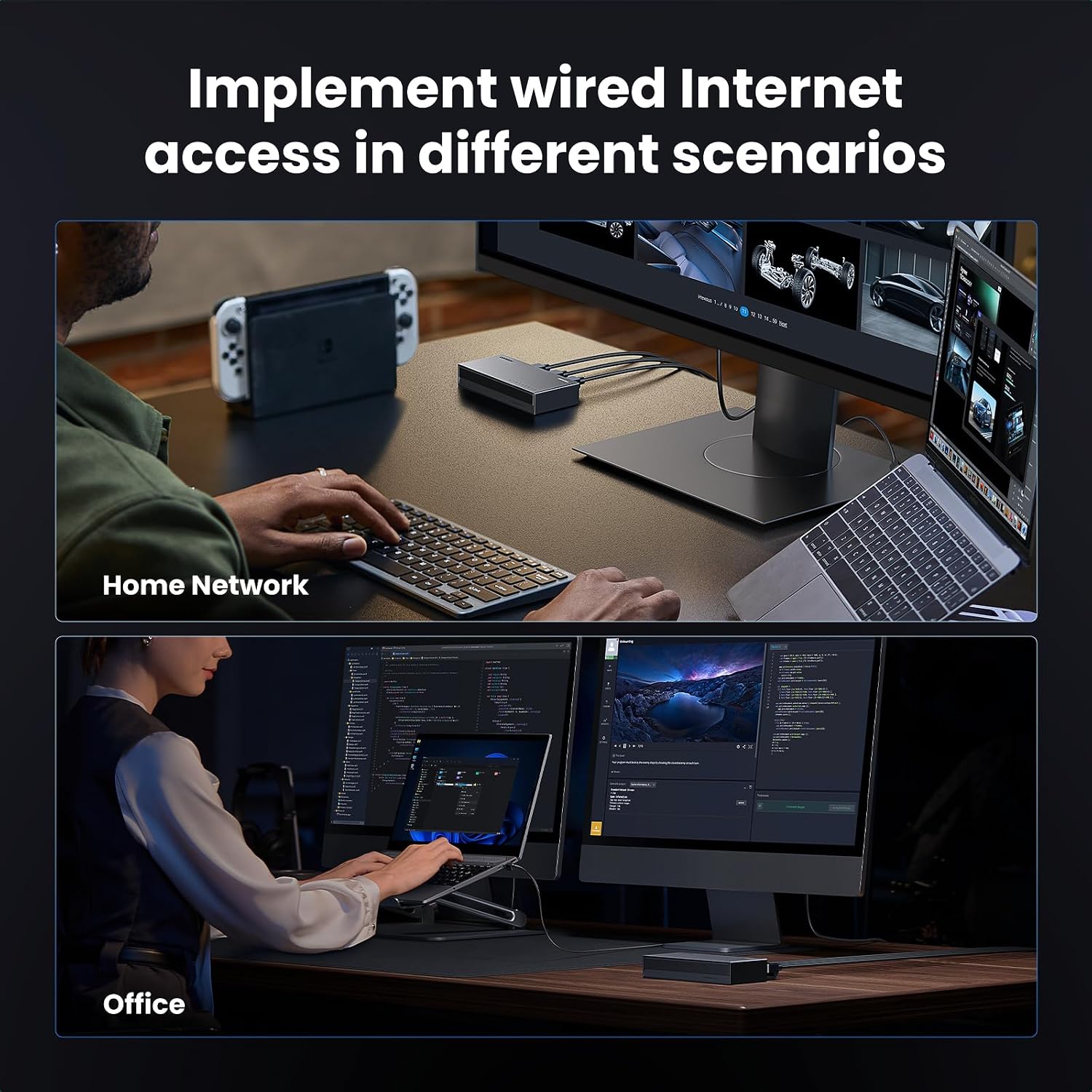
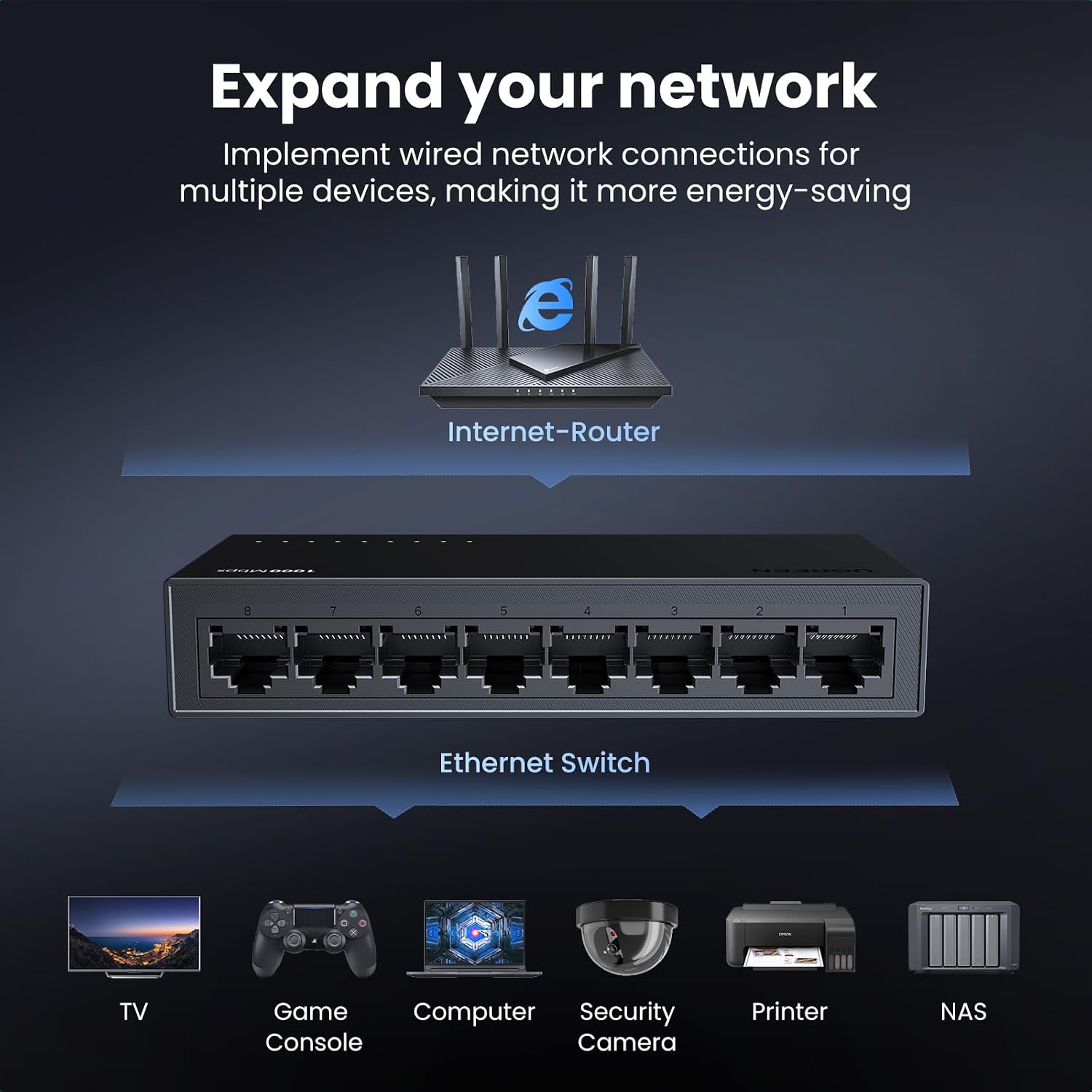
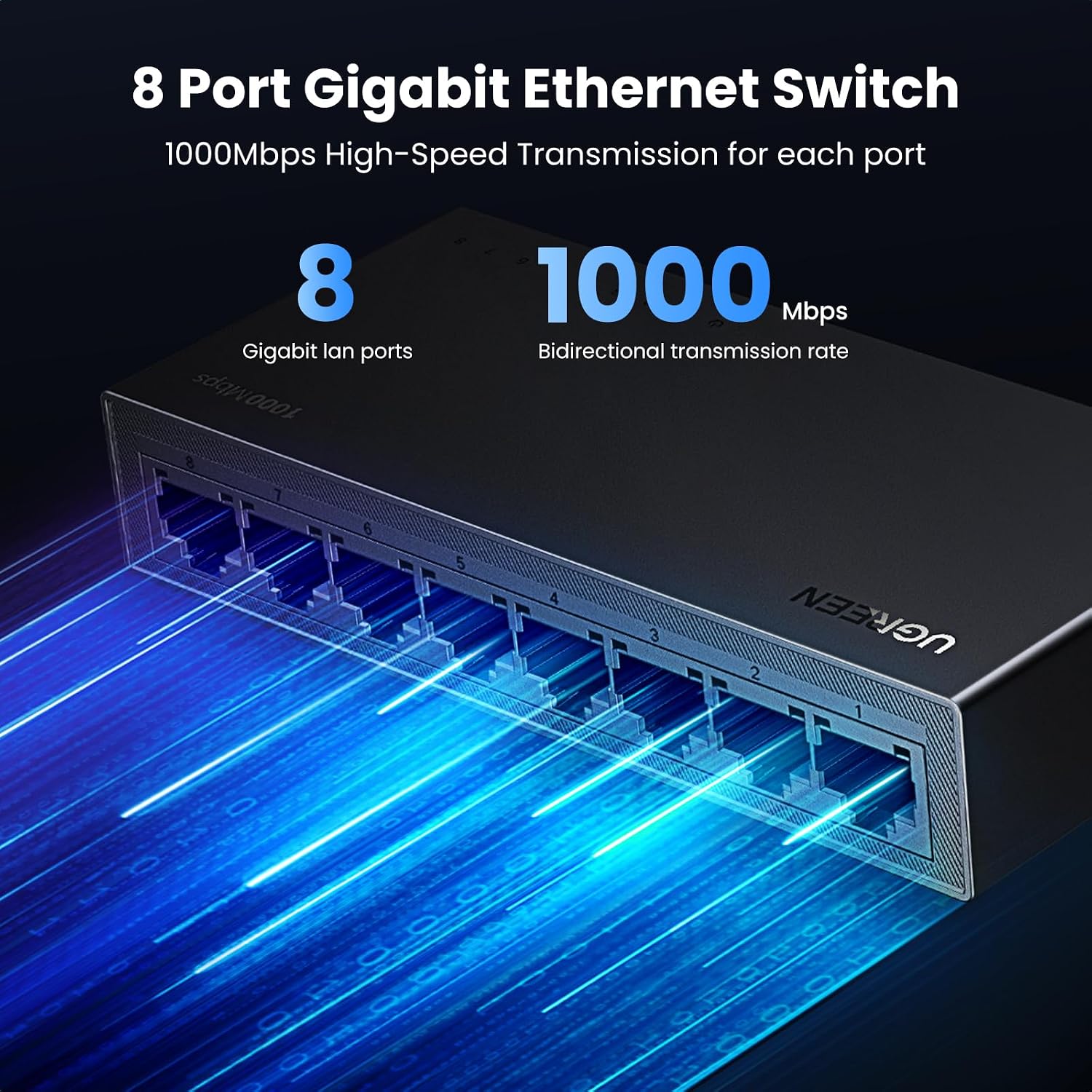
This compact network switch from UGREEN expands a single wired connection into multiple gigabit ports for home and small office setups, allowing a TV, laptop, gaming console or router to share a stable wired link with minimal fuss. Its plug and play design brings the main benefit of immediate network expansion with 1000 Mbps RJ45 ports, useful when several devices need a reliable wired connection without reconfiguring existing hardware.
Key Points
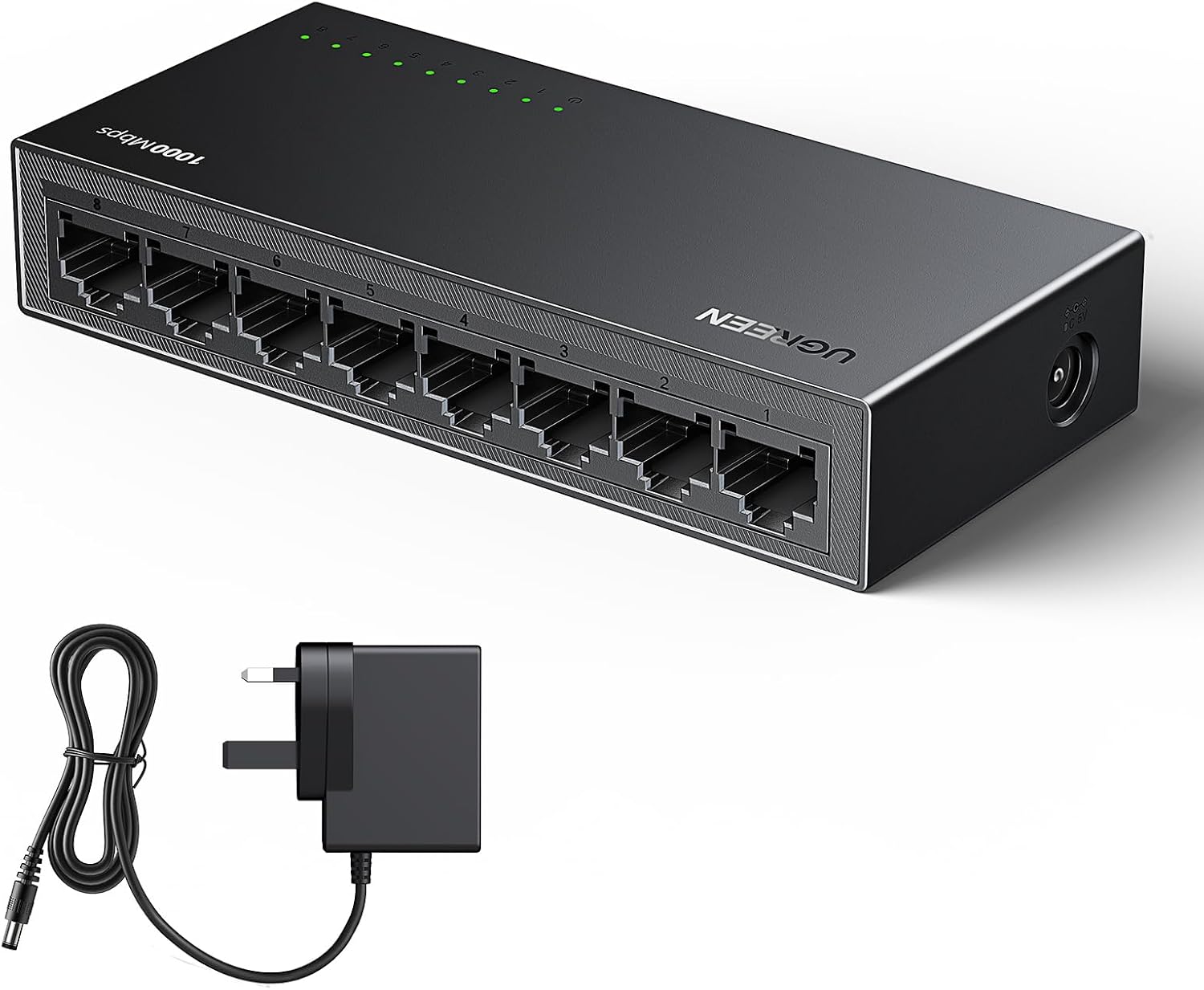
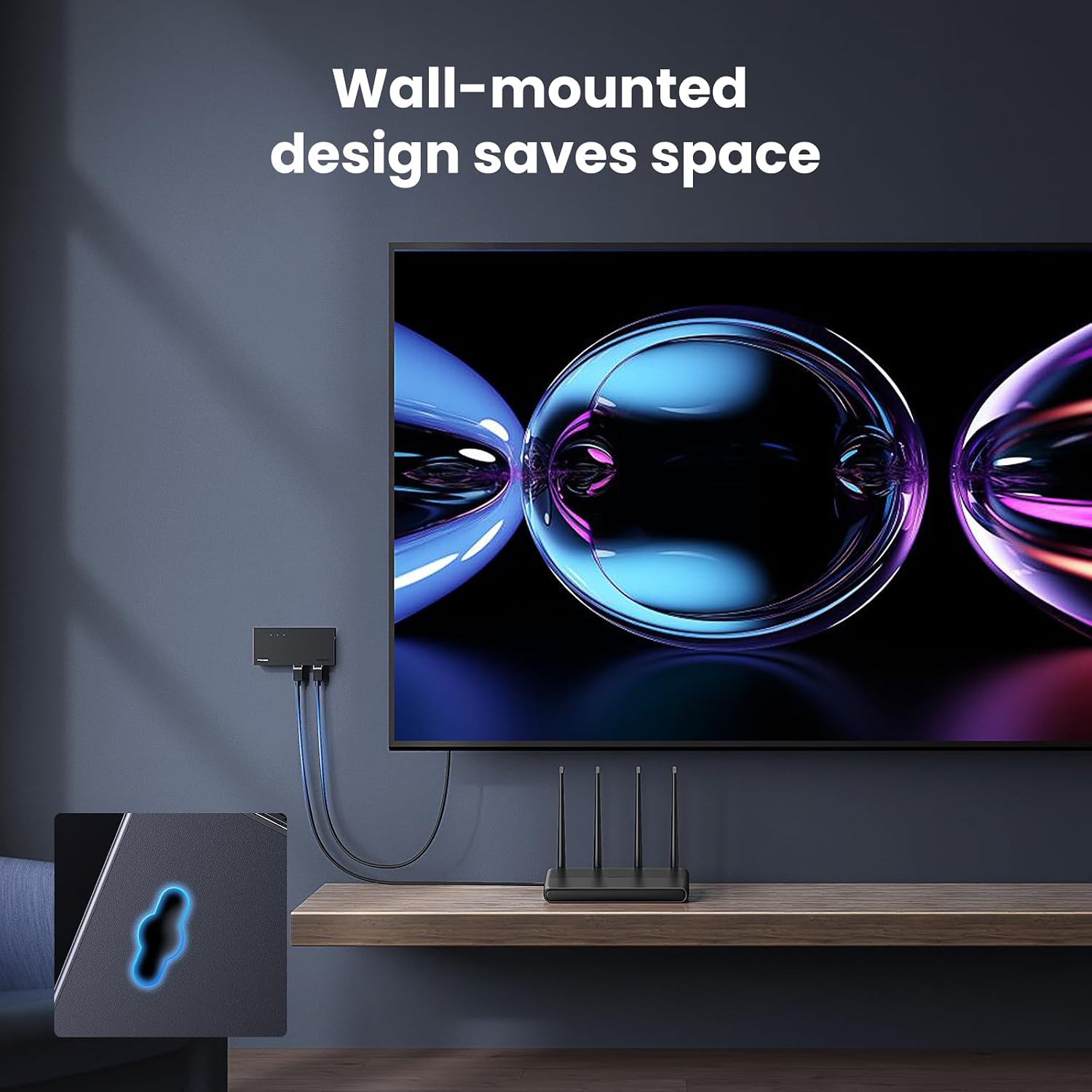
The switch provides eight RJ45 Gigabit ports to distribute high-speed Ethernet across several devices while keeping a small footprint on a desk or mounted on a wall. It operates without a fan, so it runs silently and suits noise-sensitive spaces such as living rooms or shared offices. The unit is ready to use out of the box, requiring no software or setup, which makes it convenient for quick installation and temporary setups away from a permanent network closet. Consider that, according to the manufacturer, the device does not include PoE capabilities so powered devices will still need separate power sources.
Technical Specifications
- Name: UGREEN Network Switch 8-Port
- Ports: 8 x RJ45 Gigabit (1000 Mbps)
- Design: Desktop with wall-mounting holes
- Operation: Fanless, silent operation
- Setup: Plug and play, no configuration required
Advantages
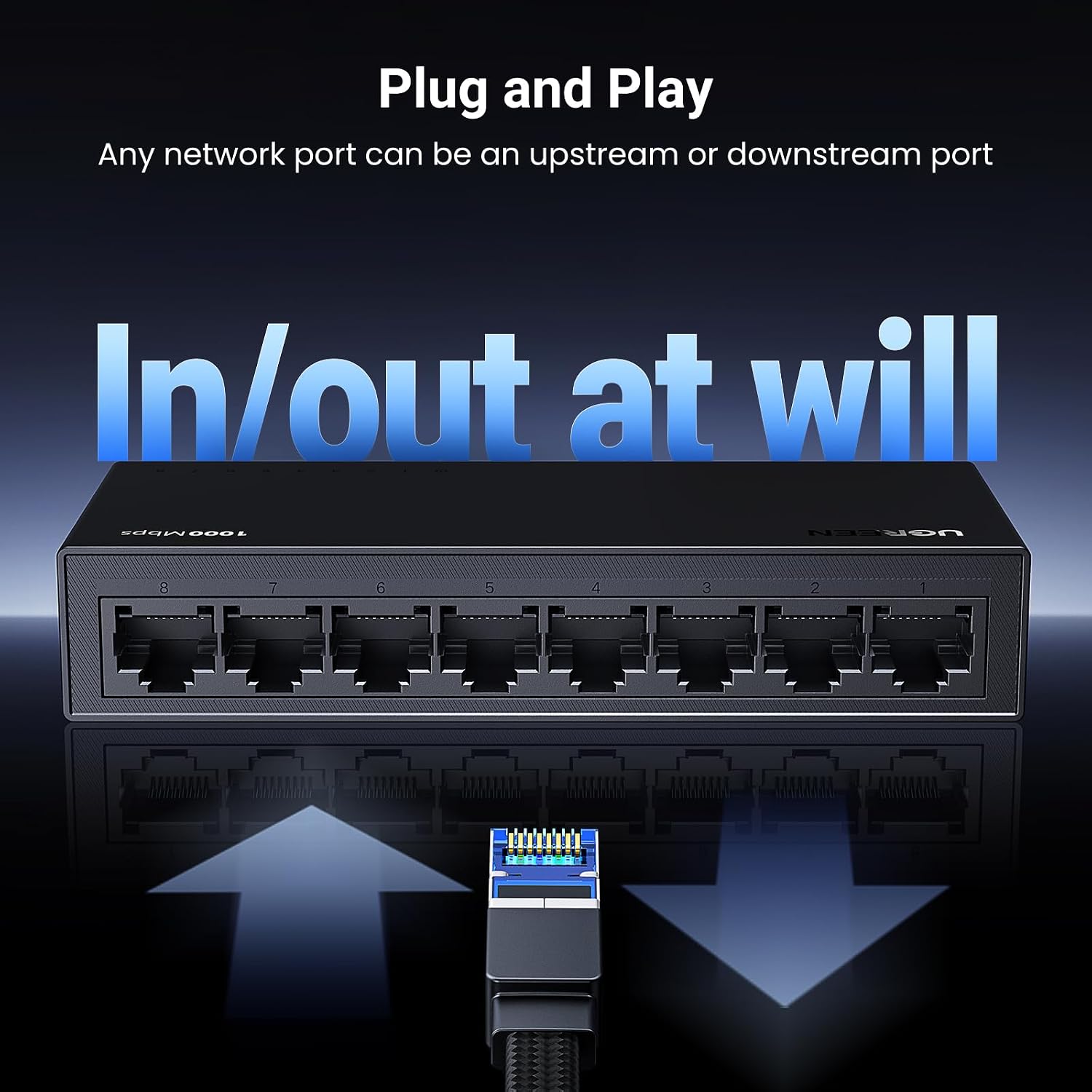
Because it splits a single incoming connection into multiple full-speed gigabit links, the switch reduces the need for wireless reliance in areas with heavy traffic, improving stability for streaming and gaming. Its compact and portable chassis makes it simple to move between rooms or sites, and the wall-mount option helps keep cabling neat and off work surfaces. The absence of a fan keeps electrical noise and maintenance low, however note that continuous heavy loads may raise the chassis temperature slightly according to the manufacturer.
Usage Recommendations
Place the switch close to where multiple wired devices are situated to minimise cable runs and potential network latency. Use quality Cat5e or Cat6 cables to preserve gigabit performance across connected devices. For mixed environments that include PoE cameras or access points, pair this switch with a separate PoE injector or a dedicated PoE switch to supply power to those units. When mounting on a wall, ensure the chosen surface allows proper ventilation around the unit and that the power adaptor has unobstructed airflow.