

NETGEAR GS308 8‑port Gigabit switch
Product description
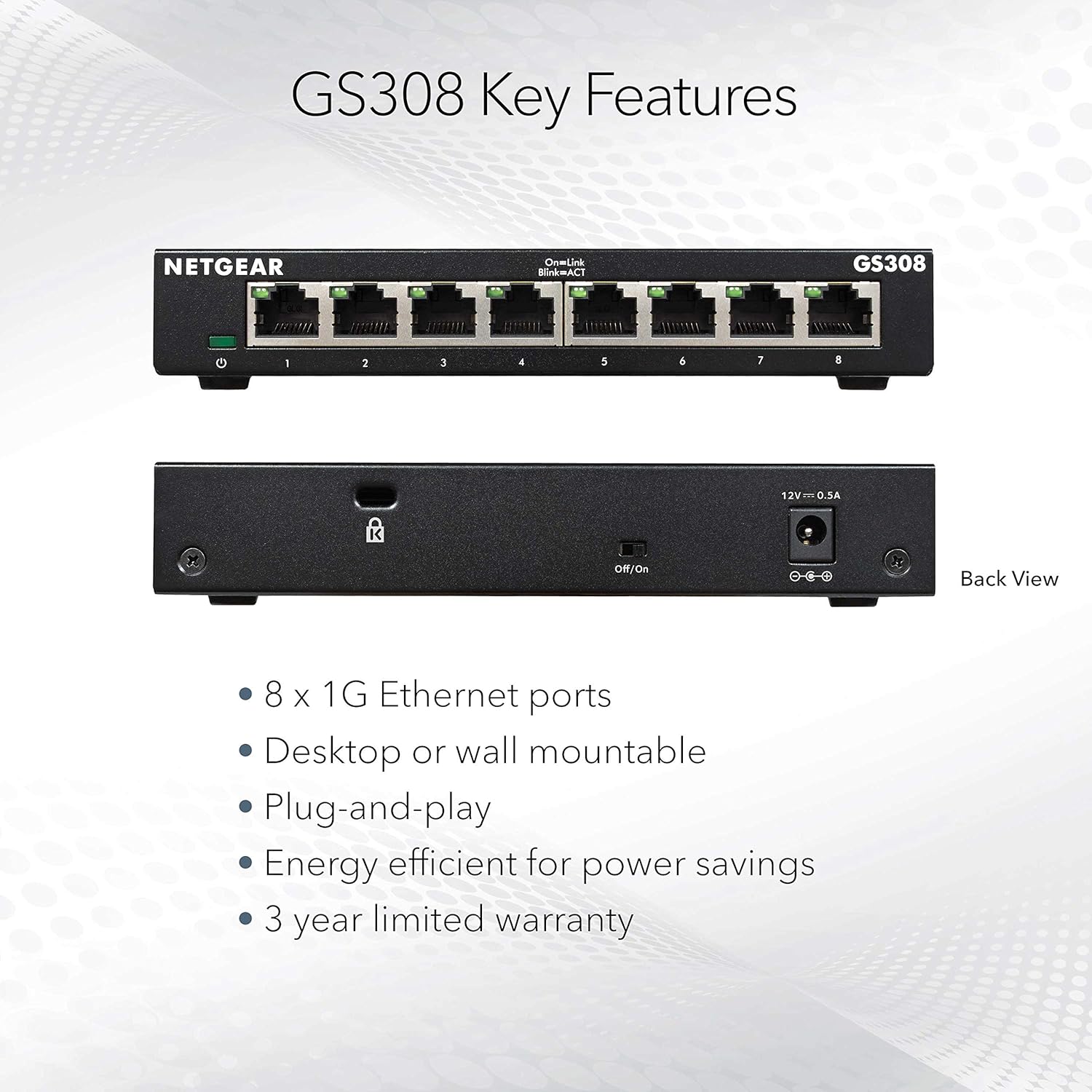
This compact network switch brings fast wired connectivity to small offices and home networks, offering eight gigabit ports for reliable data transfer and simple expansion. If you need an 8 port gigabit switch to add more wired connections quickly, this plug-and-play device reduces setup time and keeps noise to a minimum while running continuous traffic.
Key Points
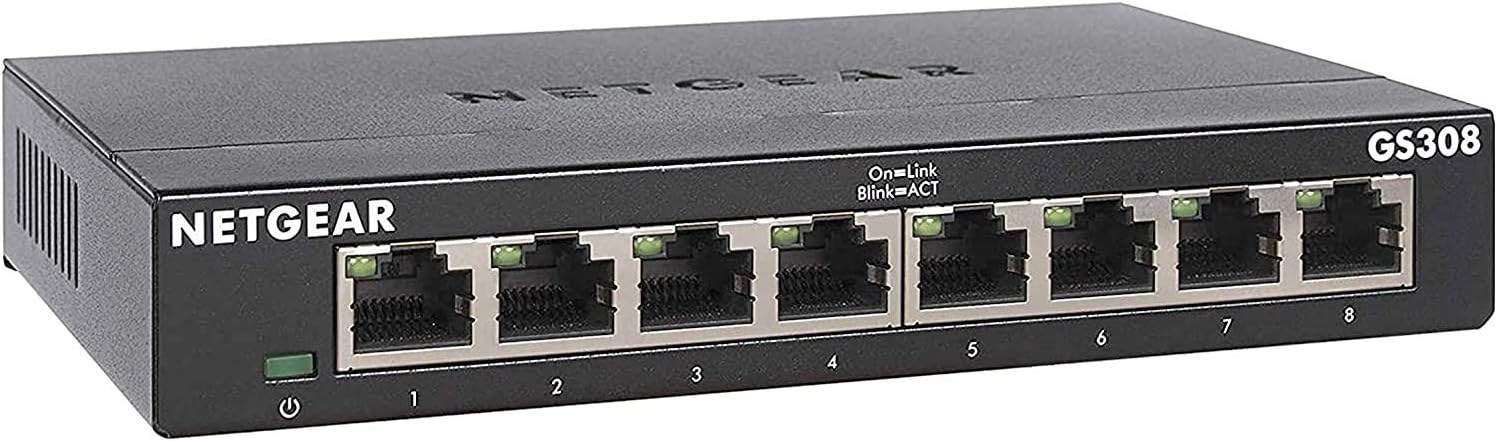
The unit is housed in a durable metal casing that helps with heat dissipation and gives the switch a sturdy feel. It operates silently, which makes it suitable for noise-sensitive environments such as quiet offices or media rooms. ⚙️
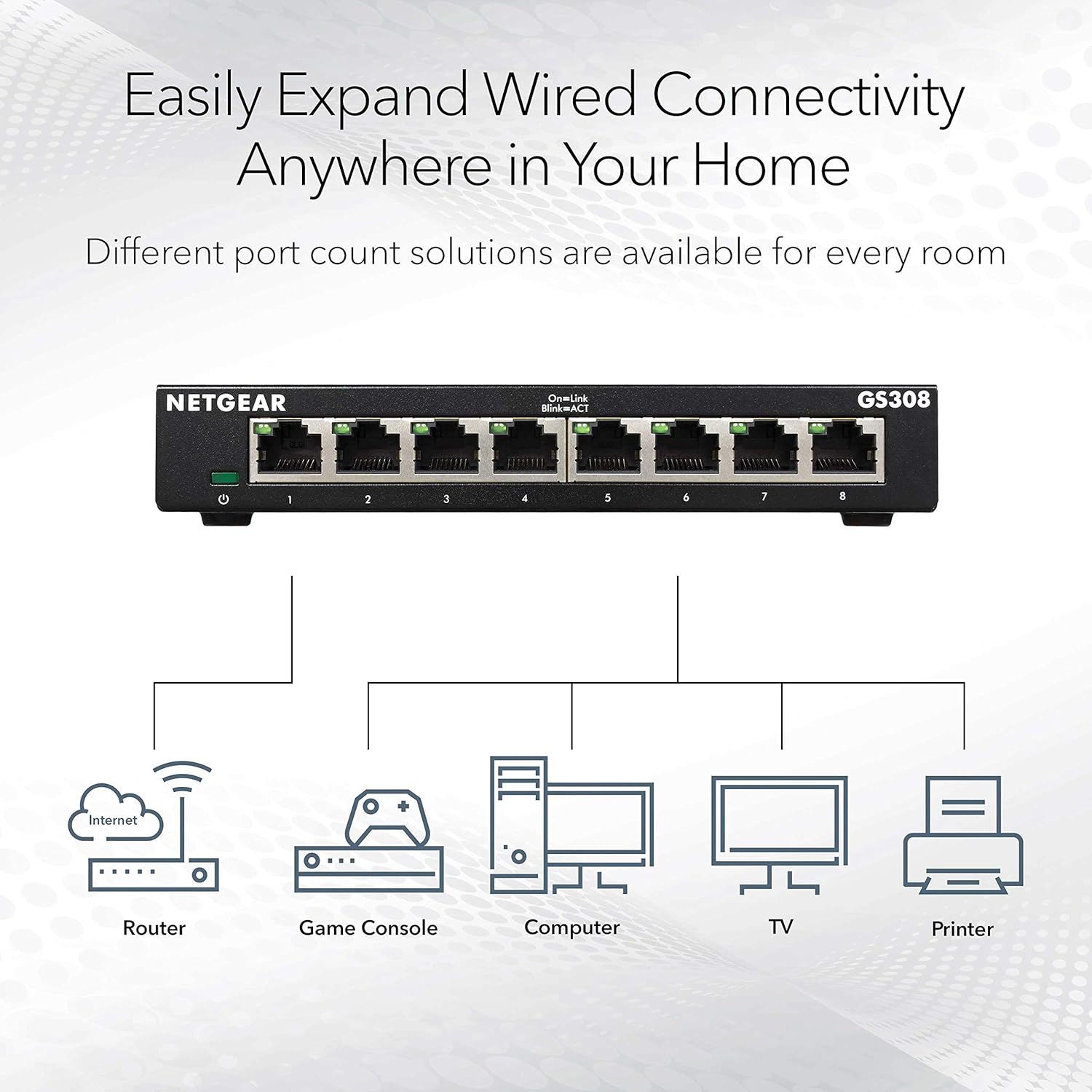
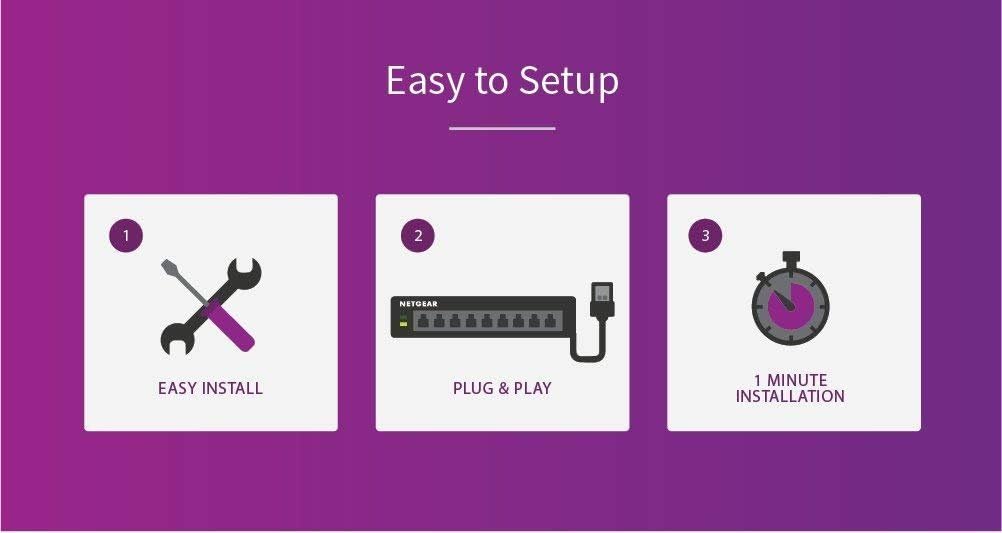
Installation is straightforward because the switch requires no configuration, allowing you to connect devices and start using them immediately. The compact footprint fits on a desktop and it also includes the option for wall mounting, so placement is flexible depending on available space. 🔌
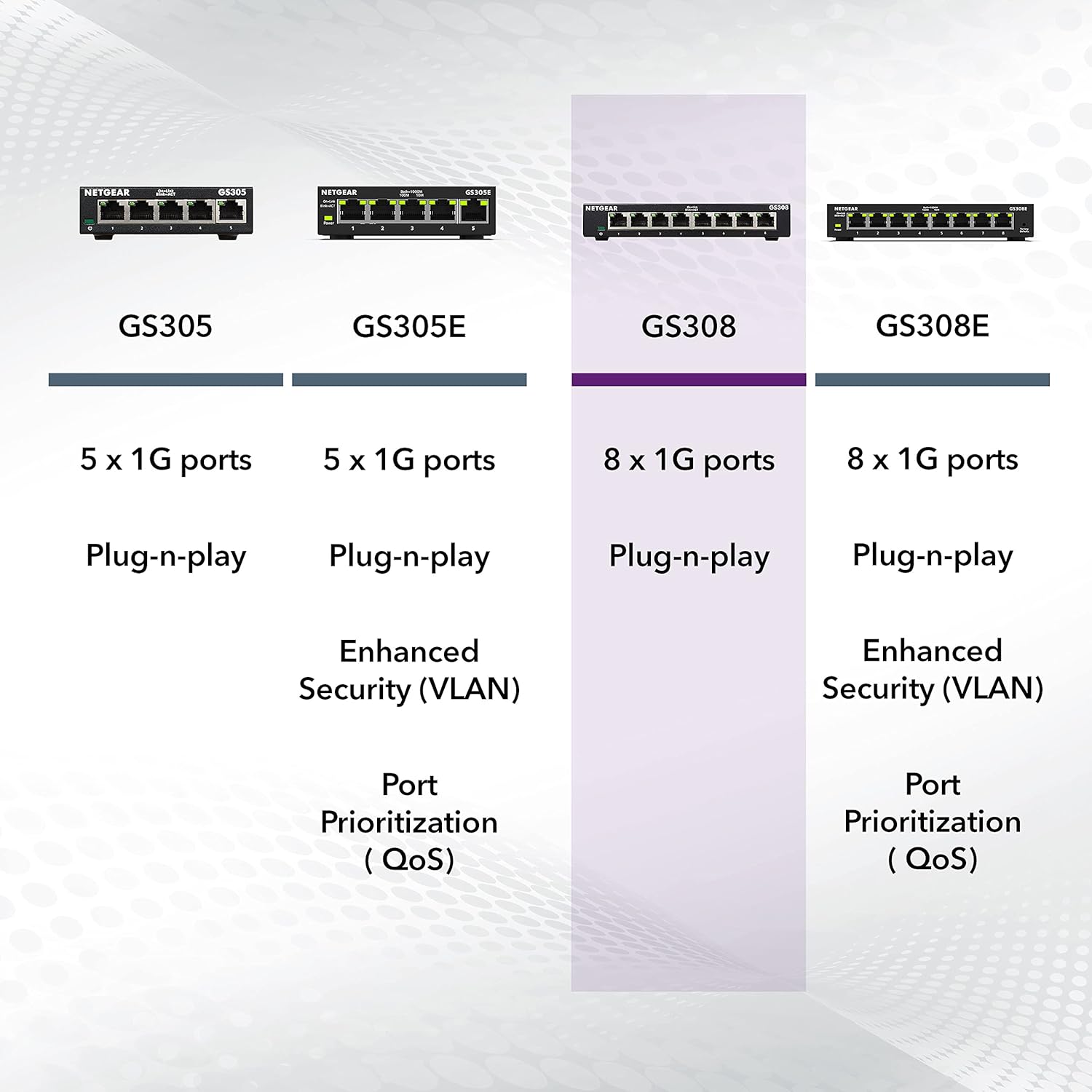
Consider that the switch focuses on basic layer 2 connectivity and unmanaged operation, so it does not include advanced managed features like VLAN configuration or traffic prioritisation. For users who need simple, reliable gigabit ports without additional management overhead, this fits well.
Technical Specifications


- Name: NETGEAR GS308
- Ports: 8 x Gigabit Ethernet ports
- Casing: Metal chassis for durability and heat management
- Mounting: Desktop placement or wall mount support
- Warranty: 3-year limited hardware warranty
- Energy: Energy efficient design compliant with IEEE 802.3az
- Operation: Silent operation, suitable for quiet environments
Usage Recommendations
Place the switch near the centre of your network layout to minimise cable runs and to make the most of each port. For a small office, connect routers, access points and NAS devices to keep critical equipment on wired gigabit links for stable throughput. Also consider using it as a simple aggregation point for multiple workstations in a shared workspace.
If your network requires traffic shaping, remote monitoring or VLAN segmentation, be aware that an unmanaged switch like this will not provide those capabilities. In such cases, evaluate whether a managed switch would better match your network management needs. 🛠️
This description ends with the final usage guidance above.