

RSHTECH RSH-ST07C 7‑port USB hub with 10Gbps ports
Product description
This compact powered USB hub expands a laptop or desktop with a mix of USB-A and USB-C ports to connect drives, peripherals and accessories while keeping transfer speeds high. Its combination of USB 3.2 Gen2 and USB 3.0 ports suits users who need fast backups and multiple device connections, and it works with both USB-A and USB-C hosts for flexible setups. The hub supports USB hub 10Gbps transfers on compatible ports, helping move large files more quickly.
Key Points
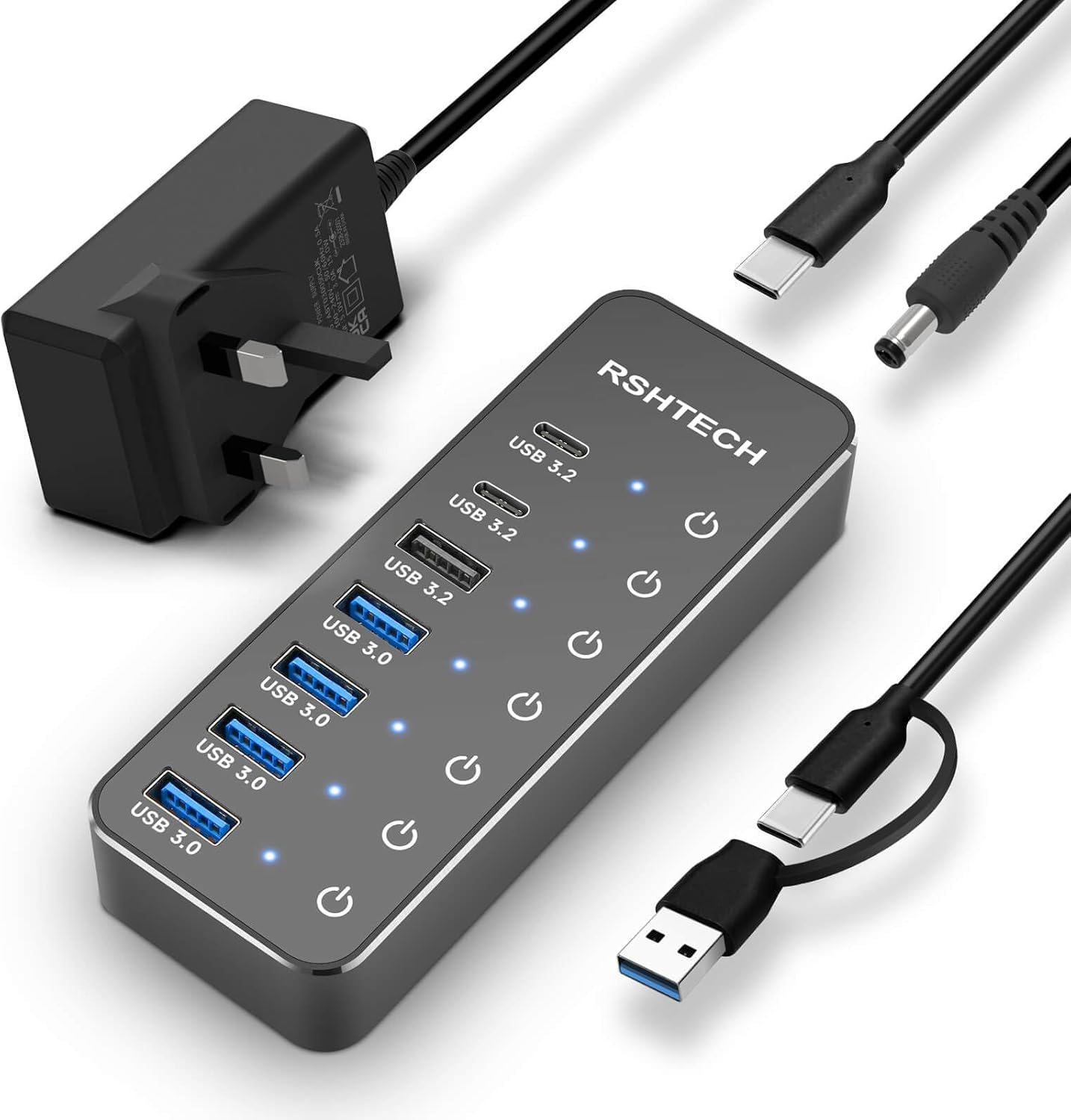
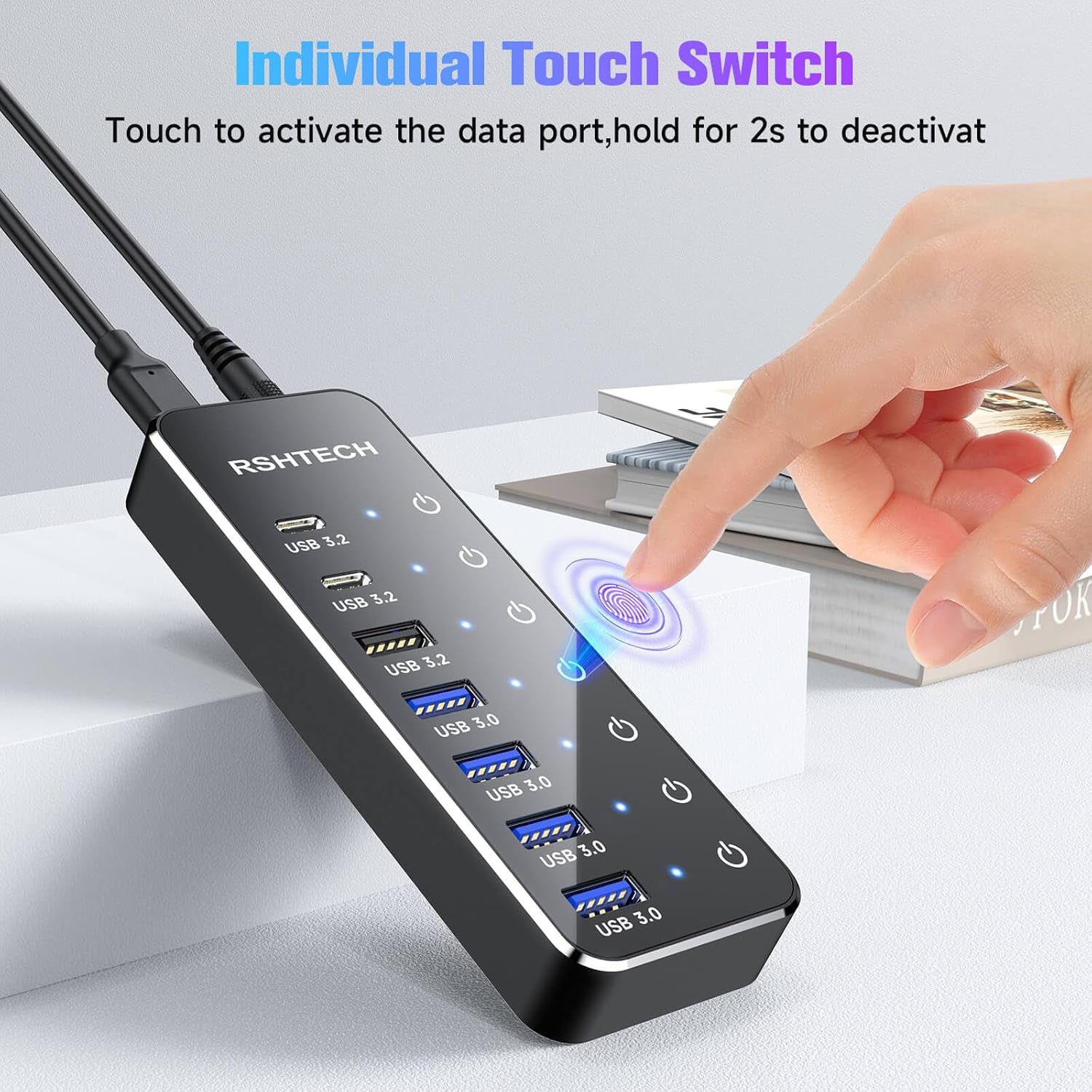
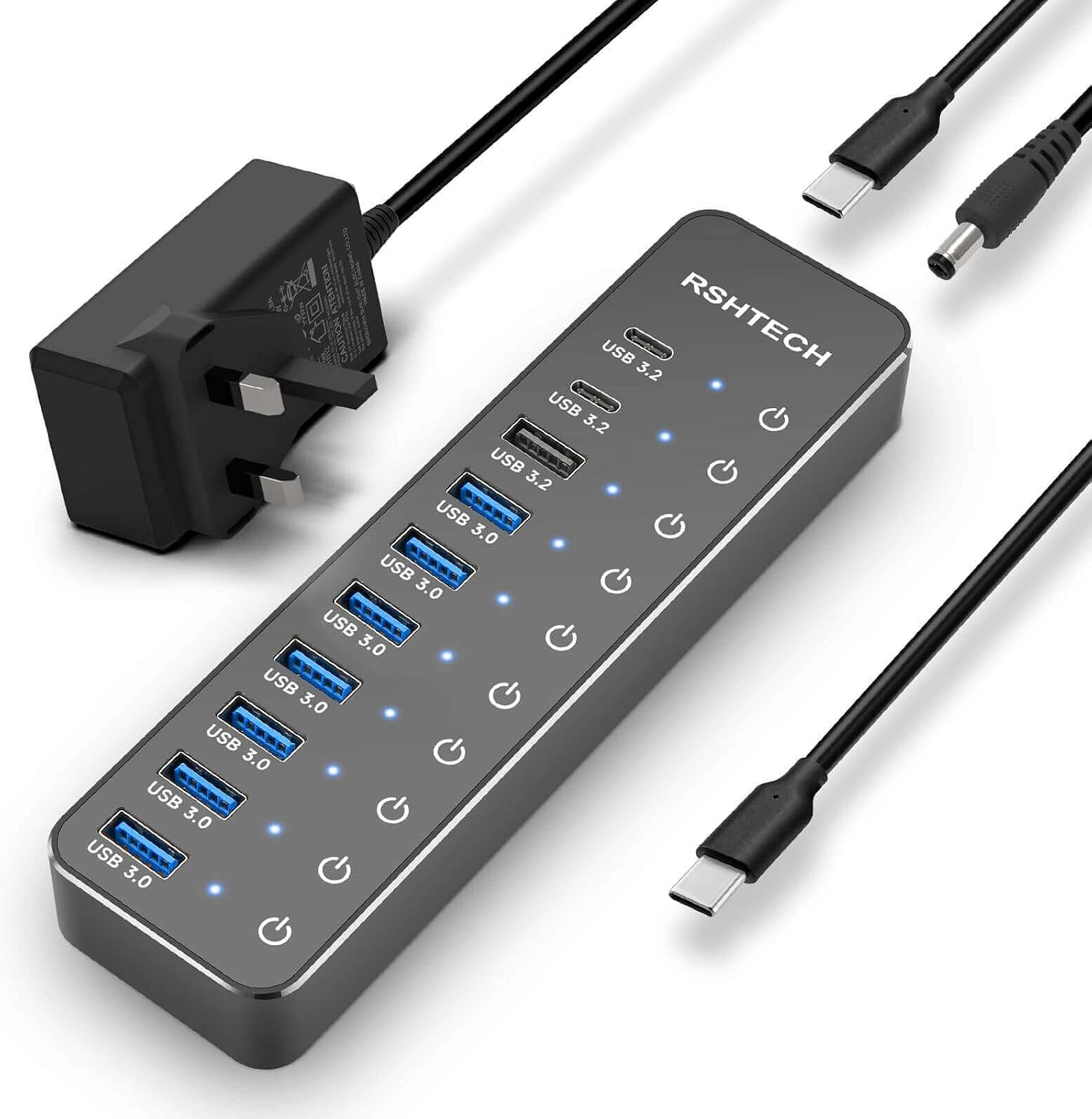
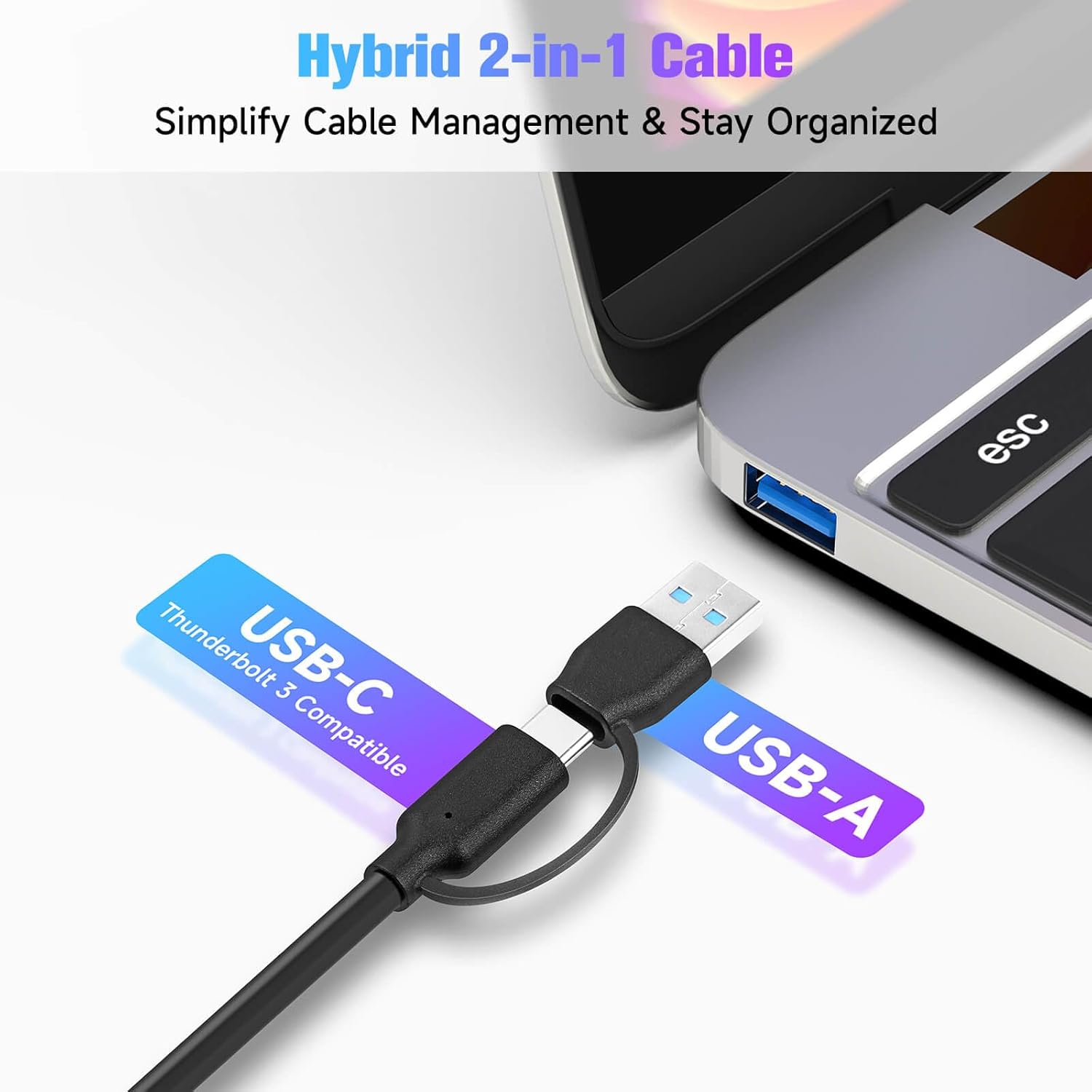
The hub provides a hybrid arrangement of seven ports that balances modern USB-C connections with classic USB-A compatibility. Each port has its own on/off switch and LED indicator so you can power individual devices without disconnecting cables, which helps manage power and reduces idle draw. A 1 metre long 2-in-1 cable is included so you can plug the hub into either a USB-C or USB-A port on your host device, offering placement flexibility on a desk or workstation. ⚡️
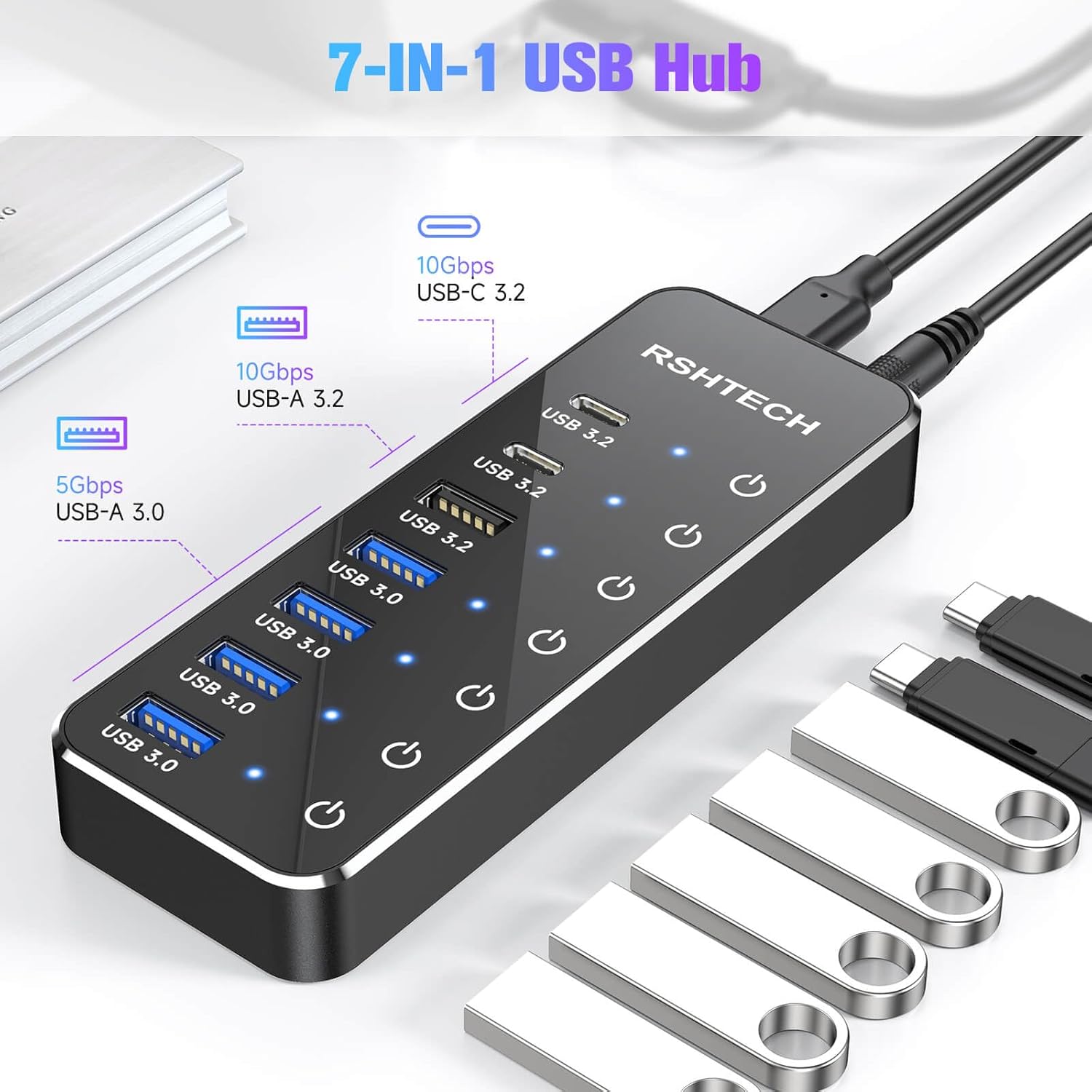
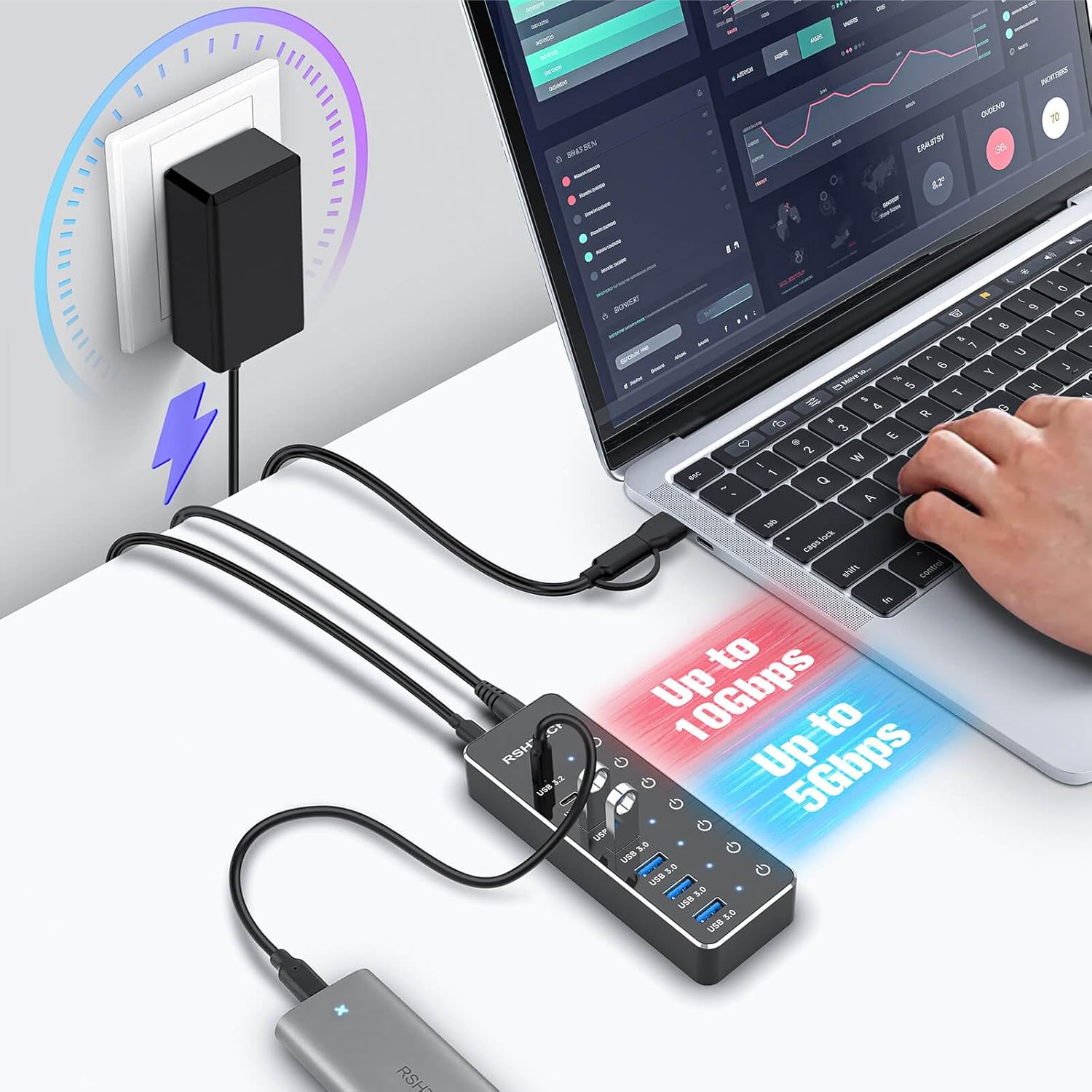
Designed as a powered accessory, the package includes a 5V/3A power adapter to support connected drives and peripherals that require more current than a bus-powered hub can supply. This makes it more reliable for external HDDs and SSDs during data transfers, although the manufacturer notes the USB-C 3.2 port only supports data transmission and not charging or video output. Consider that when planning connections for displays or device charging. 🔌
Technical Specifications
- Name: RSHTECH RSH-ST07C
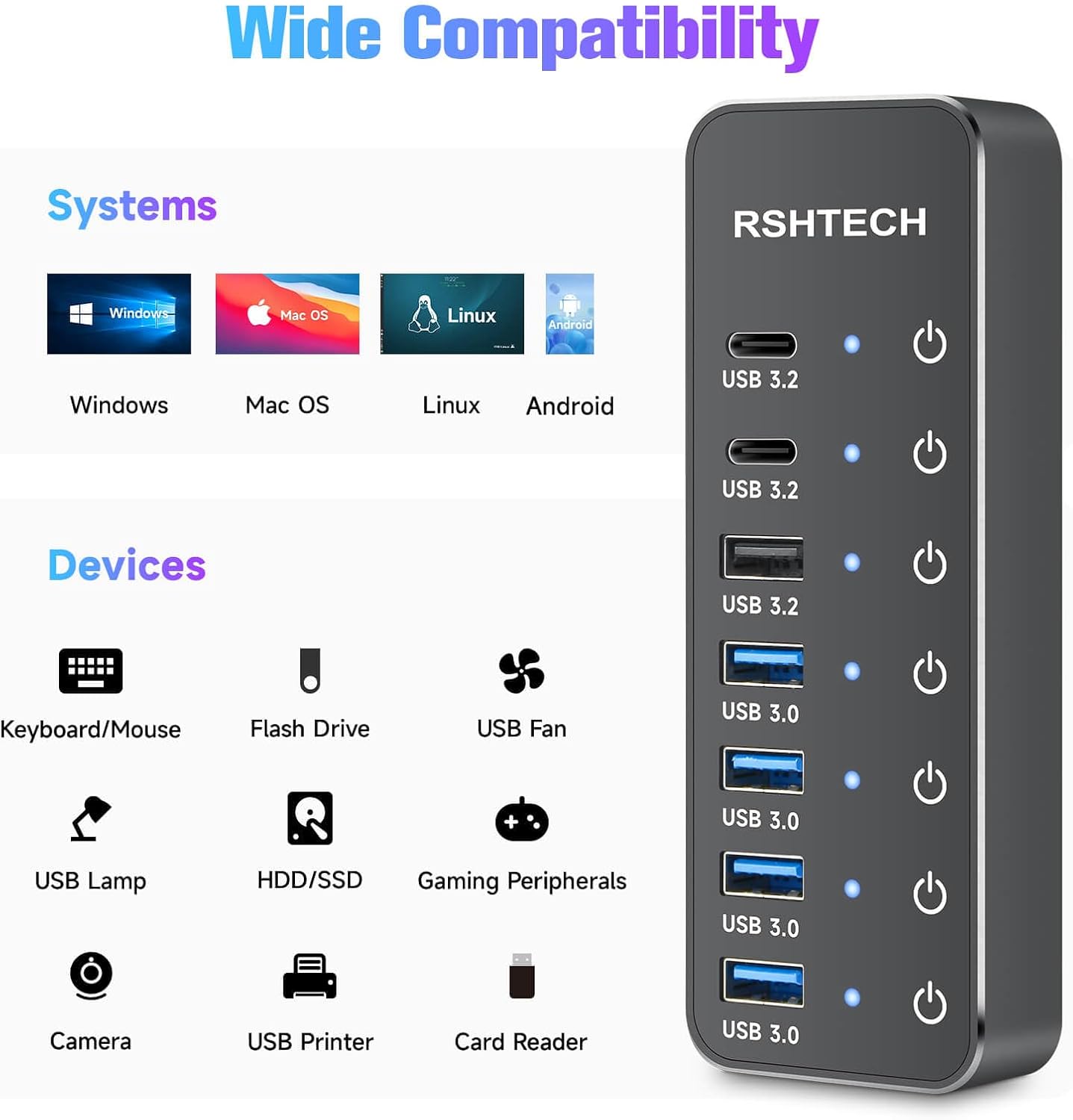
- Ports: 4 x USB-A 3.0, 2 x USB-C 3.2 Gen2, 1 x USB-A 3.2 Gen2
- Transfer speeds: USB-A 3.0 up to 5Gbps, USB 3.2 ports up to 10Gbps
- Cable: 2-in-1 USB cable, 1 m length
- Power: 5V/3A external adapter included
Usage Recommendations
For fast file transfers use the USB-A 3.2 or USB-C 3.2 Gen2 ports with an external SSD or HDD to take advantage of up to 10Gbps where supported. If you need to connect multiple input devices such as a keyboard and mouse, place those on USB 3.0 ports and toggle unused port switches off to reduce interference. When using the hub with laptops that have limited power delivery, rely on the included power adapter for stable operation rather than expecting the host to supply sufficient current.
Keep in mind that the USB-C data ports are not substitutes for a multi-function docking station because they do not carry video or device charging. Also note that plug and play operation means no drivers are required for most systems, but compatibility can vary depending on the host operating system and Thunderbolt implementations.