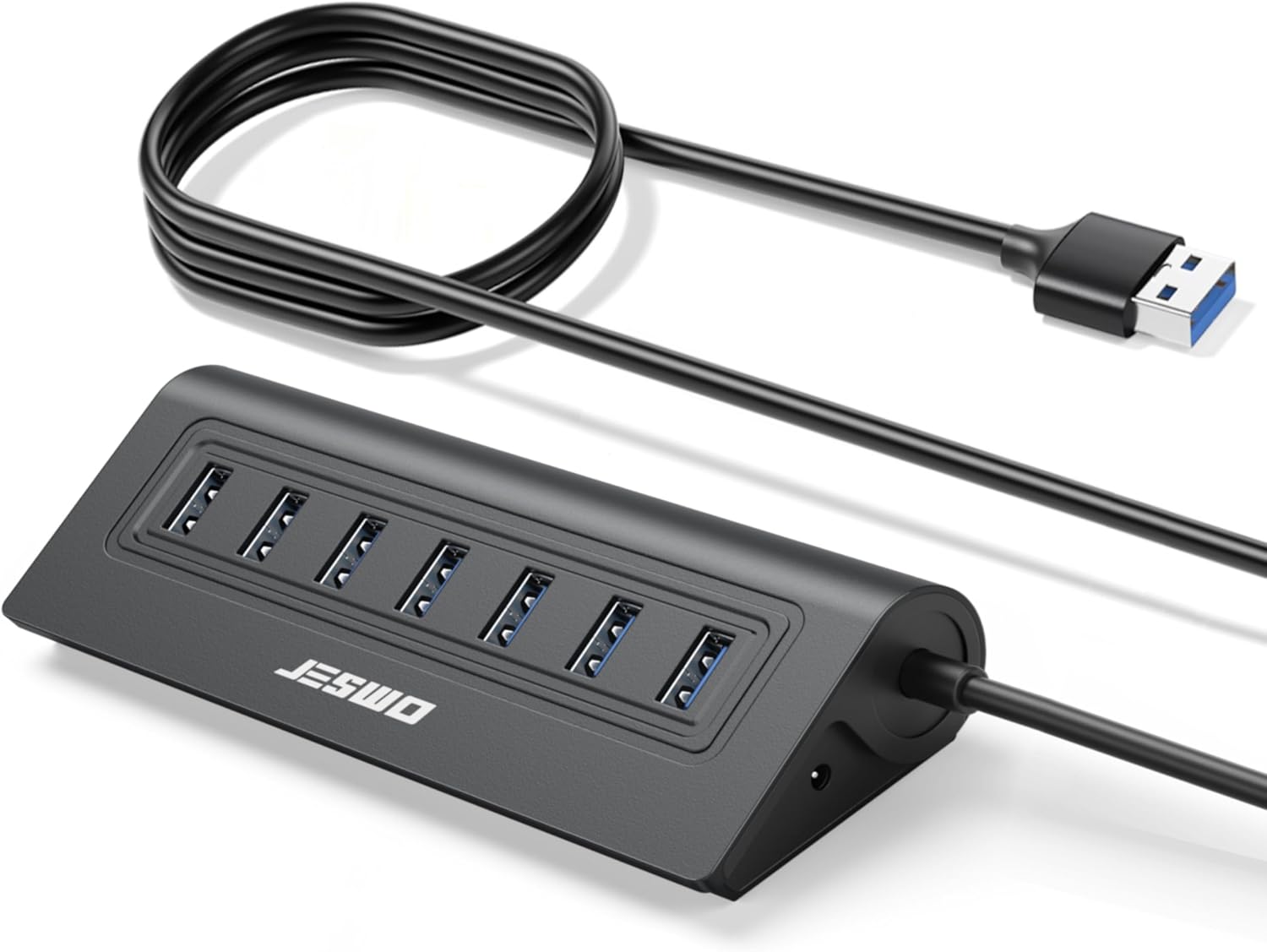
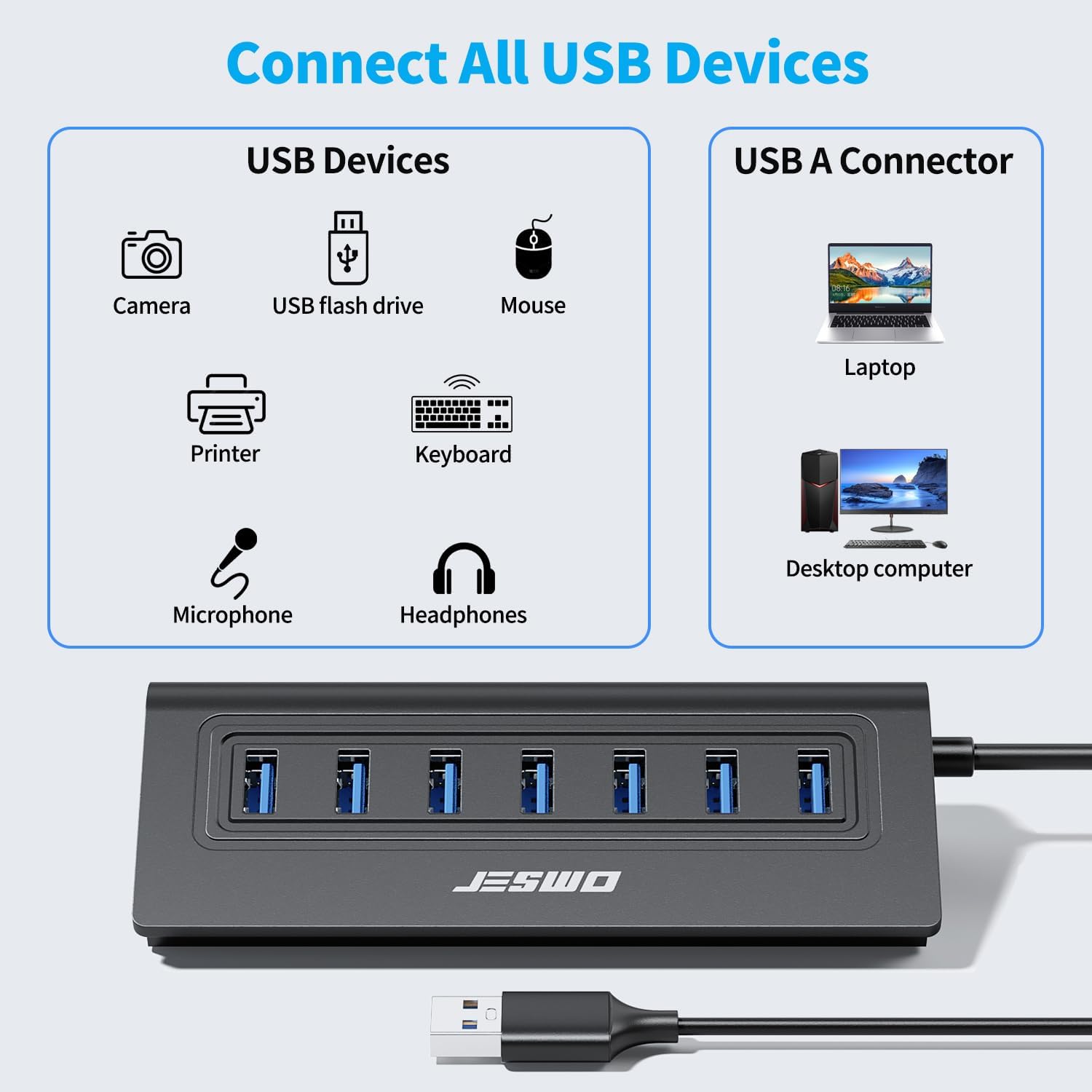
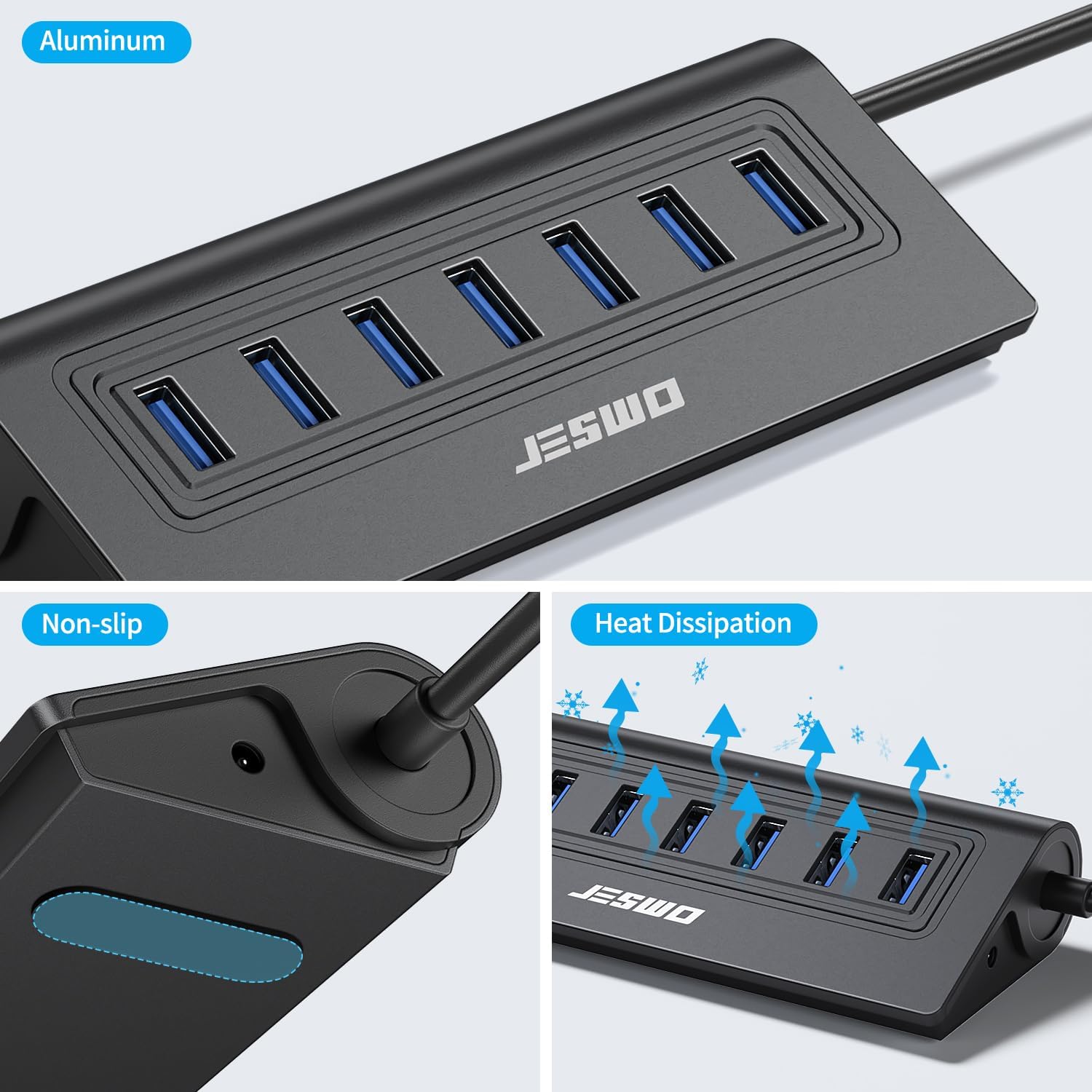
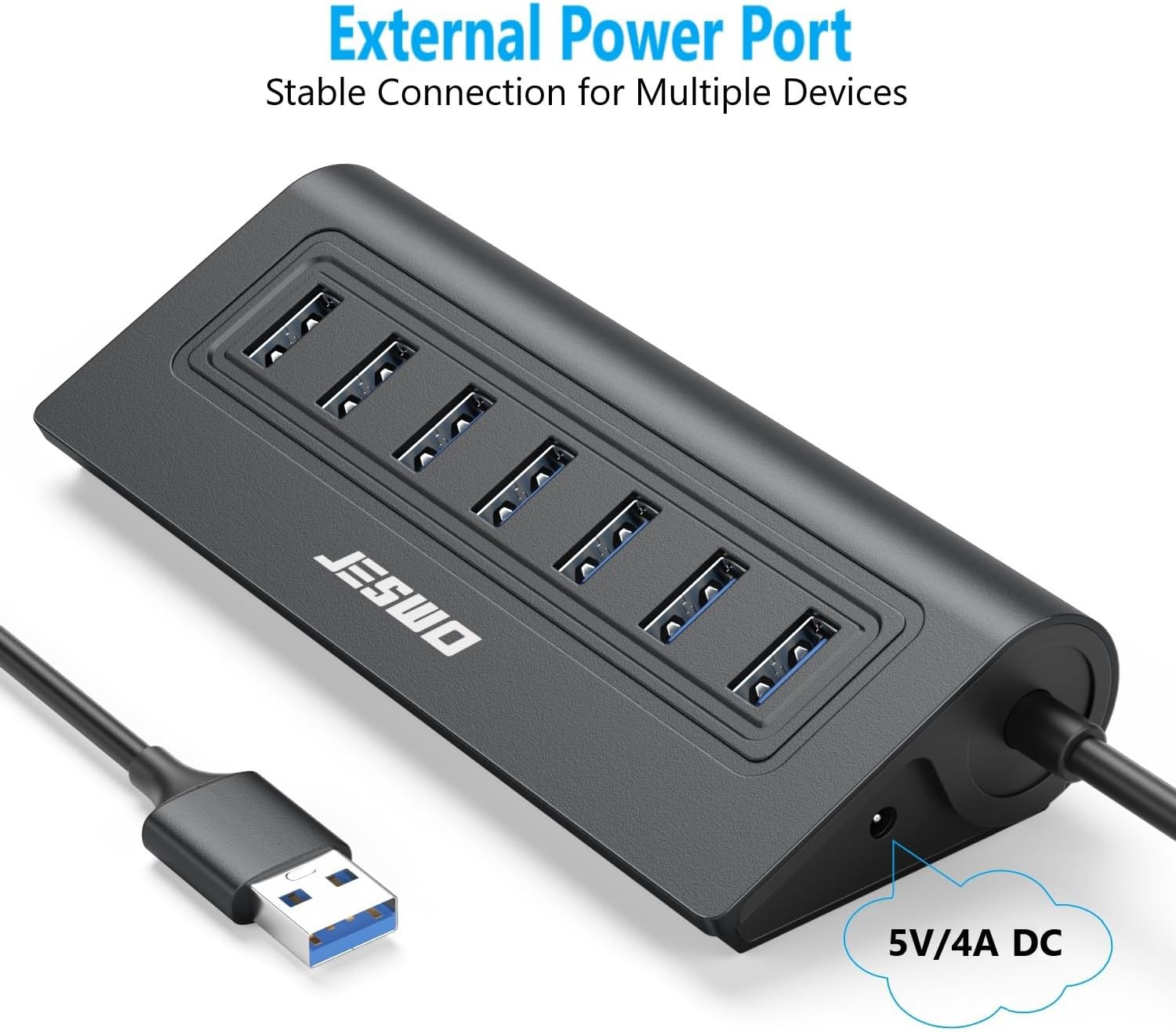
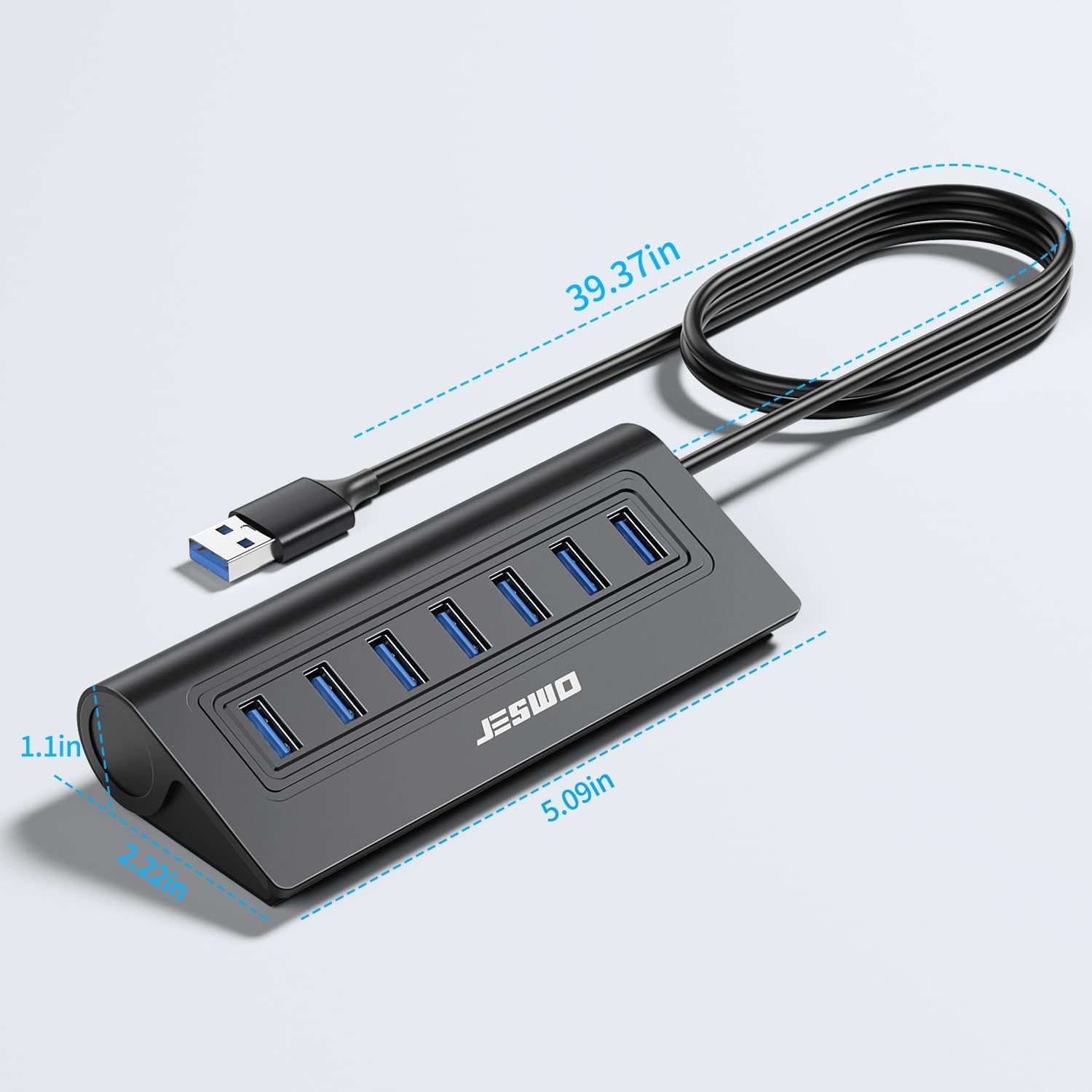
What it is and who it’s for\nThis is a seven-port USB 3.0 hub designed to expand a desktop PC or laptop’s USB connectivity. If you frequently juggle multiple peripherals—keyboard, mouse, USB drives, or external storage—a single, tidy hub can reduce cable clutter and keep connections stable. On the paper, it offers a straightforward route to connecting several USB-A devices at once without swapping ports.\n\n## Design and build quality\nA key part of its appeal is the aluminium shell, which not only looks neat but also helps with heat dissipation during heavier use. The base includes an anti-slip strip, and the overall sloped design helps with easy plugging and stability on a desk. The 3.4 ft (100 cm) cable is long enough to position the hub away from the laptop or PC, which is handy for tidy setups. In short, it feels sturdy enough for everyday office or home use, without being a premium-for-premium-sake gadget.\n\n## Performance and speed\nEach of the seven USB 3.0 ports can manage up to 5Gbps transfers, which is well suited for quick data moves—photos, videos, and large document libraries. That said, the real-world speed depends on the devices attached and the data being transferred. If you’re moving multi‑gigabyte files between an SSD and a flash drive, expect the USB 3.0 bandwidth to be shared across ports, not exclusively dedicated to one device.\n\n## Power and compatibility\nThe hub includes a DC 5V/4A (max) input for powering connected devices. This is important if you’re linking high‑driven peripherals such as HDDs or SSD enclosures, which can suffer interruptions when power draws exceed what a passive hub can offer. Each port is designed to deliver a standard 900 mA, which covers common USB‑A devices like keyboards, mice, and many external drives, though very power-hungry devices may still require direct connection or a separate power supply in certain setups. It’s plug‑and‑play and compatible with Windows, Mac OS, Linux and most USB‑A ecosystems, which makes it versatile if you switch between machines.\n\n## Practical use cases\nFor a typical home office, you can connect a keyboard, mouse and a USB drive while leaving spare ports available for occasional peripherals like a webcam, USB DAC or a USB‑pendant storage. If you’re a content creator or student handling large media files, the 5Gbps bandwidth helps when moving data between drives, though you’ll still gain performance by structuring transfers rather than running multiple high‑speed tasks concurrently on all ports. A practical note: if you rely on high‑demand devices simultaneously, a powered hub can stabilise connections and reduce dropouts.\n\n## What to know before buying\n- Check whether your devices need more than 900 mA per port. If any single device draws more, distribute connections or consider a powered solution.\n- Think about desk layout: the 3.4 ft cable is convenient for a tidy setup but assess if you need closer access or a shorter footprint.\n- Remember this is a USB‑A hub, it doesn’t convert USB‑C or provide USB‑C charging unless the device itself supports it via a USB‑A adapter.\n- This hub ships without a separate power adapter included. If your use case involves power-hungry drives, ensuring a compatible power arrangement is wise.\n\n## How it compares to other approaches\nCompared with compact 4‑ or 5‑port hubs, a 7‑port model provides more expansion points in a single footprint, which reduces the need to swap devices. It sits between entry‑level hubs and high‑end desktop docks: more ports and a metal shell for durability, but still a straightforward, cost‑efficient choice for everyday tasks rather than a workstation‑scale hub. If you frequently run multiple high‑power devices at once, you may prefer a hub with an external power brick or a more expandable dock.\n\n## FAQ (practical answers)\n- Can I use this hub with a laptop while on battery power? Yes, but for high‑drain devices, the power input helps maintain stability.\n- Will it run all seven ports at once at full speed? In principle yes, yet actual speeds depend on the connected devices and total bandwidth.\n- Do I need to install drivers? No, it’s designed as Plug and Play with broad OS compatibility.\n\n## Should you buy it?\nIt makes sense if you need extra USB‑A ports for everyday peripherals and light external storage, and you value a metal, heat‑efficient build with a long, flexible cable. It’s not the best choice if you rely on several power‑hungry devices simultaneously or require USB‑C connectivity. If you prioritise a neat, expandable desktop setup without breaking the bank, this model offers a pragmatic balance of design, capacity and simple usability.\n