

NOVOO 12 in 1 USB C dock with 100W PD
Reviews
Price
Product description
If you regularly juggle peripherals and external screens, the NOVOO 12 in 1 docking station can simplify your setup in one connection. It brings triple display support using two HDMI ports and one VGA port, while also adding multiple high speed data ports for everyday work and content creation. With USB C Power Delivery up to 100W, it can also charge your laptop as you work, which helps keep cables and desk clutter under control 💼.
The 12 in 1 design is built around practical add ons, including fast USB 3.2 data connections and an SD and TF card reader for file transfers. You get a Plug and Play experience, so you should be able to connect and use it without installing drivers, according to the product information. It is a good match if you want a straightforward multi port hub that supports both monitor viewing and common desk devices, without turning your laptop into a cable management exercise.
Key features
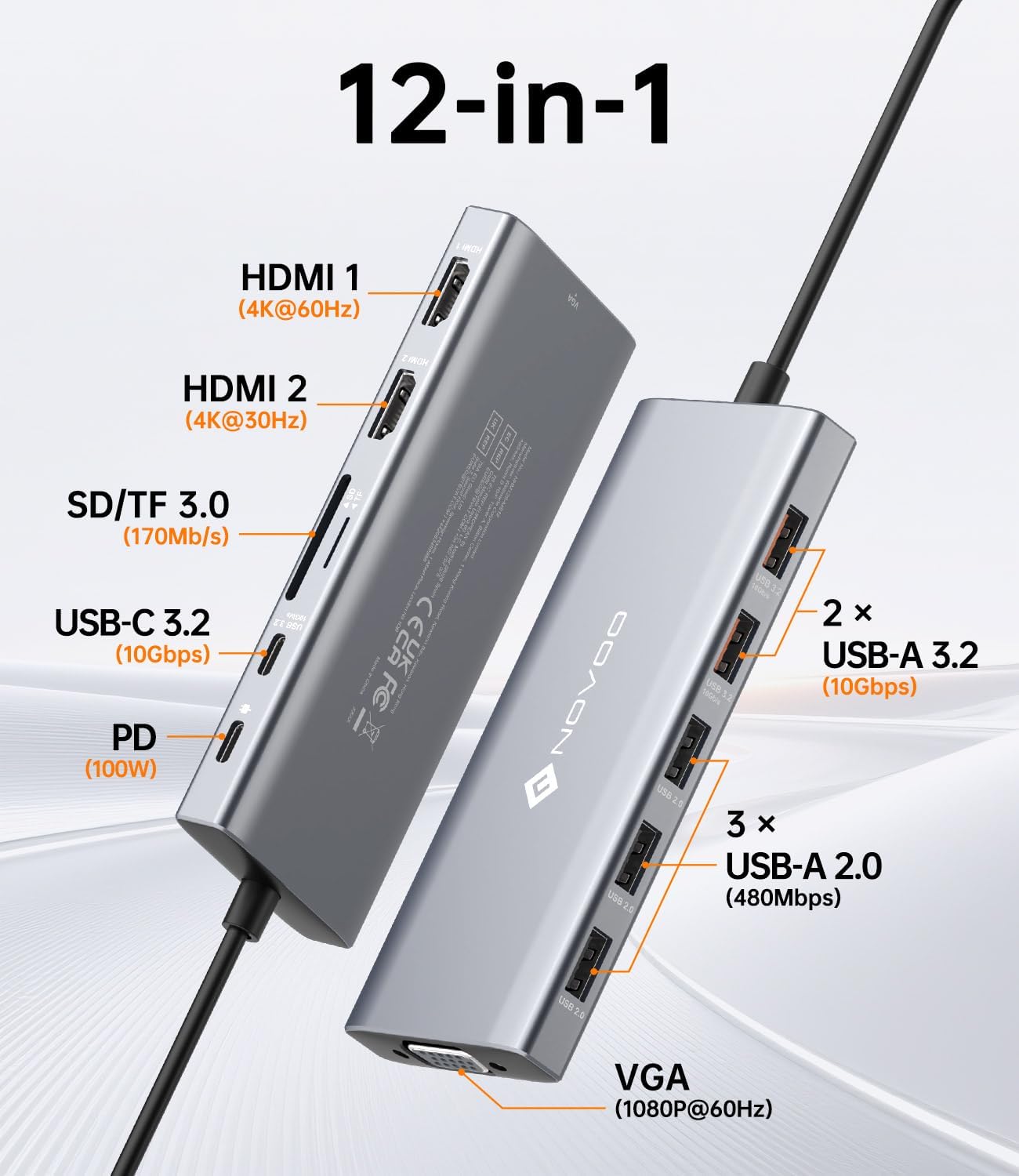
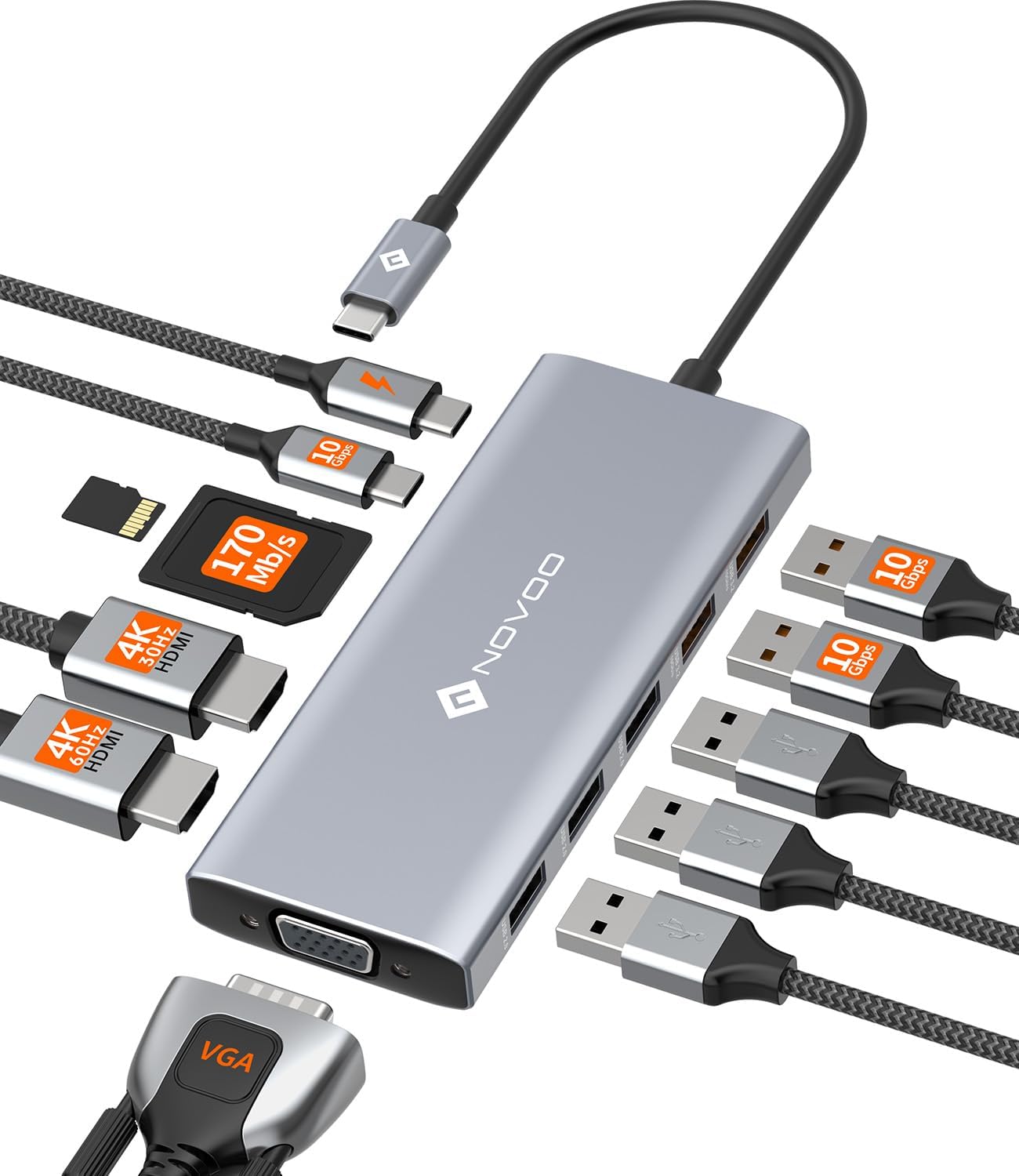
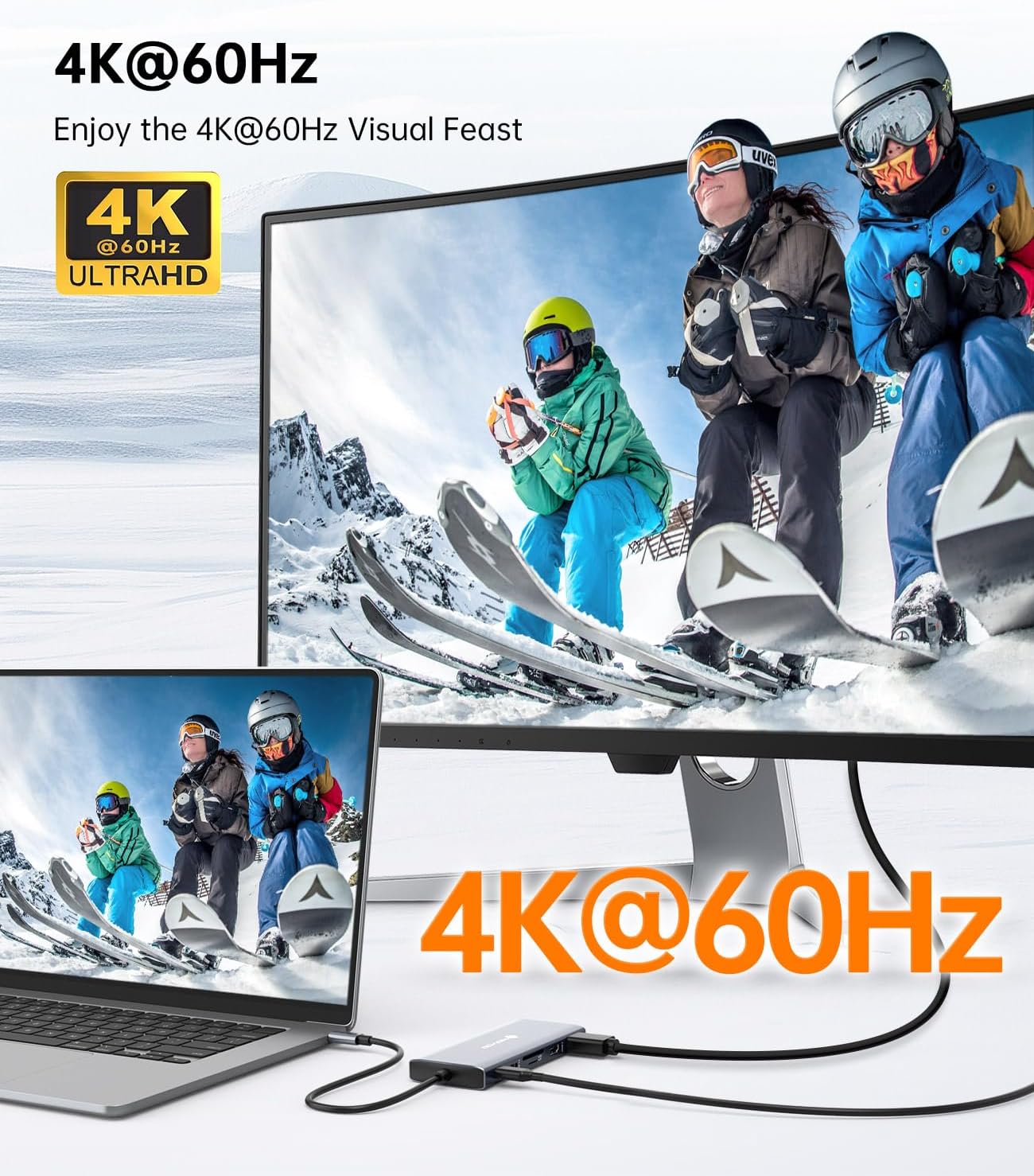
The NOVOO docking station is designed to turn a USB C laptop port into a full workspace connection. For screen expansion, it supports a triple display arrangement using two HDMI connections plus one VGA output, with 4K Ultra HD listed for the HDMI ports up to 60Hz and 1080p for the VGA connection.
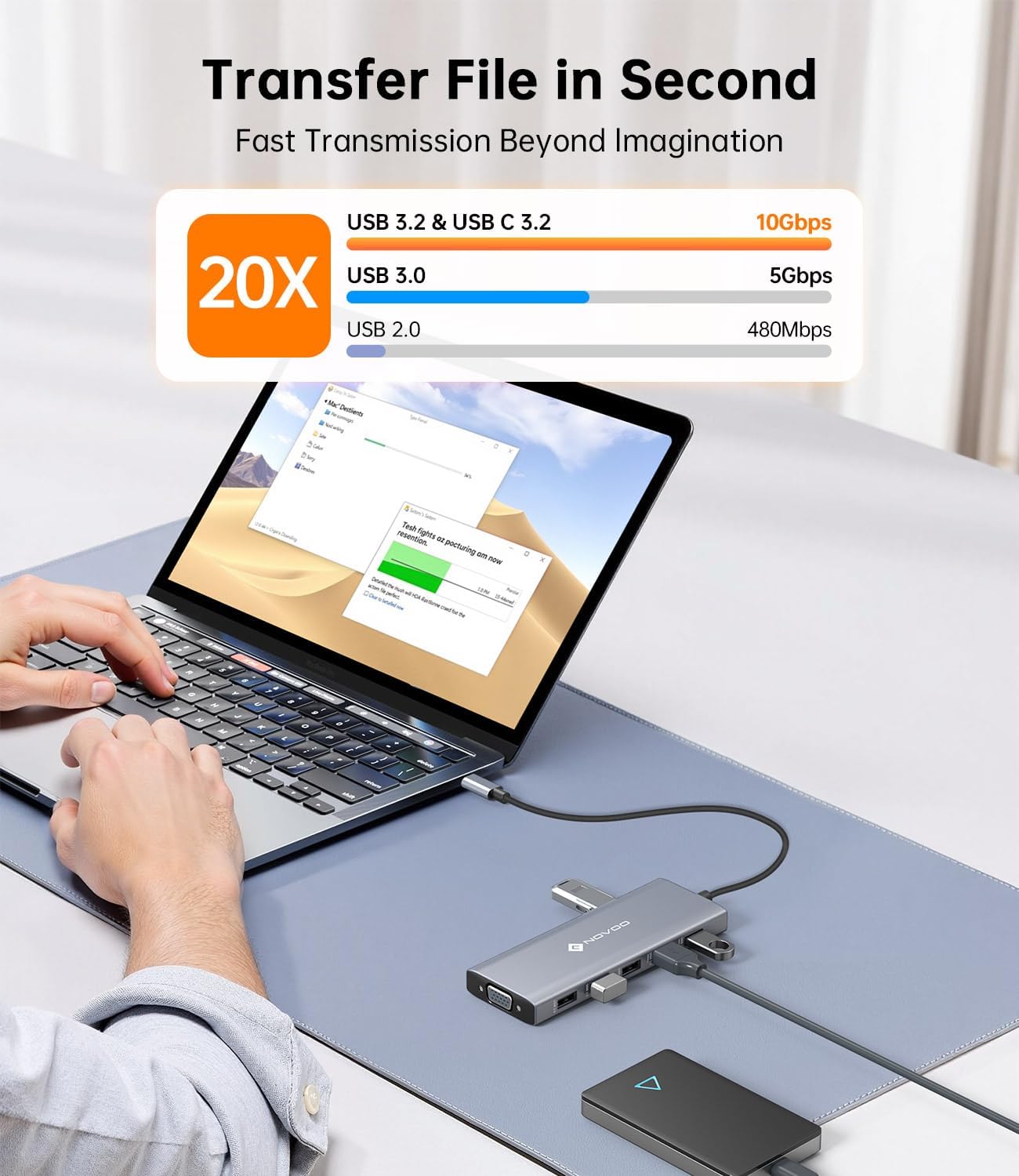
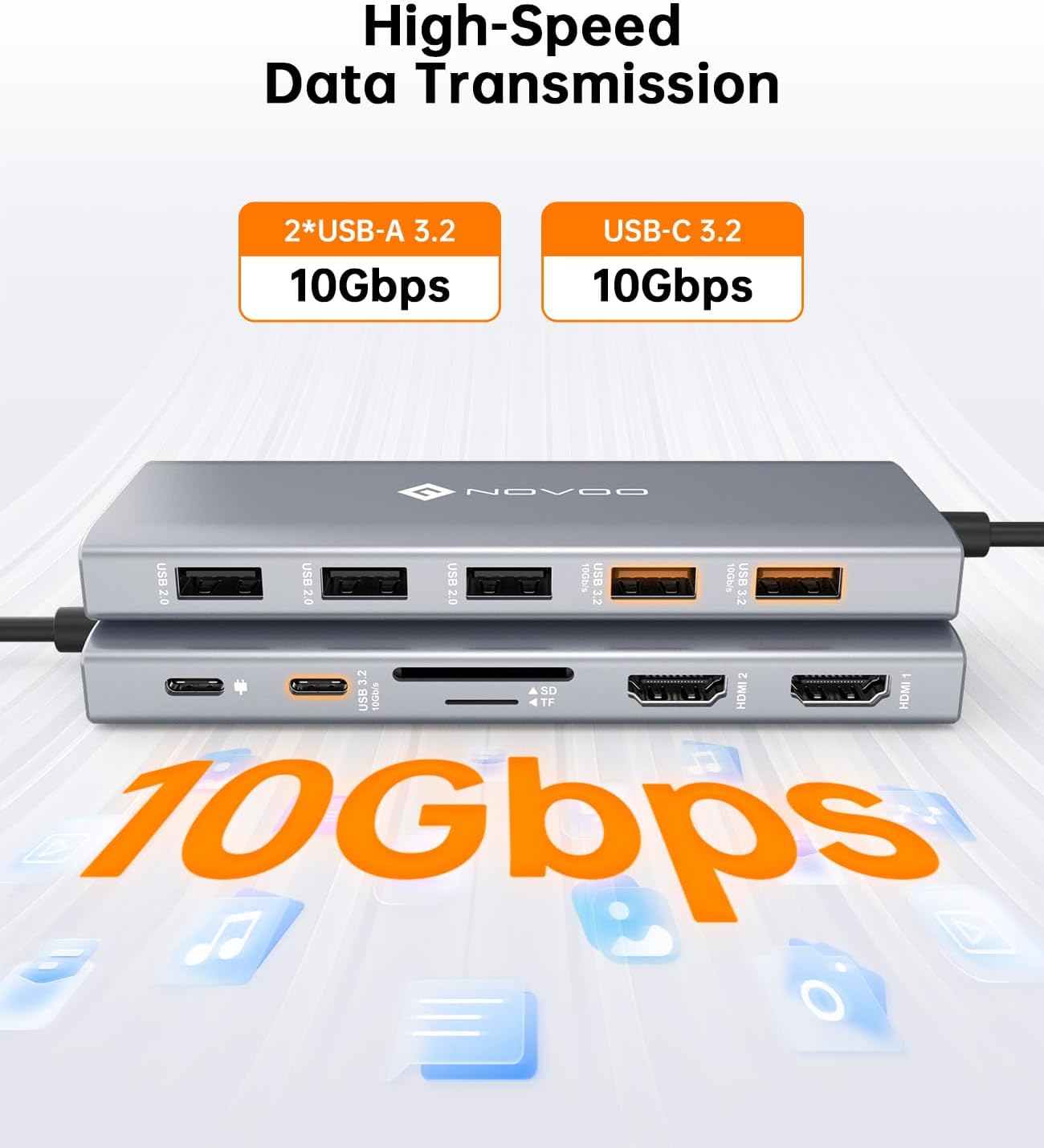
For day to day productivity, it includes several USB ports for peripherals, storage, and other accessories. There are 2 USB A 3.2 ports and 1 USB C 3.2 port for faster data transfer, plus additional USB A 2.0 ports for connecting lower bandwidth devices. This mix can be useful when you want one place to plug in a mouse, keyboard, external drive, and a few more essentials.
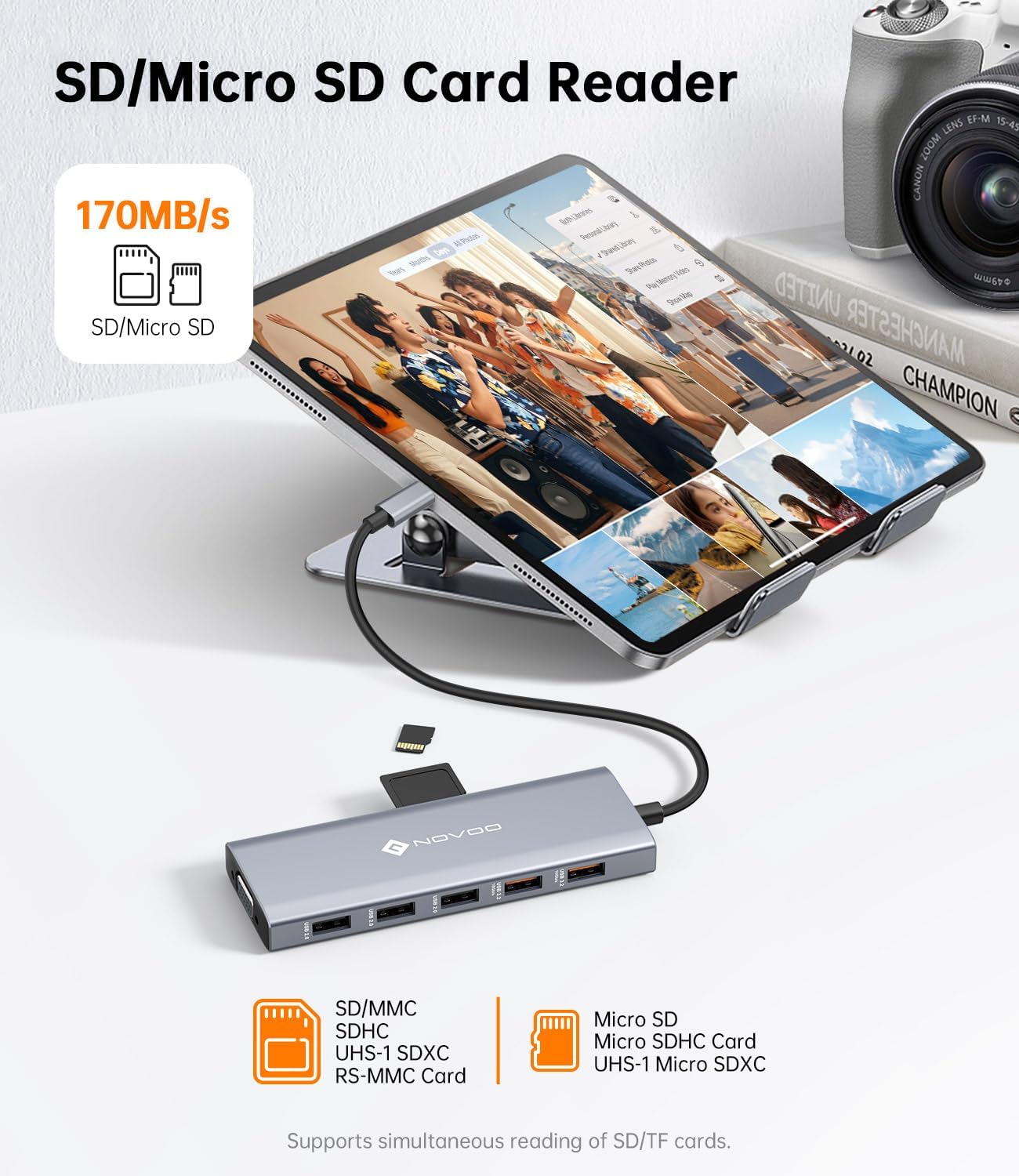
If you work with media files, the integrated SD and TF 3.0 card reader supports transfers up to 170 Mb/s, which can make managing assets less tedious. Creators and photographers often need quick movement of files from cards to a laptop, and having a dedicated reader can save time compared with relying on adapters.
A key practical point is that the docking station is described as Plug and Play, with no drivers required. There is also an important limitation for macOS users, as it is said to support mirror mode only and not extended desktop mode. 🖥️
Tech specs
- Type: USB C docking station hub
- Name: NOVOO 12 in 1 Docking Station
- Display connections: Dual HDMI plus VGA
- Resolution: HDMI up to 4K Ultra HD at 60Hz, VGA up to 1080p
- Data ports: 2 x USB A 3.2 and 1 x USB C 3.2 at 10 Gbps
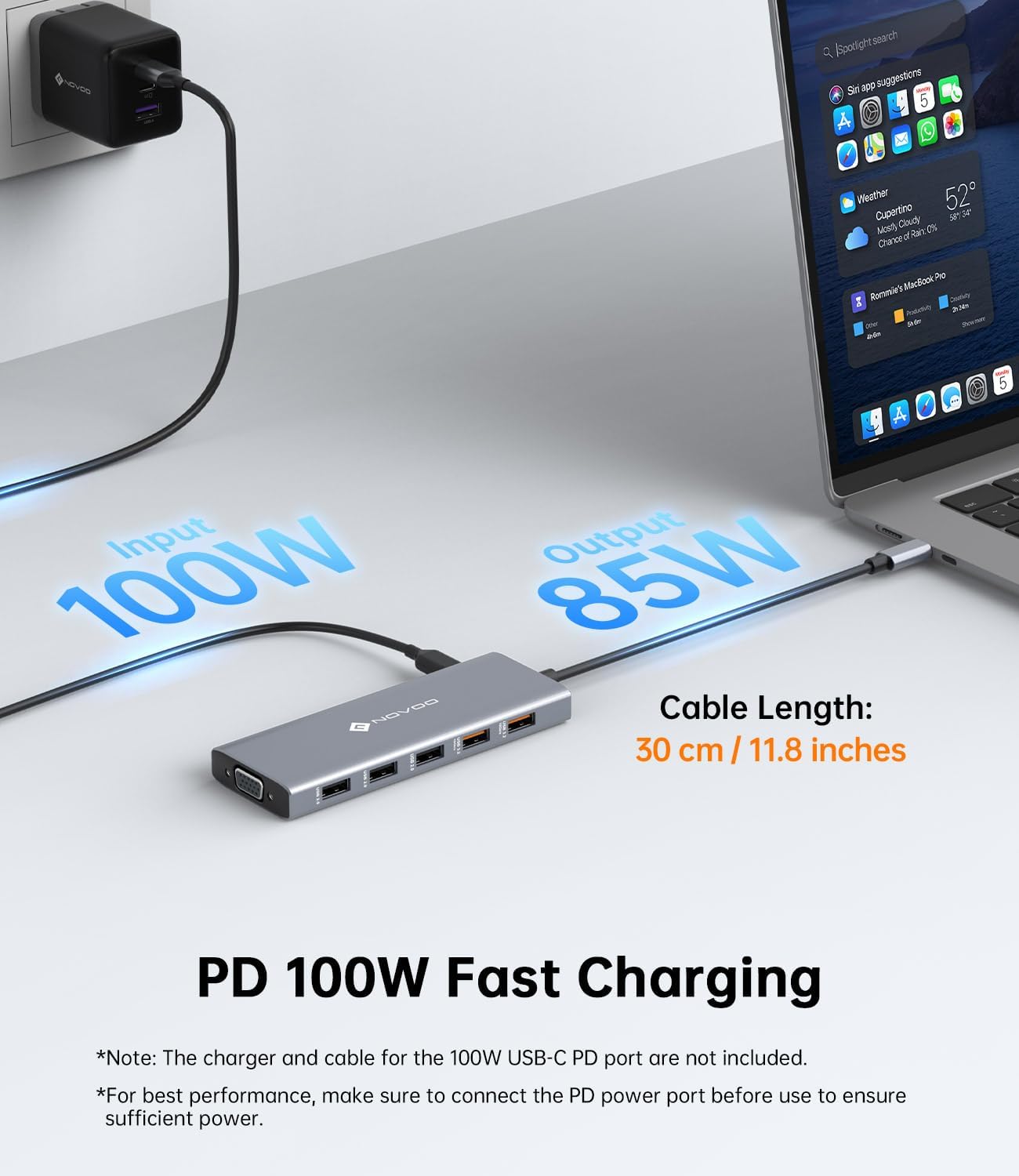
- Power delivery: USB C PD up to 100W, pass through charging listed as 85W
- Card reader: SD and TF 3.0, up to 170 Mb/s
What to know before you buy
It’s a good fit if you want one docking station to cover both display output and day to day connectivity from a single USB C connection. It suits desk setups where you might alternate between working with external monitors and plugging in peripherals like a mouse, keyboard, and storage devices, with minimal switching between dongles. You can also benefit from the SD and TF reader if you regularly handle media cards, as transfers are listed up to 170 Mb/s.
It might not suit you if you specifically need extended desktop behaviour on macOS, because the product information notes support for mirror mode only and no MST extended mode. Also, note that the USB C port is described as data transfer only and not compatible with video output. It is also worth checking that your laptop supports Power Delivery charging, since the dock provides USB C PD up to 100W for charging and pass through power for compatible devices.
For compatibility, the docking station is stated to work with MacBook Pro and Air, iPad, Chromebook, and a range of USB C laptops from Dell, HP, and Lenovo. If you prefer a no fuss setup, the Plug and Play approach can help reduce the time spent on setup steps when moving between home and office.
The main way to judge fit is to think about your required ports first, especially the mix of dual HDMI plus VGA for displays and the 10 Gbps USB A and USB C ports for faster data. If you prioritise triple screen output and a built in card reader, this NOVOO dock aligns with that workflow. Worth considering if your goal is a single hub that covers multiple desk needs while keeping charging simple through PD. It makes sense if you like having the power, storage access, and screen connections together in one place. ✅