

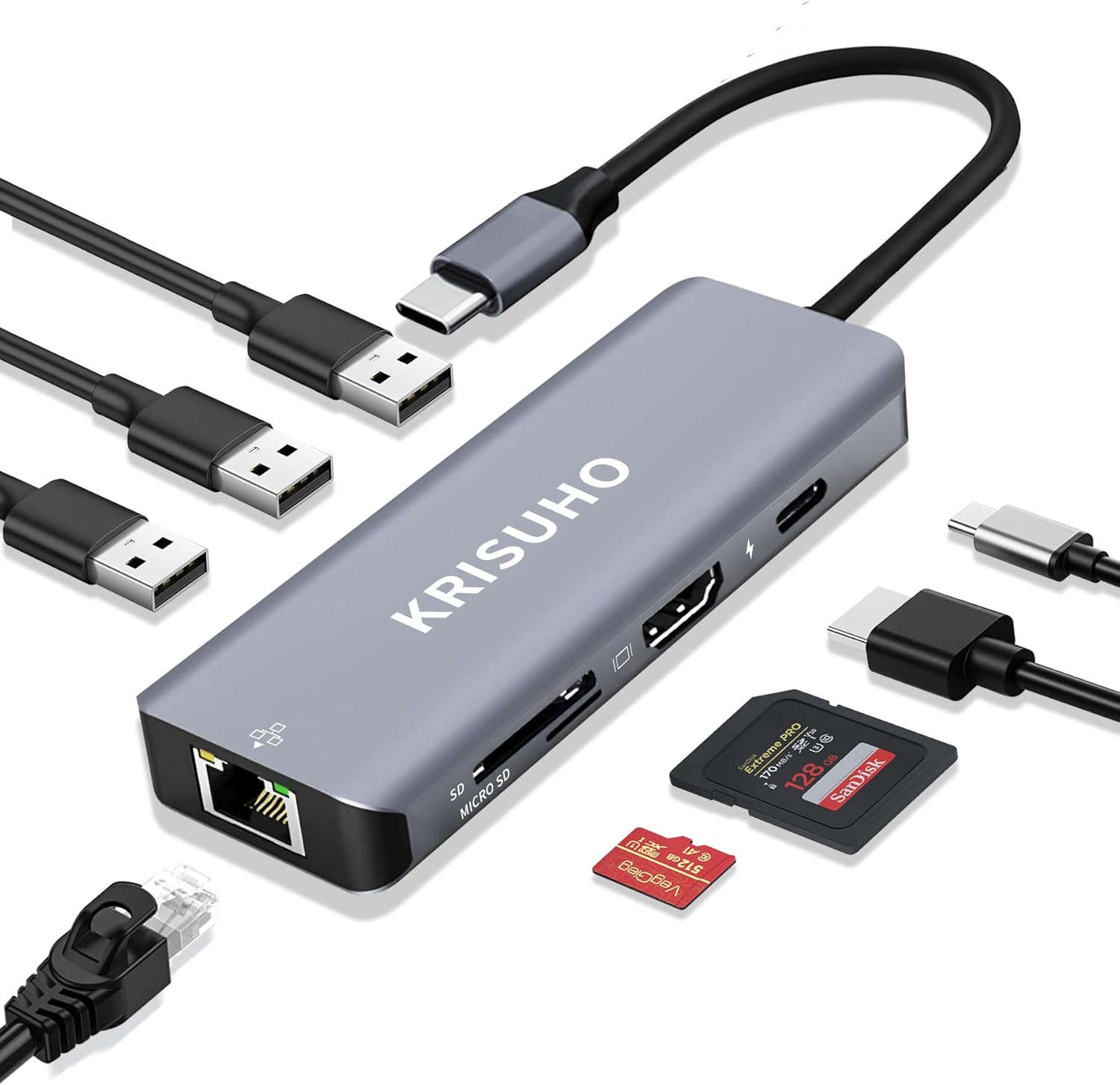
KRISUHO 6 in 1 USB C Hub with 60W PD
Product description
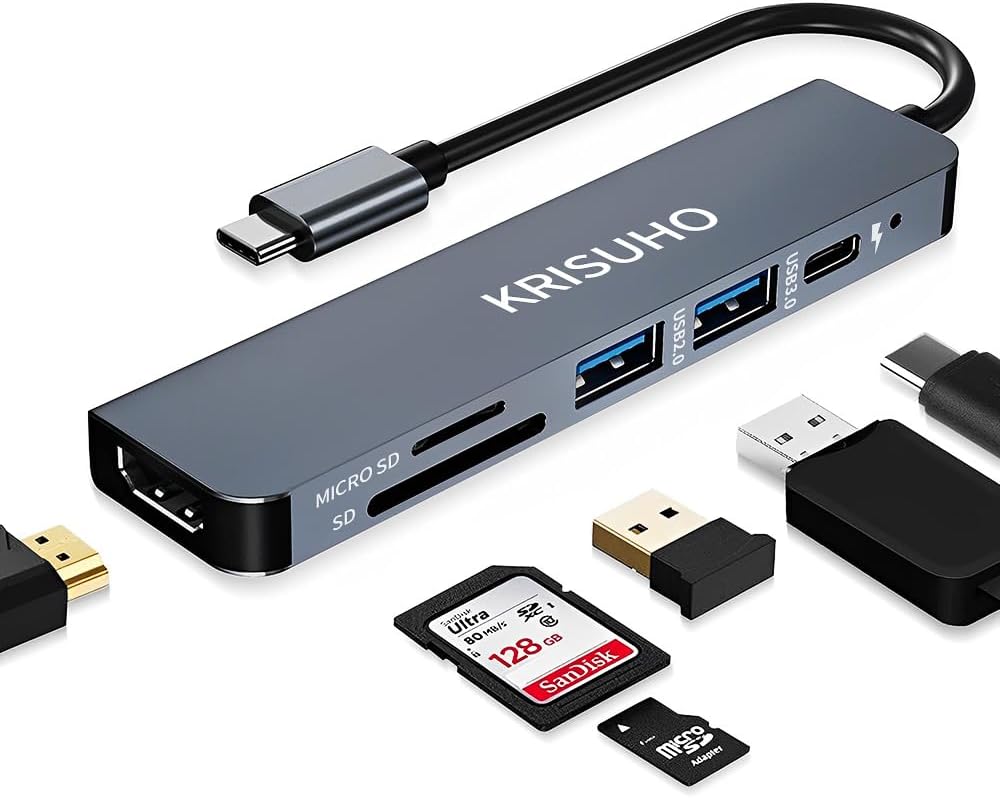
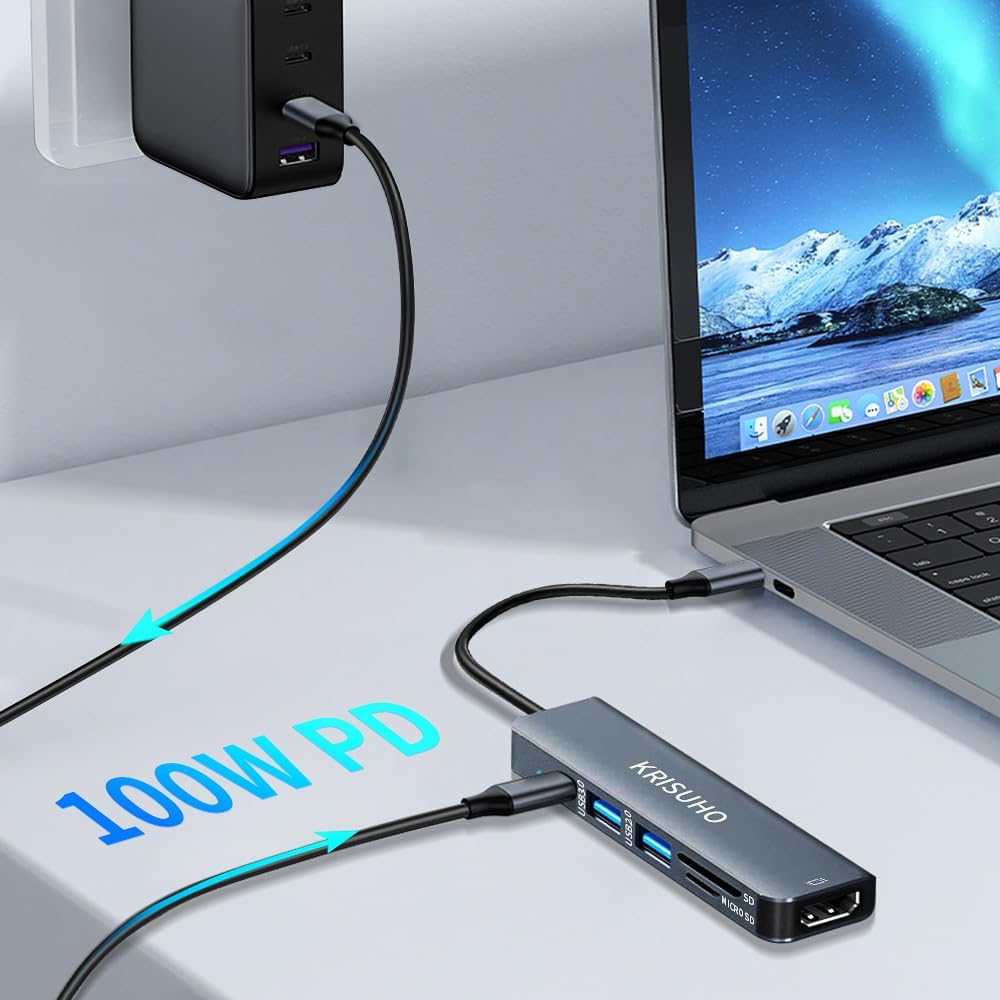
A compact 6 in 1 USB C hub helps you turn one USB C port into the connections you actually use, including HDMI for external displays and built in card reading for quick file access. The KRISUHO adapter is built for everyday laptop and mobile setups, whether you are working on the go or plugging into a desk monitor for presentations. ✅ With USB 3.0 and USB 2.0 support plus up to 60 W USB C power delivery, it is a practical way to reduce dongle clutter without losing key functionality.
If you want a simple, reliable USB C to HDMI multiport adapter, this KRISUHO hub covers the essentials in one small unit. It is described as compatible with a wide range of USB C devices, including MacBook Pro and MacBook Air models from 2018 onwards, plus other USB C laptops and phones. Keep in mind that the HDMI function described is specifically USB C to HDMI, so it is not interchangeable the other way around. 🤝
Key points
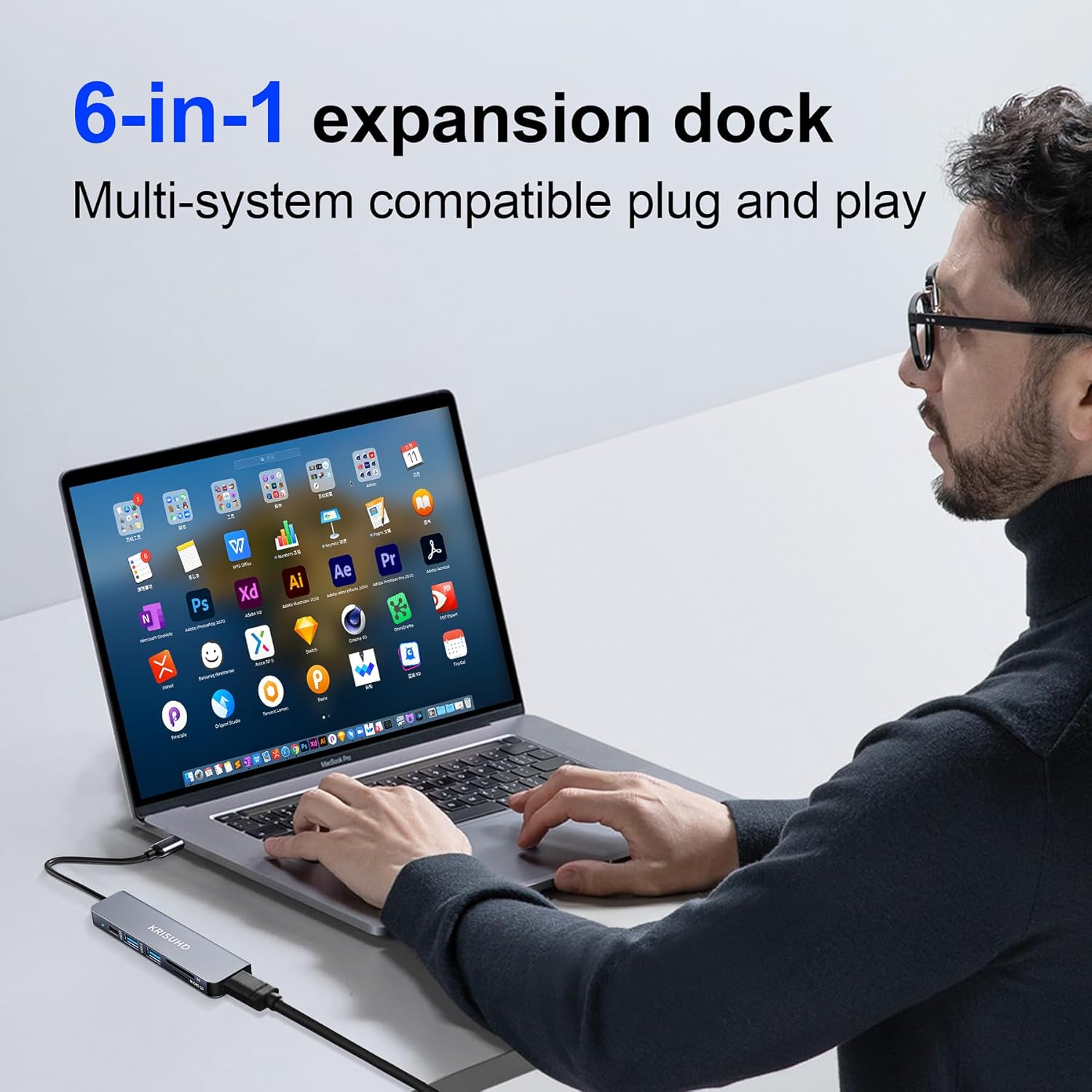
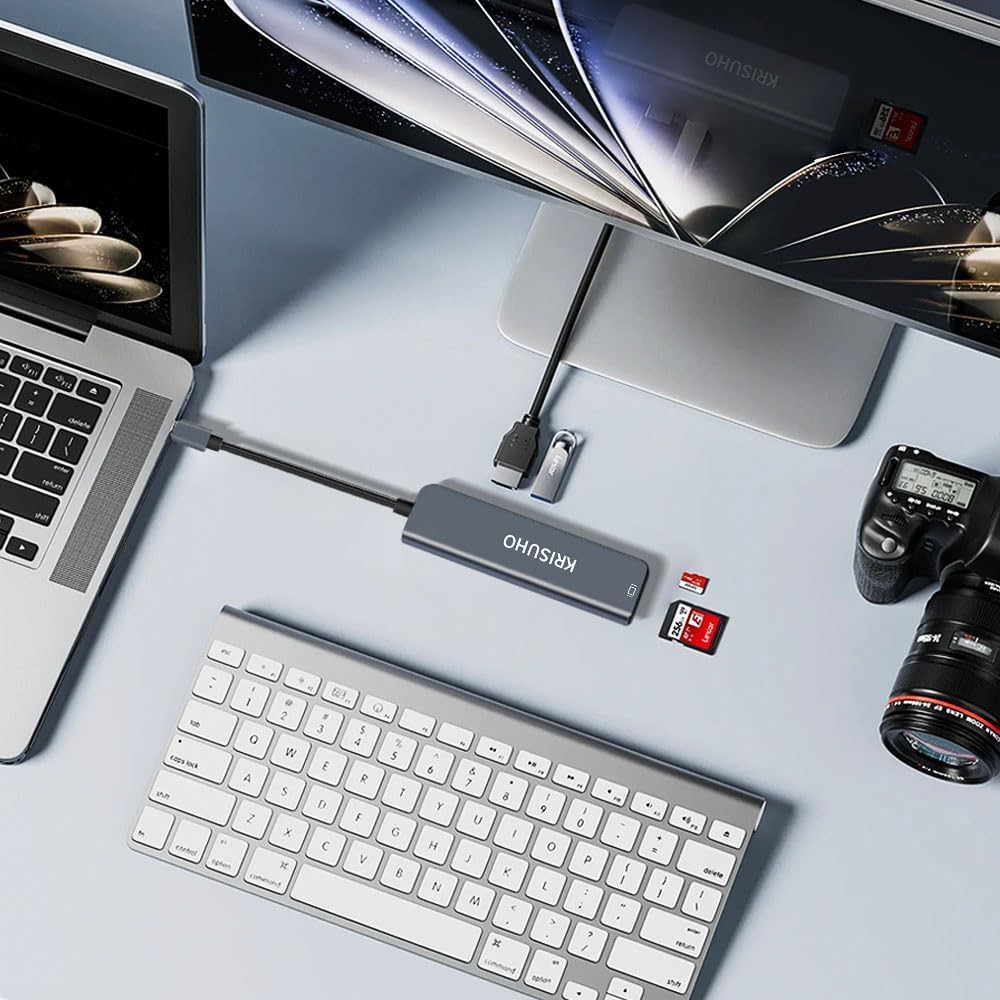
This KRISUHO USB C multiport adapter is designed to expand a single USB C connection into multiple ports that are useful day to day. You get an HDMI output for connecting to a monitor, projector, or TV for video playback and screen extension or duplication. Alongside that, the hub includes USB ports for peripherals, plus micro SD and SD card reading to access photos, documents, and other files quickly.
The card reader can help when you are moving content from a camera or media card straight into your workflow. For accessories like keyboards, mice, flash drives, and other USB devices, the mix of USB 3.0 and USB 2.0 support aims to keep basic peripherals running smoothly. The housing is described as an aluminium alloy design, with smart heat protection intended to help keep connections stable during longer sessions. 🧩
Tech specs
- Name: KRISUHO macbook USB C Hub 6 in 1 USB C to HDMI Multiport Adapter
- Type: USB C to HDMI multiport adapter with card reader
- Format: 6 in 1 dongle hub
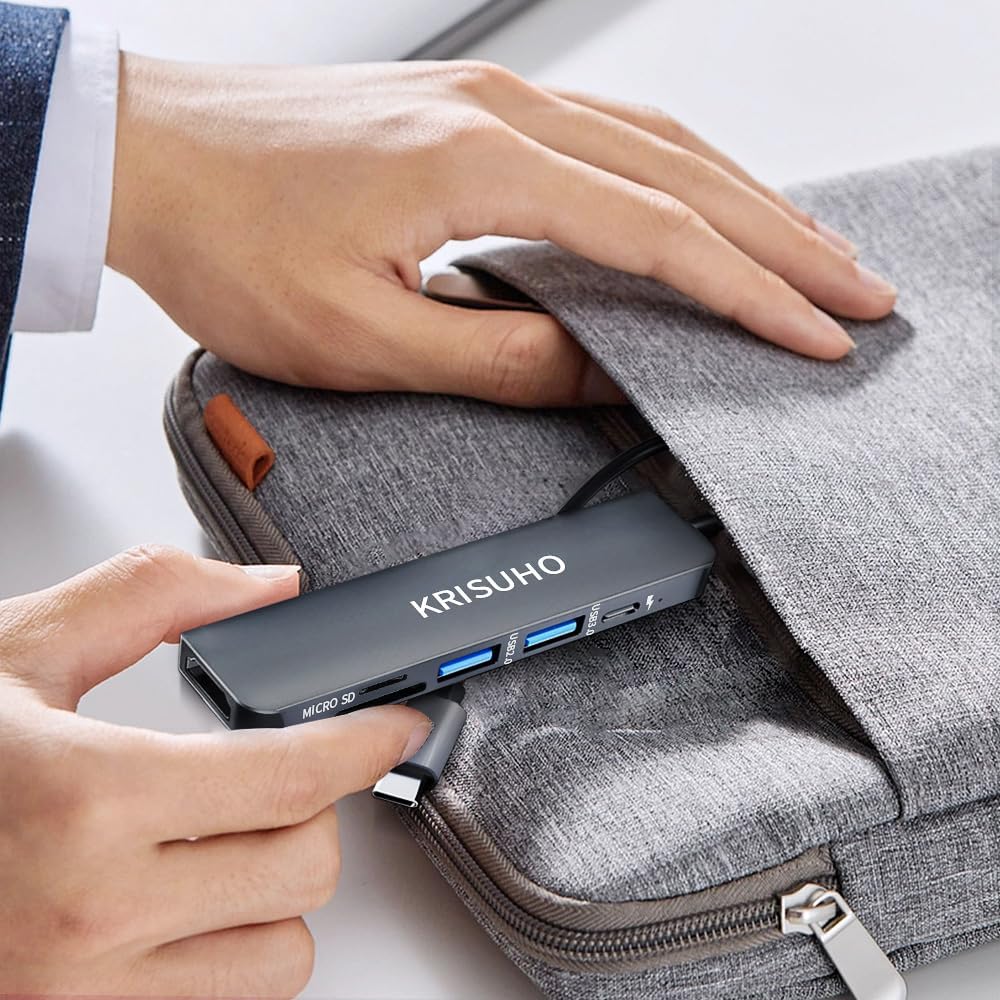
- Size: 4.8 x 1.2 x 0.4 inches
- Capacity: Micro SD and SD card reader with up to 104 MB/s read speed
- Display: HDMI support up to 3840 x 2160 @ 30 Hz
- Refresh rate: 30 Hz
What stands out
A key benefit of this hub is the combination of video output, peripheral connections, and card reading in one compact adapter. For many setups, the HDMI output is the difference between a laptop screen and a proper external display for work, study, and meetings. The product description notes that it can extend or duplicate your display when sending video to HDMI, which is useful for sharing what is on your screen.
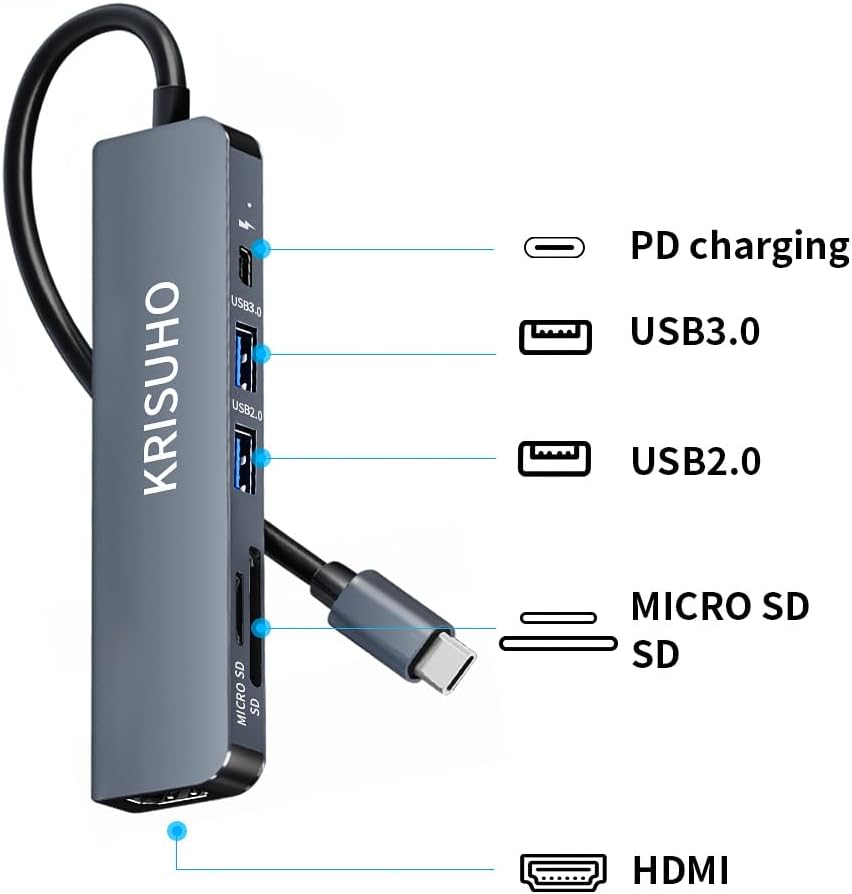
Another practical advantage is the inclusion of USB power delivery up to 60 W, described as USB C 60 W PD charging. That can reduce the need for a separate charger when you are connecting the hub and charging at the same time. The adapter is also described as supporting USB C to USB 3.0 and USB 2.0, giving you more options for different accessories rather than forcing everything into the same single port.
It is worth noting that, according to the description, for video you can only use USB C to HDMI, and the direction is not described as interchangeable. If you specifically need HDMI to USB C conversion, this is not the right type of adapter based on the stated limitation. 🔌
Who it’s for
This KRISUHO USB C hub makes sense if you regularly connect a laptop to an external display and want extra ports without carrying multiple adapters. It is suitable for people using compatible USB C devices such as MacBook Pro and MacBook Air models listed in the description, plus other USB C laptops and devices like iPad Pro and Samsung Galaxy S series models named. It also fits well if you frequently handle media cards and prefer plugging them in directly for quick access.
It may not suit you if you require HDMI to USB C conversion, or if your device setup needs a different direction for the video connection. It is also a good match for those who want a compact desk and travel companion, given the small stated size of 4.8 x 1.2 x 0.4 inches and the intention for a more organised workspace. For everyday productivity on the move, the 6 in 1 layout is a straightforward approach that covers the key connections described.