

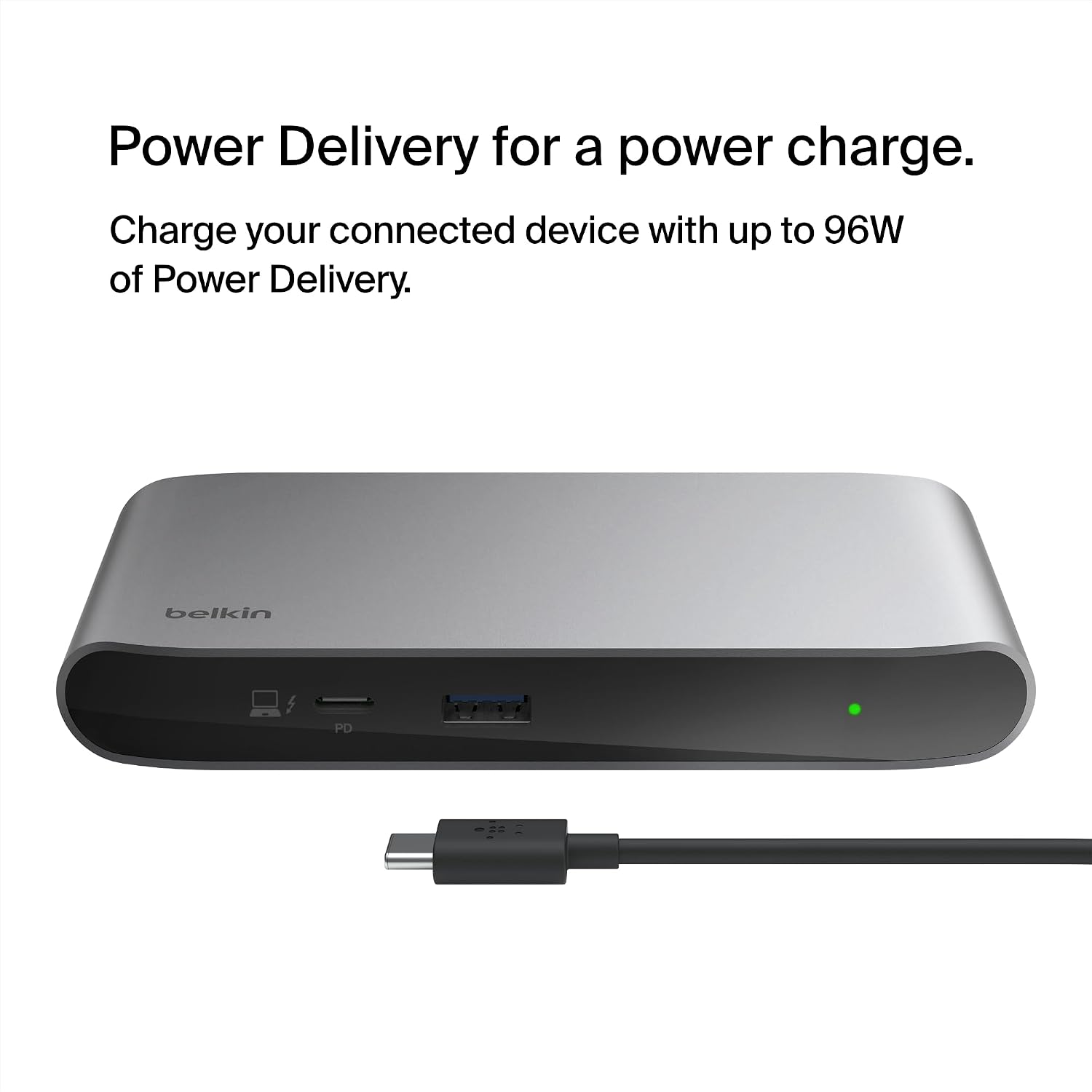

Belkin Connect Thunderbolt 4 Dock 96W
Reviews
Price
Product description
Key features
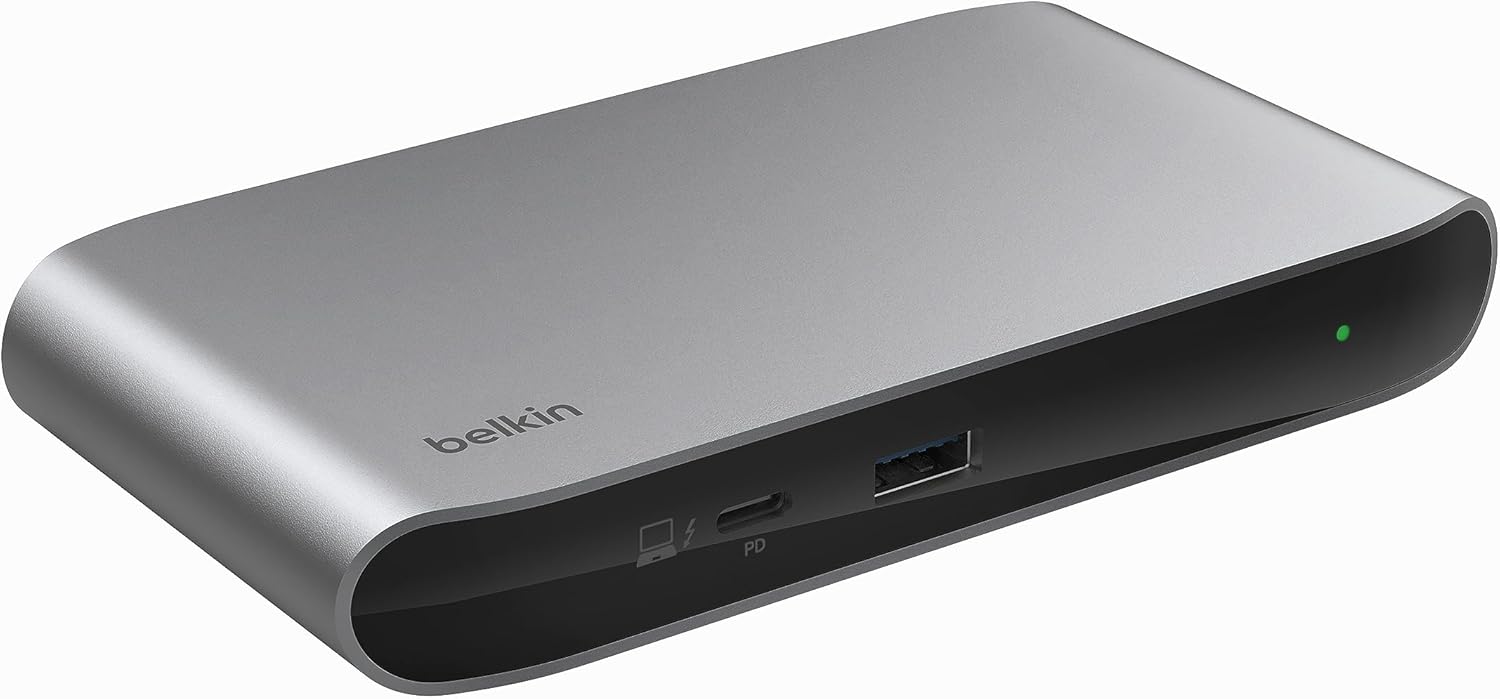
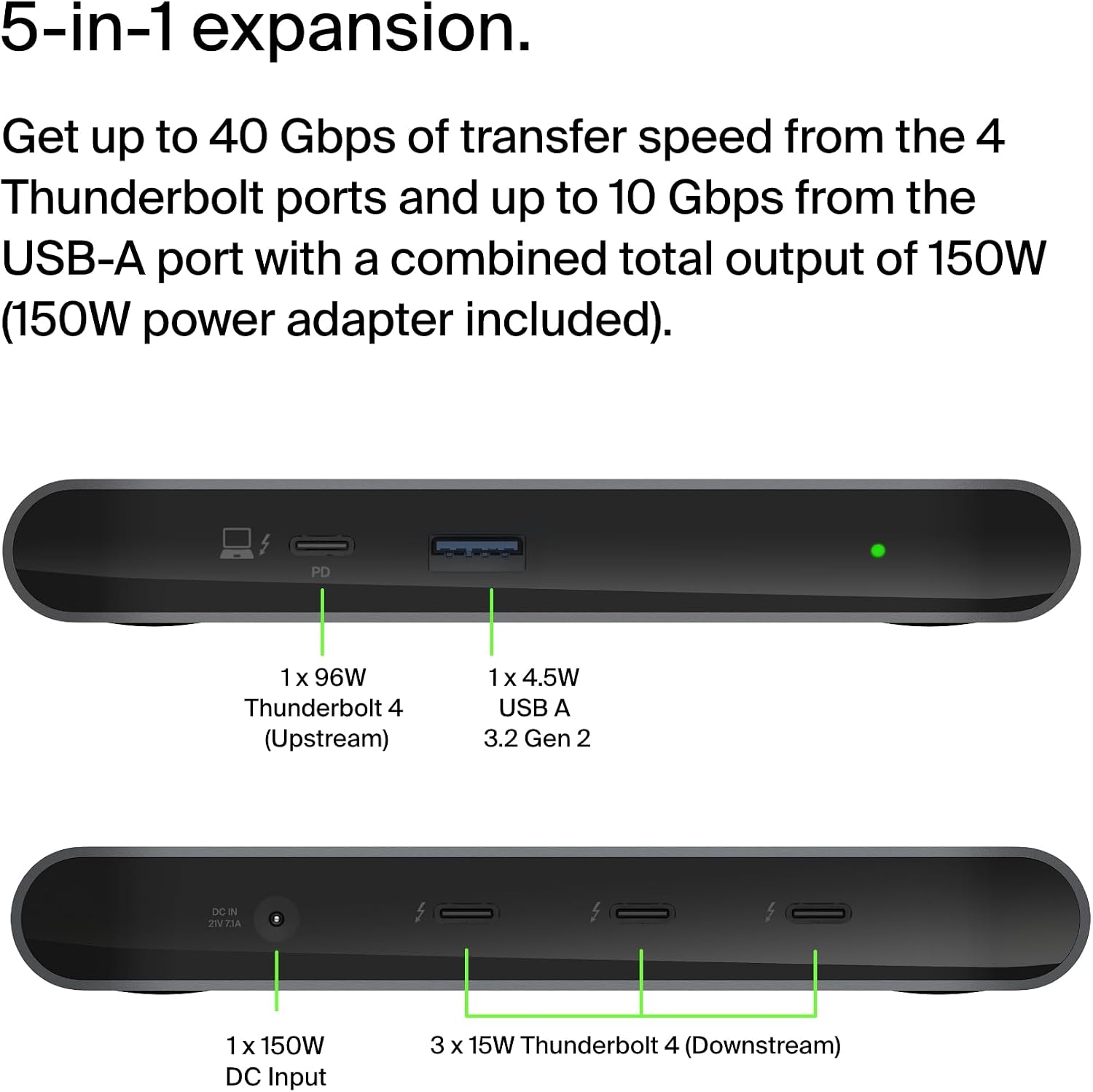
The Belkin Connect Thunderbolt 4 Dock delivers versatile connectivity for laptops and desktops that support USB-C or Thunderbolt. It combines a 5-in-1 port layout with up to 96W power delivery, letting you charge a main device while driving high-resolution displays and several peripherals. This hub suits mixed Mac and Windows setups where compact expandability and reliable charging matter.
Tech specs
- Name: Belkin Connect Thunderbolt 4 Docking Station
- Type: 5-in-1 USB-C multiport core hub
- Capacity: 96W power delivery on main port
- Format: Thunderbolt 4 certified, USB4 compatible
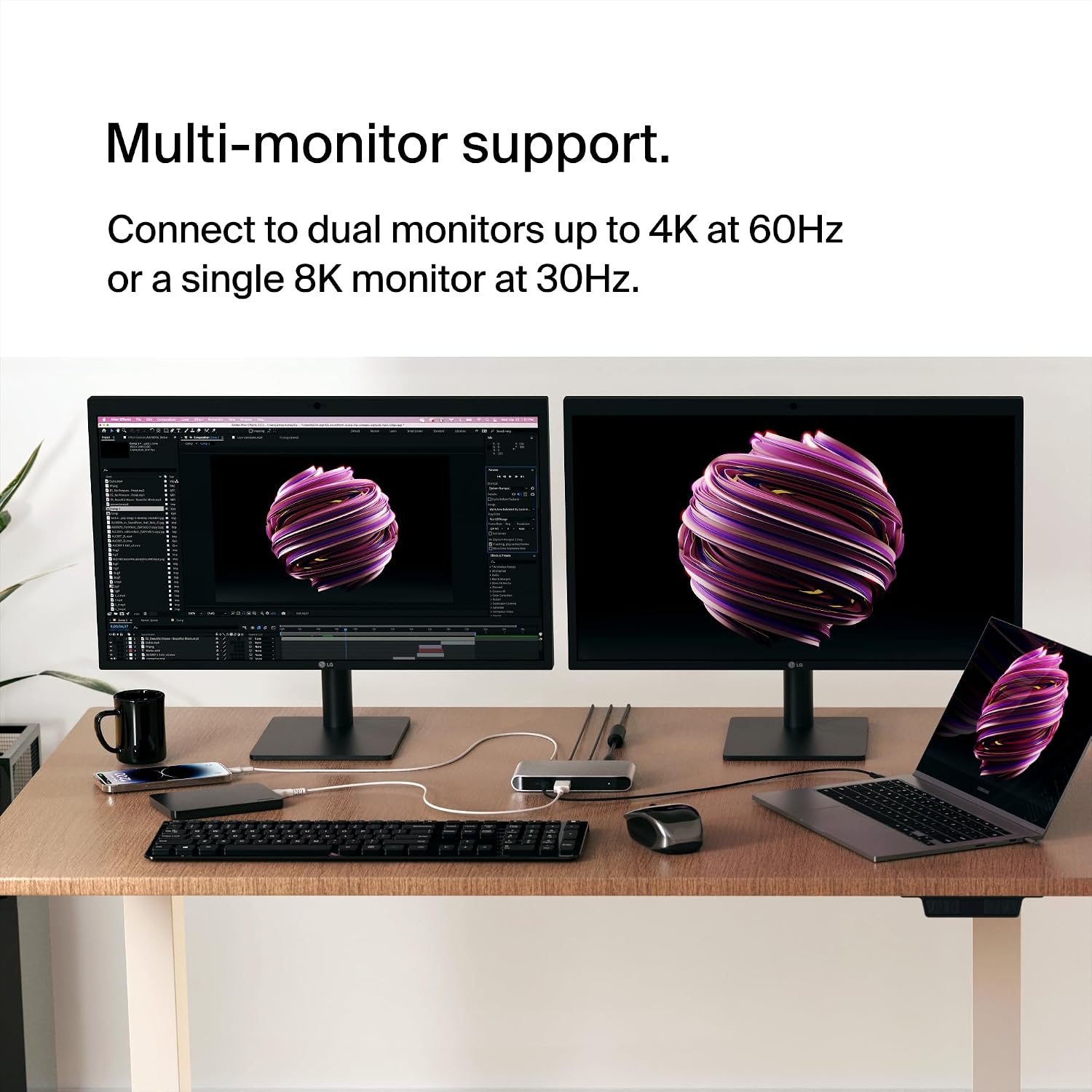
- Display: single 8K 30Hz or dual 4K 60Hz
- Weight: not specified
Benefits
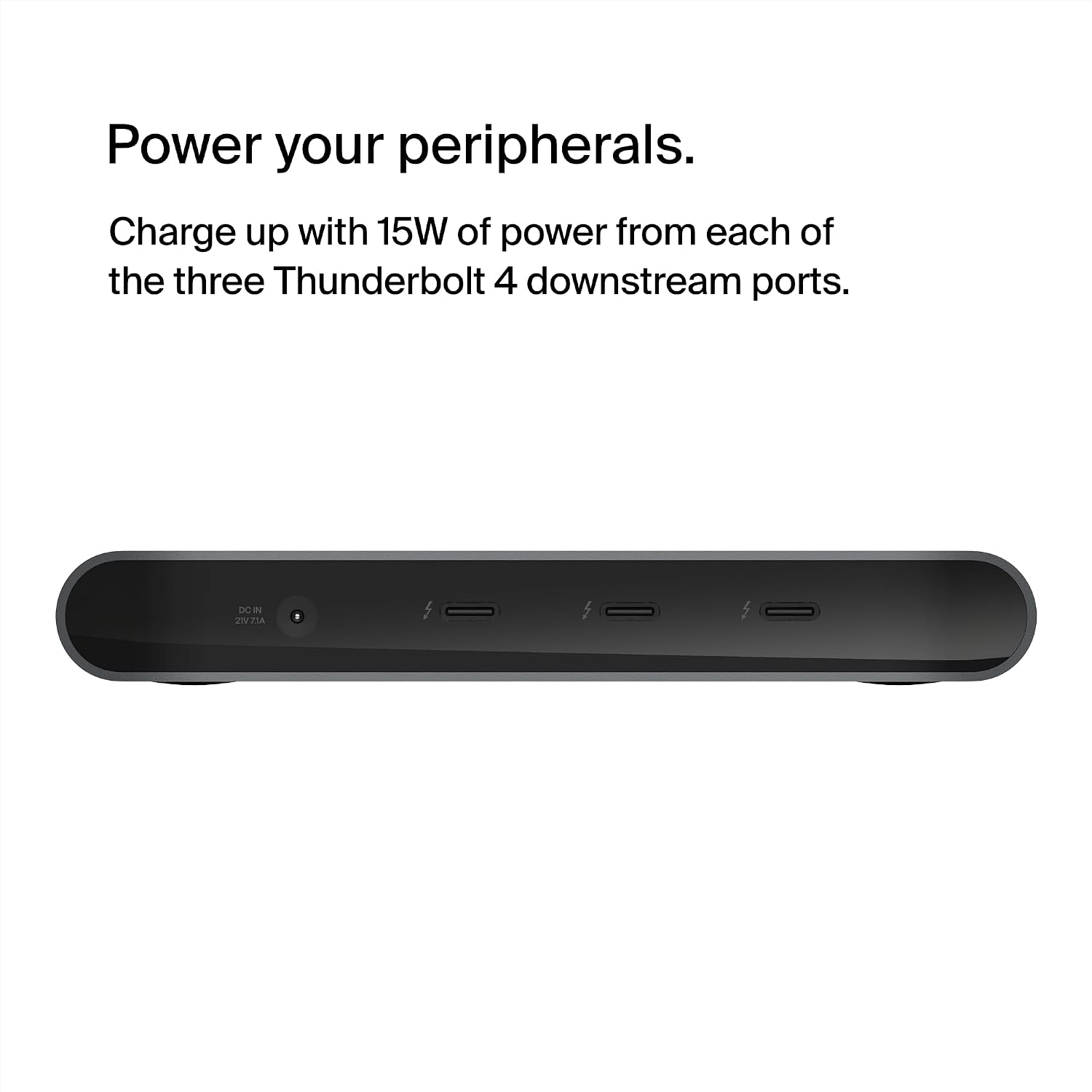
The docking station simplifies a cluttered workspace by consolidating power, video and fast data into one compact unit. According to the manufacturer, it supports daisy chaining of up to six Thunderbolt devices and sustained 40 Gbps transfers, which helps when moving large files or streaming high-resolution footage. The included 150W PSU manages simultaneous charging across ports, and built-in surge protection gives extra peace of mind.

How to use it
Plug the integrated Thunderbolt 4 cable into your laptop and connect monitors and accessories to the hub. For the best display performance use the dedicated Thunderbolt output to run an 8K monitor or split to dual 4K screens at 60 Hz. If you need to power a laptop while running peripherals, the 96W PD port will prioritise charging while the other ports remain active. It’s a good fit if you want tidy desktop cabling and consistent performance for creative work or remote productivity.
Care & maintenance
Keep the dock in a ventilated area and avoid heavy dust accumulation around ports. Unplug the PSU during long periods of non-use and wipe the recycled‑material enclosure with a soft, dry cloth. Note that warranty terms apply as stated by the manufacturer.