


NETGEAR GS316 16‑Port Gigabit Unmanaged Switch
Product description
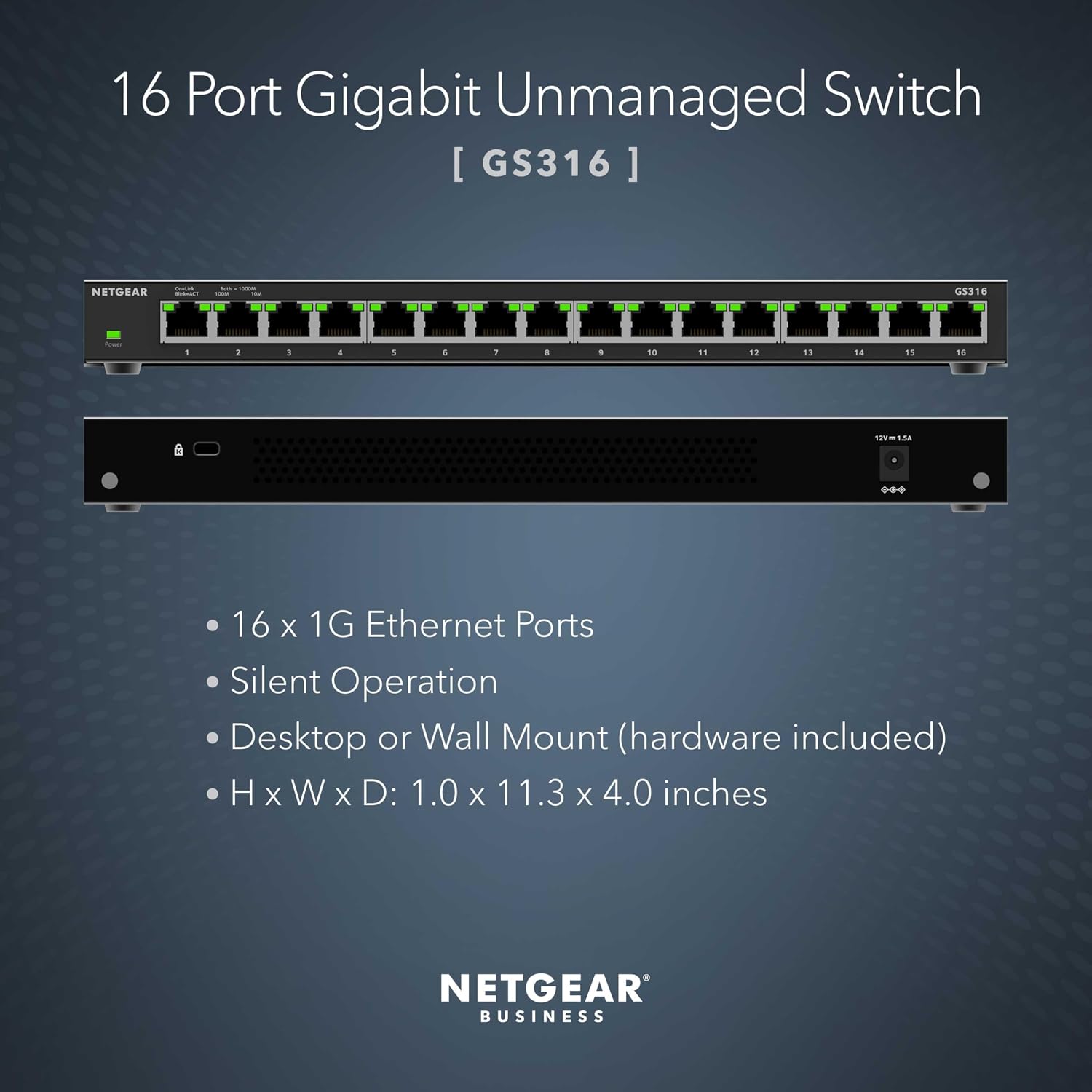
This compact unmanaged switch provides 16 Gigabit Ethernet ports for expanding wired networks in small offices and home setups, offering silent operation and flexible placement on a desk, wall or rack. It is a plug-and-play unit that helps add reliable wired connectivity for printers, NAS devices and desktop PCs while keeping energy use low according to the manufacturer.
Key Points

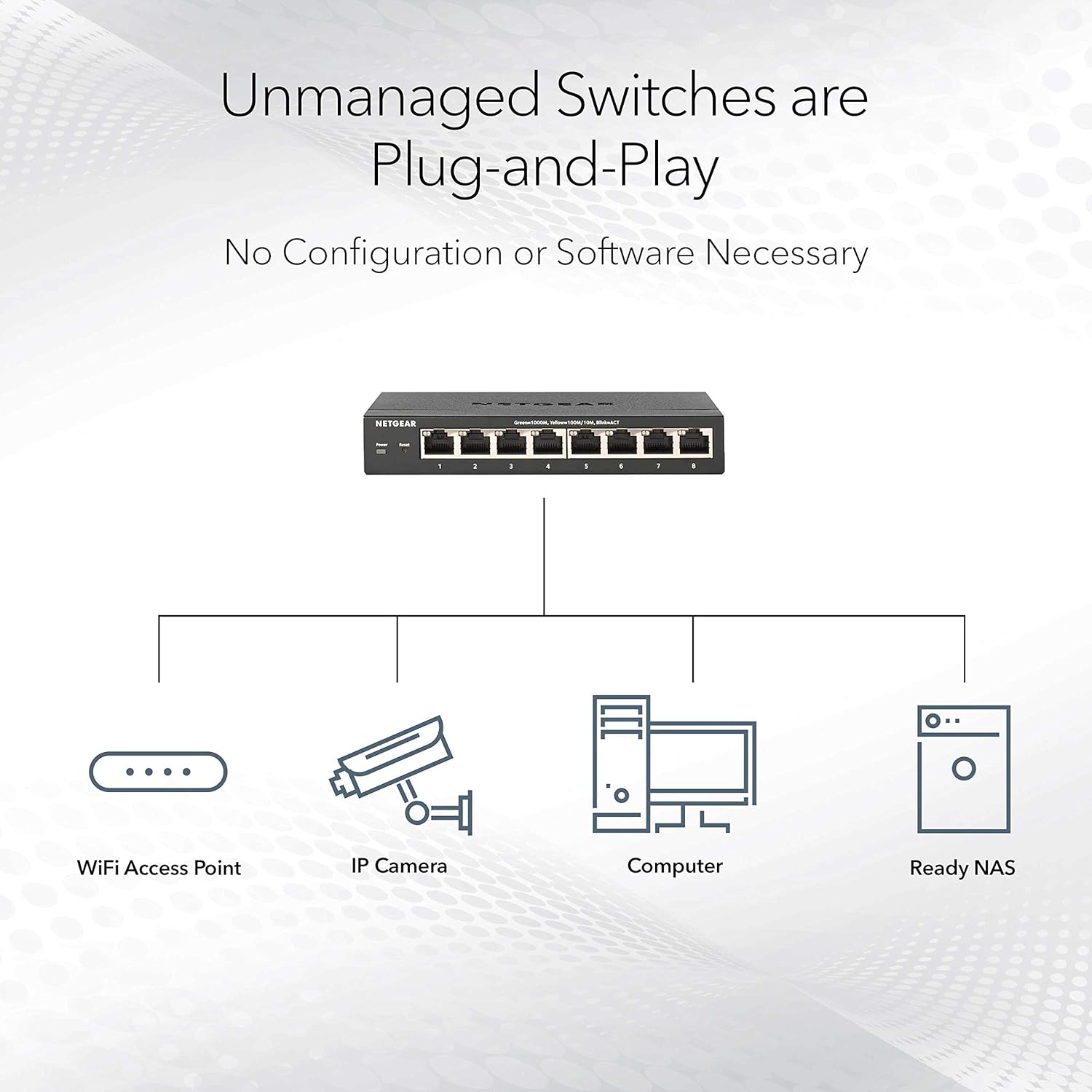
The switch runs without any configuration, so it can be installed quickly by connecting power and Ethernet cables. Noise-sensitive environments benefit from completely silent operation because there is no fan. Mounting options are versatile, with hardware included for desktop, wall or rack installation, which makes it adaptable to different network rooms. Energy efficiency follows IEEE802.3az specifications, helping to reduce power consumption when ports are idle, according to the manufacturer. Note that this is an unmanaged switch, so it does not include VLAN setup, QoS configuration or remote management functions, which may limit its use in heavily segmented or optimised networks. 🔌🌿
Technical Specifications
- Name: NETGEAR GS316
- Ports: 16 x Gigabit Ethernet (10/100/1000)
- Operation: Unmanaged, plug-and-play
- Mounting: Desktop, wall or rackmount; mounting hardware included
- Warranty: 3-year limited hardware warranty
- Power: Energy efficient, IEEE802.3az compliant
Usage Recommendations
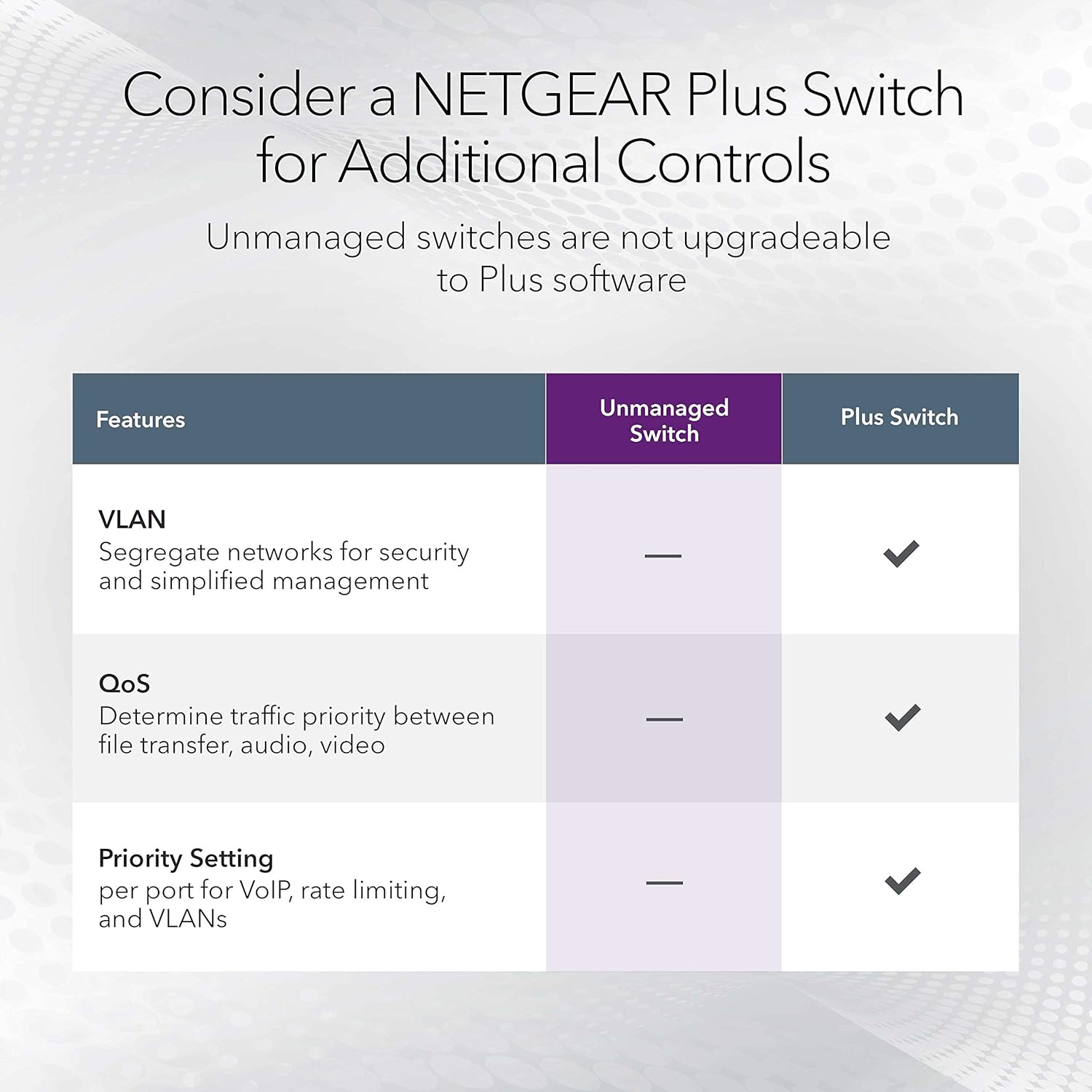
Place the unit in a ventilated area to maintain passive cooling and long-term reliability. Use Cat5e or Cat6 cables to get full Gigabit performance between connected devices. For simple network expansions that require straightforward connectivity, this switch is convenient and quick to deploy. For environments that need traffic prioritisation or advanced traffic control, consider adding a managed switch elsewhere in the network as this device lacks those features. 🖧
Practical Tips
Label the cables when connecting multiple endpoints to keep the setup organised and to make troubleshooting easier. If you plan to mount the switch on a rack, check the included rackmount brackets and allow a small clearance for cable bend radius and access. The silent operation makes it suitable for shared workspaces where background noise matters, but remember that firmware or advanced diagnostics are not available due to its unmanaged nature. 🛠️.