

OIEXEN 1080P Webcam with Microphone and Privacy Cover — Plug & Play for UK Home Offices
Product description
What it is and what it solves
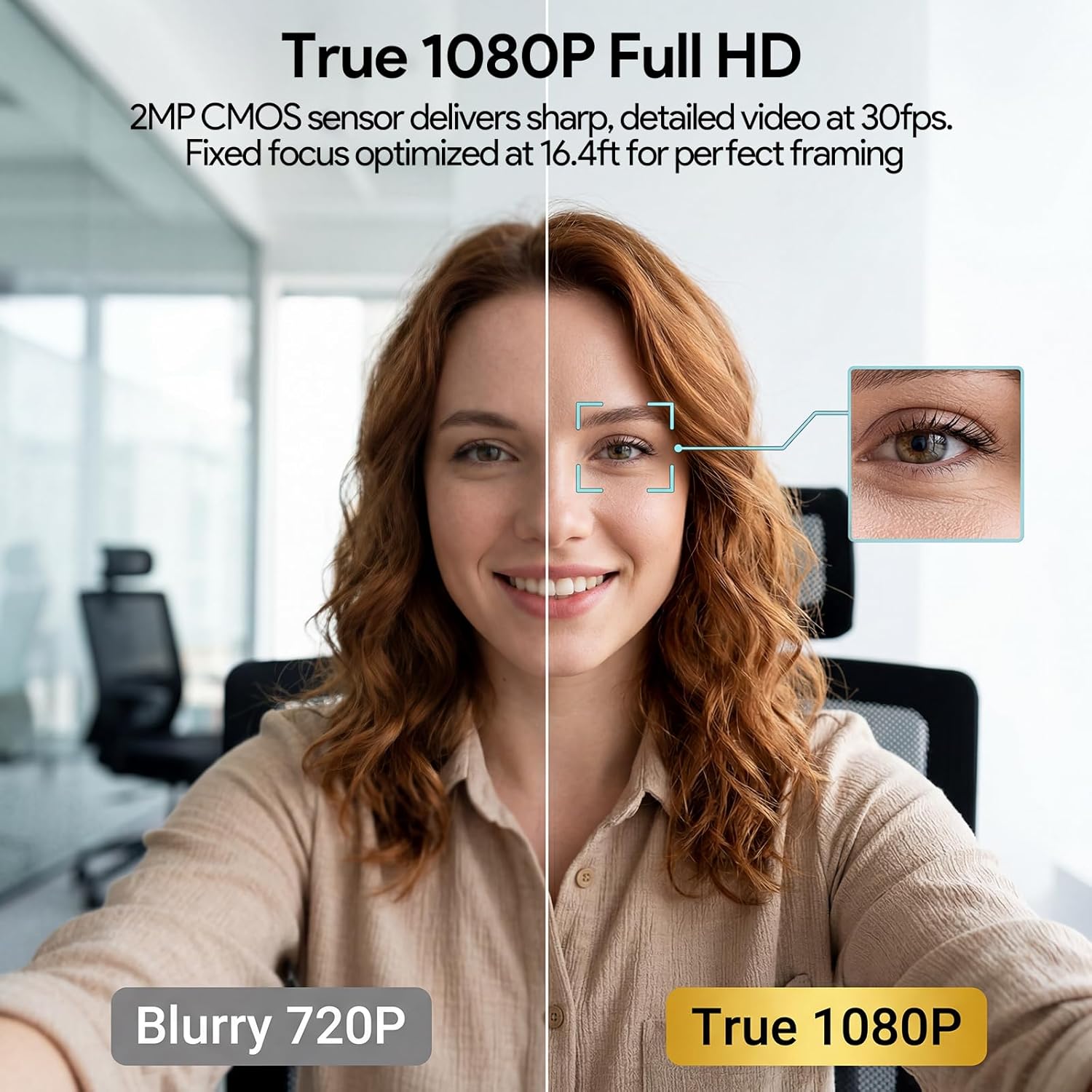
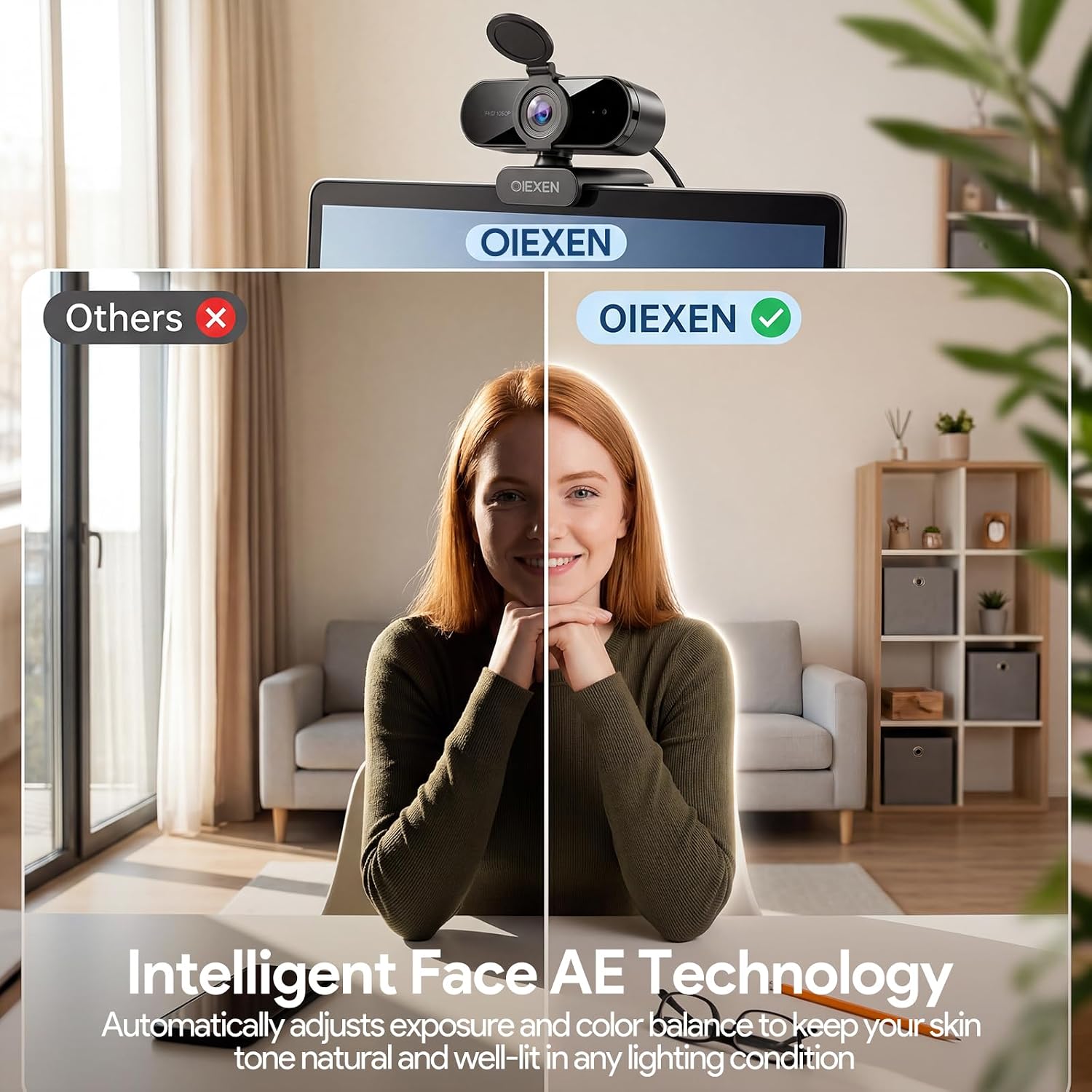
The OIEXEN 1080P webcam is a plug-and-play video camera designed for everyday video calls, online classes and streaming. It combines 1080p clarity at 30FPS with Face AE technology to keep skin tones looking natural in varying lighting. If you’ve ever looked washed out or too dark on Zoom or Teams, this webcam aims to provide a more stable, true-to-life image at your desk.
How the audio works in practice
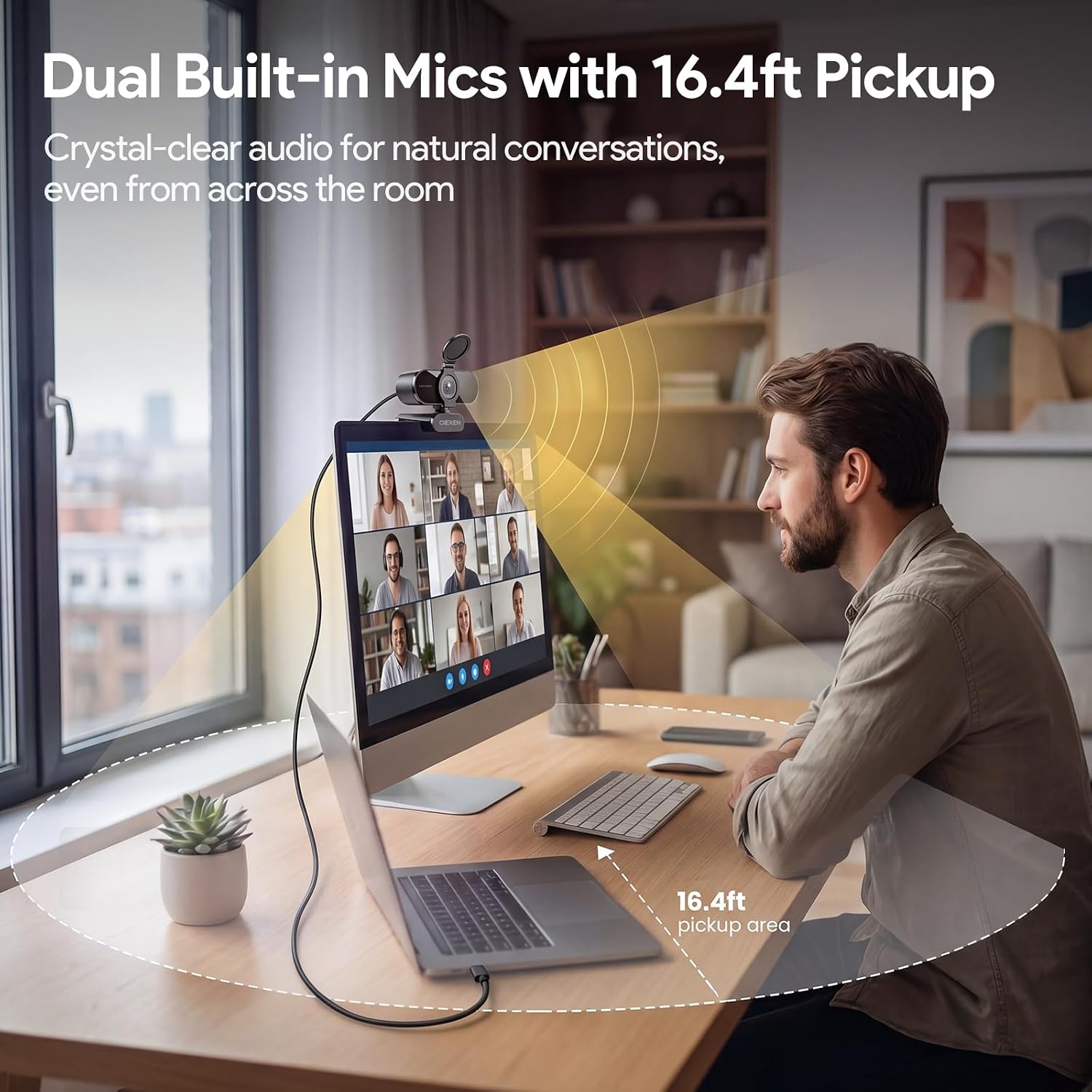
Sound is captured by dual built-in microphones, intended to pick up your voice clearly from a reasonable distance. The description suggests reliable audio without dropouts in typical home-office environments, which helps you stay audible during back-to-back meetings or live sessions.
One setup that fits most desks
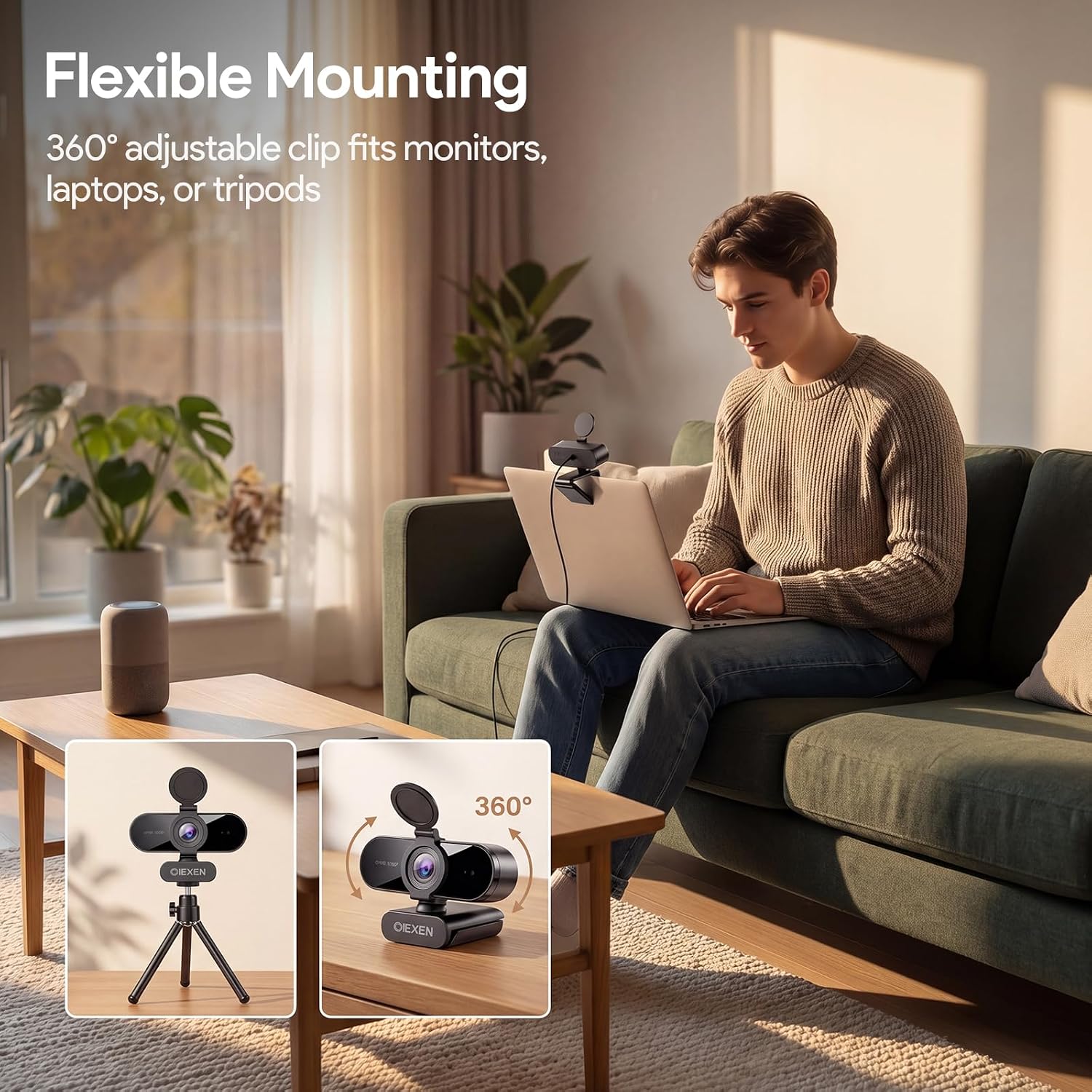
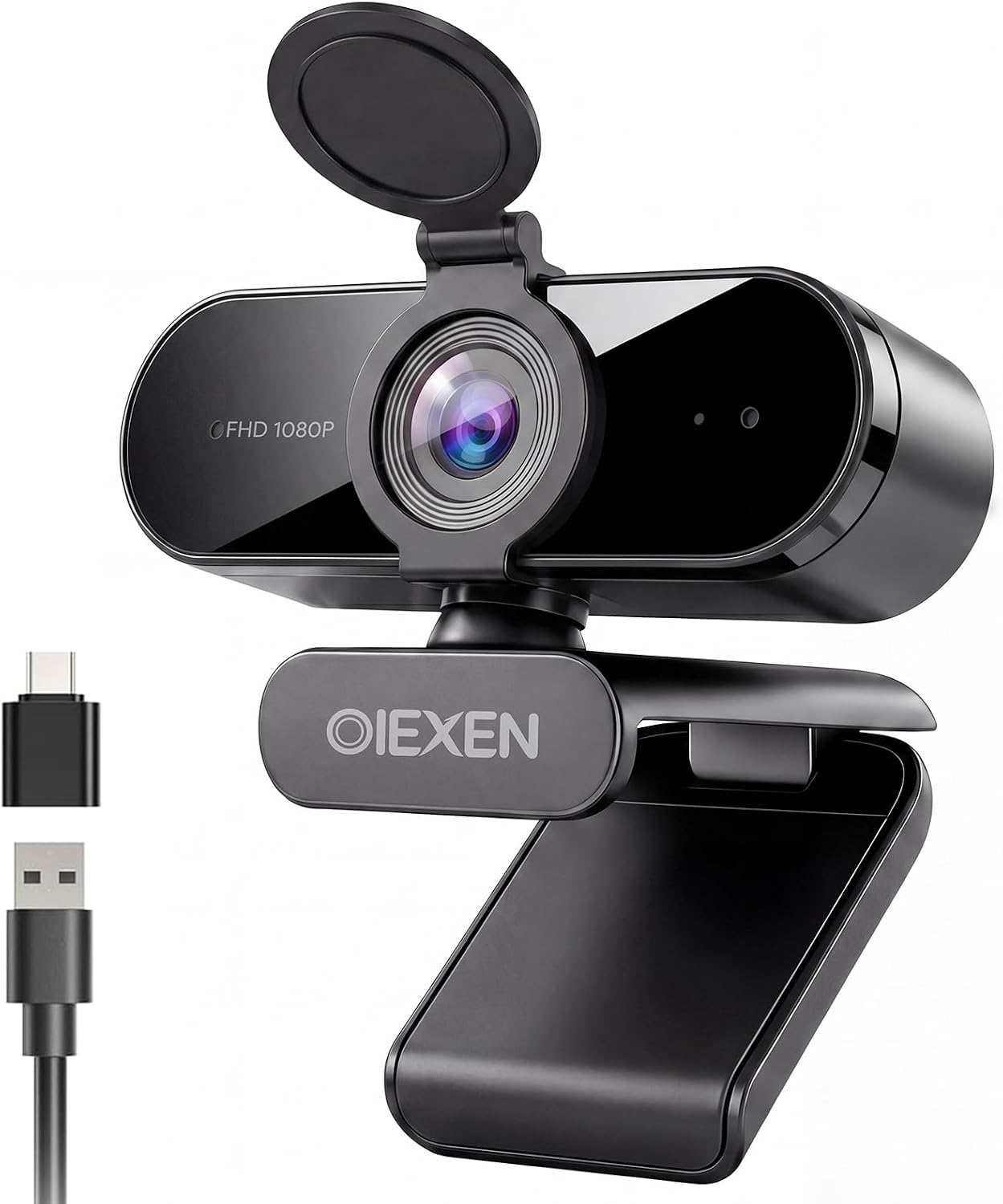
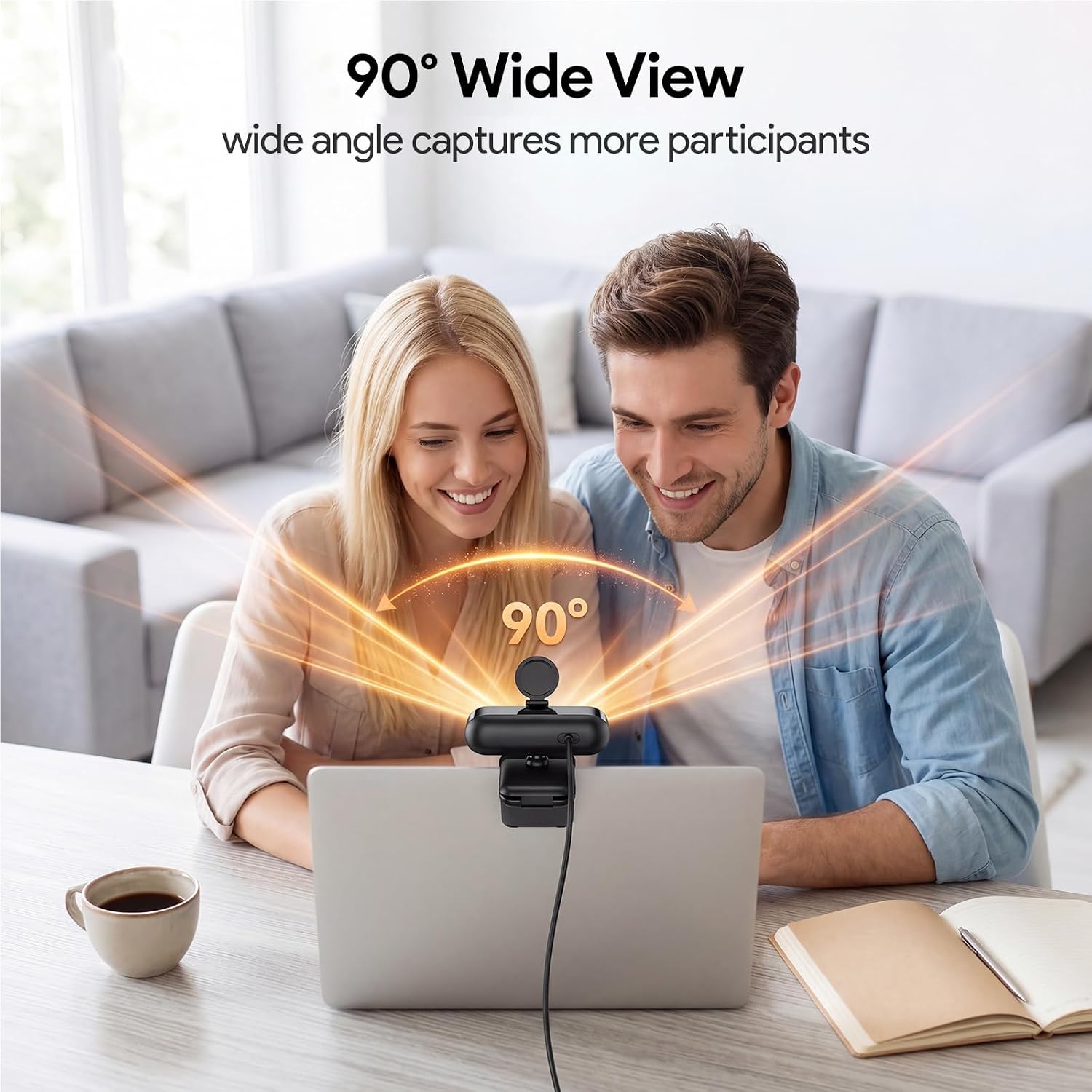
The camera features a simple, tool-free mounting system: a flexible clip that can attach to a laptop, monitor or tripod. A 6.6ft (2m) cable gives you room to position the lens for optimal framing, and the 360° ball joint lets you adjust the angle to capture more of the background or a second person without moving the whole setup.
Privacy and peace of mind
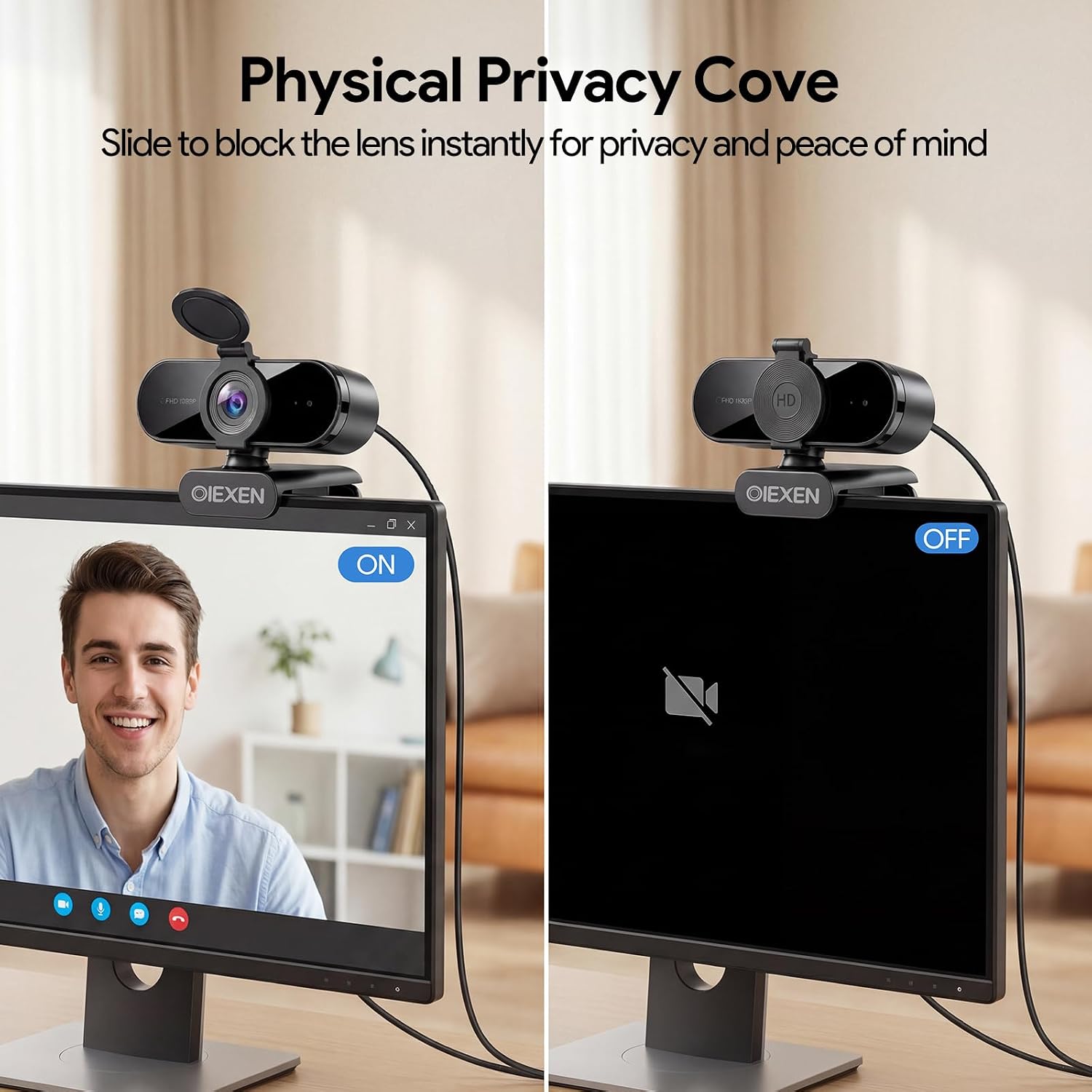
When a call ends, you can slide the built-in privacy cover into place to block the lens. This is a straightforward safeguard for those concerned about camera exposure when not in use.
Compatibility and ease of use
The webcam supports USB-A to USB-C adapters, and is designed to work with Windows, macOS, Linux and Android via USB UVC/PnP. It’s ready for major platforms like Zoom, Teams, Skype and Meet, right out of the box, which reduces the usual driver hassles.
What to watch out for (limitations to consider)
While the 1080p/30fps spec is solid for most meetings, it isn’t 4K or high-end pro streaming gear. The fixed-focus design targets a sweet spot around 16.5 inches from the lens, so very close or very distant subjects may not always be perfect without repositioning. The audio is adequate for typical chat, but if you frequently need studio-quality sound, you might want to consider external mics or a different setup.
Who it’s for
This webcam is well-suited for home office users, students attending online classes, and anyone who wants a straightforward, dependable camera for video calls without fiddly setup.
Who it isn’t for
If you require ultrahigh detail, dynamic range in challenging lighting, or professional-grade audio for large virtual audiences, this model may feel limited compared with higher-end options. It’s more of a practical, budget-conscious choice than a top-tier streaming rig.
When it makes sense to buy
If you prioritise plug‑and‑play convenience, reliable consistency across multiple platforms, and a simple privacy feature, this camera offers a balanced set of features for daily use. It’s a sensible choice for routine meetings, online classes and remote work that doesn’t demand cutting-edge gear.
What to check before you buy
Consider your lighting: Face AE helps, but very bright or very dark rooms can still affect results. Check whether your primary devices support USB-C adapters if you’re using newer laptops or consoles. Finally, confirm the 16.5‑inch ideal distance matches your typical on-screen presence.
Practical use example
Imagine a daily morning stand-up: you mount the camera, place it on or beside your monitor, and within seconds you’re framed clearly with natural skin tones. You’re able to look at the screen rather than the lens, the background captures just enough context, and your voice comes through without needing a separate mic. When the call ends, a quick slide of the privacy cover protects your space.
What’s included
USB camera with a 6.6ft (2m) cable and a USB-A to USB-C adapter for compatibility with newer devices. The package is designed for straightforward use without extra drivers.
FAQ
- Does it work with Zoom and Teams right away? Yes. The camera is designed to be plug‑and‑play and compatible with Zoom, Teams, Skype and Meet, across Windows, macOS, Linux and Android.
- How close should I sit to the camera for best results? The preferred distance is around 16.5 inches to achieve the intended sweet spot, but the 90° wide view can accommodate a small group or background context when positioned slightly further back.
- Is the privacy cover reliable? The built‑in physical cover offers a straightforward way to block the lens when not in use, providing peace of mind between calls.
Is it worth it?
A solid pick if you want a dependable, easy-to-use webcam for daily video calls and learning sessions, with sensible privacy protections and broad compatibility. It may not be the best option if you need 4K video or superior audio for large-scale streams, but for everyday productivity it offers respectable value and simplicity.