

Insta360 Link 2 Black Tripod Bundle PTZ 4K webcam with AI tracking, HDR and gesture control
Product description
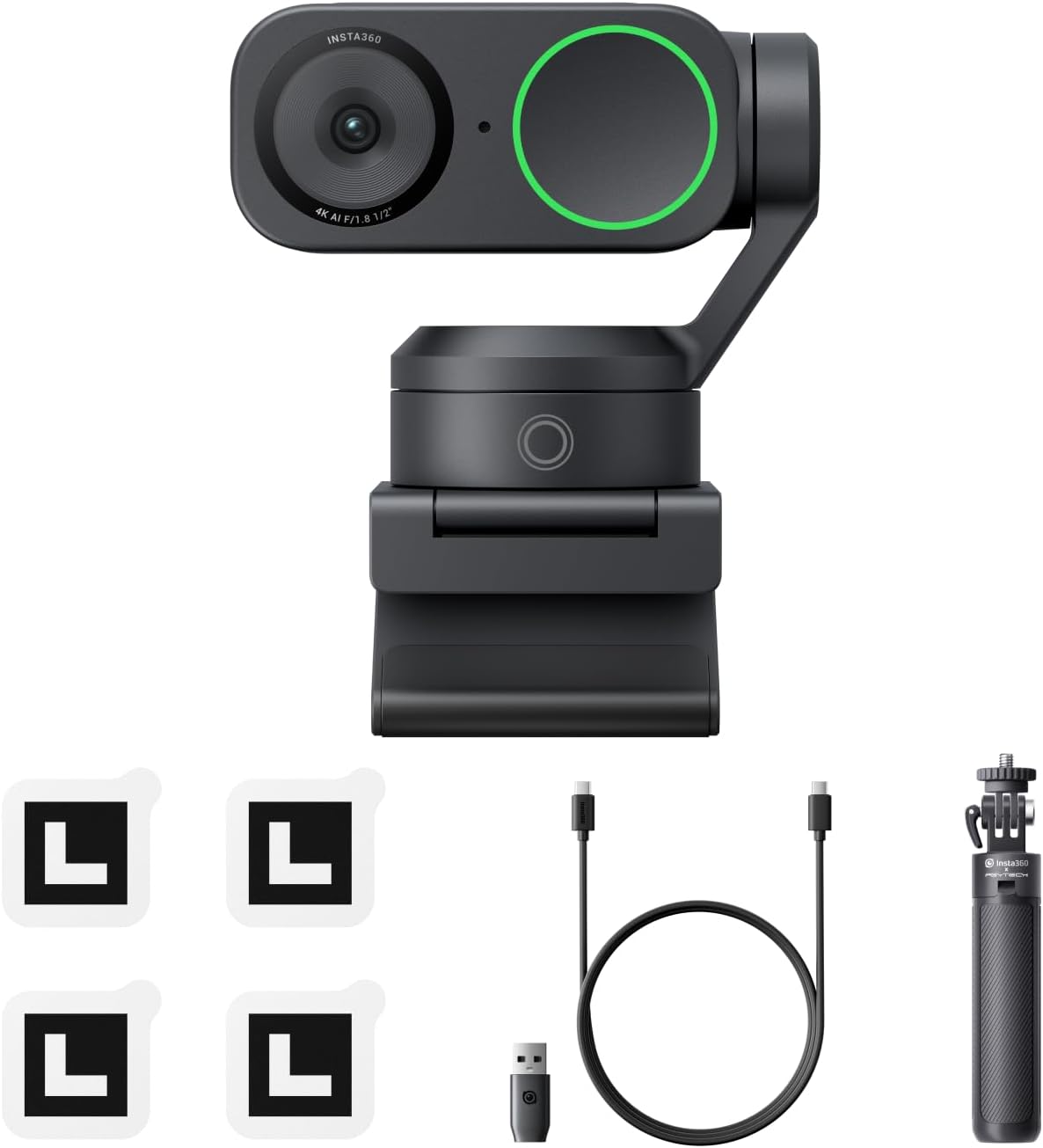
If you want your video calls to look more deliberate than “average laptop webcam”, the Insta360 Link 2 Black Tripod Bundle is aimed squarely at that. It brings a 1/2" sensor, 4K visuals with HDR, and a camera that can physically pan and tilt to keep you framed as you move.
It’s not a traditional webcam in the usual sense. On paper, it leans towards creators, home office users and anyone who regularly meets people on Zoom or Teams and would rather spend less time fiddling with framing.
The essentials
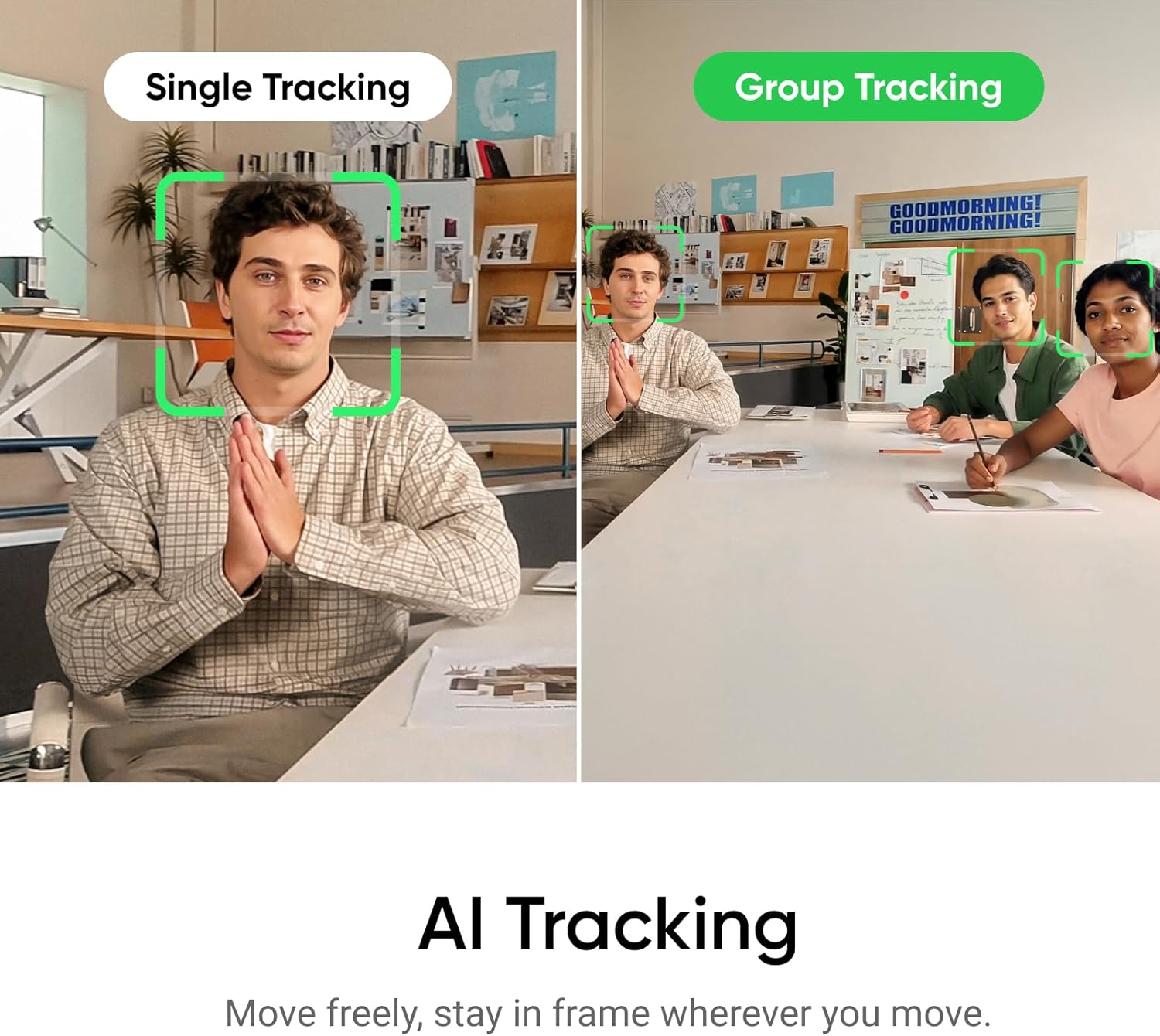
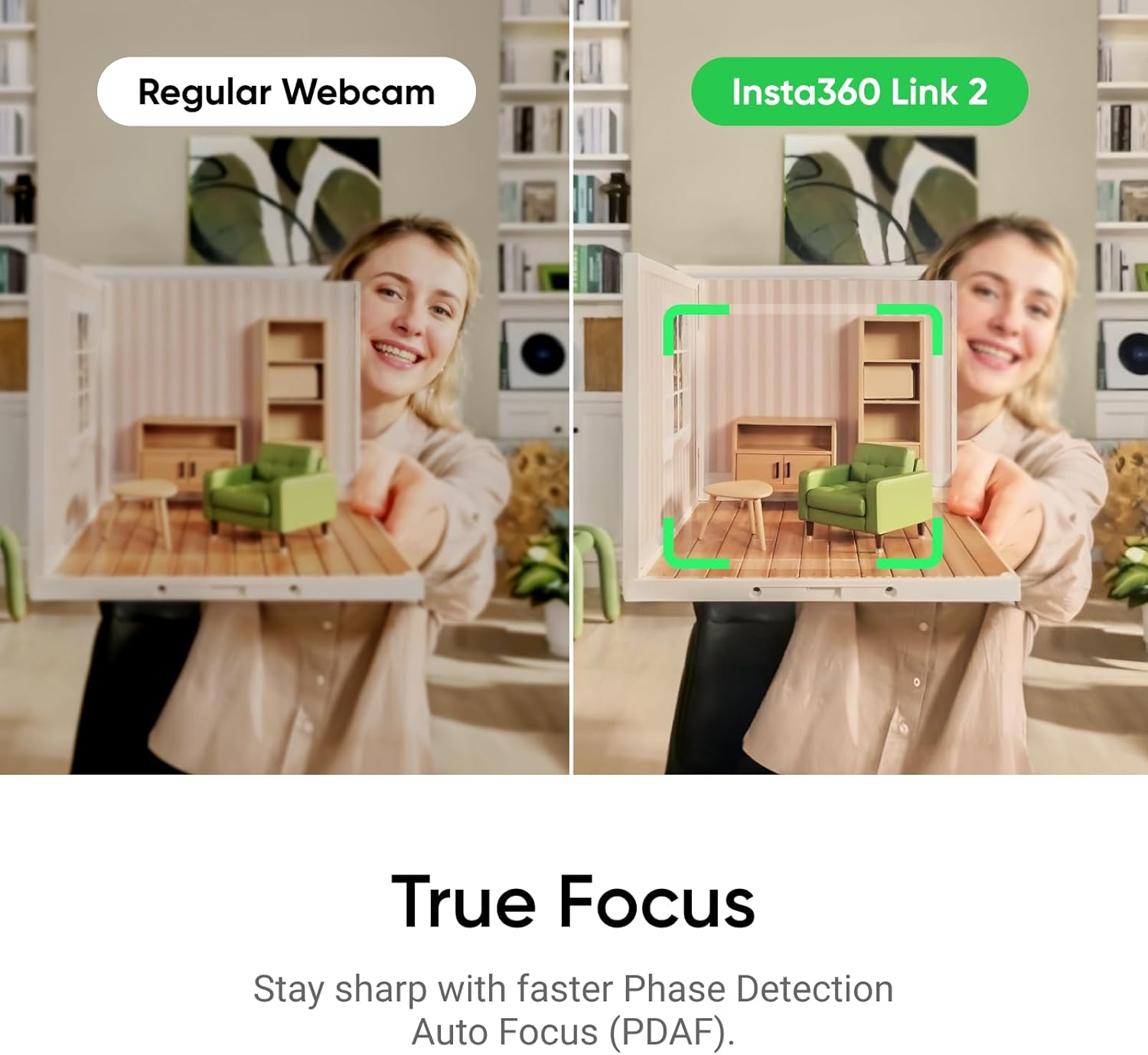
The core idea behind this PTZ webcam bundle is simple: clearer picture, cleaner audio, and smarter framing. You get AI Tracking that moves the camera to follow your movements around the room, plus faster PDAF focus to help prevent blur during normal conversation and motion.
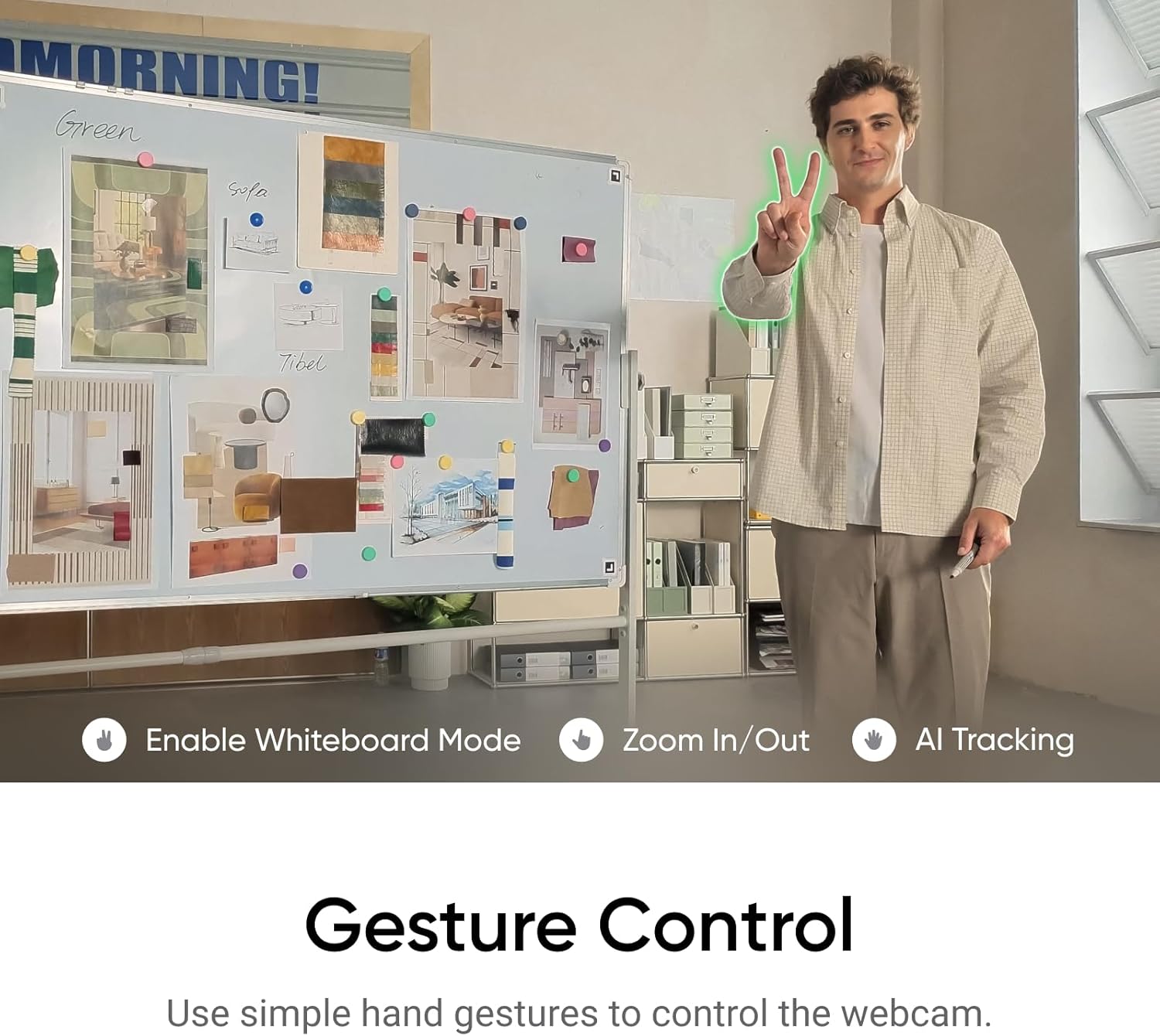
There’s also gesture control via a smartphone, with options like starting AI Tracking/auto framing, zooming in or out, and activating Whiteboard Mode. The brand also points to modes such as DeskView and 4K Portrait Mode, which suggests it’s built for more than just head-and-shoulders chats.
What matters in everyday use
In day-to-day video calling, people usually notice two things first: sharpness and whether your framing stays flattering. This model is designed to address both. The focus system is described as Phase Detection Auto Focus (PDAF), which should help with staying crisp when you shift position.
For framing, AI Tracking physically pans and tilts, so if you step slightly to the side to pick something up or adjust your posture, the camera is meant to keep you (or your group) in frame. That can make a big difference in small home offices where you can’t always find the “perfect spot” for a static webcam.
A practical example: imagine you’re on a work call and need to show a notepad on the desk. With DeskView or Whiteboard Mode in mind, you’re not limited to staying frozen in front of the lens—at least, that’s the intent.
Picture quality and the “natural look” angle
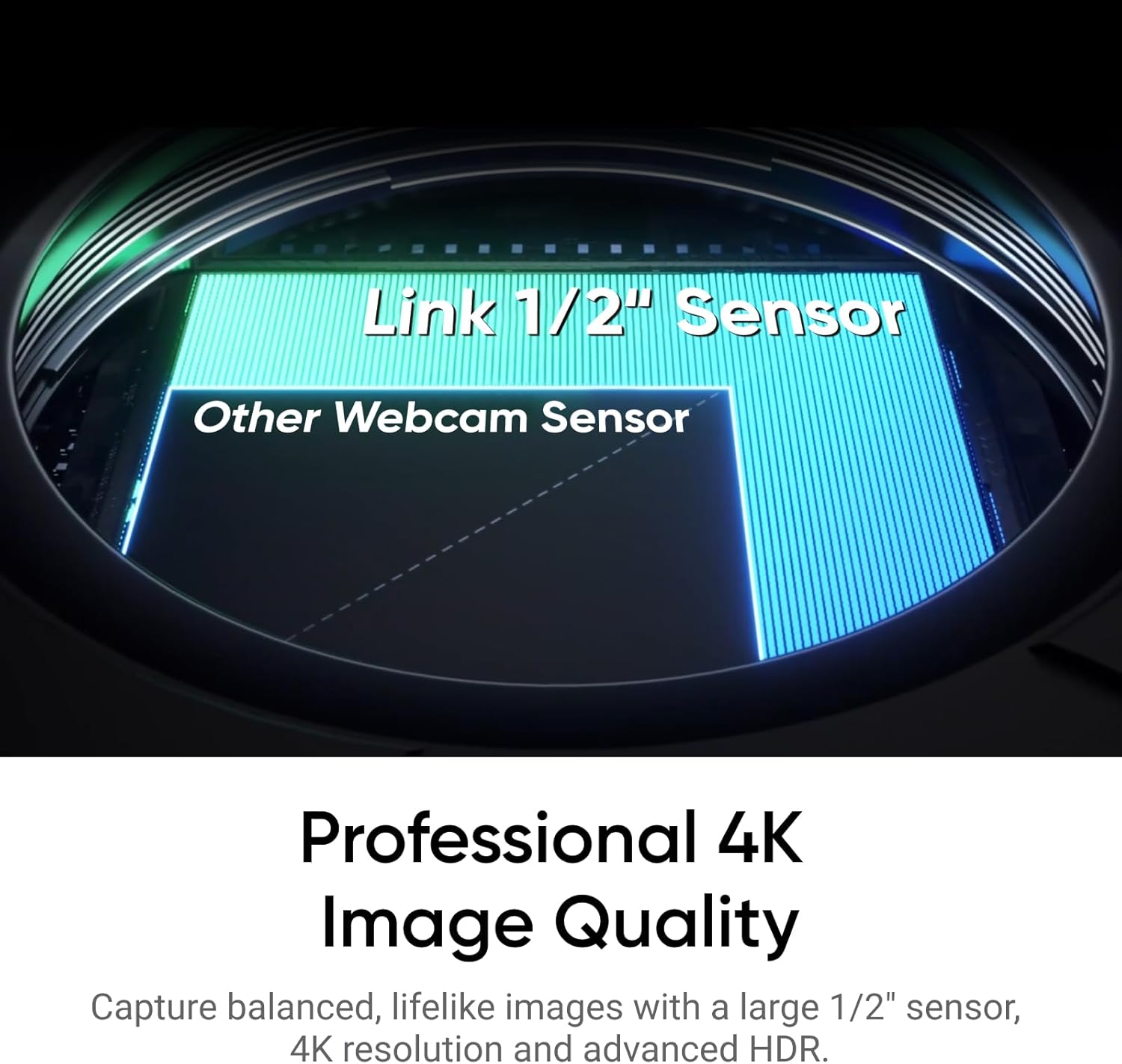
The 1/2" sensor and 4K output with HDR are presented as the route to more balanced, true-to-life visuals. Just as importantly, the description emphasises low-light performance, which is often where webcams fall down in real homes.
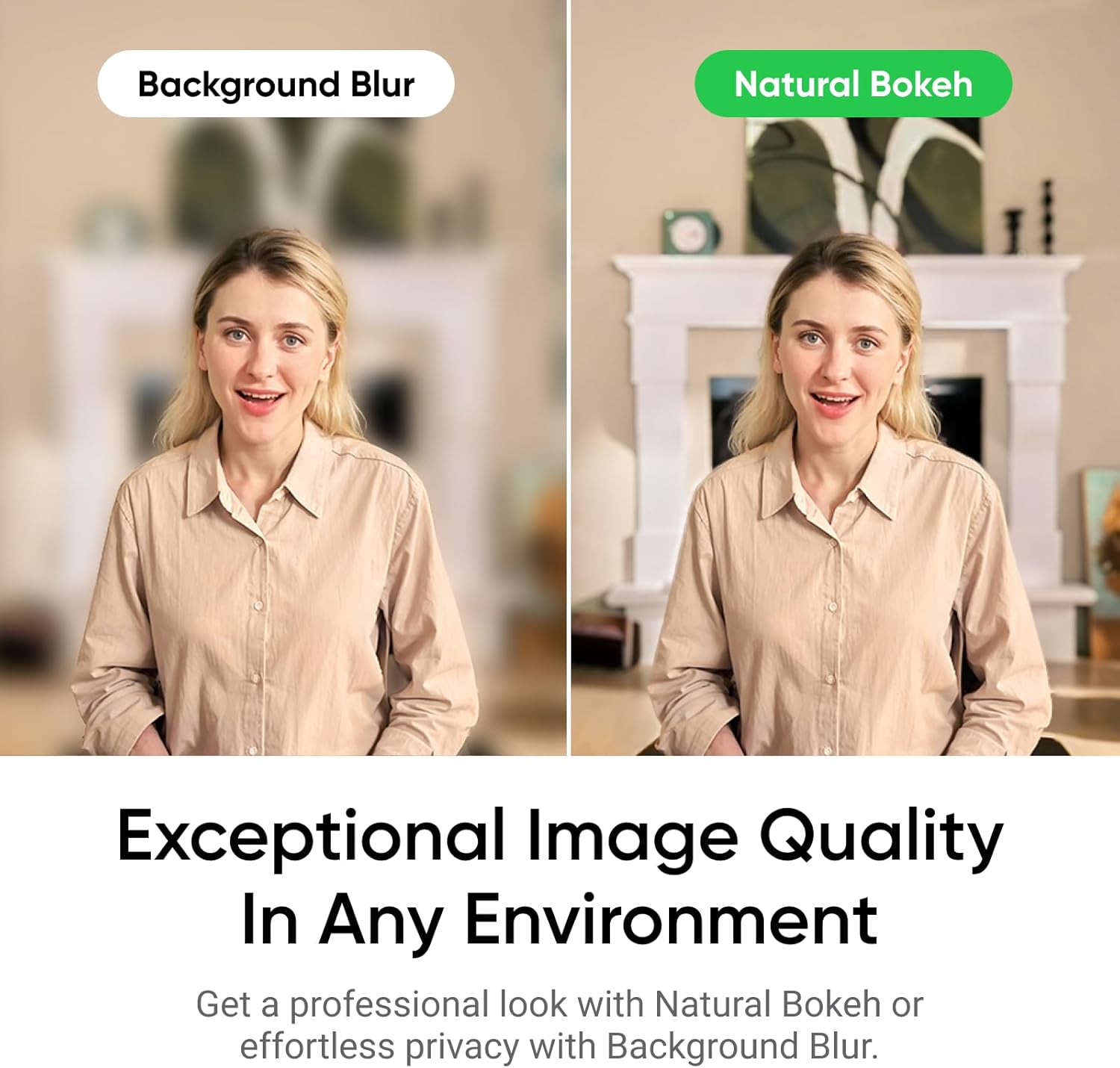
There’s also a bokeh feature described as “DSLR-like depth of field”, designed to produce a more natural background blur effect rather than an obvious artificial one. You should still treat this as a stylising tool rather than true cinema-grade optics, but it’s a sensible attempt to make video calls look less flat.
Audio that’s built for busy rooms
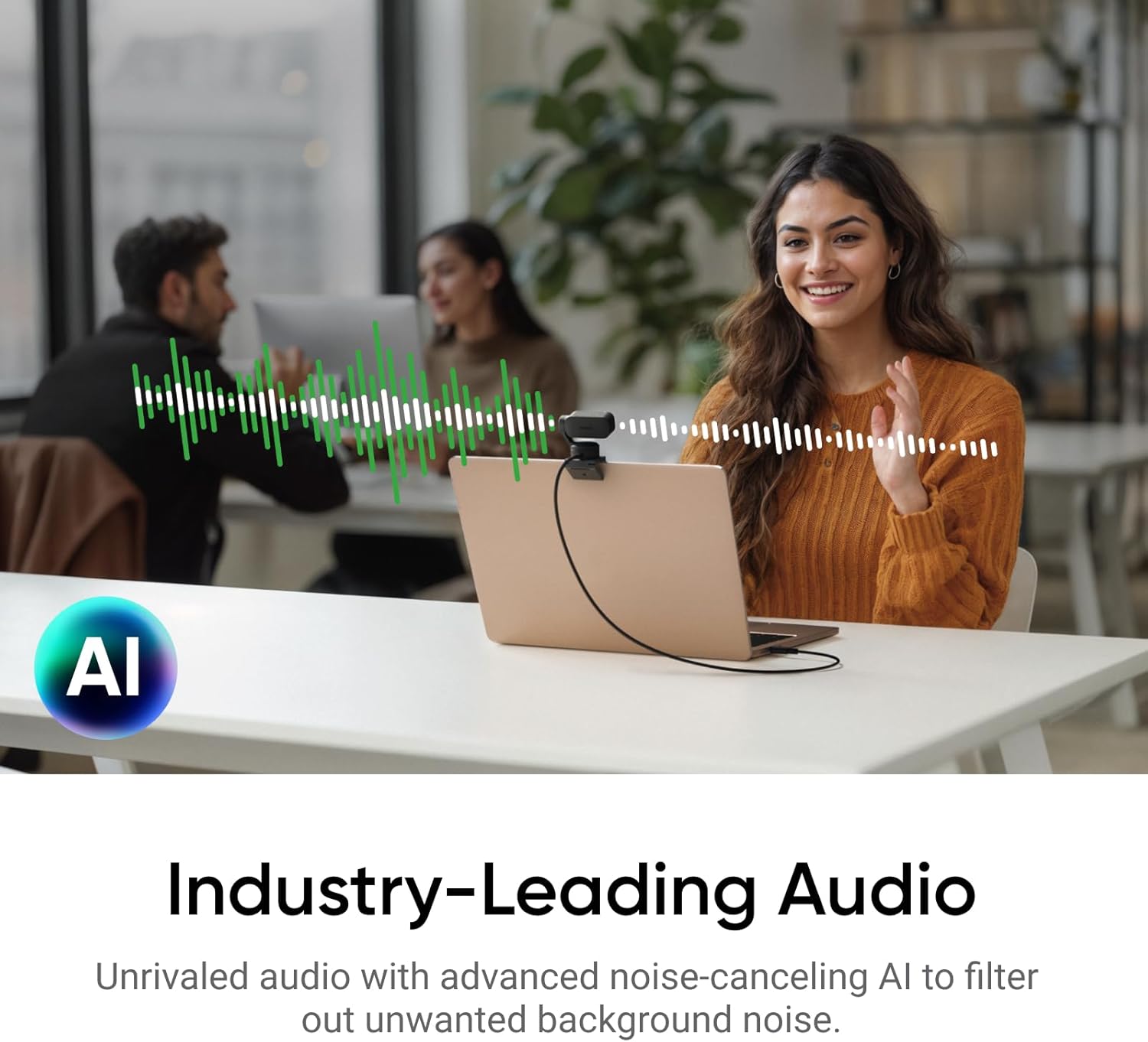
Audio is handled with AI noise-canceling algorithms, with the goal of filtering out unwanted background noise for clearer communication. That’s exactly the kind of improvement you notice quickly—especially in shared houses, open-plan spaces, or rooms with fans, keyboards or other household sounds.
No system is perfect, though. If the background is extremely loud or you speak very quietly, the noise-canceling can only do so much. Still, on paper, this looks tuned for real-life environments rather than studio quiet.
Focus, zoom and modes: where it can feel clever (and where it might not)
Where this webcam bundle stands out is the combination of “no-blur” focusing (PDAF) and active movement (AI Tracking). It also supports whiteboard-style use and portrait-style framing via specialised modes.
The limitation to keep in mind: because it’s a PTZ webcam with AI tracking and multiple modes, it may involve more setup decisions than a simple fixed webcam. If you prefer plug-and-forget hardware, you might find yourself spending time learning the control app and gestures before it feels effortless.
Tech details that affect purchase choice
A quick scan of the stated tech highlights: - 1/2" sensor for 4K visuals - HDR support for improved range in different lighting - Phase Detection Auto Focus (PDAF) for faster, more accurate focusing - AI Tracking with physical pan/tilt - AI noise-cancelling microphone processing
If you’re the kind of buyer who cares about visual consistency during movement, the AI Tracking + PDAF combination is the part to pay attention to.
Is it worth it?
It makes sense if you regularly take video calls on a PC or Mac and you want help with framing and focus without constantly adjusting your chair position. It’s also a strong fit if you operate in variable lighting or a busier room, because the stated HDR/low-light goals and AI noise-cancelling are aimed at exactly those pain points.
You may want to skip it if you only need basic webcam video and you’d rather avoid the extra complexity that comes with PTZ movement, modes, and smartphone/gesture control. It might not be the best match if your setup is already optimised for a static camera and you have no interest in desk-view or whiteboard-style scenarios.
Mini FAQ
Does it work for video calls on common platforms?
The description says it works with Zoom, Teams and more, so it’s positioned for everyday UK office and study use.
Can you control it without touching the webcam?
Yes—gesture control and remote smartphone control are mentioned, including starting AI Tracking/auto framing, zooming and activating Whiteboard Mode.
Will the camera keep you in frame if you move around?
That’s the purpose of AI Tracking: it physically pans and tilts to follow your movements around the room.
Is the audio noise-cancelling meant for busy environments?
The description explicitly references filtering out unwanted background noise for clearer communication, even in busy environments.
Does it include features beyond plain talking-head calls?
It references specialised modes like DeskView, Whiteboard and 4K Portrait Mode, which suggest it’s built for more than just standard calls.