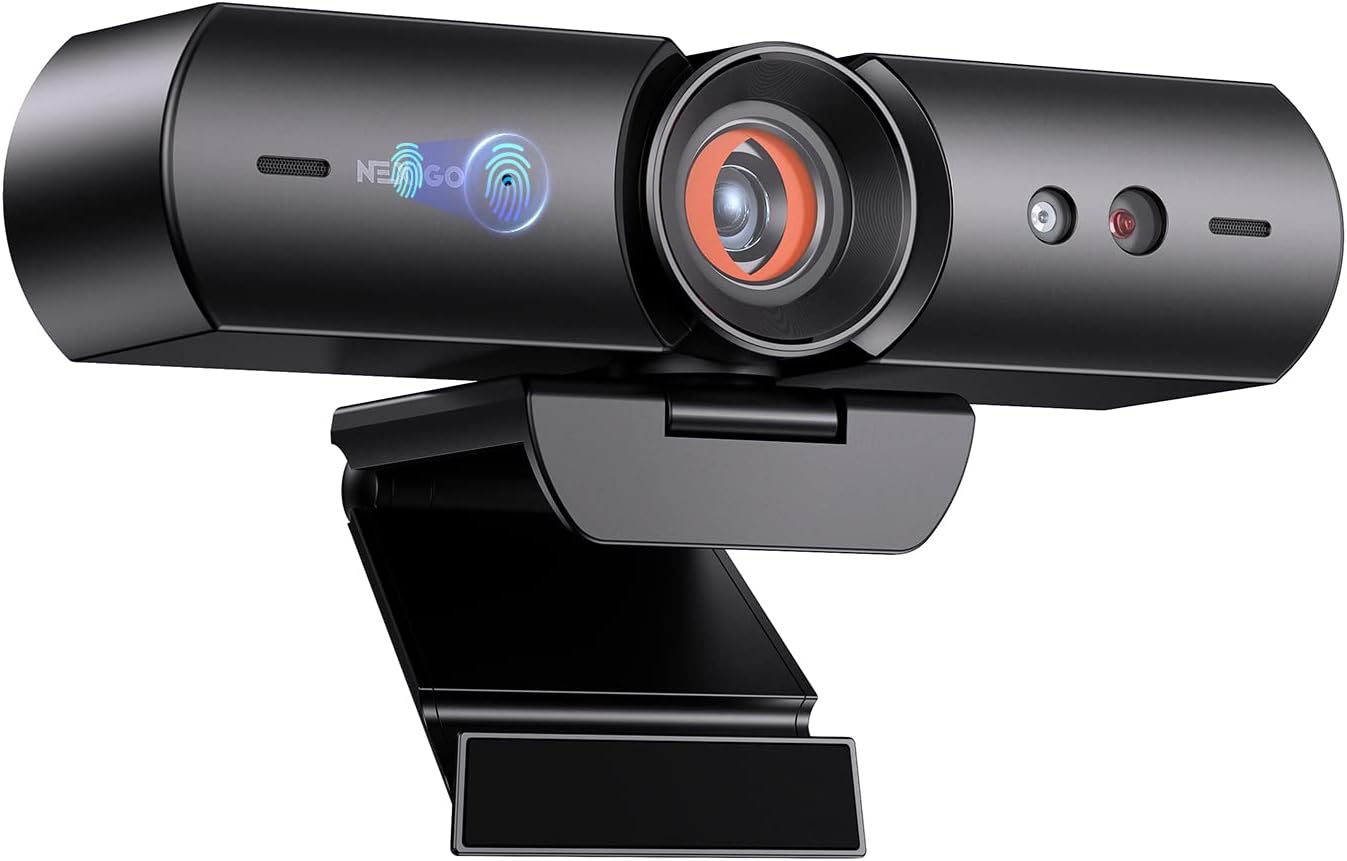
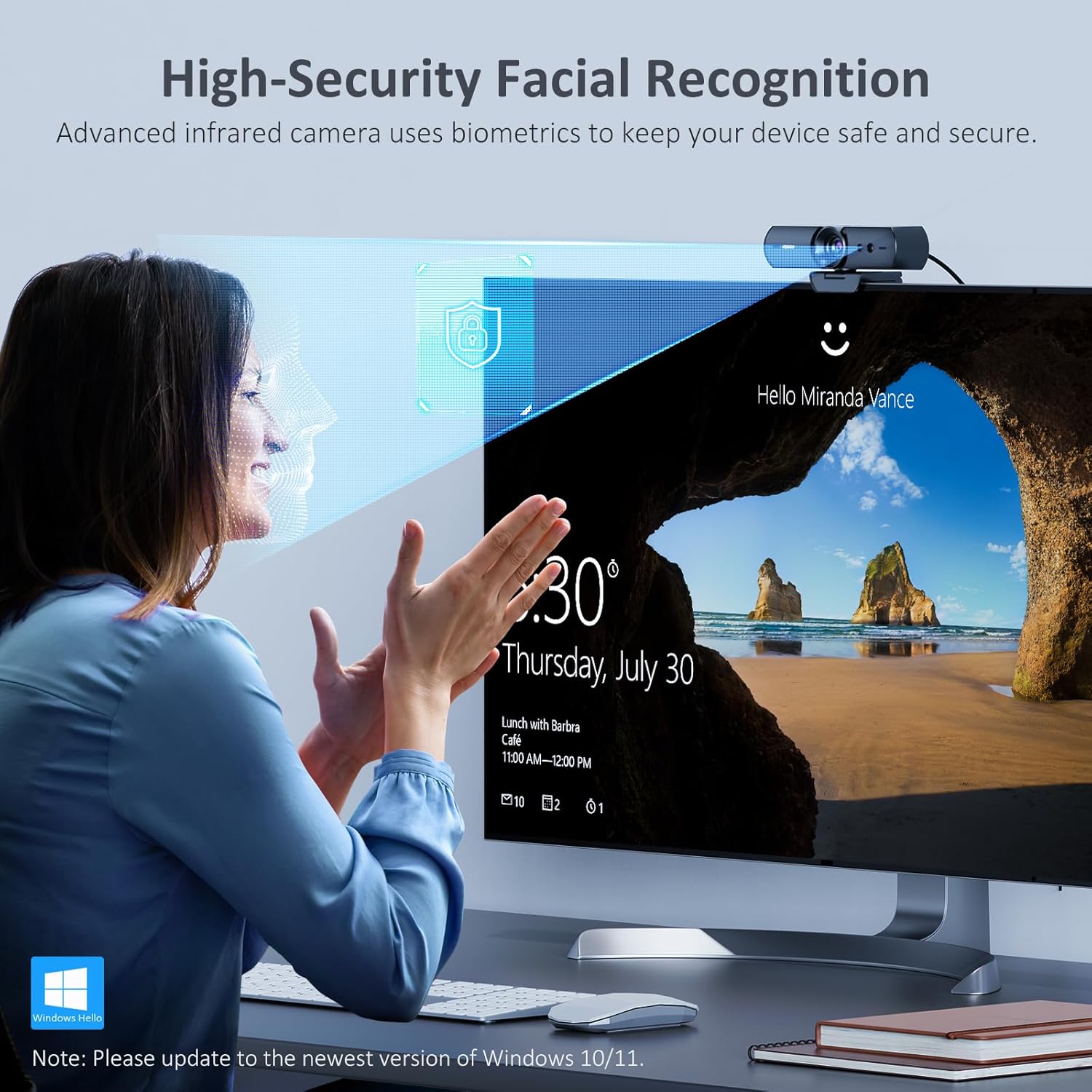
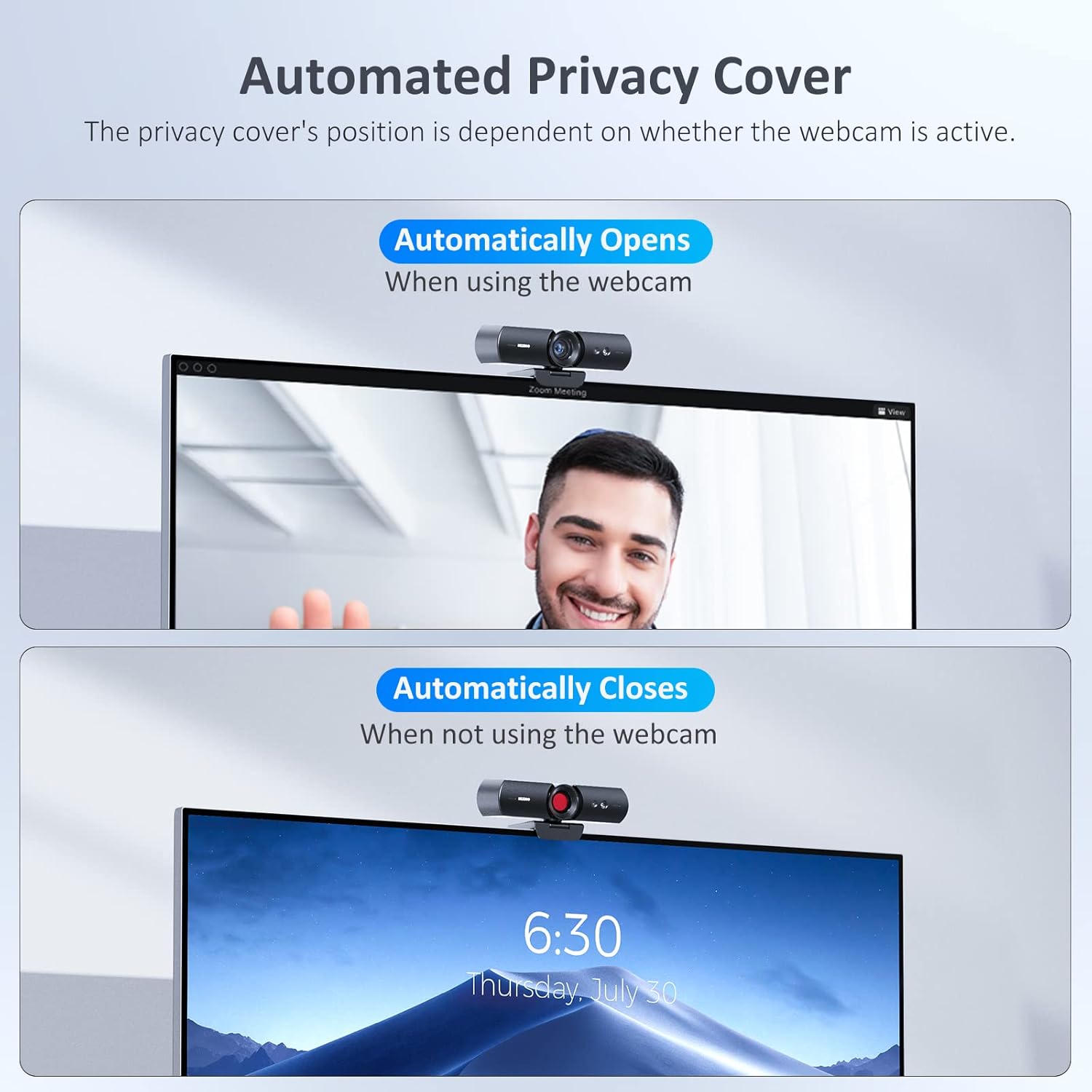
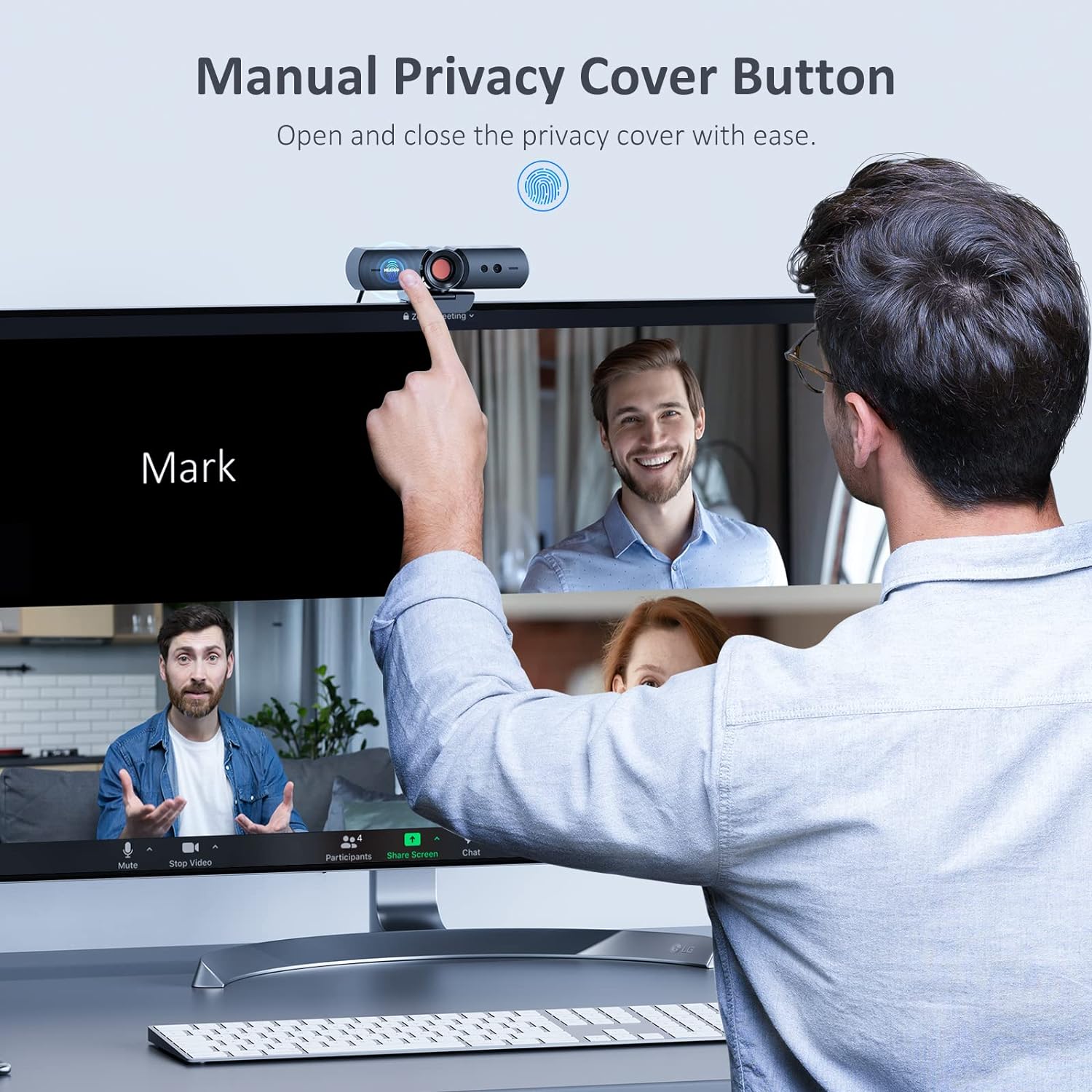
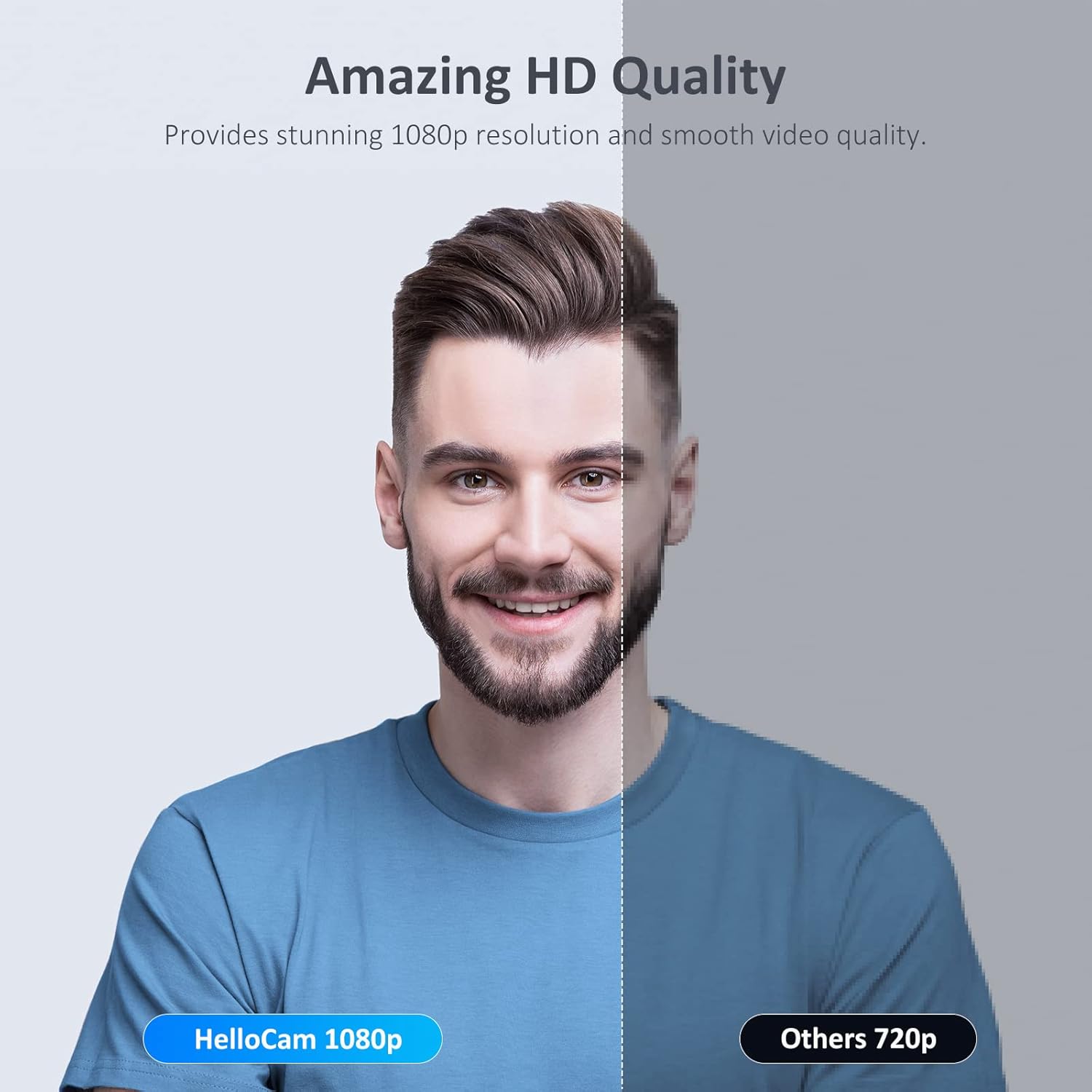
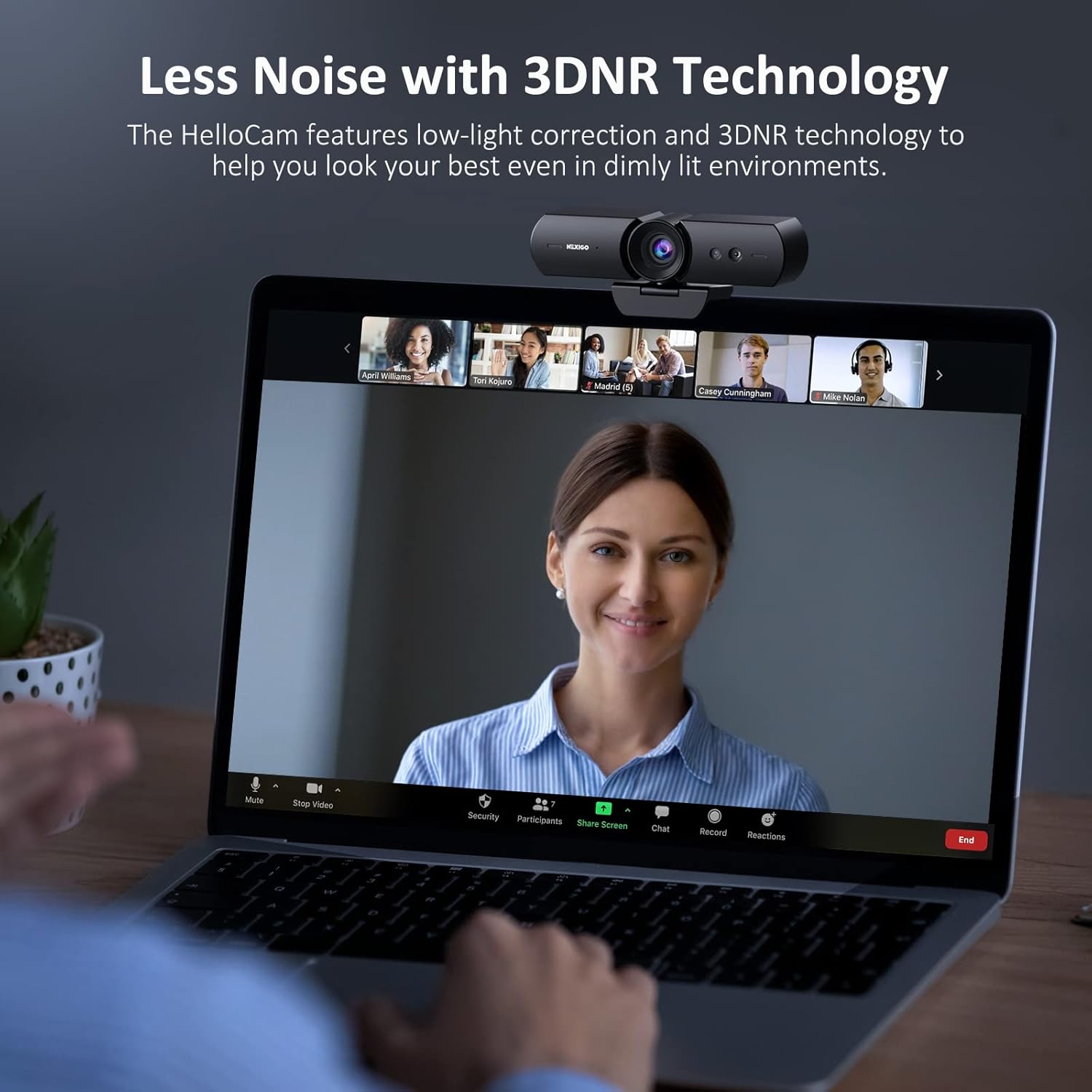
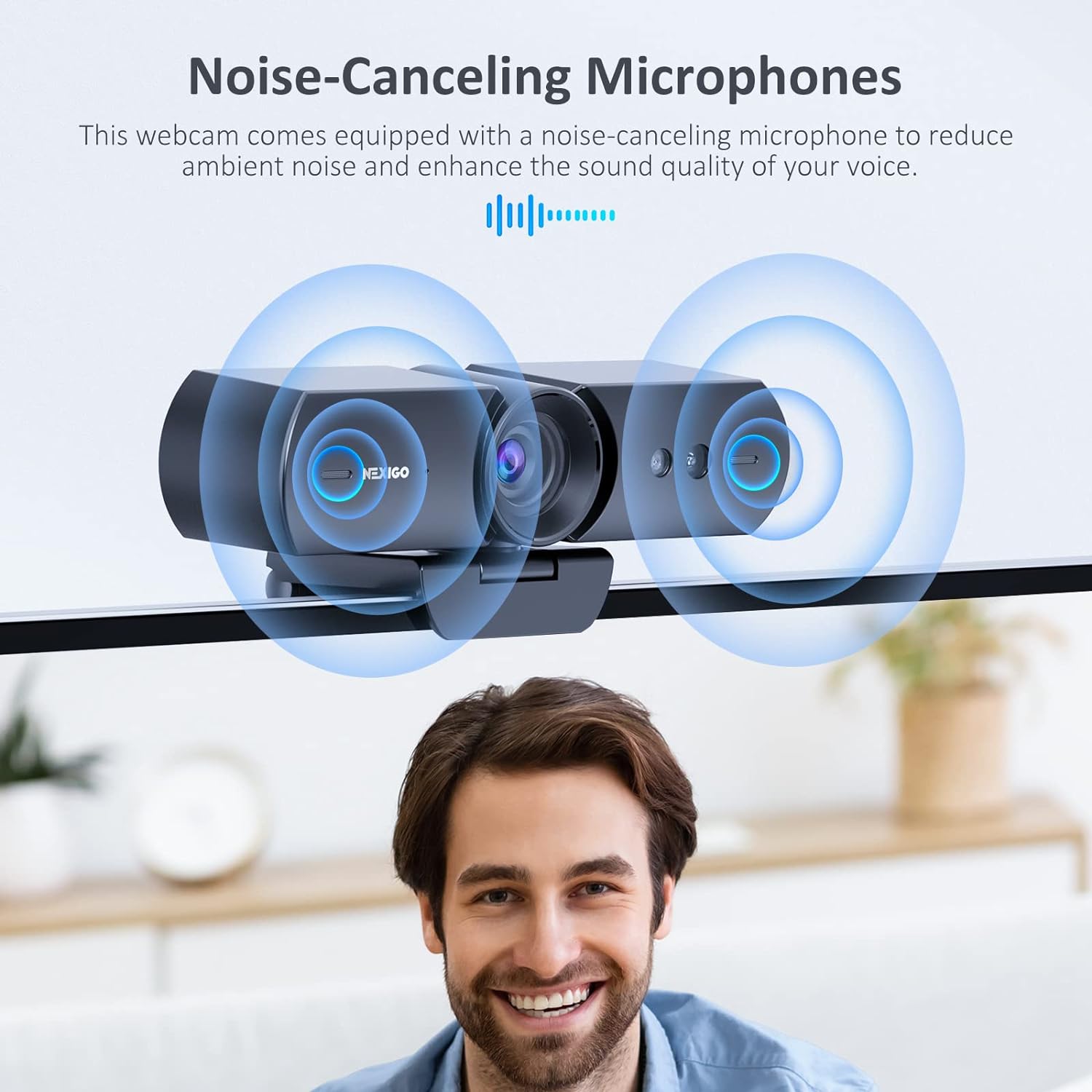
What it is and what it helps with\nThe NexiGo HelloCam is a 1080p USB webcam designed for daily video calls, conferencing and streaming. It emphasises convenience and security through Windows Hello compatibility, letting you unlock and start video calls with facial recognition rather than typing a password. If you want a straightforward setup for home or small‑office use, this camera aims to offer reliable video and a practical privacy feature.\n\n## Where it fits in your setup\nThis webcam sits between basic plug‑and‑play models and more feature‑rich, price‑driven options. On paper it focuses on ease of use (Windows Hello), privacy (automatic privacy cover), and clear video with automatic exposure to handle varying light. It’s suited for everyday tasks like video calling, remote work, online classes or casual streaming where a compact, unobtrusive camera is preferred.\n\n## Key benefits in use\nThe 1080p full‑HD video uses a 2MP CMOS sensor to deliver reasonably sharp images at up to 1920 × 1080 and 30fps, which is adequate for most video calls and light recording. The 3.5‑mm prime lens is optimised for indoor distances roughly from 12.4 to 47.2 inches, so set‑ups from desk to small meeting areas should be fine. Automatic exposure helps keep faces visible as lighting changes, reducing the need to tweak settings manually. The built‑in noise‑cancelling microphones should help reduce background chatter during calls.\n\n## Privacy and security at a glance\nThe auto electronic privacy cover is a practical touch: it opens to start a call and closes when you’re done, with an additional tactile control on the camera for manual activation. This kind of feature can be reassuring if you’re concerned about accidental camera exposure when not in use.\n\n## What stands out (and where it may fall short)\nOn the plus side, Windows Hello compatibility is convenient for many Windows users and can speed up sign‑in across devices. The privacy cover adds a tangible layer of privacy that many webcams lack. If you prioritise a simple, low‑fuss setup with decent video quality and integrated privacy, this camera makes sense.\nOn the downside, it’s a balance tool rather than a high‑end streaming setup. The 1080p specification is standard for many webcams in its price segment, but you might notice it’s not the sharpest in challenging lighting or with very fast motion. If you need very high dynamic range or advanced optics for professional production, this model may feel modest.\n\n## Who it’s for\nIdeal for home offices, students, or small business users who value Windows Hello convenience, straightforward installation, and a privacy feature built into the camera. It’s suitable for everyday calls, online classes, light recording and casual streaming where the priority is reliability and ease of use.\n\n## Who it isn’t for\nIf your priority is cinematic video quality, professional live streaming, or advanced autofocus and colour grading, you may want to look at higher‑end options. It also won’t replace a specialised microphone setup for high‑fidelity audio projects.\n\n## Before you buy: what to check\n- Ensure your Windows device supports Hello Face and that you’ve enabled Windows Hello features.\n- Consider your lighting: automatic exposure helps, but extreme backlight or low light may still challenge any webcam.\n- If you need advanced audio options, plan for an external microphone, the built‑in mic is suitable for casual calls but not professional audio work.\n\n## How it compares to other approaches\nFor quick, day‑to‑day video calls, this camera offers a sensible blend of privacy and convenience at a sensible price. If you already have better lighting and you mainly need a dependable webcam, this model fits as a practical upgrade over basic fixed‑focus USB cams. If you’re after top‑tier video quality or studio streaming features, you’ll likely be drawn to higher‑end webcams with more robust sensors and richer feature sets.\n\n## Practical example of use\nYou sit at your desk for a Zoom meeting, the camera recognises you on login thanks to Windows Hello, so there’s no need to type a password or look away from the screen. When a call starts, the privacy cover slides open automatically and your background appears clear thanks to the AE exposure that adapts as your room lighting shifts. After the meeting, you press the manual switch on the camera to close the cover and rest easy.\n\n## FAQ (limited to available data)\n- Does it work with Windows Hello? Yes, it supports Windows Hello facial recognition.\n- What’s the video resolution? Up to 1920 x 1080 at 30fps.\n- Are the microphones good for calls? It has built‑in noise‑cancelling microphones suitable for video calls and basic recording.\n\n## Final decision: Should you buy it?\nIs it worth it? Worth considering if you value Windows Hello integration and a built‑in privacy cover in a compact 1080p webcam for routine home or small‑office use. If the priority is top‑tier image quality or professional audio, you may wish to explore alternatives with stronger specs.