

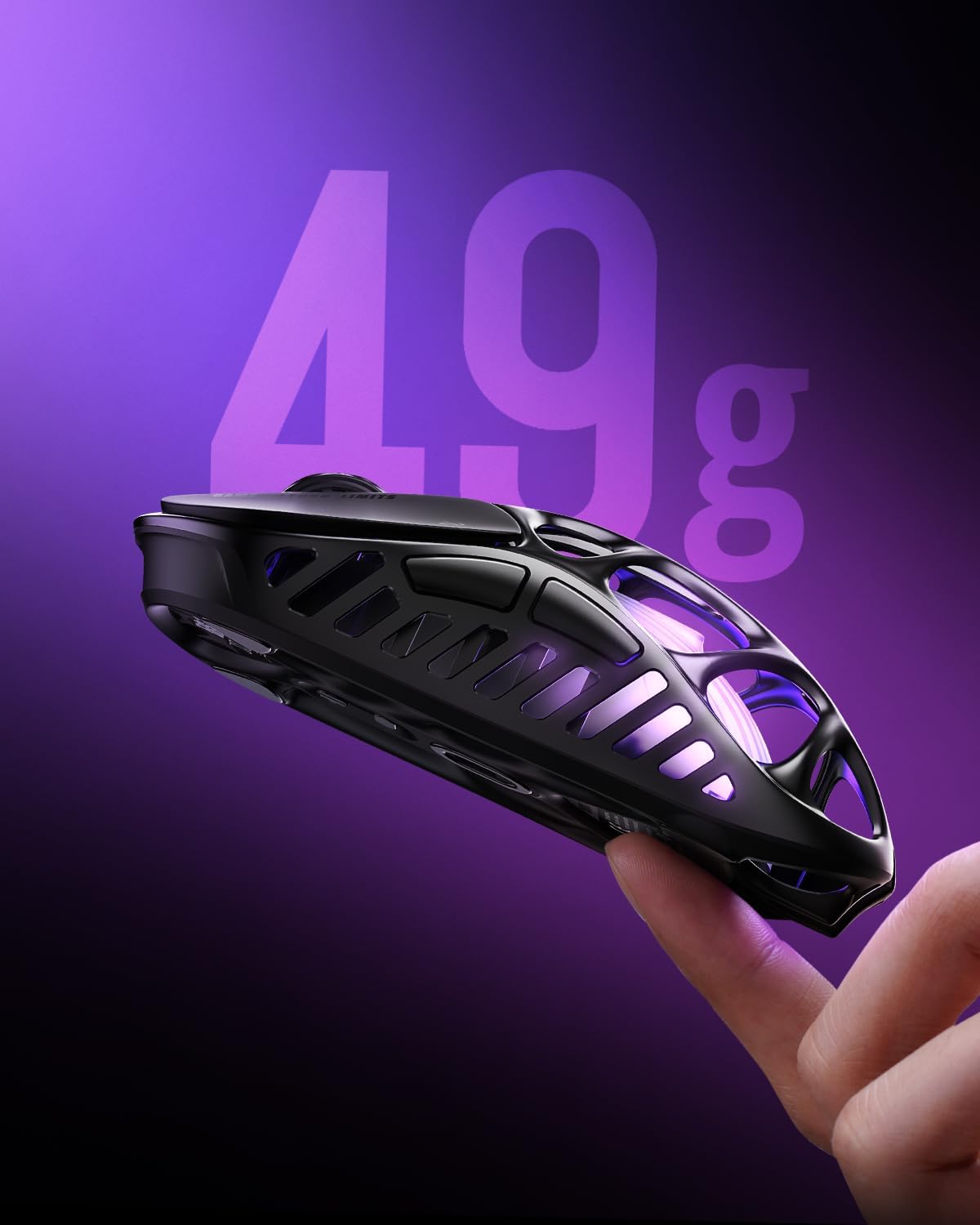
GravaStar Mercury X Pro Wireless Gaming Mouse (8K dongle, 32,000 DPI, 8,000Hz, 49g)
Product description
What it is and the problem it solves
The GravaStar Mercury X Pro is a wireless gaming mouse built around a pretty specific idea: keep the mouse light and cool, while still giving you sharp, consistent tracking for fast games and finer aiming. On paper, it leans into performance where you feel it during longer sessions—especially if you dislike heavy mice or you tend to get sweaty hands.
It also covers a practical day-to-day need: flexible connectivity. Instead of forcing you into one setup, it offers tri-mode options (Bluetooth, 2.4G wireless, or wired), which can matter if you swap between a gaming PC and other devices, or if you want the option to go wired when latency sensitivity is top of mind.
Key takeaways
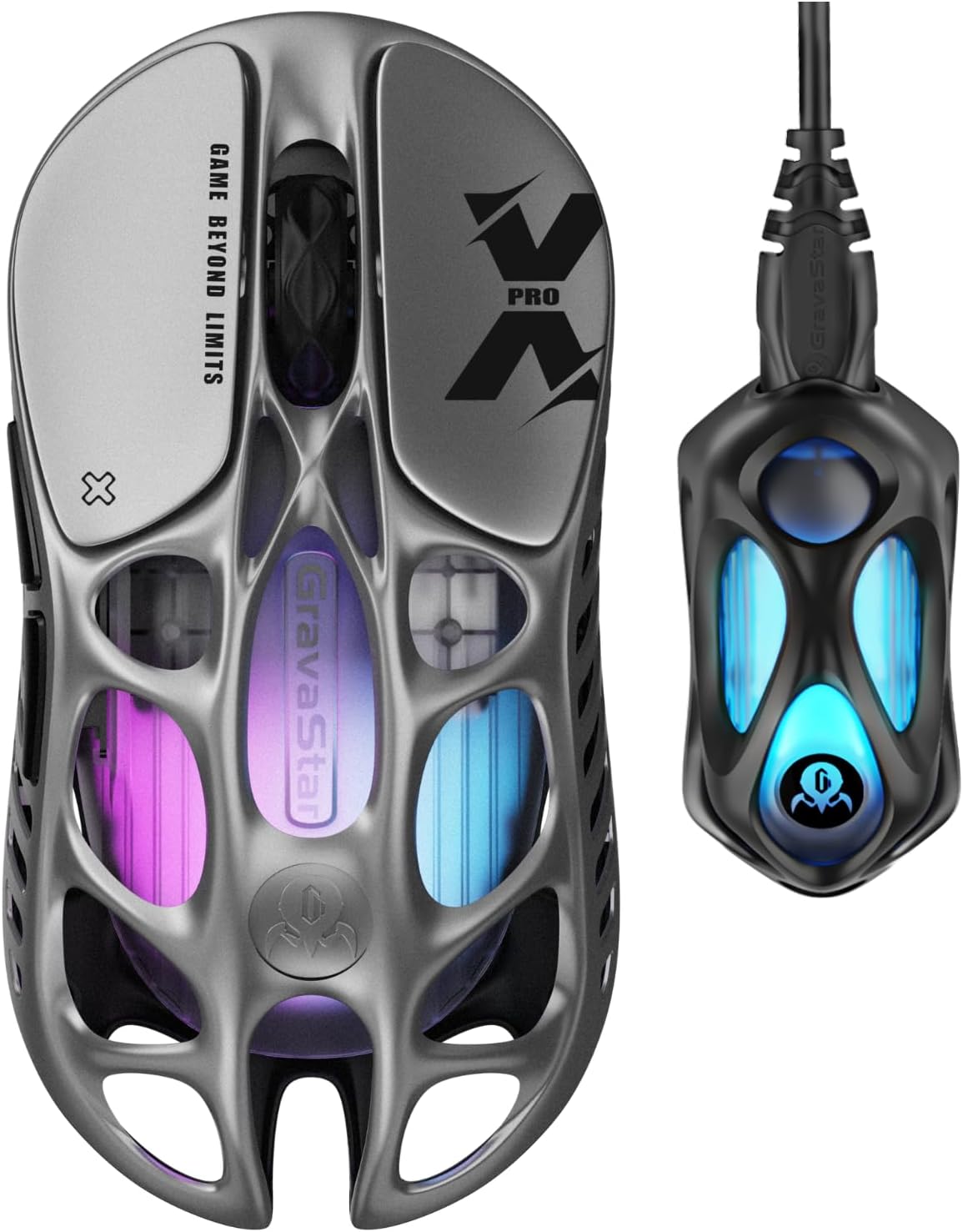
The stand-out features are the lightweight magnesium alloy hollow frame (49g), the PAW 3950 32,000 DPI sensor for accurate tracking, and an 8,000Hz polling rate. There’s also RGB lighting and five programmable buttons, which should be enough for most common FPS and MOBA control schemes.
That said, it’s worth tempering expectations: the sensor/polling numbers and the “only 49g” pitch are impressive, but real-world feel depends a lot on grip style, mousepad surface, and your own sensitivity settings. If you’re used to heavier ergonomic mice, this may feel different for a while.
What stands out in everyday use
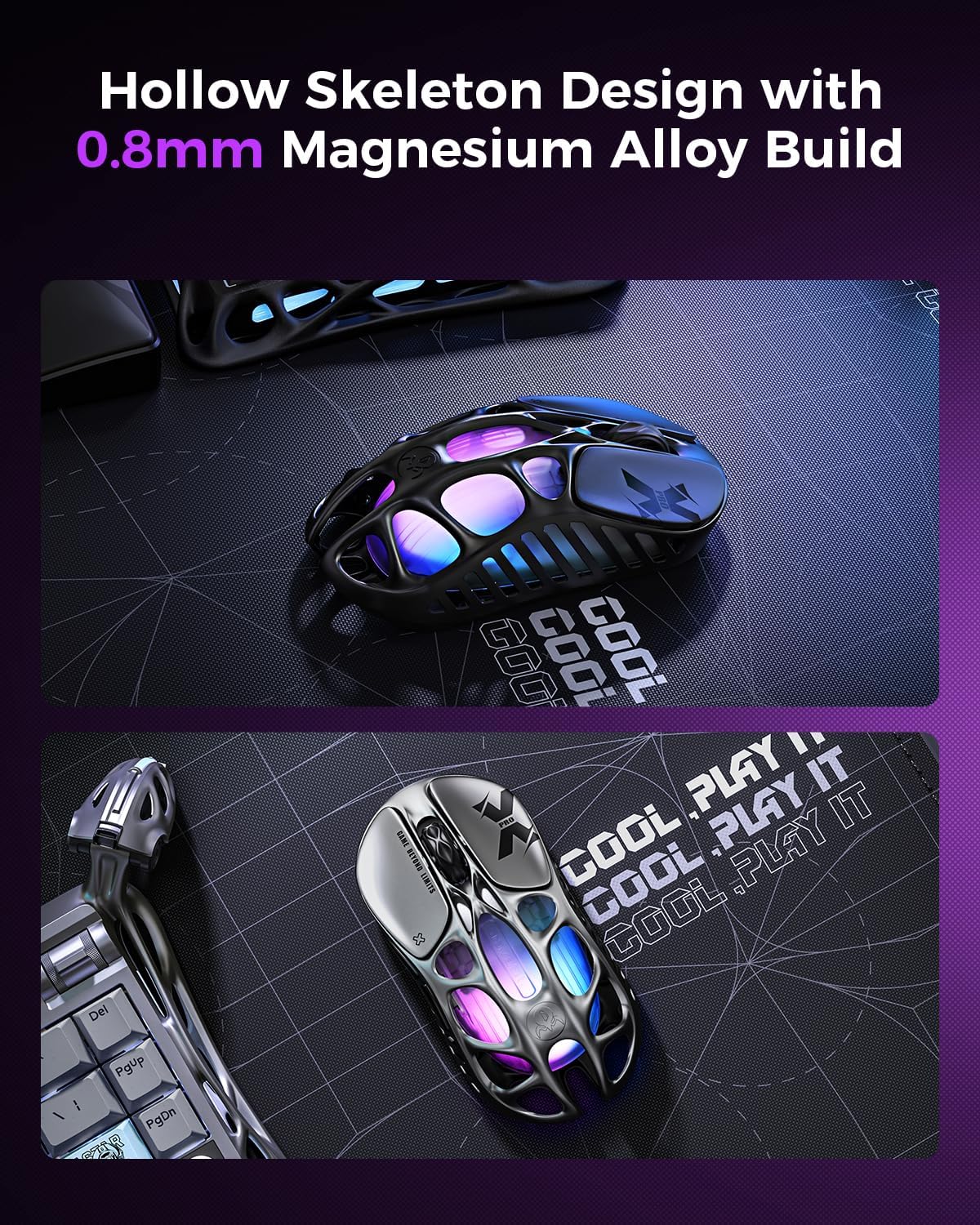
The hollow “skeleton” style isn’t just about looks. With the magnesium alloy hollow frame described as maximising airflow, the intention is to help keep your hand cooler and drier during intense gaming. In other words, it’s aimed at comfort you notice over time, not just a spec-sheet win.
The weight is the other big day-to-day factor. At 49g, it’s the kind of mouse that typically suits fast, controlled movements—especially for players who like low resistance between mouse and pad. If you prefer a heavier feel for stability, you may find it too light, or you might need to tweak your grip and settings to get comfortable.
Sensor and tracking for FPS and MOBA
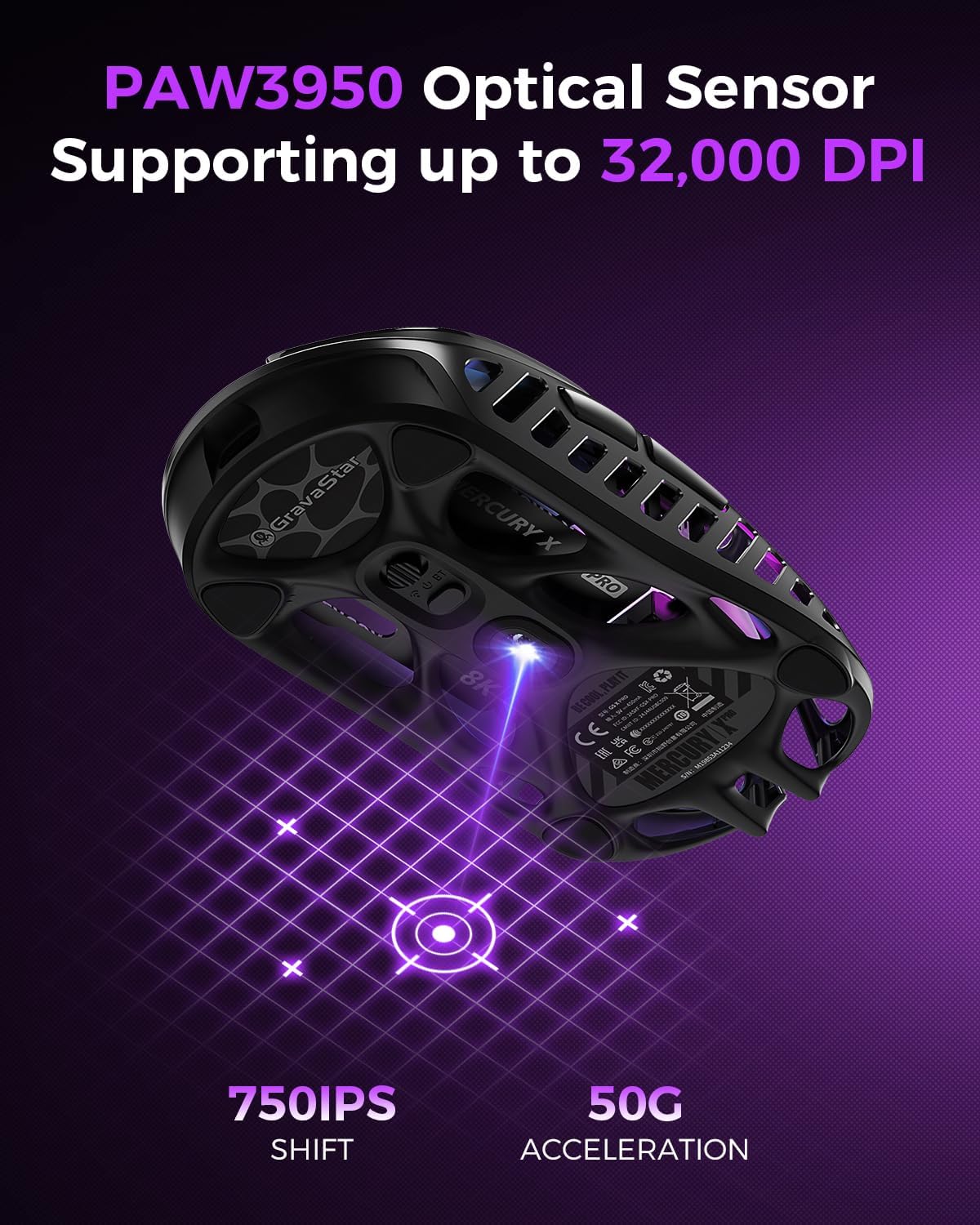
The PAW 3950 sensor is positioned as the accuracy workhorse here, with 32,000 DPI listed for ultra-accurate tracking. The intended use is explicitly both fast-paced FPS and MOBA-style precision, which usually means you want consistent movement across quick flicks and slower, aim-hold moments.
You should still consider your setup. A high DPI ceiling is useful, but the practical “best” setting depends on your sensitivity and how you play. If you often run lower DPI with tighter control, the big headline number becomes less important than smoothness and repeatability on your pad.
Connectivity: tri-mode flexibility (and when it matters)
This mouse supports Bluetooth, 2.4G wireless, and wired use. That’s a genuine advantage for buyers who want one mouse to cover different scenarios—desktop gaming, occasional laptop play, or a setup where you want wired as a fallback.
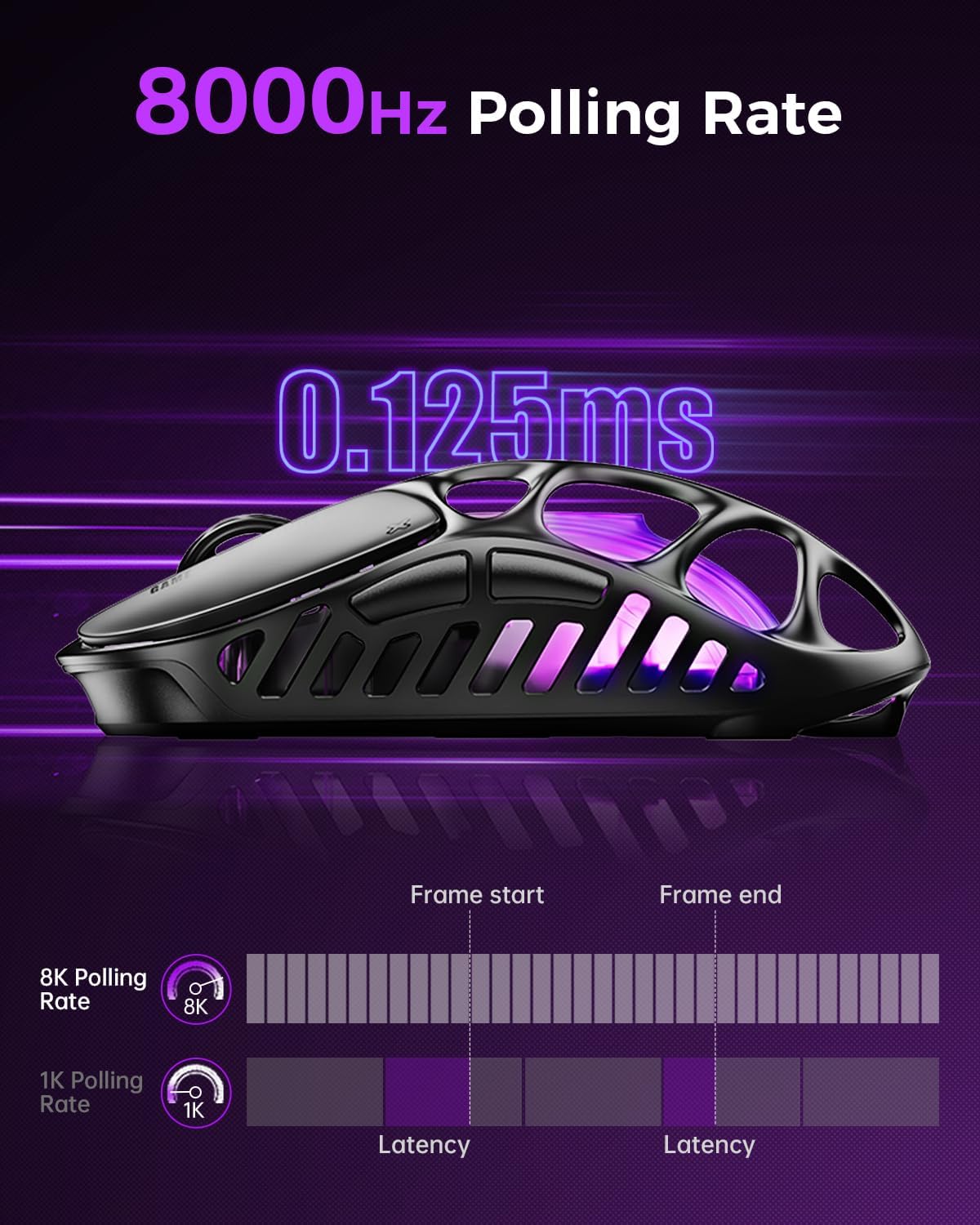
The inclusion of an 8K dongle suggests the wireless path is a key part of the design. Still, take a moment to think about your actual environment. If you mostly use Bluetooth or you game rarely on the same desk, you might not fully benefit from the highest polling claim.
A practical example: if you’re commuting or working and your gaming PC isn’t always at hand, Bluetooth could keep things simple for everyday use. Then, back at your main setup, switching to 2.4G with the dongle for competitive sessions is the kind of workflow this mouse is built for.
Programming and lighting: useful, but not the main reason to buy
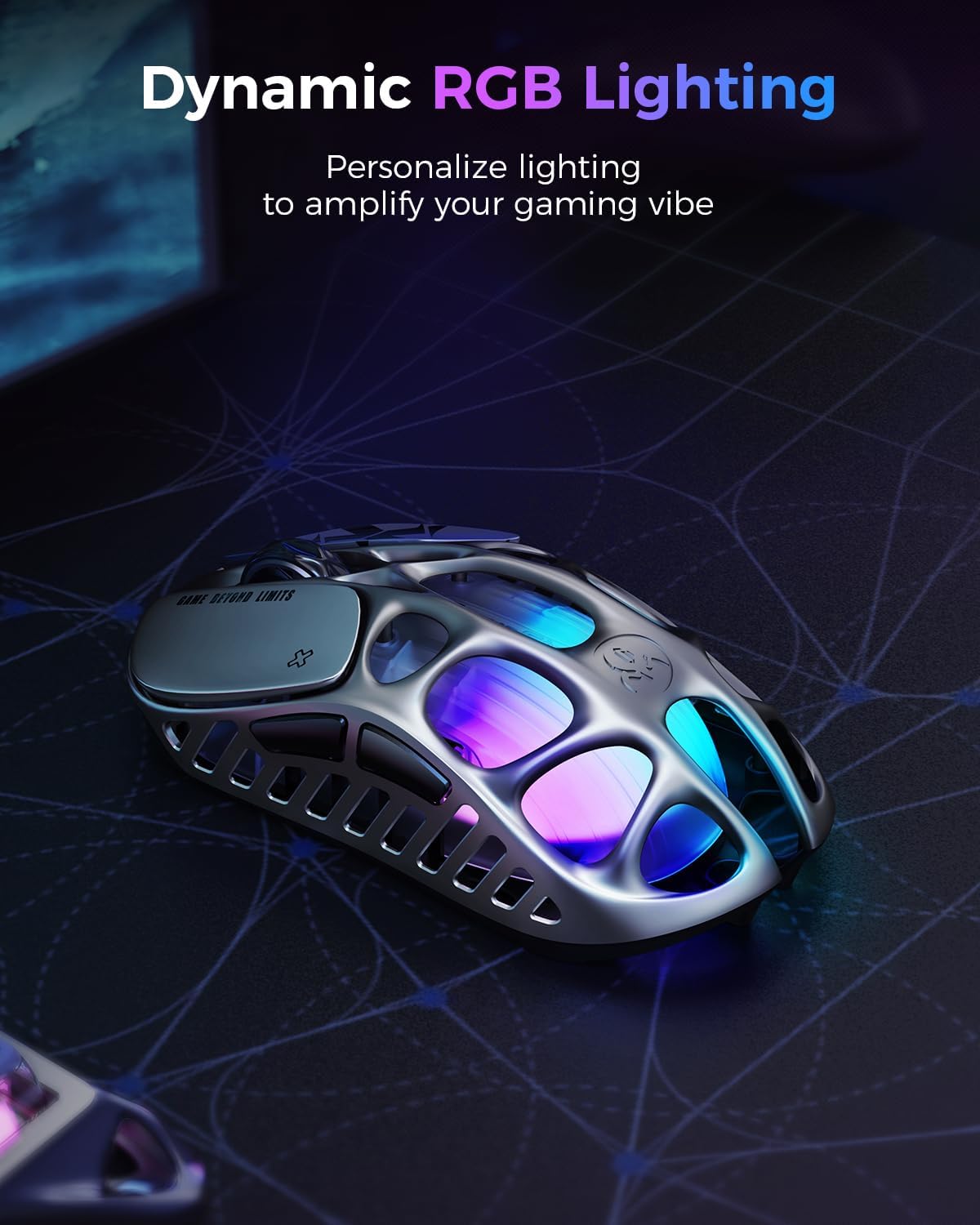
There are five programmable buttons and RGB lighting, controlled via customisable software (as described). This helps you tailor actions to your playstyle—useful for things like ability shortcuts in MOBAs or weapon/utility macros in FPS.
However, the RGB and customisation are secondary. The “real” value here is the weight/frame and tracking performance. If you’re buying purely for aesthetics or you want a large number of extra buttons, you may find 5 programmable buttons a little limiting.
Tech summary (based on the provided details)
Product specs
- Sensor: PAW 3950
- Max DPI: 32,000 DPI
- Polling rate: 8,000Hz
- Weight: 49g
- Frame material: magnesium alloy hollow frame
- Connectivity: Bluetooth, 2.4G wireless, and wired
- Buttons: 5 programmable buttons
- Lighting: RGB
- Includes: 8K dongle
Mini FAQ
How does the hollow skeleton design help?
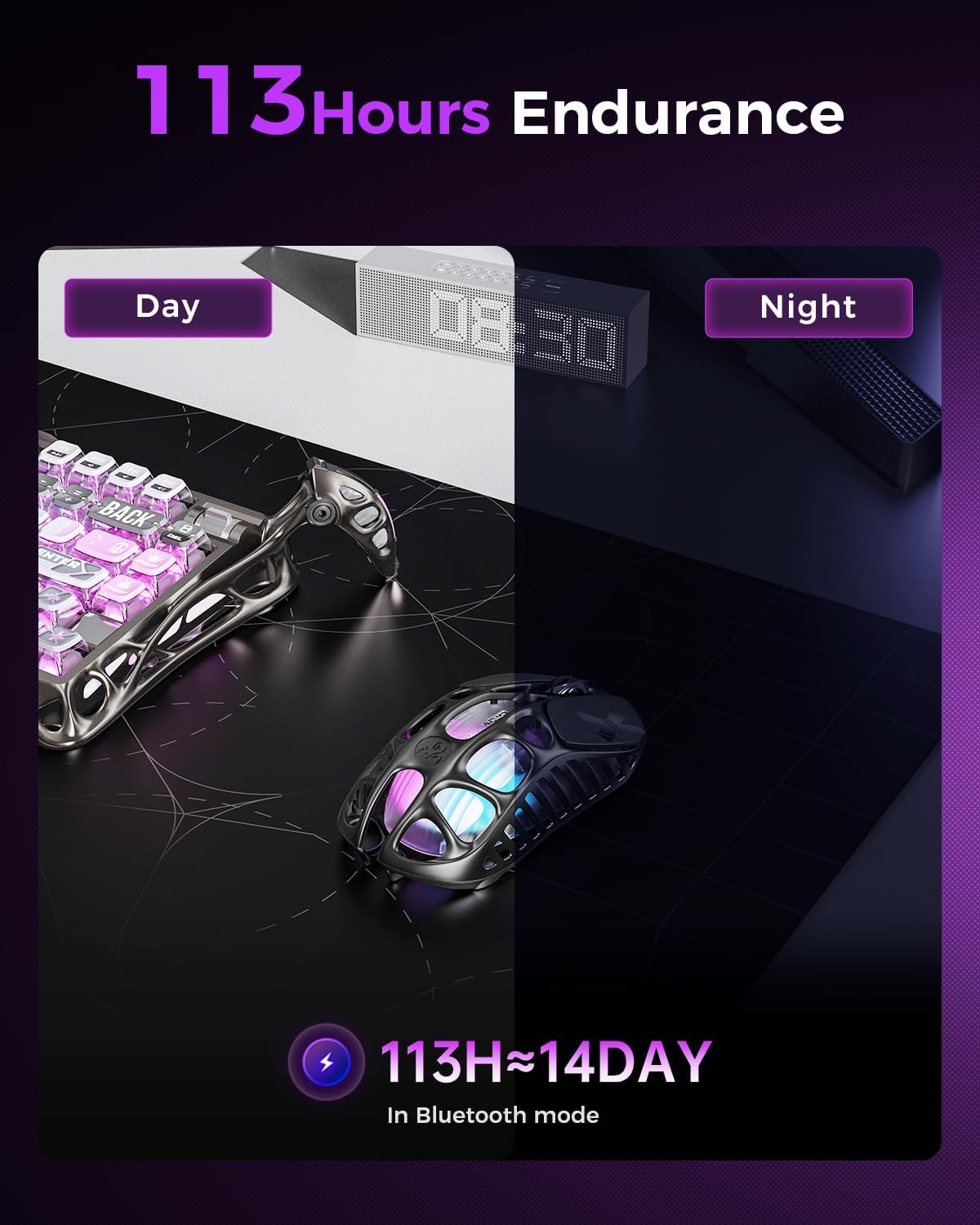
It’s designed to maximise airflow and help keep your hand cooler and drier during intense sessions. That’s especially relevant if you notice heat build-up with heavier solid-frame mice.
Is the 8,000Hz polling rate something I’ll notice?
It depends on your setup and sensitivity habits. If you game competitively and want the highest responsiveness path, it’s a selling point. If you’re mostly casual or you stick to wired less often, you may not feel it as strongly.
Can I use it without the dongle?
The mouse is described as tri-mode, including Bluetooth, so there’s an option to use it without the 2.4G dongle for those scenarios.
Is this a good choice for long sessions?
The low weight (49g) and the airflow-focused hollow frame are aimed at comfort during extended play. But comfort still comes down to your grip and whether the lighter build suits you.
Should you buy it?
It makes sense if you want a wireless gaming mouse that prioritises light weight (49g), improved airflow via a magnesium alloy hollow frame, and accurate tracking for FPS and MOBA play, while also keeping tri-mode connectivity options.
You may want to skip it if you prefer a heavier mouse feel, need more than five programmable buttons, or you’re unlikely to use (or benefit from) the top-end wireless approach implied by the 8K dongle. On paper it’s a focused performance choice more than a do-it-all comfort mouse.