

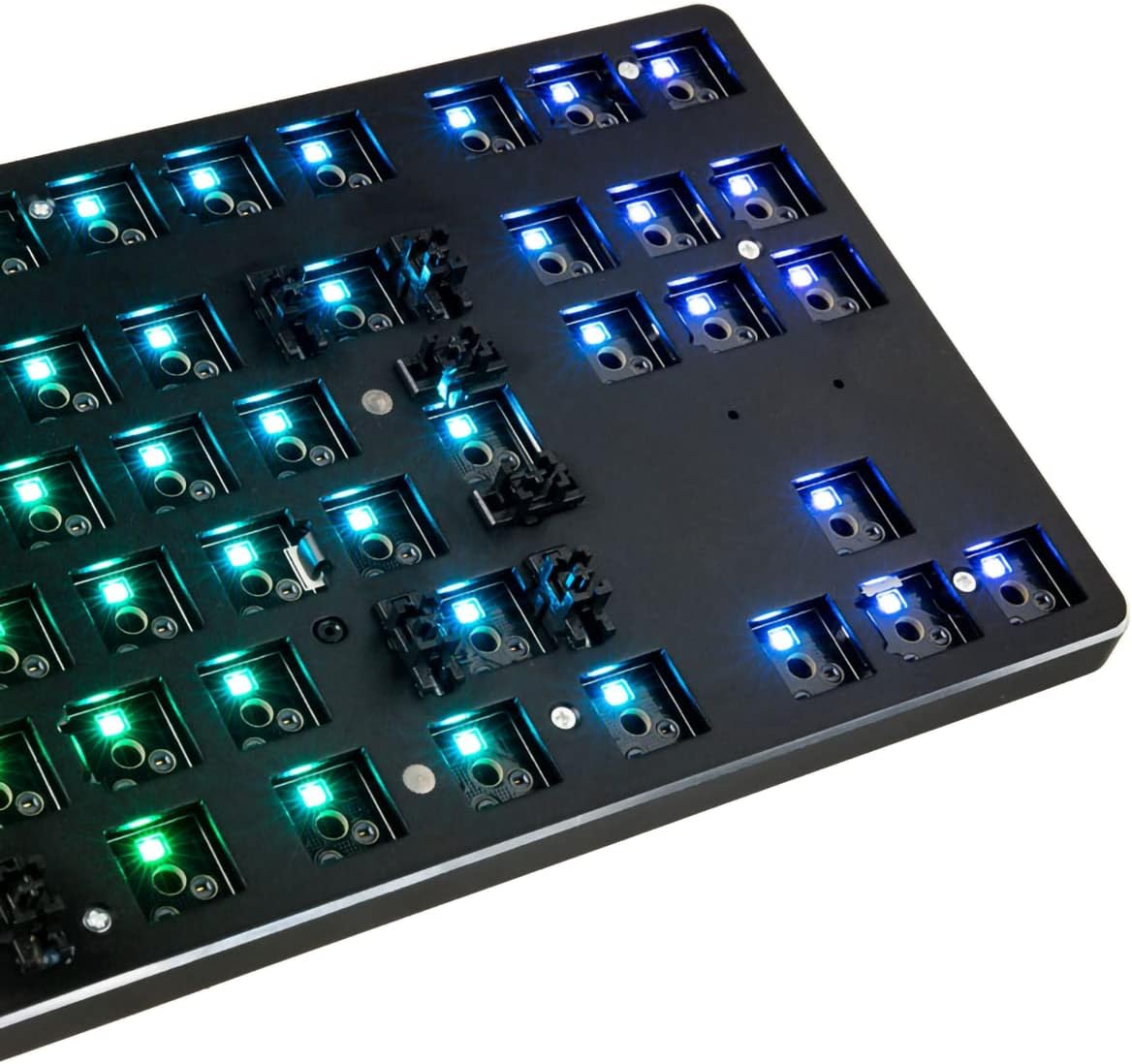
Glorious Gaming GMMK TKL 85% Barebones (Frame Only) Hot-swap Mechanical Keyboard, Per-key RGB, ISO Layout (Black)
Product description
Quick overview
If you’ve been looking at mechanical keyboards and thought, “I want to build it myself (but without the soldering drama)”, the Glorious Gaming GMMK TKL 85% Barebones is built for that exact mindset. It’s a hot-swap, RGB-focused TKL frame that’s designed to let you choose switches and keycaps, then tune the feel and sound without specialised tools.
On paper, it sits in a sensible “enthusiast-lite” space: you get per-key RGB, hot-swap convenience, and a layout that’s aimed at European/International ISO users. The trade-off is that it’s listed as barebones (frame only), so it won’t be a complete keyboard straight out of the box—your decisions on switches and keycaps matter a lot.
Key features that affect real buying decisions
The headline is hot-swapping. Instead of soldering switches in place, the GMMK uses switch sockets so you can plug switches in and out more easily. For most people, that means experimenting becomes less of a commitment. Maybe you start with something calmer for work, then switch to a more tactile option later for gaming.
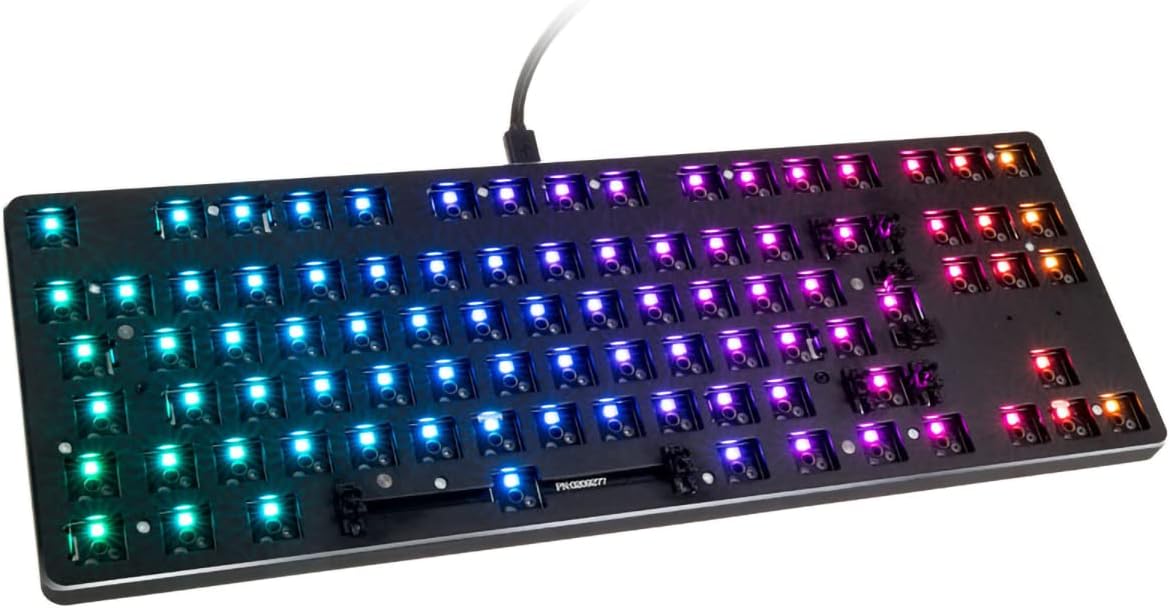
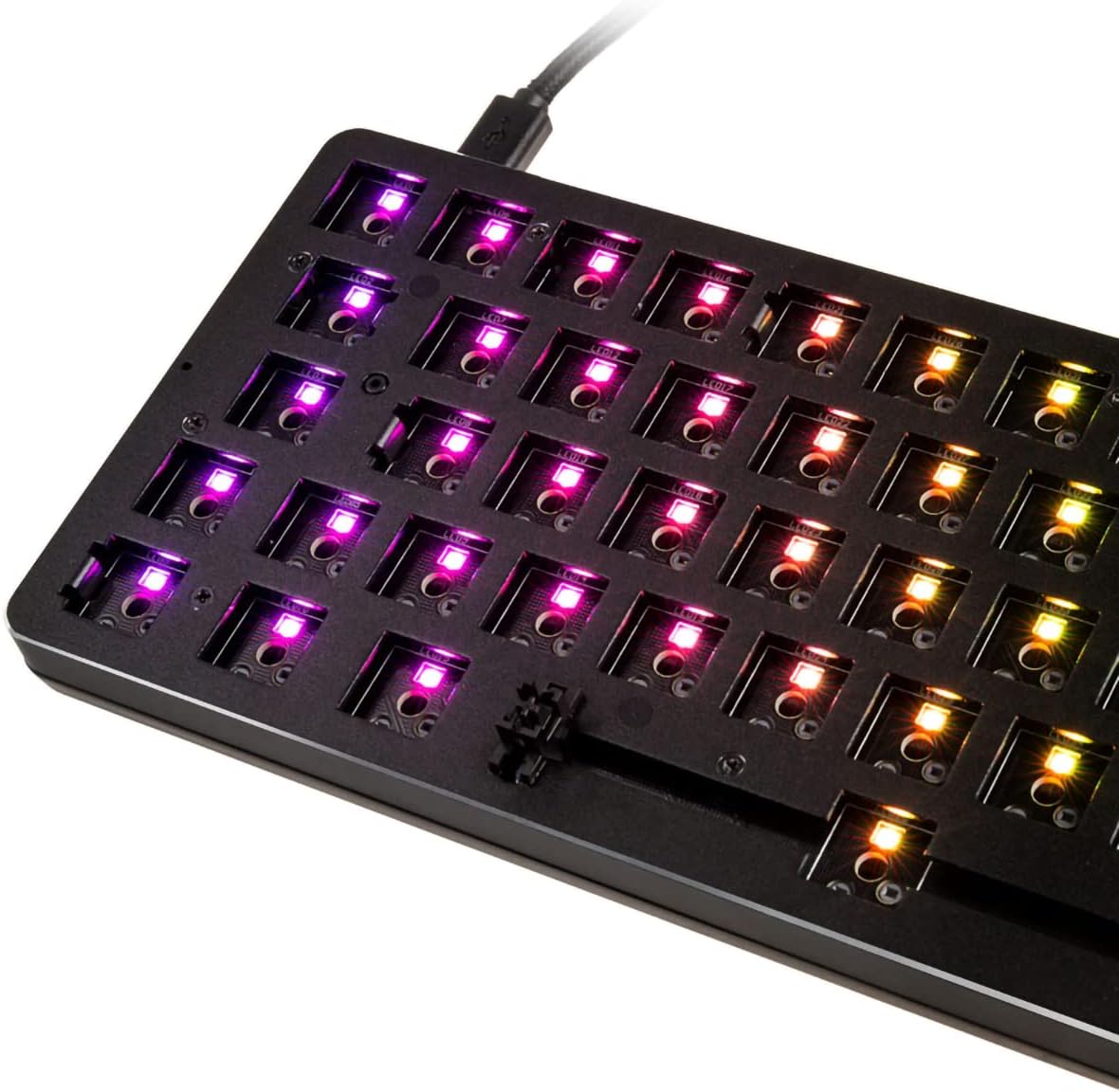
The per-key RGB is also a practical plus, not just a “lights everywhere” gimmick. You can set major RGB patterns from the keyboard hotkeys directly without relying on software every time.
It’s also described as compatible with a range of 3-pin, plate-mounted mechanical switches. The listing specifically mentions brands like Gateron and Kailh, and “most MX switches”. That breadth is helpful if you already have a drawer of compatible switches, or if you’re choosing between options based on feel (linear vs tactile vs clicky) rather than compatibility headaches.
Tech specs
- Type: Mechanical gaming keyboard (barebones frame only)
- Layout: 85% / TKL
- Backlighting: Per-key RGB
- Hot swap: Yes (switch sockets, no soldering mentioned)
- Switch compatibility: 3-pin, plate-mounted mechanical switches, includes Gateron and Kailh, “most MX switches”
- Keycap compatibility: Standard-sized bottom row for MX-style keycaps (per listing)
- Plate/materials: Full aluminium metal top plate, ABS plastic bottom plate
- Keyboard layout: European/International ISO
- Colour: Black
- Software/customisation: Customisable via GMMK Software (as stated)
What you’ll notice in everyday use
The TKL/85% form factor is one of the biggest day-to-day wins. It keeps the desktop tidier than a full-size board while still covering the keys many people rely on for gaming and productivity. If you like the “less clutter, still useful” approach, this fits that vibe.
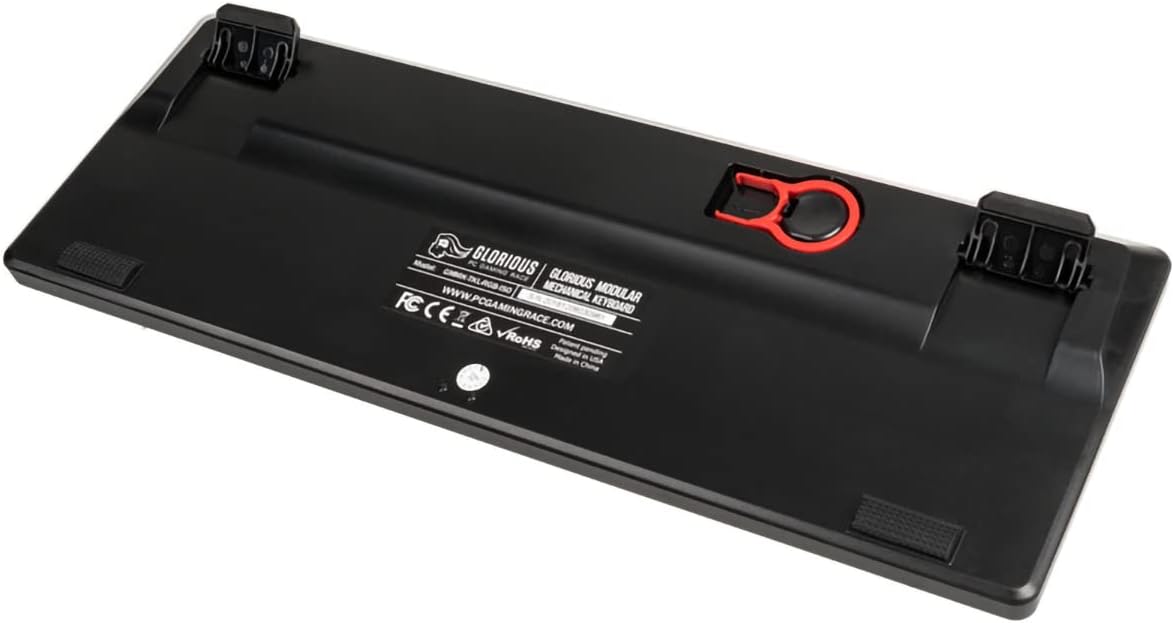
The aluminium top plate and ABS bottom plate are there for sound tuning, whether you prefer a sharper, clacky profile or a deeper, “thocky” character. That doesn’t guarantee one exact sound for everyone, because the listing also makes it clear that you’re meant to customise the build with your own switches and keycaps—but it’s a good sign that the frame is intended to respond to those choices rather than flatten them.
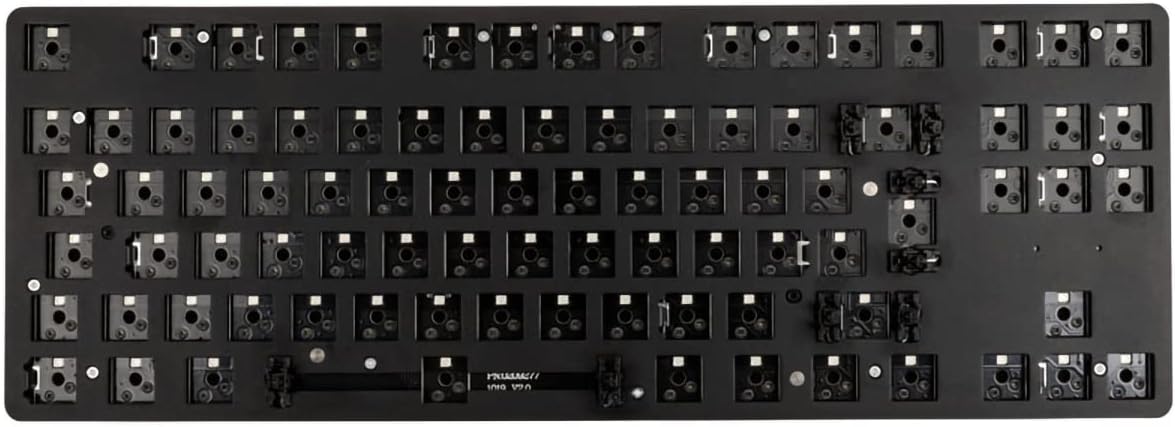
One detail worth keeping in mind: the layout is ISO, and the listing warns that the layout “may differ from the product images”. So if you’re very specific about key positions, it’s worth double-checking the ISO layout before committing.
Where it shines, and where it might fall short
This is a strong buy if you want flexibility: hot-swap convenience, per-key RGB, and a build path using compatible switches and MX-style keycaps. It suits people who enjoy tweaking and who don’t want to be locked into whatever configuration a pre-built keyboard ships with.
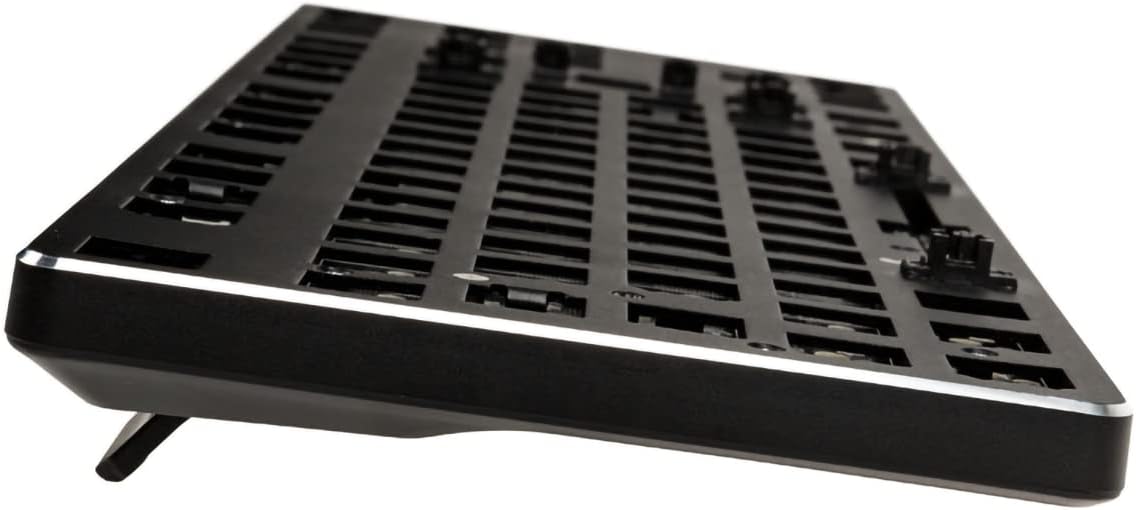
However, it may not be ideal if you’re after a straightforward “turn it on and go” purchase. Being described as “Barebones (Frame Only)” means you’ll need to source switches and keycaps yourself, and the quality of your final experience will depend heavily on those parts.
It also comes down to your tolerance for tinkering. If you’d rather spend your time gaming or working than experimenting with different switch/keycap combinations, the barebones approach can feel like extra effort.
Getting the most from it
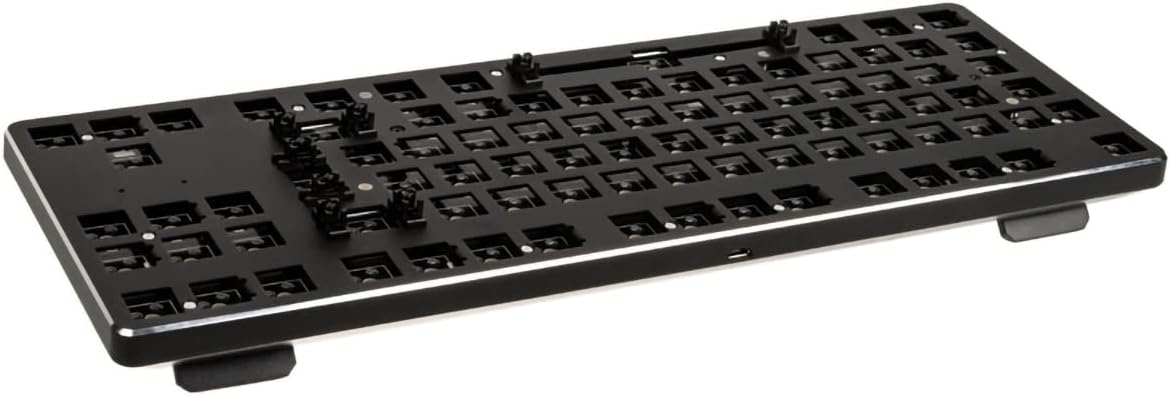
If you’re planning a build, a good approach is to think first about the feel you want (linear vs tactile) and then pick switches that match your preference within the stated 3-pin, plate-mounted compatibility. After that, choose keycaps—because the bottom row is described as standard sized for MX-style keycaps, you should have a reasonable range of options.
A micro example of how this plays out: say you’re using it for both office tasks and evening games. You might start with switches that feel less fatiguing for long typing sessions, then later swap in a different switch type once you’ve learned how you personally like the sound and resistance. With hot swap, that change is meant to be far less of a headache than reinstalling everything from scratch.
When it makes sense
Is it worth it?
Buy it if you want a hot-swap TKL 85% ISO mechanical keyboard frame where you can customise switches and keycaps, and you like the idea of per-key RGB with keyboard hotkey control for major patterns.
Avoid it if you need a complete keyboard with switches and keycaps included, or if you’re not interested in choosing compatible components yourself. It’s not really built for “minimal thinking”, it’s for people who want control over the build.
Also, take a moment to check the ISO layout details (the listing notes it may differ from images) so you’re not caught out by key positioning.
Mini FAQ
FAQ
Is this the full keyboard, or barebones only?
It’s described as Barebones (Frame Only), so the keyboard frame is the focus. You should expect to add switches and keycaps yourself.
Do I need soldering to install switches?
The listing positions it as a hot-swappable keyboard designed so you can plug switches in and out easily, without soldering or fancy tools.
What RGB control options are there?
You can set major RGB patterns from the keyboard hotkeys directly, and it’s also described as customisable via the GMMK Software.
Will it work with MX-style keycaps?
The listing says it has a standard layout with a standard-sized bottom row, making it compatible with most MX-style keycaps.
What switches should I look for?
Look for 3-pin, plate-mounted mechanical switches. The listing mentions compatibility with Gateron and Kailh and says it works with most MX switches (as stated).