

Dierya DK68se 60% Mechanical Gaming Keyboard (Brown Tactile Switch, 68 Keys) with LED Backlight – US Layout
Product description
The essentials
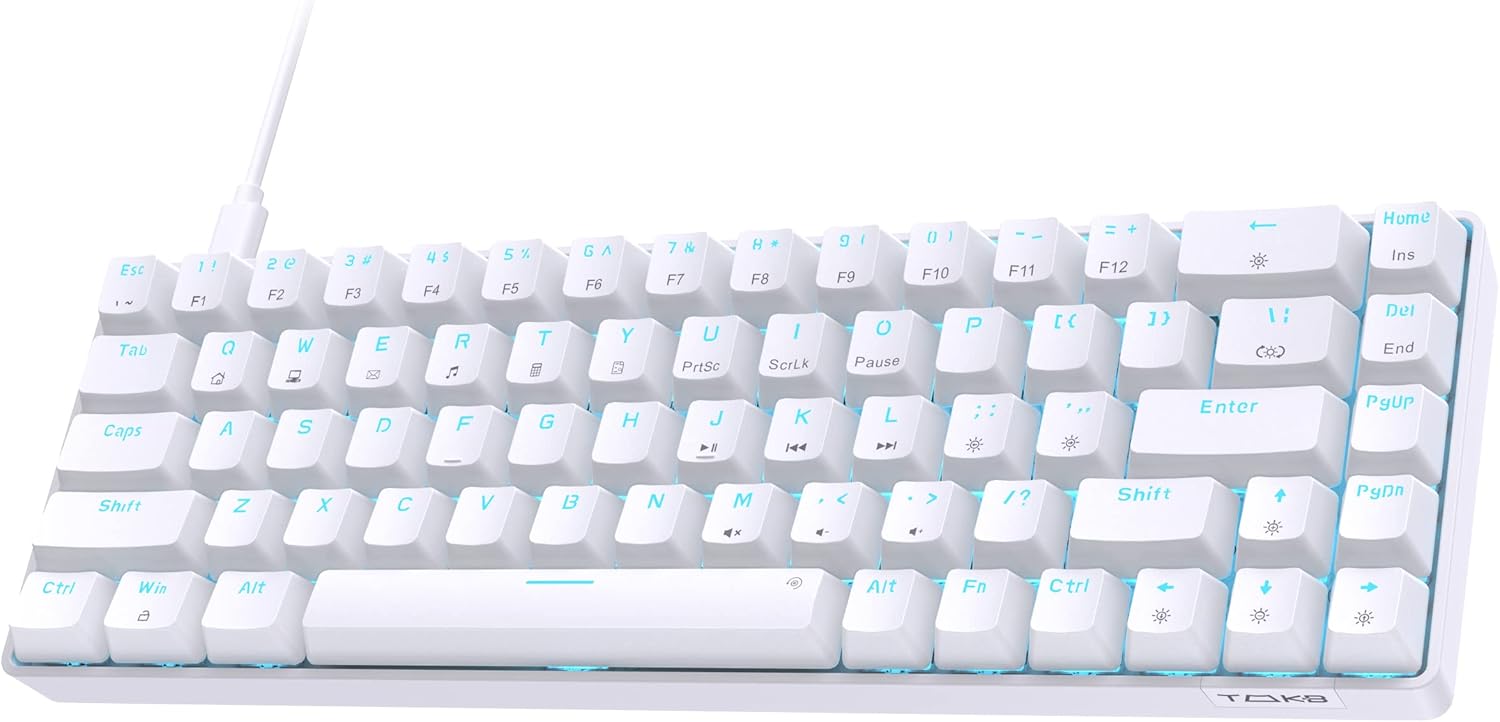
If you’re after a small mechanical keyboard that doesn’t take over your desk, the Dierya DK68se is built around a 60% / 68-key layout. It’s the kind of board you’d choose to reclaim space for your mouse, while still keeping dedicated control via the “FN” key combinations. On paper, it also targets mixed use: typing plus gaming, thanks to its Brown tactile switches and full anti-ghosting.
That said, it’s a compact design, so you’re trading convenience for space. If you rely on lots of full-size keys day to day, you may find the FN layers a little less convenient than a larger layout.
Key features that matter in day-to-day use
The DK68se is fairly minimalist in how it presents functions. Most additional controls are handled through FN key combinations rather than having every button physically present. For many people, that’s a sensible compromise on a 60% board. It also means the chassis stays ultra-compact, leaving more room for mouse movement.
For switch feel, it uses Brown tactile switches. Browns are generally the “in-between” option: lighter than heavier tactile designs, with subtle tactile feedback and audible character. This makes it a plausible choice if you want something that works for both gaming and everyday typing without going fully silent.
For visuals, there’s a cool LED backlight setup. The lighting is described as fixed colour, but not dull, with 19 built-in backlight modes. You can also adjust brightness and speed using hotkeys, so you’re not stuck with one look forever.
And for gaming behaviour, it’s positioned around anti-ghosting and smooth key reads, including full anti-ghosting keys for a smoother typing experience during fast inputs.
Gaming performance: what to expect (and what to question)
The DK68se claims a 1000Hz polling rate support, aiming for responsive key input during gameplay. In practical terms, that’s the sort of spec you’d look for if you care about consistent, timely key registration.
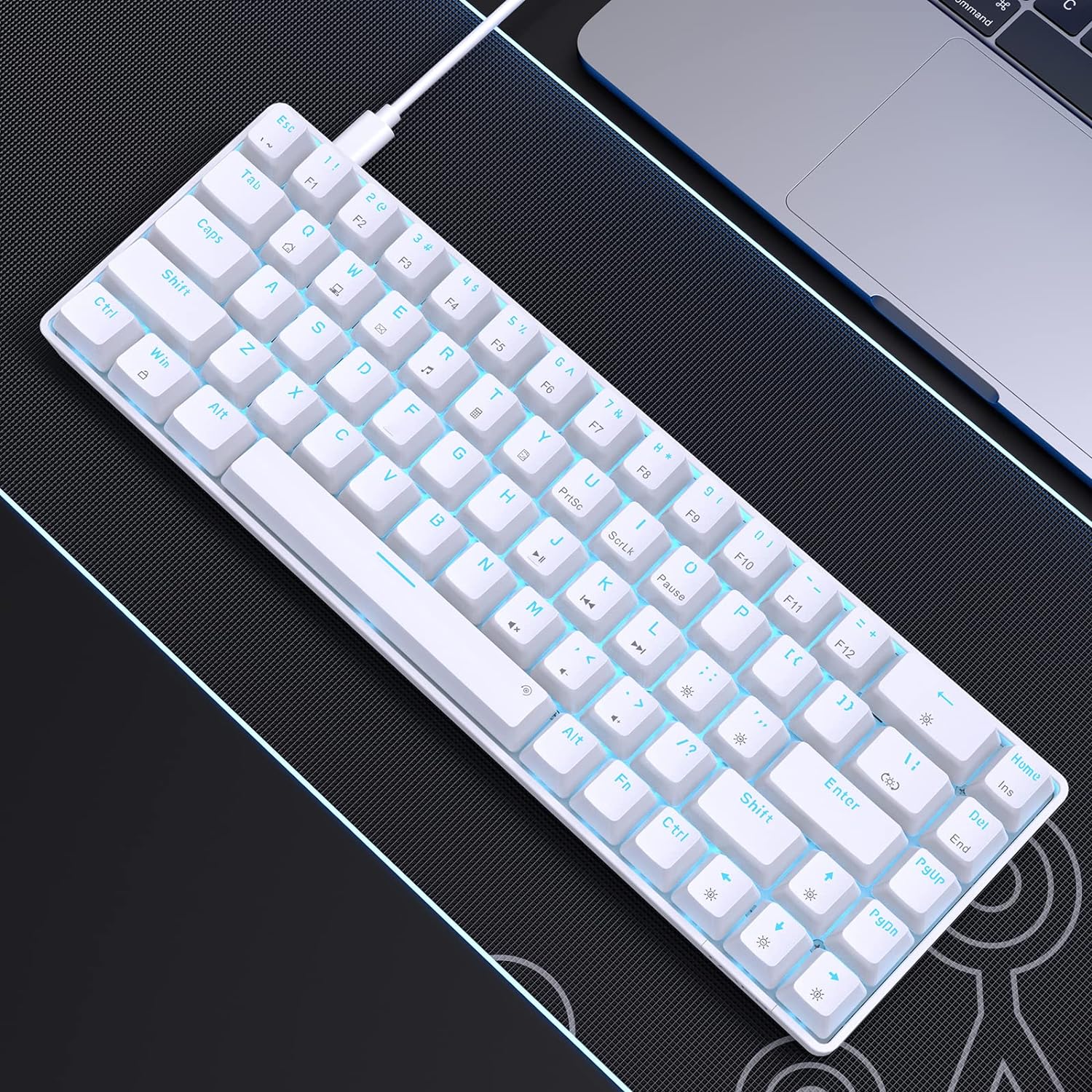
Still, it’s worth keeping expectations realistic. Polling rate alone doesn’t determine whether you’ll love a keyboard—switch feel, typing distance, and how comfortable the layout is matter just as much. The DK68se uses a scientific stepped key layout designed to keep your hands in a more natural position, which should help with comfort during longer sessions.
A quick micro example: if you’re doing a match where you need to hold movement and repeatedly tap action keys, full anti-ghosting and a compact layout can help you stay consistent—especially when desk space is tight and you want your mouse closer.
Ergonomics and layout comfort
Comfort is one of the DK68se’s selling angles. The design is described as ergonomics-based, using a stepped key layout intended to reduce fatigue during long-term use. If you’re spending hours typing, gaming, or working in spreadsheets and documents, that kind of small physical design detail can make a difference.
However, compact 60% boards naturally change habits. If you’re used to a full-size keyboard—especially with a dedicated numpad or dedicated arrow/navigation clusters—you’ll likely need a short adjustment period with the FN layer approach.
Compatibility: where it fits best
The DK68se is listed for Windows11/10/8/7/XP support. Mac OS, Vista and Linux are supported for typing and office use only (so, if you’re hoping for full gaming features under those systems, you should be cautious).
For PC gamers and Windows users, that’s reassuring. For Mac or Linux users, it still sounds usable for basics—just don’t expect the same full experience.
What’s included / What to check before buying
The information provided focuses on the keyboard and its capabilities, but it doesn’t list box contents or any included accessories. Before you buy, it’s a good idea to check the product listing details on amazon UK for what comes in the box and any included cables.
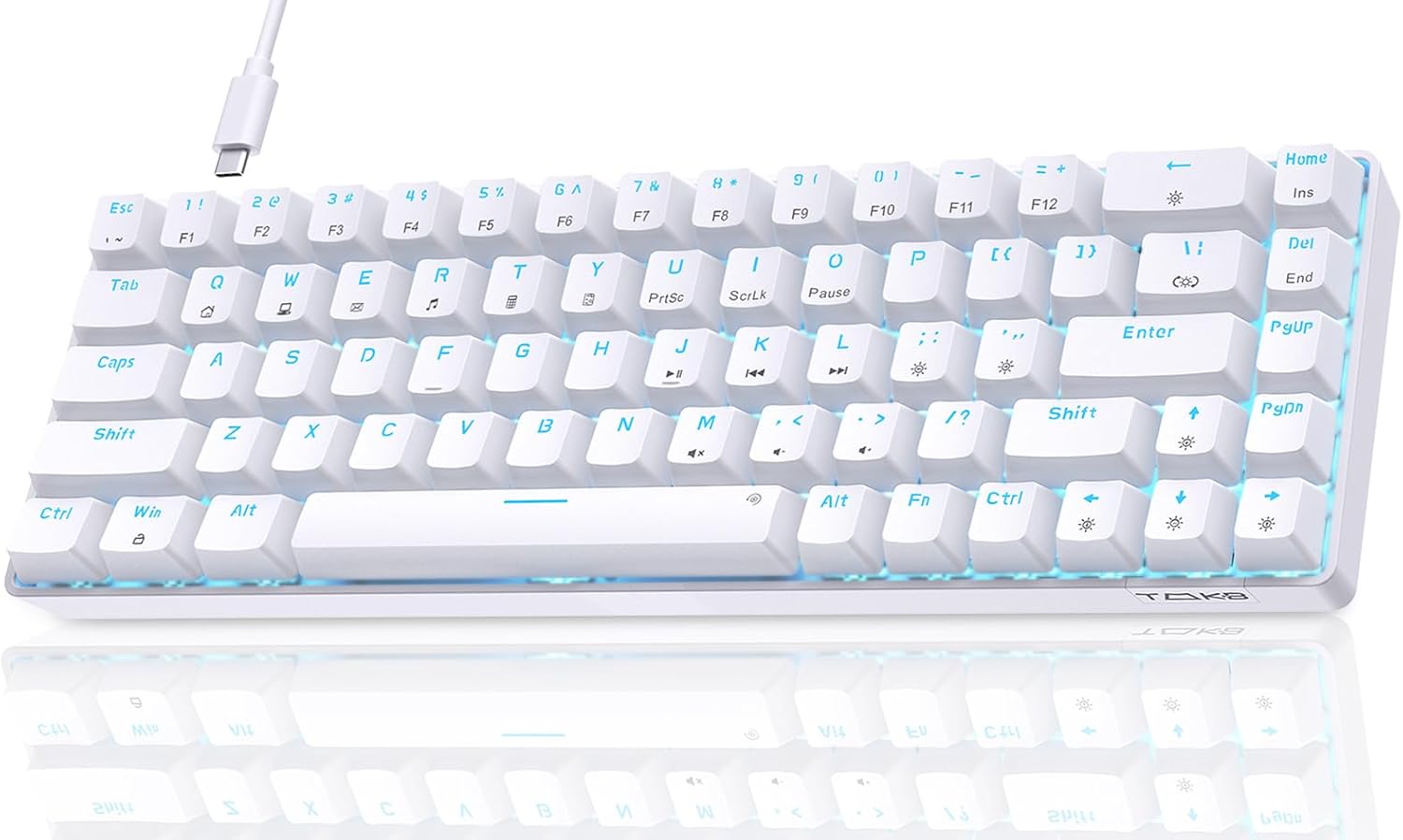
Also, since this is an ultra-compact 68-key layout, it’s worth mentally mapping your key needs. If you frequently use function keys or navigation keys directly, the FN-based setup may be fine—or it may slow you down until you get used to it.
Final verdict
Is it worth it?
The Dierya DK68se is worth considering if you want a compact 60% / 68-key mechanical keyboard for Windows, with tactile Brown switches, anti-ghosting aimed at smoother gaming, and adjustable LED backlighting with 19 modes. It also suits people who do a lot of typing and want comfort-focused key positioning for longer sessions.
It may not be the best choice if you strongly prefer a full-size layout, a dedicated numpad, or you’d rather avoid FN layers day to day. And if you’re using Mac OS, Vista, or Linux and expect full gaming-level functionality beyond basic typing/office, the stated support suggests you should look elsewhere or confirm what “typing and office” covers in practice.
Mini FAQ
Is this keyboard suitable for both typing and gaming? It’s positioned for both. Browns are described as a good choice for typing and gaming, and it includes full anti-ghosting for smoother fast inputs.
Does it have adjustable backlight modes? Yes. It’s described as fixed lighting colour with 19 built-in backlight modes, plus brightness and speed adjustments via hotkeys.
How does it handle functions on a 60% layout? Most functions are implemented through “FN” key combinations.
Will it work on Mac or Linux? It’s listed as supported for typing and office use only. For Windows users, compatibility is broader.
Is the polling rate good for gaming? It supports a 1000Hz polling rate as stated, which is a decent spec to look for when you care about responsive input—though your overall experience will also depend on comfort and switch feel.