

Rapoo VT9Pro 4K Wireless Gaming Mouse with PAW 3398 sensor (26K DPI, 4KHz polling)
Product description
What this gaming mouse is for
The Rapoo VT9Pro is a wireless gaming mouse aimed at people who care about responsiveness and low-latency feel in fast games. On paper it leans into modern esports-style specs: a 4,000Hz wireless polling rate claim, a PAW 3398 sensor, and a very light build intended to reduce fatigue during long sessions.
It’s also designed with flexibility in mind. There’s a symmetrical/ambidextrous layout so left- and right-handed users aren’t forced into a one-sided shape, and it includes 10 programmable buttons with on-board memory and cloud storage for settings (so you’re not stuck with the same configuration everywhere).
That said, “4K” and “near-zero latency” are the kind of marketing phrases that only matter if your setup can actually take advantage of them. If you mainly play casual games or don’t have the right in-game settings, the extra spec density may not translate into a noticeable upgrade.
Key takeaways before you buy
If you’re shopping for a wireless mouse and want a spec-forward approach, the VT9Pro reads like an esports-tilted option rather than a basic office pick. The combination of a 26,000 DPI sensor (with stated lift-off distance adjustment levels), a lightweight 68g body, and long claimed battery life should appeal to players who want consistent tracking and fewer charging interruptions.
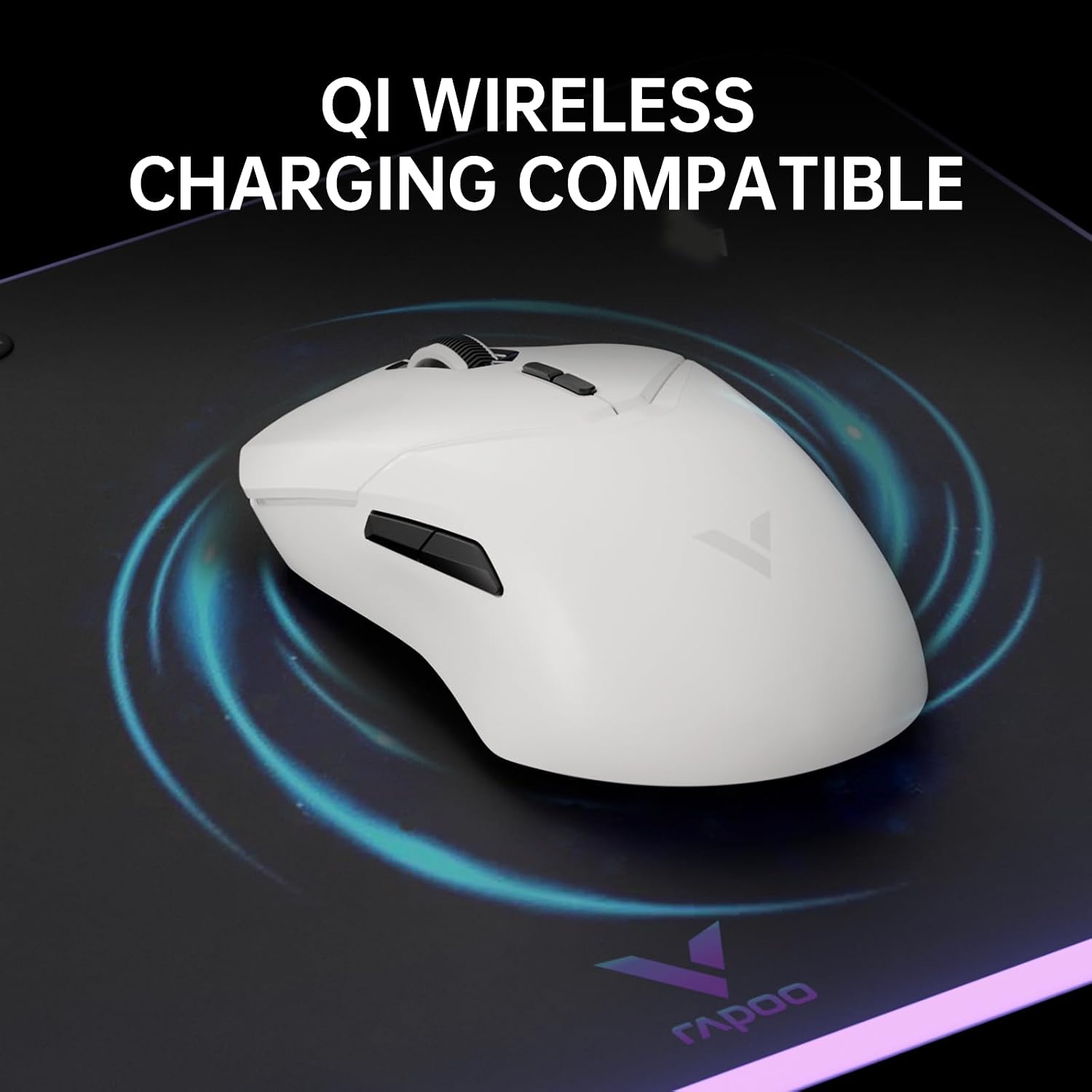
Worth noting: you can use wireless charging mouse pads with it, but you do need the separate P3 Wireless Charging Module. Also, the instructions warn not to plug the Type-C cable while wireless charging, because it can activate wired charging at the same time and damage the product.
So yes, it’s built for wireless convenience—but it has a couple of real-world “follow the rules” requirements.
What you’ll notice day to day
The practical “feel” here is mostly about three things: weight, response, and how the mouse behaves on your surface.
- The mouse is described as only 68g, which is the sort of weight gamers often look for when they want quicker micro-adjustments.
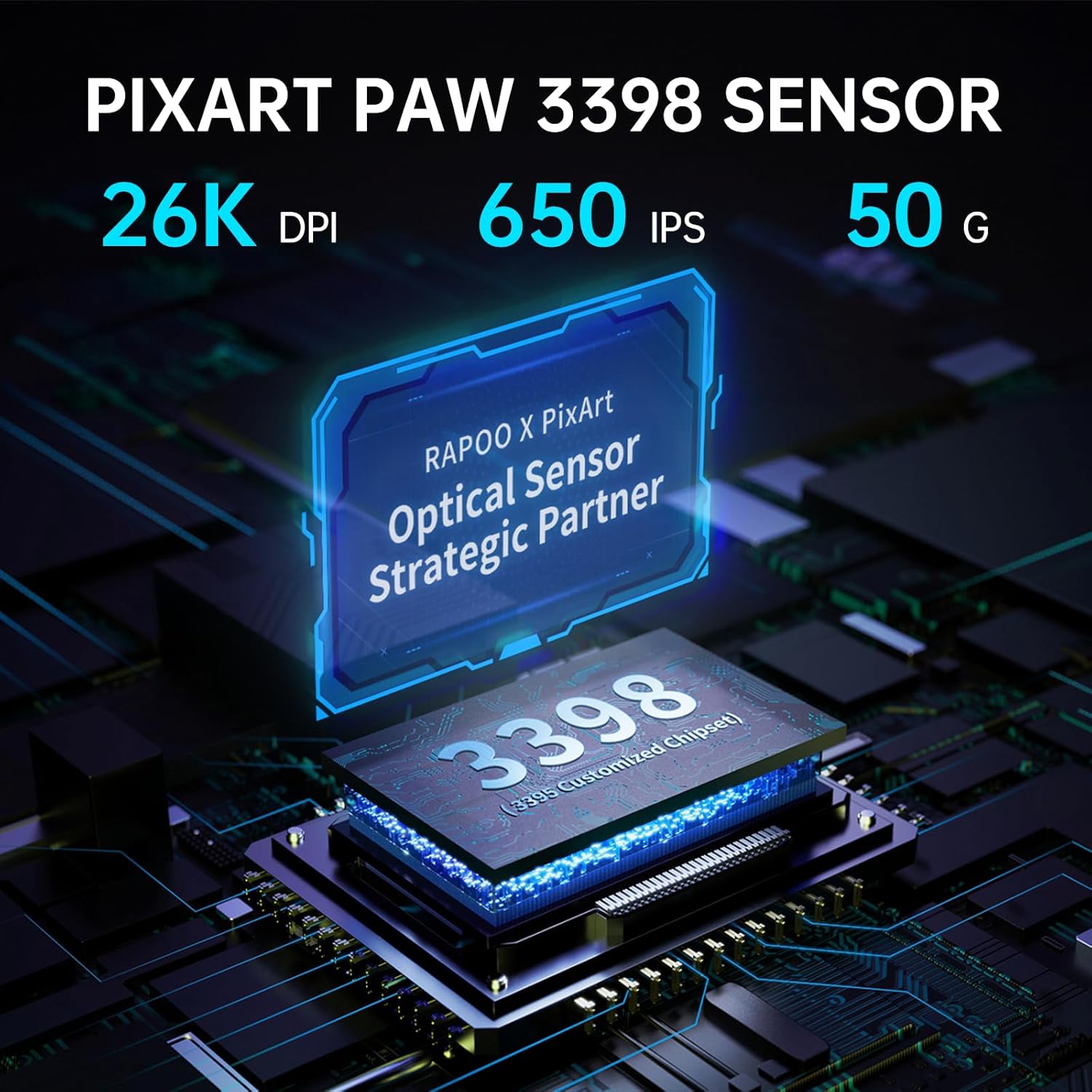
- The sensor is the PAW 3398, presented as delivering accuracy and speed, with 26,000 DPI and 650 IPS mentioned.
- It also includes 11 levels of pre-configurable lift-off distance to suit different mouse pads. That’s useful if you switch between cloth and faster pads, or if your lift-off technique varies.

There’s also a small but meaningful control angle: dual DPI switch keys with a “preset 7 DPI” concept for quickly changing DPI on the fly.
One limitation to keep in mind: the VT9Pro is ambitious on wireless performance claims, but real-world latency depends on factors outside the mouse (your PC setup, wireless environment, and game settings). It may feel fantastic to you—or it may only be a subtle upgrade compared with a decent wireless mouse if your current setup is already strong.
Buttons, comfort and customisation
The VT9Pro uses a symmetrical design intended to be comfortable for both left- and right-handed grips. It also has a 1+9 button customisation setup (so you get programmable controls without the mouse becoming overly complicated).
On top of that, it supports on-board memory plus cloud storage for driver settings. That matters if you play on multiple PCs or you like to keep your same binds when you change machines.
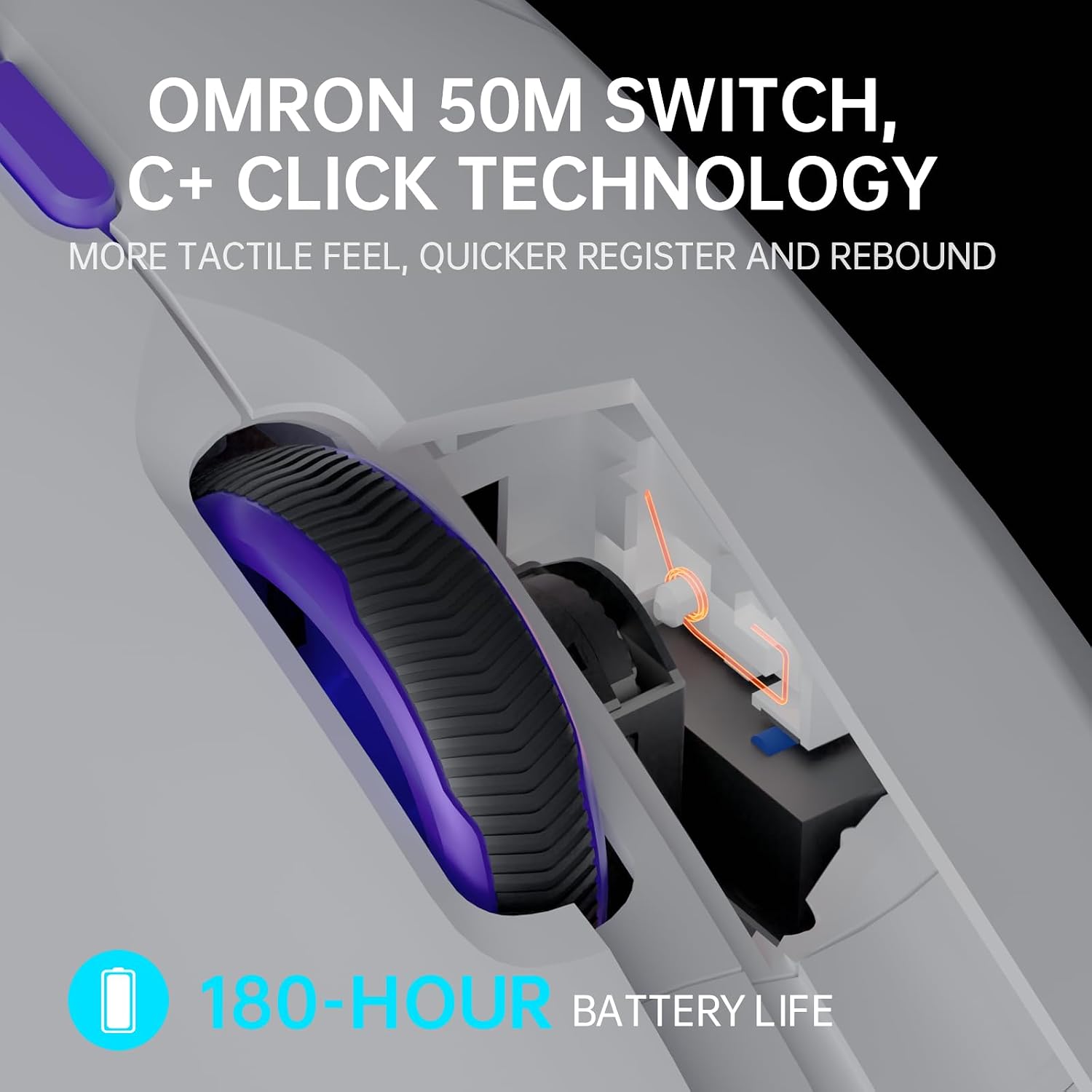
For the switching feel, the main buttons are described as using Omron micro switches with 50 million cycles of life. The company also calls out crisp presses and quick triggers, which is exactly the sort of thing you notice when you’re relying on consistent click timing.
Tech specs you’ll care about (without the fluff)
Tech summary
- Type: 4KHz wireless gaming mouse
- Sensor: PAW 3398
- Resolution: 26,000 DPI
- Polling rate: 4,000Hz
- Claimed response time/latency figure: 0.25ms response time and 1/4000 second near-zero latency claim
- Motion performance (as stated): 650 IPS, 50G acceleration
- Lift-off distance: 11 pre-configurable levels
- Weight: 68g
- Battery life: up to 180 hours (800 mAh Li-Po battery) and quick charging via included Type-C cable
- Wireless range: stated 10M+ wireless transmission distance
- Buttons: 10 programmable buttons
- Switch life: Omron micro switches rated for 50 million cycles
And just to be clear: the above are the specifications and claims provided in the product information. As ever, performance can vary depending on your setup and how you configure the mouse.
Charging and battery: convenient, with one important caveat

The VT9Pro is built around an internal 800 mAh Li-Po battery and is described as lasting over a month under normal use (180 hours is the stated figure). It supports quick charging using the included Type-C cable.
It also supports wireless charging mouse pads, but you’ll need the P3 Wireless Charging Module. The manual warning is explicit: don’t plug the Type-C cable while wireless charging, as it can activate wired charging at the same time and result in damage.
If you already use a wireless charging pad and you’re willing to buy the required module, this can be a smooth, low-effort setup. If you don’t, you may not see any advantage over a conventional USB-charge routine.
What’s in the box and what to check first
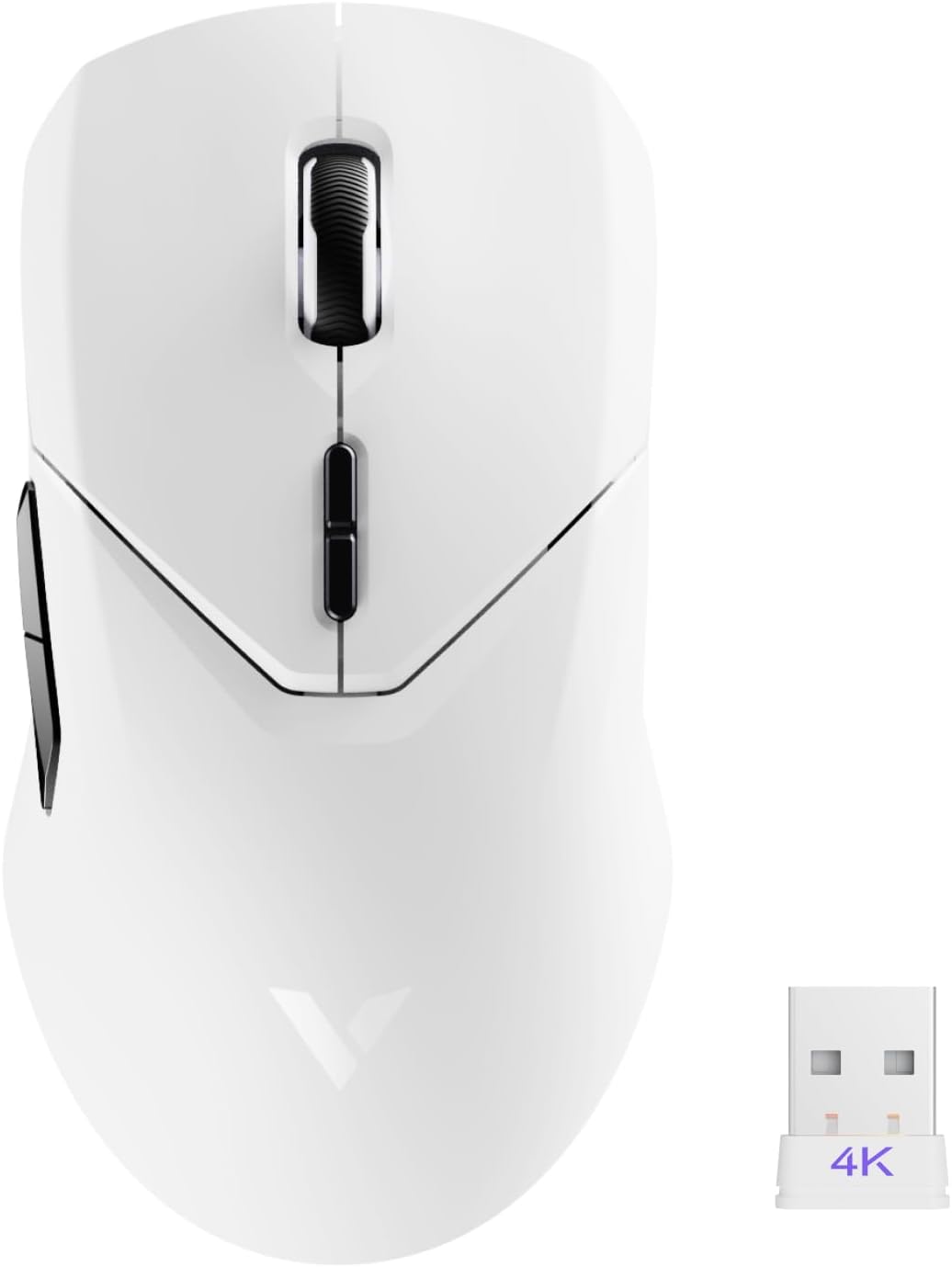
Based on the package details, you get the wireless gaming mouse, a USB dongle (hidden at the bottom of the mouse), a Type-C cable, and a manual.
Before buying, it’s worth checking two things:
1) Whether you actually plan to use wireless charging pads. If you do, remember the P3 Wireless Charging Module isn’t included. 2) Whether your setup is likely to benefit from 4,000Hz polling. If you’re already running high-performance settings and a stable wireless environment, you’ll be closer to the intended use case.
Should you buy it?
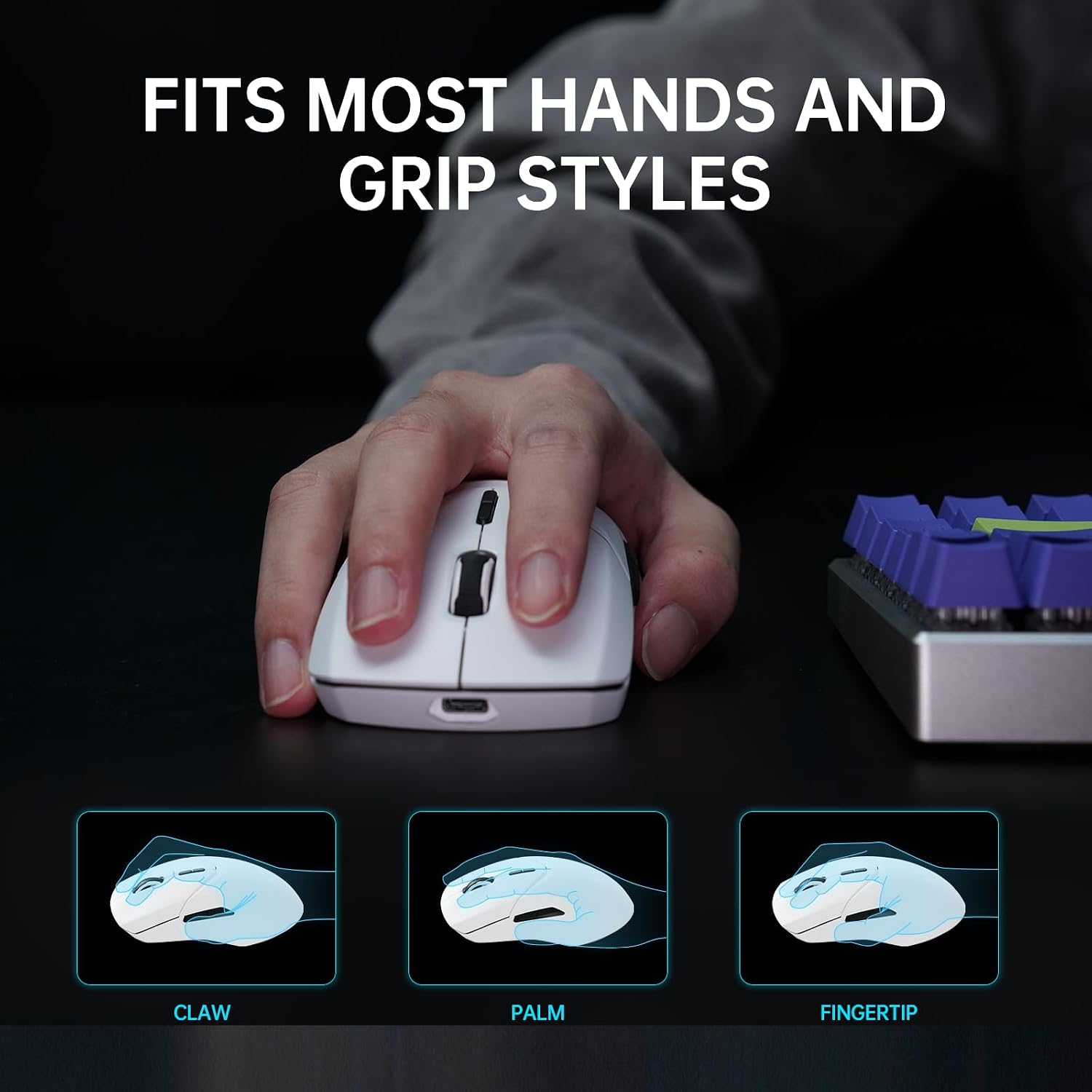
It makes sense if you want a lightweight wireless gaming mouse built around the PAW 3398 sensor and you’re specifically chasing a more responsive feel, with flexible button programming and lift-off distance tuning. A symmetrical shape is also a bonus if you’re left-handed or you simply prefer that grip-friendly geometry.
It may not be the best choice if you mainly play slower, casual titles, because the extra spec emphasis won’t necessarily translate into a meaningful difference. You might also want to skip it if you’re not comfortable with the charging caveat: if you use wireless charging pads, you’ll need the P3 module, and you should avoid charging via Type-C at the same time.
For players who care about configuration, comfort and switching performance, the VT9Pro is a clear “esports-leaning” buy rather than a simple everyday wireless mouse.
Mini FAQ
Is the Rapoo VT9Pro suitable for both left- and right-handed users?
It’s described as using a symmetrical/ambidextrous design intended to provide comfort for both left and right-handed users.
What sensor does it use?
The VT9Pro uses a PAW 3398 sensor, with 26,000 DPI and performance figures listed in the product information.
How long does the battery last?
It’s stated to deliver up to 180 hours, powered by an internal 800 mAh Li-Po battery, with quick charging via the included Type-C cable.
Does it work with wireless charging mouse pads?
It supports wireless charging mouse pads, but the P3 Wireless Charging Module needs to be purchased separately.
What’s the warning about Type-C charging?
The instructions caution not to plug the Type-C cable while wireless charging, because it can activate wired charging at the same time and cause damage.