

ATTACK SHARK X11 gaming mouse with magnetic charging dock (22,000 DPI) – 2.4G/Bluetooth/wired, 63g (White)
Product description
If you’re buying a gaming mouse that you’ll also use for everyday computing, the ATTACK SHARK X11 is built around two ideas: fast switching between connectivity options, and staying powered up thanks to its magnetic charging dock. On paper it looks aimed at people who want less fiddling between sessions and a sensor that can handle both work and gaming.
That said, it’s not a “set-and-forget” mouse for everyone: you’ll need to be comfortable using a dock-style charging routine, and you may want to double-check whether you really need all the connection modes rather than just using one.
Key takeaways
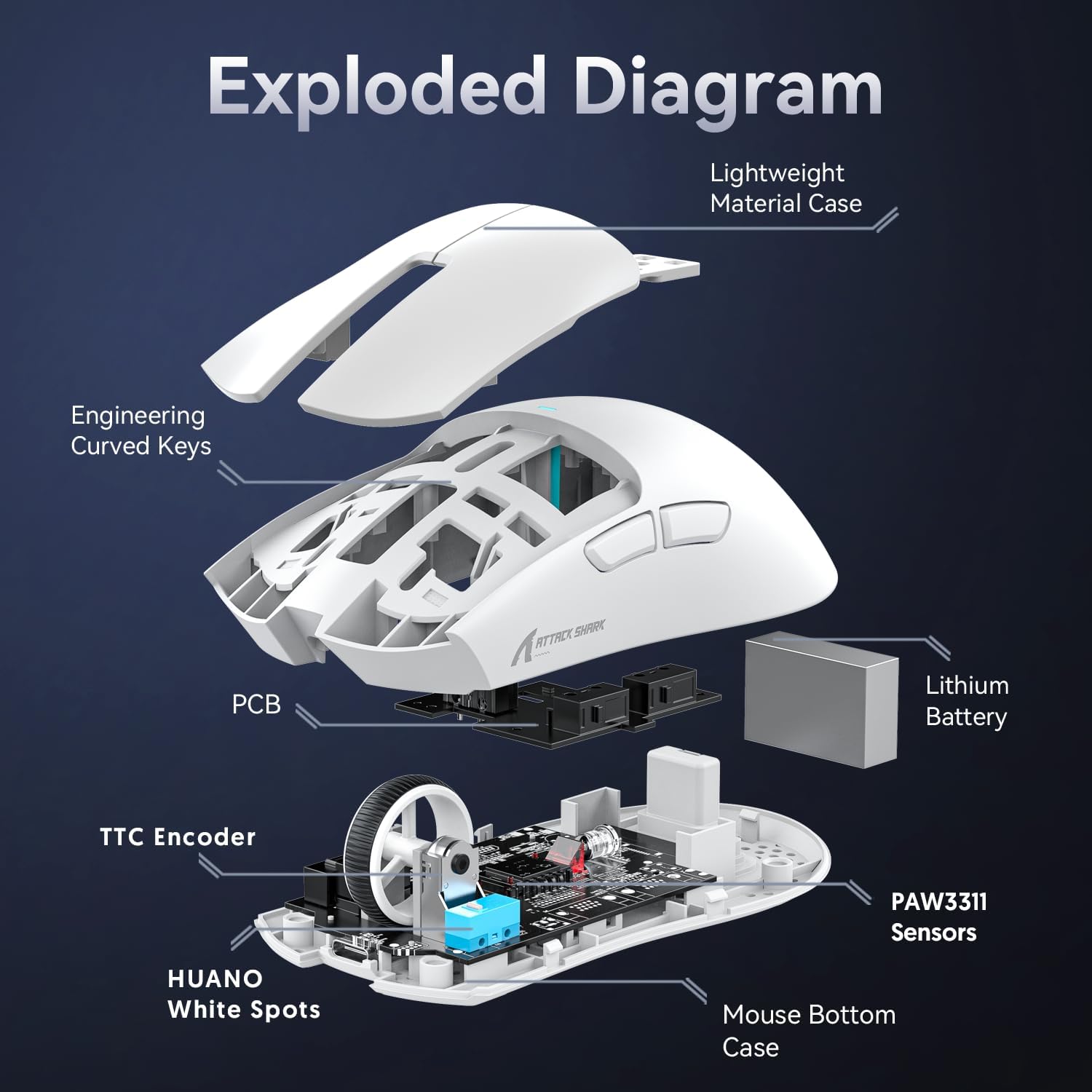
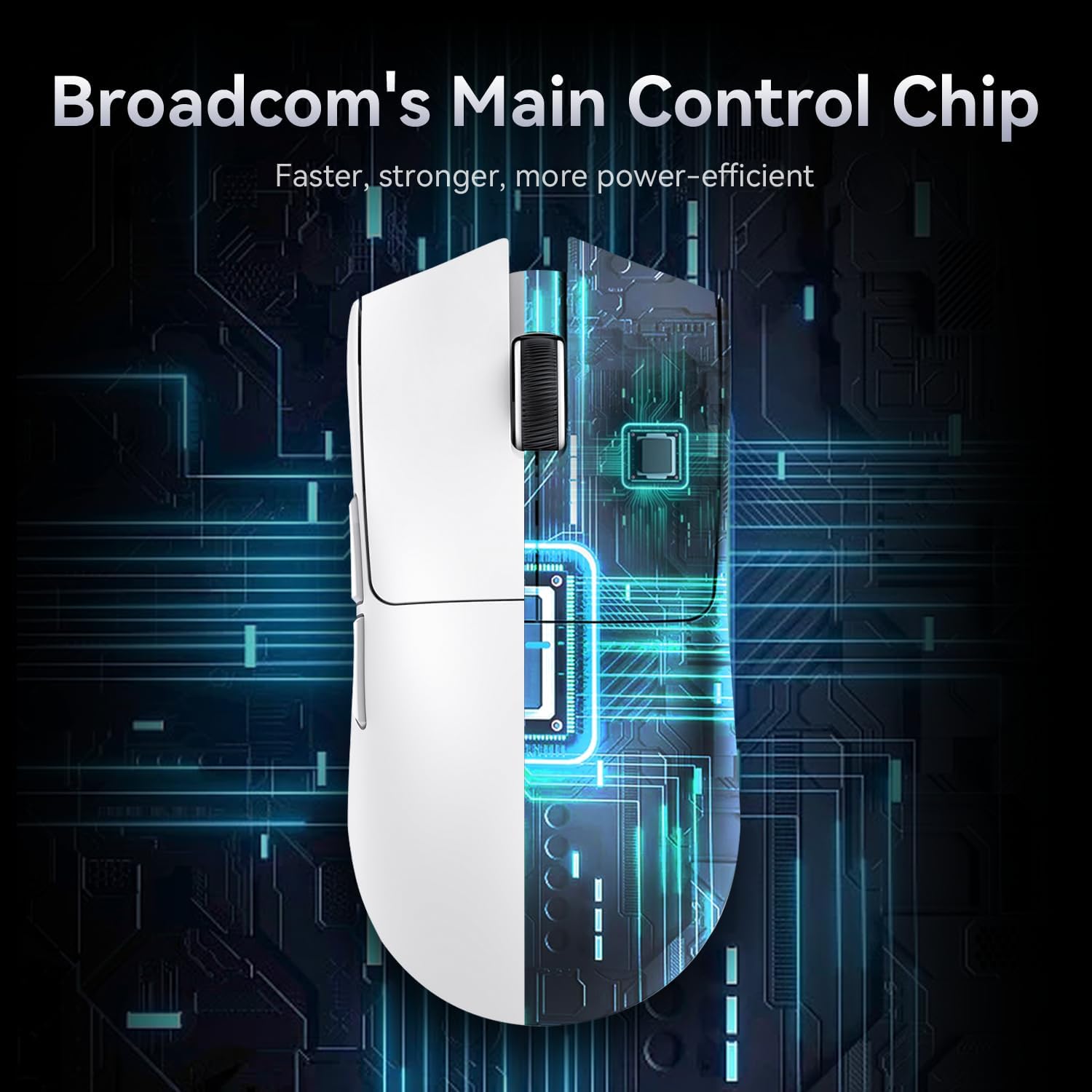
The X11 combines a PixArt PAW3311-class gaming sensor (marketed with up to 22,000 DPI), a lightweight 63g body, and a magnetic charging dock that keeps the mouse ready. It also uses a HUANO micro switch rated by the brand for up to 20 million clicks (with the promise of fewer issues like double-clicking). For connectivity, it’s positioned as a three-mode mouse: wired via USB-C, 2.4GHz, and Bluetooth, switched from a button on the back.
What matters most (sensor, weight and click feel)
The most “buying intent” parts of the X11 are the sensor, the weight, and the switch.
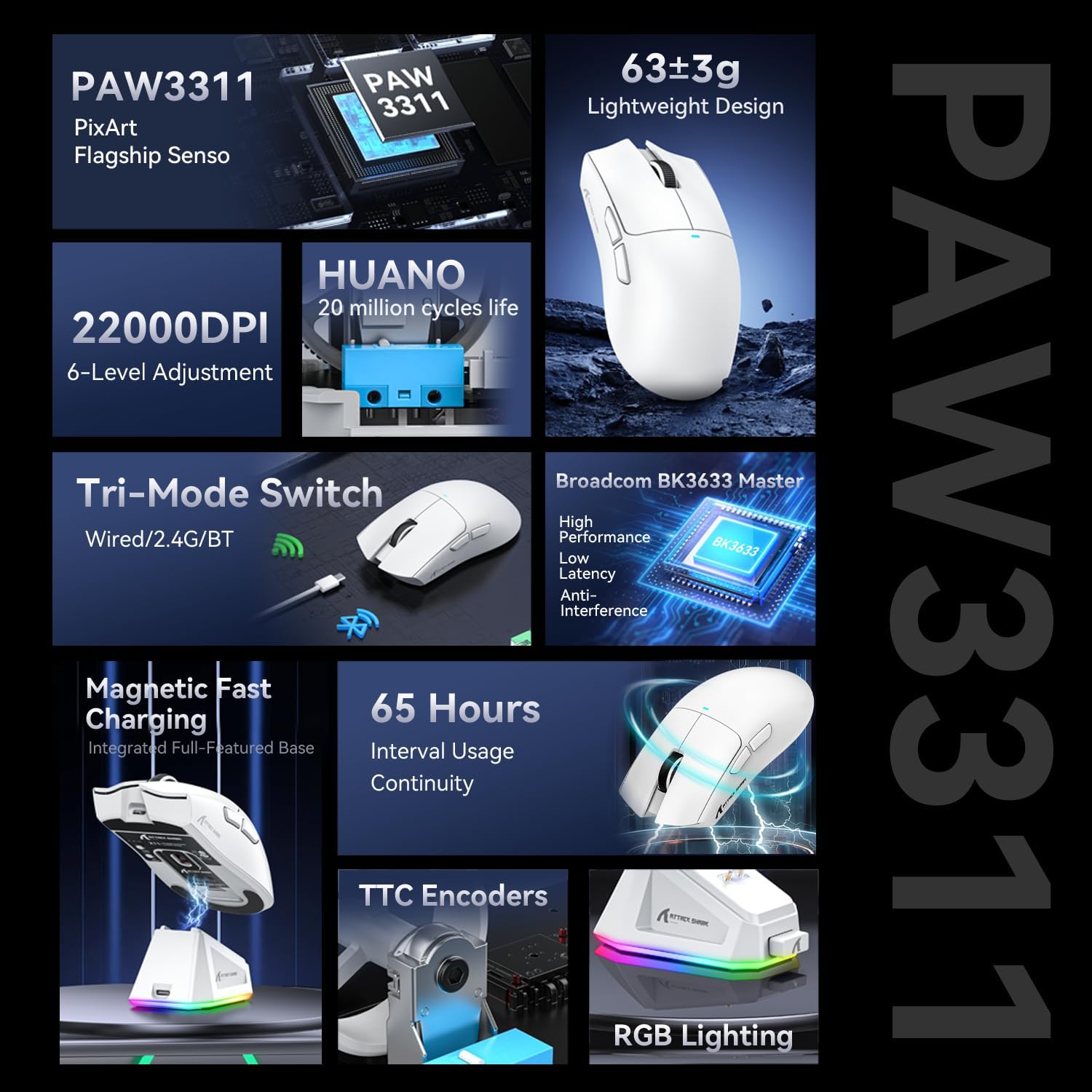
The sensor side is straightforward: it’s advertised as a PixArt gaming sensor with up to 22,000 DPI and 6 levels of adjustment. If you bounce between tasks (say, replying to emails with lower sensitivity and gaming with higher sensitivity), the idea of multiple DPI steps can be helpful.
Then there’s the 63g weight. That’s the sort of spec that often appeals to players who prefer quicker movement and lower fatigue during longer sessions. It’s not only about speed, a lighter mouse can also make micro-adjustments feel less “heavy” when you’re tracking targets.
Finally, the switch claim: HUANO micro switch with a stated 20 million clicks and a softer actuation feel after optimisation. In plain terms, this is a durability-focused pitch. It’s not the same as having independent testing data, but it does suggest the manufacturer is trying to tackle the common “double-click” complaint many people worry about.
Where it shines (three connection modes + dock charging)
This mouse is designed for people who use more than one device or want flexibility without changing hardware.
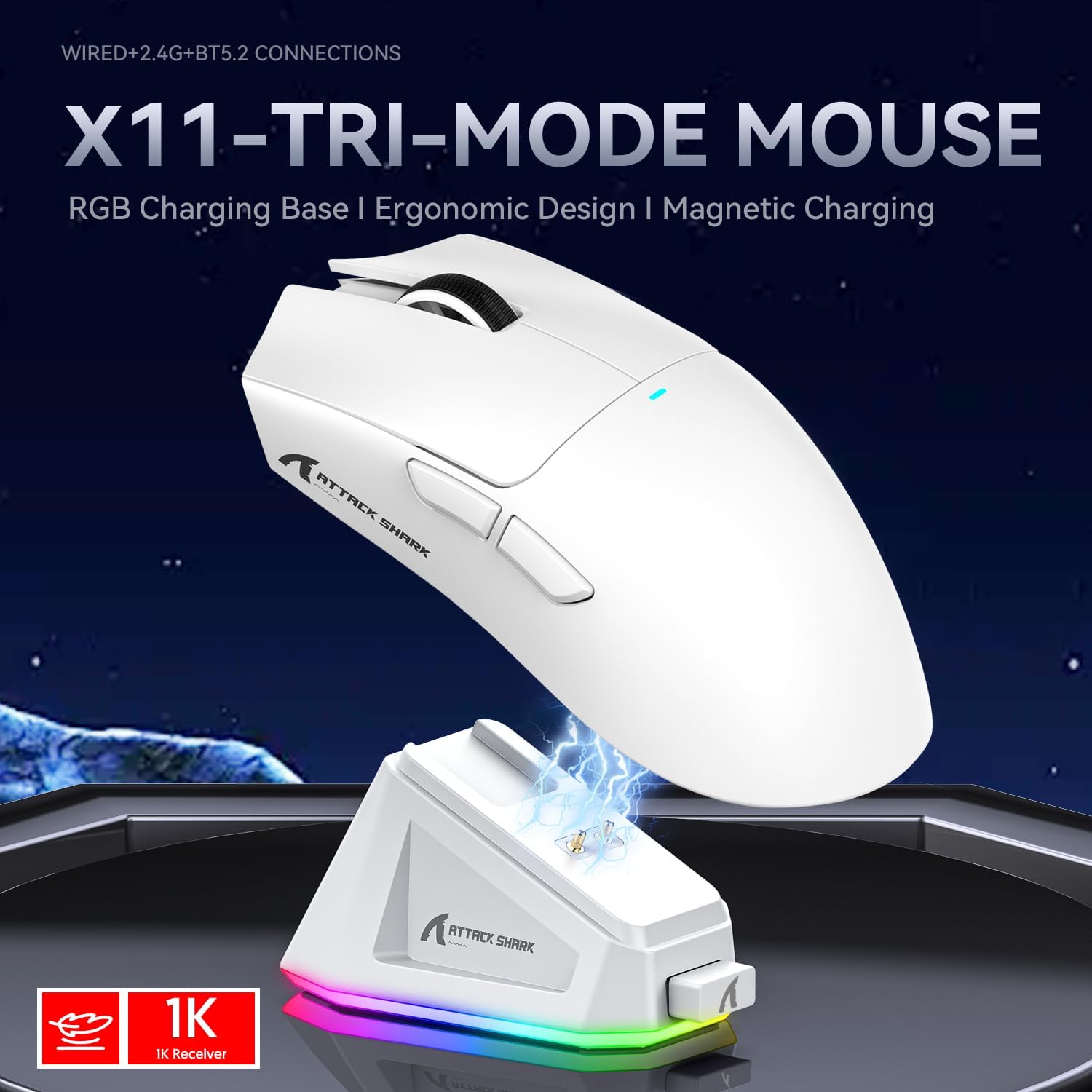
- Three modes are supported: wired USB-C, 2.4GHz, and Bluetooth.
- Switching is done through a button on the back of the mouse.
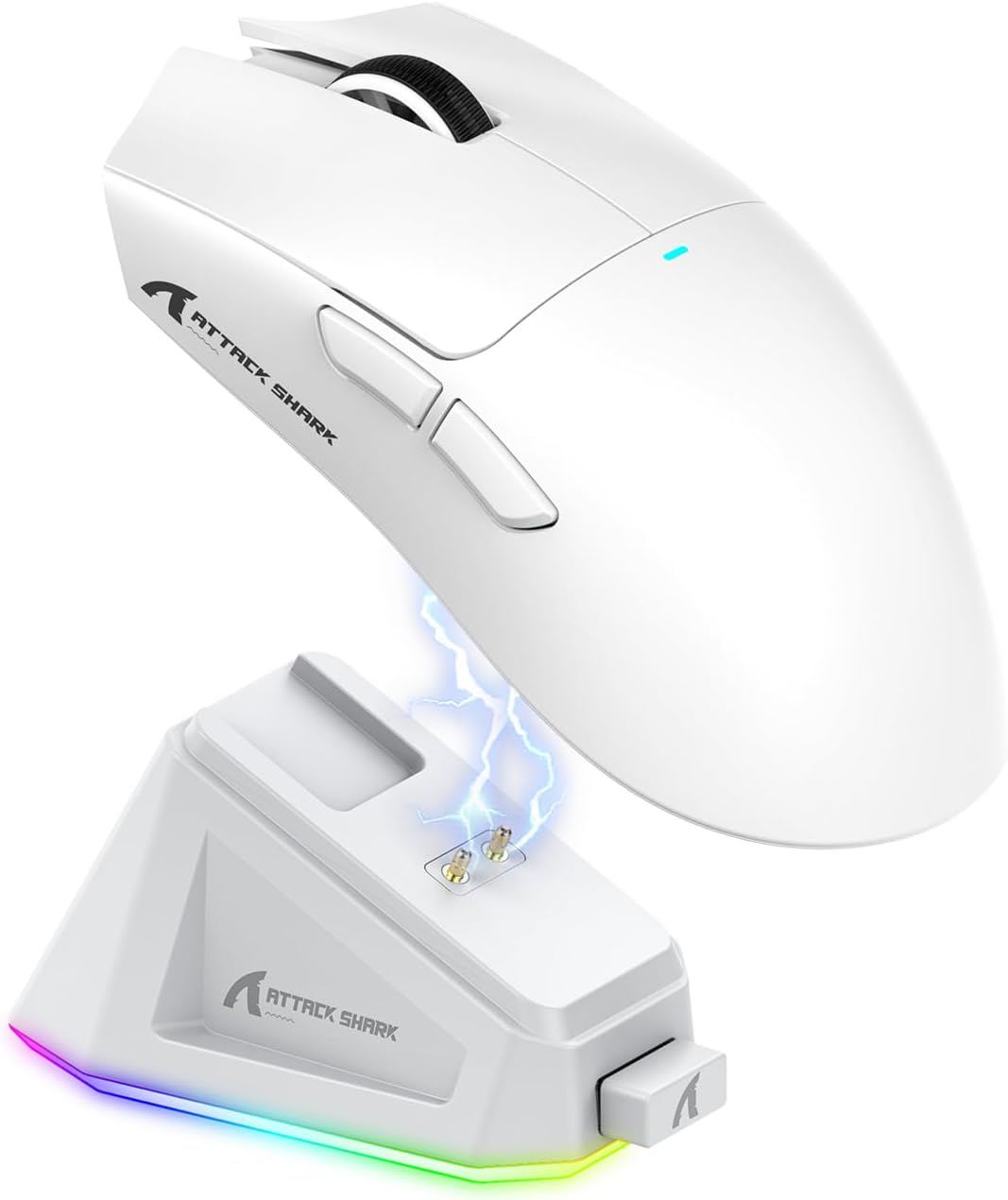
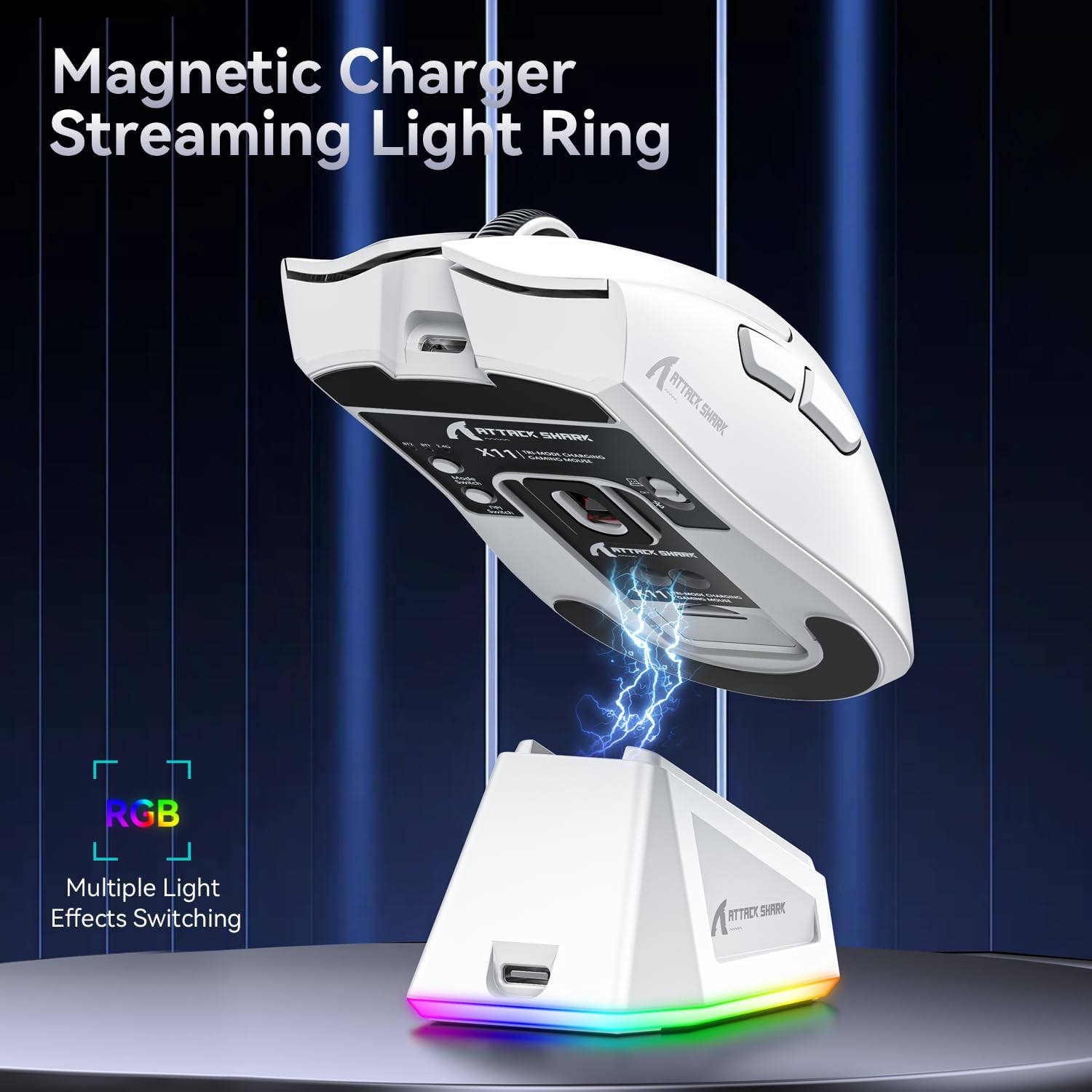
- A magnetic charging dock is included, and you’re meant to place the mouse on it to keep it charged.
In daily use, this can play out like this: you keep the mouse on the dock on your desk at home, then switch to 2.4GHz when gaming for a lower-latency feel, or to Bluetooth when you’re working at a different setup. That “back button” mode switching is the kind of small convenience that adds up.
The dock also includes a touch switch on the base, which can change the lighting effect by touching it. That’s a nice extra if you care about consistent desk lighting, although it’s still secondary to actual performance.
What you’ll notice day to day (and the limits)
The X11’s design suggests it’s aiming for smooth, responsive sessions rather than being purely office-first.
However, there are a couple of practical limits to keep in mind. First, the dock charging approach is great when you have space and you’re happy to leave it on the desk, if you prefer charging via a cable whenever you need it, a dock-based setup may feel like extra hassle. Second, while the advertised sensor and click lifespan are encouraging, the information provided doesn’t include any details about software features, lift-off distance, or other tuning options—so if you’re the type who heavily relies on custom profiling, you may want to research whether the software side meets your expectations.
Tech specs
- Name: ATTACK SHARK X11 Gaming Mouse
- Type: Gaming mouse with magnetic charging dock
- DPI: Up to 22,000
- Connection modes: Wired USB-C, 2.4GHz, Bluetooth
- Weight: 63g
- Sensor: PixArt PAW3311 gaming sensor (as listed)
- Click switch: HUANO micro switch
Who it’s for (and who should skip it)
It makes sense if you want a lightweight gaming mouse that can also work for everyday tasks, and you value the convenience of magnetic dock charging. It’s also a strong match if you like the idea of switching between wired, 2.4GHz, and Bluetooth depending on where you’re using it.
It may not suit you if you’d rather avoid dock-style charging, or if you only ever use a single device connection type and don’t want the extra modes for their own sake. Also, if you’re particularly picky about software-based control or detailed tuning, the provided info may leave you wanting more before you commit.
Should you buy it?
Buy the ATTACK SHARK X11 if you’re after a flexible, lightweight gaming/office hybrid with three connectivity modes and a dock that keeps things charged on your desk. The 22,000 DPI and multi-level DPI adjustment suit the idea of switching sensitivity between use cases, while the 63g weight points to fast, low-fatigue movement.
Skip it if a magnetic charging dock doesn’t fit your routine, or if you only need one connection mode and would prefer to spend your money on a simpler setup. As always, it’s worth double-checking what you actually use day-to-day—because the best specs won’t feel like value if they don’t match how you work and game.
Mini FAQ
Does the mouse support wired use as well as wireless?
Yes. It’s advertised with wired USB-C, plus 2.4GHz and Bluetooth wireless modes.
How does the mouse switch between connection modes?
The modes are switched using a button on the back of the mouse.
What’s the point of the magnetic charging dock?
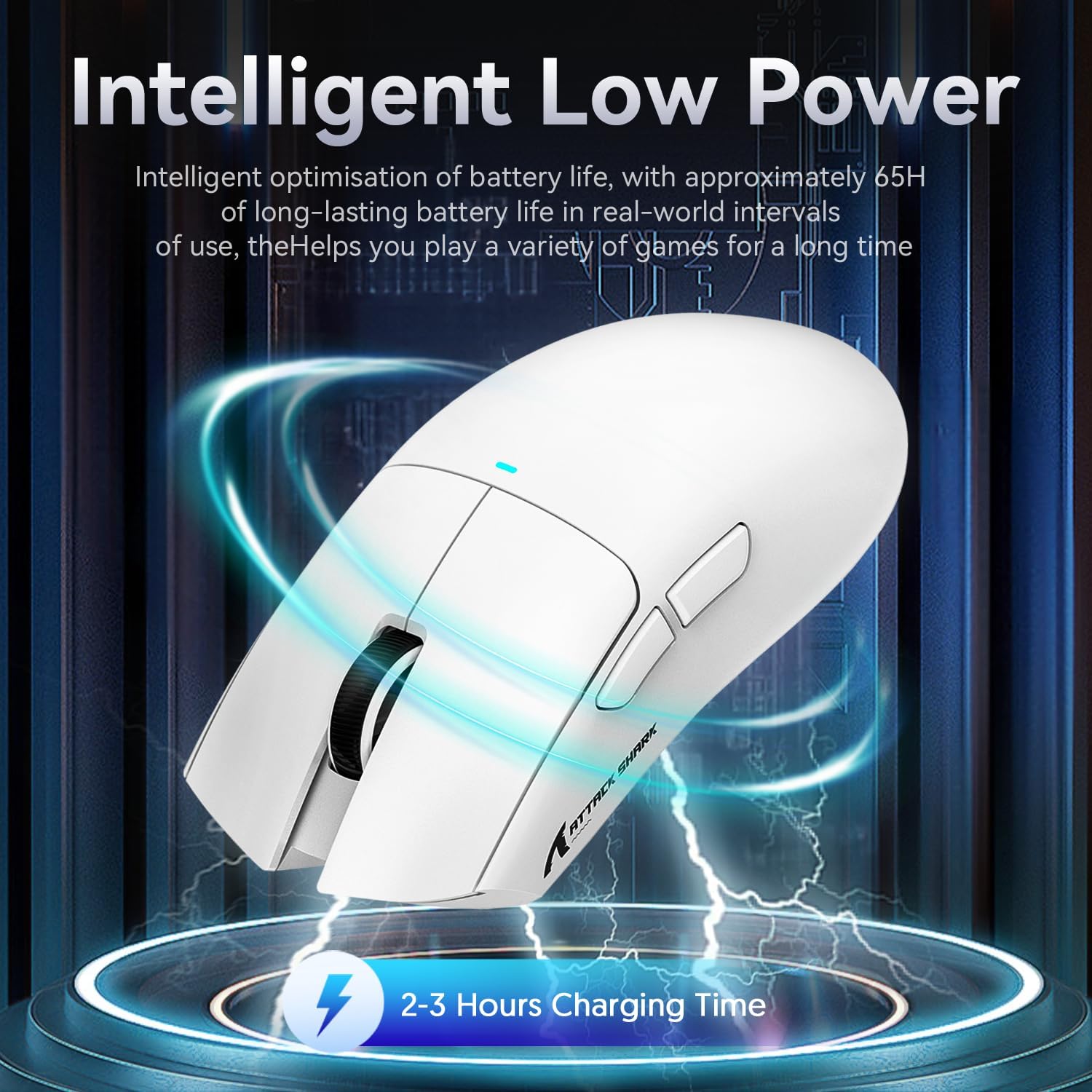
According to the listing, you place the X11 on the dock so it’s kept charged and ready, rather than charging purely by plugging it in each time.
Is the sensor aimed at gaming or office use?
It’s positioned as a gaming sensor (PixArt PAW3311) but the description also frames it as suitable for daily work, with DPI steps that could be convenient when you switch tasks.
How durable is it supposed to be?
The HUANO micro switch is stated by the brand as being rated for up to 20 million clicks, with a claim to reduce double-click issues.