

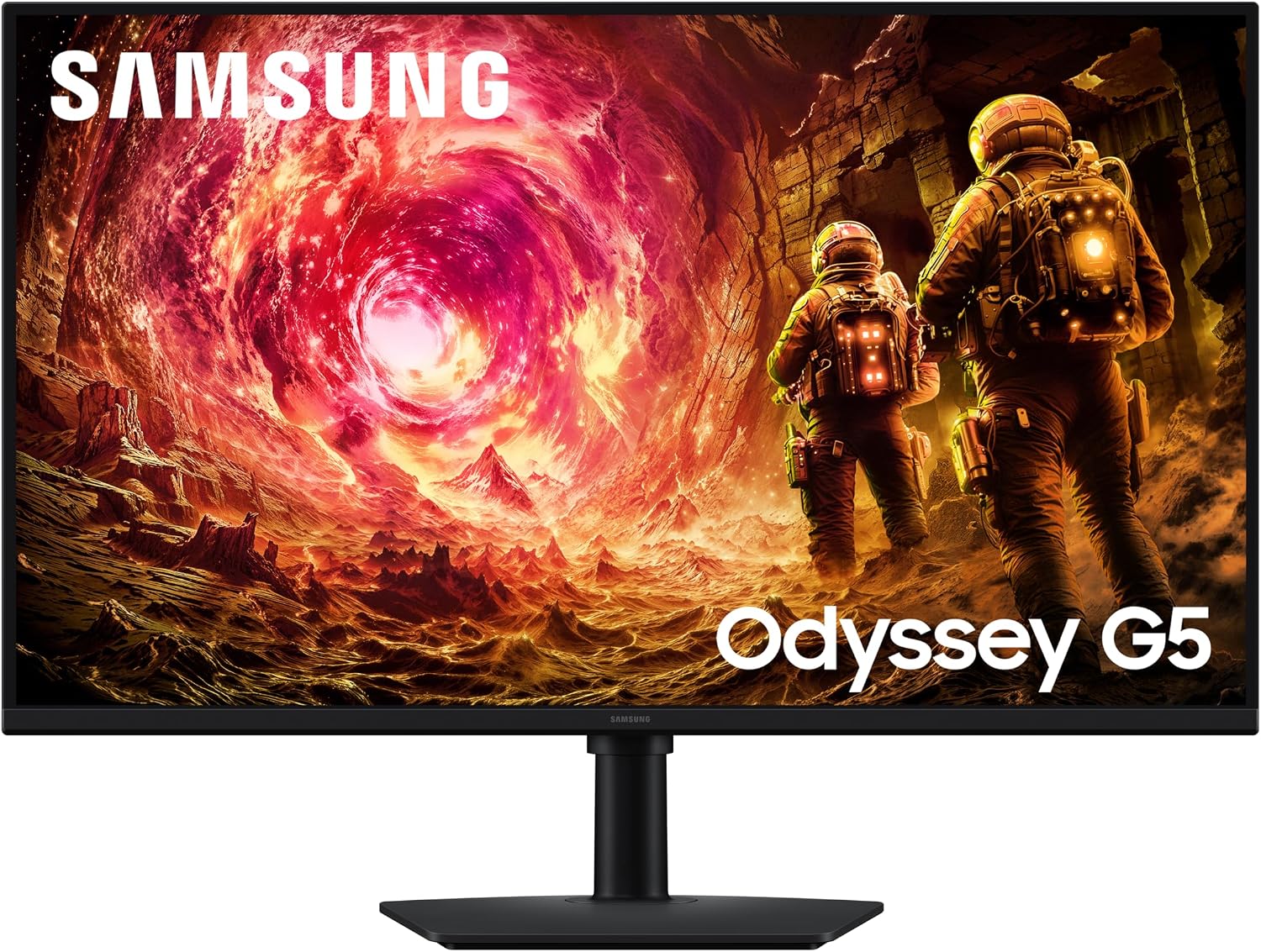
Samsung Odyssey LS32FG502EUXXU 32" QHD Gaming Monitor
Product description
What matters most
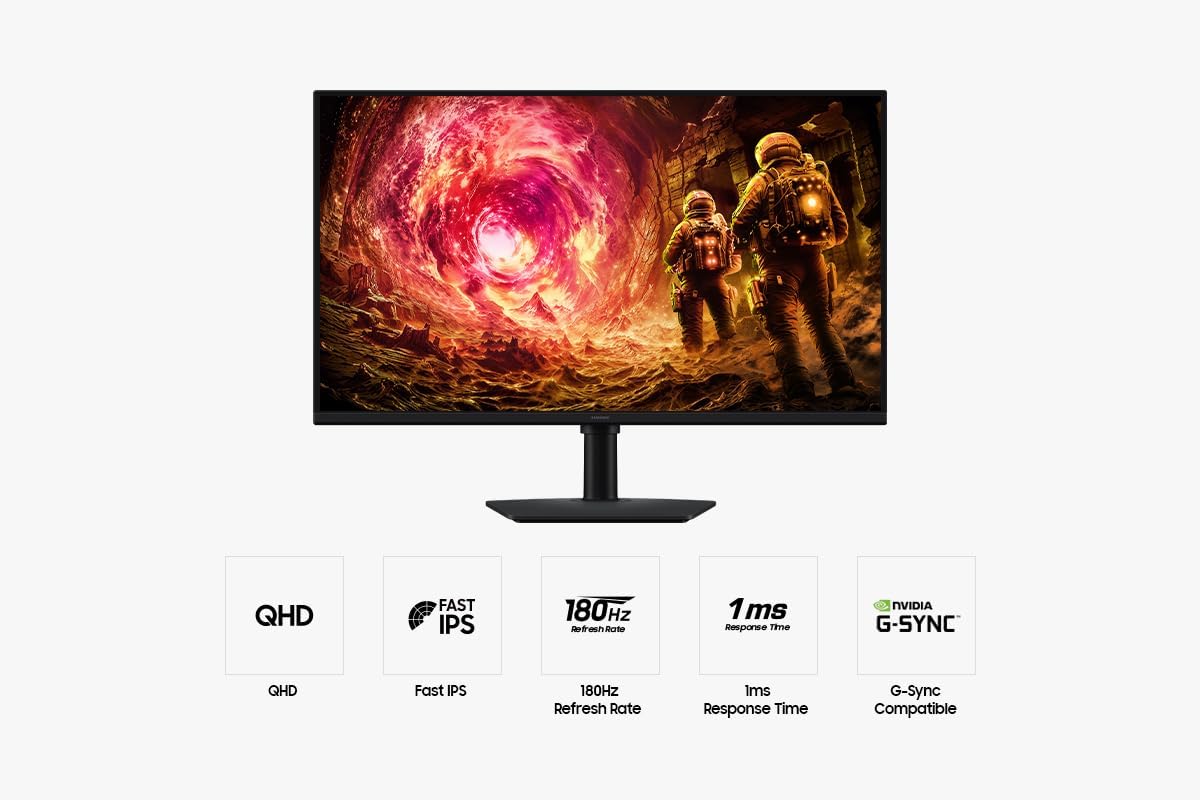
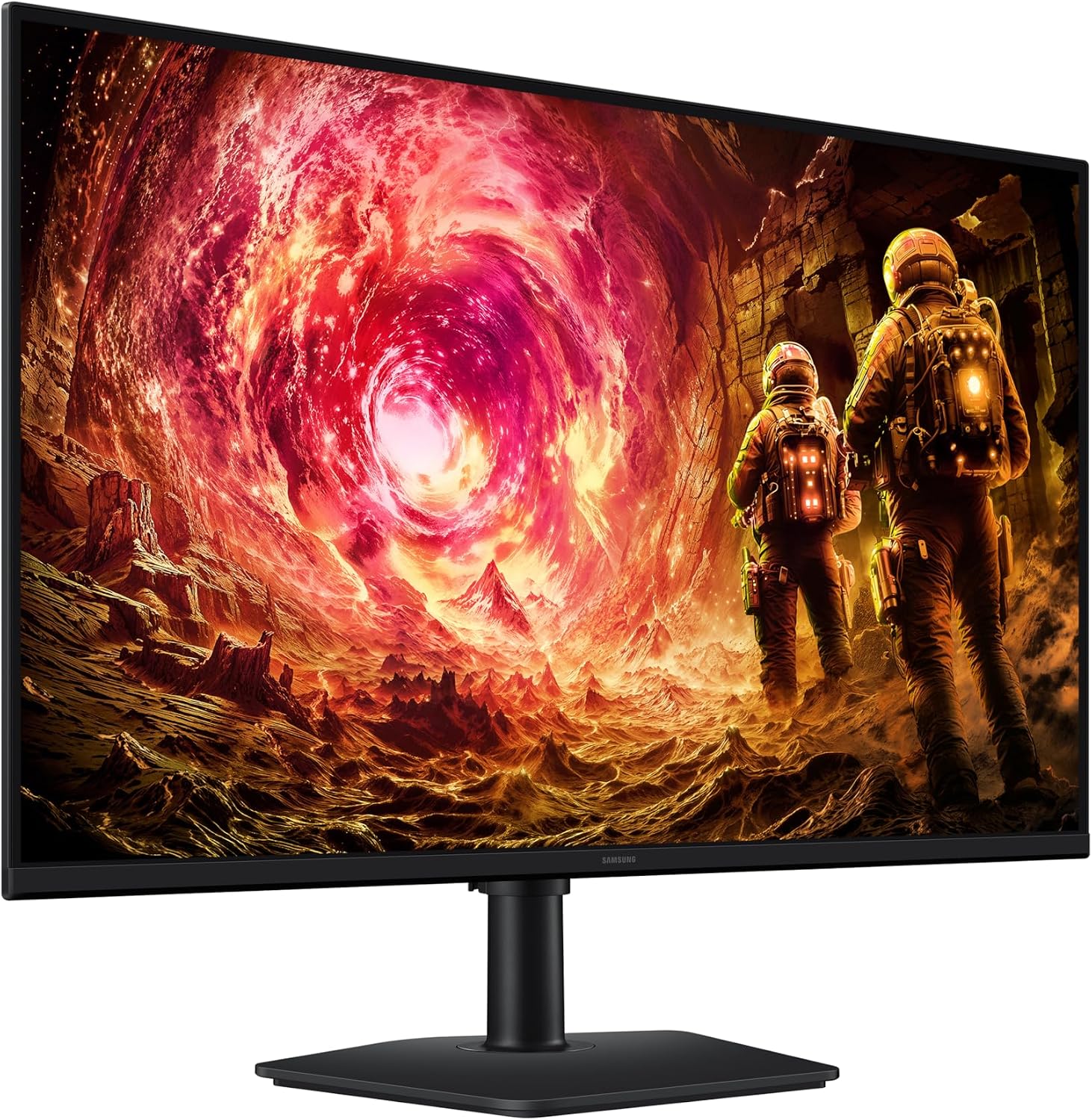
If you’re chasing responsive, smooth gaming on a 32" screen, the Samsung Odyssey LS32FG502EUXXU aims to deliver. With a QHD (2560x1440) panel, it promises faster pixel response and up to 180Hz refresh rate to reduce motion blur, which can help in fast-paced titles without introducing too much latency. Its 1ms response time suggests snappy input feedback, though real-world performance also depends on GPU pairing and game settings. The panel is described as Fast IPS, which typically affords wide viewing angles and accurate colours across the screen, an asset for co-op play or media use beyond gaming. HDR10 support adds more dynamic range, helping scenes feel more lifelike when the content is mastered for it. It’s also compatible with NVIDIA G-Sync and supports AMD FreeSync, offering a smoother experience by synchronising frame delivery with the GPU and reducing tearing. All in all, it’s positioned as a mid-to-upper mid-range option for gamers who want a big, immersive display without stepping up to a higher-cost, high-refresh rate flagship.
What it offers in practice
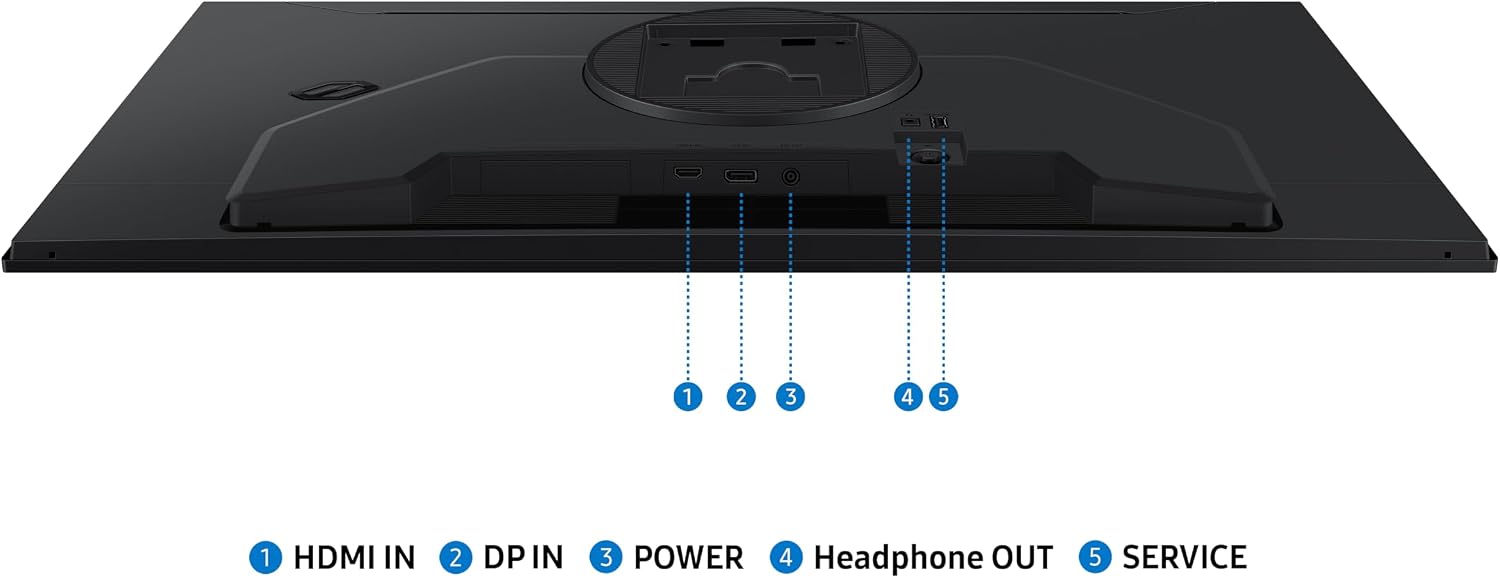
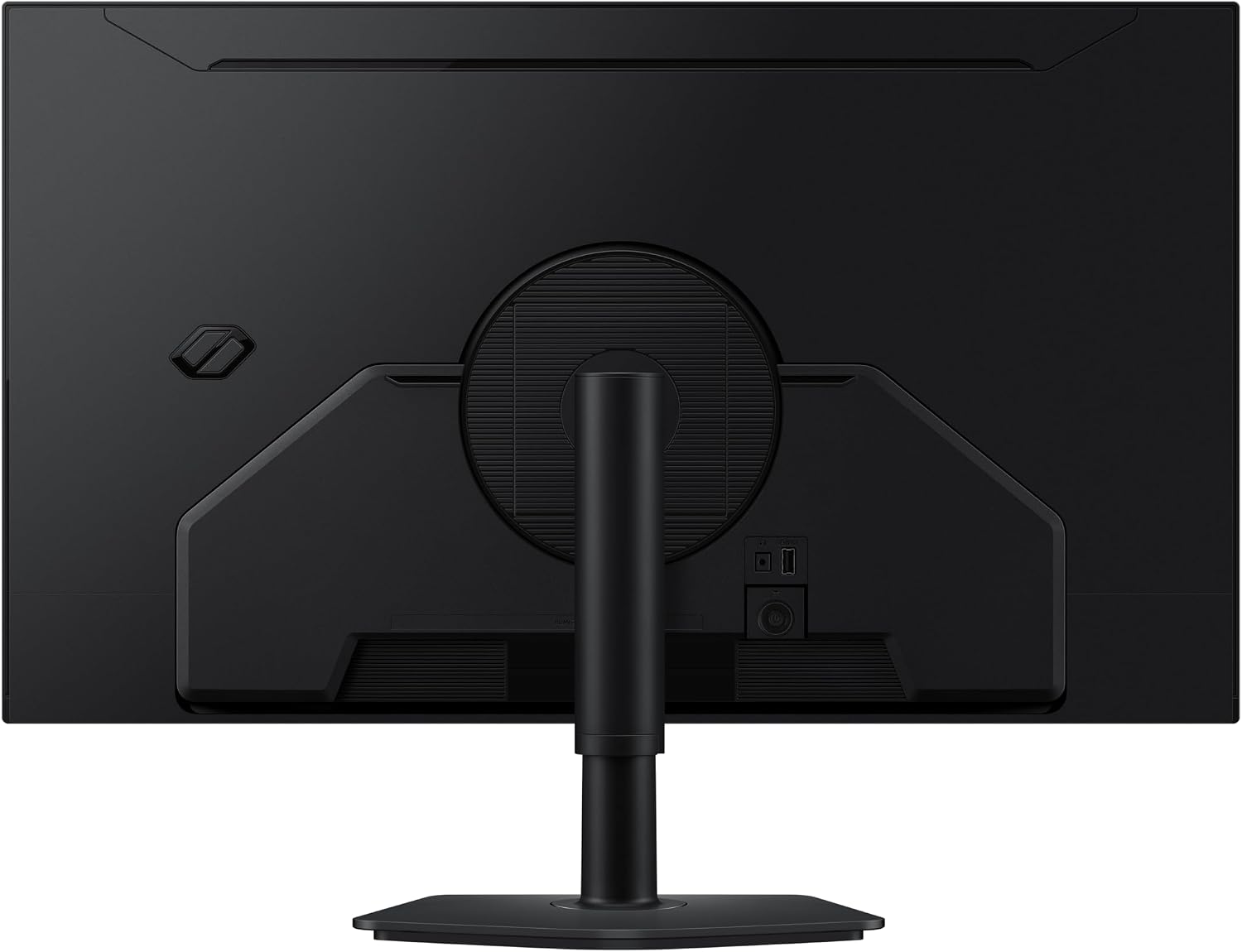
The 32" size is a noticeable upgrade in immersion compared with smaller monitors, especially if you sit at a typical desk distance. 178° viewing angles mean colours stay consistent when you adjust viewing position, which helps in shared setups or when you pivot to look at the screen from different angles. If you prioritise consistent image quality across viewing positions, this is a feature that can make a difference in everyday use. The inclusion of both HDMI and DisplayPort inputs means you’re not locked into a single connection type, giving you flexibility with multiple consoles or PCs.
What stands out and what may hold you back
On the upside, the combination of QHD resolution, high refresh rate, and low response time is compelling for gamers who want a sharp image with smooth motion. HDR10 adds depth to bright scenes, which is nice for certain game genres and media consumption. On the downside, the monitor’s performance will hinge on your GPU and game optimisations, if you’re playing at the extreme end of settings, you may still encounter frame dips. HDR brightness and colour accuracy can also vary by panel and regional production lots, so expectations should stay measured. The absence of more advanced features like a higher peak brightness level or mini-LED backlighting means it stays in a sensible price band rather than tapping into premium display technology.
Who it’s for
This monitor suits players who want a larger, immersive screen without paying premium prices. It’s a sensible upgrade for those moving from 1080p/60–75Hz setups, and who value a balance of high refresh, decent response, and good viewing angles for both gaming and general use. If you game primarily at competitive eSports framerates and have a top-tier GPU, you’ll likely want to compare with panels that push beyond 180Hz or offer stronger HDR performance. If you prefer a more compact desk setup or prioritise absolute image brightness, you might find other options more aligned to your needs.
When it makes sense to buy
Consider this model if you want a sizeable screen with a solid mix of features—QHD clarity, high refresh rate, low response time, and adaptive sync—without chasing the most expensive models. It’s a practical choice for mid-range gaming rigs, mixed-use work and media, and setups where you’ll benefit from a comfortable viewing distance and an engaging field of view.
When it may not be the best fit
If you’re chasing ultra-high-end HDR performance, extreme peak brightness, or a panel with higher refresh rates above 180Hz, this monitor may fall short of expectations. For competitive play where every millisecond counts, some users might prioritise a model that targets 240Hz or a display with higher luminance and more advanced local dimming.
What to check before you buy
- Ensure your GPU and game settings can reliably push close to 1440p at high frame rates to maximise the 180Hz potential.
- If you use HDR, be aware that true HDR experience can vary by panel and content, HDR10 support is a baseline, but real-world brightness and colour performance may differ.
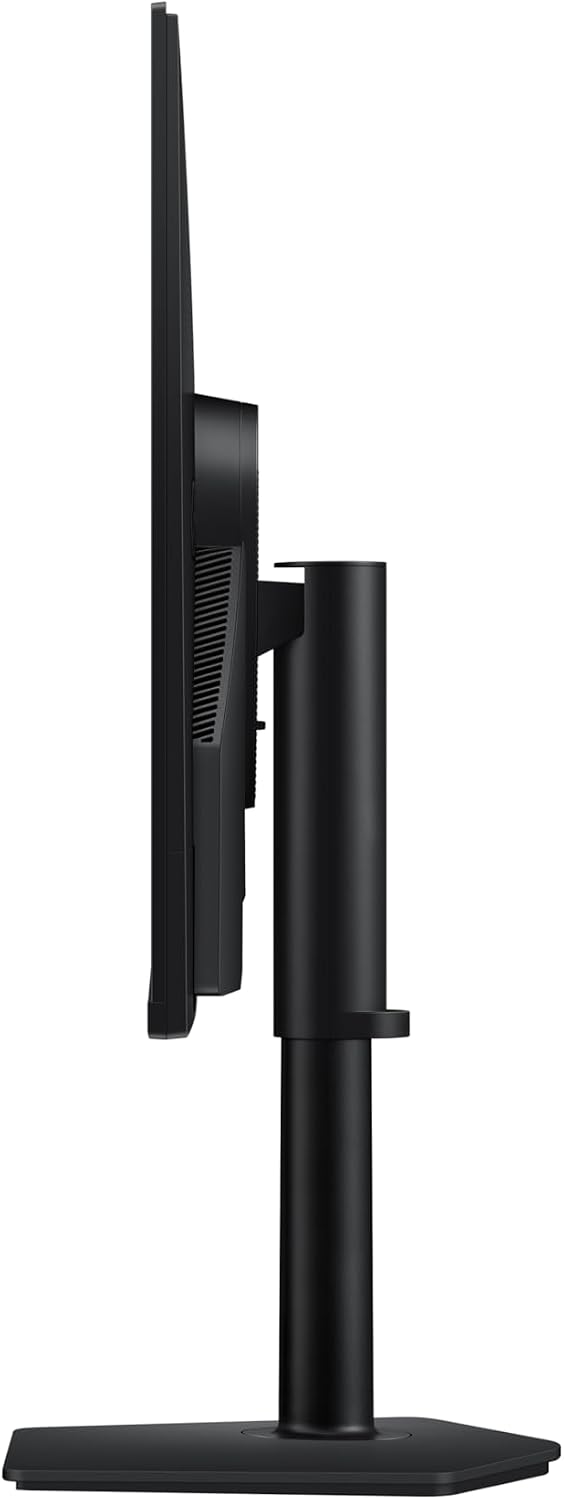
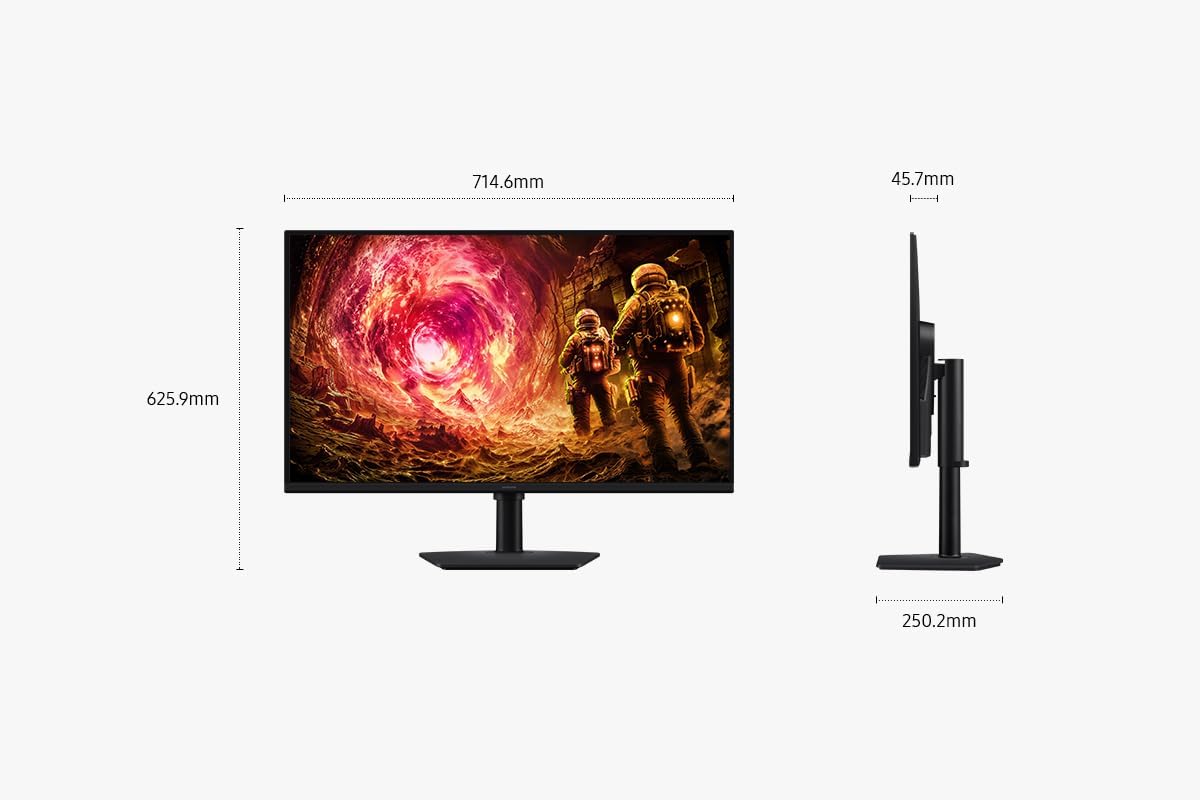
- Confirm your desk setup accommodates the height-adjustability to achieve a comfortable viewing angle and reduce neck strain during long sessions.
- Check connectivity needs (HDMI vs DisplayPort) for your PC or console to ensure compatibility with intended sources.
Practical use example
Imagine booting into a fast-paced shooter: the larger display makes enemy motion feel more real, and the 1ms response helps you react quickly without obvious trailing. Switch to a story-driven title, and the wide viewing angles keep colours stable when you glance away or share the screen with a friend.
FAQ (short answers)
- Q: Can it be used with both GPU brands? A: Yes, it supports G-Sync compatibility and FreeSync, so it should work well with both NVIDIA and AMD GPUs.
- Q: Is the HDR feature essential for all games? A: HDR can enhance certain scenes, but not all titles are mastered for it, it’s a bonus rather than a must.
- Q: Do I need a high-end PC to run at 180Hz at 1440p? A: You’ll want a capable GPU, especially in newer titles, but the exact frame rate depends on game and settings, you may not always hit 180Hz.
Is it worth it?
This is a solid mid-to-upper mid-range gaming monitor for users who want a big, immersive screen with modern features without venturing into premium-class pricing. If your priority is smooth, responsive gameplay at 1440p with decent HDR and broad viewing angles, it makes sense to consider. If your needs lean toward absolute top-tier HDR performance or extreme refresh rates, you may want to explore more premium options.