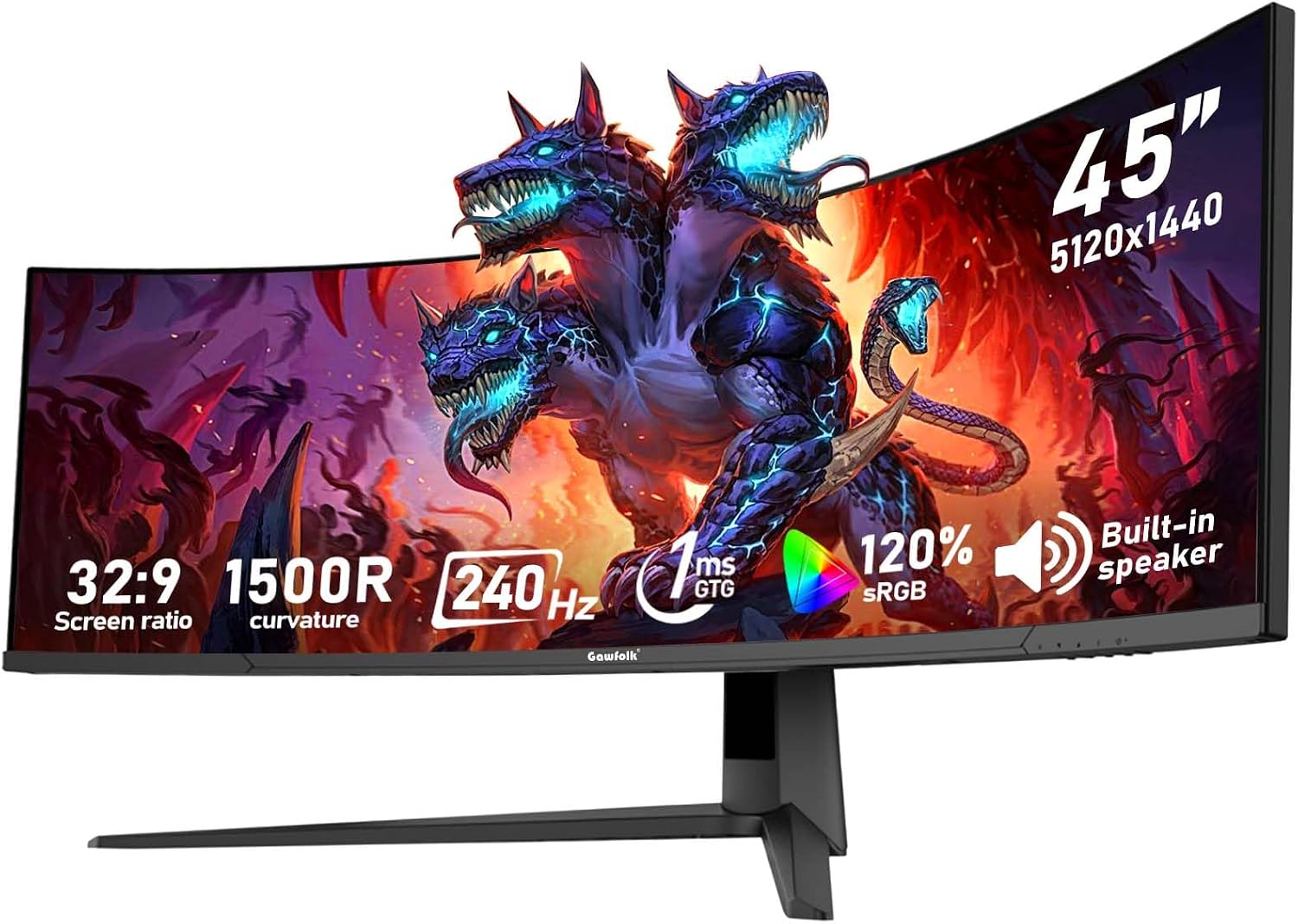
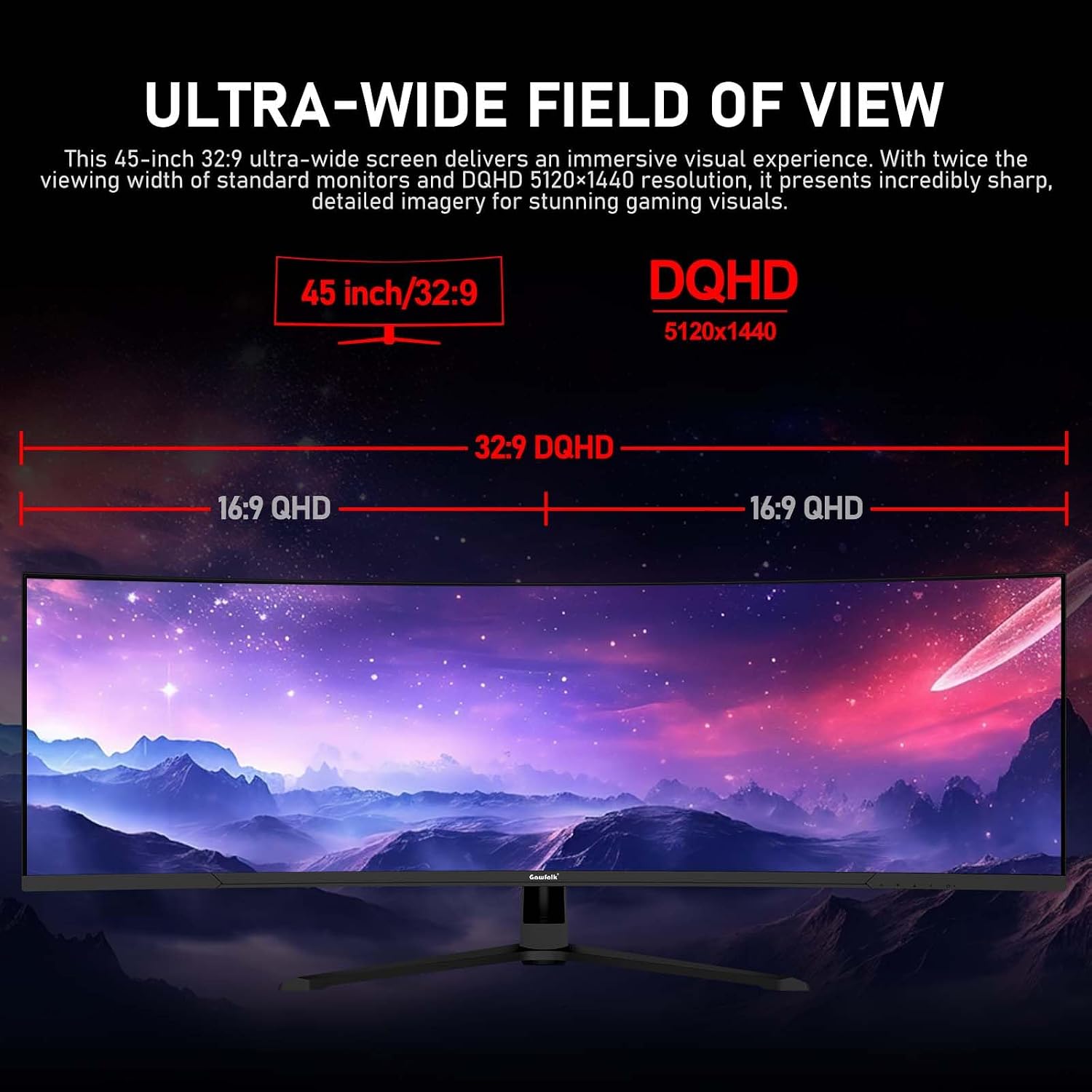
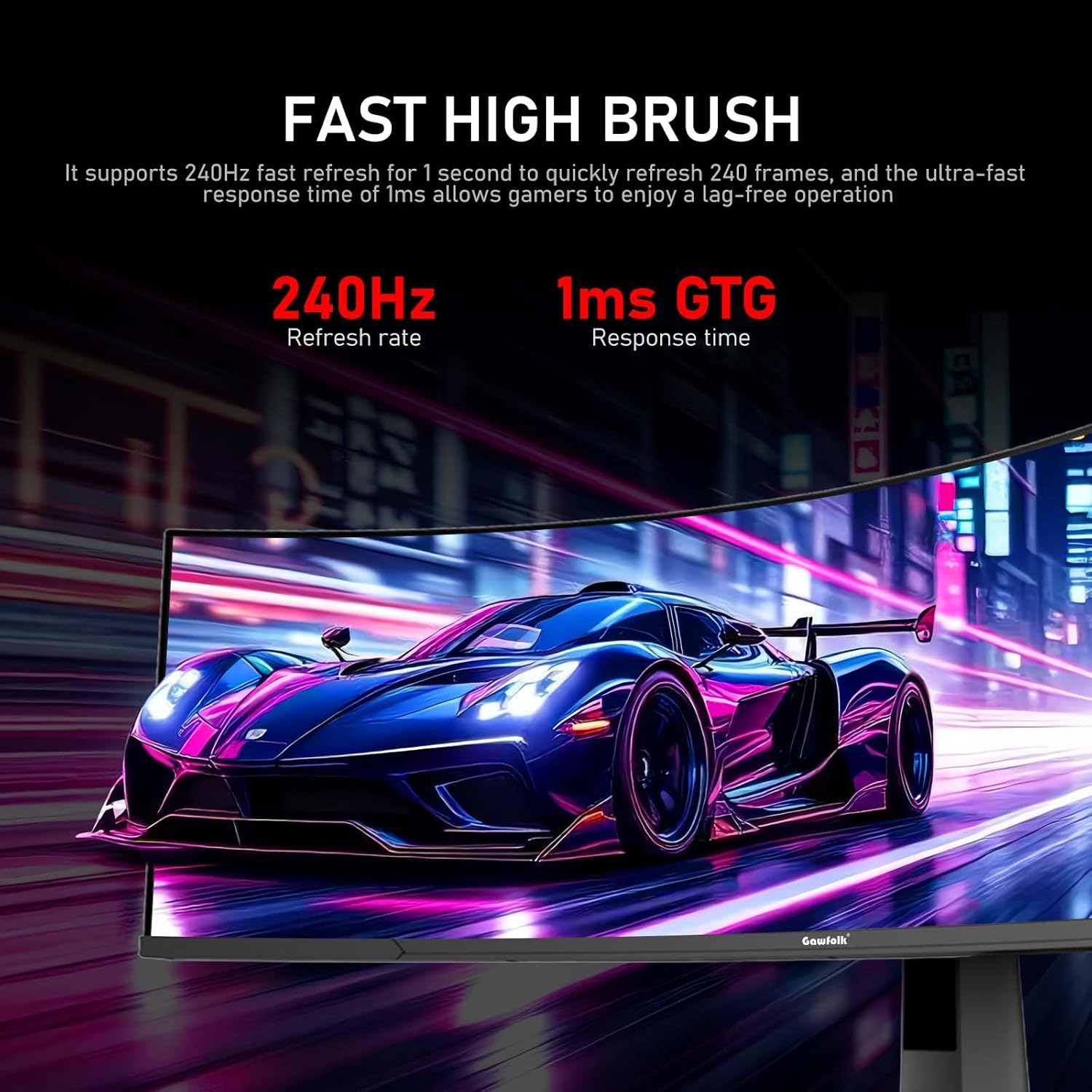
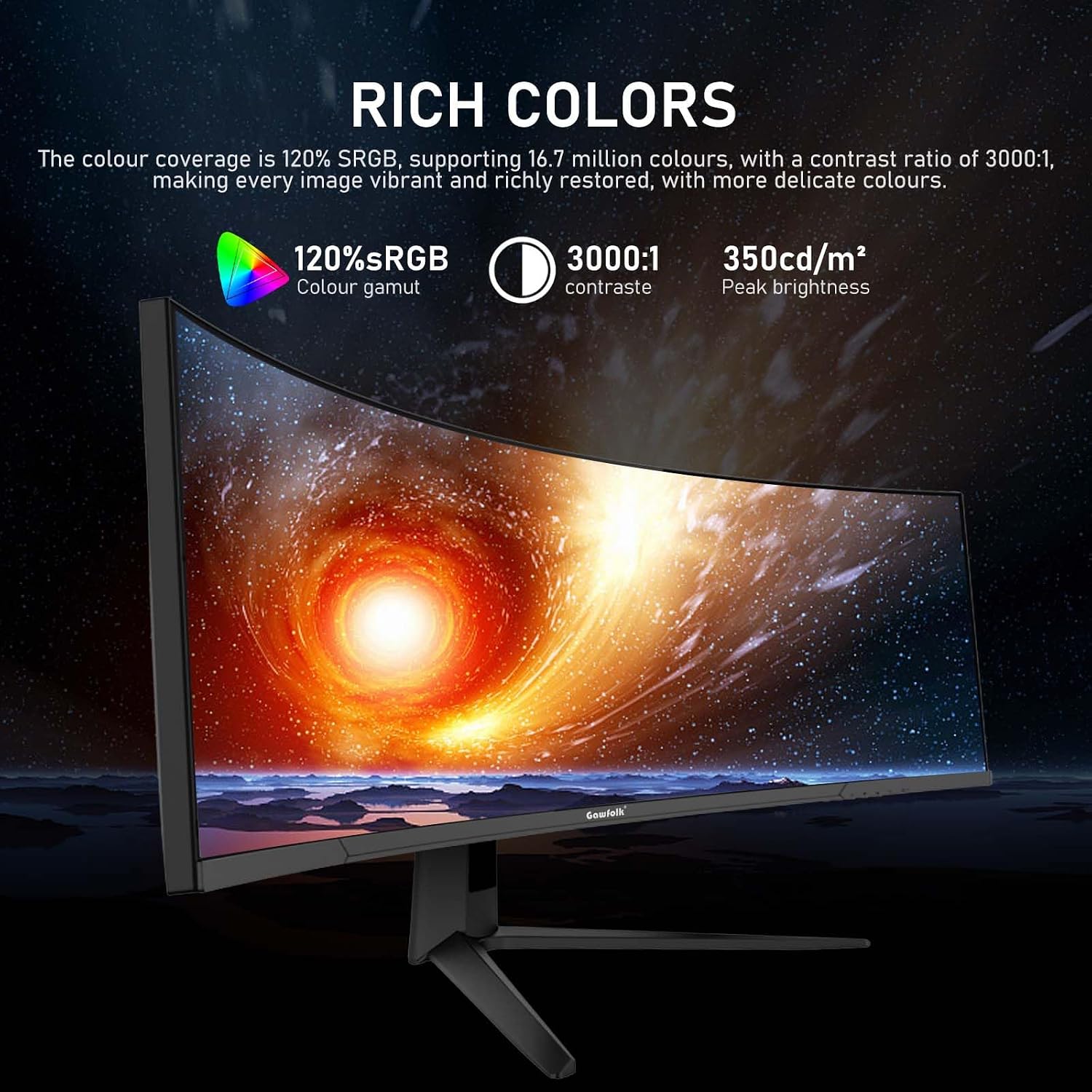
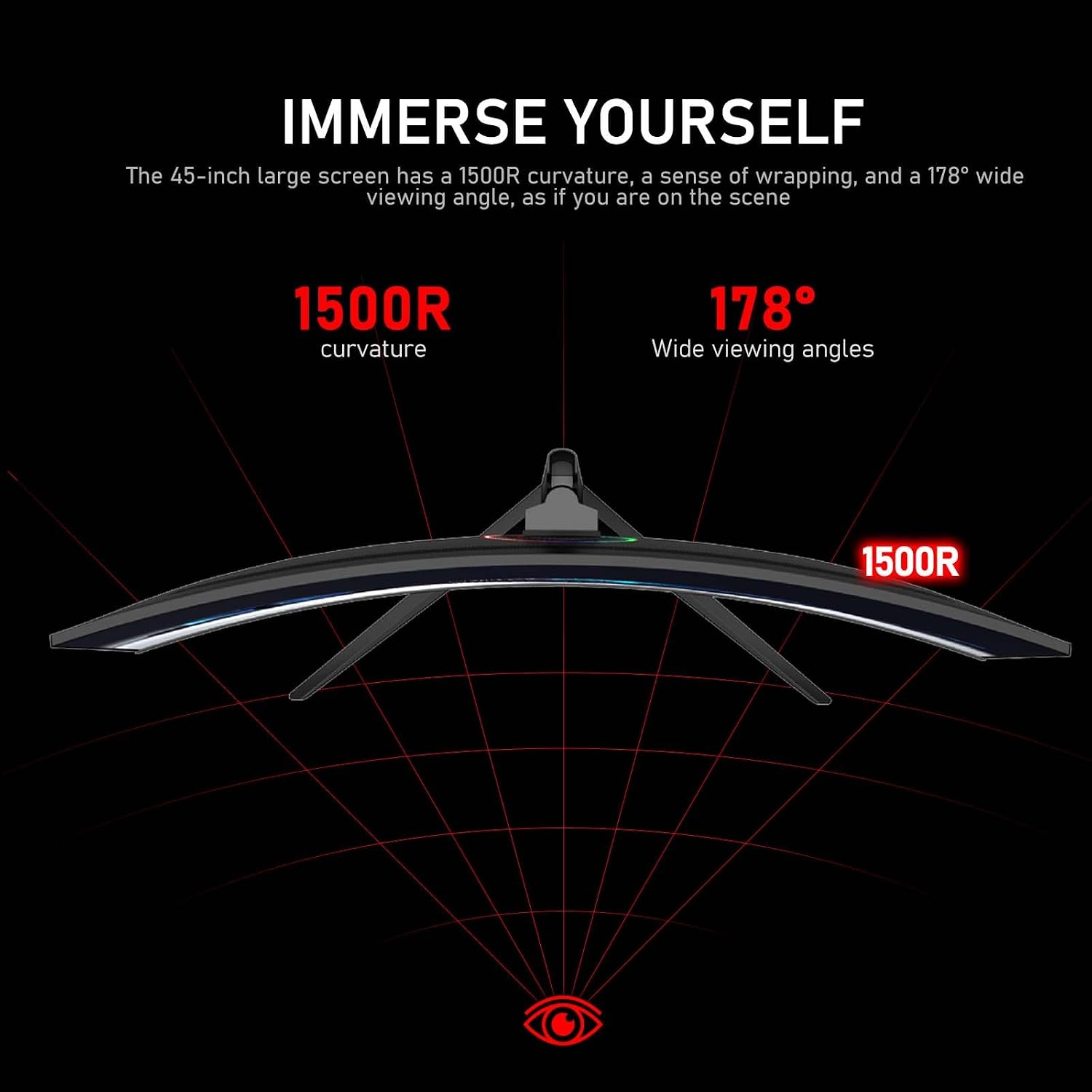
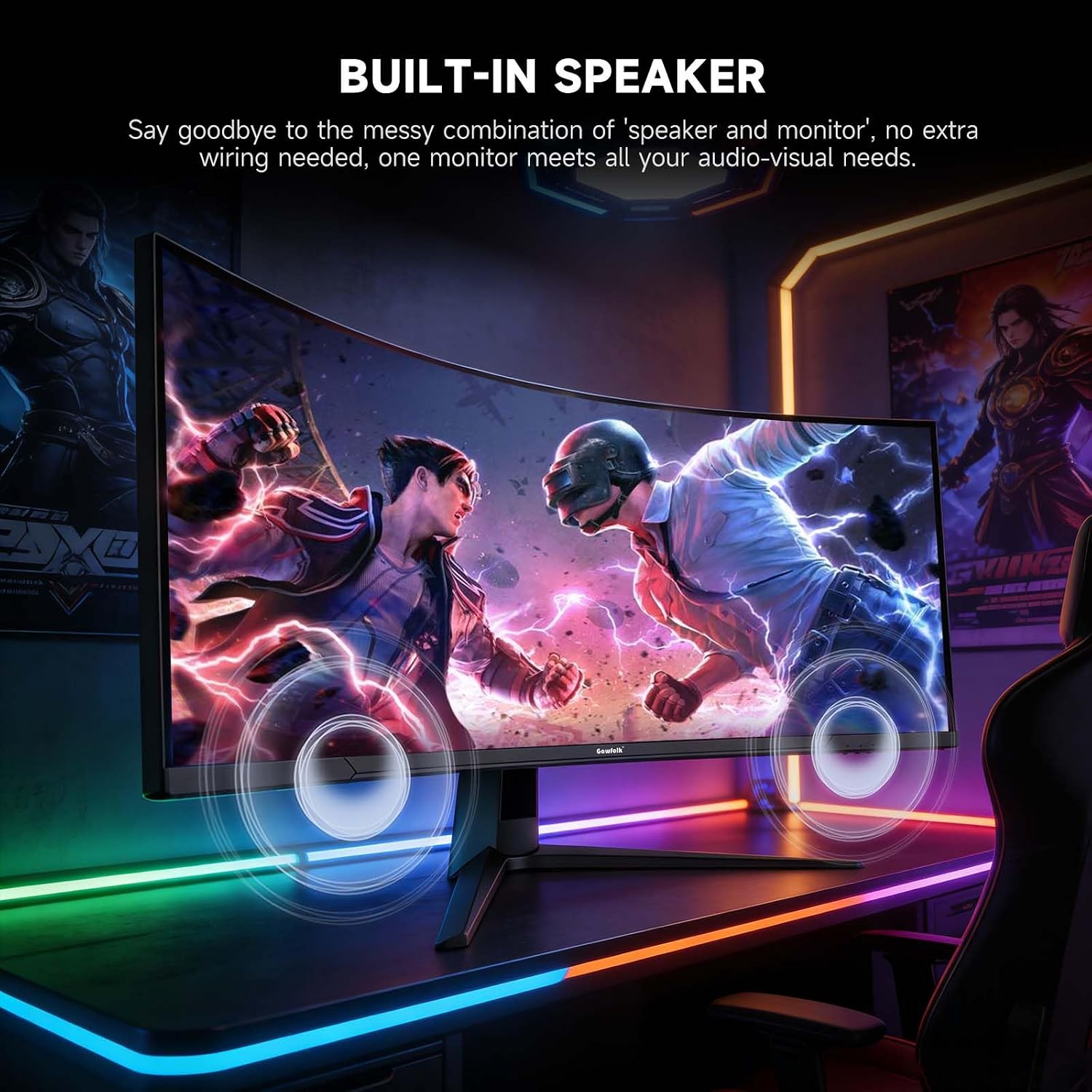
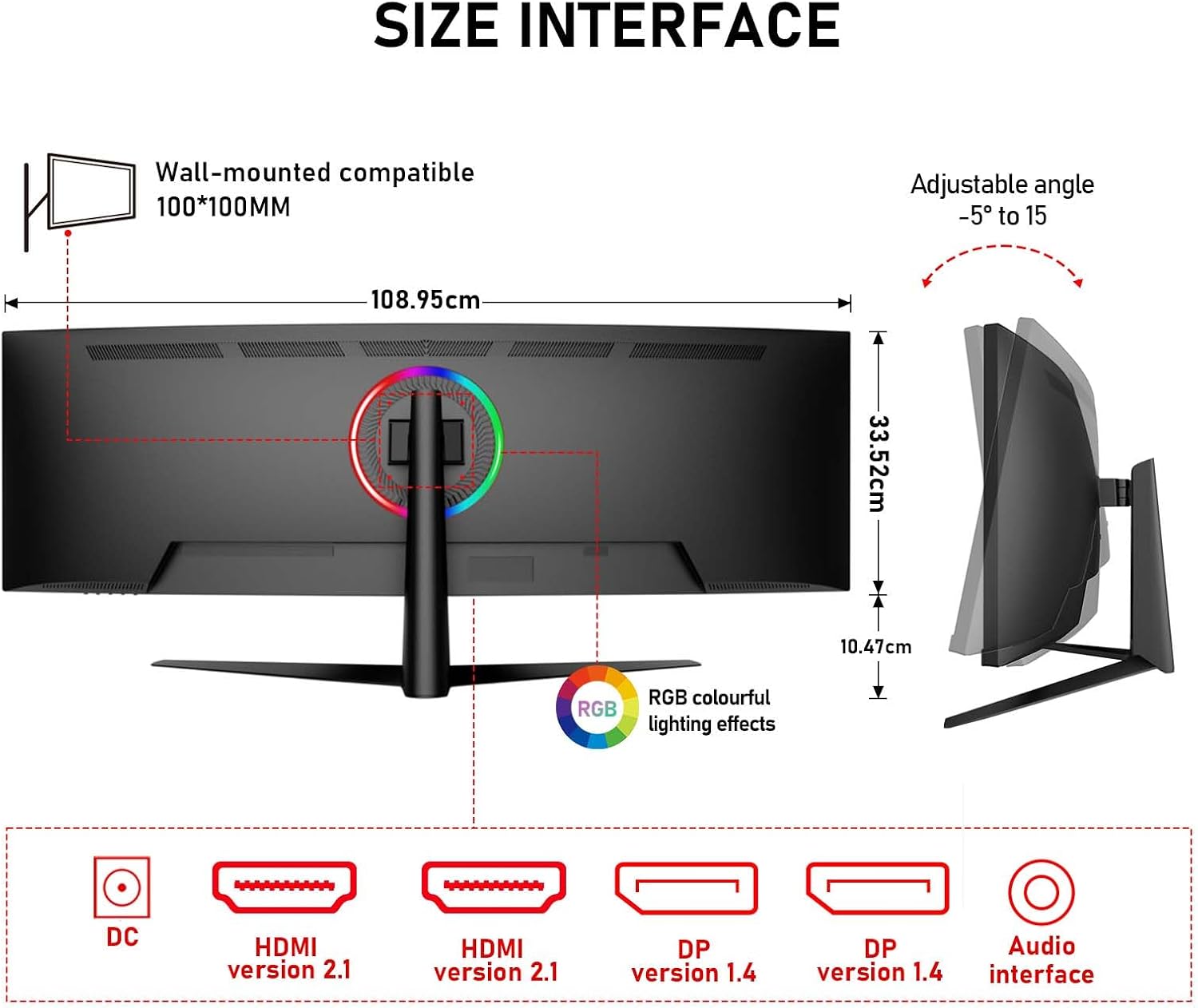
What it is and what problem it solves\nThe Gawfolk 45 inch Ultra-Wide Curved monitor is designed to maximise screen real estate with a 32:9 aspect ratio and a DQHD resolution (5120×1440). It aims to streamline multitasking, letting you run multiple windows, design files or code pages side by side without constantly swapping between tabs. The 1500R curve and near-360-degree horizontal field of view feel immersive for gaming and media, yet the wide format supports productive workflows and creative tasks that benefit from additional horizontal space.\n\n## How it performs in practice\nOn paper it combines a 240Hz refresh rate with Adaptive Sync, which should minimise screen tearing and motion blur during fast-paced games, while still delivering smooth performance for video editing or dynamic data work. With a native contrast of 3000:1 and 350cd/m² brightness, you can expect good detail in darker scenes and clear highlights in bright ones. The panel covers 120% of the sRGB colour space, which supports more accurate colour reproduction for tasks like photo retouching and video grading where colour fidelity matters.\n\n## What stands out day to day\nConnectivity is solid for a multi-device setup: two HDMI 2.1 and two DP 1.4 ports enable quick switching between a PC, game console or laptop without constant plugging and unplugging. The inclusion of a built-in speaker offers a simple, space-saving audio option for casual viewing or general use. It’s also compatible with wall mounting on a 100×100mm VESA pattern, which helps keep your desk clear if you prefer a wall‑mounted setup.\n\n## Limitations and realities to consider\nWhile the 1500R curve and ultrawide format are strengths for immersive gaming and wide-screen work, the size may demand ample desk space and can feel overwhelming in smaller rooms. The 240Hz spec is compelling for high-end gaming, but real-world performance also depends on the GPU and game title. The monitor’s strong suit is multitasking and colour-friendly content creation, if your primary need is compact space or standard 1080p/1440p gaming, this may feel oversized for the price.\n\n## Who it’s for\nThis model suits content creators who value a broad, accurate colour palette and plentiful horizontal screen space for editing timelines, multi-window workflows, or concurrent reference material. Gamers who want a generous, immersive field of view and high refresh rates will appreciate the smoothness and responsiveness. If you prize compactness or a lower entry price, you might prefer a smaller or more basic alternative.\n\n## When to buy it\nConsider this monitor if you regularly work with multiple apps or large spreadsheets, or you enjoy immersive, fast-paced gaming with a need for quick, fluid visuals. If you’re setting up a home office or creative workstation where desk space is plentiful, this model can anchor the space effectively.\n\n## What to check before buying\n- Ensure your display card and cables can support 4K-wide bandwidth at high refresh rates, particularly via HDMI 2.1 or DP 1.4.\n- Confirm the power and mounting space on your desk or wall to accommodate a 45 inch curved panel.\n- Consider whether you’ll primarily use it for productivity, or as a gaming/creative hub, to match expectations about image quality and motion handling.\n\n## Practical usage example\nImagine editing a video timeline while keeping reference frames, chat or a browser open on the side. The 32:9 display lets you see more of the workspace without constant window minimising, which can reduce friction during revisions and review cycles. In a gaming session, you’ll notice the expansive field of view and reduced reliance on chest-high head movements for situational awareness.\n\n## FAQ (brief)\n- Does it support FreeSync for smoother gameplay? Yes, it includes FreeSync to minimise tearing.\n- Can two devices be active at once? The monitor offers multiple inputs (HDMI 2.1 and DP 1.4) for easy switching, but you’ll need to choose which device drives the screen at any given time.\n- Is the built-in speaker adequate for film viewing? It provides basic audio output, for serious listening, external speakers or headphones are recommended.\n\n## Final decision and buying guidance\nIs it worth it? Worth considering if you need extensive horizontal space for multitasking or colour-accurate content creation in a single curved panel. It may not be the best choice if you prioritise compact form factor or a more modest price point. A solid pick for a dedicated workstation or gaming setup where screen real estate and fluid visuals matter.\n