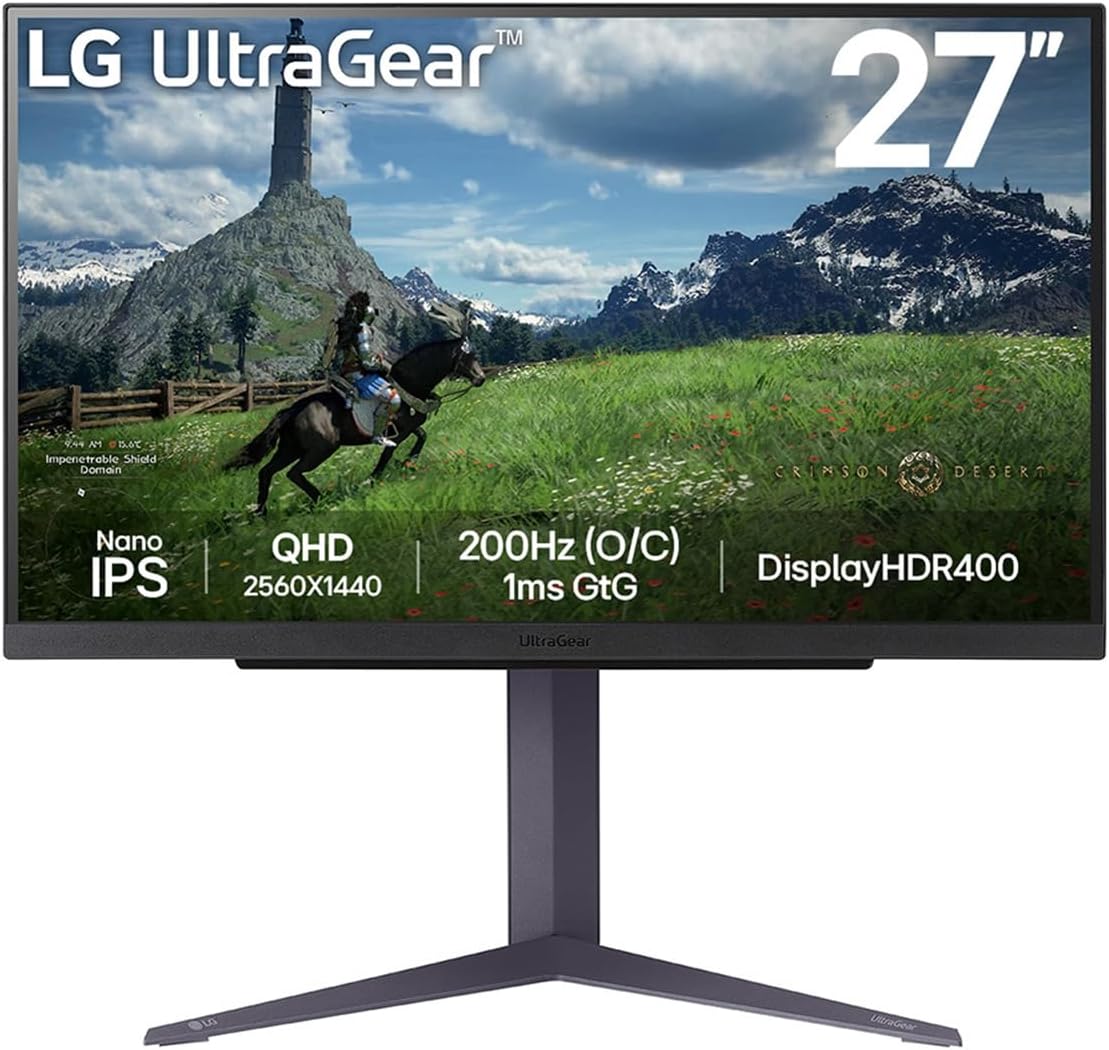
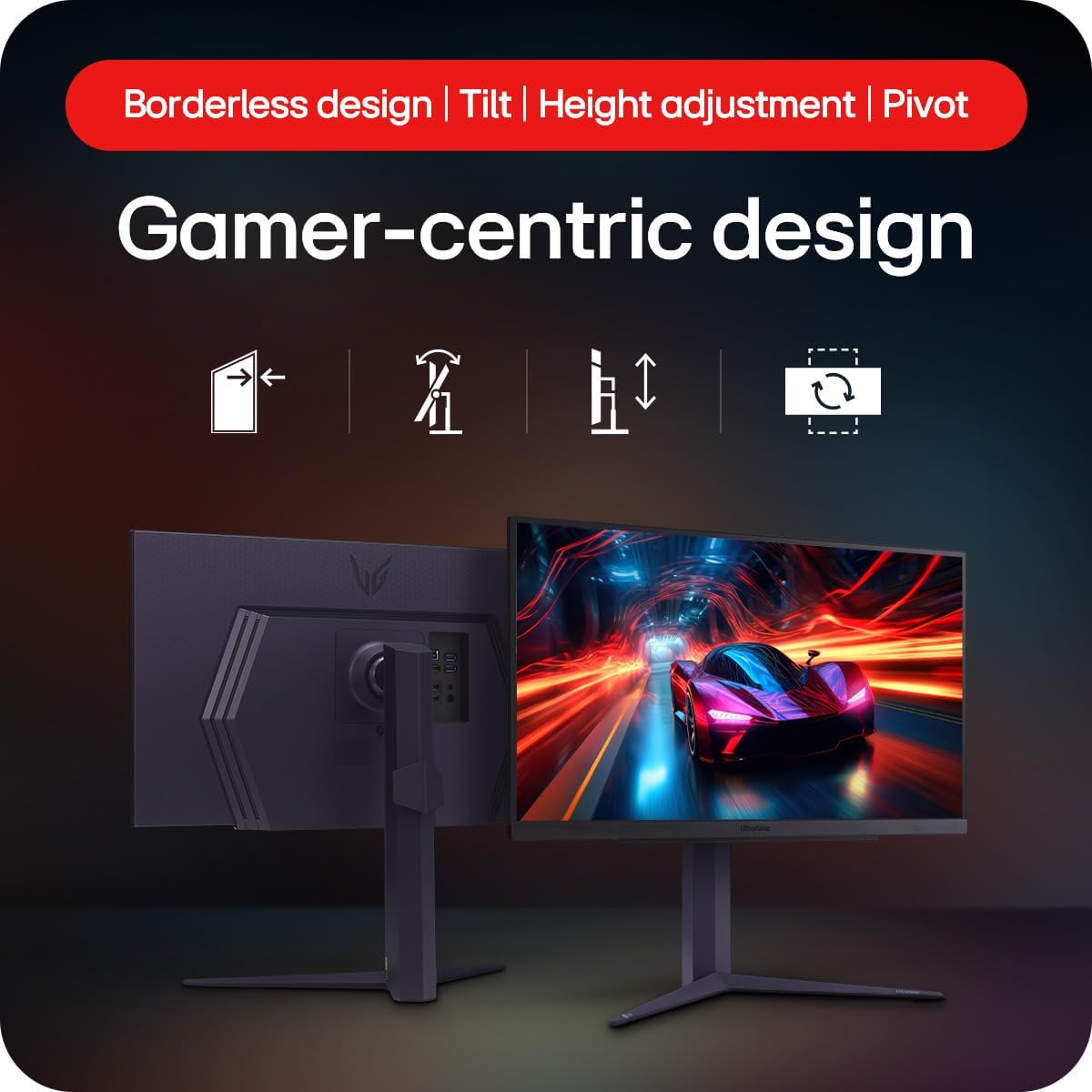
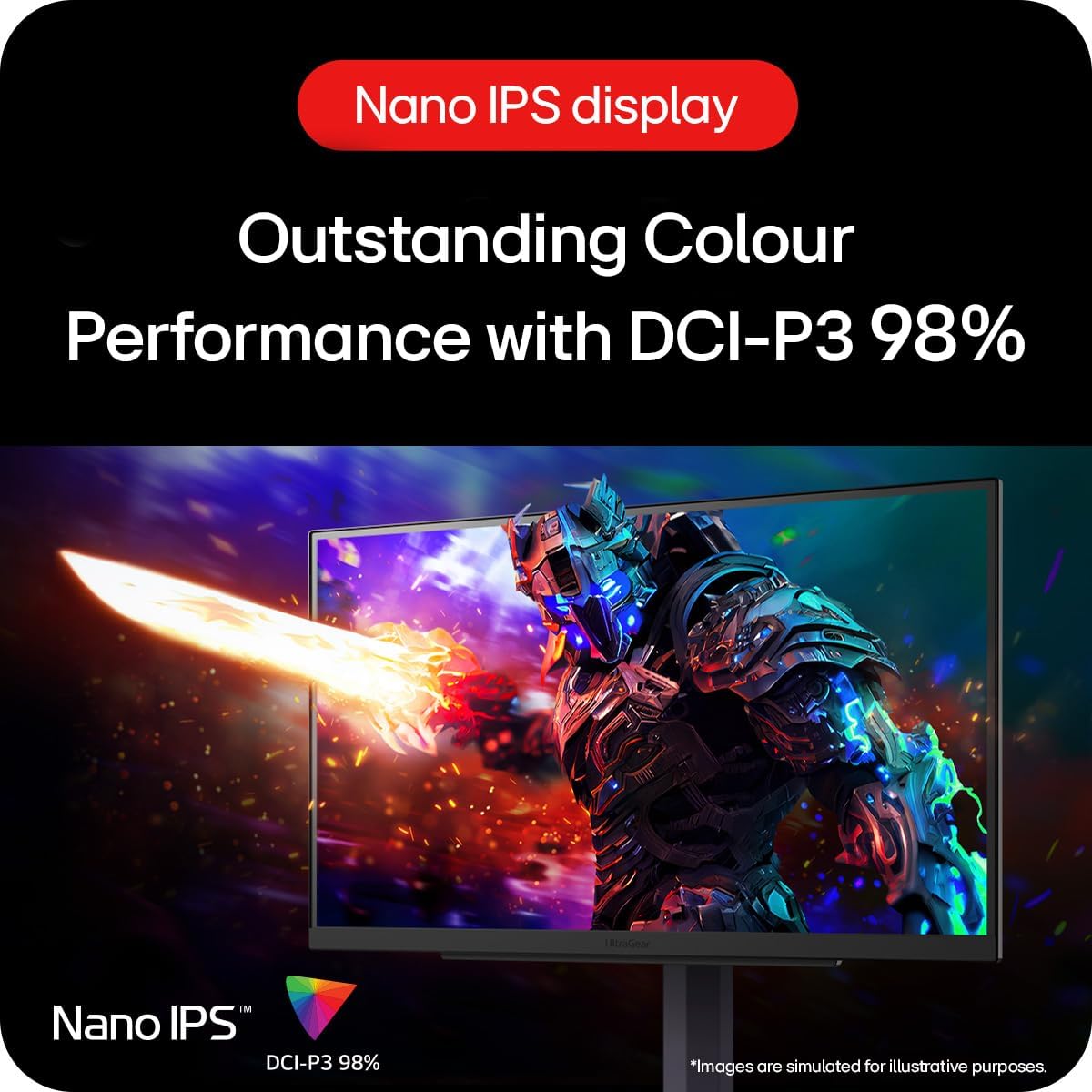
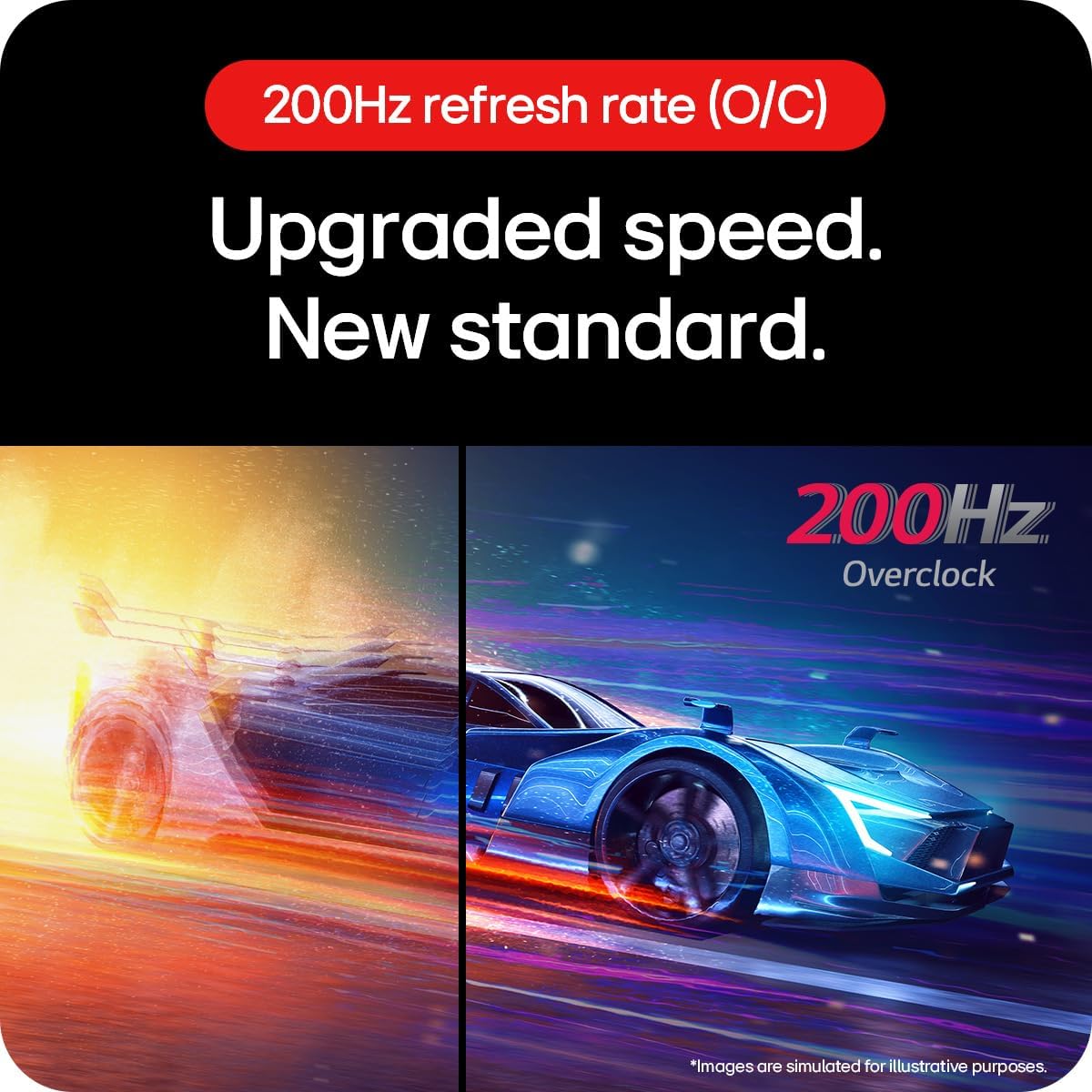
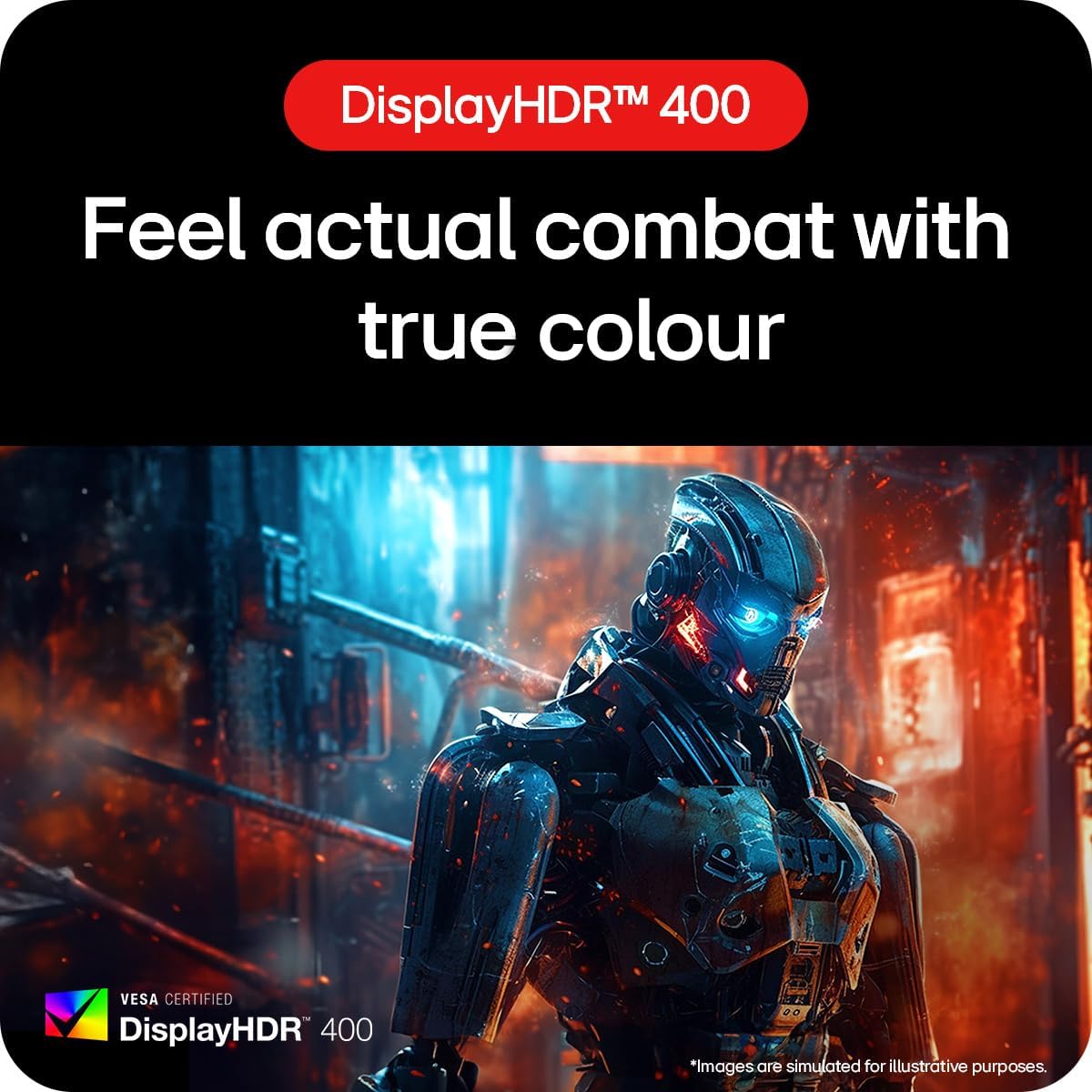
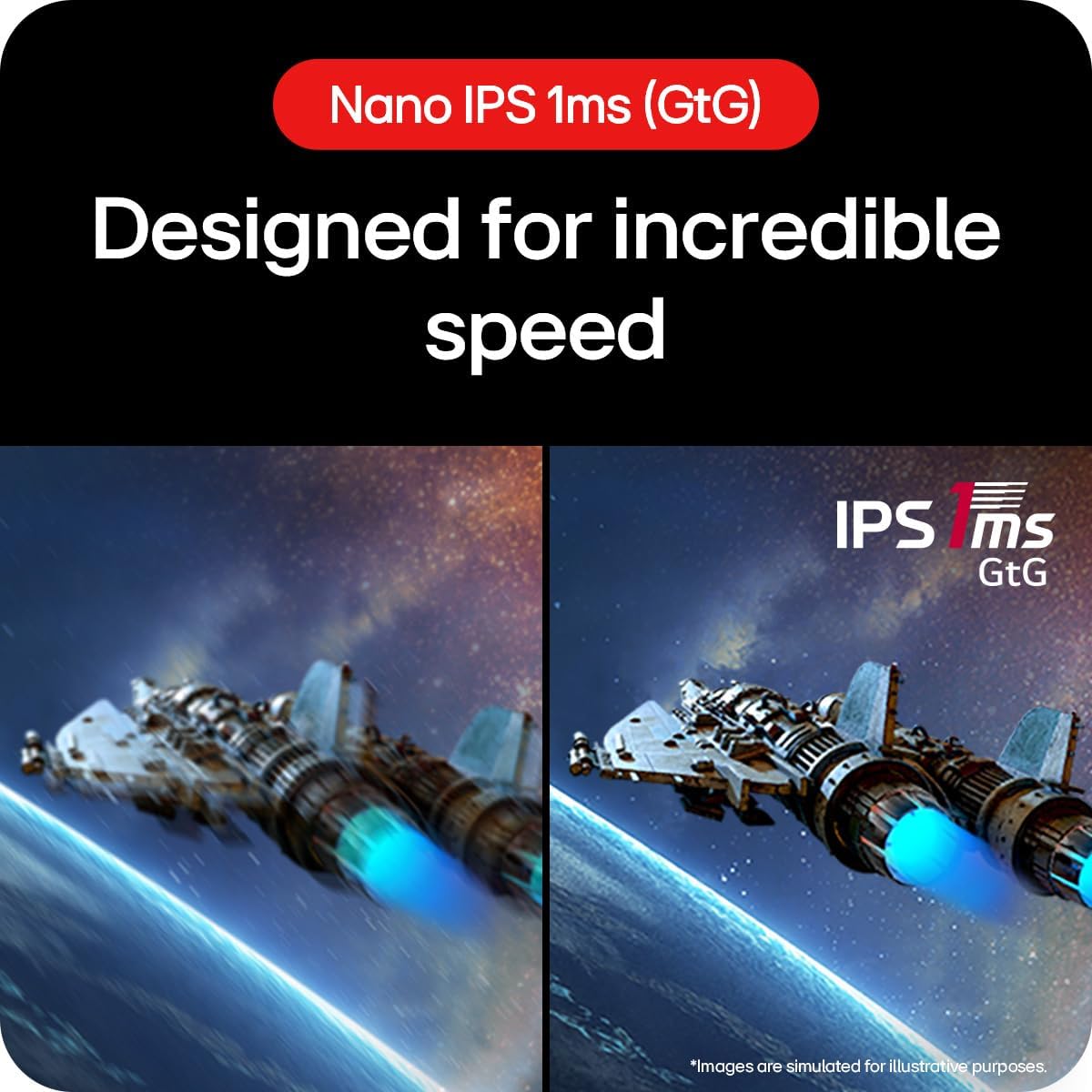
What this monitor is and what it’s for\nThe LG UltraGear 27GS85Q is a 27-inch gaming monitor designed to deliver smooth, responsive visuals for fast-paced titles. Built around a Nano IPS panel, it focuses on delivering accurate colours and quick pixel response to help players spot details and track motion with less blur. It isn’t a generic office panel, it’s aimed at gamers who want a capable display without sacrificing colour fidelity or consistency from frame to frame.\n\n## How it performs on paper\nOn paper, the key specs are clear: a 27-inch 1440p panel with an overclock to 200 Hz, and a 1 ms GTG response time. That combination is intended to reduce motion blur and ghosting while keeping the image sharp during rapid action. The panel support includes 98% DCI-P3 colour, which suggests a broader colour gamut than standard sRGB monitors, and DisplayHDR 400 to give a broader dynamic range. You’ll also find VESA compatibility for mounting, and a slim three-sided bezel that helps create a more immersive multi-monitor setup.\n\n## What stands out in use\nIn practice, the high refresh rate is noticeable in fast shooters and racing titles, where a smoother image can help with target acquisition and tracking. The IPS panel should offer wide viewing angles and decent colour stability even off-centre, which makes it suitable for co-op play or streaming setups where others view the screen. The adaptive sync family (NVIDIA G-SYNC Compatible and AMD FreeSync) is designed to minimise tearing and stutter across a range of GPUs, though the real-world benefit depends on the frame rate you can sustain in a given title. The slim bezel and tilt adjustment contribute to a more ergonomic and immersive setup, especially when you’re seated close to the screen.\n\n## Pros and what to watch for\n- Pros: high refresh potential, responsive 1 ms transitions, wide colour gamut, adaptive sync options, good ergonomics with tilt.\n- Limitations to consider: real-world gains depend on GPU and game optimisation, reaching 200 Hz requires a high frame rate target, which may not be achievable in newer titles at max settings on all systems. DisplayHDR 400 helps with highlights but isn’t a substitute for a high-end HDR experience. The monitor’s performance hinges on your graphics card and the complexity of the game you play.\n\n## Who this is for\nIt suits gamers who prioritise smooth motion and accurate colours without stepping up to premium, higher-cost monitor tiers. If you play competitive titles where every millisecond and frame matters, and you have a capable GPU to harness the 200 Hz potential, this model is worth a look. It also works well for build-outs that value a cohesive aesthetic and a relatively compact footprint in a mid-to-large desk setup.\n\n## Who it isn’t for\nIf you’re chasing the absolute brightest HDR experience or the utmost peak brightness in a dark-room setup, this monitor’s HDR 400 and IPS brightness ceiling may feel modest compared with higher-tier models. Also, if your typical frame rate rarely reaches above 120–144 Hz, you might not extract the full value from the OC 200 Hz. For extremely light-use or non-gaming work, the emphasis on gaming features could feel excessive.\n\n## Before you buy: practical checks\n- Ensure your GPU can consistently push high framerates in your favourite games to justify the 200 Hz cap.\n- Check your desk space and stand/tilt limits to align with the ergonomic tilt options.\n- If you value colour accuracy for content work, verify that the 98% DCI-P3 coverage aligns with your colour workflow needs.\n- Consider your input connections, DisplayPort and HDMI cover typical setups, but confirm your hardware supports the required bandwidth for 2K at 200 Hz.\n\n## How it compares to other approaches\nFor those not chasing the highest frame-rate fantasies, a 144 Hz or 165 Hz monitor with similar IPS quality may represent better value if you don’t routinely exceed those thresholds. If you want the flexibility of adaptive sync across GPU brands and a strong all-rounder in one package, this LG model sits in a middle ground between pure esports-focused panels and more feature-rich, higher-cost displays.\n\n## FAQ (practical answers)\n- Can I run demanding games at 200 Hz? It depends on the title and available GPU power, you may need to drop some settings to sustain high framerates.\n- Is the colour accuracy good for content work? The 98% DCI-P3 coverage helps, but it’s primarily a gaming monitor, for critical colour work you might want a dedicated colour-accurate panel.\n- Does it support HDR effectively? It offers DisplayHDR 400, which improves highlights, but isn’t a substitute for top-tier HDR panels.\n\n## Final decision: Is it worth it?\nWorth considering if you prioritise a high-refresh gaming experience with versatile adaptive sync and strong colour reproduction, and you have a GPU capable of exploiting the 200 Hz potential. It may not be the best pick if you rarely hit high framerates or if you’re after premium HDR brightness.\n