

Hesmor Magnetic Digital Calendar 15.6" with Touch Screen: Fridge, Wall or Desk Mount, Photo Frame and Art Gallery
Product description
What it is and what problem it tackles
The Hesmor Magnetic Digital Calendar is a 15.6" touchscreen device designed to sit on a fridge, wall, or desk. It combines a practical family calendar, a cloud photo frame, and a rotating art gallery in one slim, white/wood-like frame. It aims to reduce chaos in daily schedules, meal planning and shopping lists, while keeping memories and art on display. If you value a centralised family hub that’s accessible at a glance and can be controlled both on the device and remotely via an app, this may fill that gap in a practical way.
How it works on the kitchen table or in a hallway
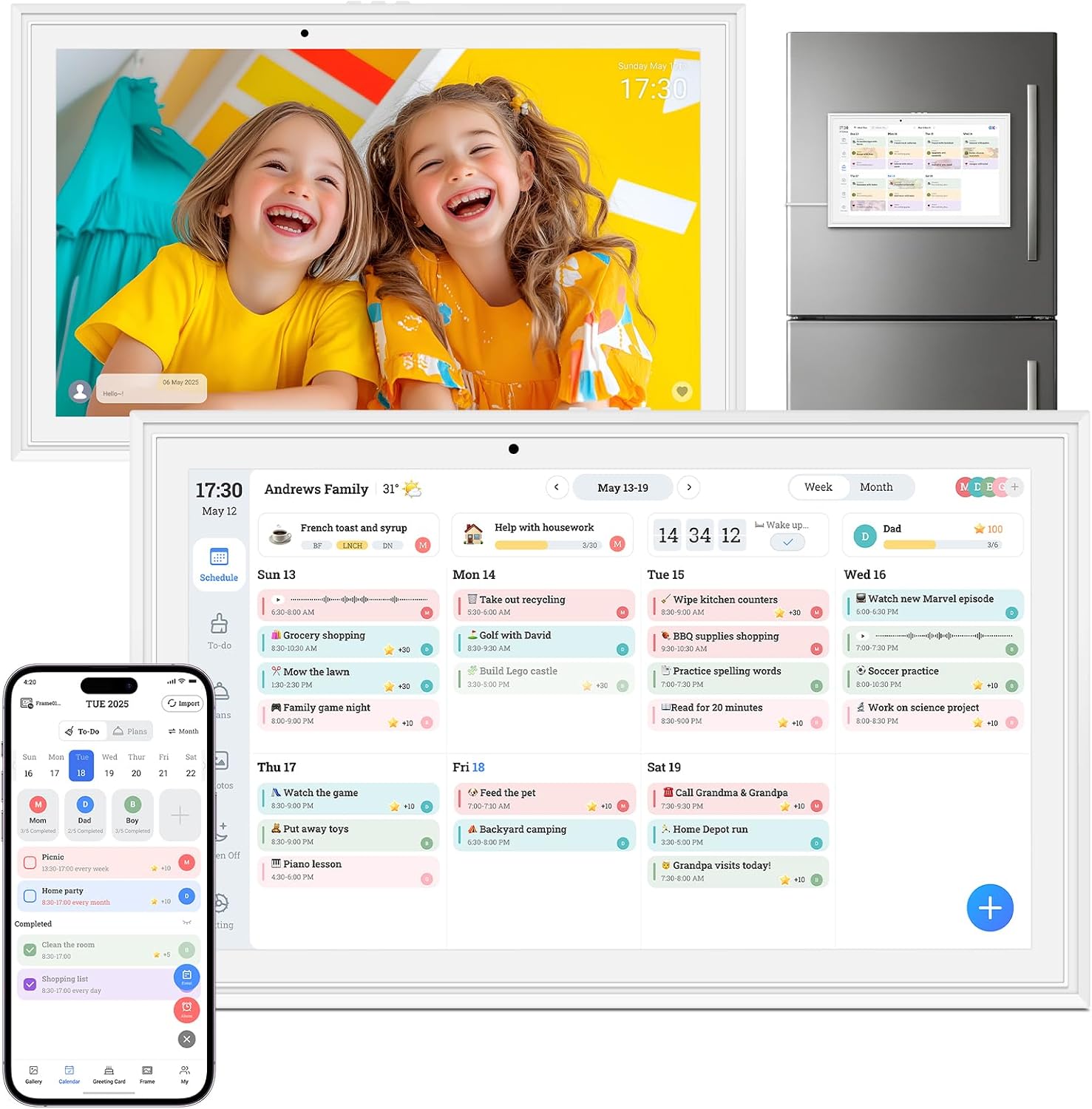
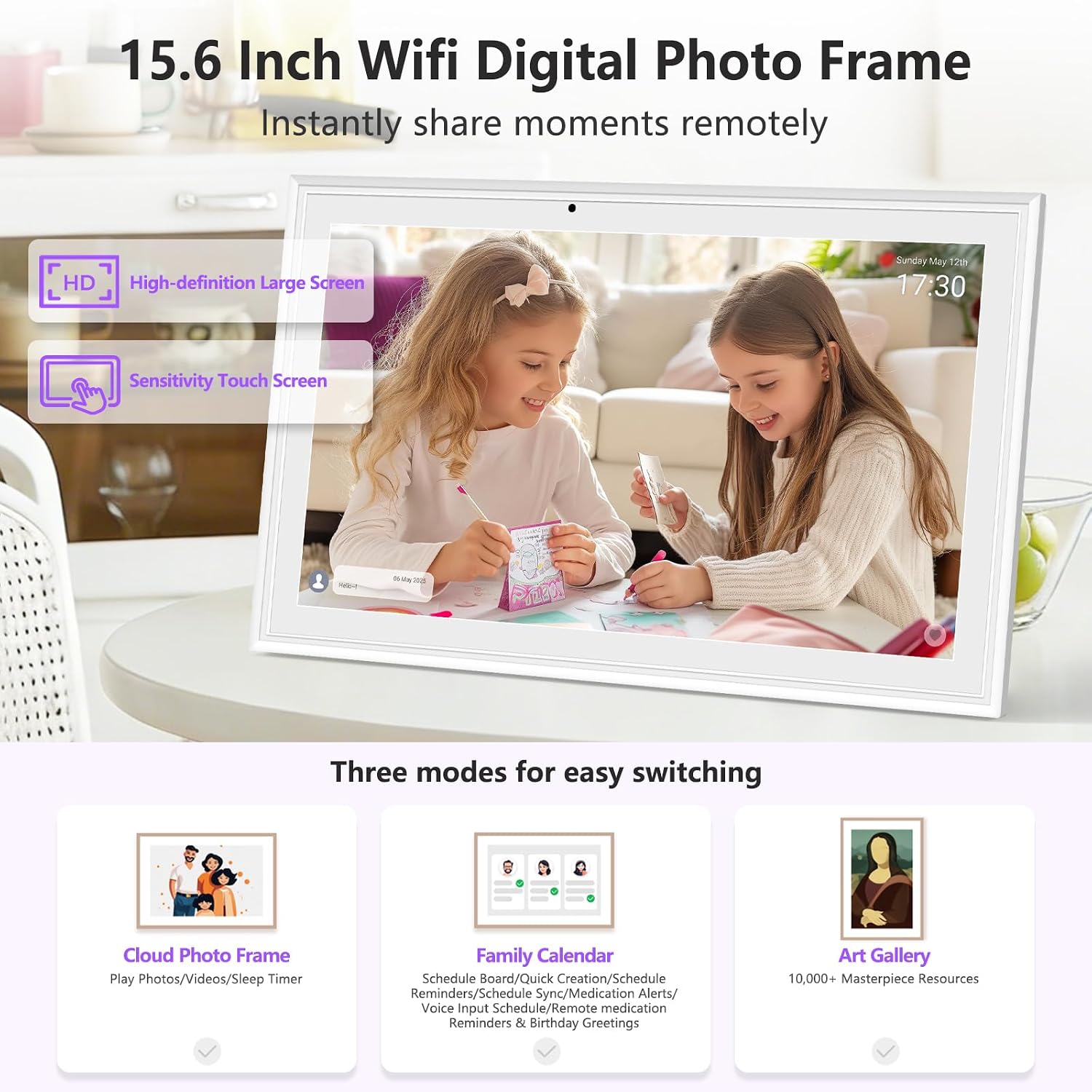
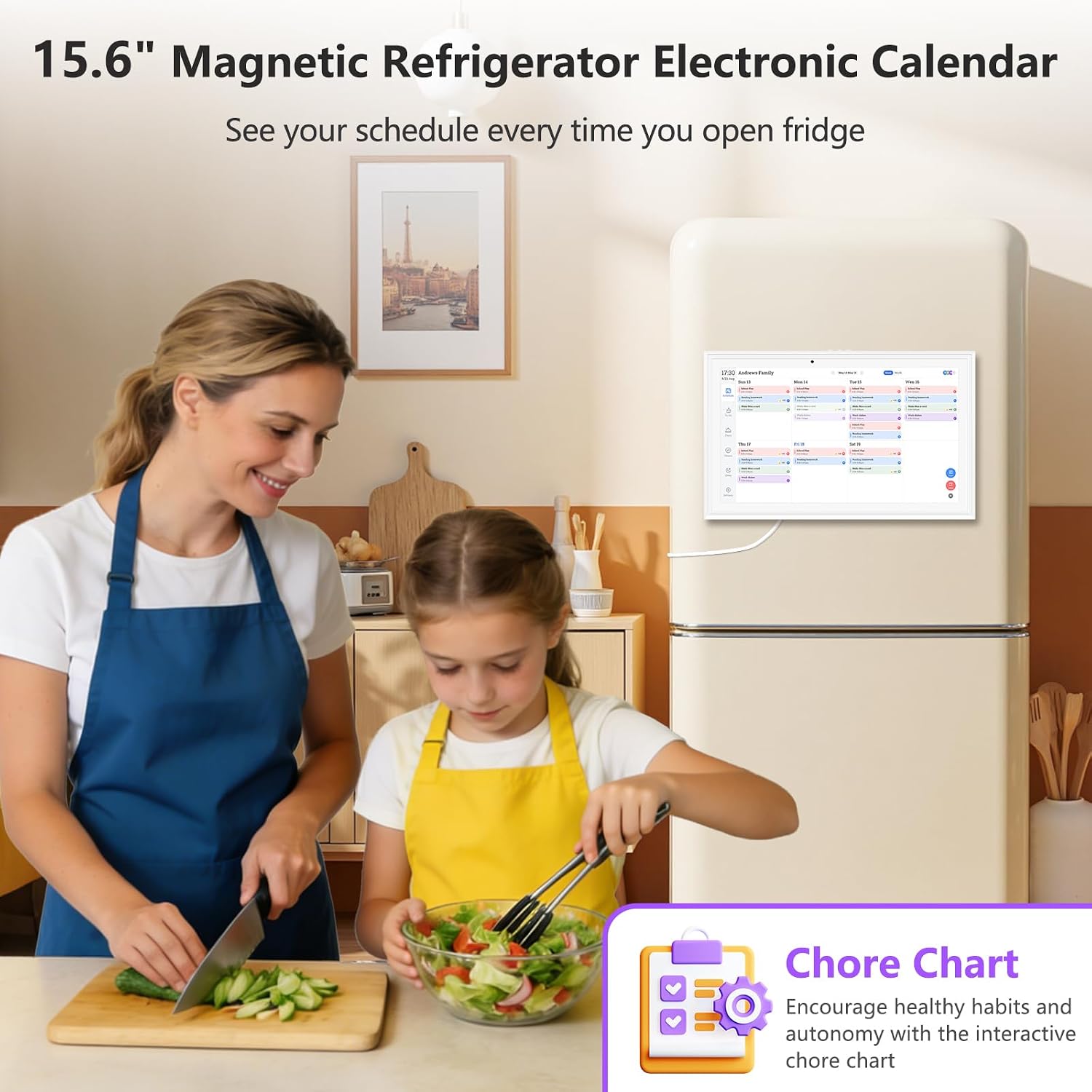
The calendar offers three modes in one device: a digital fridge calendar for family organisation, a cloud photo frame that syncs with your phone, and an art gallery that auto-rotates thousands of artworks. Its 15.6" Full HD touchscreen gives you clear visibility from across a room and supports touch input for tasks, lists and quick edits. The mounting options are flexible: magnets to stick on the fridge, a stand for horizontal desktop use, or a wall mount for entryways or kitchens. The design is intended to be space-saving and unobtrusive in living spaces or home offices.
Core features that stand out on paper
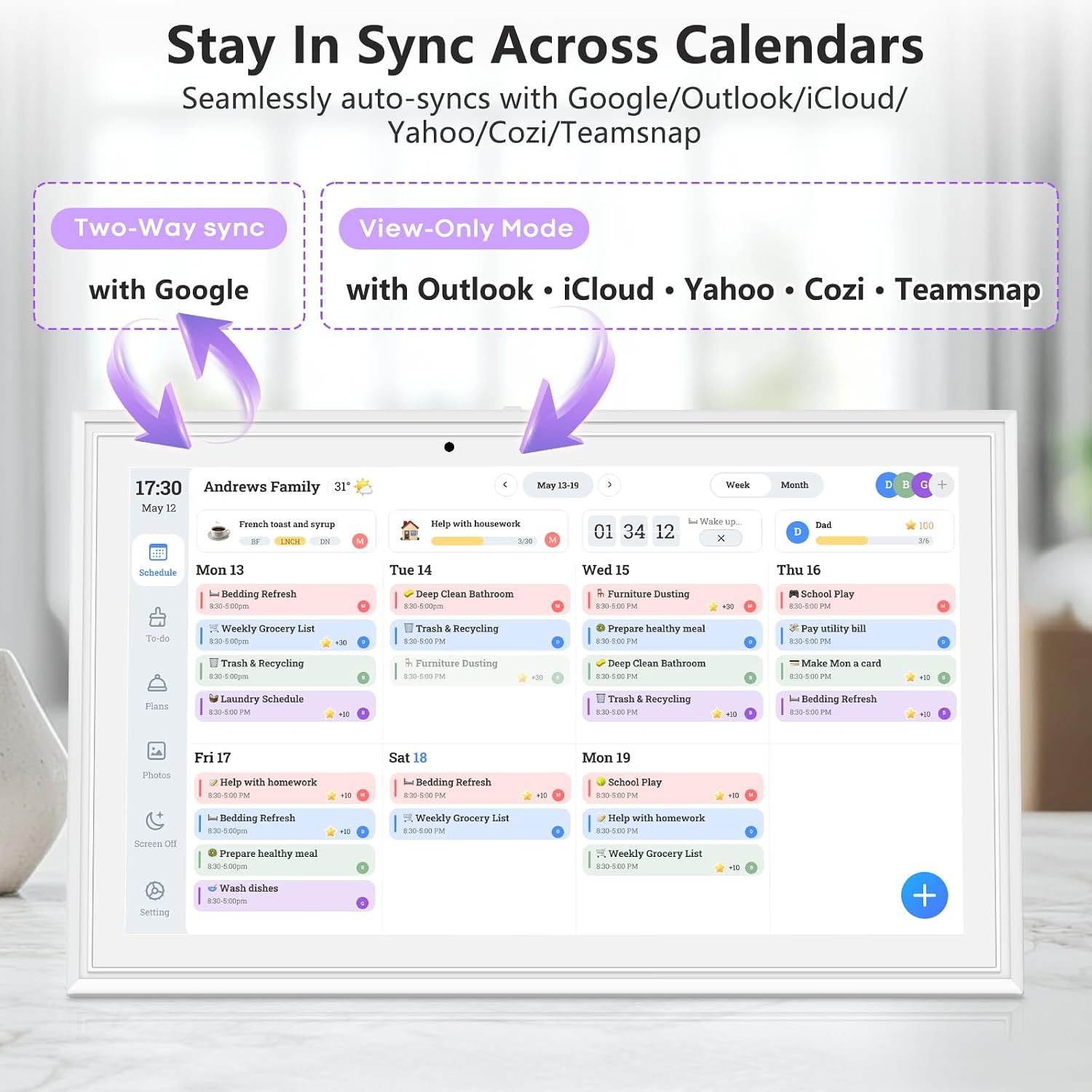
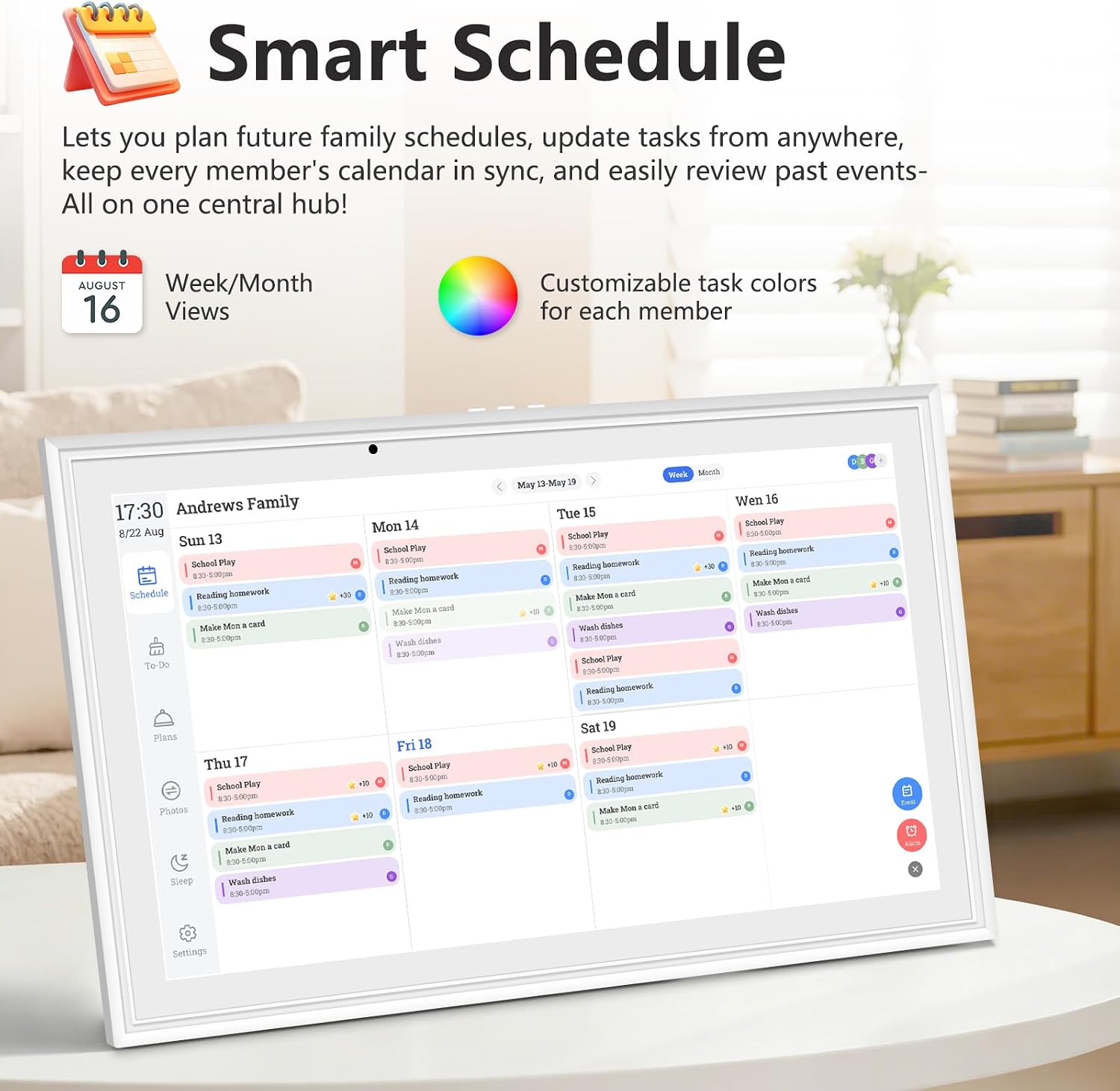
- Real‑time two‑way sync with Google Calendar and one‑way sync from iCloud, Outlook, Cozi, Yahoo and TeamSnap, so events populate across devices
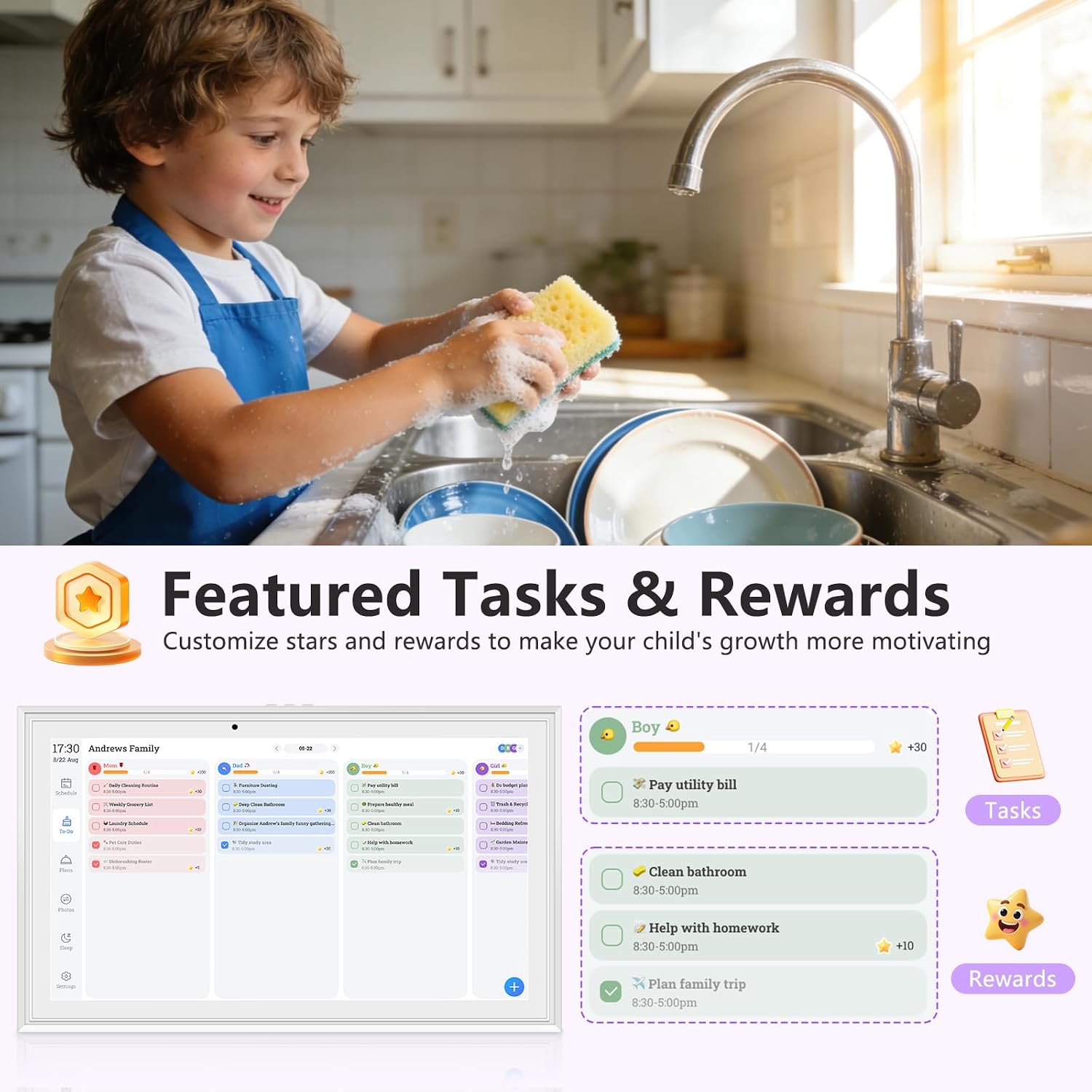
- Interactive chore system: kids can check off tasks directly on the touchscreen, which can help foster responsibility and teamwork
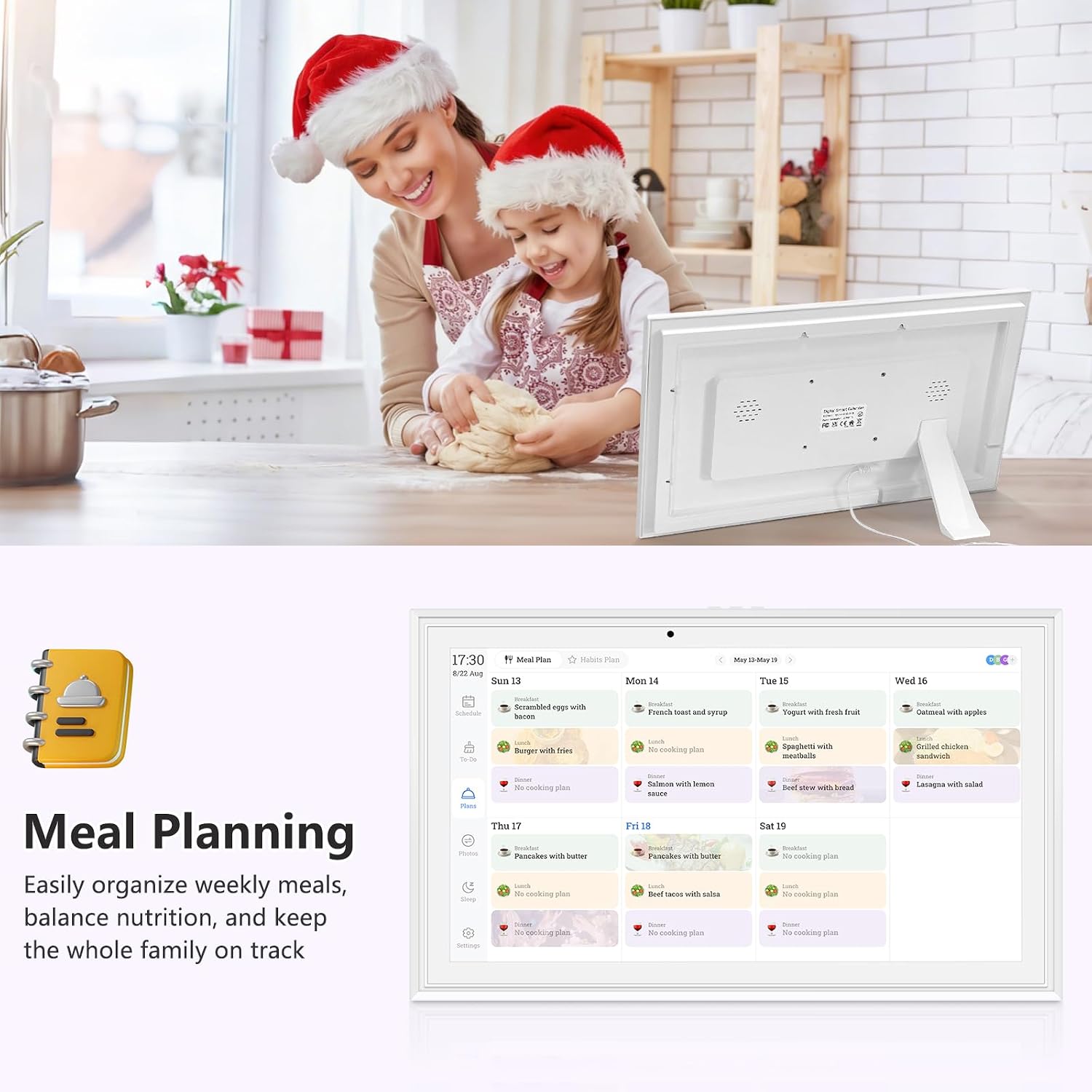
- Shared meal planning and grocery lists: plan meals weekly and sync lists to the app
- Remote editing: add events and chores from anywhere via the FotoCube app, with changes reflecting instantly on the device
- Auto-sleep to save energy at night and a responsive 15.6" screen for easy viewing from different angles
Who it’s for and how it fits real life
This device acts as a central family command centre. It’s especially useful for households juggling school runs, work calendars, meal planning and home admin. If you like having a visual calendar in a common area and benefits from a simple way to assign colours to family members for quick at-a-glance planning, this could be appealing. It also suits households that want a digital frame to share memories without needing multiple devices.
Pros and what isn’t as convincing
Pros: the all-in-one approach (calendar, photo frame, and art gallery) reduces clutter, the large touchscreen is practical for quick edits and for viewing schedules, and the cloud/photo features let you share images without extra steps. The energy-saving auto-sleep is a plus for day-to-day use. Cons: the setup relies on cloud services and app integration, so reliability depends on your Wi‑Fi and account configurations. If you don’t regularly use Google Calendar or cloud photo sharing, much of the device’s potential remains underutilised. If you’re after a purely dedicated wall calendar without a digital photo frame or art gallery, you might find a simpler option more straightforward.
Limitations and caveats to consider
- It hinges on cloud sync, if the internet or services have issues, the calendar may not reflect updates promptly
- While the 15.6" panel is convenient, glare or viewing angles in very bright rooms can affect readability from certain spots
- The art gallery feature relies on licensed or accessible content, if you have limited online access or privacy concerns, you may not use this aspect to its full extent
- The device is described as magnetic, wall/desk mountable with a stand, if you need portability or non-magnetic mounting, this may not be ideal
How it compares with alternative approaches
If you already use a separate smart display or rely on a physical fridge calendar, the Hesmor unit condenses several functions into one device. In environments where a central screen is valued for family planning, it can be more convenient than toggling between a fridge calendar, a dedicated photo frame, and a separate art display. On the other hand, if you prioritise a dedicated photo frame with superior image processing or if you don’t need a built-in calendar, a single-function device could be a more cost-effective choice. In short, consider this as a compromise solution: consolidation with trade-offs in depth for each function.
What to check before buying
- Confirm you use Google Calendar for two-way syncing to maximise calendar updates across devices
- Ensure your network and cloud account setup aligns with the device for the FotoCube app integration
- Decide where it will live most of the time to choose the appropriate mounting option (fridge, wall or desk)
- Think about how much you’ll rely on the art gallery and photo frame features, and whether you’re comfortable with rotating content
Practical use example
In a busy weekday morning, you glance at the fridge to see today’s family schedule, while a to‑do list pops up on the touch screen for the youngest to tick off as they finish chores. Later, you flip to the meal plan for dinner and check the grocery list that’s synced to the app, reducing last‑minute supermarket trips. If a new event comes up, you can add it on the go via the app and it appears on everyone’s devices instantly.
FAQ (based on available data)
- How does the calendar stay current across devices? Real-time two-way sync with Google Calendar and one-way sync from other services.
- Can you use it as a photo frame? Yes, it can display cloud photos from your phone.
- What outputs does it support for mounting? Magnetic fridge mounting, adjustable stand for desk, and wall mounting.
Should you buy it?
Buying verdict: If your goal is a centralised family hub that reduces everyday frictions, and you value having a touch-enabled calendar, photo frame, and art gallery in one place, this Hesmor model offers a coherent package. It makes sense if you prioritise real-time calendar syncing with Google and appreciate remote editing via the app. It may not be the best pick if you require a device purely for calendar functions without photo or art modes, or if cloud reliance and app ecosystems are a concern for you. Overall, it’s a solid mid-range option for households seeking consolidation and daily usability, provided you’re comfortable with the cloud‑based features and the setup required.
Quick answer for decision makers
If you’re after a single, versatile hub for planning, memories and artwork in a single 15.6" touchscreen, and you use Google Calendar, the Hesmor Magnetic Digital Calendar represents a practical, space-saving compromise with a focus on everyday family utility.