

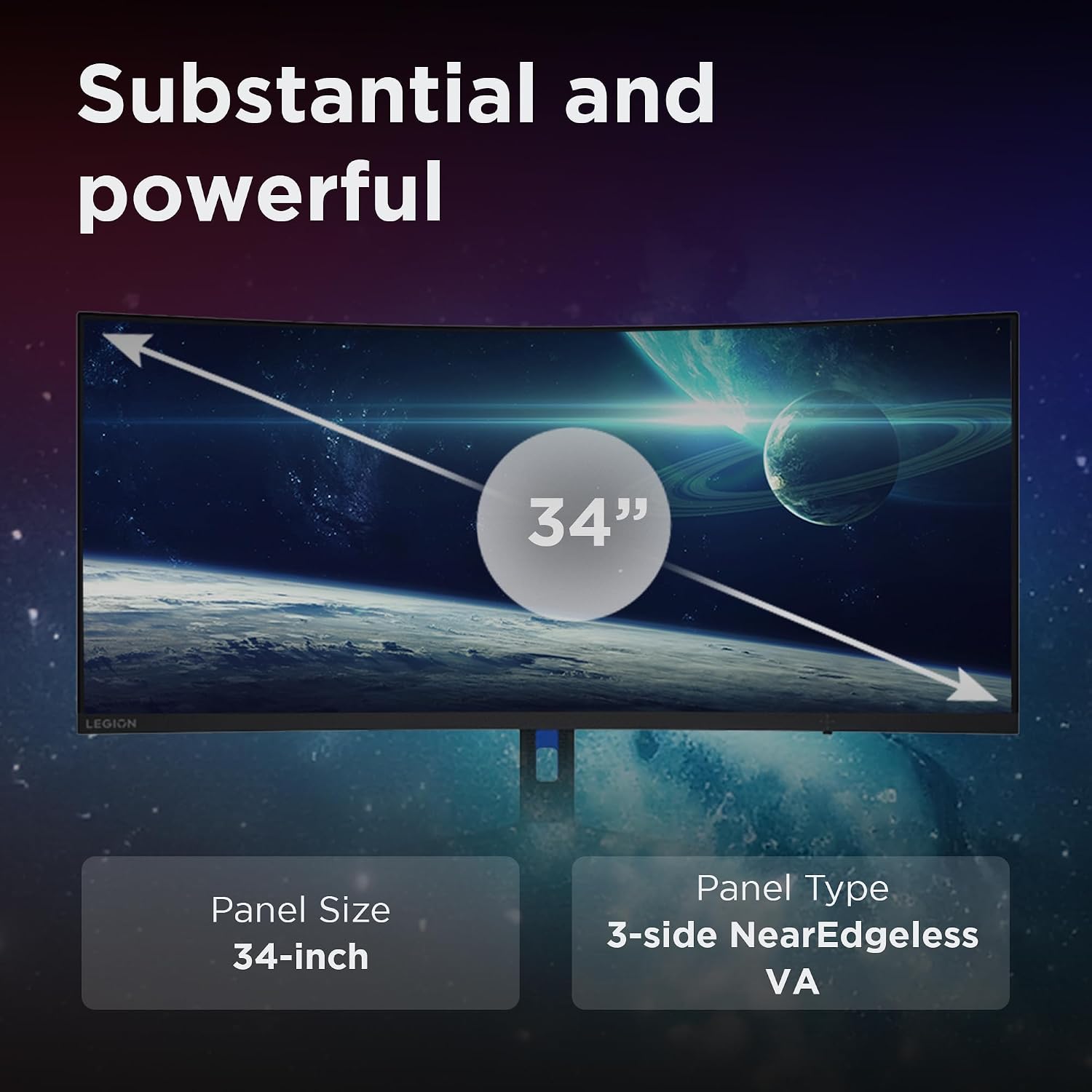
Lenovo R34w-30 34" curved WQHD gaming monitor (180Hz, FreeSync Premium)
Product description
Curved WQHD and high refresh for faster-feeling gaming
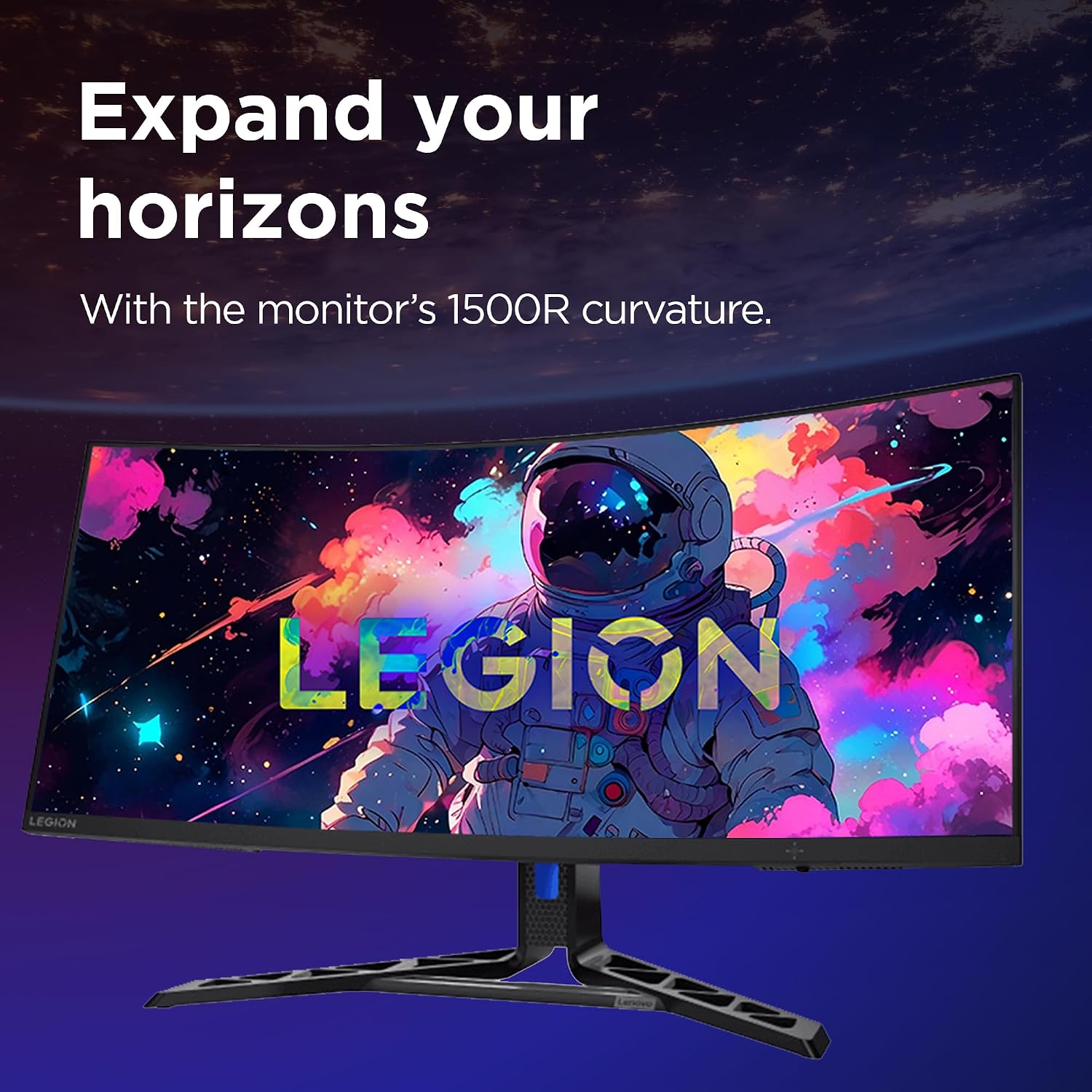
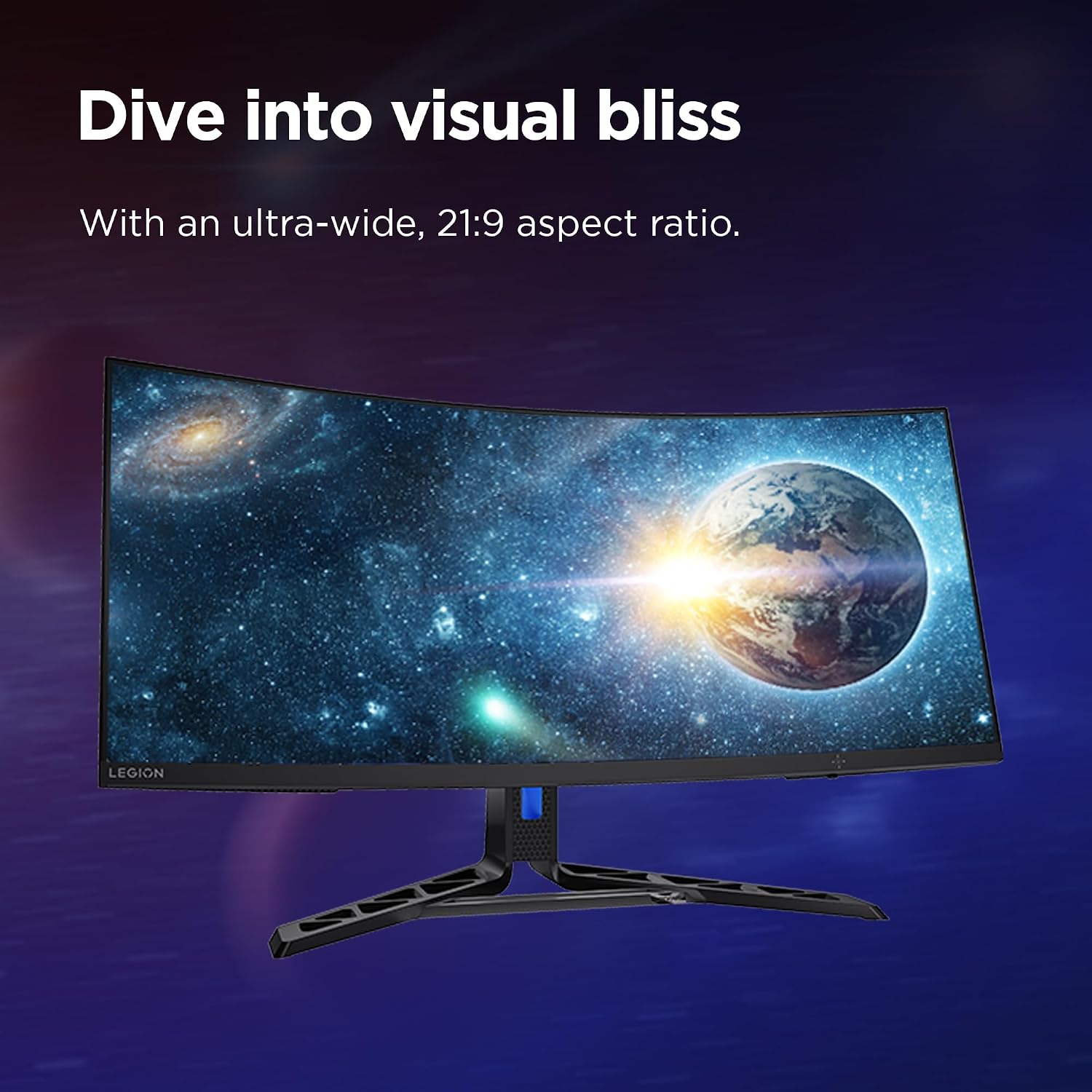
If you like your games to feel responsive, the Lenovo R34w-30 is aimed squarely at that sort of setup. It pairs a 34-inch curved VA panel with UWQHD resolution and a stated 180Hz refresh rate, which should help motion look smoother compared with more typical office-style monitors. The “curved” part is there for immersion and to make it easier to stay visually engaged across the wider screen.
It’s also built around modern gaming convenience: AMD FreeSync Premium is listed for smoother gameplay, and the monitor includes an ergonomic stand (lift, tilt, pivot, swivel) so you can get it sitting in a comfortable position without fighting your desk space too much. Whether it’s worth it will depend on whether you’ll actually benefit from the higher refresh and ultrawide-ish format, rather than using the monitor mostly for emails, spreadsheets and occasional streaming.
What to know before you buy
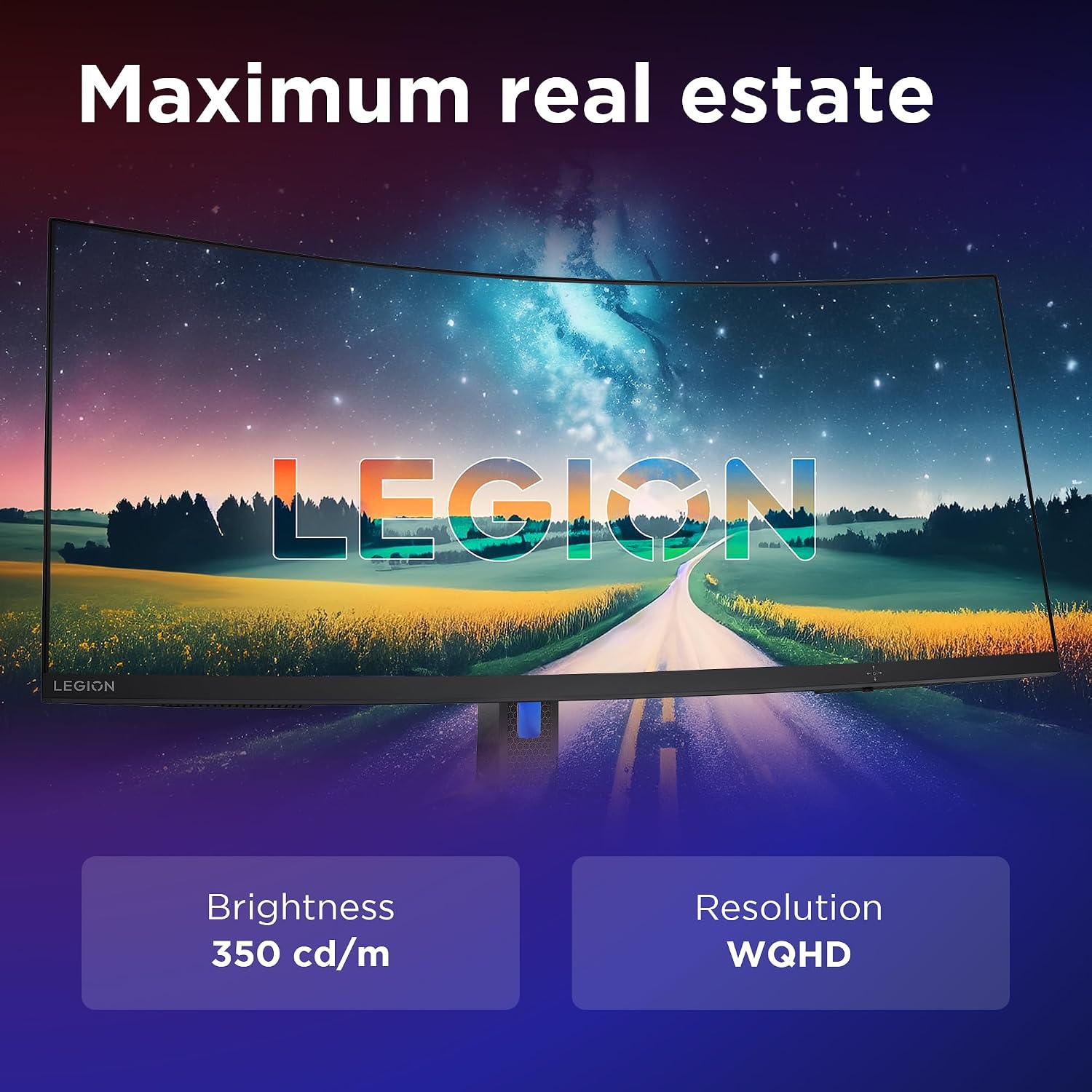
There are a few things here that matter in day-to-day use. First, the display is described as UWQHD on a 34-inch VA panel. That suggests you’re getting more usable screen real estate than standard 16:9 monitors, which can be helpful for strategy games, racing sims, and productivity tasks like having timelines or toolbars visible while you work.
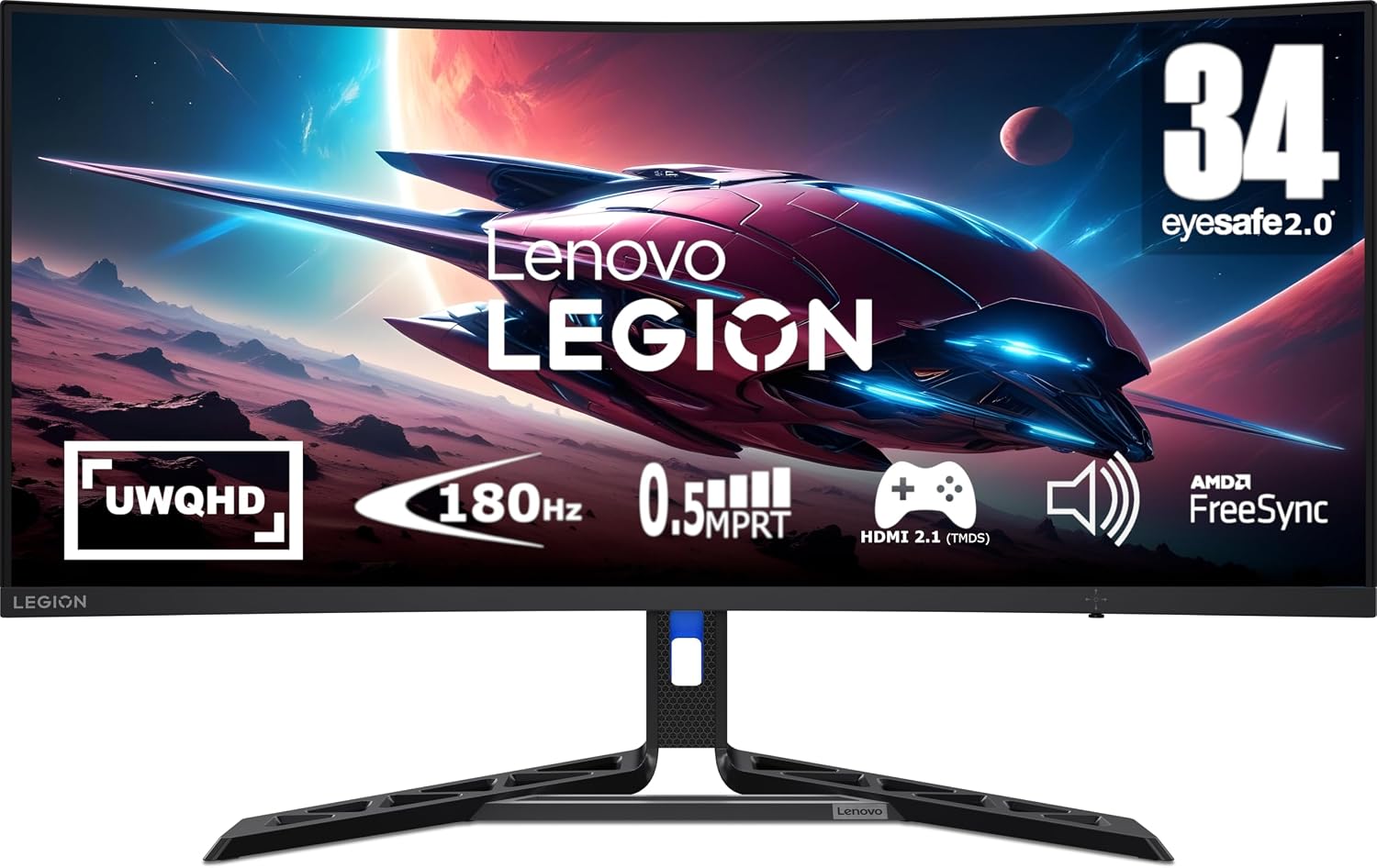
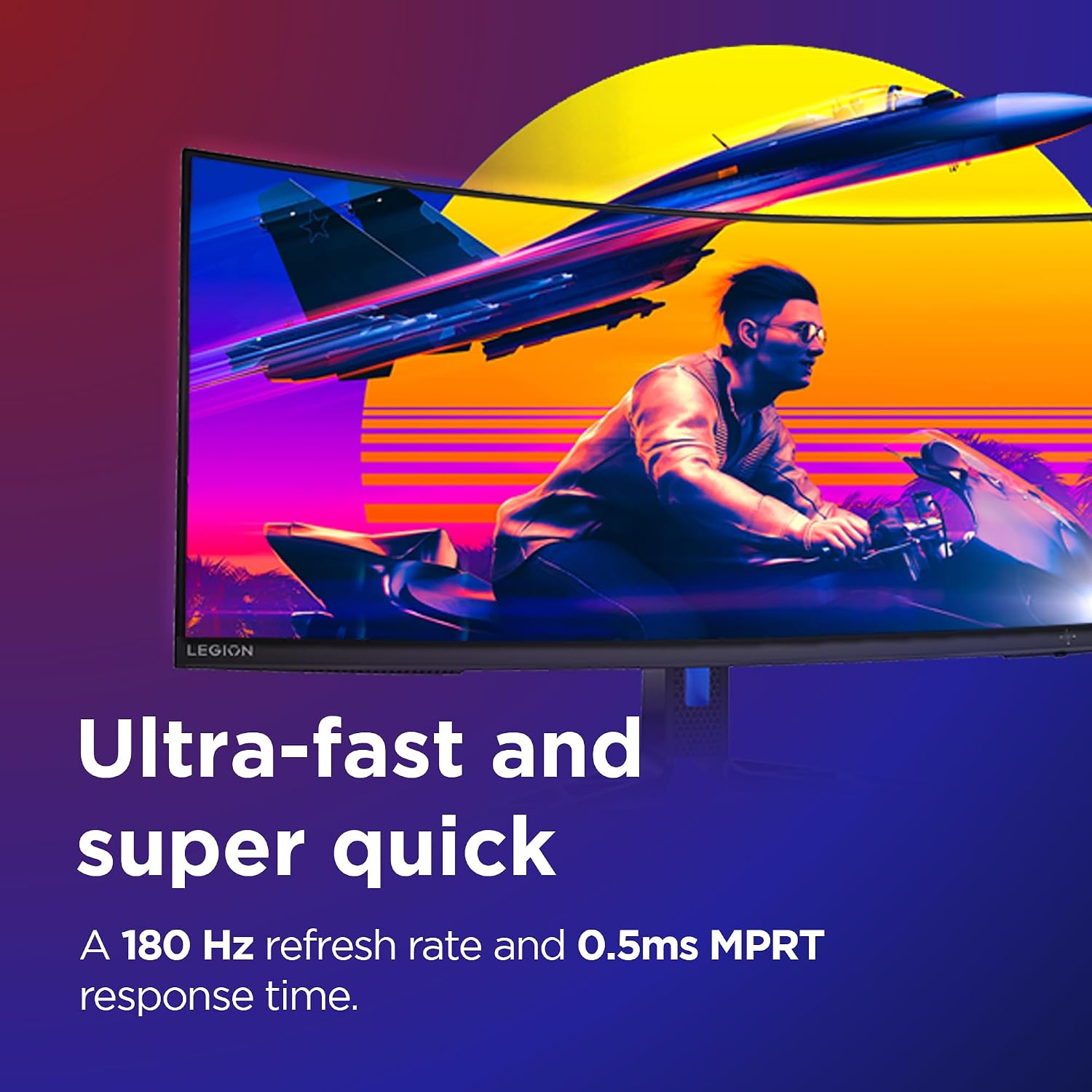
Next, Lenovo positions it as a gaming monitor focused on motion clarity: 180Hz refresh rate and 0.5ms MPRT are mentioned. On paper, those numbers are meant to reduce blur and help with perceived smoothness. However, it’s still worth keeping expectations realistic: you’ll only really notice the higher frame pacing if your gaming setup can push consistently high frame rates.
Finally, the stand and connectivity options are practical. You get 2x HDMI and 1x DP, which covers most common PC and console-style workflows. If your current setup relies on fewer ports, the extra choice is less important, but if you switch devices often, it’s a genuine convenience.
Key features that show up in use
The most obvious “why it exists” is the mix of refresh rate, curved format and variable refresh support. AMD FreeSync Premium is listed to help smooth out gameplay and reduce stutters. If you’ve ever been stuck between tearing and sluggish frame pacing on less-than-perfect frame rates, this is the kind of feature set you look for.
For colours, Lenovo claims 99% sRGB and 90% DCI-P3 coverage, plus VESA Certified HDR 400. That’s the sort of spec bundle that can make games and HDR content look more vivid than a basic SDR-only display. That said, HDR performance can be very setup- and content-dependent, so if you’re buying purely for HDR “wow” you might want to double-check how it performs with the kind of HDR you actually watch.
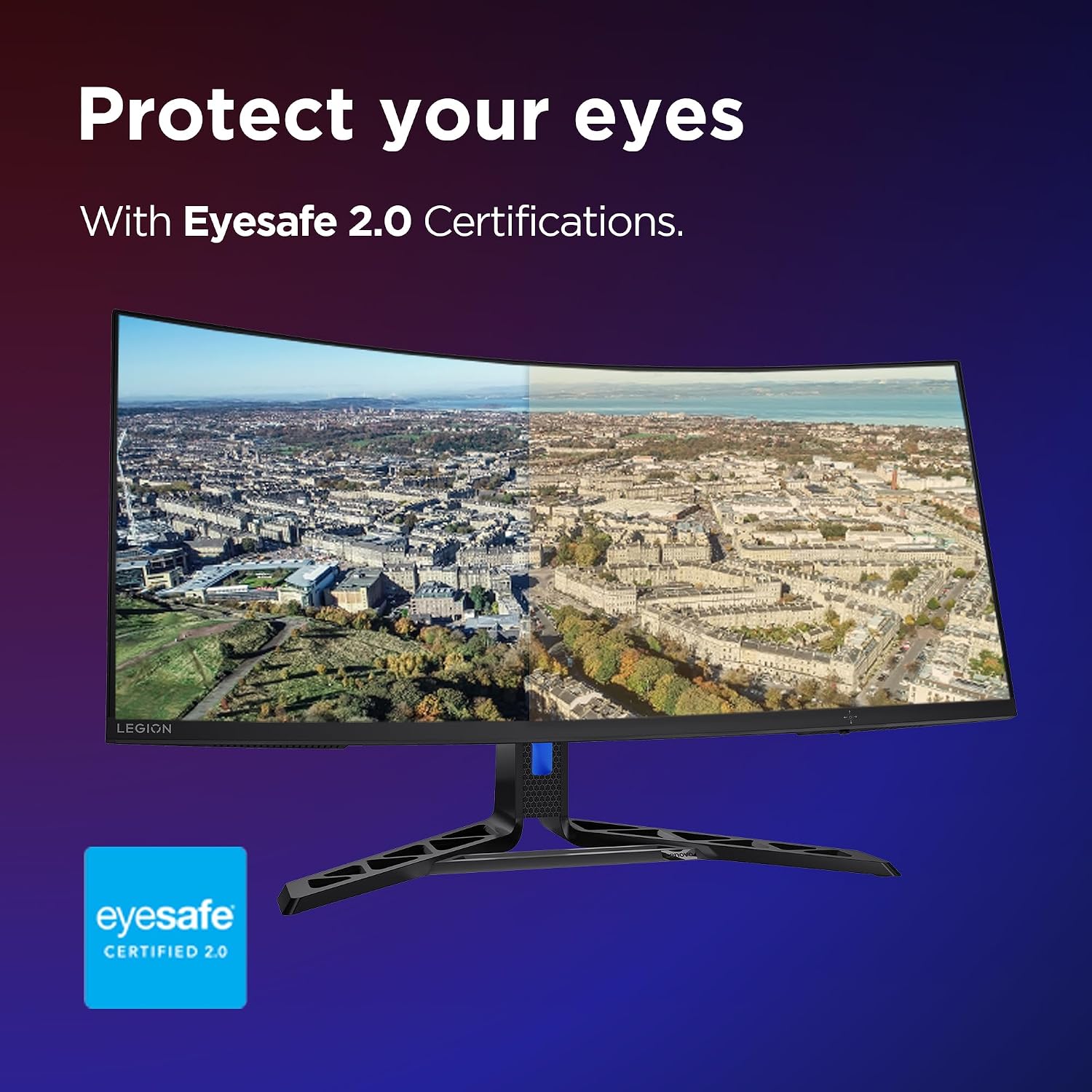
On top of that, there’s an eye comfort angle: Natural Low Blue Light is described as reducing harmful blue light without colour distortion. That’s aimed at longer sessions, where screen fatigue becomes the issue rather than raw specs.
Lenovo also mentions aim point from Lenovo’s Artery Software. If you play competitive shooters, it’s the kind of assist that could be useful. Just bear in mind that software features vary in how much they get used once you’ve settled into your own play habits.
Tech specs
- Size: 34"
- Panel type: VA
- Display curvature: Curved
- Resolution: UWQHD (as described)
- Refresh rate: 180Hz
- Response time: 0.5ms MPRT (as stated)
- Adaptive sync: AMD FreeSync Premium
- Colour coverage: 99% sRGB, 90% DCI-P3
- HDR: VESA Certified HDR 400
- Connectivity: 2x HDMI, 1x DP
- Stand: Lift, tilt, pivot, swivel
Best use cases (and when it may fall short)
This monitor makes a lot of sense if you want a single-screen gaming setup that feels smoother and more immersive than a basic 60Hz display. The 34-inch curved layout is particularly friendly for games where you want a broader view—think open-world exploration, driving, or any title where HUD elements benefit from more horizontal space.
It also has a credible mixed-purpose angle. The colour coverage claims and HDR certification suggest it’s not only for gaming, and the ergonomic stand helps if you’ll be switching between desk-height tasks and gaming without starting from scratch each time.
But it may not be the best match if your focus is mainly casual gaming with low frame rates, or if you tend to use the monitor mostly at a distance where curvature is less noticeable. Also, the marketing-led “0.5ms MPRT” and 180Hz combo won’t do much if your source devices can’t keep up—so if you’re running older hardware or you mainly play at settings that don’t chase high FPS, the upgrade may feel less dramatic than expected.
Getting the most out of the Lenovo R34w-30
Start by matching it to your setup: if you’ve got a gaming PC or console that can benefit from FreeSync Premium and higher refresh, the monitor’s headline features become more relevant. If you’re mainly on devices that output lower frame rates, consider whether you’re prioritising responsiveness or simply want a bigger curved screen.
Next, take a couple of minutes with the stand. Lift, tilt, pivot and swivel are listed, so you should be able to reduce glare and settle into a position that feels right for longer sessions. In practical terms, that can mean raising the screen slightly for seated play, then tilting to avoid reflections from overhead lights.
For gaming, if you like assists, it’s worth looking into Lenovo’s Artery Software aim point mention. Whether you use it or not, having that option can help depending on the game you play.
Final verdict
When it makes sense
It’s a strong buy if you’re after a curved 34-inch gaming monitor with UWQHD resolution, a smooth 180Hz refresh rate on paper, and AMD FreeSync Premium for reduced stutter and tearing. Add in the ergonomic stand, 2x HDMI plus DP, and the colour/HDR claims, and it suits people building a proper desk gaming setup rather than a basic “screen for everything”.
When you should skip it
You may want to skip it if your system can’t make use of higher refresh rates most of the time, or if you’re expecting dramatic HDR impact regardless of content. In those scenarios, the extra gaming-focused features can end up feeling like spec-sheet value you don’t fully experience.
Mini FAQ
Does the Lenovo R34w-30 support FreeSync?
Yes. AMD FreeSync Premium is included as part of the monitor’s gaming-focused feature set.
What connections does it have?
It’s listed with 2x HDMI and 1x DP.
Is the stand fully adjustable?
The stand is described as lift, tilt, pivot and swivel, so you should be able to adjust your viewing position for comfort.
Is it good for HDR?
It’s VESA Certified HDR 400 as stated, but how “good” HDR looks can depend on the content you play and what your settings/devices support.
Is it designed for competitive gaming?
It’s positioned for gaming with high refresh and motion clarity claims, and it also mentions aim point support via Lenovo’s Artery Software. If you play shooters, it’s the sort of feature set you’ll likely appreciate.