

Z-Edge INFINYX QD-OLED 27 Inch Gaming Monitor review
Product description
What this monitor is and who it’s for
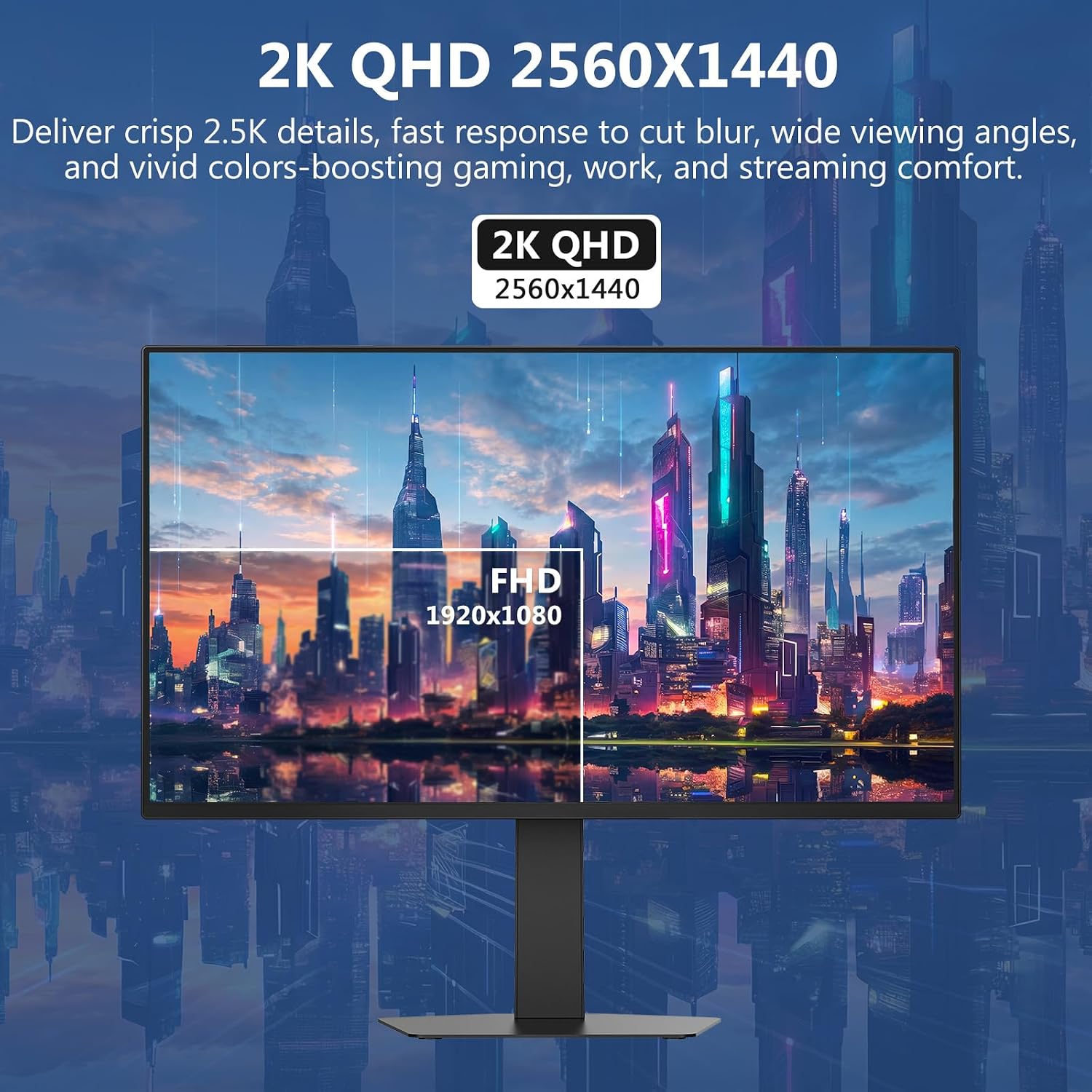
The Z-Edge INFINYX QD-OLED 27 Inch is a gaming monitor built around a QD-OLED panel, offering a sizeable 27-inch screen with a 2560x1440 (QHD) resolution. On paper, it targets gamers who want fast visuals, strong colour accuracy and flexible multi-source use. If you prize vibrant colour and quick reaction times in games, movies or mixed-media tasks, this model aims to deliver a clear, immersive picture. It’s also positioned for people who value a roomy screen with two input ecosystems (HDMI 2.1 and DP 1.4) and features that support smooth, tearing-free gameplay. The absence of built-in speakers is worth noting if you want an all-in-one PC-audio solution, you’ll need headphones or external speakers and a suitable 3.5mm connection.
Design and core specs at a glance
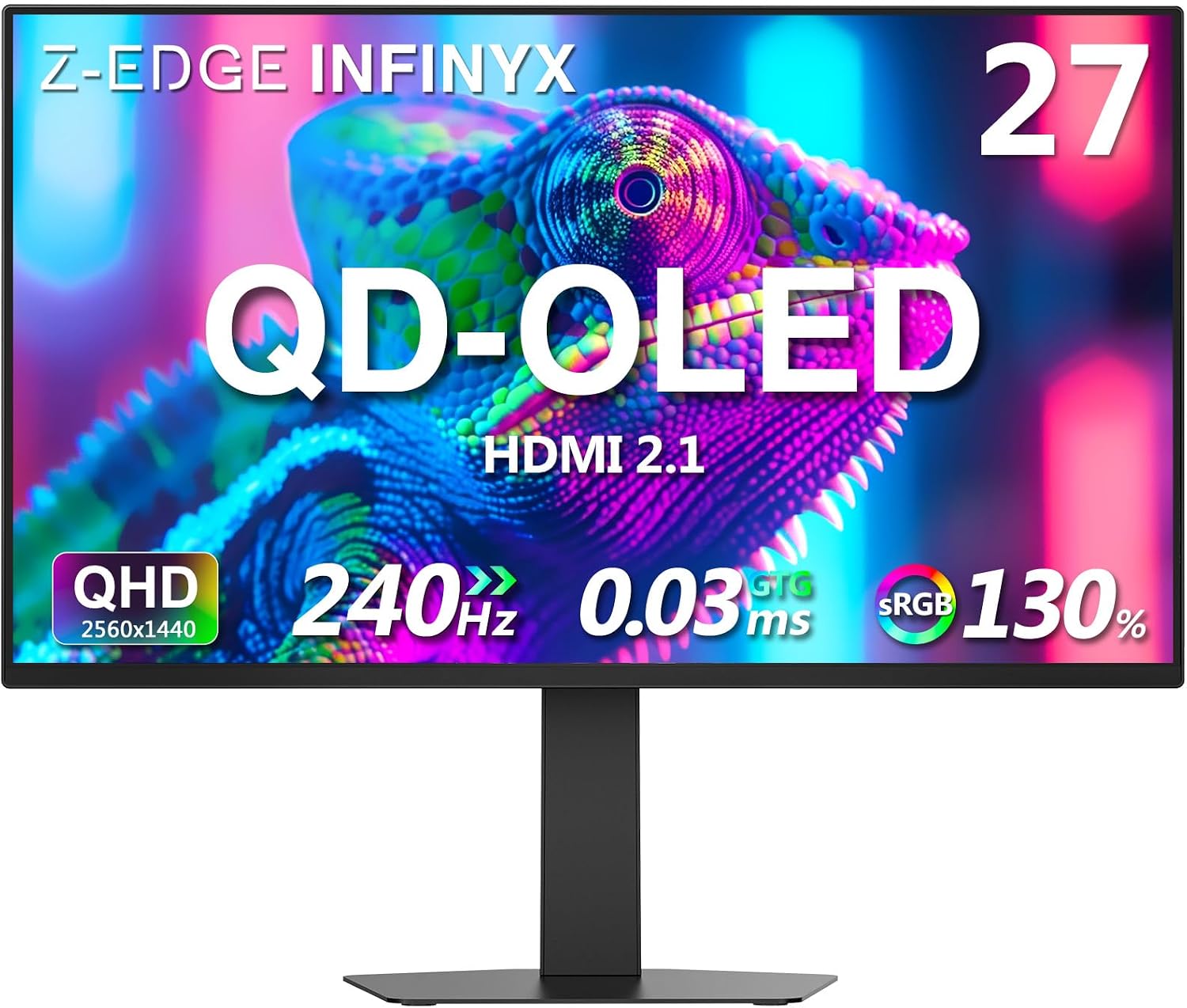
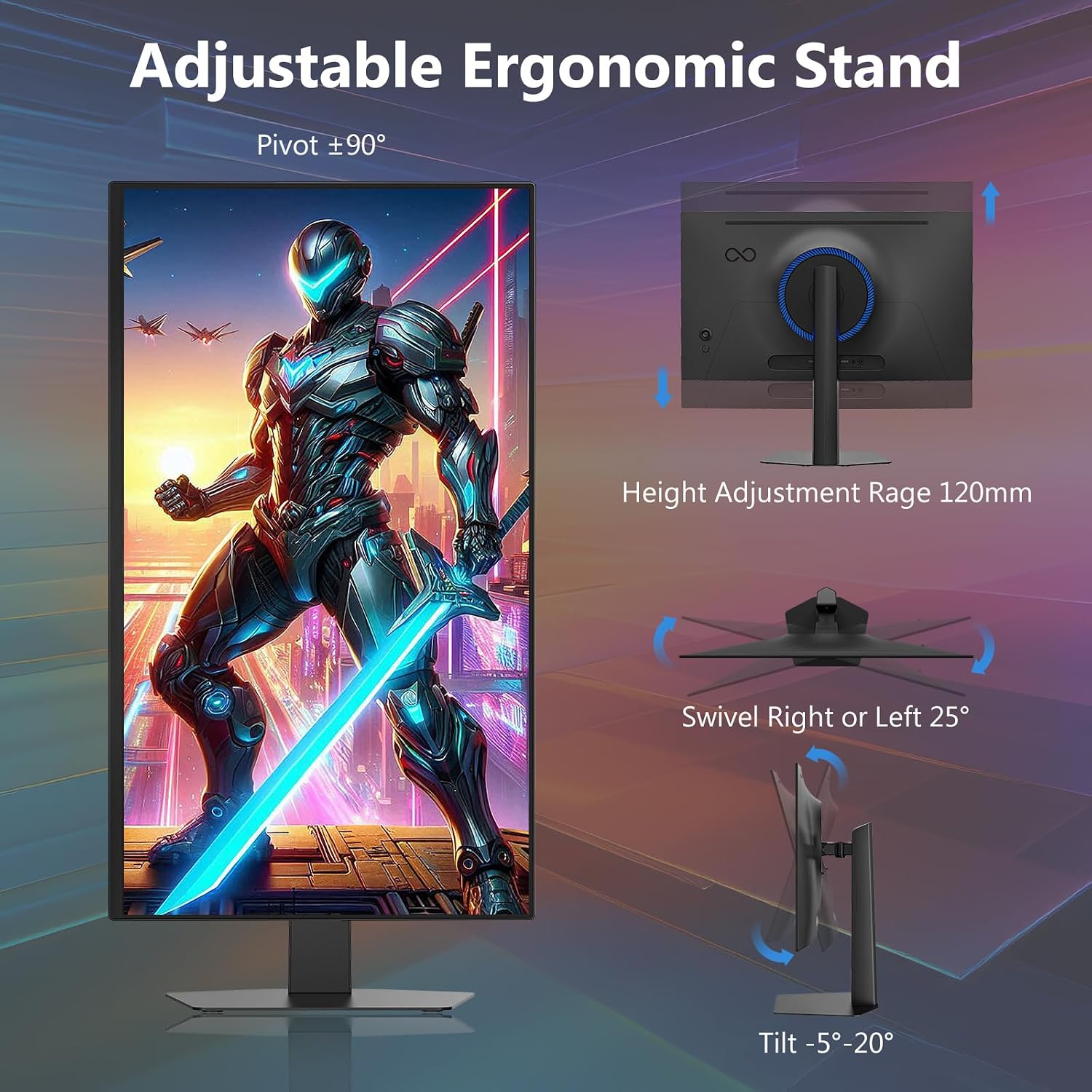
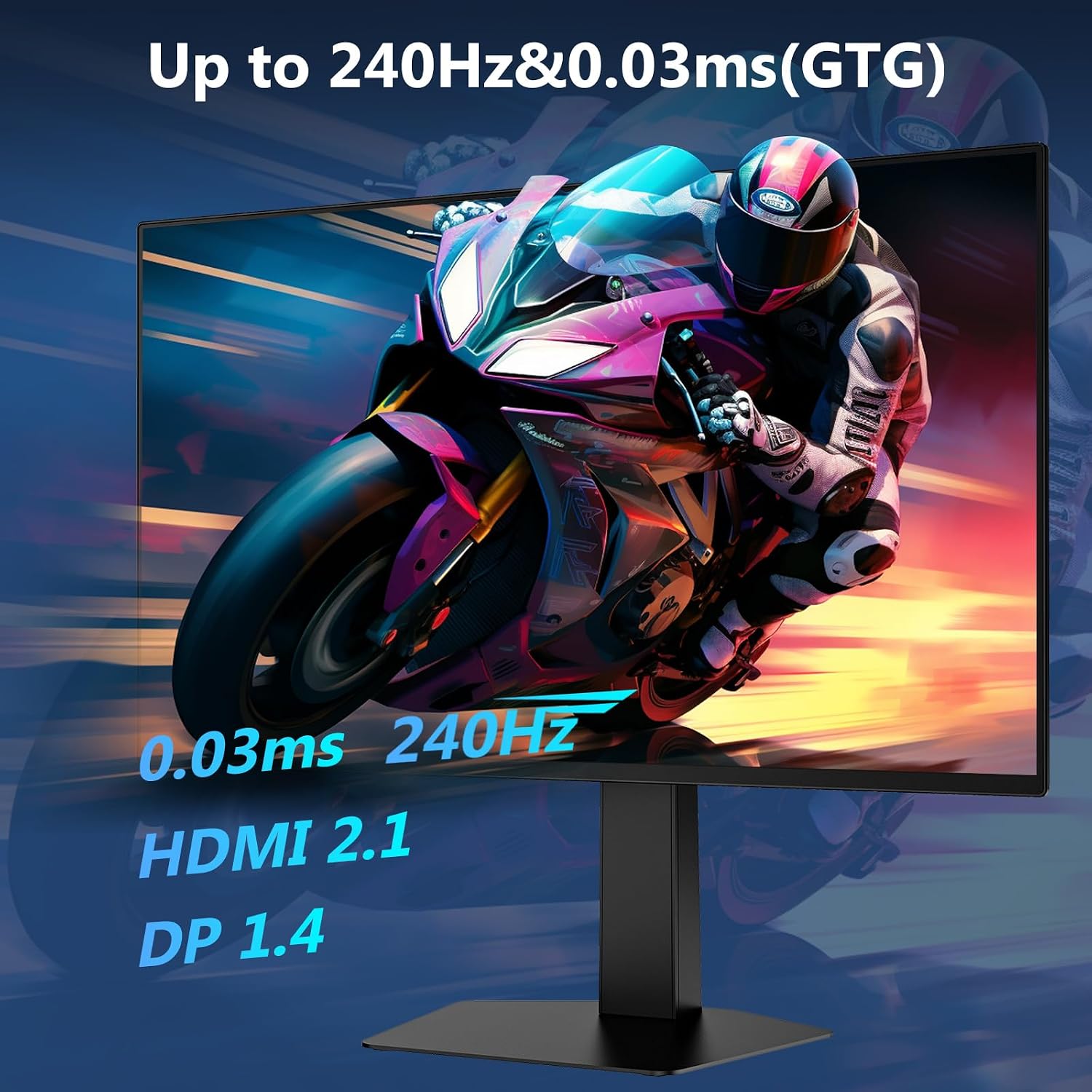
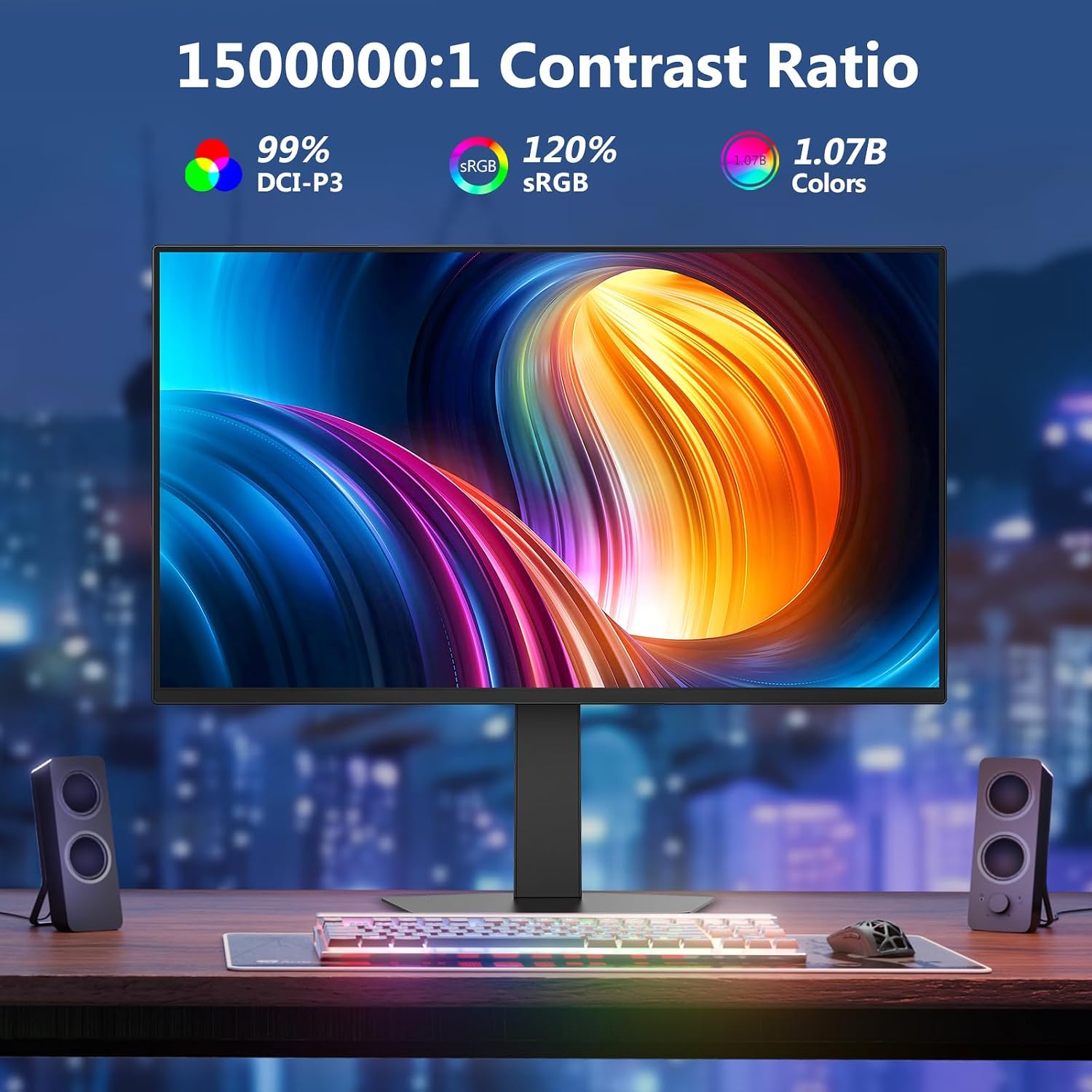
On the hardware front, you get a 27-inch display with 240Hz refresh rate and 0.03ms GTG response time, which points to fast motion and low latency. The colour goal is ambitious: 1.07 billion colours (10-bit) with percentages such as 99% DCI-P3, 130% sRGB and a high contrast ratio. With two HDMI 2.1 ports and two DP 1.4 ports, the monitor is capable of supporting up to 240Hz from multiple sources, assuming the source and cables align with the spec. The stand offers height adjustment, tilt, swivel and pivot for ergonomic setup, and the panel is VESA compatible for wall mounting or arm solutions. Even with the HDMI/DP flexibility, there’s no built-in speaker system, which is a practical limitation for some setups.
What stands out in daily use
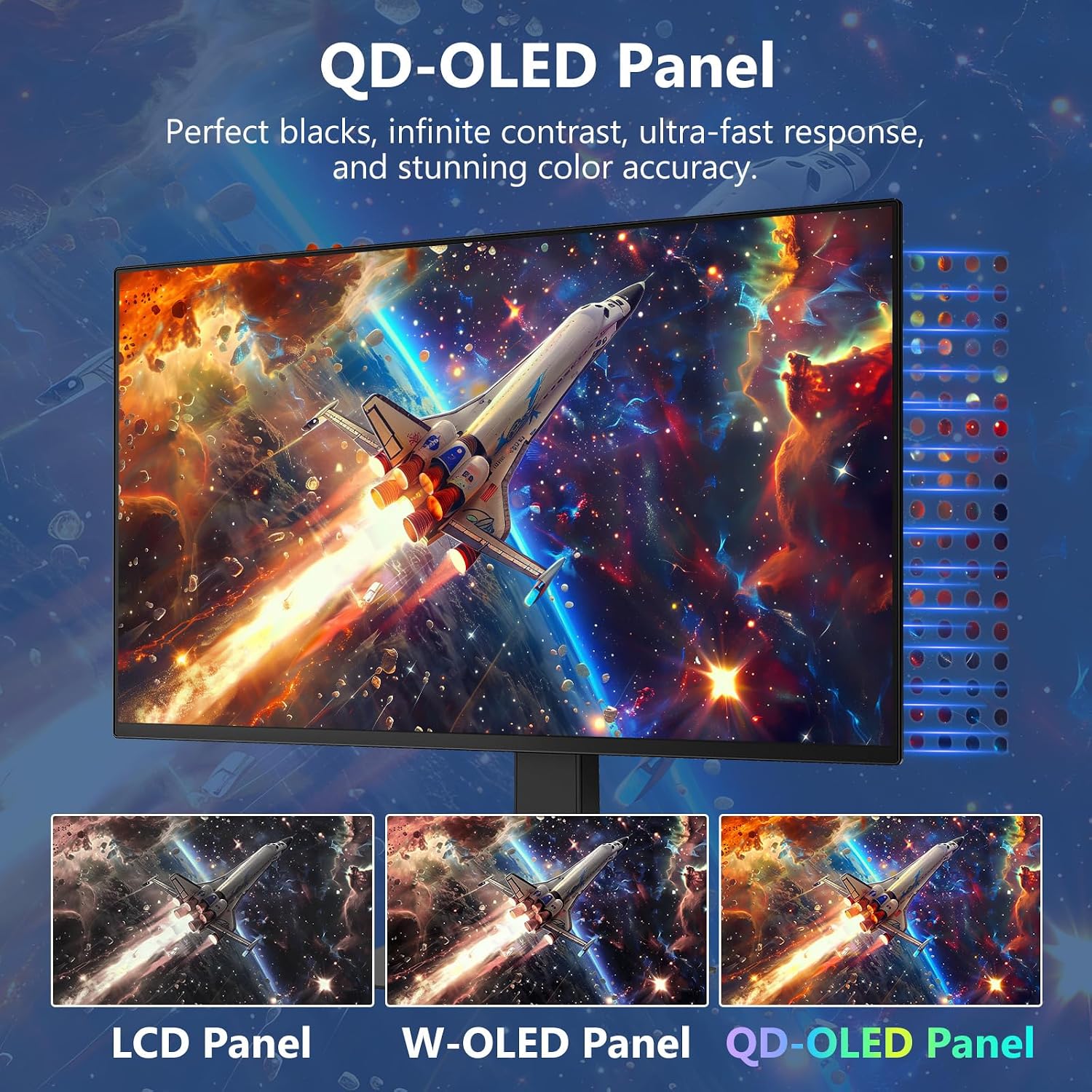
The combination of QD-OLED and a 240Hz panel should translate to smooth gameplay and crisp visuals, especially in fast-paced titles where response time matters. The 2K resolution with a broad colour gamut means textures and environments may look particularly defined, aiding situational awareness in competitive titles and immersion in single-player campaigns. The multi-source capability (PIP/PBP) is handy if you want to monitor streams, guides or other content while gaming, though it’s worth noting that true performance will depend on your GPU and motherboard capabilities to push 240Hz from more than one input concurrently.
Potential drawbacks to consider
On the negative side, the monitor relies on external audio unless you plan to use headphones or external speakers, since built-in speakers aren’t included. The high-end spec is compelling, but real-world performance depends on your graphics card’s ability to drive 240Hz at 2560x1440 in your favourite titles. Also, OLED-like panels can have unique characteristics (modest risk of image retention with static content over long periods), while no explicit risks are stated, it’s sensible to vary content and enable screen-care habits if you’re using the display heavily for non-gaming tasks.
How it fits different users
This model makes sense for gamers who want a large, fast, colour-accurate display with flexible inputs and a solid ergonomic stand. It’s also suitable for creators who value expansive colour reproduction and a high pixel density at QHD resolution. If you want a simple plug-and-play panel for basic tasks or you prioritise built-in speakers or ultra-long battery life in a laptop cable-free setup, you may find some gaps here.
When it makes sense to buy
Consider this monitor if you prioritise motion clarity and colour fidelity for gaming and multimedia alike, and you regularly work with content that benefits from a wide colour gamut (DCI-P3) and high contrast. If your workflow relies on dual-source monitoring while gaming or streaming, the PIP/PBP feature can remove some friction. It’s a sensible choice if you already have a robust PC or console capable of pushing high refresh rates at 2K resolution and you want to future-proof with HDMI 2.1/DP 1.4 inputs.
When it might not be the best option
If you don’t need 240Hz, or if you prefer a more modest budget, the premium spec could be overkill. If you rely on built-in speakers or want a compact, desk-ready model with a smaller footprint, this 27-inch curved or flat option (depending on the model) may not align with those needs. Also, if you plan to run older hardware, ensure you have a compatible GPU and cables to exploit 240Hz at 2K consistently.
What to check before buying

- Confirm your GPU can drive 240Hz at 2560x1440 in your favourite titles or confirm your target games won’t push higher than what your system is comfortable delivering.
- Check your desk setup for the stand's height range and ensure there’s enough space for tilt and pivot movements.
- If you plan to mount the screen, verify your wall mount or arm supports the VESA pattern.
- Consider your audio plan since there are no built-in speakers, decide whether external speakers or a headset fits your workflow.
How it compares in the current market
When you weigh value-for-money against features, this INFINYX model sits in the higher-mid tier for gaming monitors. For users who want the pinnacle of OLED-like colour clarity and ultrafast response without stepping into bespoke professional-grade gear, it offers a balanced set of capabilities. If you prioritise raw brightness over colour purity or prefer a highly portable, lighter panel, other approaches (for example, more modest 1440p 165Hz options or alternative display technologies) could be more suitable.
Final thoughts: is it worth it?
Is it worth it? It depends quite a bit on how you intend to use it. If you want the blend of 240Hz motion with rich, wide colour coverage and the flexibility of dual inputs for simultaneous tasks, this monitor can be a practical choice. If you mainly game at 1080p or don’t need multi-input usage, you may want to compare with models that prioritise other strengths or come in at a lower pricepoint. A practical test would be to test a few titles you play most and see how the 2K/240Hz combination feels against your expectations for buttery-smooth visuals.
FAQ
- Do I need HDMI 2.1 to benefit from 240Hz? You’ll benefit most when your source supports 240Hz at 2560x1440 via HDMI 2.1 or DP 1.4, older ports or cables may limit refresh rate.
- Is the monitor suitable for movie watching? Yes, thanks to wide colour gamut and high contrast, though gaming features like PIP/PBP add flexibility for multitasking.
- Can I use it with a console? It supports HDMI 2.1, so compatible next-gen consoles can drive high refresh rates where supported, provided the game and system settings align with the target resolution and refresh rate.