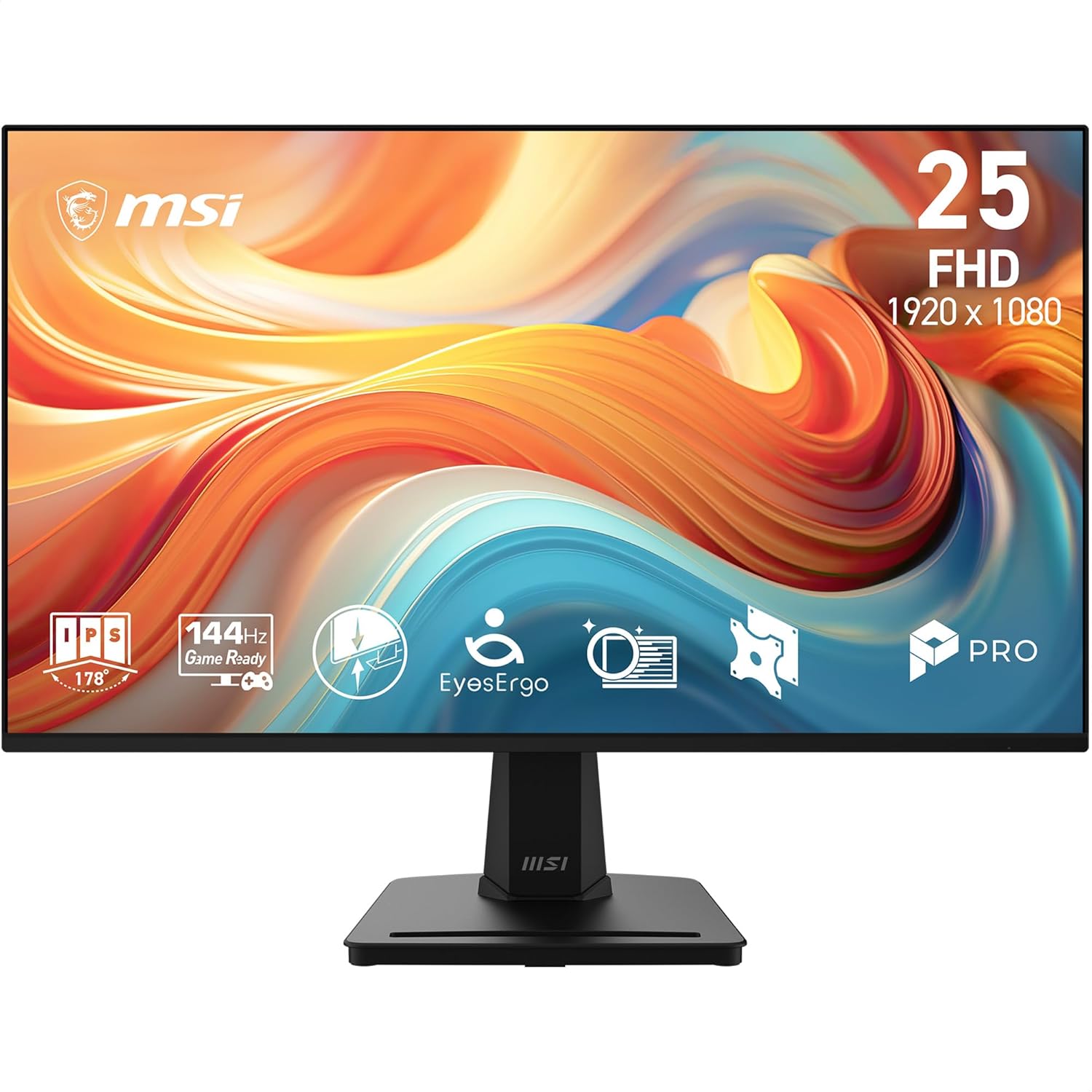
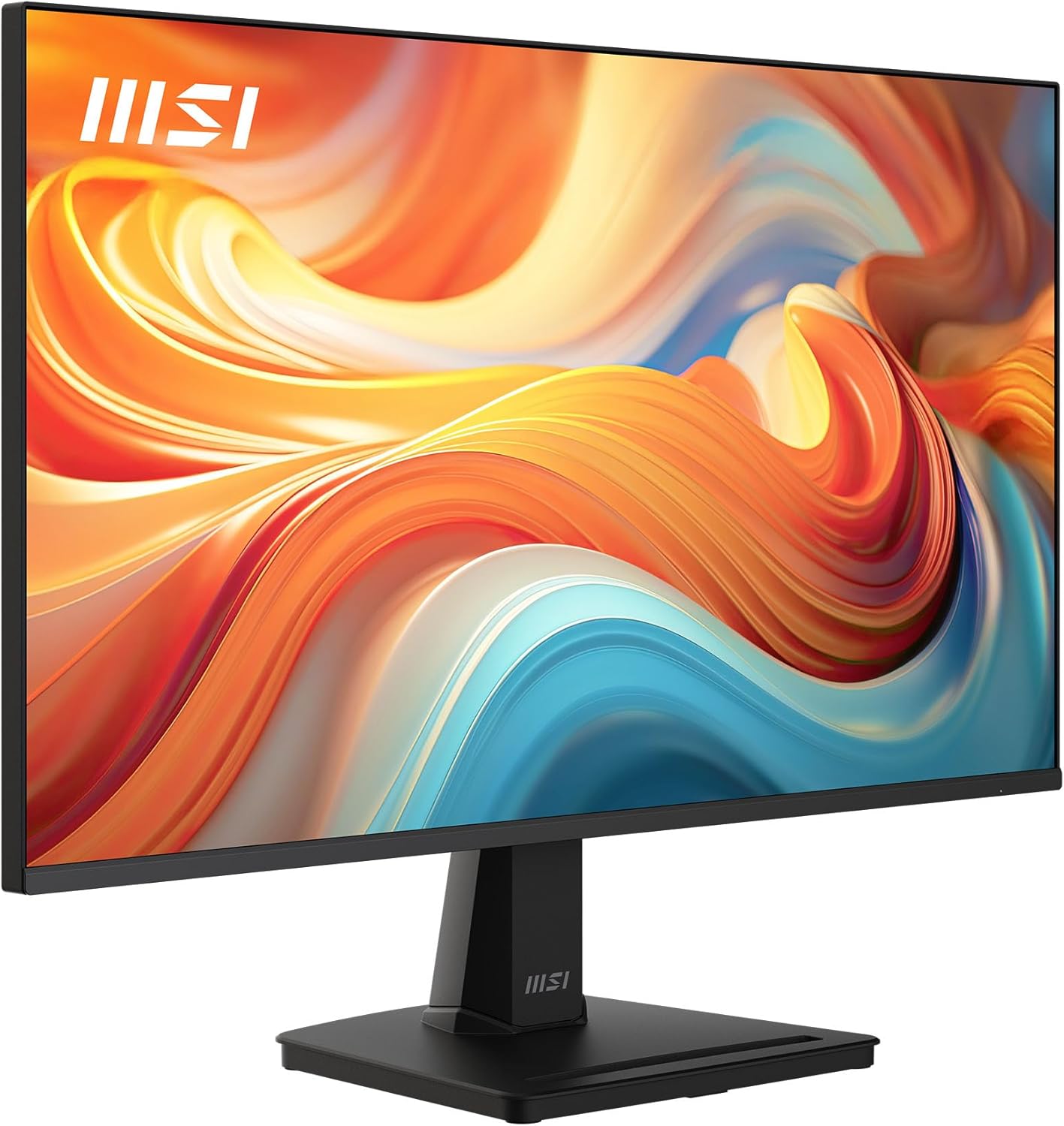
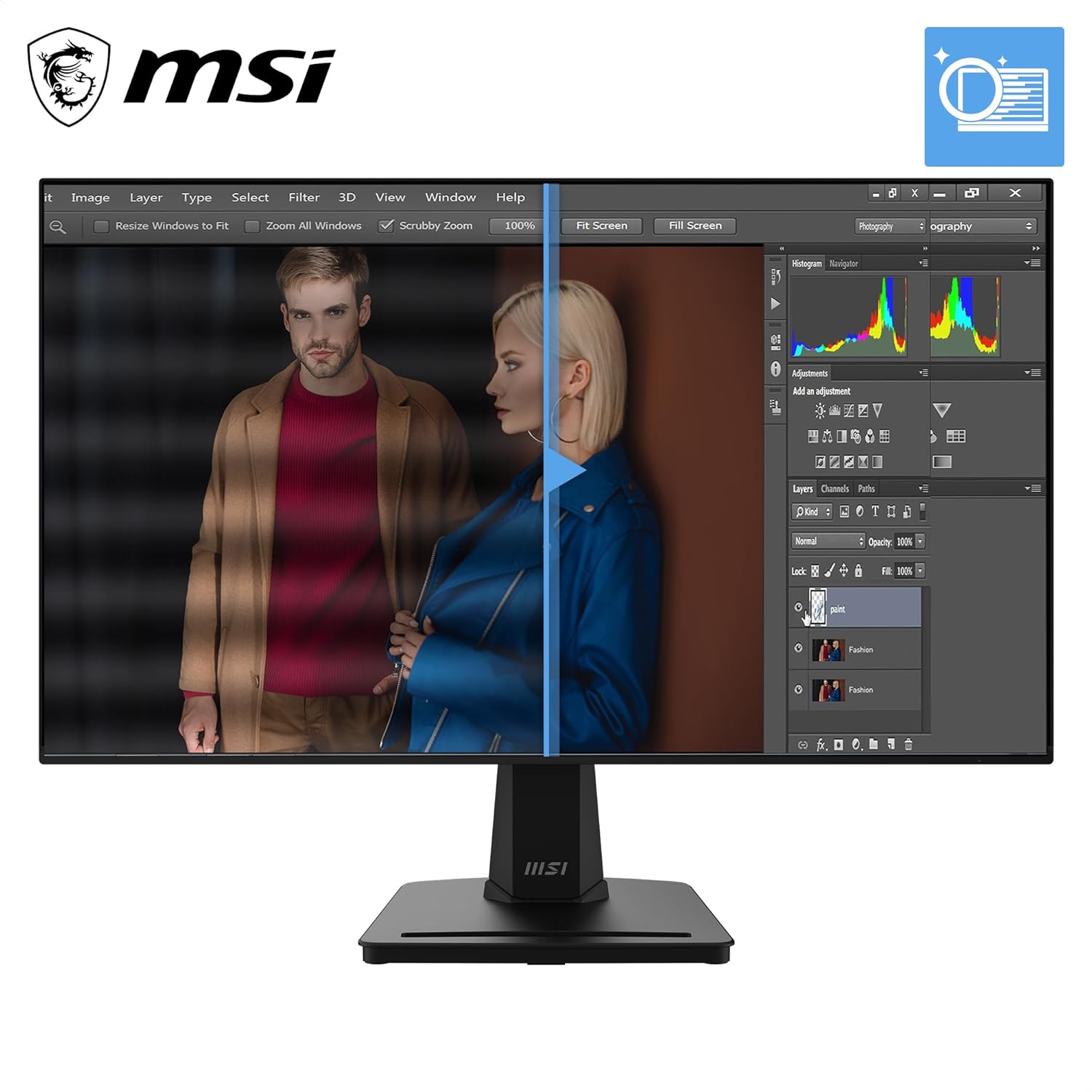
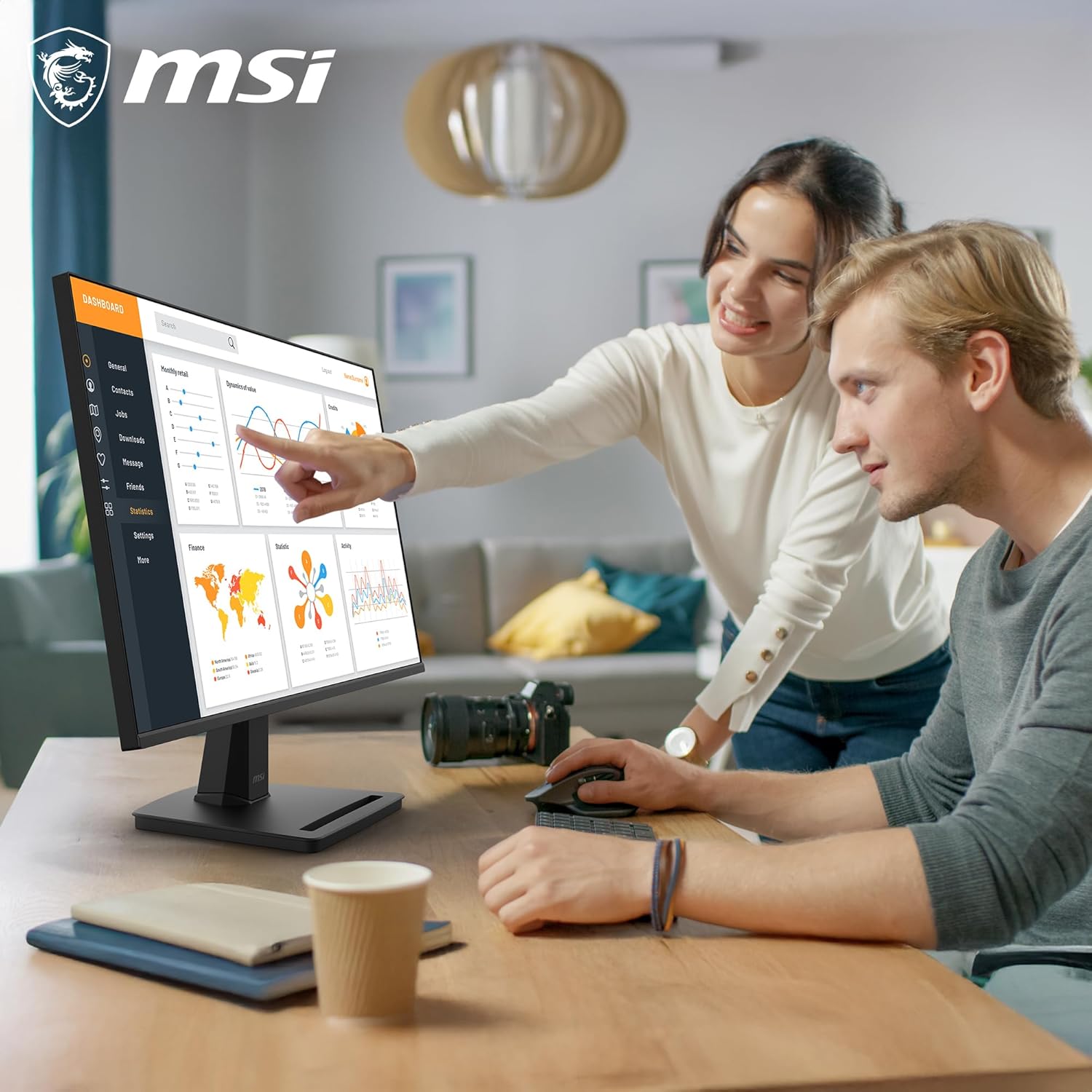
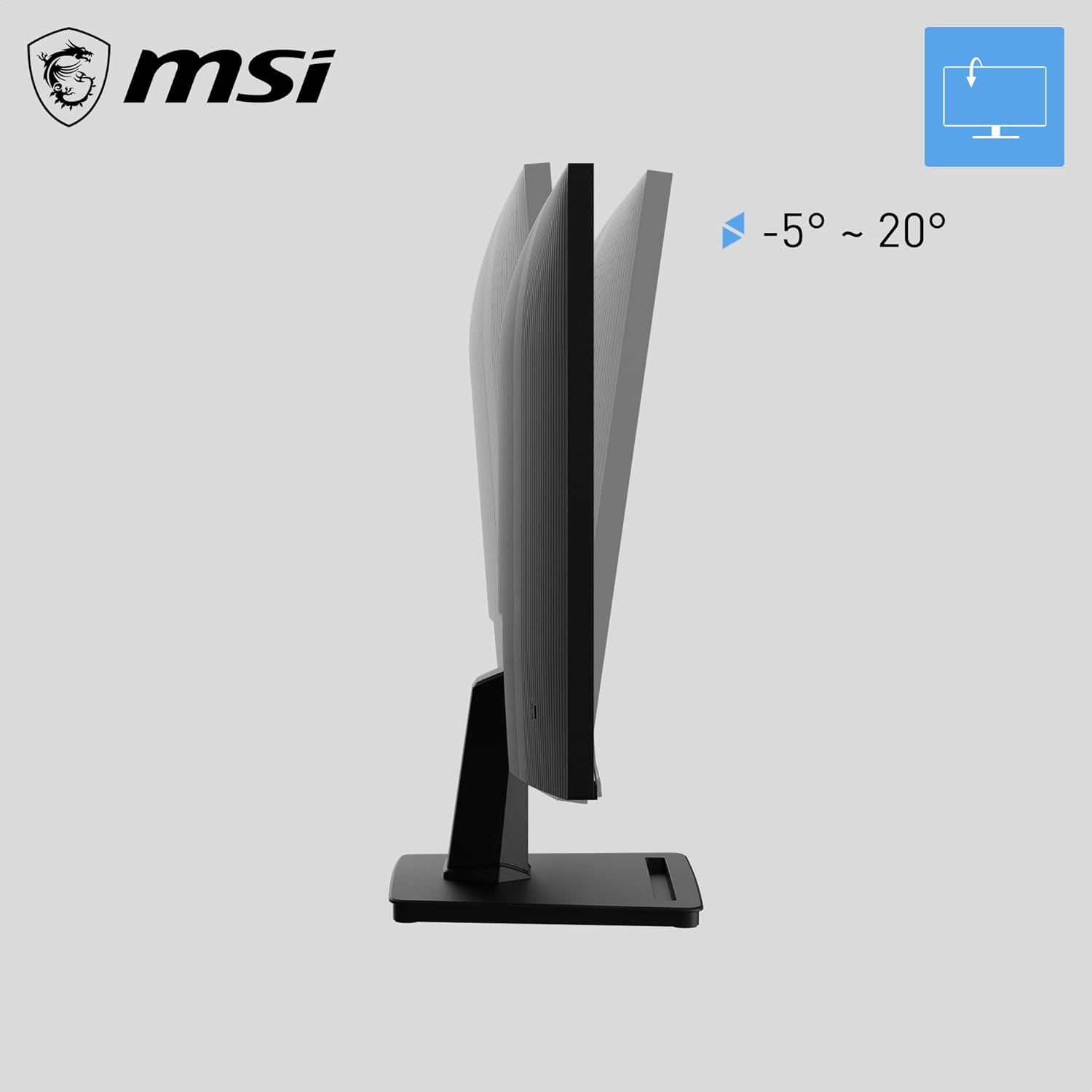
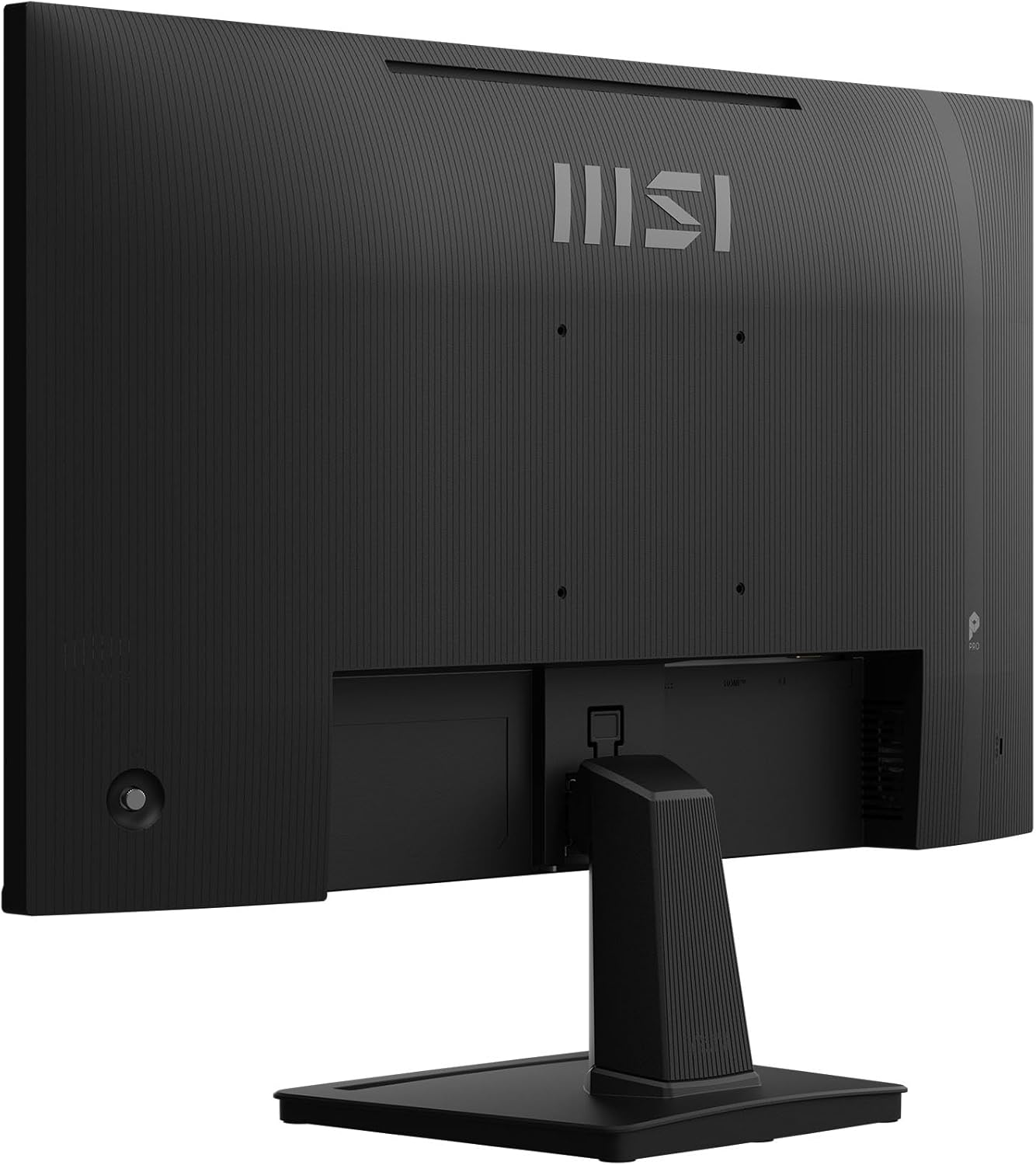
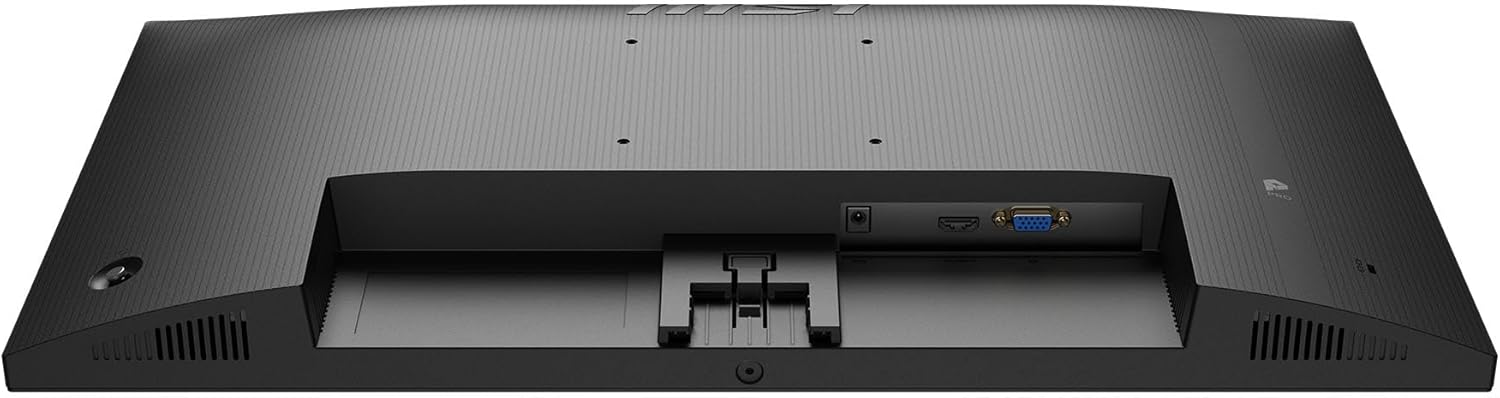
What it is and what it’s for\nThe MSI PRO MP251 E14L is a 24.5-inch, Full HD IPS computer monitor designed for everyday productivity and casual gaming. With a 144 Hz refresh rate and 1 ms response time (MPRT), it aims to deliver smoother motion for tasks like scrolling, video editing previews, and light gaming. The panel covers 99% of the sRGB colour gamut, offering more accurate colours for general use, media consumption and work that benefits from dependable colour, while the 300 nits brightness keeps images readable in typical home or office lighting.\n\n## How it’s built to perform\nThe display includes adaptive-sync and AMD FreeSync support, which can help reduce tearing during dynamic scenes. Anti-glare coating and an eye-friendly feature set, including Less Blue Light and Anti-Flicker, are part of the TÜV Rheinland Eye Comfort certification emphasis. This makes long sessions more comfortable, although in bright sunlit rooms you may still want additional lighting control. The monitor comes with tilt-adjustable feet and is VESA compatible (100 mm), so you can tailor the viewing angle or mount it on a stand or arm for improved ergonomics.\n\n## What stands out on paper\nColour and brightness performance are solid for a monitor in this category: Full HD resolution on a relatively large panel, a broad 178° viewing angle, and a competitive 1500:1 contrast ratio. The three inputs include HDMI 1.4b (1920x1080 at 144 Hz) and VGA (1920x1080 at 60 Hz), which keeps it flexible for older setups or multi-device desks. The frame-less design helps maximise screen real estate, particularly in multi-monitor arrangements, while the Kensington Lock adds a basic level of physical security for shared spaces.\n\n## Practical considerations and limits\nIf you prioritise razor-sharp text at very high resolutions or plan to game at 144 Hz with the newest GPUs, this model’s 1080p panel will limit detail compared with higher-resolution options. The 24.5-inch size is a balance between desk space and clarity, it’s not ultra-wide, so text and icons may still be small for some users. While IPS panels generally deliver accurate colours, the 6-bit+FRC panel may exhibit slight colour banding in high-contrast gradients in some scenes.\n\n## Ideal user profile\nIt makes sense for someone who wants a decent-sized, all-purpose display without breaking the bank: office tasks, web browsing, light photo/video work, and casual gaming where the 144 Hz benefit is noticeable but not mission-critical. If you work mainly with high-resolution text or need ultra-precise colour, you might consider a higher-resolution or colour-calibrated option.\n\n## What to check before buying\n- Ensure your desk height supports a tilt you find comfortable, or plan to use a monitor arm for better ergonomics.\n- If you expect to drive modern games at 144 Hz consistently, verify that your GPU and user setup will reliably output 1080p at 144 Hz.\n- Consider room lighting, even with anti-glare and eye comfort features, glare can still affect readability on brighter days.\n\n## Usage scenarios and comparables (in context)\nThis MSI model suits a mid-range setup where a single monitor handles daily work plus occasional gaming or multimedia. If you prefer higher refresh rates or higher resolutions for professional colour grading, a monitor with 1440p or 4K and a dedicated calibration workflow would offer clearer text and finer detail. For budget-conscious buyers, it toes the line between reasonable performance and value, without claiming premium-grade colour accuracy or extreme gaming performance.\n\n## Decision time: Is it worth it?\nShould you buy it? It’s a solid option if you want a large, easy-to-use screen with smooth motion and eye-care features without paying a premium. It may not be perfect if your priority is desktop space for productivity at very high resolutions or if you require the most exact colour reproduction for professional work.\n\n## Frequently asked questions\n- Is the MP251 E14L good for gaming? It supports 144 Hz with adaptive-sync, which helps with smoother gameplay, but you may not gain the same level of detail as higher-resolution gaming monitors.\n- Can I mount it on a wall? Yes, it has 100 mm VESA mounting.\n- Does it come with built-in speakers? The base information does not mention integrated speakers, plan for external audio if needed.\n