

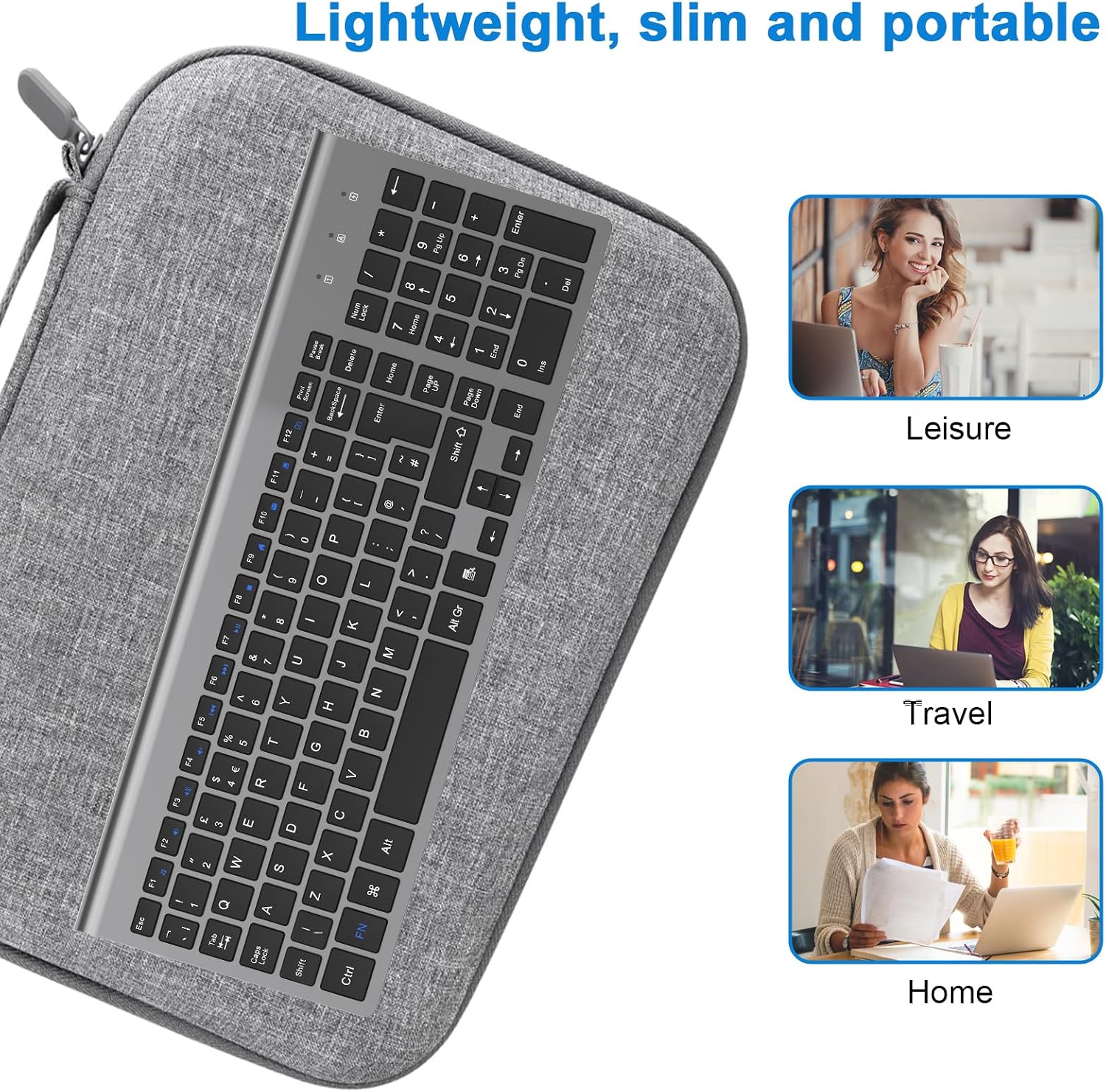
Cimetech Wireless Keyboard (2.4G) with Numeric Keypad – silent ergonomic USB keyboard for Windows PCs and laptops
Product description
If you’re after a straightforward wireless keyboard with a proper numeric keypad, this Cimetech 2.4G model is built around simple plug-and-play and a quieter typing feel. The ergonomic, low-profile scissor-switch keys are designed to feel responsive without feeling harsh, which is exactly the kind of detail that matters when you’ll be typing for an hour (or three).
That said, there are a couple of practical limitations to keep in mind before you buy—especially around the media hot keys. If your priority is basic daily typing and number entry, it’s more likely to be the right fit.
Key takeaways
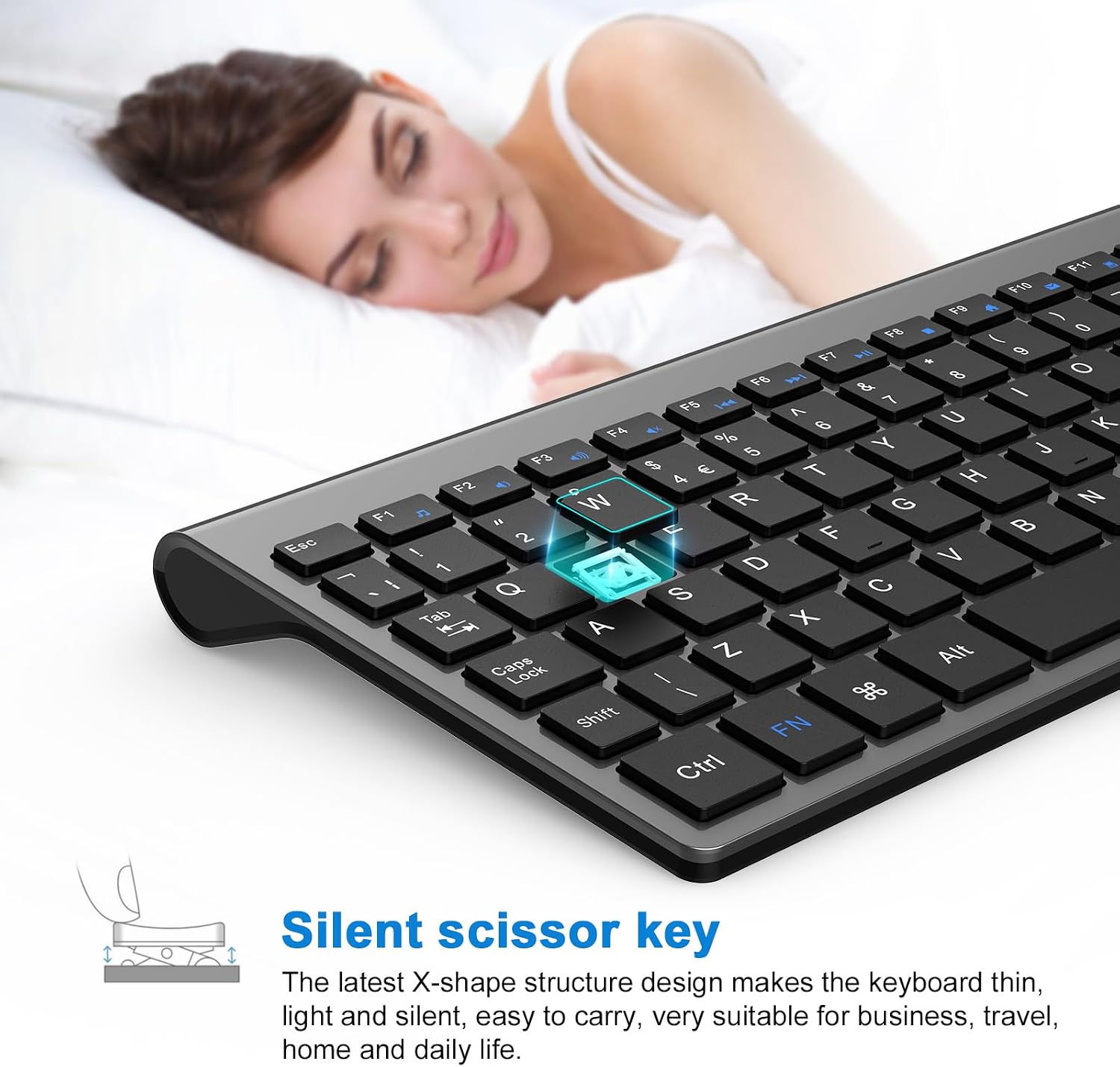
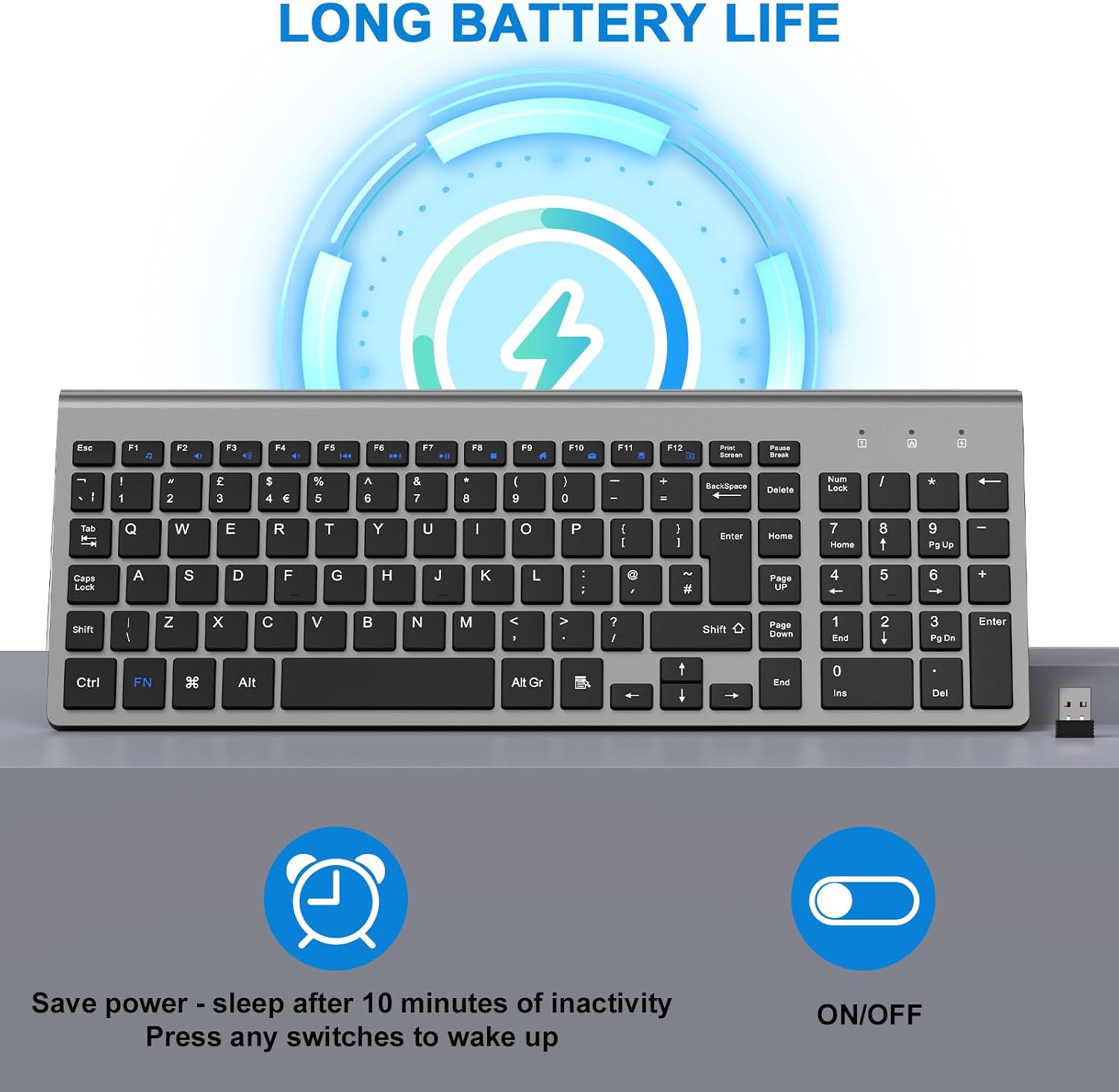
This keyboard uses a 2.4GHz wireless connection with a USB nano receiver, aiming for quick setup and a stable link. The key mechanism is described as a scissor-cross low profile design with 2mm keystroke travel, which should help with consistent rebound and a less noisy experience than many older-style switches.
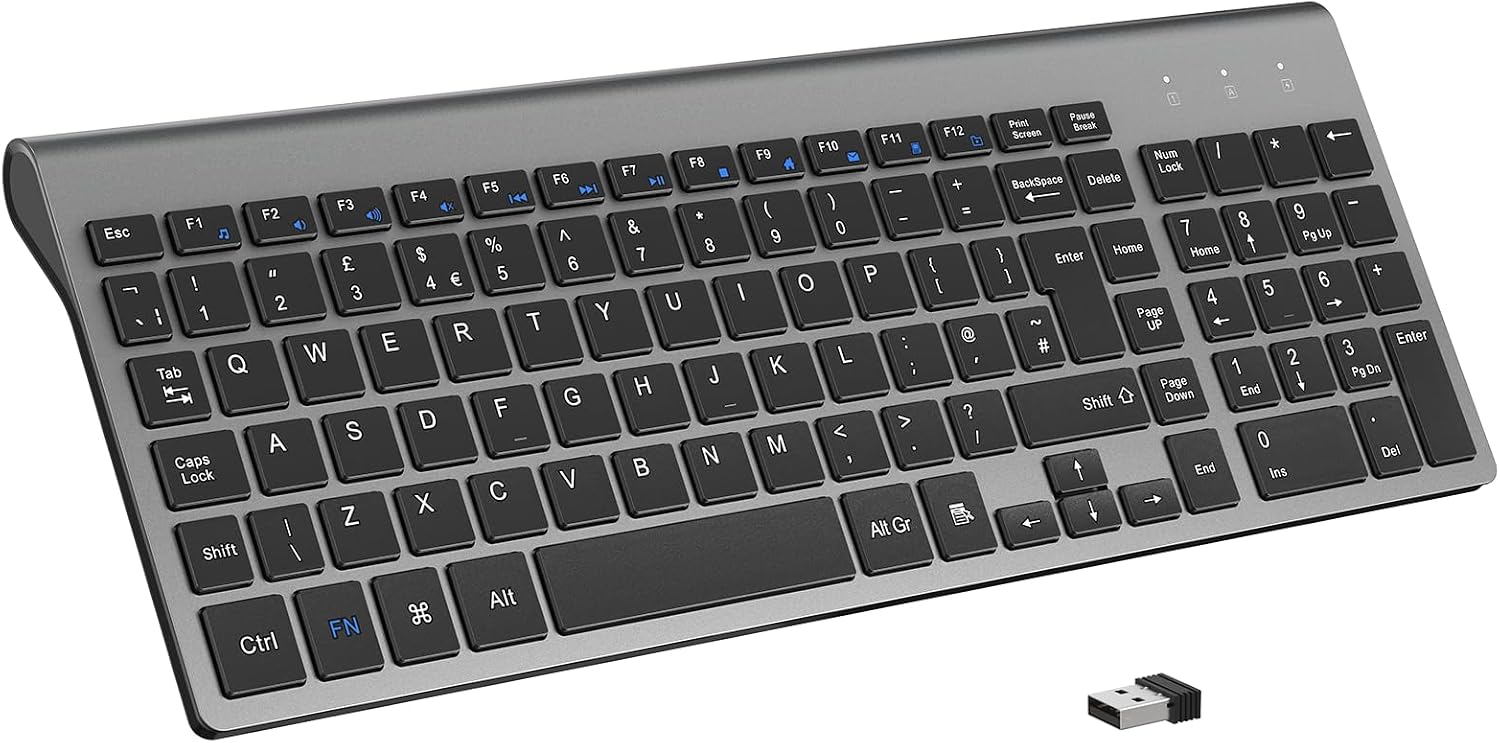
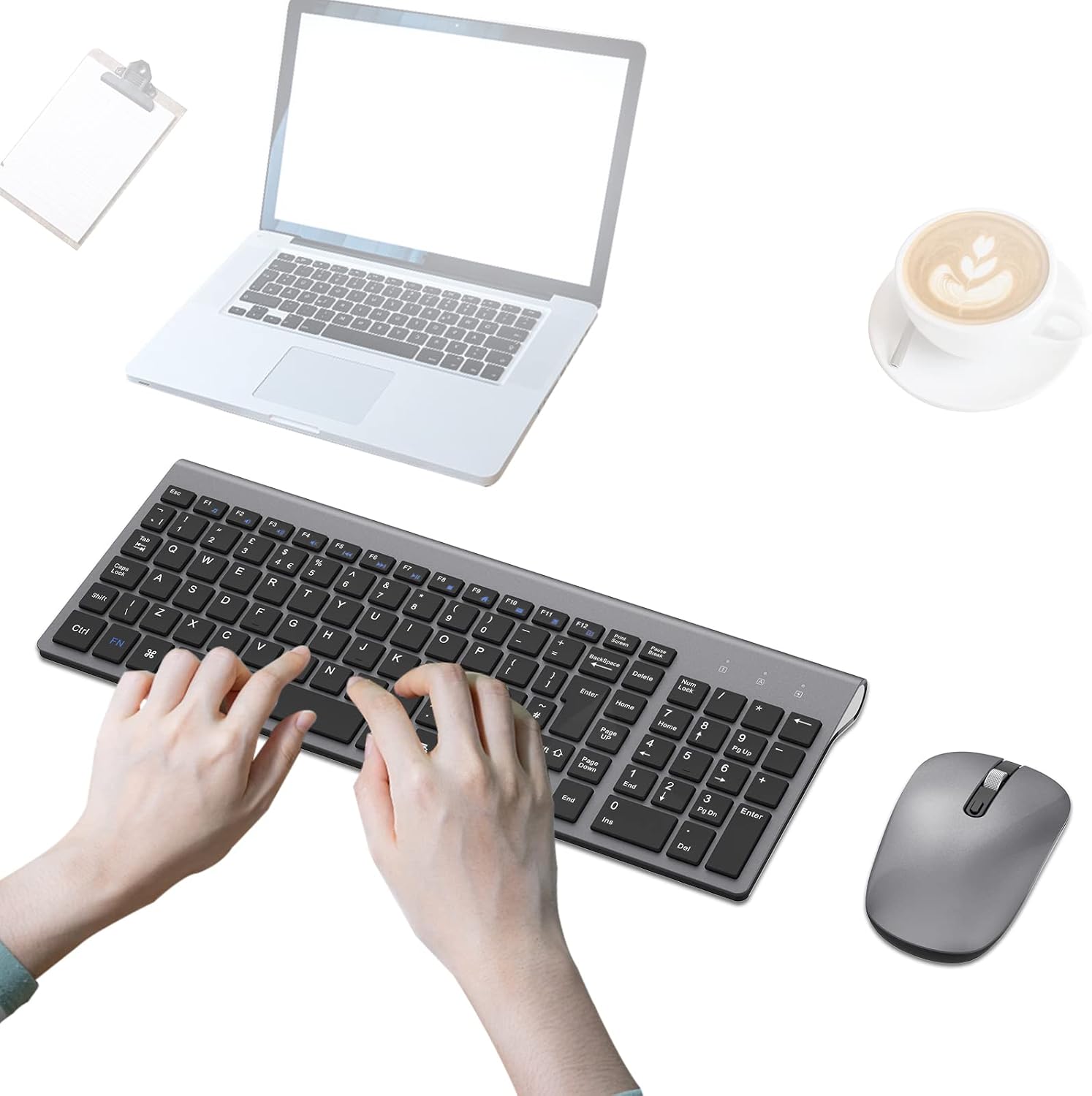
It’s also positioned as a compact full-size QWERTY layout with a separate calculator-style numeric keypad, so spreadsheets and number-heavy work don’t feel like an afterthought. Ergonomically, the contoured shape and a sloped typing angle are included for a more comfortable posture during longer sessions.
What it’s like in everyday use
In day-to-day terms, you can expect a clean “desktop keyboard” layout rather than a cramped travel board. The separate number pad is the big win for anyone who regularly enters numbers—budgeting, basic accounting, coursework, data entry, or simply living in Excel-style grids.
The typing feel is geared towards speed and control rather than a mushy or clicky action. Over the description’s intent, the scissor switch approach plus the shorter keystroke travel (2mm) suggests the keyboard is meant to respond quickly and return reliably after each press. It’s not presented as a mechanical keyboard replacement, so if you specifically chase heavy key feel or custom switch performance, this will likely feel more “workhorse” than “enthusiast”.
There’s also a small, realistic point: the included hot keys are stated as not fully compatible with OS. So while you may get some quick shortcuts for music/internet/email/volume-style controls, don’t bank on every shortcut working as expected across your system.
Wireless setup and range: does it behave?
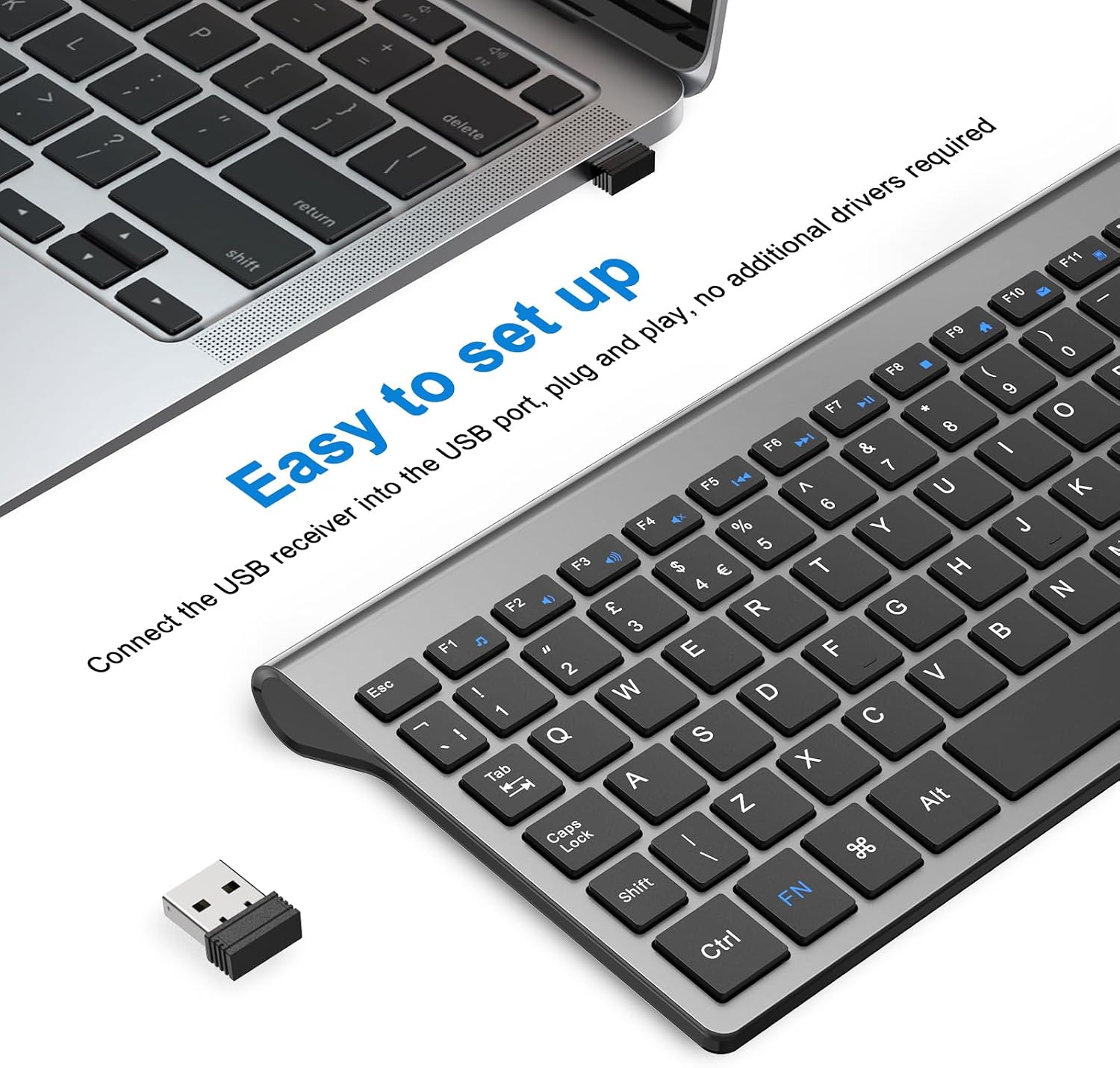
The pitch here is simple: plug the USB receiver into a USB port, and the keyboard should connect without additional drivers. On paper, that’s the kind of setup that suits shared PCs, quick office setups, or anyone who doesn’t want to hunt for software.
The working range is stated as up to 33ft, which is decent for typical desk setups—think gaming chair to desk distance or moving around while still staying within the same room. The description also notes that the USB receiver sits inside the keyboard battery compartment (so you’re less likely to misplace it right away).
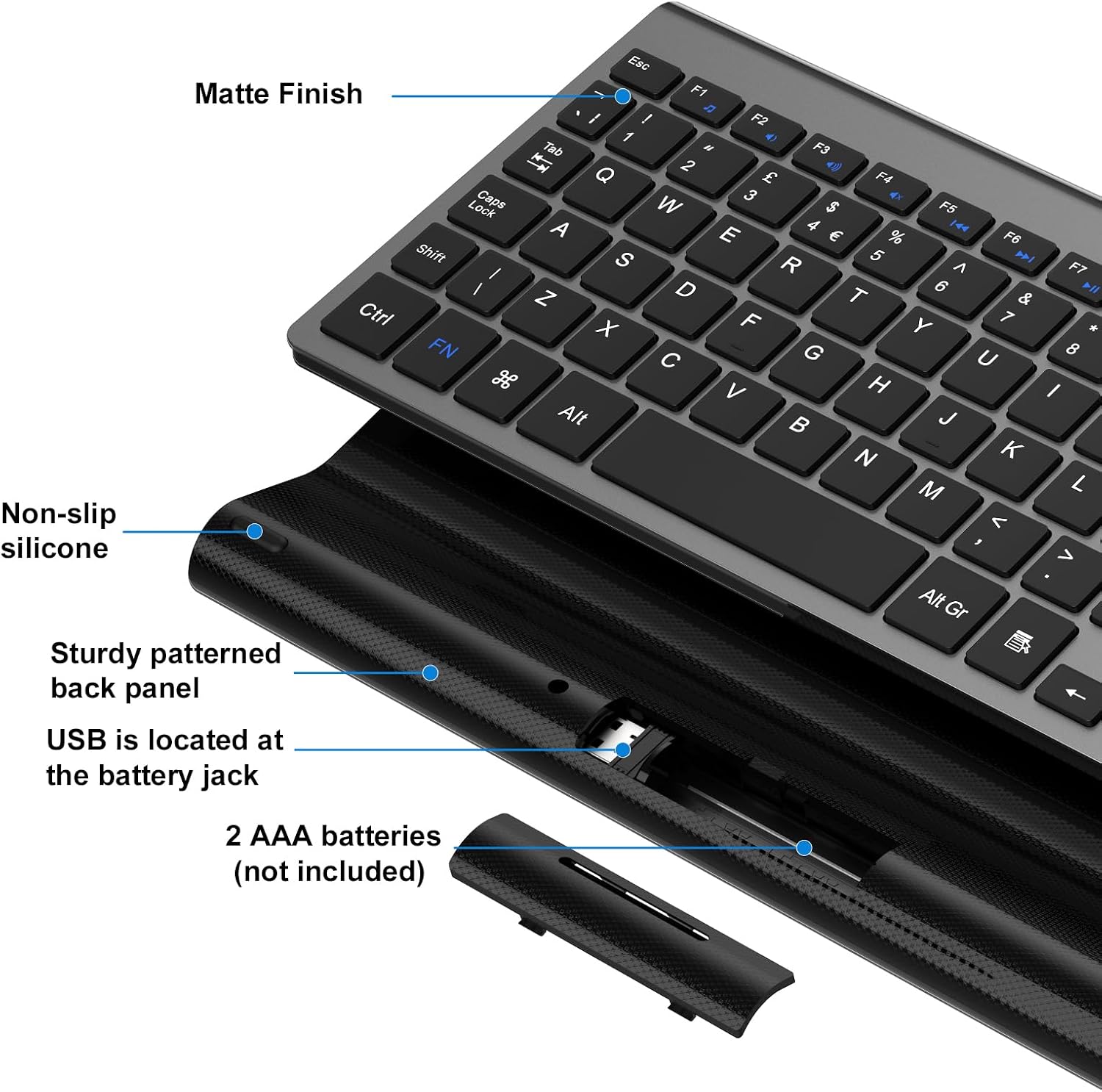
Do note a practical limitation: the laptop is powered by 2 AA batteries that are not included. If you don’t already have AA cells to hand, it’s an extra small cost and step before it’s ready to use.
Tech specs
- Type: Wireless keyboard with USB nano receiver (2.4GHz)
- Key switch: Scissor switch keys with low profile structure
- Keystroke travel: 2mm
- Wireless range: up to 33ft
- Layout: Full-size QWERTY with separate numeric keypad
- Compatibility: Windows XP, Windows Vista, Windows 7, Windows 8, Windows 10
- Hot keys: Music/internet/e-mail/volume shortcuts (not fully compatible with OS)
- Batteries (laptop power): 2 x AA (not included)
- Contents: Wireless keyboard, USB nano receiver, user manual
Where it shines, and where it might fall short
It’s a good fit if you want a wireless keyboard for a PC or laptop with a numeric keypad, and you prefer a quieter, low-profile typing feel for everyday work. The contoured shape and sloped angle also make it a sensible choice for long sessions where hand and wrist comfort starts to matter.
It may not suit you if you rely heavily on media hot keys and expect them to behave perfectly on your specific setup, because the description explicitly says they aren’t fully compatible with the OS. Also, if you’re the sort of user who wants ultra-precise “mechanical” keyboard performance or a very premium key feel, this is more firmly in the “practical wireless office board” category based on how it’s presented.
Should you buy it?
It makes sense to buy this Cimetech Wireless Keyboard if your main goal is simple wireless use (USB nano receiver, plug-and-play, no extra drivers mentioned), comfortable low-profile typing, and the convenience of a separate number pad for number entry.
You may want to skip it if you’re counting on fully working OS-level media shortcuts, or if you don’t want the hassle of sourcing 2 AA batteries first (for laptop power). Worth considering if you’re after a reliable everyday keyboard rather than something to tinker with or customise.
Quick FAQ
Is it really plug-and-play?
The description says the keyboard connects as soon as you plug in the USB receiver and that no additional drivers are required.
How far will the wireless connection reach?
The stated working range is up to 33ft, which should cover typical desk-to-seat movement.
Does it include a numeric keypad?
Yes—there’s a separate calculator-style numeric keypad alongside the full-size QWERTY layout.
Are the media hot keys compatible with all operating systems?
The description says the hot keys are not fully compatible with the OS, so compatibility may vary.
Does it work with Windows?
It’s listed as compatible with Windows XP through Windows 10.