

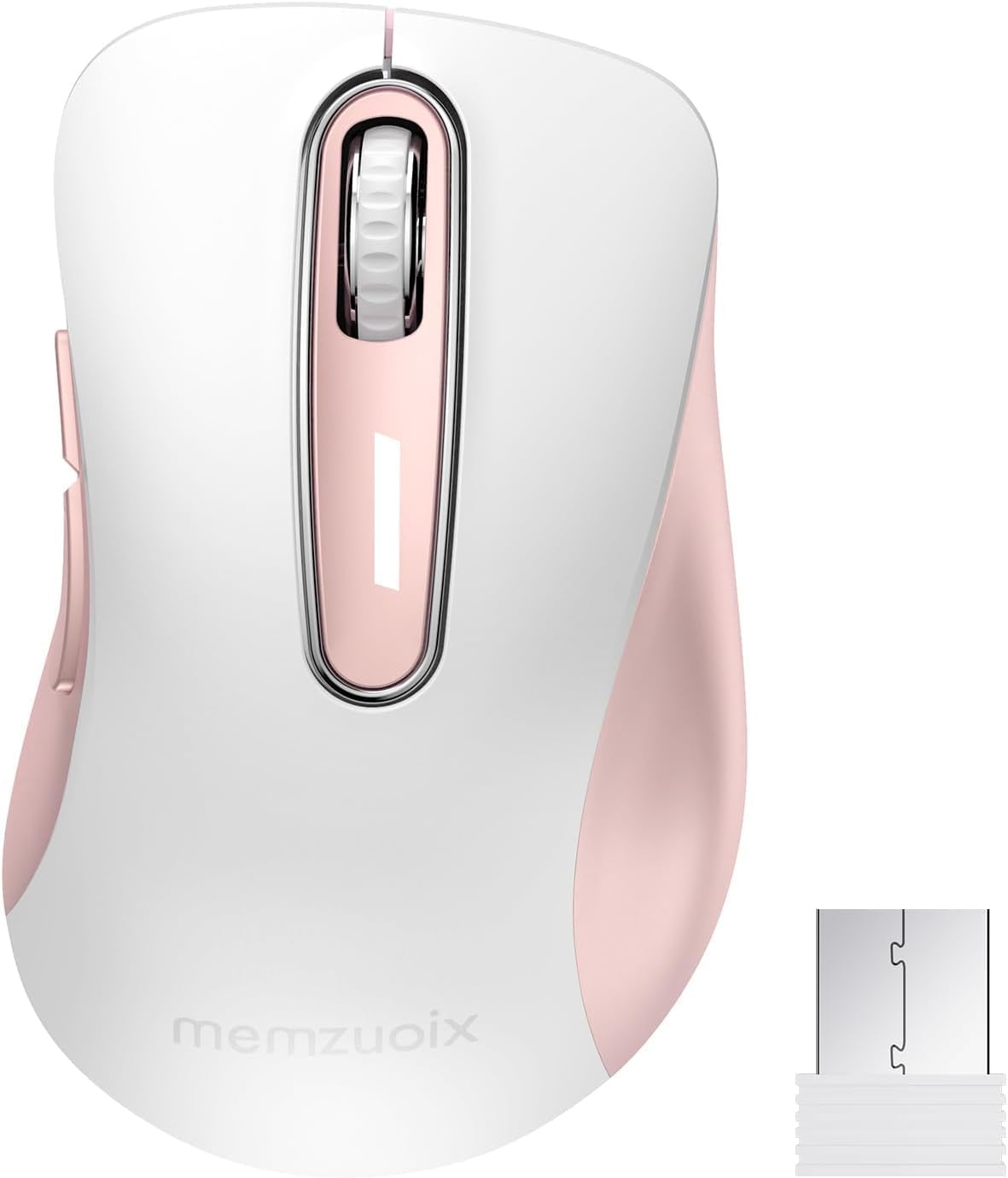
Memzuoix 2.4G Wireless Mouse (1400 DPI) – 5 Buttons, Portable Optical Cordless with USB Receiver (White Pink)
Reviews
Price
Product description
What it is and why people buy it
This Memzuoix 2.4G Wireless Mouse is a portable, optical cordless mouse designed for everyday use with a laptop or desktop. It leans into the practical stuff: a contoured shape meant to feel comfortable for longer sessions, a responsive 2.4GHz wireless link via a USB receiver, and a plug-and-play setup so you can start using it quickly.
It’s the sort of mouse you reach for when you want something simple rather than complicated—handy at home, at work, or when you’re packing light. The key selling point on paper is the combination of a modern, comfortable form factor and a wireless connection that’s stated to be reliable at a decent working distance.
That said, it’s not perfect for everyone. For example, there’s a specific note that the side buttons aren’t available on Mac OS. So if you rely on those shortcuts, you may feel a bit limited compared with a mouse that doesn’t make that trade-off.
Key points
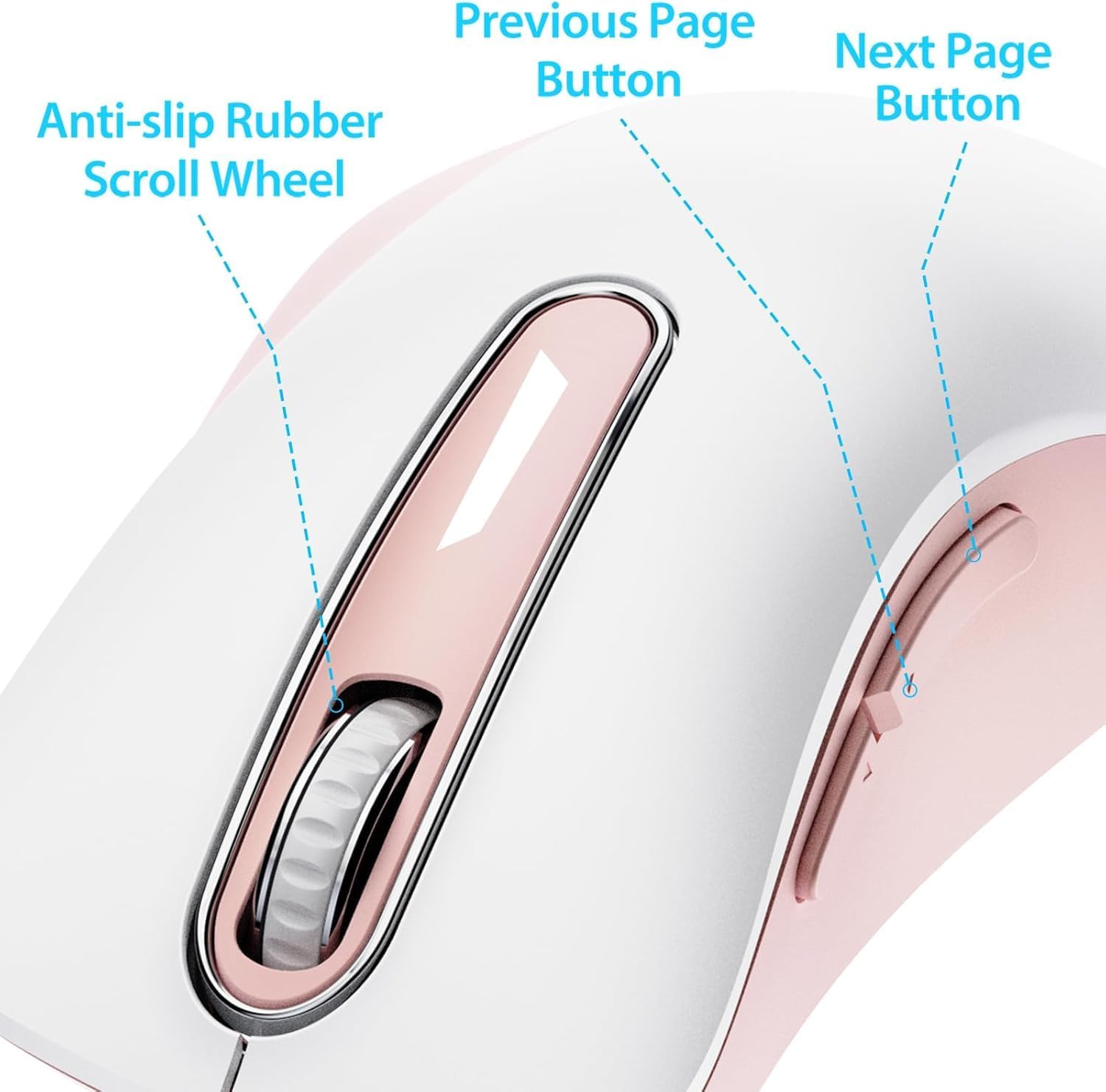
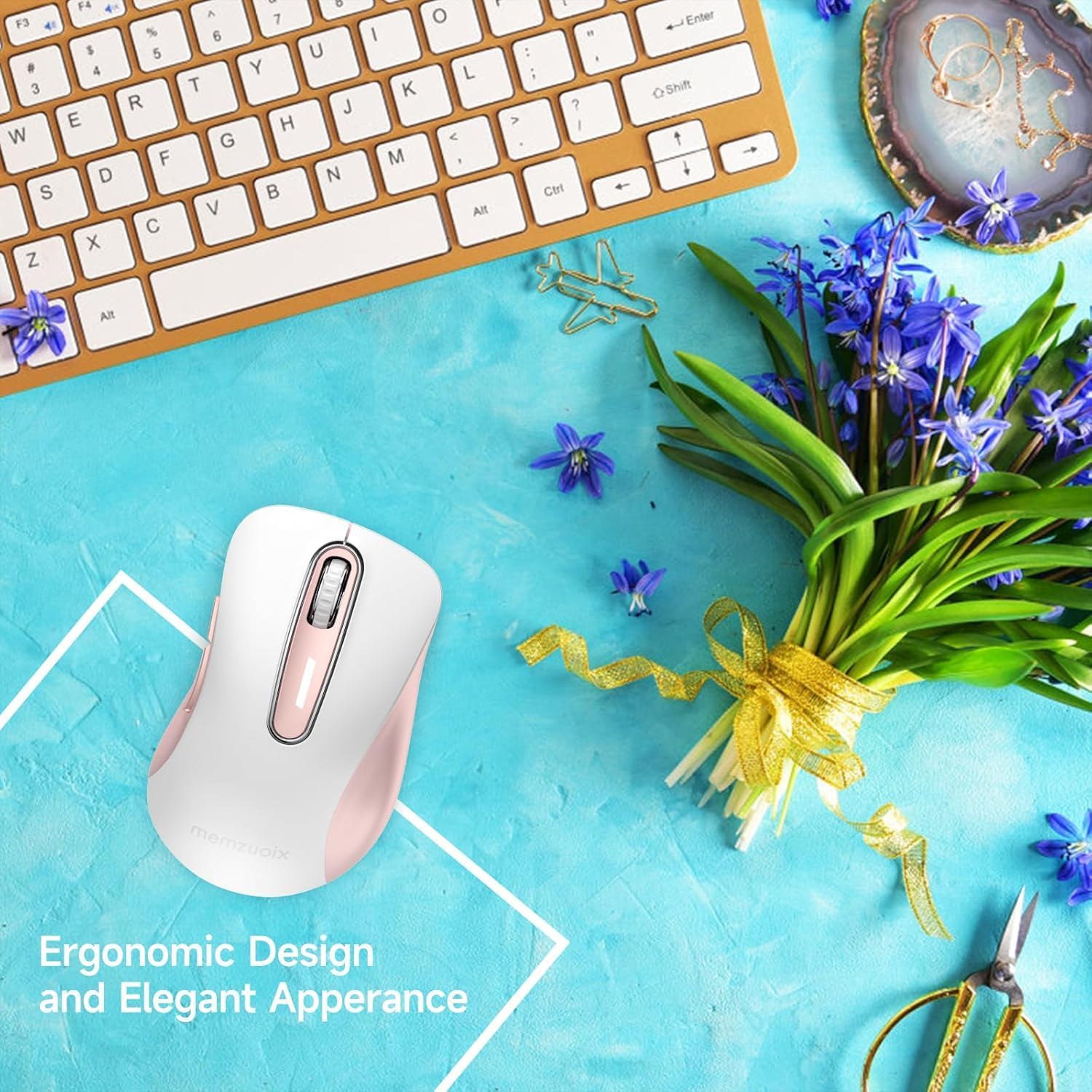
The design focuses on comfort and control: the contoured body, sweat-resistant and skin-friendly finish, and a little finger rest are meant to reduce hand fatigue. There’s also a scroll wheel with a rubberised texture intended to help prevent slipping when you’re scrolling.
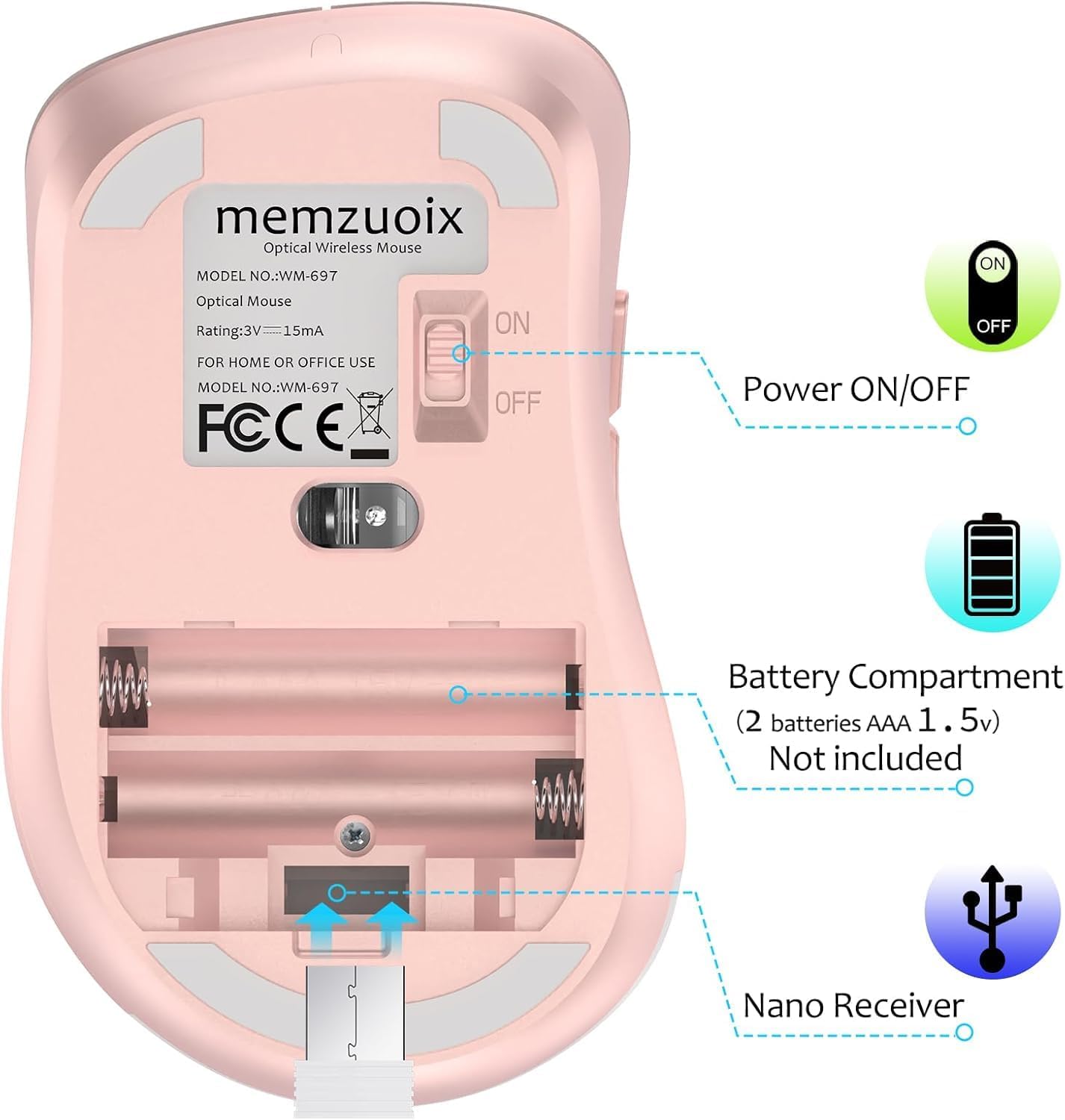
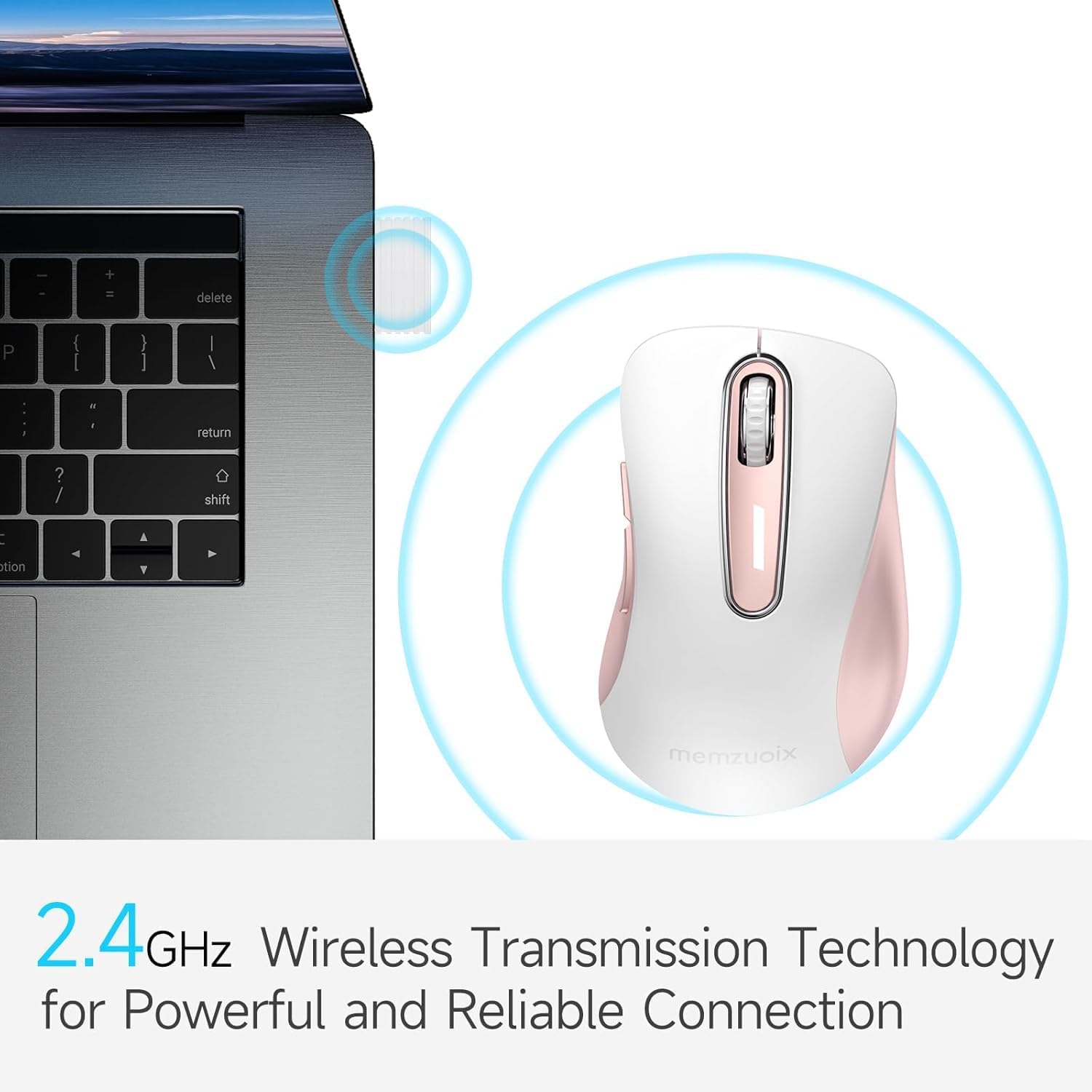
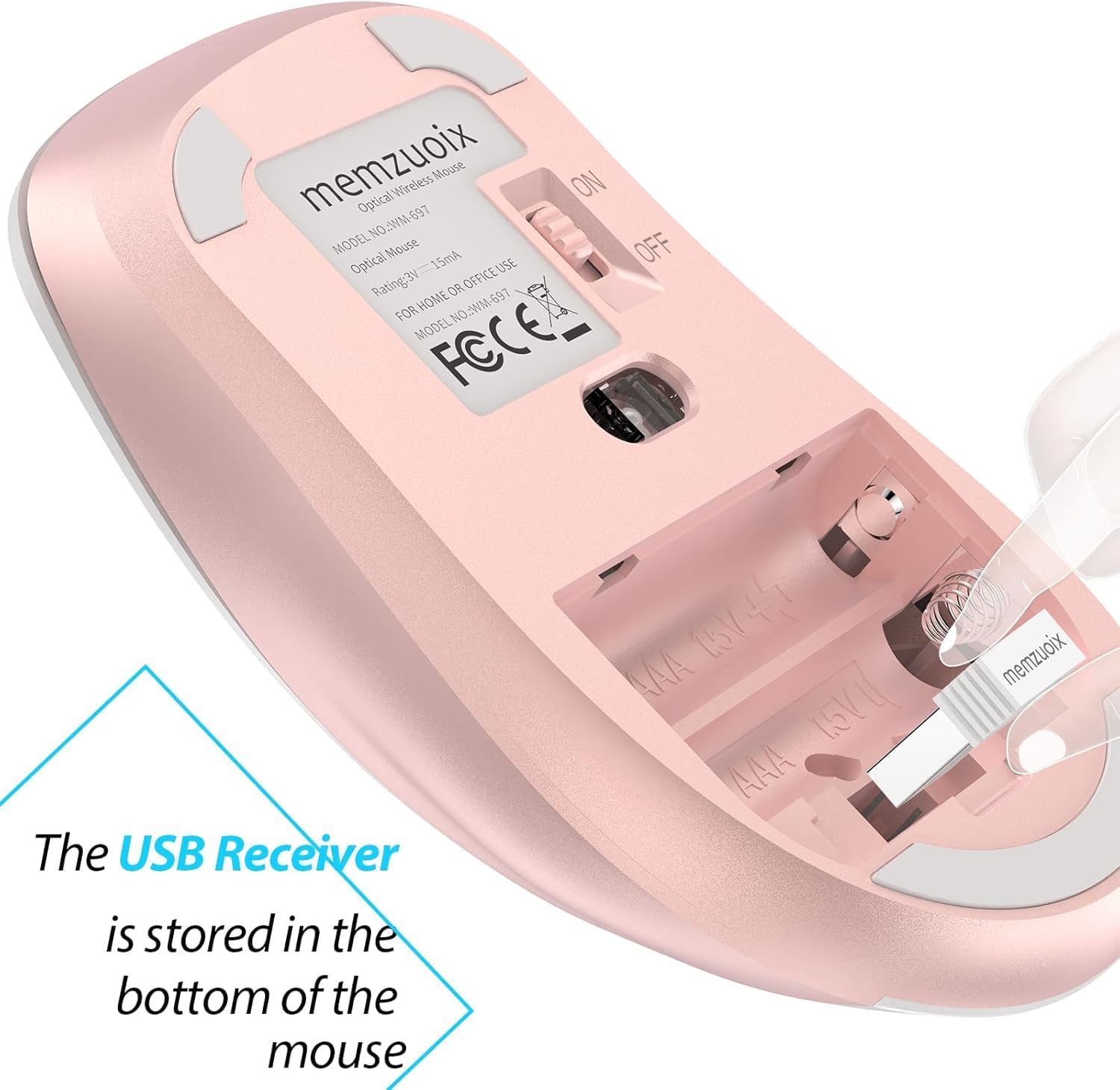
On the connectivity side, it uses 2.4GHz wireless transmission with a USB receiver and a plug-and-play approach, with no drivers required. Power use is kept intentionally low: it runs on two AAA batteries (not included) and goes into sleep mode after 7 minutes of inactivity, waking up when you click any button.
In day-to-day terms, this is meant to be an easy “unbox, plug in, and go” mouse for Windows, Mac, and Linux setups.
What stands out in use
The “comfortable in-hand” angle is the most convincing part of the concept. The contoured shape plus the ring and little finger rest are there to give your hand something stable to sit on, rather than floating in an awkward position.
The scroll wheel is also worth noting. A sturdy wheel with rubber is exactly the kind of small detail that can make repeated scrolling feel steadier—especially if you’ve used basic wireless mice that feel a bit slippery.
For wireless practicality, the manufacturer states a connection range of up to 43.0ft using 2.4GHz technology. Whether you’ll see the full range in your space depends on your layout (walls, interference, how far the receiver is from the desk), but it’s a positive spec for normal desk use.
Tech summary
- Type: Wireless mouse (2.4GHz optical)
- DPI: 1400 DPI
- Buttons: 5 buttons
- Connectivity: 2.4GHz wireless with USB receiver
- Power: 2 AAA batteries (not included)
- Sleep mode: After 7 minutes of inactivity
- Claimed operating distance: Up to 43.0ft
- Durability claim: Passed a 6,000,000 keystroke test
- Compatibility mentioned: Windows 7/8/10/XP, Vista, Mac, Linux
Where it shines, and where it may fall short
This mouse makes sense if you want a lightweight, portable wireless option that’s straightforward to set up and suitable for everyday computing. It’s particularly appealing if you’re the sort of person who prefers not to fuss with driver installs, and you want something that can live in a laptop bag for regular carry.
It’s also a good fit if you value comfort during longer browsing sessions, because the shape and little finger support are designed with hand feel in mind.
Where it may not suit you: - Not the best match if you actively use side button functions on Mac OS, because the side buttons are stated as not available there. - If you’re the kind of user who expects ultra-precise performance for demanding creative work, this is positioned more as a practical mobile mouse (based on the listed 1400 DPI and the general daily-use framing) than as a specialist high-end tool. - You’ll need to factor in battery changes since it uses AAA cells (and they’re not included).

Getting the most from it
A small setup habit can make a difference with any wireless mouse. Plug the USB receiver in before you start using it, then place the mouse on your desk and test a few clicks and scrolls right away. Since it’s designed for plug-and-play use, it should behave quickly.
If you’re packing it into a bag, pay attention to how it rests while you travel. The portable design is meant for storage on the go, but if it’s jostling alongside keys or cables, you’ll still want to keep it protected to avoid accidental button presses.
And for power saving, the sleep mode after 7 minutes is useful—just remember you’ll still need AAA batteries on hand.
Final verdict
Is it worth it?
It’s worth considering if you want a simple 2.4G wireless mouse with a comfortable contoured shape, plug-and-play USB receiver setup, and a battery-saving sleep mode. The comfort-focused design and rubberised scroll feel are the bits that feel most “real” for daily use on a laptop or desktop.
Buy it if you’re mainly using Windows or you want a portable mouse for general work and browsing, and you don’t heavily depend on side button shortcuts on Mac.
You may want to skip it if side buttons are important for your Mac workflow, or if you’re looking for a more specialist performance mouse rather than a mobile, everyday cordless option.
Mini FAQ
Is it truly plug-and-play?
It’s described as plug & play with no drivers required, so it should be ready to use once the USB receiver is connected.
What power does it use?
It uses 2 AAA batteries, but they’re not included. The mouse also goes into sleep mode after 7 minutes of inactivity.
How long is the wireless connection supposed to be?
The stated working distance is up to 43.0ft for 2.4GHz wireless transmission. Real results depend on your environment.
Does it work with Mac?
Mac compatibility is mentioned, but the side buttons are stated as not available for Mac OS.
What’s the DPI?
It’s listed as 1400 DPI, which is typically more suited to everyday cursor control than high-end precision needs.