

TECKNET Bluetooth Mouse Jiggler (BT 5.0/3.0 + 2.4G) Rechargeable Silent Ergonomic 6 Buttons, Black
Product description
If you’re looking for a mouse that does more than just pointing, the TECKNET Bluetooth Mouse Jiggler is built around one specific job: keeping your computer from going to sleep while you’re away or running unattended tasks. It’s also a fairly normal-looking ergonomic wireless mouse otherwise, with silent clicks and a multi-connection setup.
Key takeaways
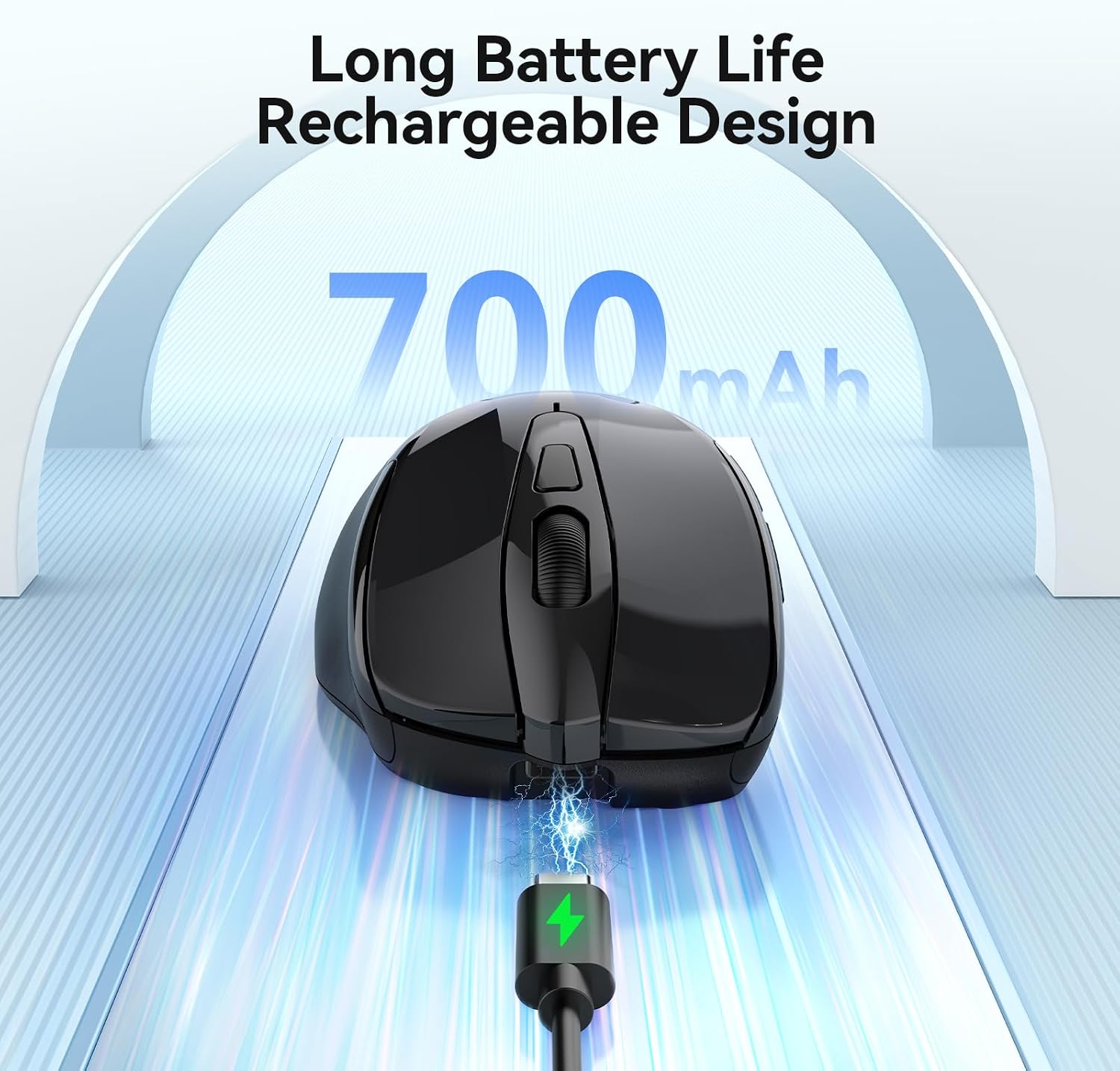
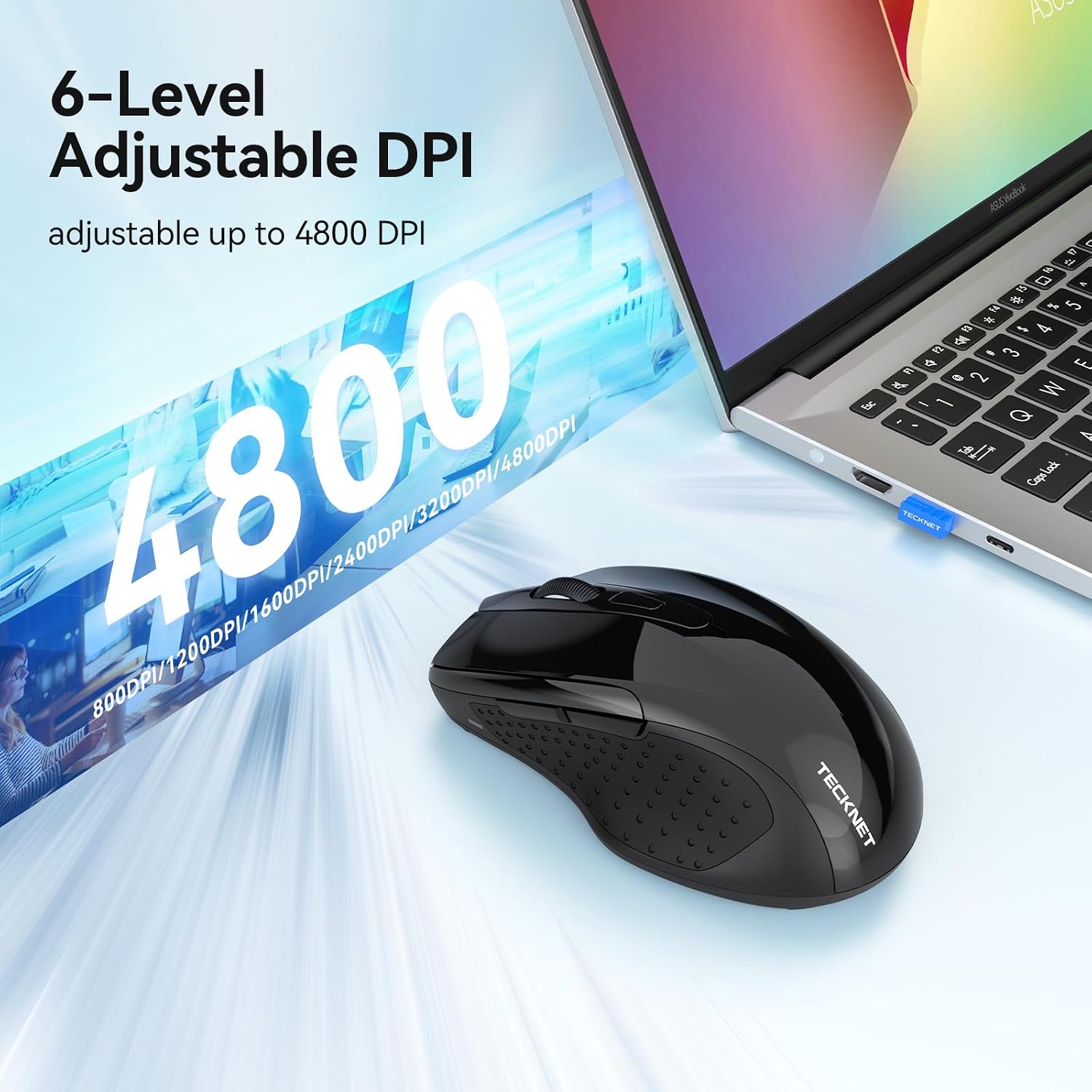
On paper, this is a “keep-awake” mouse with Bluetooth (BT 5.0/3.0) plus a 2.4G option, and it lets you switch between devices without rebuilding your setup each time thanks to a memory function. You also get a rechargeable design (Type-C charging) and an adjustable DPI range up to 4800.
That said, the jiggle/anti-sleep function is not the same as a general-purpose gaming mouse. If you’re after maximum precision for fast shooters or you need software-level control, this might feel a bit more utilitarian than “enthusiast”. Another practical limit: it’s listed as not supporting the side keys on macOS, so Mac users may want to factor that in.
What matters in day-to-day use
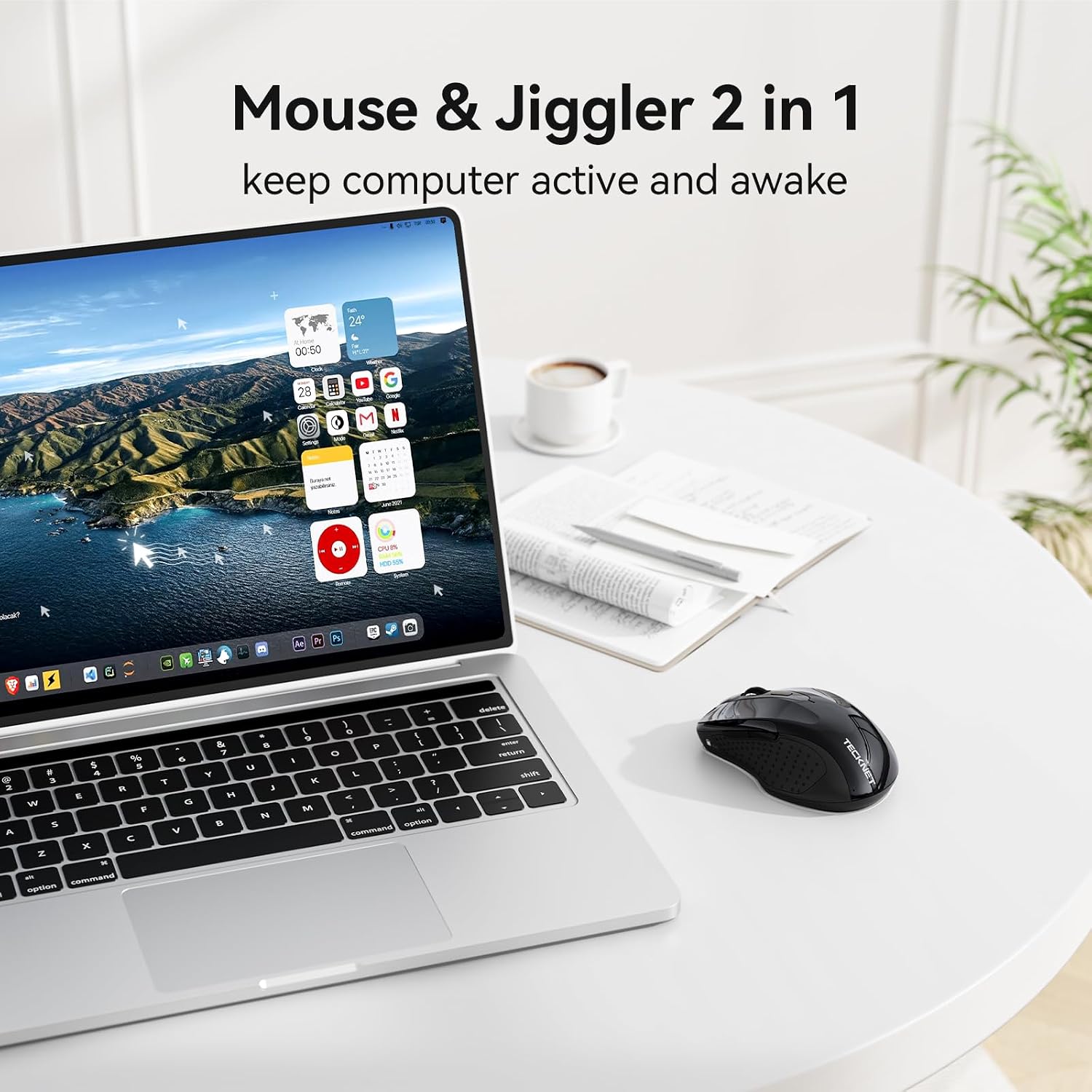
The standout feature is the built-in anti-sleep “jitter” mode. The idea is simple: the mouse simulates movement so your computer doesn’t enter sleep mode or trigger screen savers, helping you keep work running when you’re not actively touching the device. The controls are also described clearly: hold the DPI button for 5 seconds to start drifting, and moving the mouse stops the drifting. Press and hold again for 5 seconds to exit.
Here’s a practical example. Imagine you’re uploading or processing something and you need the machine to stay awake while you step out. You can enable jitter mode, then walk away without constantly clicking. When you return, a quick touch of the mouse stops the drifting so you can go back to normal control.
Where it shines (and what to expect)
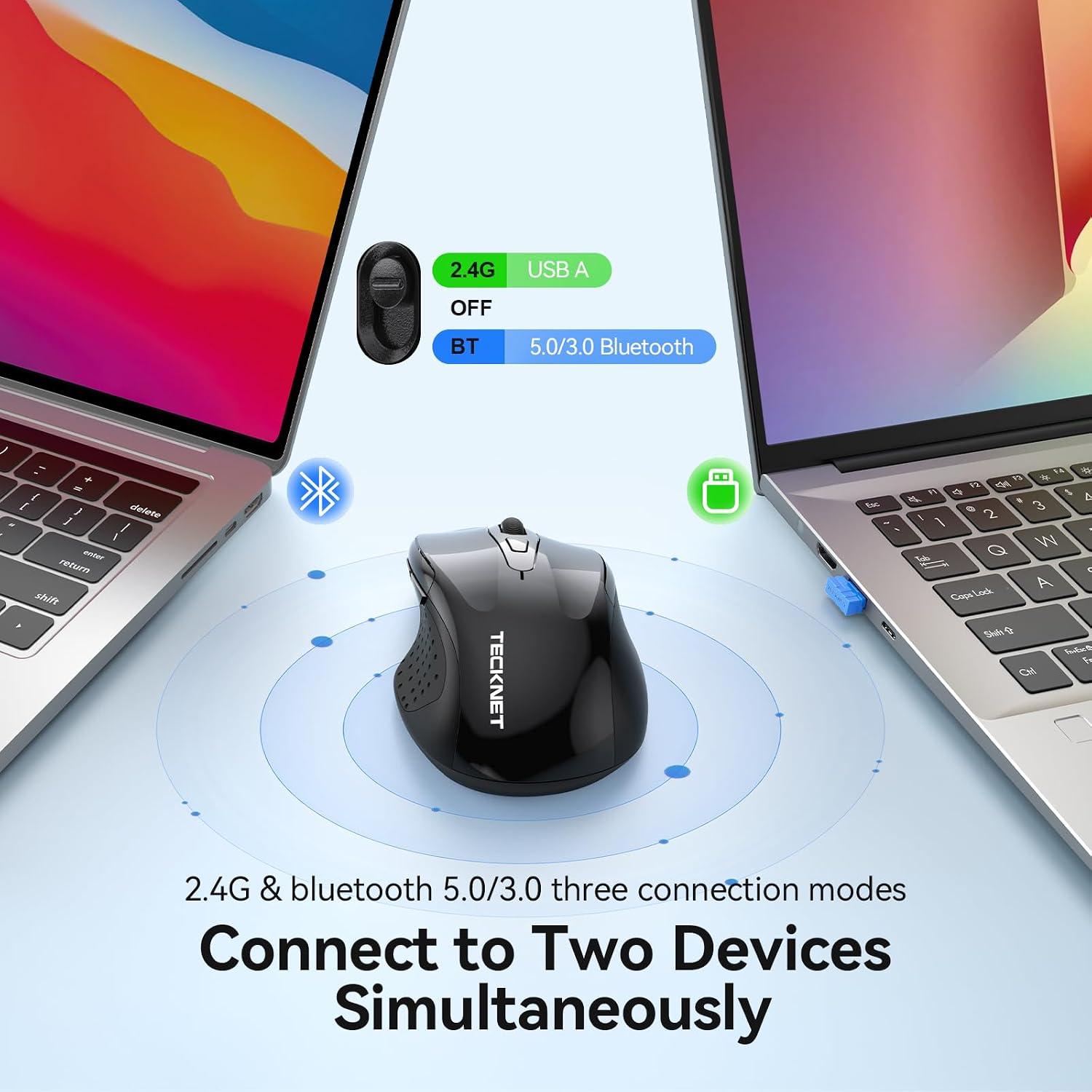
A big part of the appeal is flexibility. With Bluetooth 5.0/3.0 and 2.4G dual-channel connections, you can use it across a laptop and tablet setup, or keep one workflow connected while another device is ready. The “quick switching” is meant to be straightforward—plus the memory function is designed to avoid repeated reconfiguration.
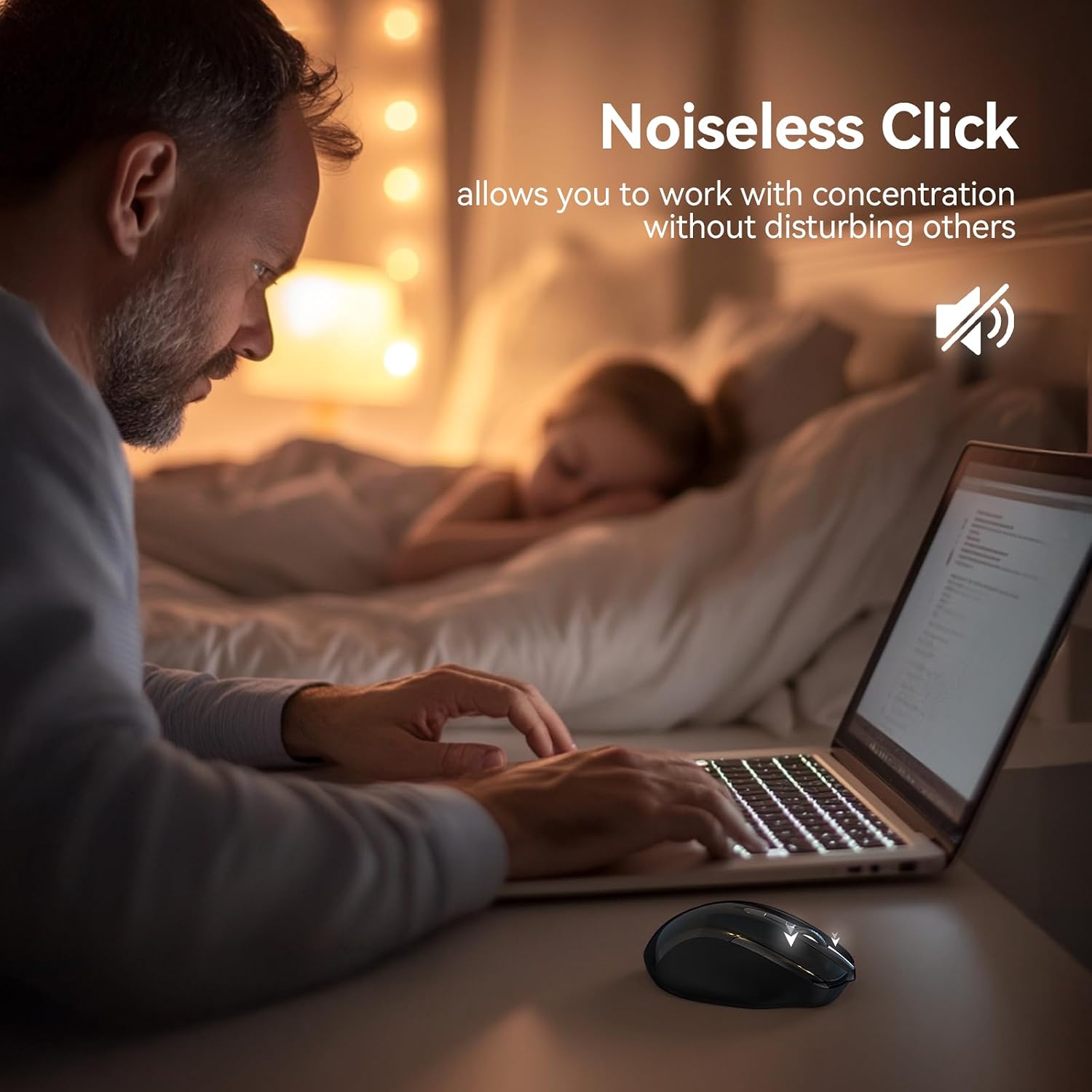
On comfort and use in quieter settings, it’s positioned with silent key technology and an ergonomic palm rest plus non-slip side skirts. That’s the sort of mix that tends to matter if you’ll use it in libraries, study spaces, or meeting rooms where click noise is annoying.
Tech specs
- Type: Wireless mouse with built-in jiggler (anti-sleep) function
- Connections: Bluetooth 5.0/3.0 and 2.4G dual-channel
- Buttons: 6 buttons
- Adjustable DPI: 4800 / 3200 / 2400 / 1600 / 1200 / 800
- Battery: Built-in 700mAh lithium battery
- Charging: Type-C (listed as ~2 hours to charge)
- Battery life: up to 90 days when fully charged (as stated)
- Use of side keys: not supported on macOS (as stated)
- Warranty: 36 months support (registered only)
Pros
- Dedicated anti-sleep jitter mode to help prevent sleep/screen saver activation
- Dual connection support (Bluetooth and 2.4G) for multi-device setups
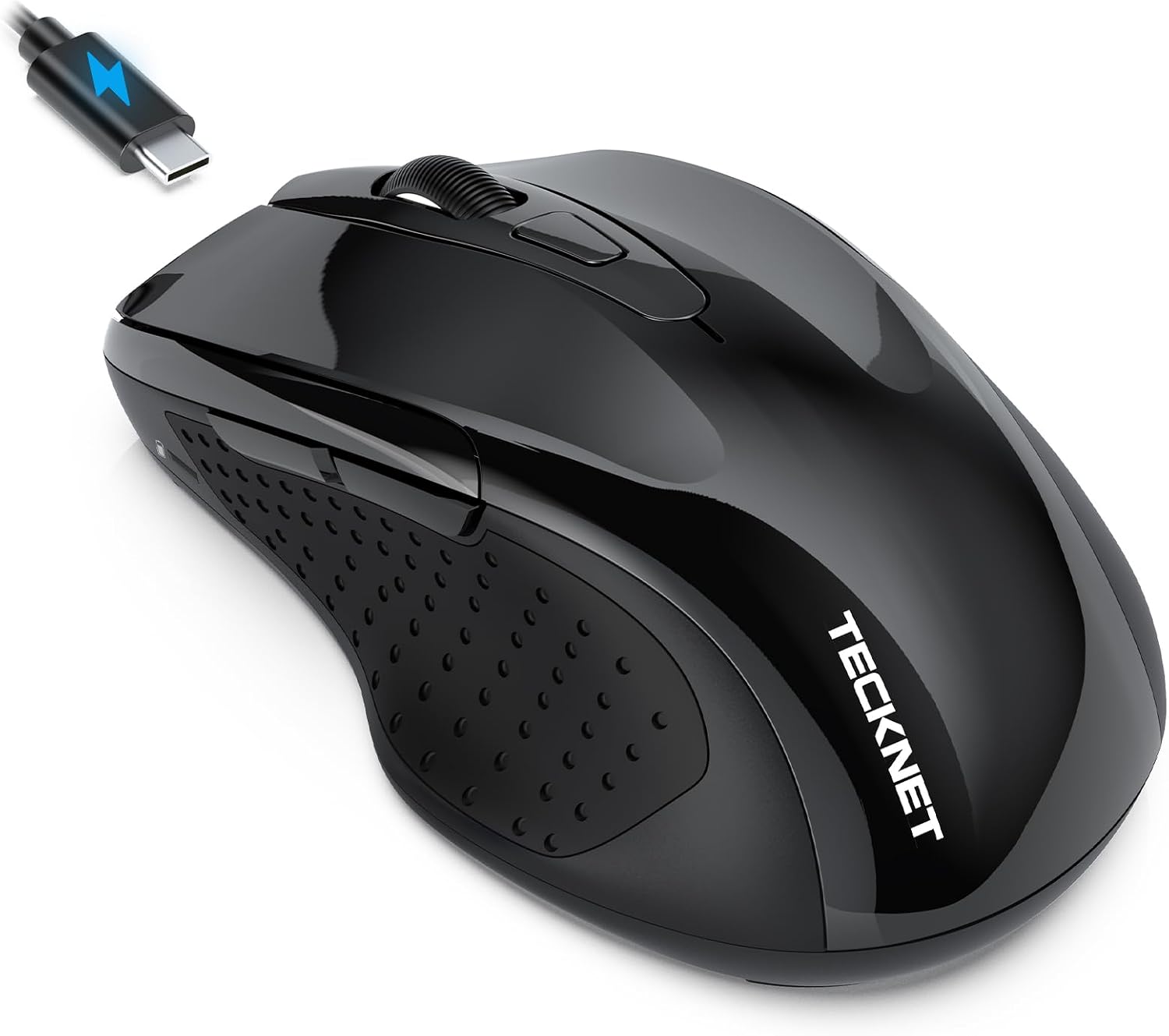
- Rechargeable design with Type-C charging and a stated long battery life
- Silent keys plus ergonomic shape for longer sessions
Cons and who should be careful
This is a “keep-awake + everyday wireless” type of mouse, not a pure performance gaming tool. The jitter mode can be useful, but if you never need anti-sleep behaviour, you may simply be paying for a feature you won’t use.
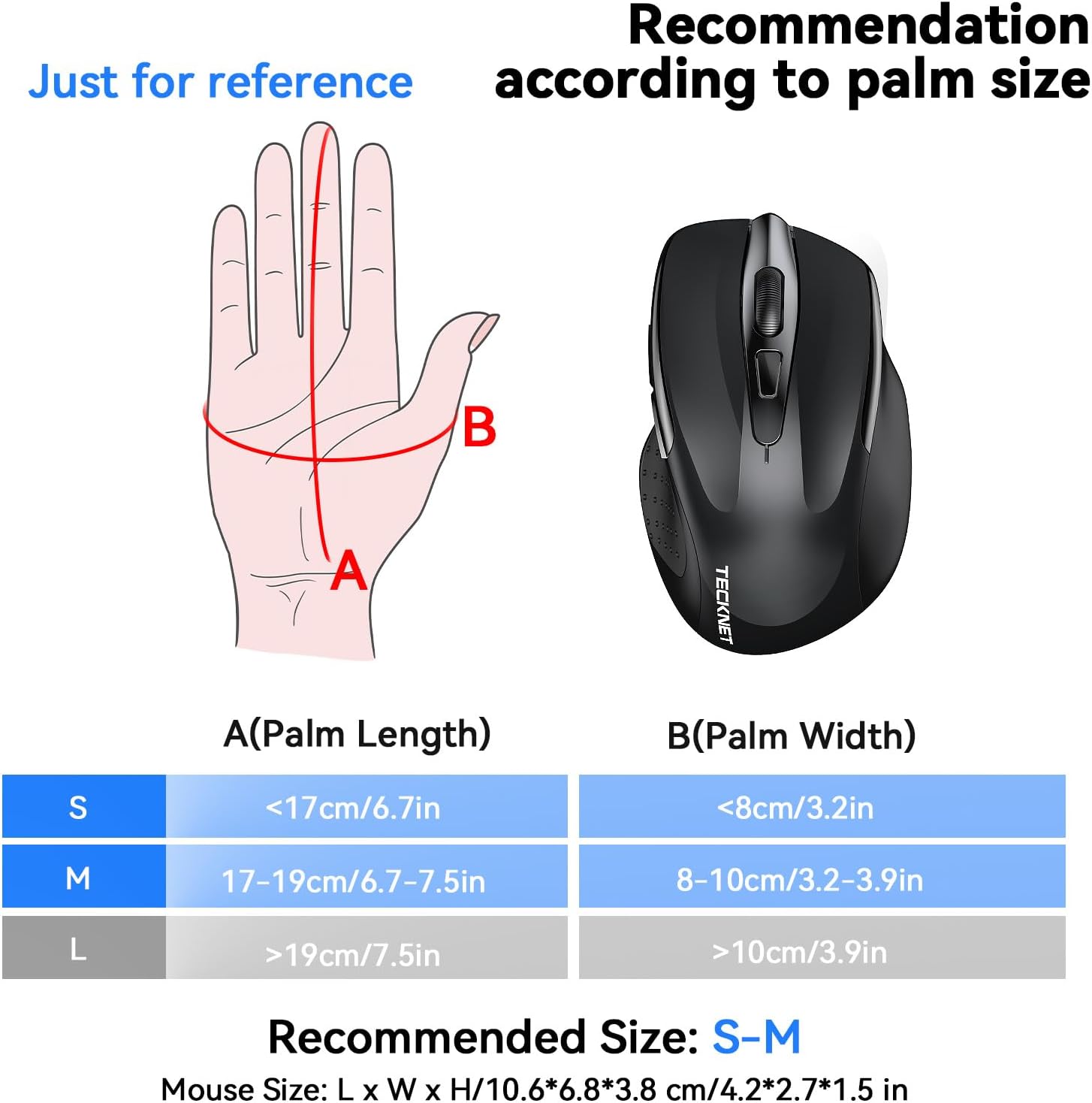
Also, it’s noted as best suited for small to medium hand sizes (S–M). If you have larger hands and prefer a larger mouse footprint, it may feel a bit compact even though the manufacturer suggests it could still be comfortable for some users.
And if you rely heavily on side buttons on macOS, you may not like the “not supported” limitation.
¿Merece la pena?
It can be worth considering if your main pain point is keeping a computer awake—especially for background tasks or times when you can’t stay clicking. The combo of anti-sleep jitter mode, rechargeable convenience, and quiet buttons makes it a practical buy for office, home working, and shared quiet spaces.
But it might not be the best choice if you want a standard mouse only, or if macOS side-button support is essential. In those cases, you may be better off with a more straightforward wireless mouse where you don’t have to think about jiggle mode behaviour.
Compatibility & requirements
The description indicates the side keys are not supported on macOS. Beyond that, there are no specific device or OS requirements listed in the provided information, so it’s sensible to double-check your setup before buying if you use unusual platforms.
FAQ
How do I turn the jitter mode on and off?
Hold the DPI button for 5 seconds to start the random drifting (indicator light comes on). Moving the mouse stops the drifting, and holding the DPI button for 5 seconds again exits jitter mode.
Will normal clicking stop the drifting?
According to the instructions, clicking won’t interrupt the drifting—moving the mouse is what stops it.
How long does the battery last?
It’s stated to offer up to 90 days when fully charged, with charging via Type-C taking about 2 hours.
Can it switch between multiple devices?
Yes—Bluetooth 5.0/3.0 and 2.4G are supported, and it includes a memory function intended to reduce the need for reconfiguration.
Are the side buttons supported on macOS?
No, the side keys are listed as not supported on macOS.