

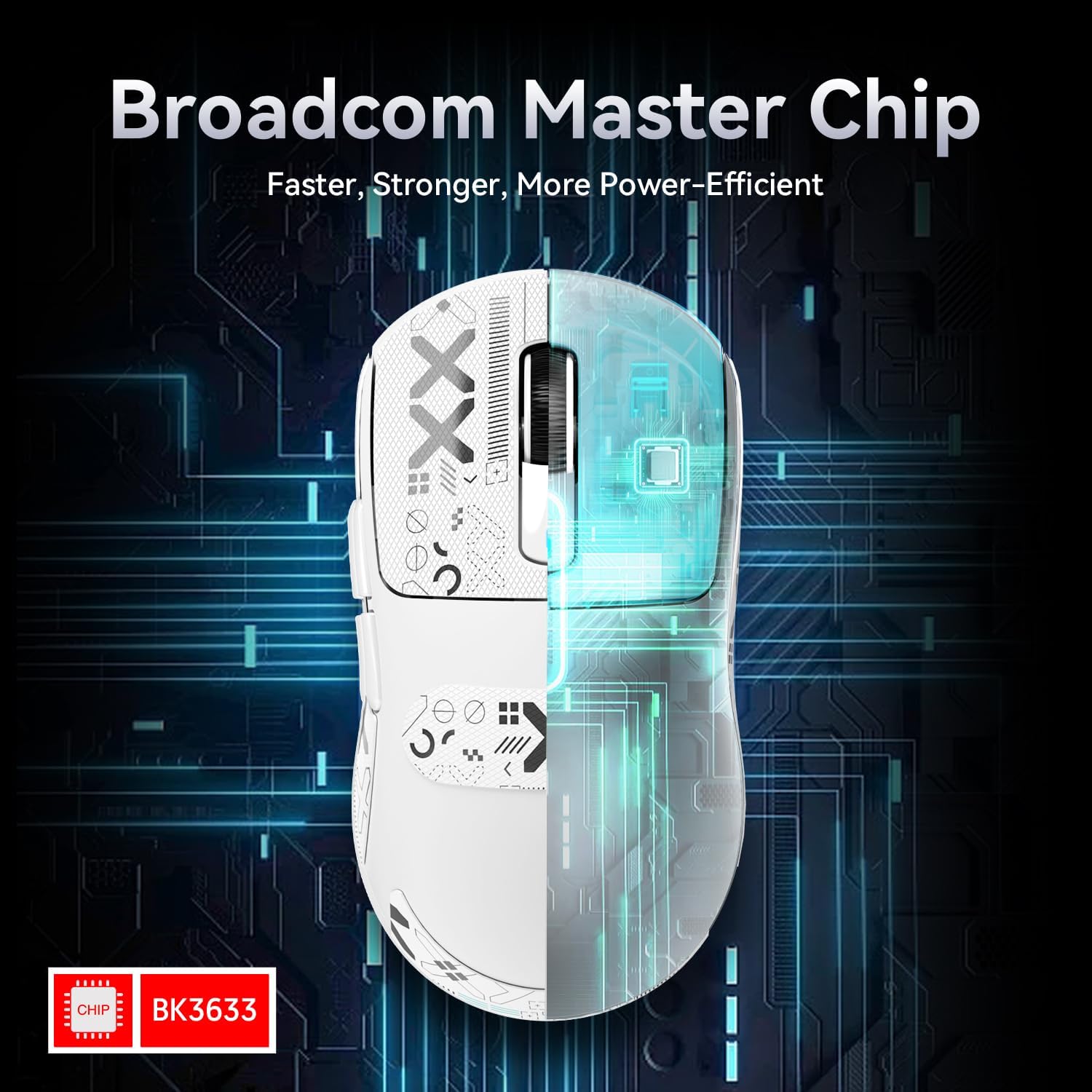
Attack Shark X3 49g Ultra-Light Mouse with PAW3395 Sensor
Product description
What it is and who it’s for
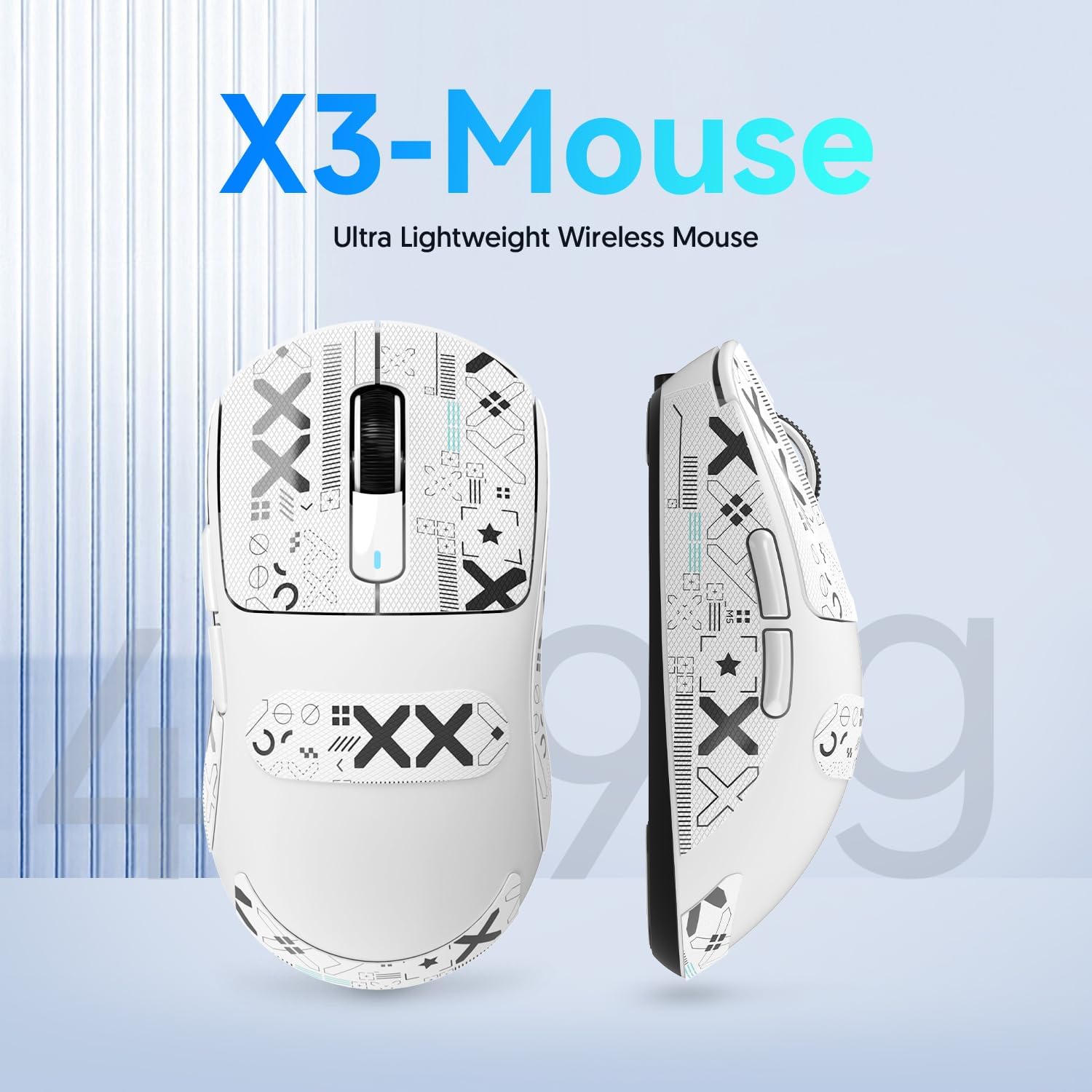
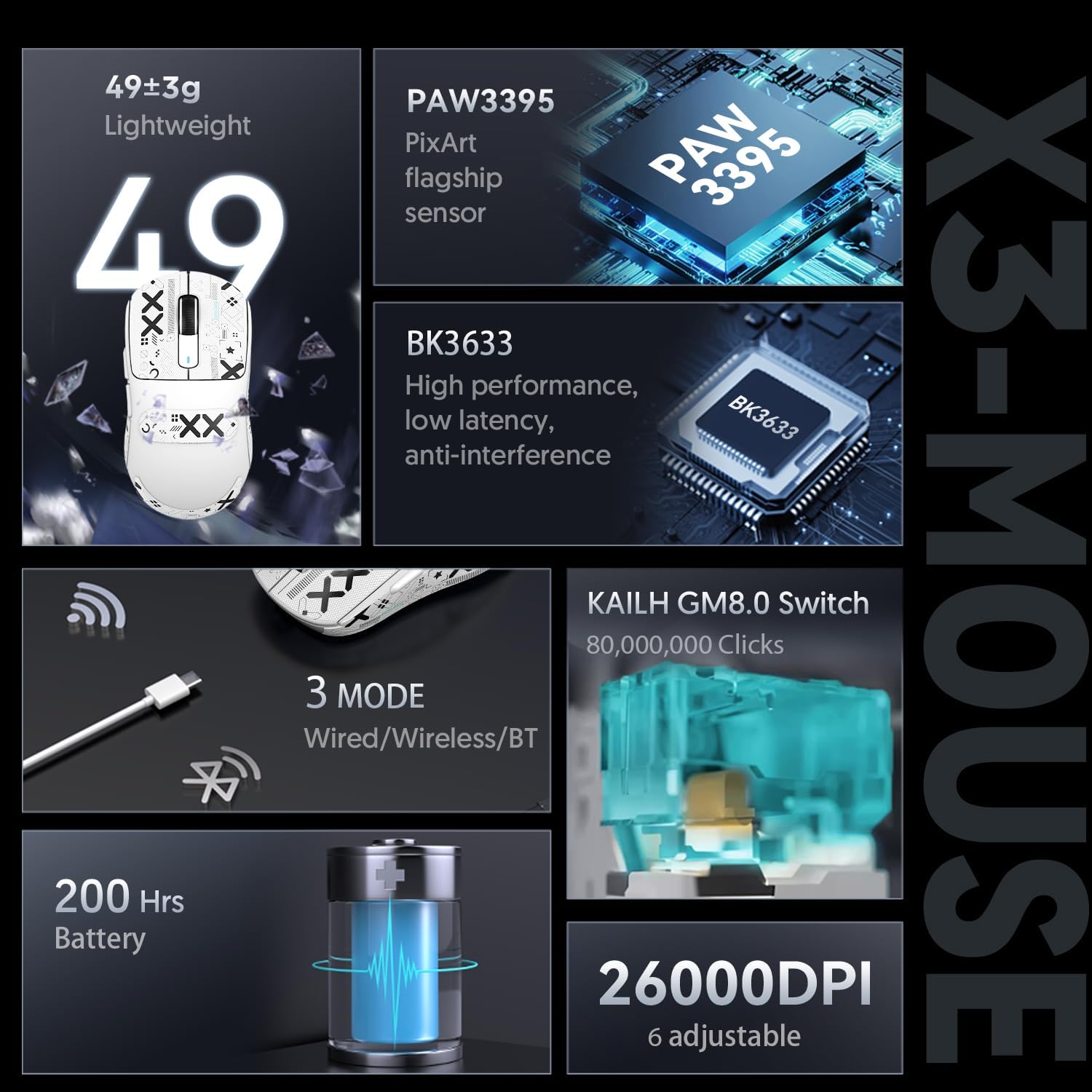
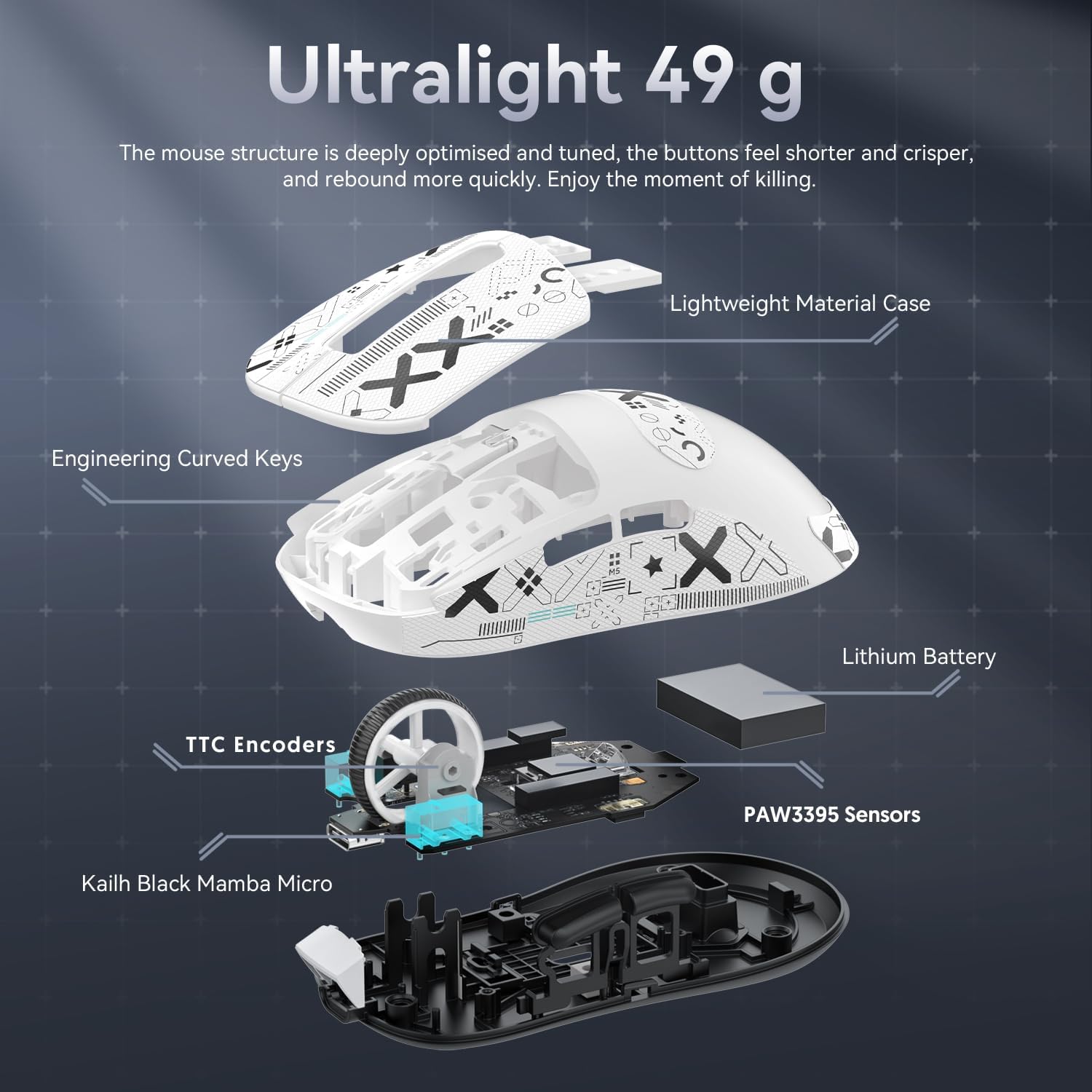
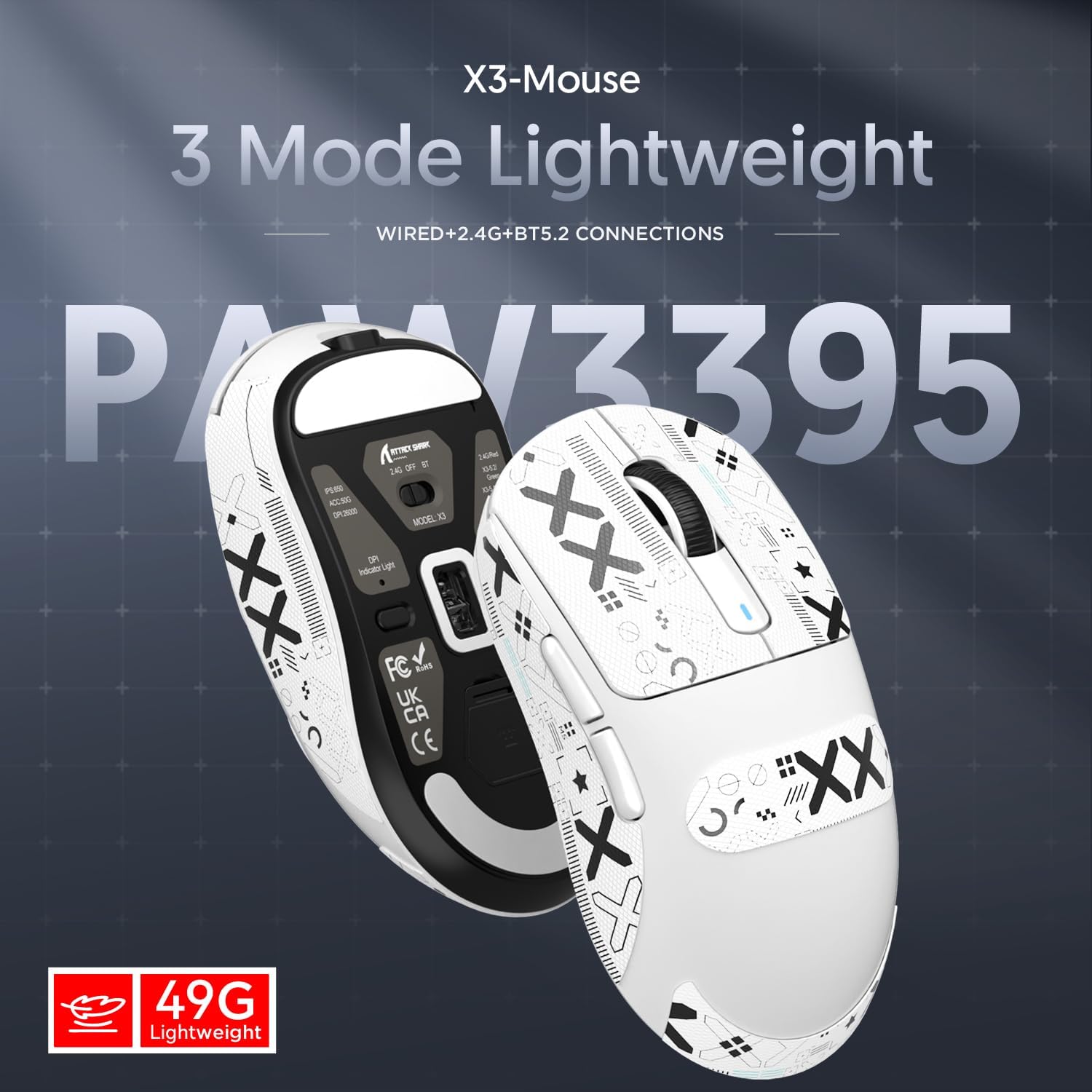
The Attack Shark X3 is a featherweight gaming mouse at about 49g, designed for players who prioritise minimal weight and quick responses. It combines a very light shell with a high-end PixArt PAW3395 sensor and a flexible connection setup, making it appealing to movers who blend competitive gaming with long sessions of work or play. On paper, its weight reduction comes from a liquid cooling injection moulding process, stated to cut the overall heft without sacrificing structural integrity. If you value a nimble cursor and fast replies, the X3 aims to deliver.
Key features in brief
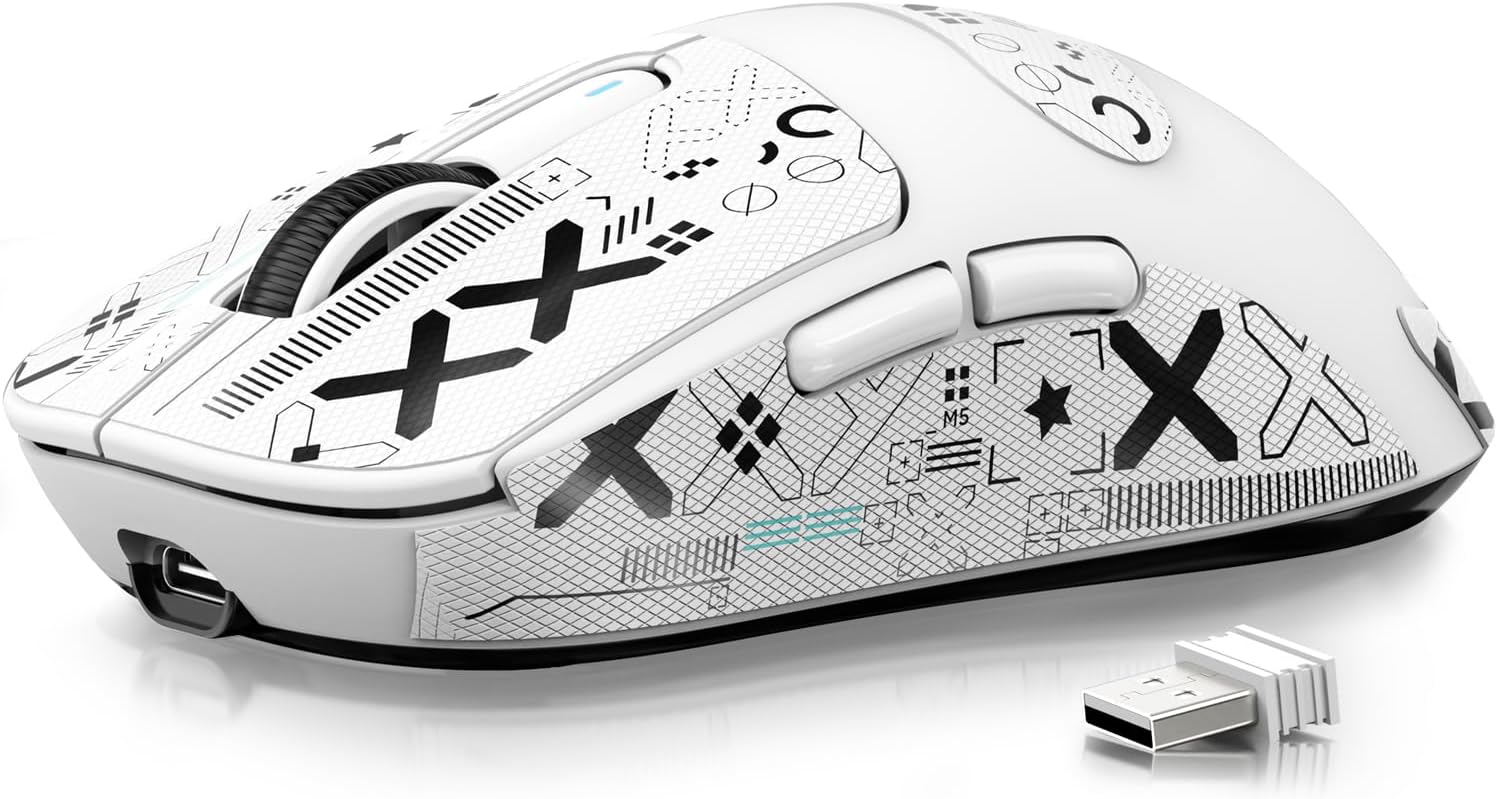
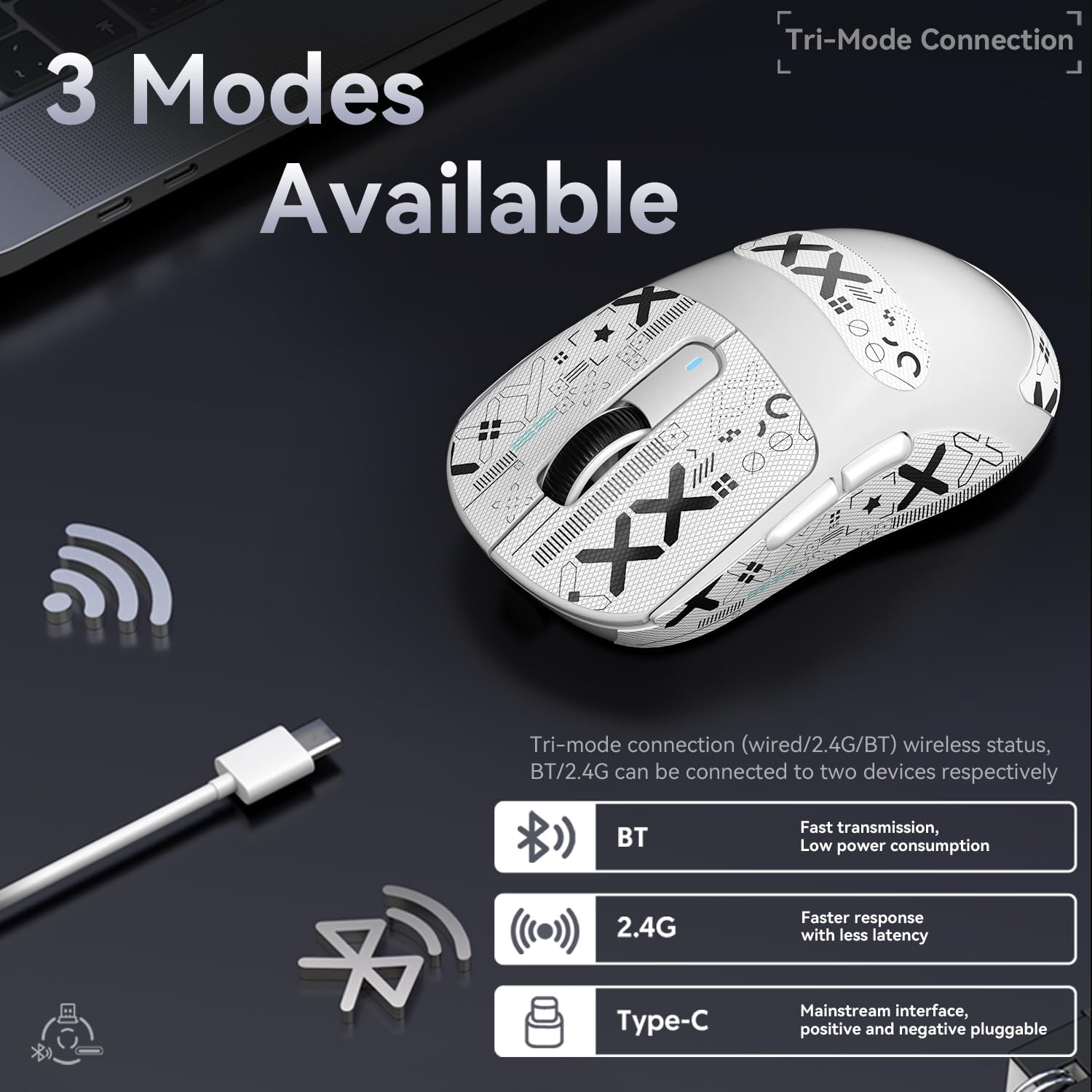
You get a flagship level sensor (PAW3395) capable of up to 26,000 DPI, with six discrete DPI steps for fine-tuning sensitivity. The mouse is wired USB-C, 2.4GHz wireless, and Bluetooth, offering a broad range of connectivity options for different setups. The switches are rated for a high click life (over 80 million activations) with a light activation force, which translates to a responsive feel in fast-paced titles or precise macro inputs. Battery life is emphasised as substantial—up to 200 hours on a single charge, with charging completing in a couple of hours. A driver is provided to adjust DPI, polling rate, and macros, and there’s an automatic sleep feature to save power when idle.
Technical overview
The X3 operates with a BK3633 controller and uses a 3-pin Kailh GM8.0 microswitch. The design avoids drilled holes in the shell to keep weight down while aiming to maintain comfort across various grips and hand sizes. The sensor is designed to translate rapid hand movements into smooth on-screen motion, and the TTC encoder in the mouse pad is tuned for quicker recoil responses in supported contexts. It’s reported to work across multiple operating systems (Windows, Mac, Android, and even Xbox), which broadens its potential use cases beyond traditional PC gaming.
Where it shines in day-to-day use
If you’re after a distraction-free, low-weight mouse for long gaming sessions or high-precision tasks, the X3’s 49-gram profile can help reduce fatigue and increase on-target control. Its tri‑mode connectivity means you can switch between a wired setup for competitive play, a Bluetooth pairing for casual use, or a reliable 2.4GHz link for wireless play without too much fuss about re-syncing devices. The 26,000 DPI range is generous for those who want ultra-fine control, though many players may settle earlier depending on their preferred sensitivity.
Potential limitations to consider
No single mouse is perfect, and the X3 is no exception. Real-world battery life depends on the significant energy draw of wireless modes and polling rates, 200 hours is promising but may vary with lighting, refresh rate, and continuous use. Some users may miss feature depth in software if they rely on extensive macro programming or per-game profiles beyond basic DPI and polling rate adjustments. Additionally, the weight reduction approach, while beneficial for speed, might feel unusual to users who prefer a more substantial grip or those with specific hand shapes.
Who it’s for and who it isn’t the best fit
It suits players who prioritise ultra-light hardware: esports aspirants, fast-paced FPS fans, or anyone who wants a minimal feel without sacrificing sensor prowess. It’s also a sensible option for mixed usage—work and gaming—thanks to its cross‑platform compatibility. It may not be ideal for users who favour heavier, more grounded mice or those who need exceptionally extensive software customisation with advanced macro trees.
What to check before you buy
- Confirm your primary usage: competitive gaming versus general use, consider whether you’ll utilise wireless modes often enough to justify the battery life.
- Ensure your preferred grip style aligns with a 49g chassis, some hands may require a larger shell or a different weight distribution for comfort.
- Review the driver software availability and ensure the OS you use can support the features you want (DPI steps, macros, polling rate).
- Check USB-C if you intend to use wired mode regularly and whether your setup accommodates BT pairing alongside micro USB capabilities.
Practical usage example
Imagine a mid-air flick in a fast shooter where every micro-adjustment matters. With the X3’s light weight, you may notice quicker wrist movement and less fatigue over long sessions. The tri-mode connectivity means you can switch from a cable to a wireless link during a training session without changing devices, and the high DPI range allows you to fine-tune sensitivity to match your muscle memory precisely. The tactile feel of the Kailh GM8.0 switches delivers a crisp activation that many players appreciate in clutch moments.
Decision point: is it worth it?
Is it worth it if you value extreme lightness and flexible connectivity with a modern high-end sensor? It makes sense for players who want a nimble, responsive mouse that adapts to different environments and prefer a lightweight feel that reduces fatigue during long sessions. It might not be the best match if you prioritise deep software customisation or if your grip style requires a heavier chassis for stability. If you prioritise battery longevity in strictly wireless play or need a highly adjustable sensor profile, this model offers a compelling balance of weight, precision and versatility.
FAQ
- How many DPI steps does it offer? Six DPI levels, up to 26,000 DPI.
- What modes are available for connection? Wired USB-C, 2.4GHz wireless, and Bluetooth.
- Is it suitable for Mac and Android? Yes, listed as compatible with multiple operating systems including Mac and Android.
Final thoughts
For gamers chasing a minimal, fast-response mouse that can flex between wired, wireless, and Bluetooth use, the Attack Shark X3 49g presents a focused package. It’s not the heaviest option in its class, and the sensor stack is robust. If you’re after extreme lightness with flexible connectivity and are willing to accept potential trade-offs in software depth, it’s worth considering.