

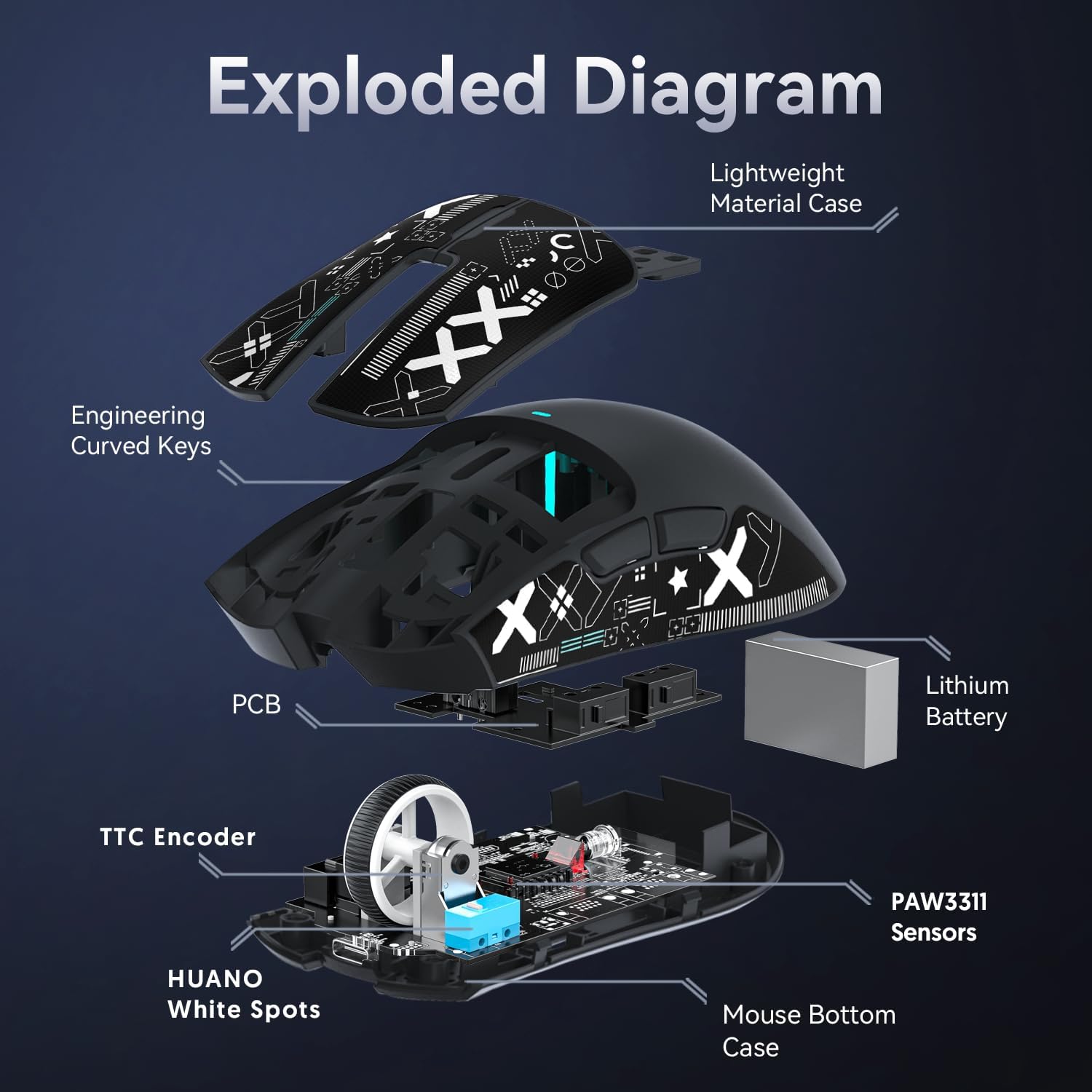
Attack Shark X11 Gaming Mouse with Magnetic Charging Dock (PixArt PAW3311) – 3-mode BT/2.4G/Wired, 22000 DPI, 63g (Black)
Product description
The essentials
The Attack Shark X11 is a wireless-or-wired gaming mouse built around a high-spec sensor setup and a rather practical extra: a magnetic charging dock. On paper, it targets people who want quick switching between different setups (wired USB-C, 2.4GHz, or Bluetooth) without faffing around with cables and charging each session.
It also makes a big deal of weight. The mouse is listed as ultra-light at 63g, which is the kind of detail that tends to matter for faster, lower-friction control styles. That said, the “feels fast” part is never guaranteed—different grips and mousepads will change the experience, and a light mouse isn’t automatically better for every shooter or every hand size.
Where it stands out (and why you might care)
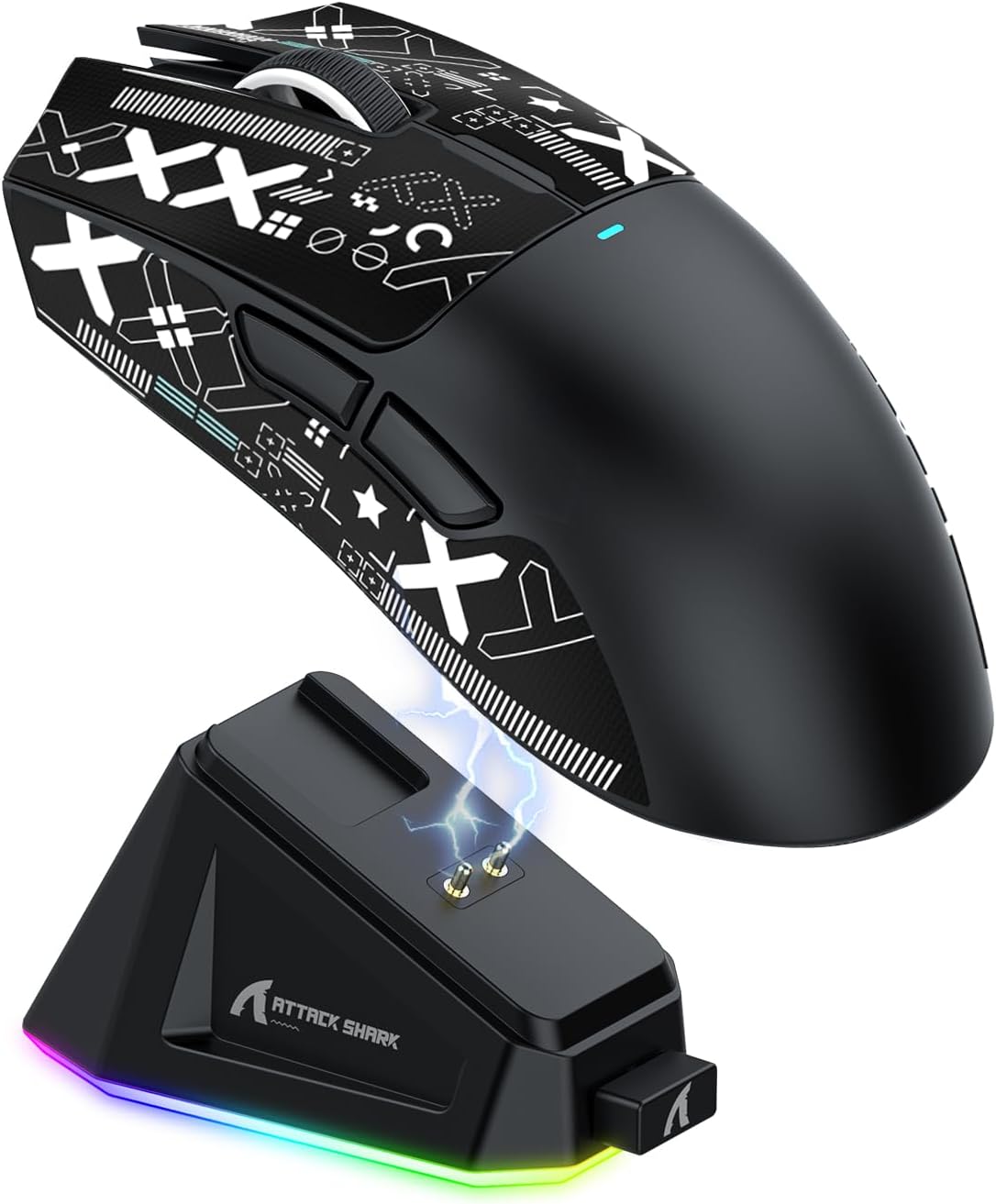
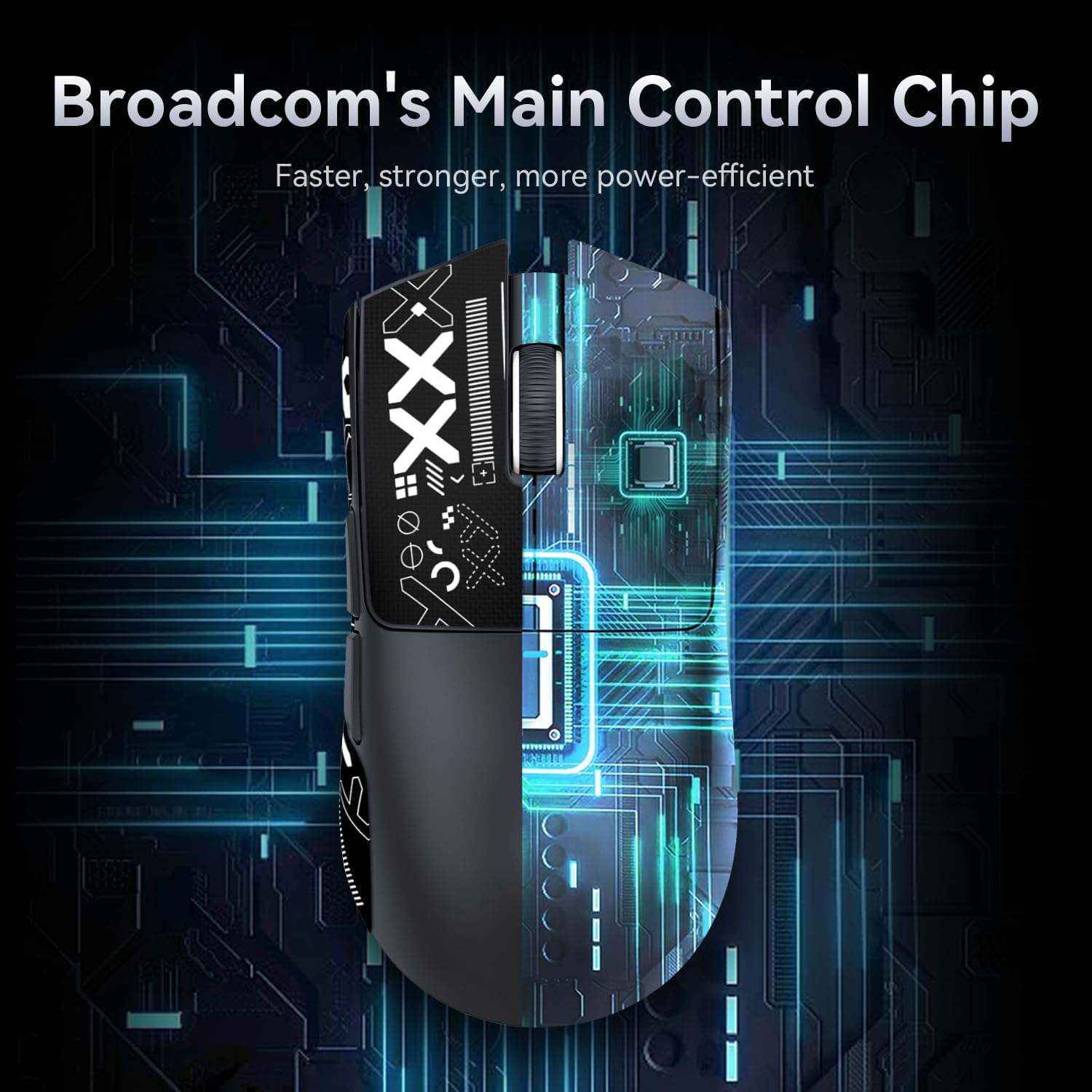
The headline features are pretty clear: a 22,000 DPI PixArt 3311-class sensor (with 6 DPI adjustments), three connection modes via a BK3633 chip, and an HUANO micro switch rated for “20 million clicks”. Add in the magnetic dock and you get a set-up that’s designed for day-to-day convenience as much as gaming.
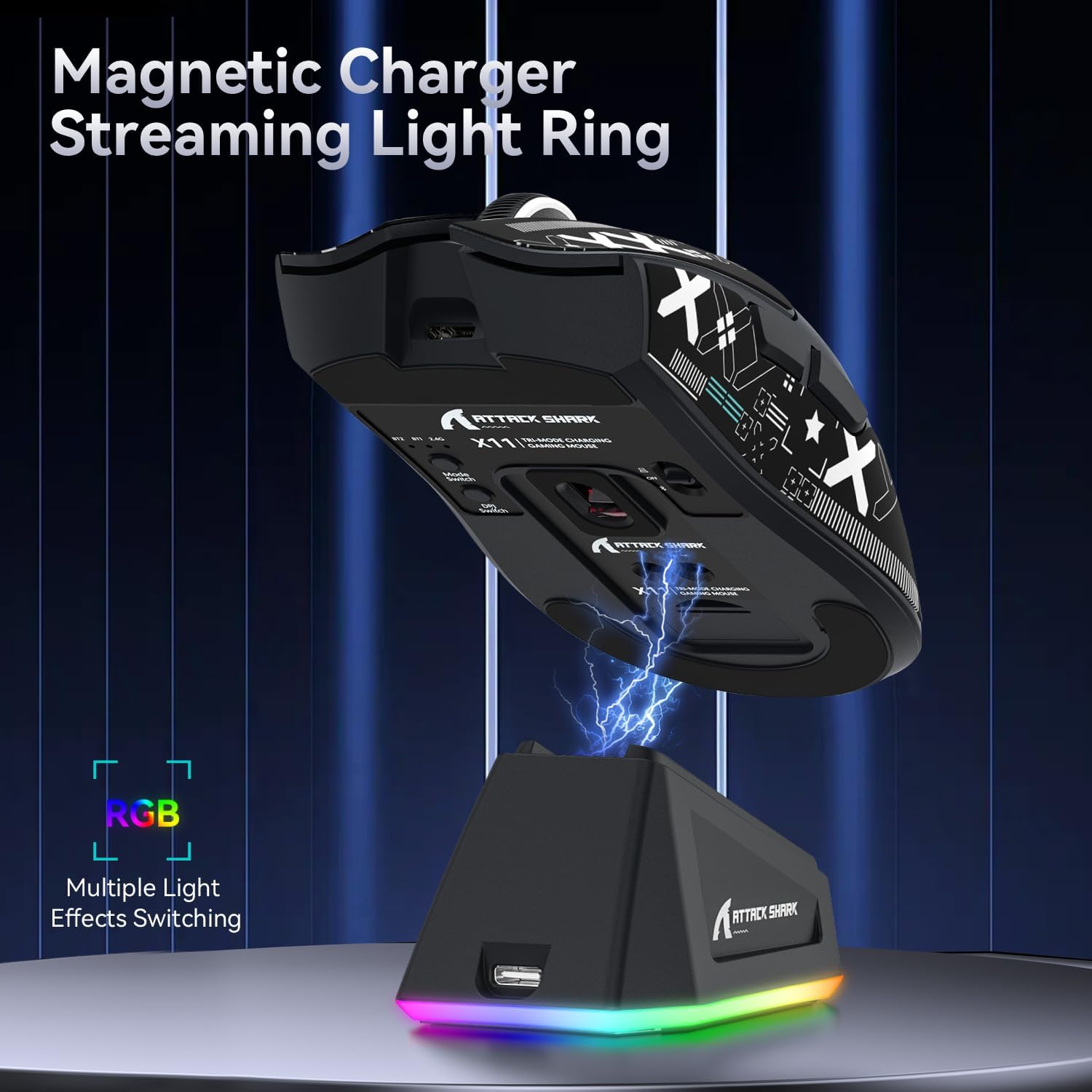
The magnetic dock is the main everyday win. Instead of plugging in a cable every time, you can just place the X11 on the dock so it’s “always charged and ready”. For desk setups where the mouse lives on a stand, that small workflow improvement can be genuinely noticeable.
There’s also a touch switch on the charging base. It’s used to switch the lighting effect by touching it. If you like a bit of desk ambience, it’s a neat touch—if you’re not into lighting, you’ll probably ignore it most of the time anyway.
What you’ll notice in use
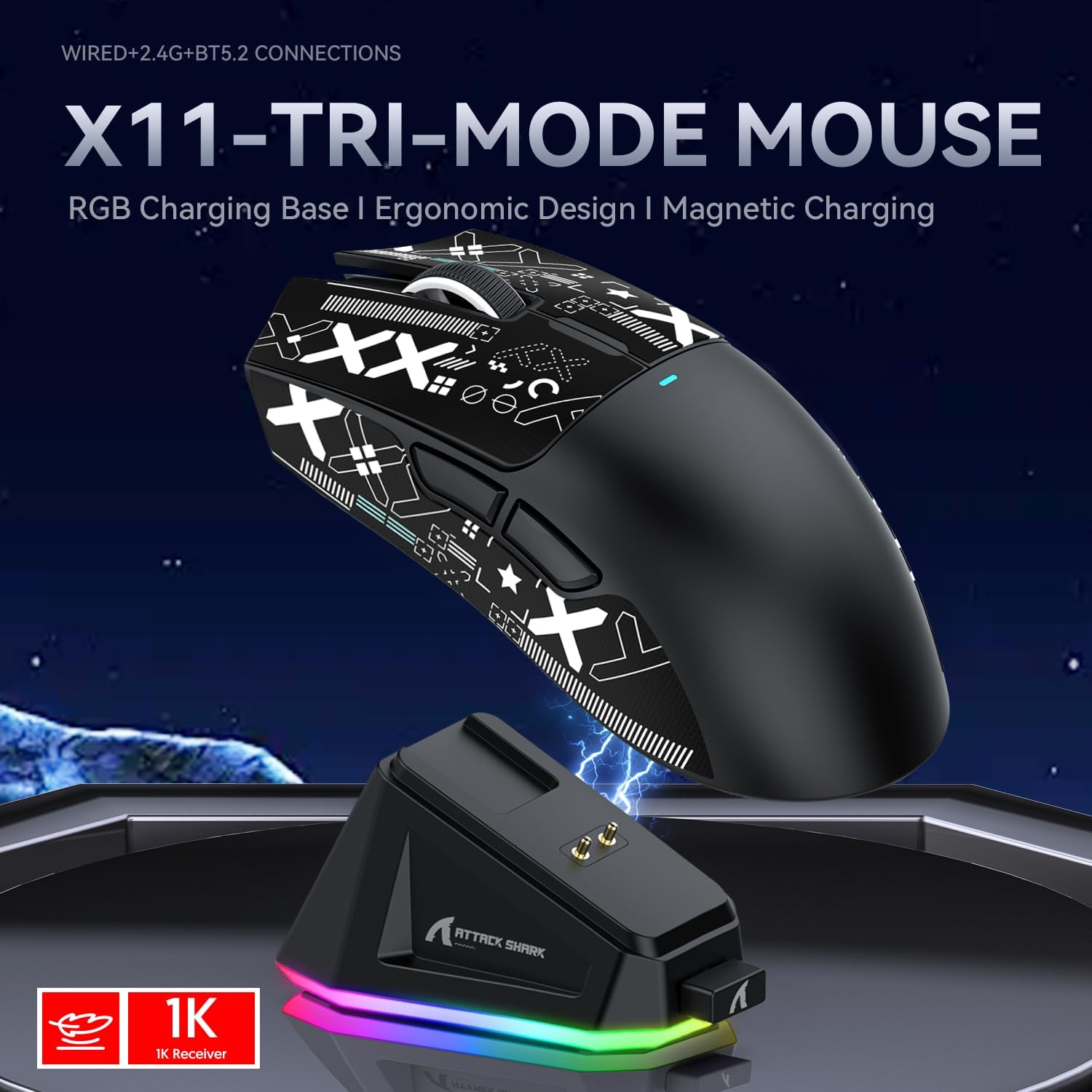
In practical terms, the X11’s 3-mode connectivity is what reduces friction when you bounce between devices. The mouse has a button on the back to switch modes, including: - wired USB-C - 2.4GHz - Bluetooth
That makes it easy to imagine a workflow like: 2.4GHz for gaming on a PC, Bluetooth for quick use on a laptop when you’re away from your main desk, and USB-C if you prefer a wired session. It’s not a complicated idea, but it’s exactly the sort of feature that can save time.
The 22,000 DPI claim may sound like overkill for some users, especially if you play on higher-sensitivity settings or prefer limited DPI jumps. However, the important part here is that the mouse supports adjustment “with 6 levels”, so you’re not stuck with one fixed DPI behaviour.
Tech overview
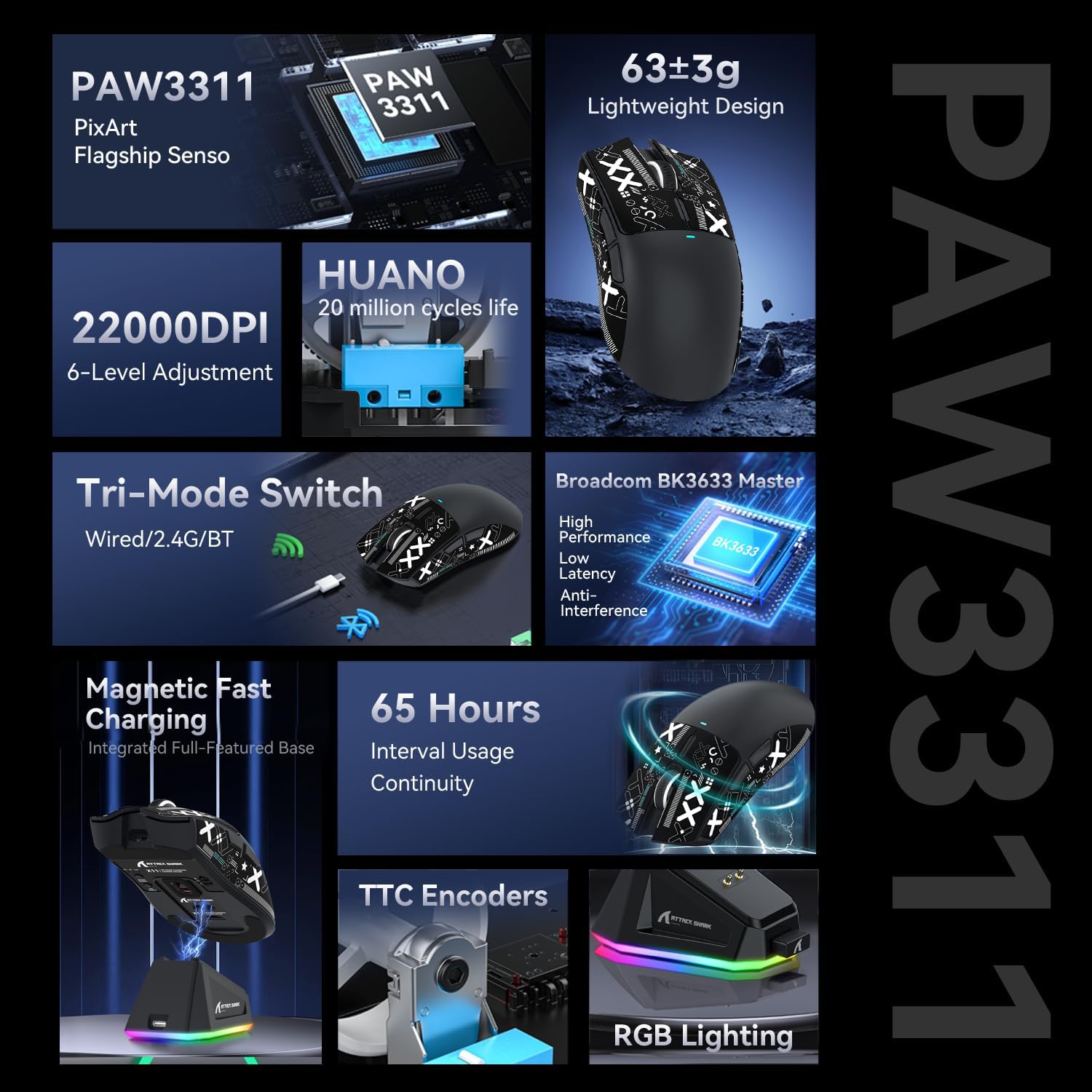
Tech summary
The key technical points mentioned for the Attack Shark X11 include:
- Sensor: PixArt PAW3311 / PixArt 3311 gaming sensor
- DPI: up to 22,000, with 6 levels of adjustment
- Connectivity modes: wired USB-C, 2.4GHz, and Bluetooth (switchable via a button on the back)
- Weight: 63g (ultra-light)
- Switch type: HUANO micro switch, stated as 20 million clicks and “no double clicks”
- Charging: magnetic charging dock with a touch switch on the base for lighting effects
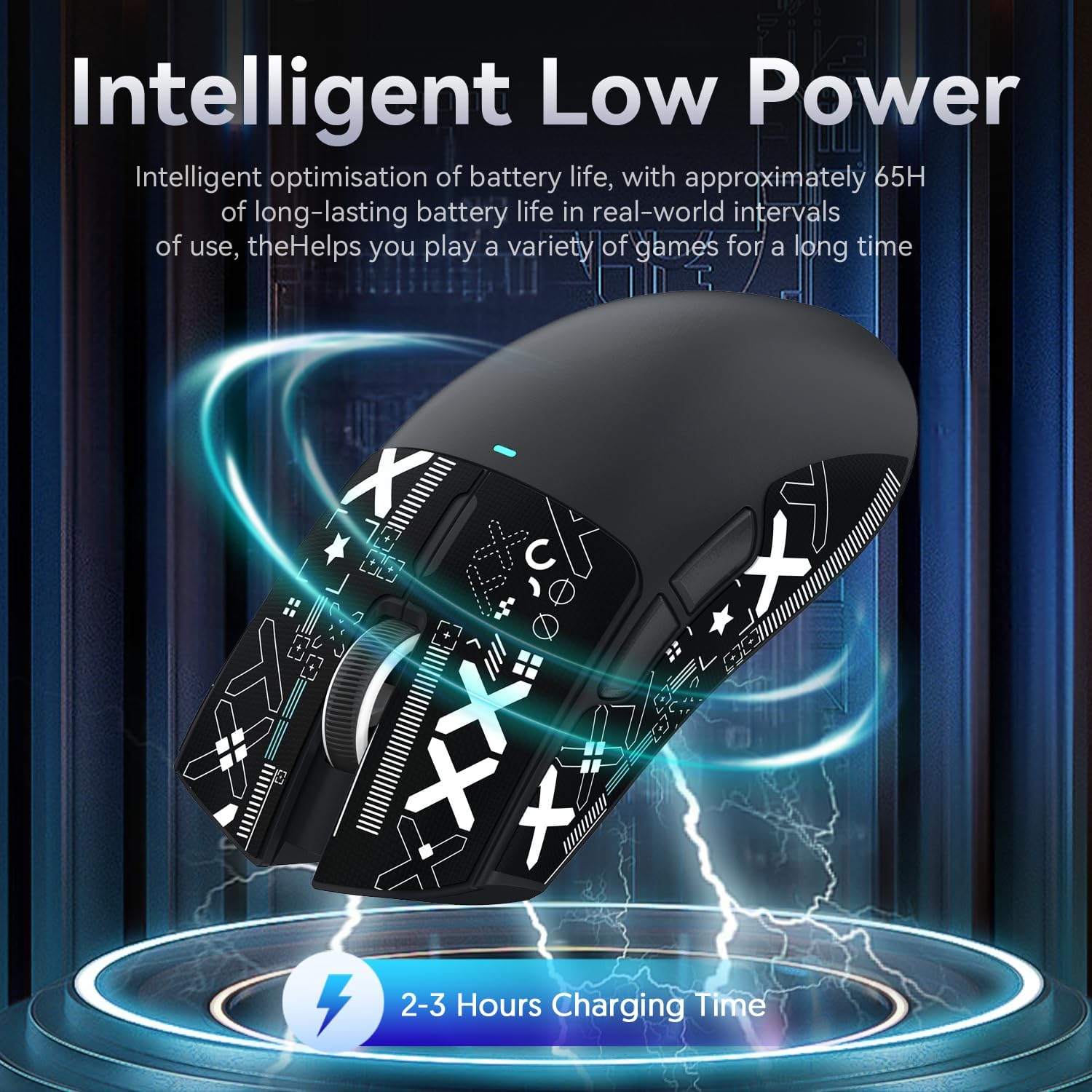
A small limitation to keep in mind: while the dock charging and the switchable modes sound convenient, the info provided doesn’t confirm charging time, battery capacity, or runtime. Those missing details matter if you’re the sort of buyer who wants predictable “gaming sessions per charge”.
Who it suits (and who should be cautious)
It’s a good fit if you’re after a light, responsive-feeling gaming mouse with flexible connectivity, and you want the charging dock to remove the “remember to charge” problem from your routine. The “3 modes” approach also suits people using more than one device and who prefer switching modes rather than swapping mice.
It may not suit you if you only ever use one device and you’d rather spend money purely on in-game performance than on extra features like docking and lighting control. Also worth noting: the product information doesn’t specify whether the mouse grip tape is factory-fitted or how long it lasts, so if you’re picky about surface feel, you may want to treat the included grip tape as something you might replace later.
Check before you buy
Before committing, it’s worth double-checking a few practical things that aren’t included in the details you’ve provided:
- Battery/runtime expectations: the listing mentions dock charging, but not how long it lasts.
- Grip comfort for your hand size: 63g is light, but weight isn’t everything, shape and button placement also matter.
- Real-world switch feel: the HUANO switch is described as having a softer, more flexible pressure feel after optimisation, but that’s still subjective.
- Device compatibility expectations: the name references Win11/Xbox/PS/Mac, yet you should verify your exact use case on your own setup.
Mini FAQ
Is it wired or wireless?
It supports three connection modes: wired USB-C, 2.4GHz wireless, and Bluetooth. You switch modes via a button on the back of the mouse.
Does the magnetic charging dock affect convenience?
Yes, on the intended workflow it should. The dock is described as magnetic and designed so you can place the mouse on it to keep it charged and ready.
What DPI range does it offer?
The mouse is listed as up to 22,000 DPI, with 6 levels of adjustment.
How durable are the switches?
The micro switches are stated as “20 million clicks” and described as “no double clicks”, though exact testing conditions aren’t provided.
Is it worth it?
If you want a lightweight gaming mouse with flexible BT/2.4G/wired switching and a magnetic dock that simplifies charging, the Attack Shark X11 looks like it could fit the bill—especially for desk setups where the mouse stays in one place. It’s not the best choice if you only use one device, don’t care about multi-mode switching, or you need confirmed battery runtime and charge time before you buy. If convenience and switching between setups matter, it’s the kind of feature-led package that tends to feel worth it over time.