

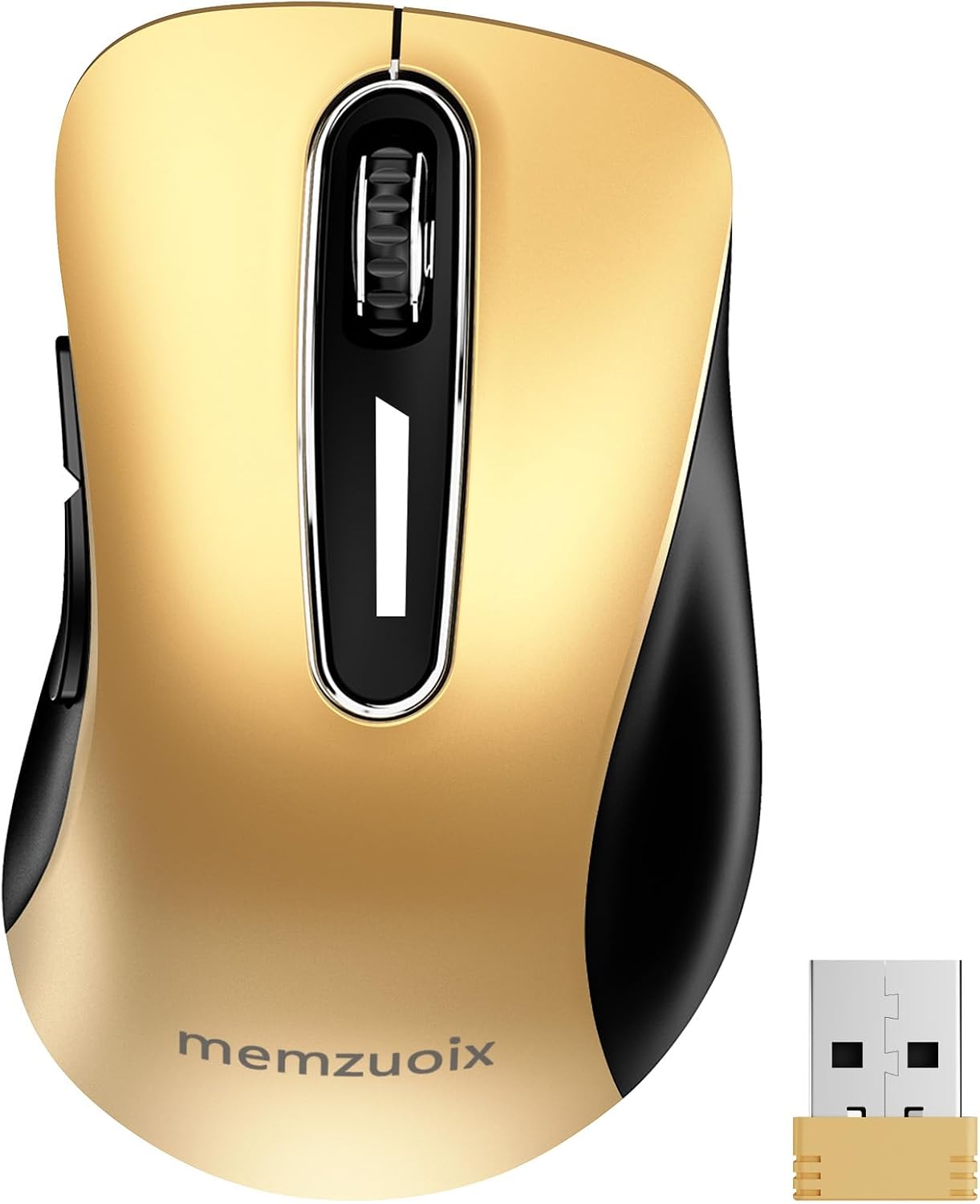
Memzuoix 2.4G Wireless Mouse (1400 DPI) – portable cordless computer mouse with USB receiver, red
Reviews
Price
Product description
The essentials
If you’re shopping for a no-fuss wireless mouse that you can chuck in a laptop bag and actually use day to day, this Memzuoix 2.4G Wireless Mouse is built around that kind of practical brief. It uses a 2.4GHz wireless link with a USB receiver, and the pitch is “plug in and go”, with no drivers required.
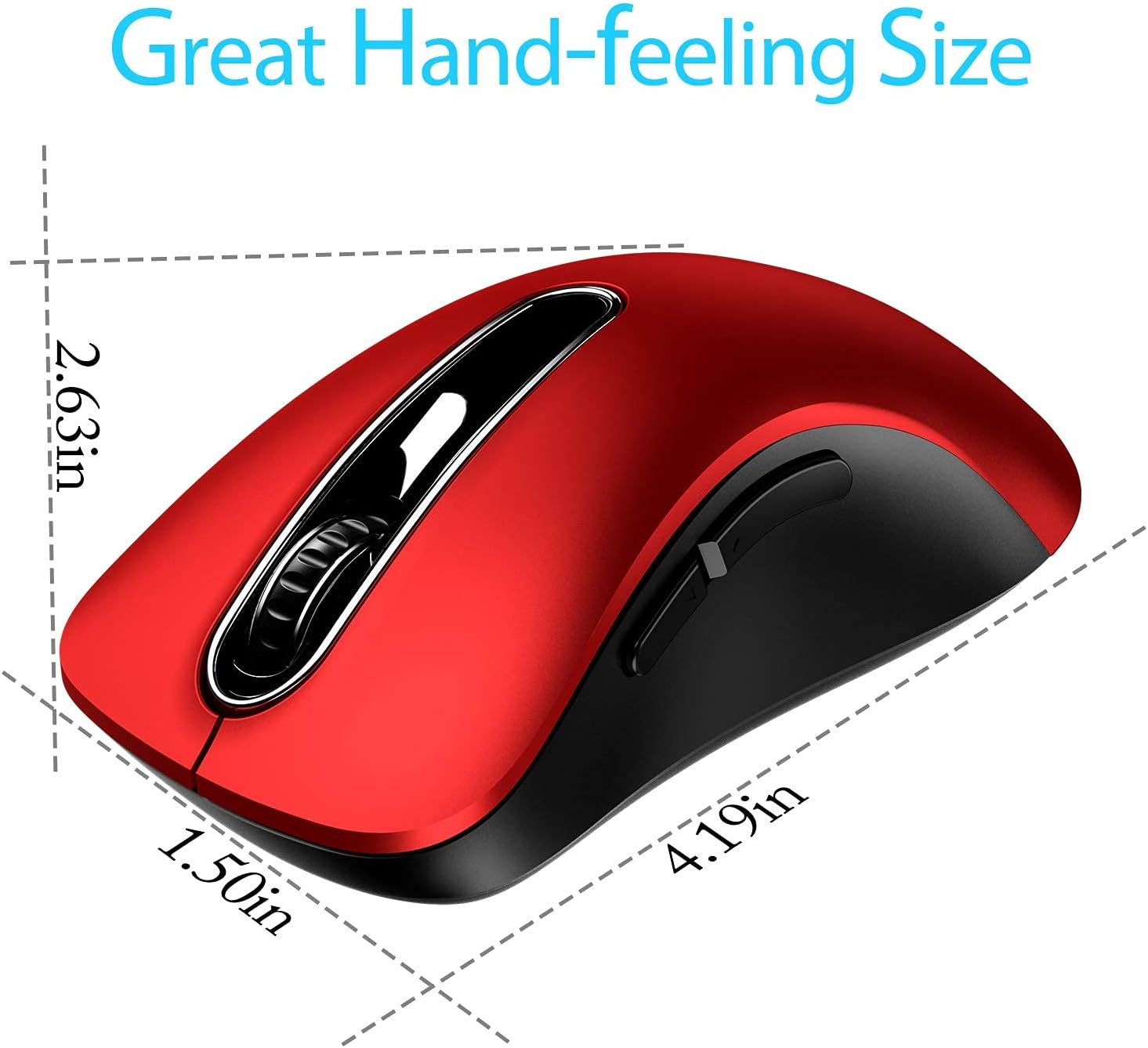
On paper, it focuses on comfort and control more than fancy extras: a contoured shape, a sweat-resistant and skin-friendly finish, plus a scroll wheel designed with a rubber grip feel. The hand rest and little finger support are there for longer sessions, though whether it fits your grip perfectly will depend on your hand size and how you like to hold a mouse.
What stands out in everyday use
The most noticeable day-to-day difference with this sort of design tends to be how “settled” your hand feels, especially when you’re scrolling a lot. Here, the contoured shape, the little finger rest, and the ring-style support are meant to keep your hand comfortable and supported.
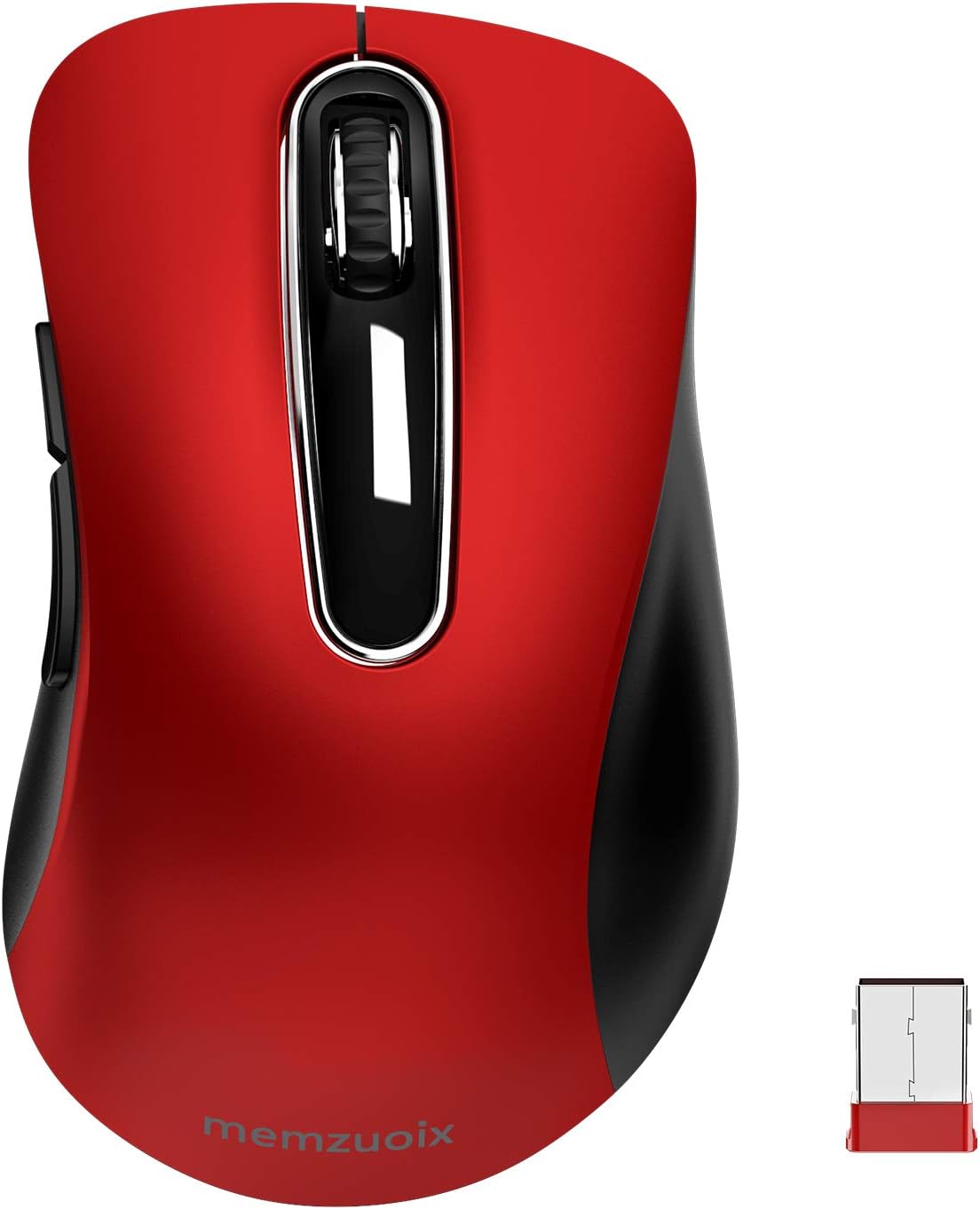
The scroll wheel is described as sturdy with rubber, which is a sensible choice for preventing slip during scrolling—small thing, but it matters when your fingers are moving quickly across a track of text.
A quick micro-scenario: if you’re working from a café or on the sofa, you can plug the USB receiver in, click through menus, and switch between tasks without worrying about charging every night. If the mouse sits idle, it’s designed to enter sleep mode after 7 minutes, then wake up with any button press.
Power, battery life, and the real limits
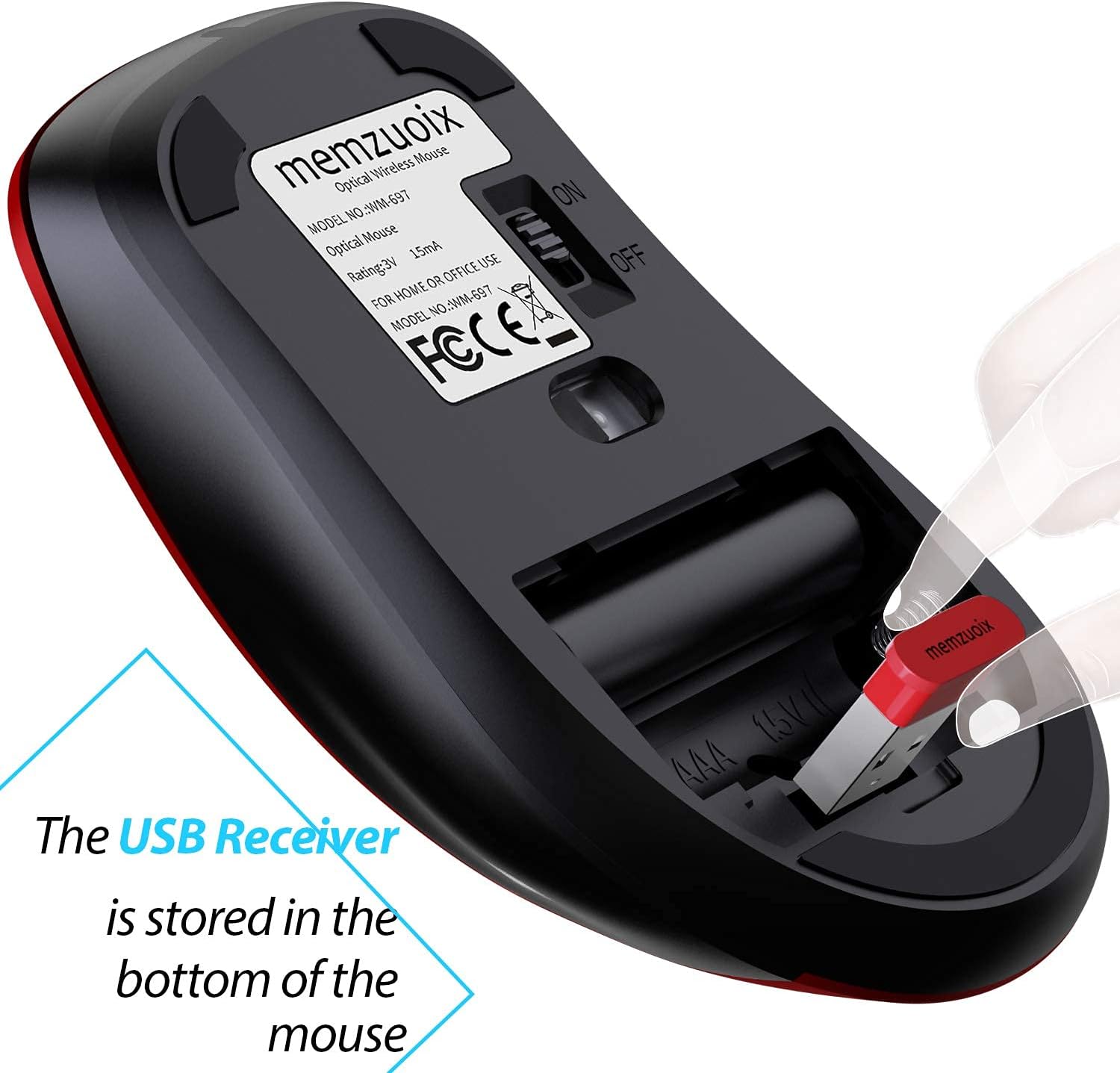
This mouse runs on 2x AAA batteries (not included). It has low power consumption, and it goes to sleep after 7 minutes of inactivity for energy saving.
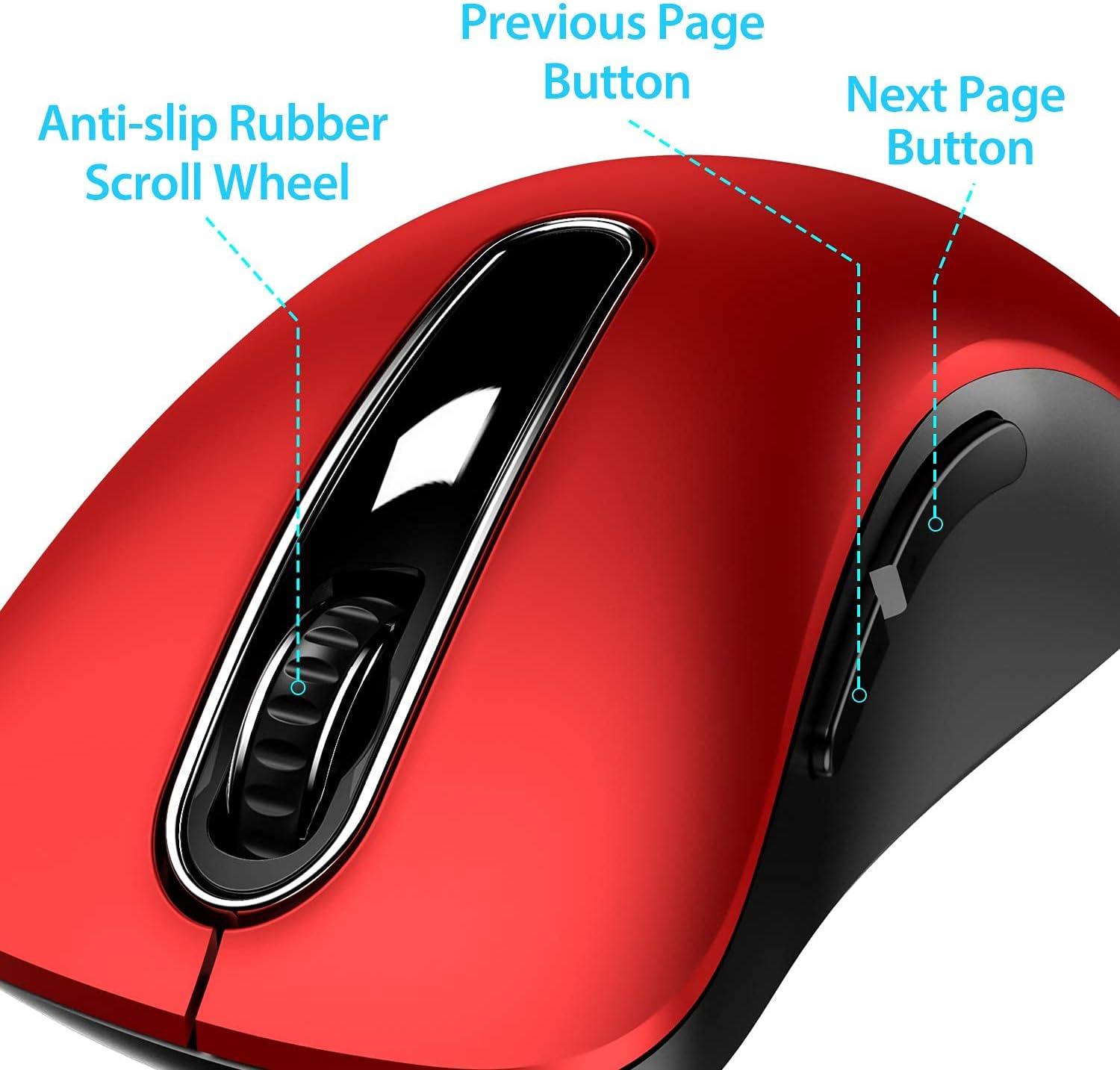
That’s a positive for portability and convenience, but it does come with a trade-off: you’ll need to keep AAA batteries around. If you strongly prefer built-in rechargeable batteries, you may feel this is more “budget convenience” than modern power management.
Also worth noting: the wireless connection is stated to work up to 43.0ft (line-of-sight figure as always—walls and interference can reduce real-world range). It’s meant for typical desk-to-laptop distance, not for “use it across a large room”.
Connectivity and compatibility (including Mac caveat)
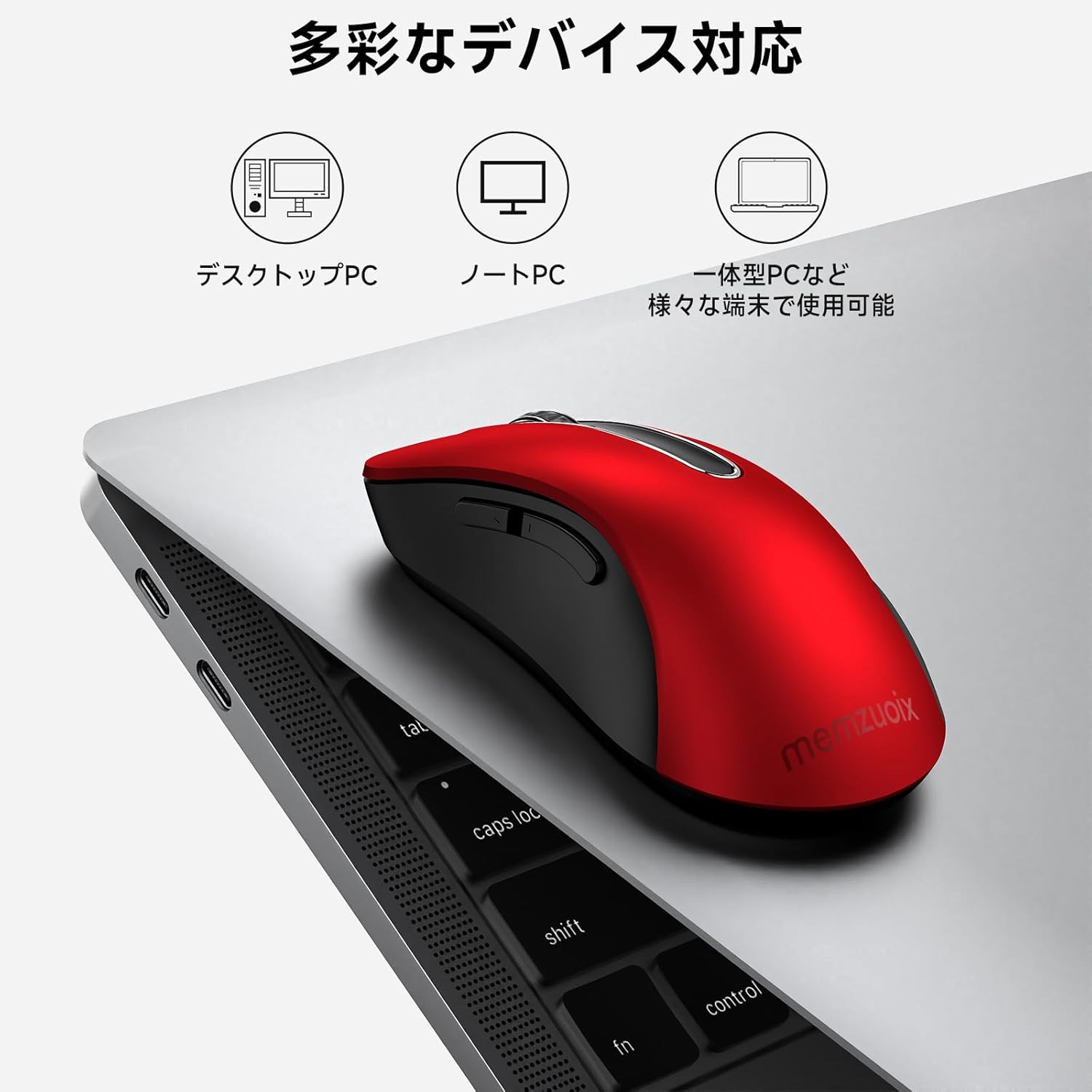
The core idea is straightforward: a 2.4GHz wireless connection via USB receiver, no driver installation mentioned. Compatibility is stated with Windows (including Windows 7/8/10/XP and Vista), and also Mac and Linux.
However, there’s a clear limitation for Mac OS: the side buttons are not available for Mac OS. The rest of the functions can be used normally, but if you rely on side buttons for forward/back navigation or shortcuts on your Mac, this could be annoying.
If your setup is mainly Windows or you don’t care about side-button shortcuts, the compatibility story looks more reassuring.
Durability and click feel
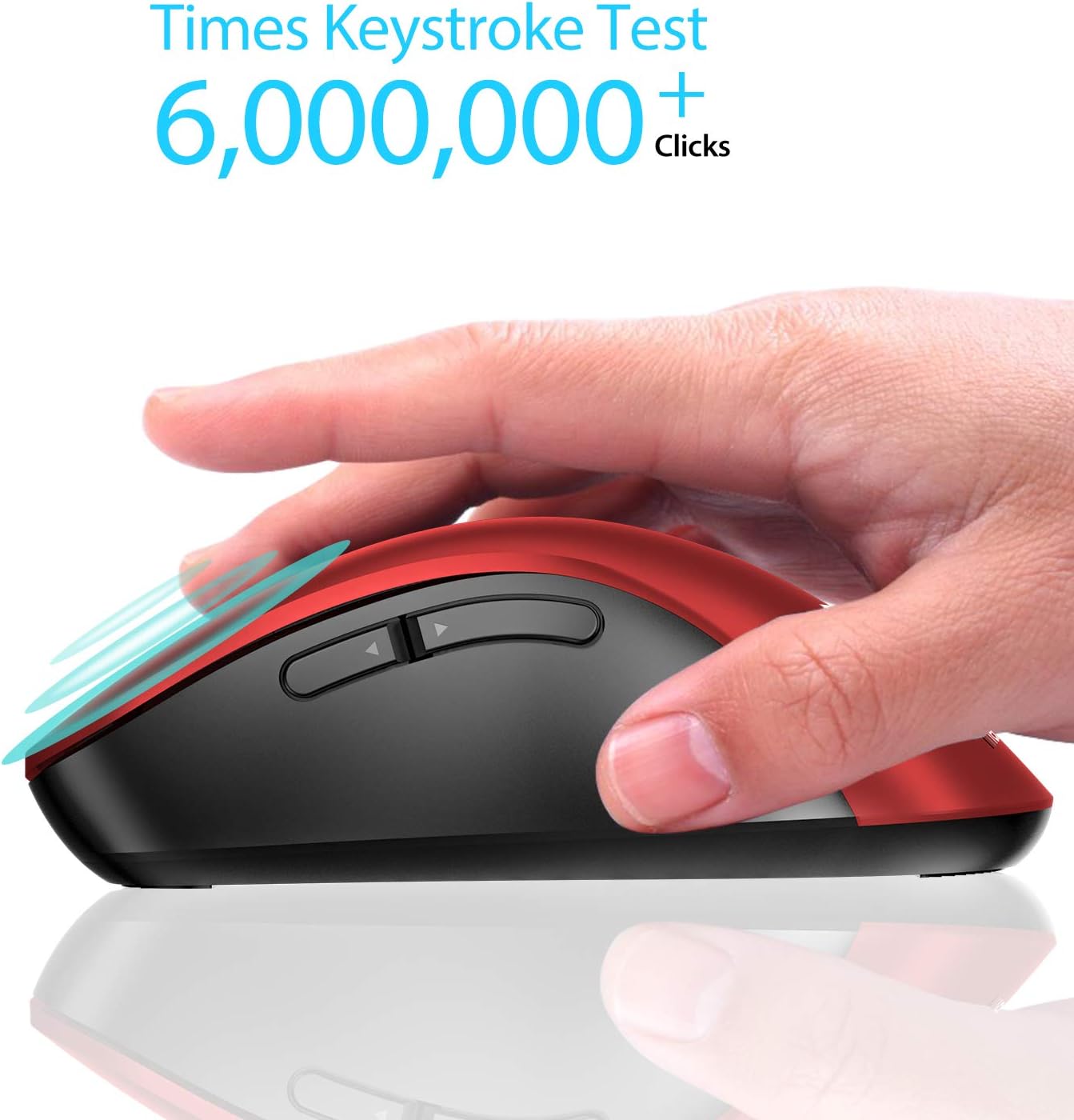
Memzuoix claims the mouse has been through a 6,000,000 keystroke test, aiming for stronger durability. It also mentions that the 2.4GHz wireless technology and a professional chip help support longer working distance.
It’s hard to translate a keystroke test into your personal “click feel” (you’ll only really know once you use it), but the test figure is at least a reasonable sign that this isn’t just a throwaway office accessory.
Tech specs (what you can expect)
- Type: 2.4G wireless mouse with USB receiver
- DPI: 1400 DPI optical sensor
- Buttons: 5 buttons
- Connection: 2.4GHz wireless
- Battery: 2x AAA (not included)
- Sleep mode: after 7 minutes of inactivity
- Claimed wireless range: up to 43.0ft
Who it suits, and who should look elsewhere
It’s a solid pick if you want a portable wireless mouse for laptop use, value a straightforward plug-and-play approach, and prefer an ergonomic shape with a little finger rest for comfort. It also makes sense if you need a basic 2.4G mouse for a desktop/PC setup and don’t want to spend time installing software.
It’s not the best choice if you’re specifically buying for Mac OS side-button functionality, because those side buttons are stated as not available on Mac OS. And if you don’t like battery-powered devices (you’d rather charge a built-in battery), the AAA requirement may put you off.
Buying verdict
This Memzuoix 2.4G Wireless Mouse comes across as a practical, no-drivers-needed option with comfort-focused shape details, a rubbery scroll wheel feel, and a sensible sleep mode. Where it can feel less compelling is if you’re buying for Mac OS and care about side buttons, or if you’d rather have a rechargeable model.
Is it worth buying? It makes sense if your priority is an everyday wireless mouse for laptop and desk work, with reliable basic features and a comfort-led design. If side buttons on Mac matter, or you want rechargeable power, you may want to skip it and look for a different style of wireless mouse instead.
Mini FAQ
Is it really plug & play?
The product description says it’s designed to work without driver installation, using a USB receiver.
Does it support Mac OS?
It states compatibility with Mac, but also notes that side buttons aren’t available for Mac OS.
What power does it use?
It uses 2x AAA batteries, which are not included.
What’s the DPI?
It’s listed as 1400 DPI with an optical sensor.
How long does it enter sleep mode?
It’s designed to sleep after 7 minutes of inactivity, and it wakes when you click any button.