

TECKNET Wireless Keyboard (2.4G USB + Bluetooth) UK Layout, Full Size Ergonomic Keyboard with 105 Days Standby, Black
Product description
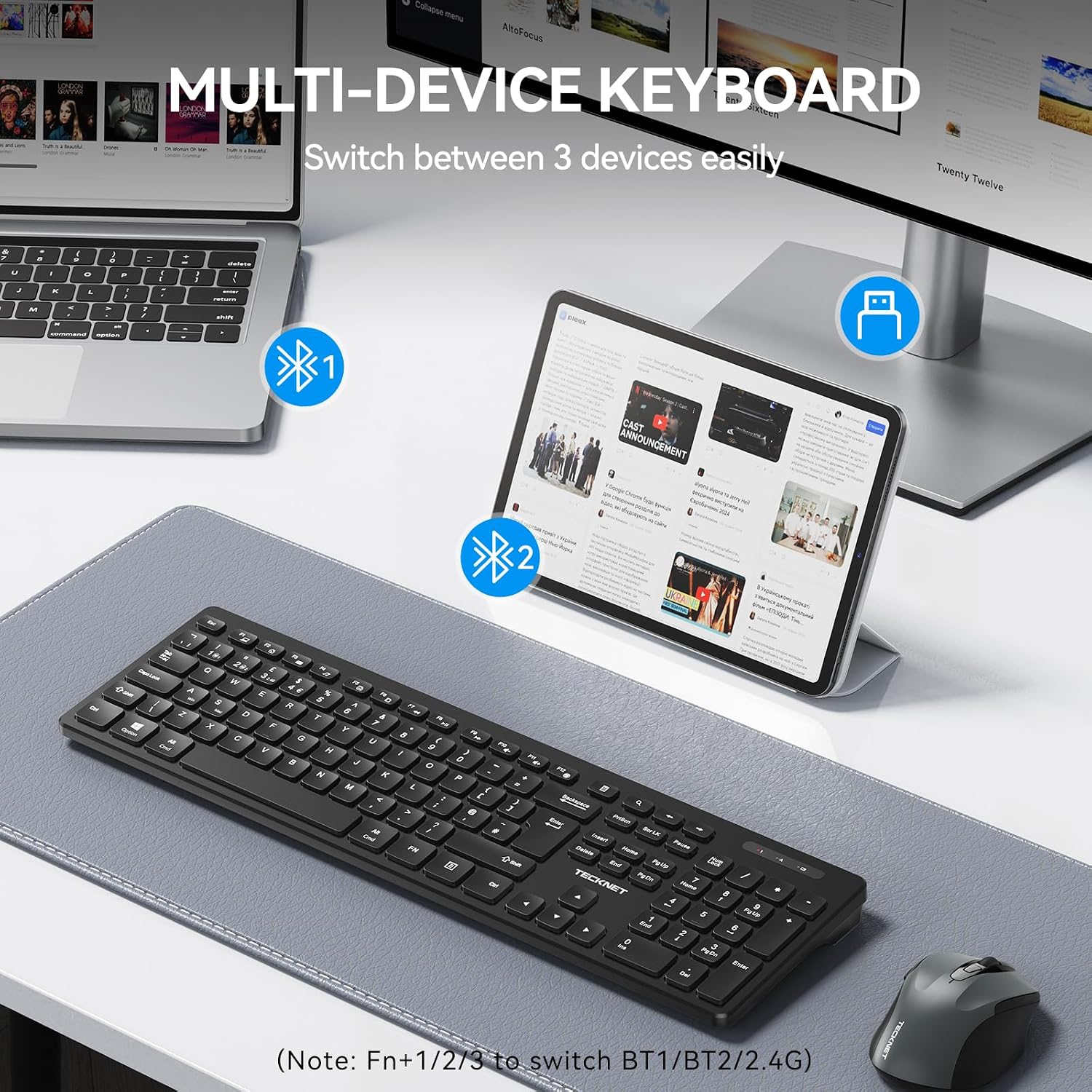
If you want a wireless keyboard that works around your desk rather than forcing you to pick one device, TECKNET’s dual-mode full-size model is built for exactly that. It pairs via 2.4G USB and Bluetooth, with a one-click switch between up to three devices on paper—handy if you bounce between a laptop and a tablet or two computers.
That said, it’s not the kind of keyboard you buy expecting “studio” level performance and feel. It sits more in the practical, office-friendly lane: comfortable for everyday typing, plus some sensible conveniences like multimedia shortcuts and a low-battery warning.
Key points
What stands out here is the dual connection approach: 2.4G for a simple, low-lag wireless setup (via a USB receiver), and Bluetooth when you need flexibility. There’s also a straightforward device-switching concept, which is useful if you frequently swap which screen you’re working on.
The layout is full size with a UK layout and a numpad, so it suits people who regularly use numbers or spreadsheets. Alongside that, there are multimedia shortcuts, and a clear key zoning design intended to make day-to-day operation a bit more efficient.
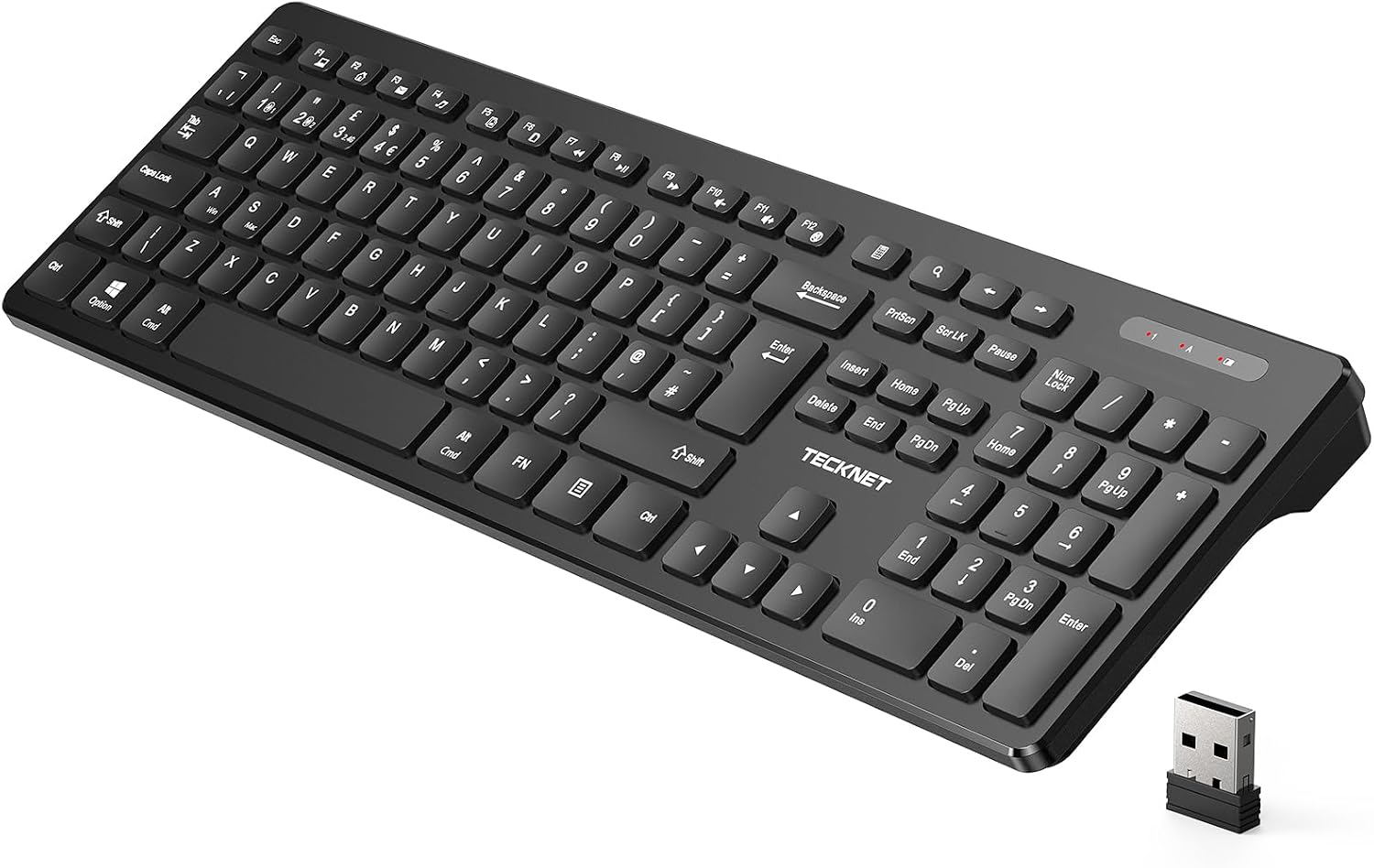
It’s ergonomic-leaning, with chiclet-style keycaps and a low-profile feel aimed at comfort and quieter typing—particularly relevant if you share a space or simply prefer a less clicky experience.
The essentials
On the setup side, this is a classic “plug in and go” for the 2.4G connection: insert the 2.4GHz USB receiver (stored in the keyboard’s battery compartment) into your PC or laptop. For Bluetooth, you’d pair your devices in the normal way, then use the keyboard’s switching method.
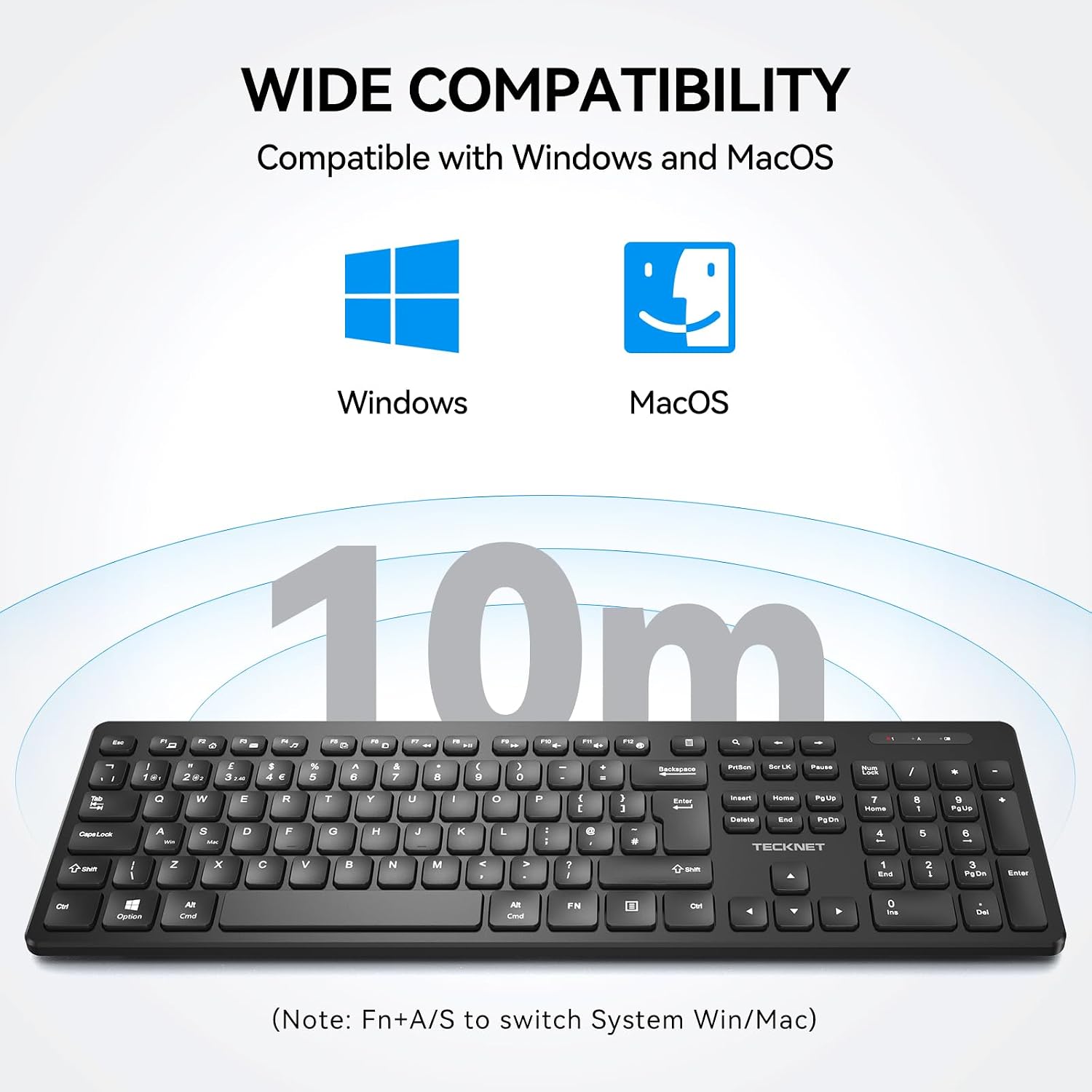
One small detail that matters for workflow: it includes a clear switching shortcut noted as Fn+A/S to move between Windows and Mac. That’s the sort of thing that prevents frustration when your devices don’t share the same shortcut mapping.
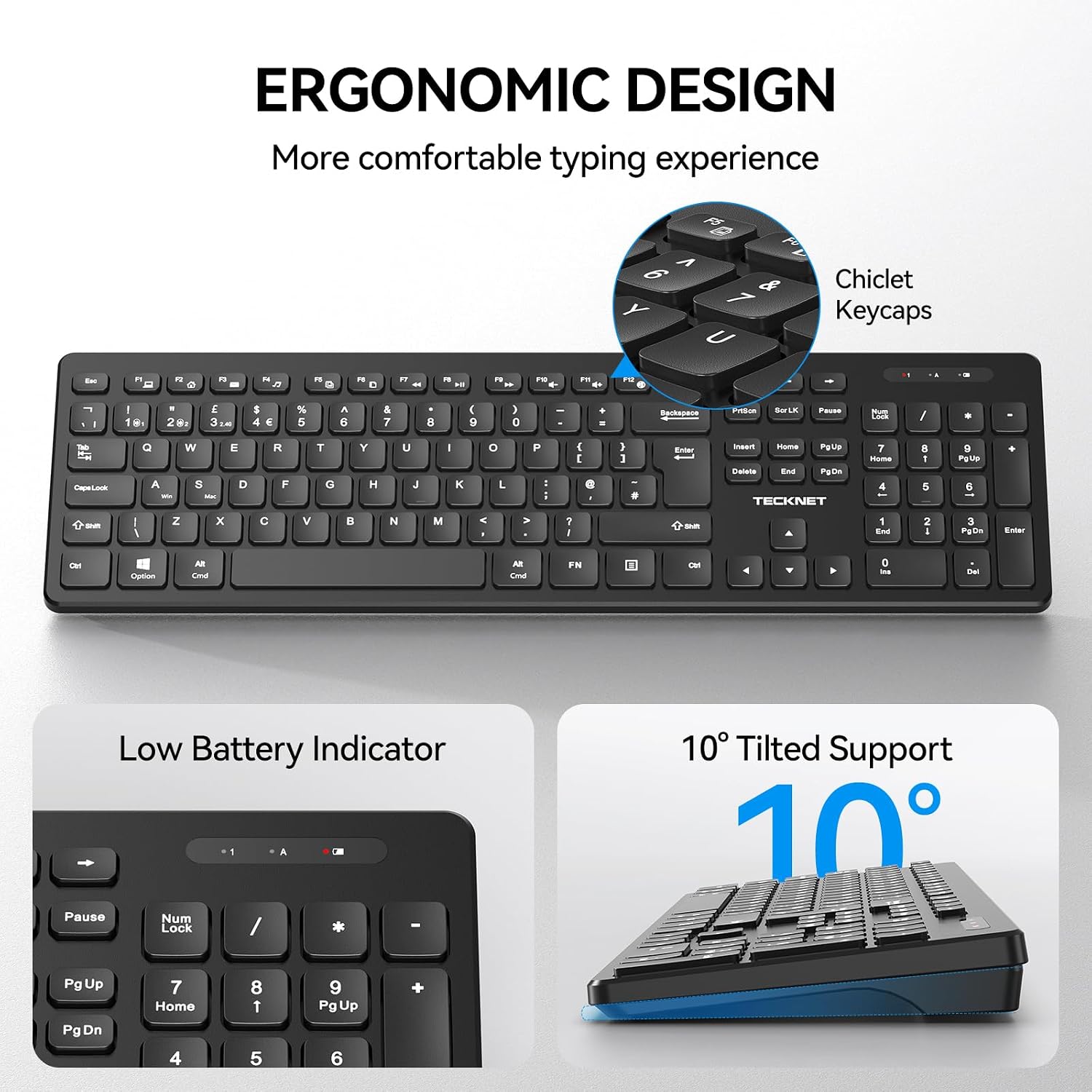
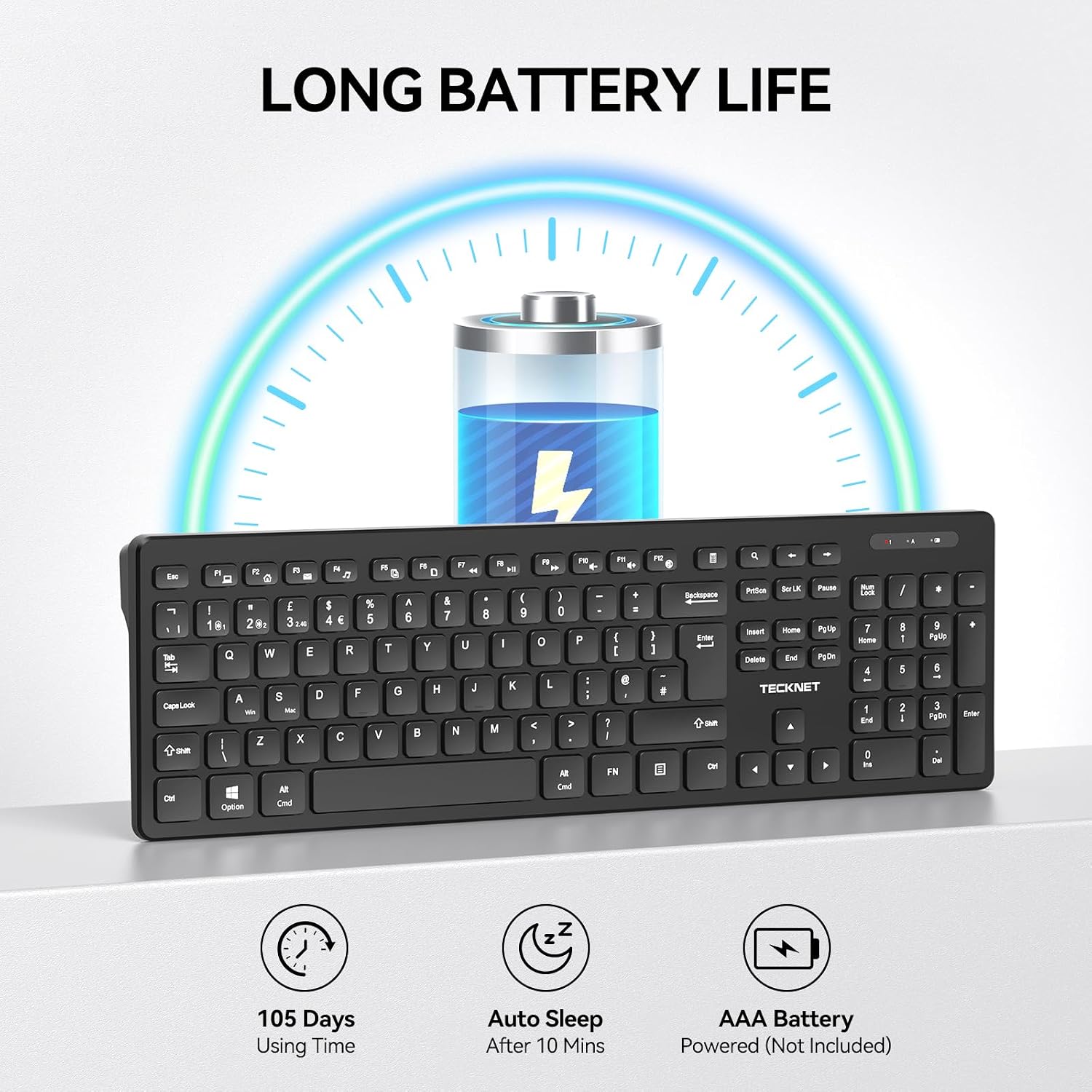
Worth noting, the low battery reminder triggers below 20% and the indicator light turns red, with the keyboard response slowing down. That’s a helpful safety net, but you’ll still want to keep a spare AAA battery around so you’re not caught mid-session.
What stands out in everyday use
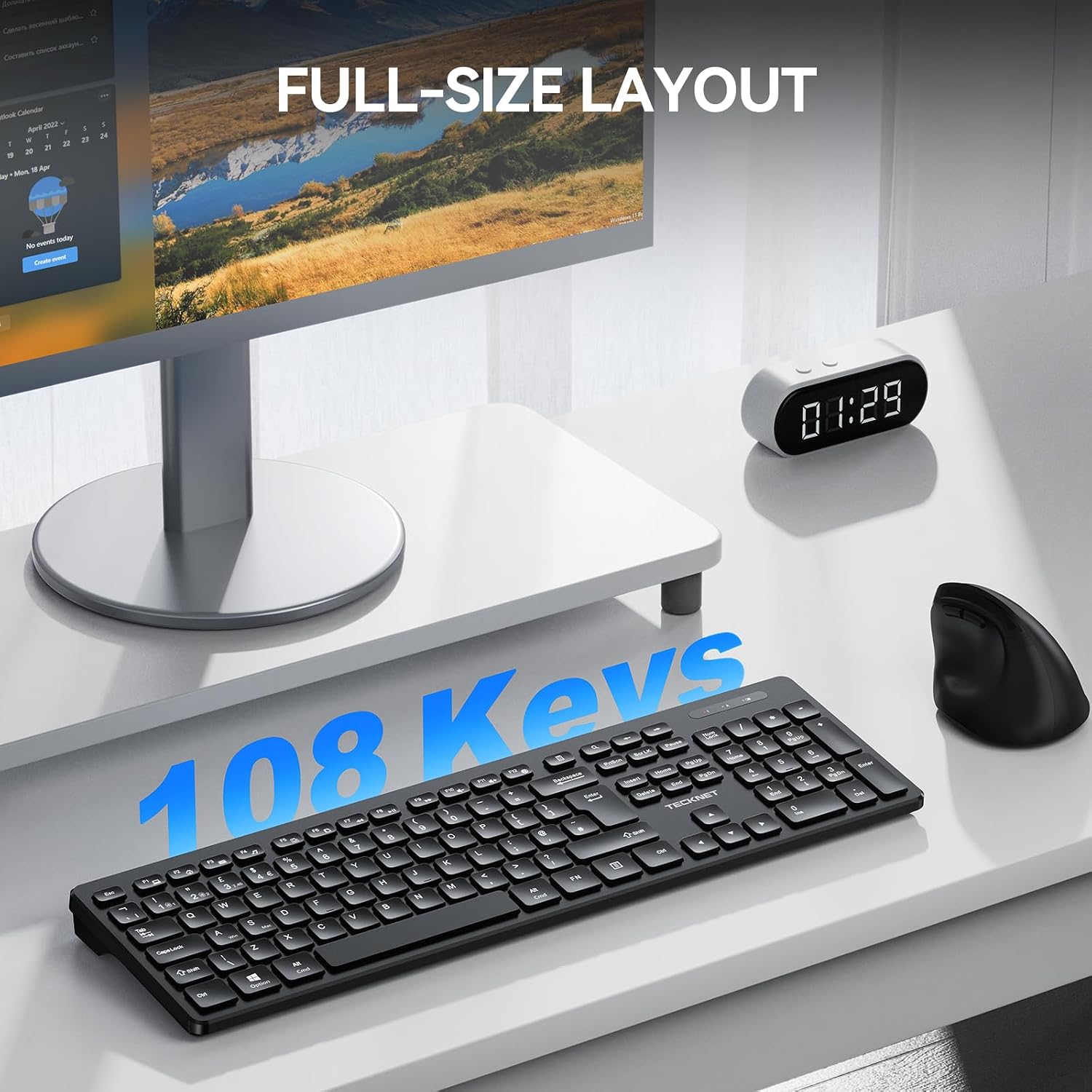
If you’re typing for work—emails, documents, and spreadsheet work—this full-size UK layout with 108 keys (including a numpad) is a big part of the appeal. It’s the “keep your fingers in familiar positions” type of design, rather than a compact travel keyboard.
The ergonomic angle is also part of the pitch. The low-profile chiclet keys are positioned to support accurate and quiet typing, which should suit quieter offices or home setups where you don’t want constant noise.
Where it shines (and who it’s for)
It makes sense if you need one keyboard for office home use across multiple devices. For example: you could keep the 2.4G USB receiver connected to your desktop PC for long writing sessions, then use Bluetooth to switch over to a laptop when you move to the kitchen table or to a tablet setup (where supported).
The UK layout with a numpad also suits anyone who does finance, admin, data entry, or just prefers having number keys immediately to hand.
What to check before you buy
A few things to bear in mind so expectations stay realistic. First, it uses just one AAA battery (battery not included), so battery life will depend on how much you use it and how you switch between Bluetooth and 2.4G.
Second, while the description mentions compatibility with Windows 7/8/10/11 and macOS, it doesn’t spell out support for other operating systems or specific devices beyond that. If you’re planning to use it with a particular setup, it’s worth double-checking your target device’s compatibility.
Finally, it’s “ergonomic and comfortable” on paper, but that doesn’t automatically mean it will suit everyone’s wrists and hand shape. If you’re very picky about key feel and typing height, you may want to read reviews and compare against keyboards you already like.
Tech specs
- Name: TECKNET Wireless Keyboard (2.4G USB + Bluetooth) UK Layout
- Type: Wireless keyboard with dual connection modes
- Format: Full size UK layout
- Size: 108 keys (including a numpad)
- Weight: Not provided
- Material: Not provided
- Colour: Black
- Display: Indicator light (top right) for low battery
- Capacity: 1 AAA battery (battery not included)
- Refresh rate: Not provided
- Processor: Not provided
- Memory: Not provided
Final verdict
If you want a straightforward full-size UK wireless keyboard for office/home use, with both 2.4G USB and Bluetooth (plus quick switching across multiple devices), TECKNET’s model is a sensible choice to consider—especially if you like having a numpad and multimedia shortcuts.
It may not be the best match if you’re chasing a premium typing experience with very specific ergonomic fit, or if you don’t want to manage battery swaps (it relies on one AAA and slows response as the battery drops below 20%). Worth considering if your priority is practical connectivity, quiet-ish everyday typing, and a desk-friendly layout rather than advanced features.
Mini FAQ
Is it easy to set up for the 2.4G connection?
Yes—on the 2.4G side, you insert the USB receiver into your PC or laptop and can start using the keyboard straight away.
Can it switch between multiple devices?
It’s described as supporting simultaneous pairing and one-click switching between up to three devices.
Does it work with both Windows and macOS?
Yes, it’s stated as compatible with Windows 7/8/10/11 and macOS, with Fn+A/S mentioned to switch between Windows and Mac.
What happens when the battery is low?
A low battery alert triggers when the battery level drops below 20%, the indicator turns red, and keyboard response can slow down.
Does it include a battery?
No—it's powered by 1 AAA battery, but the battery is not included.