

GravaStar Mercury,K1 75% Pink Wireless Mechanical Gaming Keyboard (Sakura Pink)
Product description
Overview
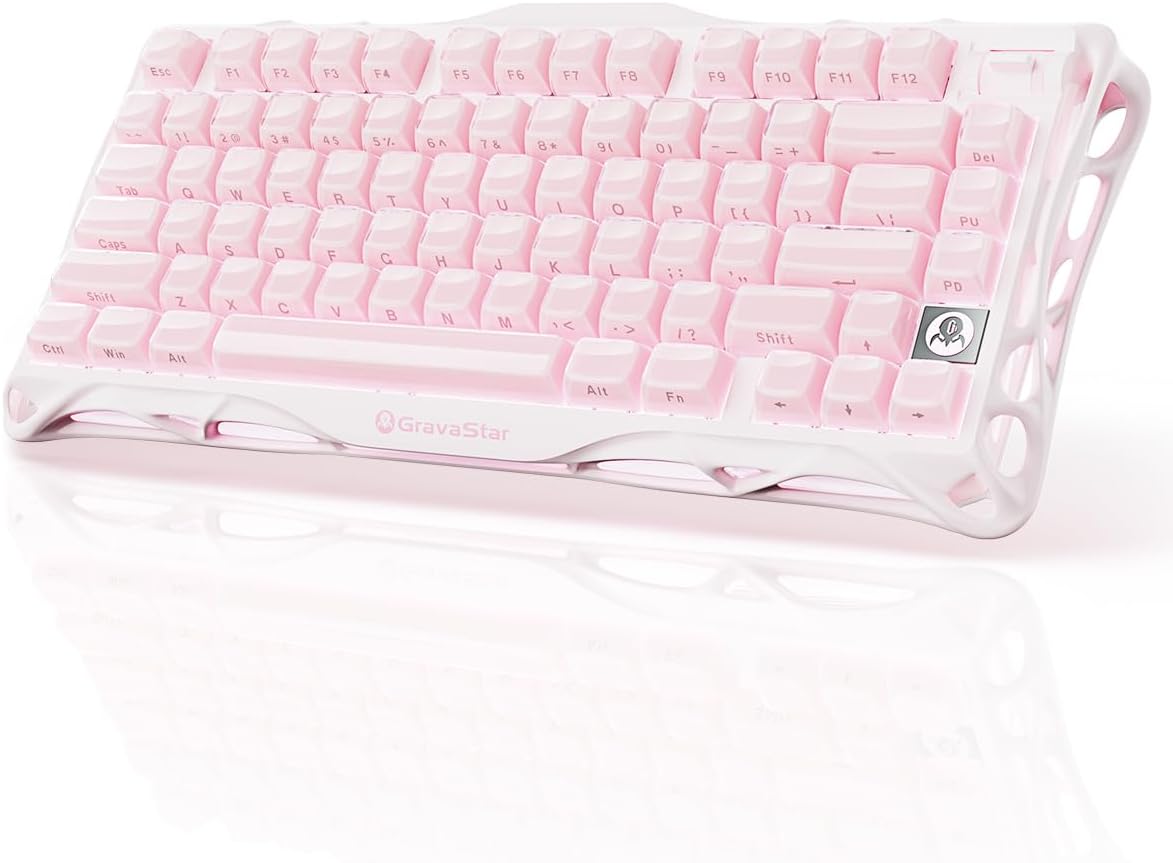
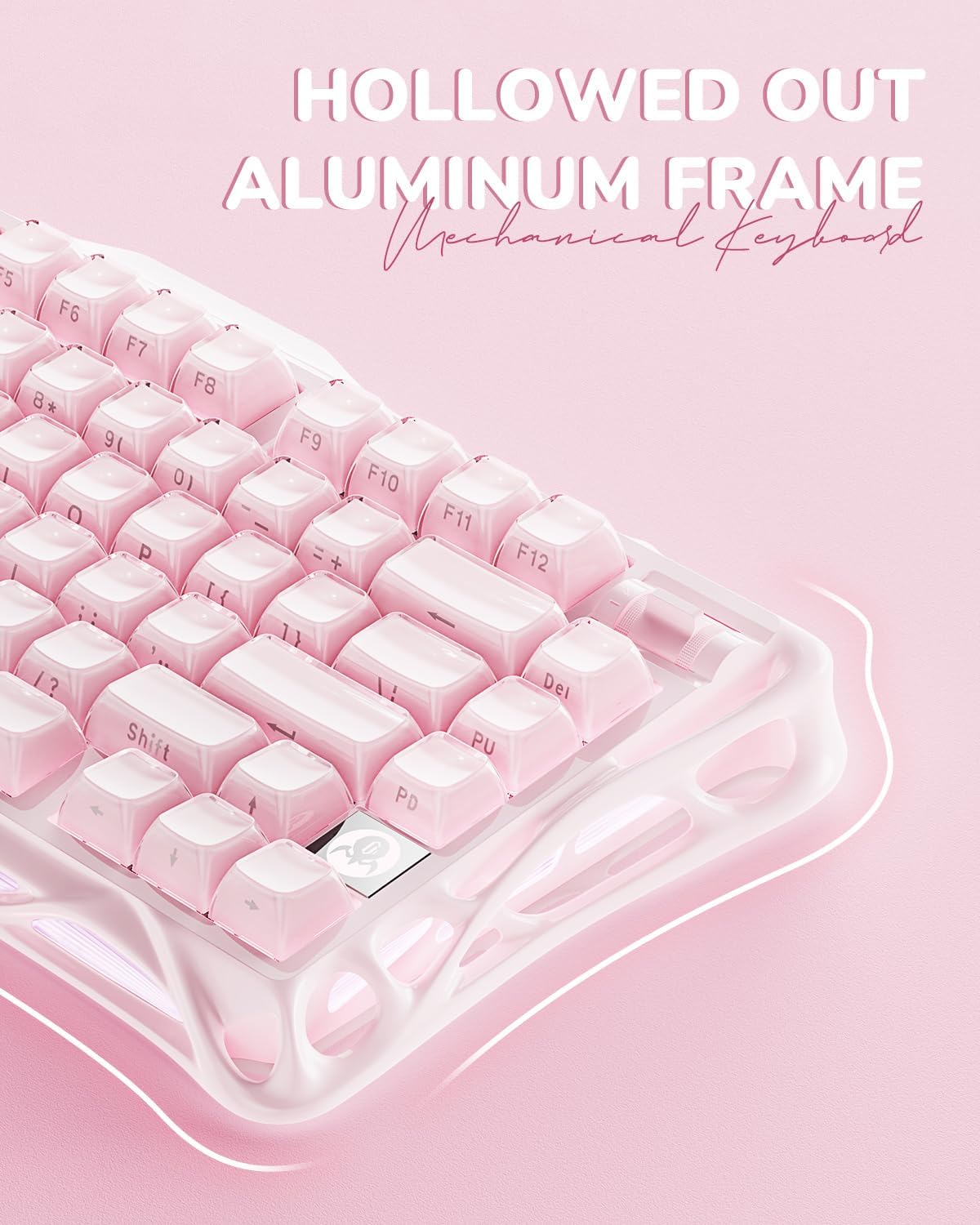
If you want a wireless mechanical keyboard that looks like it belongs in a sci‑fi desk setup, the GravaStar Mercury,K1 in Sakura Pink has a very clear direction. It’s a 75% layout (79 keys), and it’s built around a distinctive aluminium alloy exoskeleton design. On paper, that combination is meant to feel more stable and deliberate than many smaller keyboards, while still keeping plenty of room for a functional key layout.
It’s also not just about looks. This model uses linear switches and leans into a “studio-ish” acoustic idea with a gasket-mounted PC plate and a multi-layer dampening approach. Whether that translates into a sound you’ll genuinely like depends on your preferences—some people love a more muted “thuddy” profile, while others prefer sharper, louder feedback.
Key features that matter for buying
The Mercury,K1 is positioned as a premium-feeling gaming keyboard with custom-leaning hardware choices, but without making it complicated to use day to day.
First, the switch and actuation specs are a big part of the pitch: the included linear switches are described as GravaStar × Kailh linear, with 40g actuation and 1.5mm pre-travel. That suggests a responsive feel suited to fast inputs, especially if you like linear switches for gaming or quiet-ish work sessions.
Then there’s the 75% layout: fewer keys than a full-size keyboard, but still more than the ultra-compact styles. This is often a sweet spot if you use arrow keys, navigation, and a function layer without wanting a huge board taking over your desk.
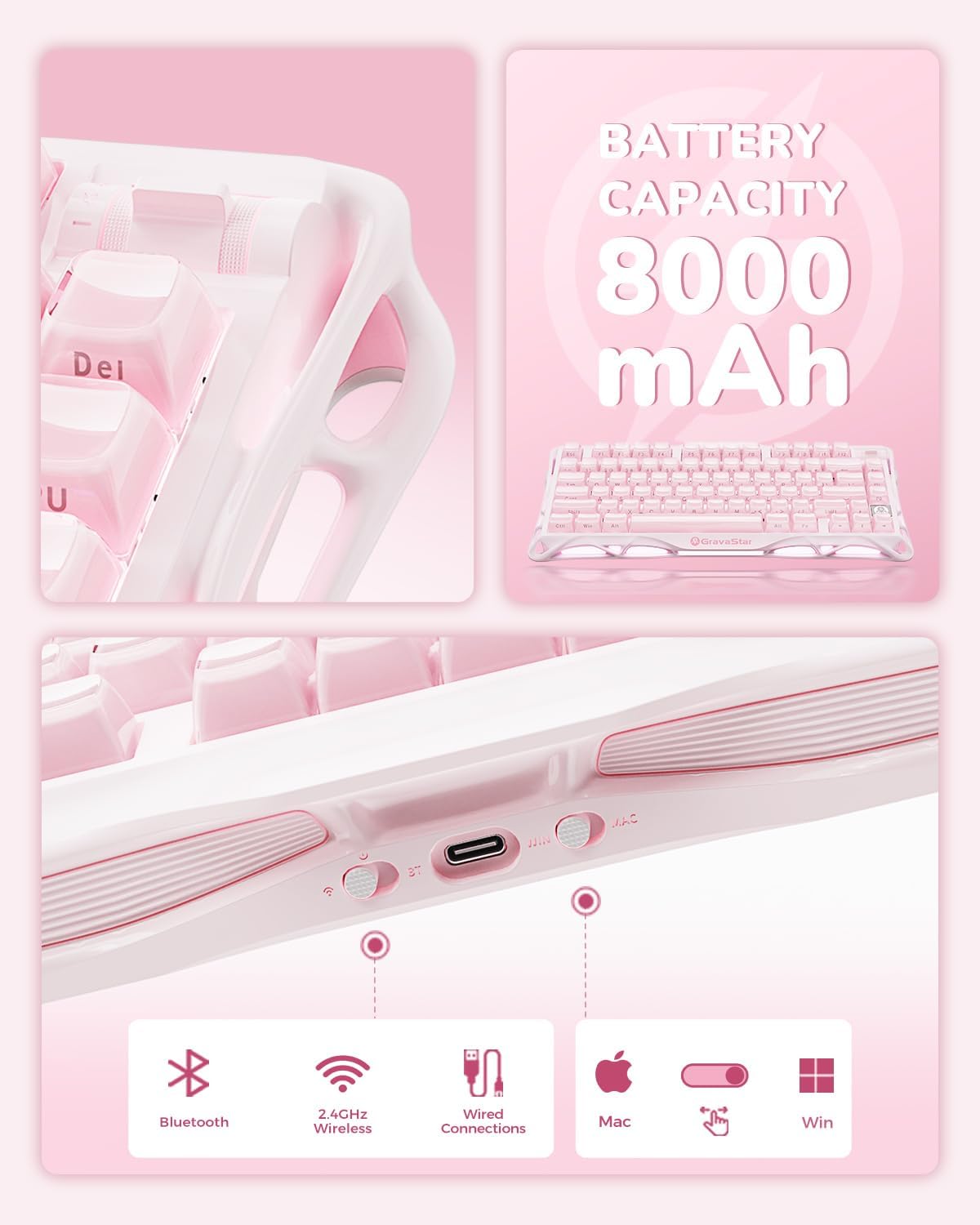
Finally, the wireless side is fairly practical: it supports USB-C wired, Bluetooth 5.0, and 2.4GHz wireless. That’s the kind of setup that helps if you want to jump between a laptop/tablet workflow and a gaming or desktop setup.
What you’ll notice day to day
In use, the Mercury,K1 is designed around three everyday moments: choosing a connection, living with the sound profile, and enjoying the visual customisation.
On connection switching, having three modes (wired, Bluetooth, and 2.4GHz) means you’re not locked into one single ecosystem. That can be handy if you regularly switch between Windows and Mac setups, which the product information says it supports.
On sound, the keyboard uses a 5-layer sound-dampening system and a gasket-mounted PC plate, described as absorbing 87% of impact vibrations. The brand refers to a distinctive “pink thunder” acoustic profile. It sounds fun, but the limitation is simple: acoustic results can still vary depending on your desk surface, how hard you type, and what keycaps/switches you’re used to.

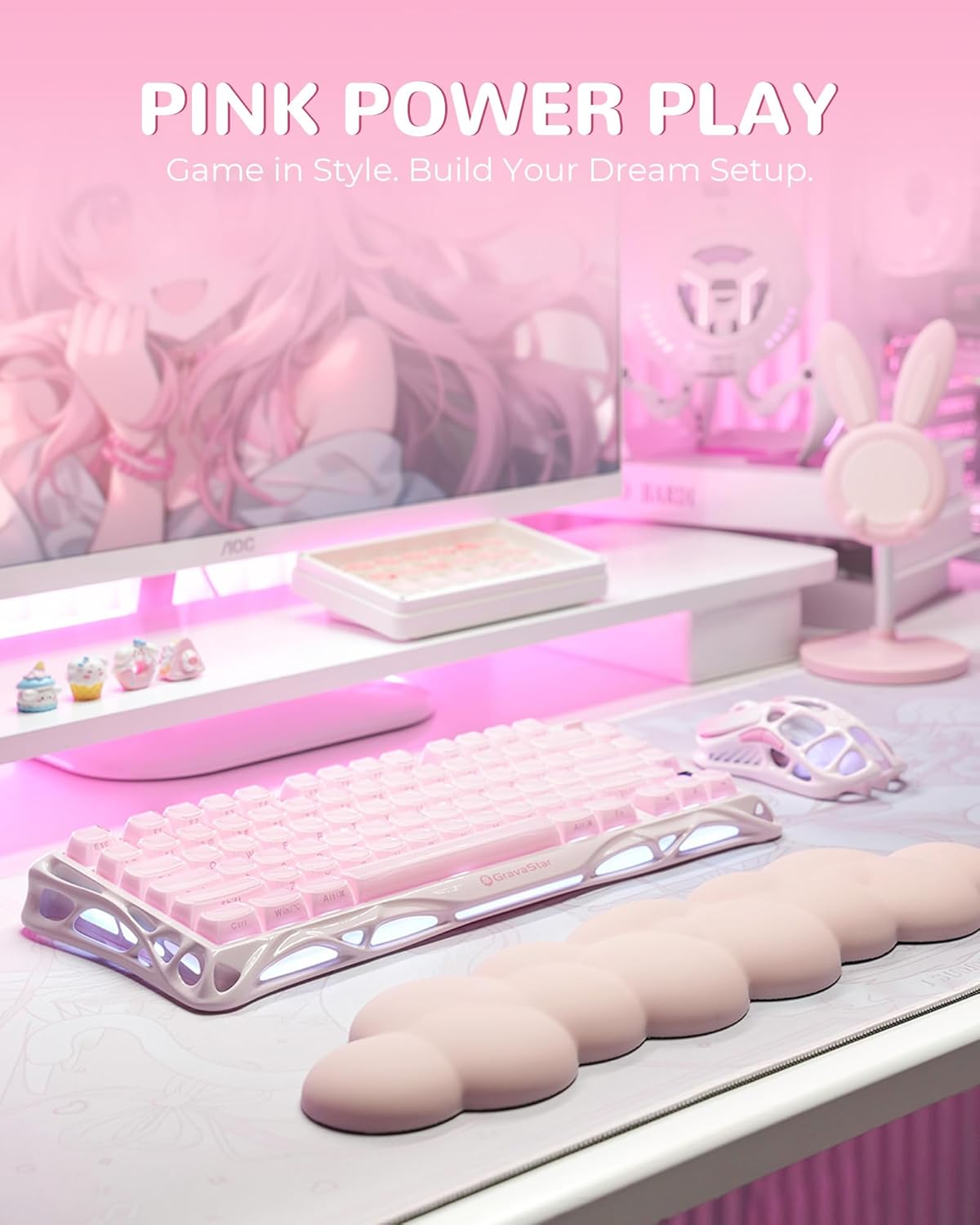
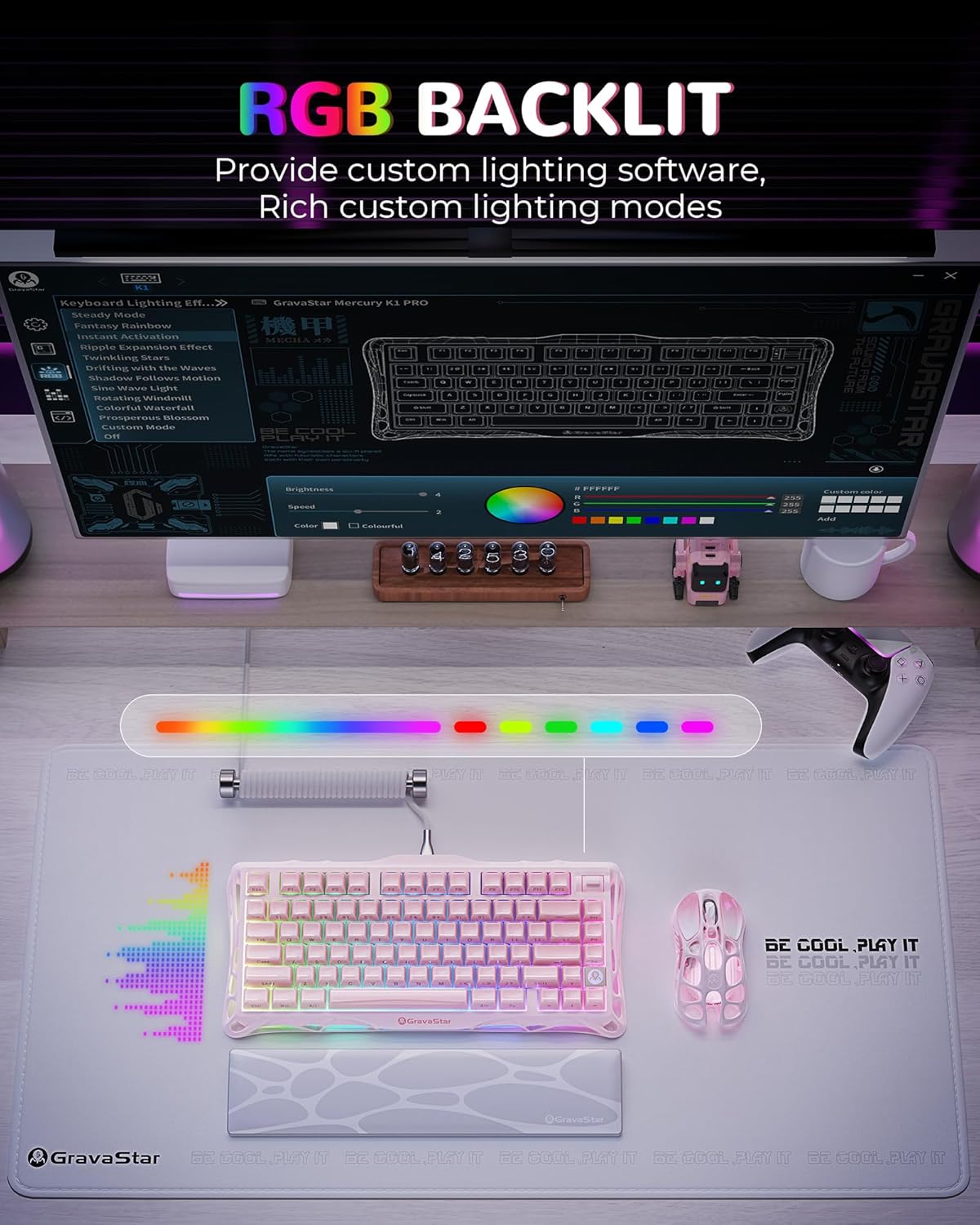
On visuals, you get RGB backlighting and dual RGB ecosystems with 16.8 million colours and 13 dynamic effects. If you care about desk aesthetics, this is one of the more tangible reasons to choose it over a plainer wireless board.
Customisation and software
If you like going beyond the default lighting modes, the Mercury,K1 comes with GravaCore software for per-key programming, macros, and 8-layer profiles. That’s a meaningful advantage for anyone who wants different keyboard behaviour for different games, or a work layout that doesn’t interfere with your gaming setup.
Still, it’s worth thinking about how much you’ll actually use. If you mainly want something that types well and looks nice, software-driven per-key work can feel like overkill. On the other hand, if you plan to set up macros or gaming layers properly, this keyboard seems built with that in mind.
Tech specs (the basics you should check)
- Type: Wireless mechanical gaming keyboard
- Format: 75% layout (79 keys)
- Switches: Linear switches (GravaStar × Kailh linear)
- Actuation: 40g
- Pre-travel: 1.5mm
- Battery: 8000mAh
- Connectivity: USB-C, Bluetooth 5.0, 2.4GHz
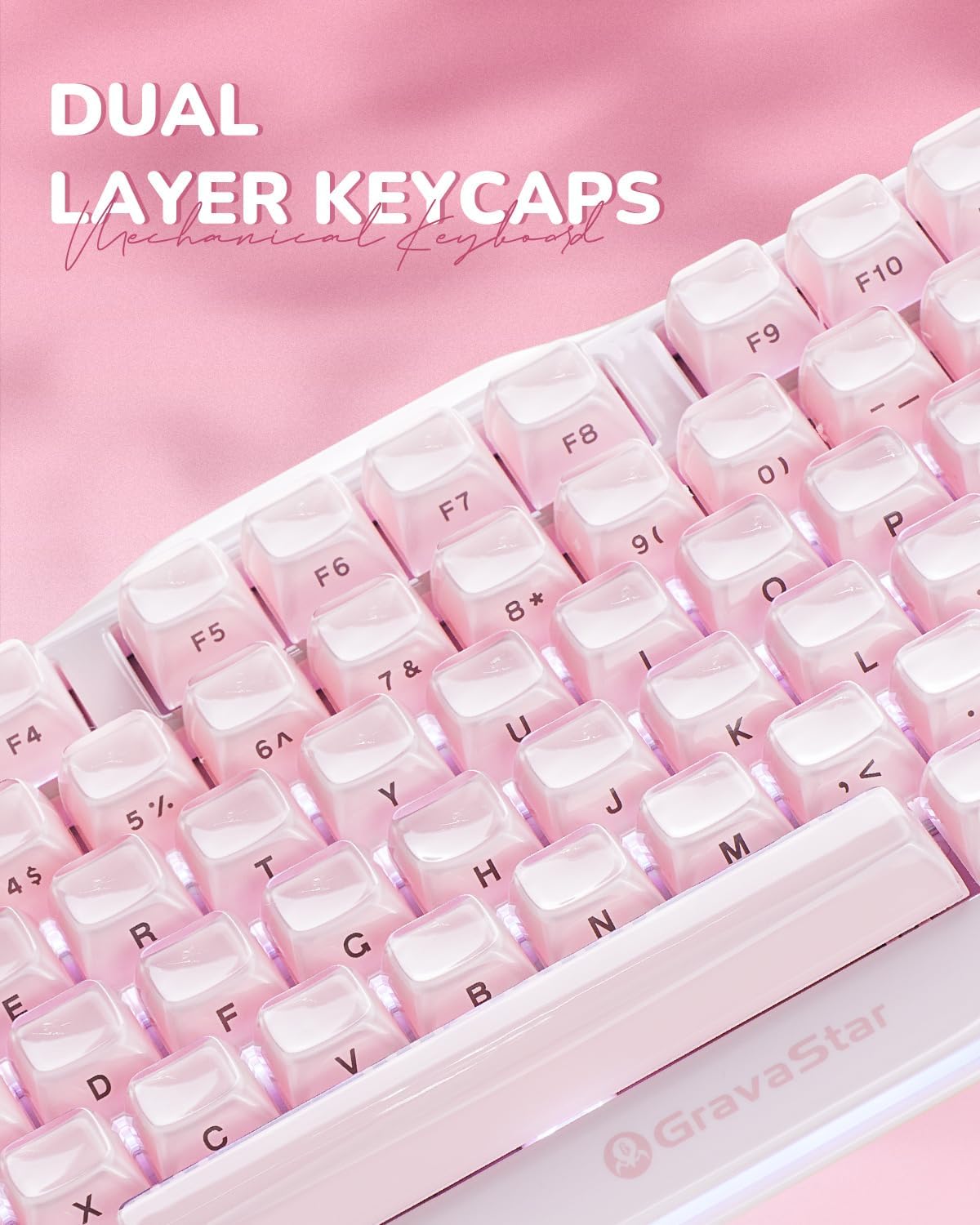
- Keycaps: Dual-layer PBT keycaps
- Layout/custom mounting: Gasket-mounted PC plate
- Lighting: RGB backlit, 16.8 million colours, 13 dynamic effects
- Software: GravaCore
- Profiles/macros: 8-layer profiles, per-key programming, macros
Is it worth it?
It’s a good fit if you’re shopping for a 75% wireless mechanical keyboard that’s genuinely focused on aesthetics (Sakura Pink exoskeleton and RGB) while still offering gaming-friendly linear switch characteristics (40g actuation and 1.5mm pre-travel). The multi-mode wireless support (USB-C, Bluetooth 5.0, and 2.4GHz) also suits people who work across devices and want one keyboard to handle different setups.
It’s not for you if you want a simple, no-fuss keyboard where the priority is minimal setup and maximum plug-and-play. You may want to skip it if your main concern is a very traditional, louder “clicky” sound—this board is described around dampening and a more controlled acoustic profile, and that won’t match everyone’s taste.
Mini FAQ
Does the Mercury,K1 work with both Windows and Mac?
The provided information says it’s compatible with both Windows and Mac systems.
What connections does it support?
It supports wired USB-C, Bluetooth 5.0, and 2.4GHz wireless.
What switch type is used?
It uses linear switches (described as GravaStar × Kailh linear).
How is the keyboard’s sound managed?
It’s built with a gasket-mounted PC plate and a 5-layer sound-dampening system, described as absorbing 87% of impact vibrations.
Is there software for custom key actions?
Yes—GravaCore software is mentioned for per-key programming, macros, and 8-layer profiles.