

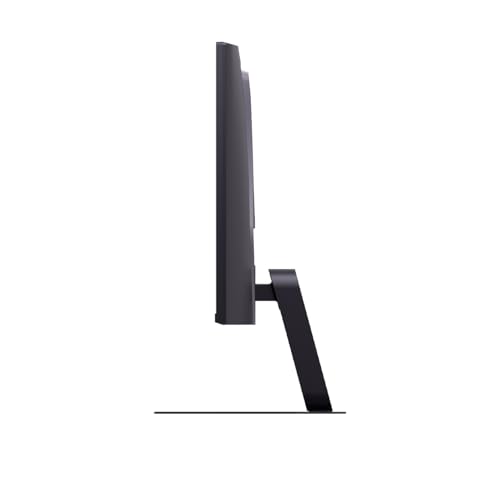
LG UltraGear G5 25G523B-B 25" FHD 200Hz IPS Gaming Monitor
Product description
What this is
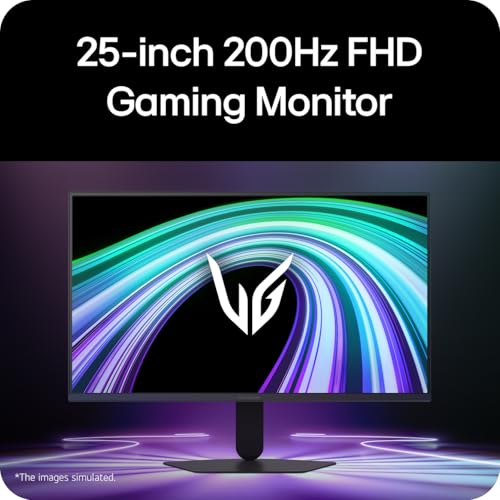
The LG UltraGear G5 is a compact 25-inch gaming monitor designed to pair a responsive IPS panel with esports-friendly specs. It targets smaller desks or tight spaces where a full-size gaming screen would feel overkill, while still delivering a fast, smooth experience for competitive play.
What needs it meets
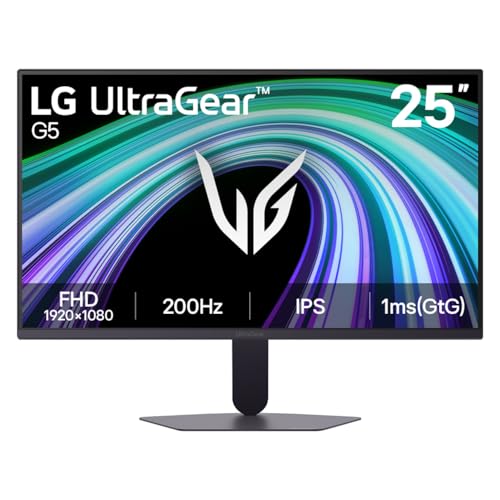
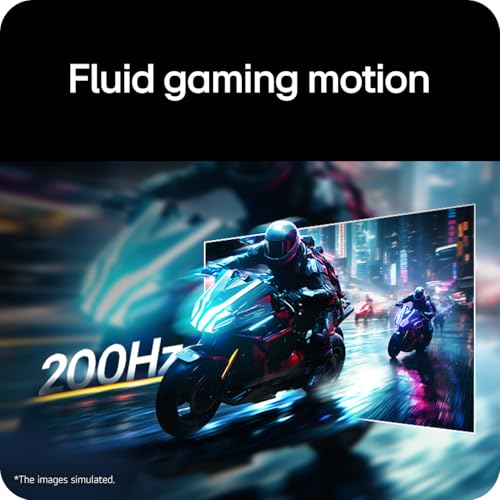
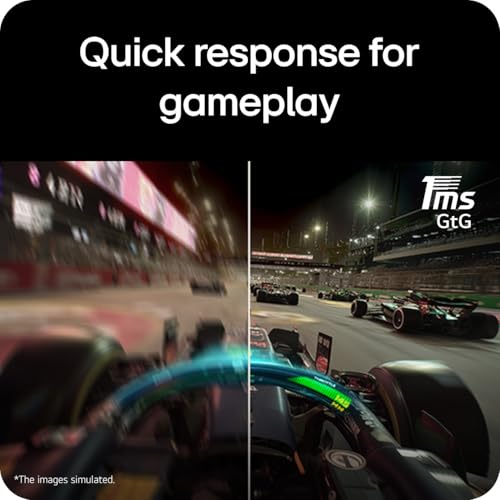
With a 1920×1080 resolution, it provides sharp detail and good pixel density for 25 inches. The IPS panel supports wide viewing angles and accurate colours, aided by a claimed sRGB 99% coverage and HDR10. For fast-moving scenes, the 200Hz refresh rate and 1ms GTG response time help keep motion blur to a minimum, which can make a difference in timing-based games.
How it behaves in practice
On paper, the combination of high refresh rate and quick response time translates to crisper motion and reduced ghosting. The display also includes gaming-focused features such as Dynamic Action Sync, Black Stabilizer, a Crosshair, and FPS Counter, which can be handy in competitive modes. It’s worth noting that these assists are situational, they don’t guarantee victory, but they can aid visibility and consistency in real-time scenarios.
Build and stand considerations
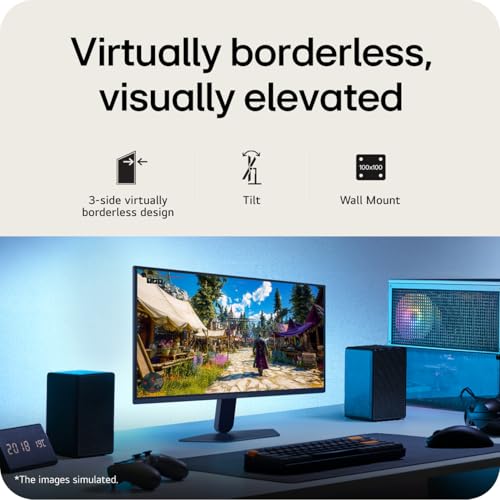
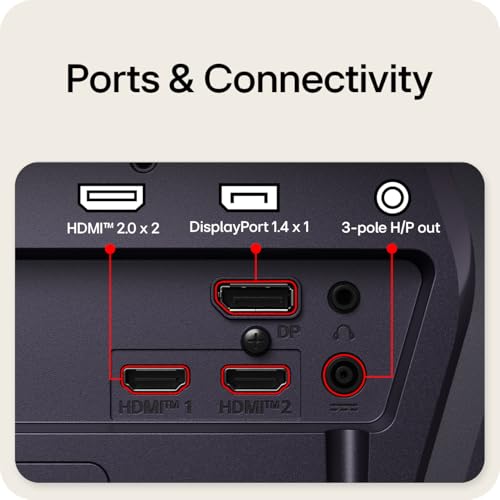
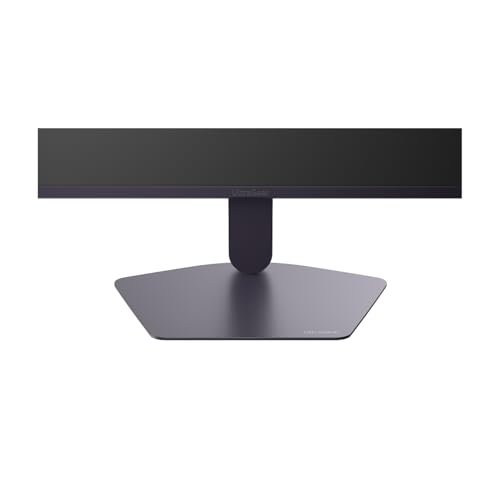
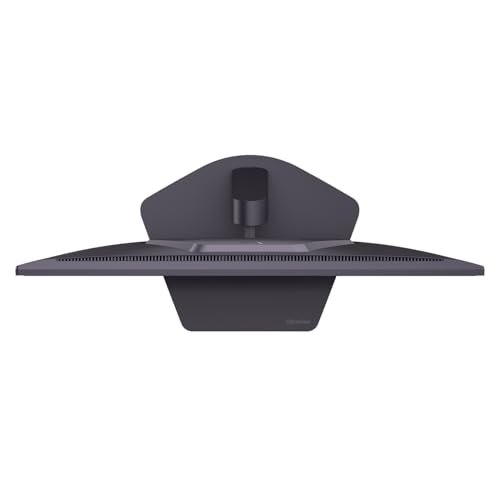
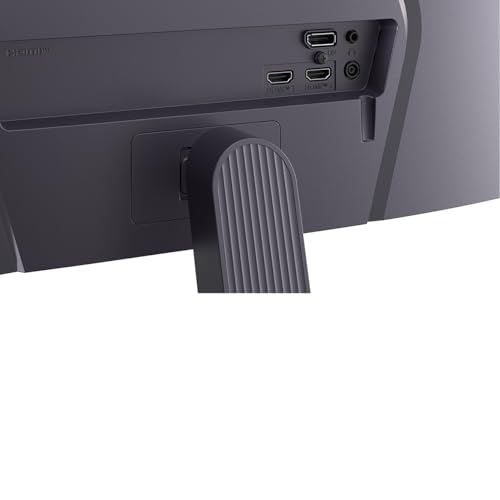
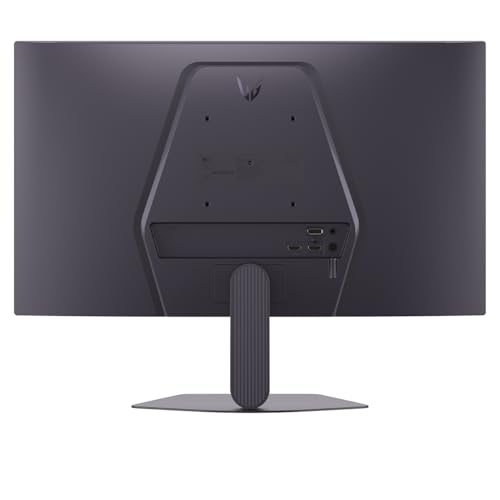
The monitor ships with a tilt-adjustable stand, offering some flexibility in ergonomics. It uses common connectivity options for PC gaming, namely HDMI and DisplayPort, which makes it straightforward to pair with a wide range of GPUs and systems.
Strengths you’ll notice
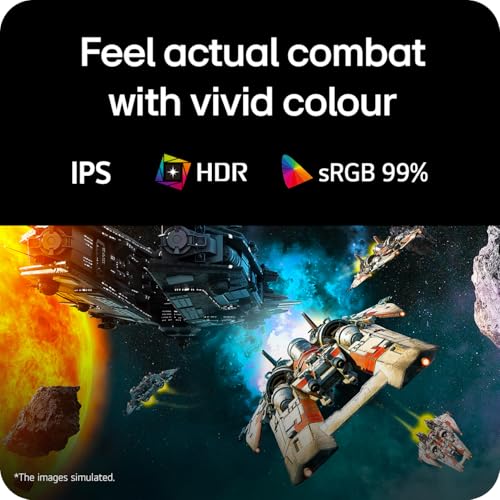
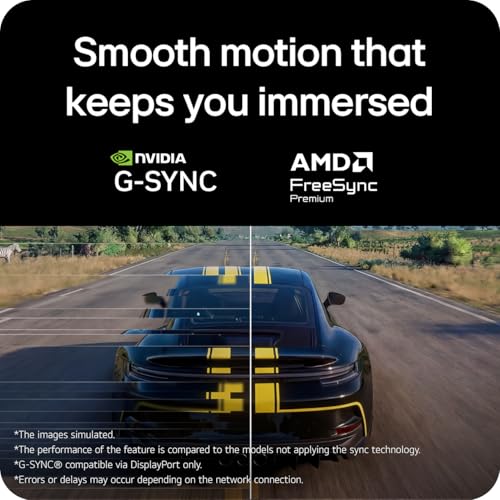
If you prioritise motion clarity at a reasonable size, the 200Hz refresh rate and 1ms GTG response time are compelling on a 25-inch panel. Colour fidelity is supported by high sRGB coverage, and HDR10 can help with contrast on compatible content. The G-SYNC Compatible and FreeSync Premium features reduce tearing and stuttering across supported hardware, which is useful in mixed-ATI/NVIDIA environments.
Limitations and caveats
It’s a 1080p panel, which means you’re trading resolution for higher refresh and faster inputs. That can be noticeable if you’re used to 1440p or 4K at similar sizes. The value of HDR10 on a 1080p screen is typically modest compared with higher-resolutionHDR displays, and the real‑world benefit depends on the content and lighting in your games. If you’re aiming for the absolute best colour accuracy or hardware panel uniformity, you might want to compare with other IPS options in a similar price bracket.
Who it’s for
This monitor suits gamers with limited desk space who still want a high refresh experience, especially if you’re playing esports titles or fast shooters where reaction time matters. It’s also practical for those who want a compact secondary screen or a dedicated gaming setup without resorting to a larger display.
Who it isn’t ideal for
If you prioritise ultra-sharp detail, a higher resolution, or professional colour grading, a 1080p panel at 25 inches might feel insufficient. Also, anyone seeking wide HDR brightness performance should temper expectations, as HDR on budget/mid-range monitors tends to be limited compared with premium models.
What to check before you buy
- Confirm your GPU can drive 200Hz at 1080p in your favourite titles.
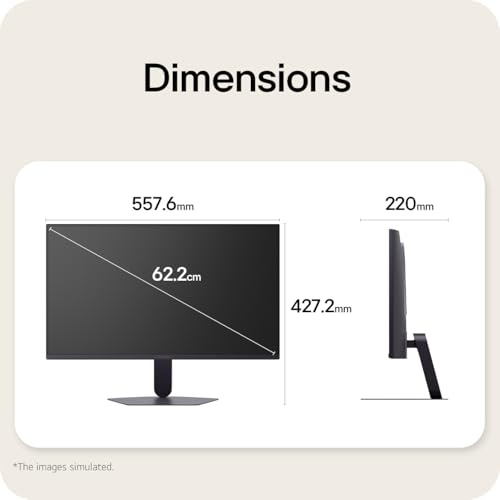
- Check that your desk setup allows for the tilt range and cable routing you prefer.
- Consider whether you will benefit from the built‑in gaming enhancements or if you’ll mainly rely on standard display features.
Comparisons and how it fits into the market
In this segment, the LG UltraGear G5 sits between entry-level gaming monitors and mid-range models offering high refresh rates. It’s a practical option if you want a compact screen with strong motion performance without paying for higher resolution. If you already own a high-resolution display, this model can serve as a focused secondary or as a stepping stone into higher refresh gaming without overwhelming a smaller space.
Decision moment
Is it worth it?
It makes sense if you value a responsive, compact 25-inch display with fast motion and credible colour reproduction, and you don’t require ultra-high resolution. It may not be the best choice if you want the highest possible HDR brightness or if you need 1440p/4K at the same screen size.
Quick FAQ
- Does it support both G-SYNC and FreeSync? Yes, it is compatible with G-SYNC and FreeSync Premium.
- Is the stand fully adjustable beyond tilt? The available details specify tilt adjustment, other adjustments aren’t confirmed in the provided data.
- Can HDR10 be leveraged in games at 1080p on this panel? HDR10 is supported, but the perceptible benefit depends on the content and lighting conditions.