

AULA WIN60 HE wired 60% mechanical gaming keyboard (Hall Effect, adjustable actuation, 8K polling) – Grey
Product description
The essentials
If you’re shopping for a wired 60% gaming keyboard, the AULA WIN60 HE is built around a modern idea: precise key actuation using Hall effect magnetic switches, paired with a fast “Rapid Trigger” style setup for FPS play. On paper, it’s aimed at people who care about low-latency feel and control when split-second inputs matter.
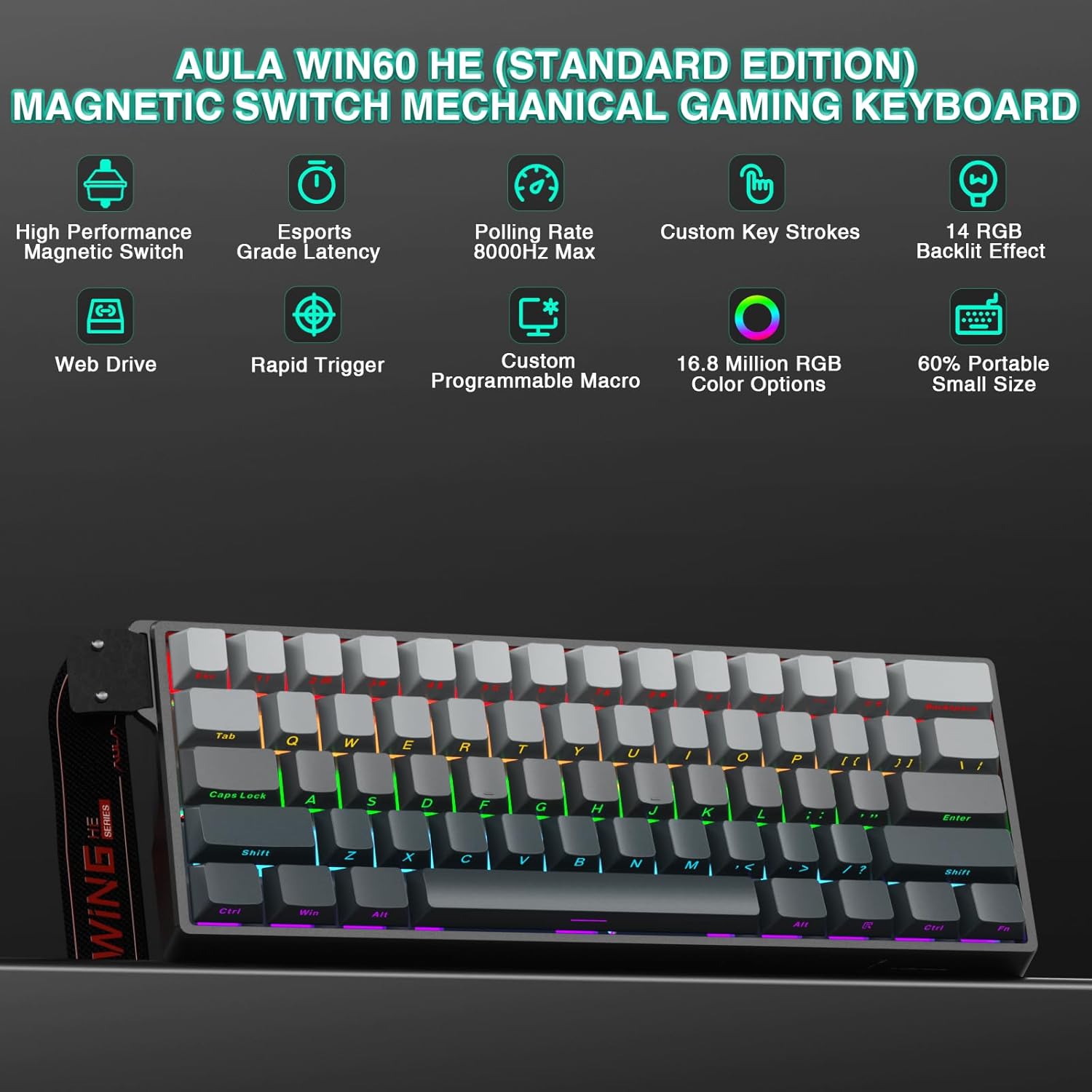
It also leans practical rather than fussy. The layout is compact (60%), the switches are hot-swappable (so you can experiment without soldering), and the RGB lighting is adjustable via a web-based driver. That combination can be genuinely convenient if you don’t want to wrestle with big software installs.
That said, 60% boards aren’t for everyone. If you rely heavily on full-size navigation keys or don’t like smaller layouts, this could feel like too much of a compromise—even with gaming-focused features.
What’s really different about the switches
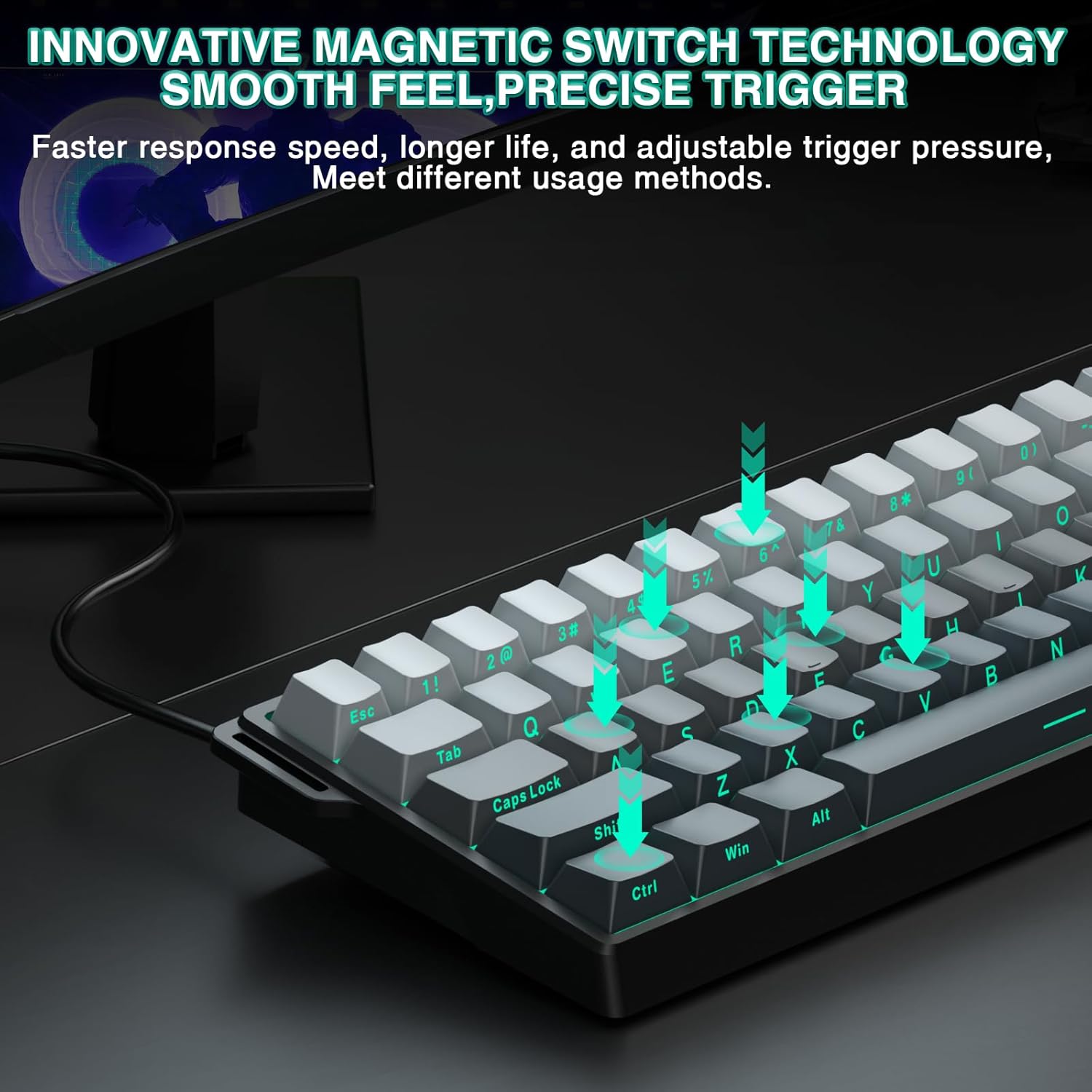
The WIN60 HE uses fully adjustable Hall effect magnetic switches. The core benefit of this approach (as presented here) is more control over when a key “registers” without needing traditional mechanical contact behaviour.
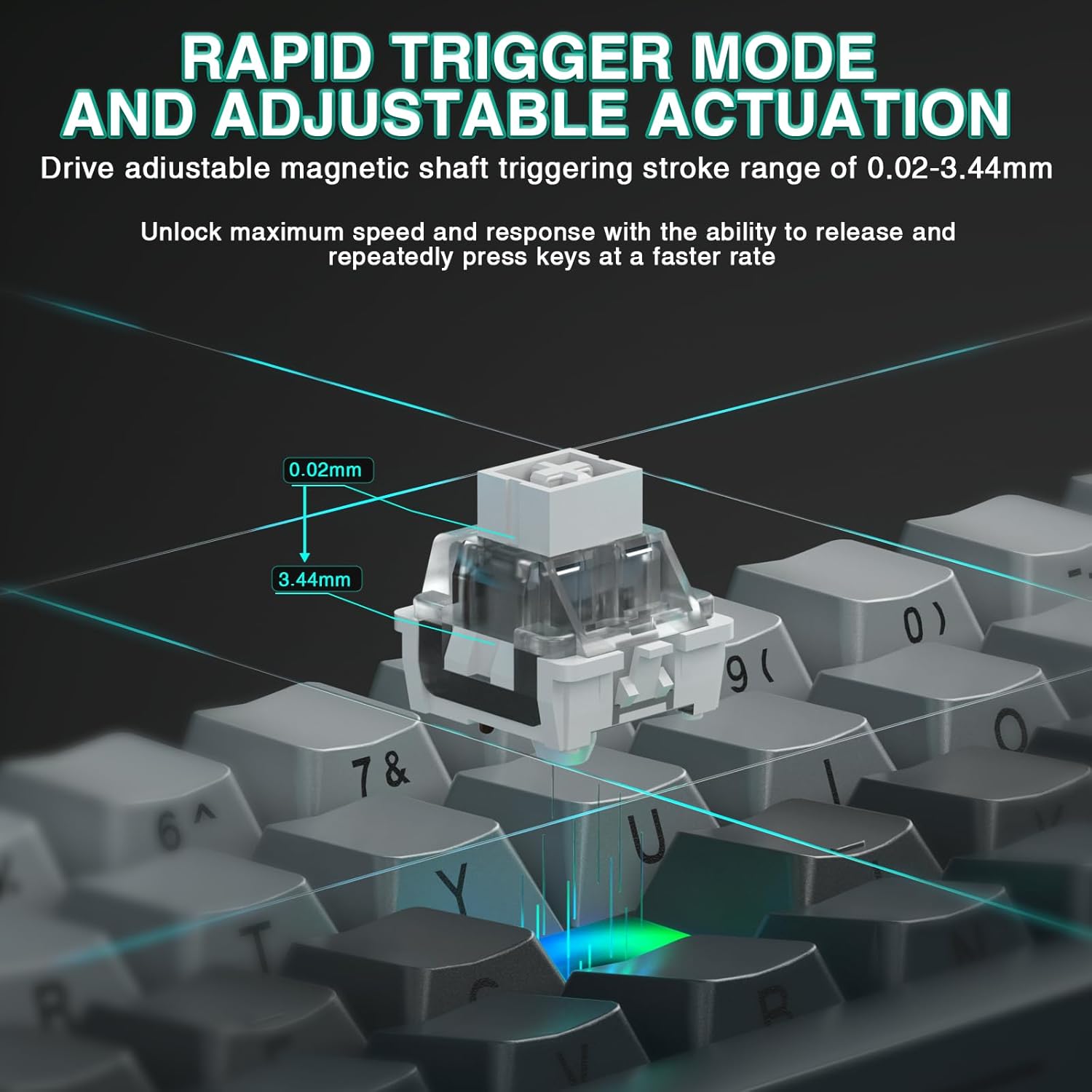
For Rapid Trigger gaming, the keyboard claims an ultra-low RT step of just 0.02 mm, with an adjustable touch point range from 0.02 mm up to 3.44 mm. The goal is straightforward: make rapid presses and complex inputs feel more responsive and predictable, particularly for fast-peek and quick stop-fire situations that are common in FPS titles.
Two numbers stand out from the description: a polling rate up to 8000 and an ultra-low latency figure of 0.3ms (as stated). Whether those figures feel exactly like they look depends quite a lot on your PC setup and how you tune the board, but if you’re specifically targeting a snappier, more adjustable actuation experience, this is clearly designed with that mindset.
Customisation without heavy downloads (web driver)
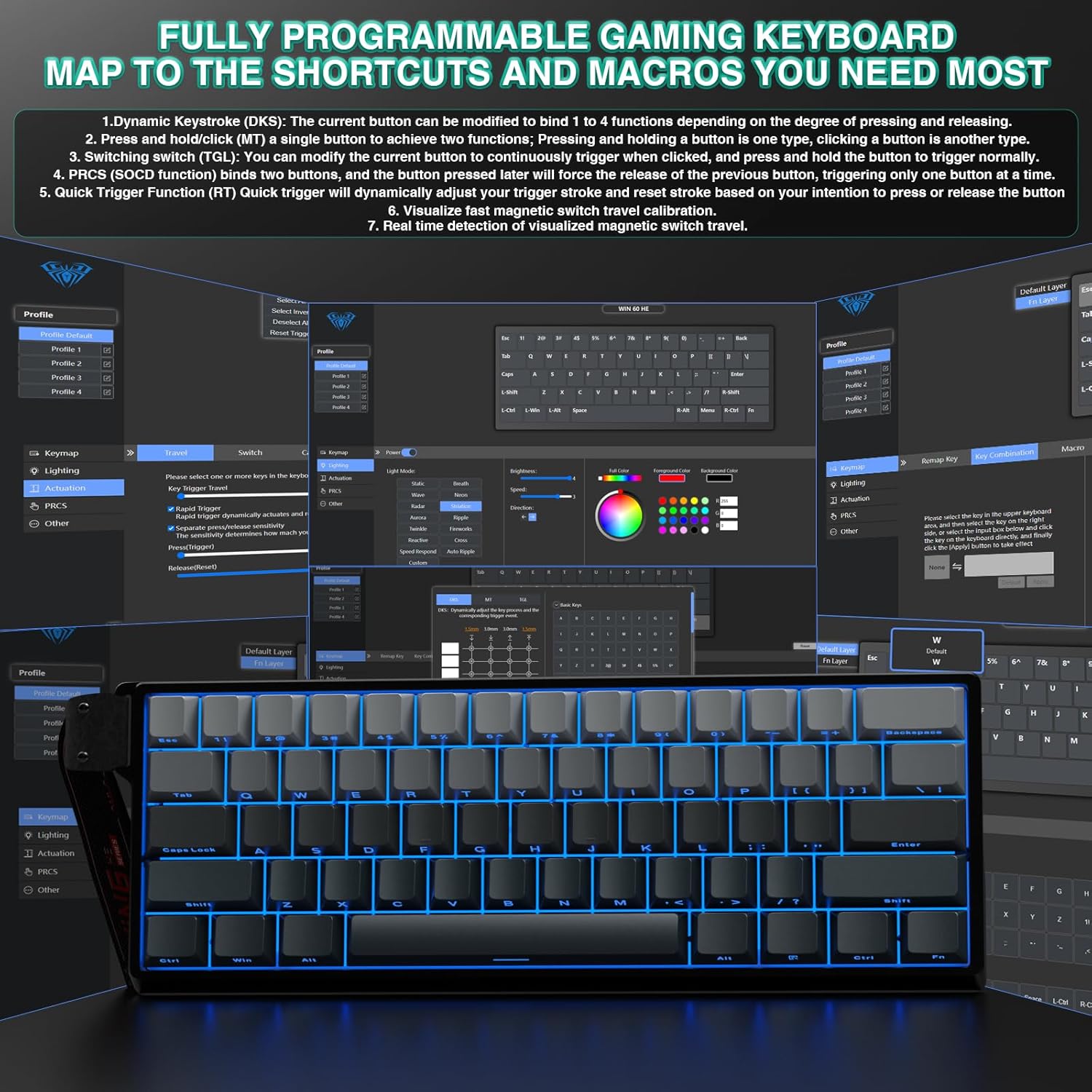
AULA’s included web driver is a key part of the appeal. The keyboard is described as using an easy-to-use web-based interface to remap keys, create advanced macros, and customise RGB lighting—without needing to download bulky software or worrying about system compatibility.
In other words, it’s trying to keep the barrier low: configure it, then get back to playing. It also mentions support for features such as DKS (Dual Key Switching), MT (Multi-Touch) and TGL (Toggle). Those terms may or may not matter to you day-to-day, but they suggest the driver isn’t only about lighting and simple remaps.
The limitation to keep in mind: “web-based driver” can be brilliant for convenience, but it also means you’ll want to be comfortable with the idea of managing settings through a browser environment.
Design for desk space and travel
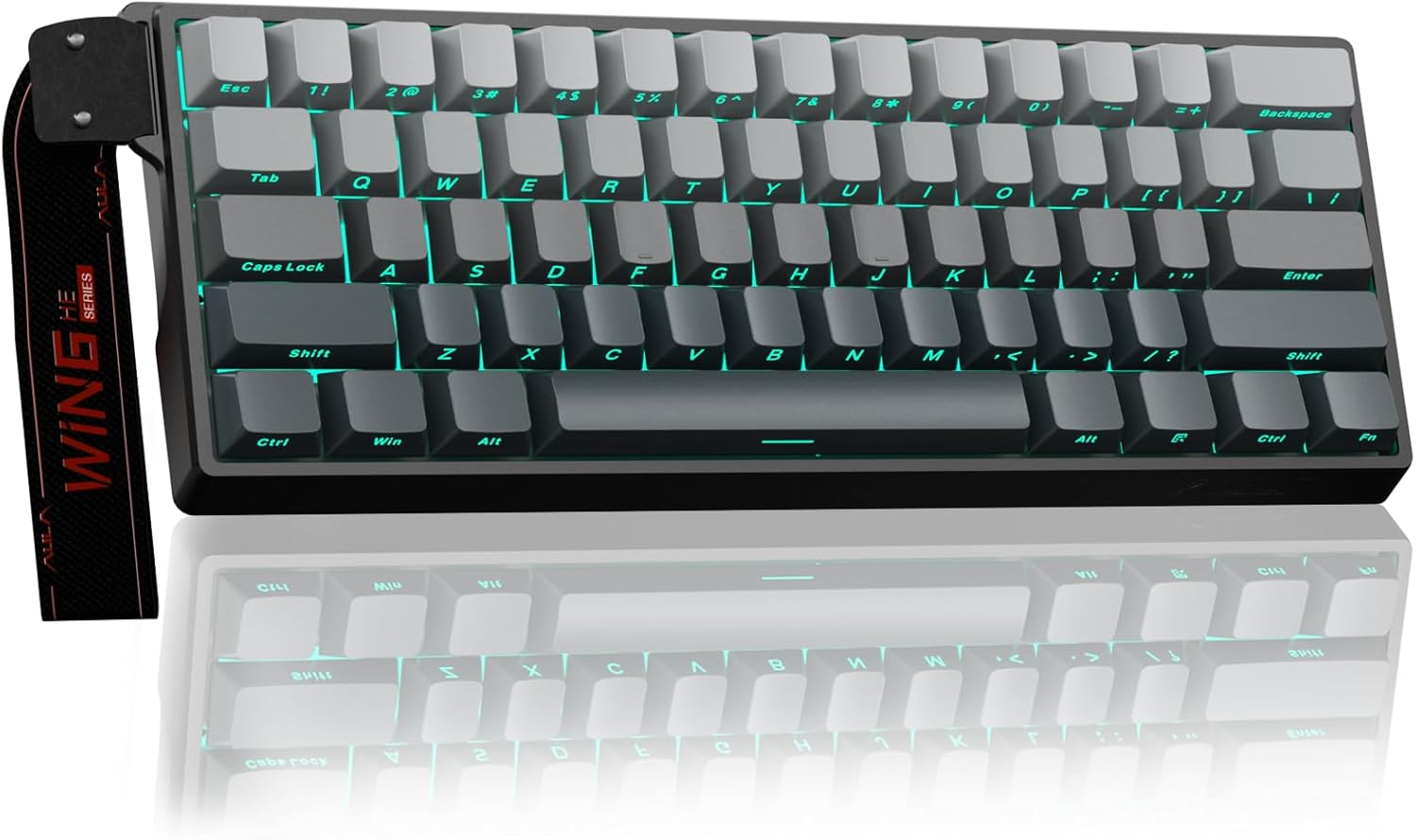
The WIN60 HE uses a 60% ultra-compact layout to maximise desktop space. The description links this to faster mouse movement and improved ergonomics—something you’ll only really appreciate if you’ve ever felt your mouse hand cramped by a full keyboard footprint.
It also includes a detachable wrist strap, which is mentioned as making it easier to carry for trips and travel. That’s a small touch, but it can matter if your setup is flexible (home + office, or gaming sessions away from your main desk).
If you already run a compact layout and you’re used to learning shortcuts, it’ll likely feel natural. If you’re coming from a full-size keyboard, the learning curve is the obvious drawback.
Switch swapping and stability
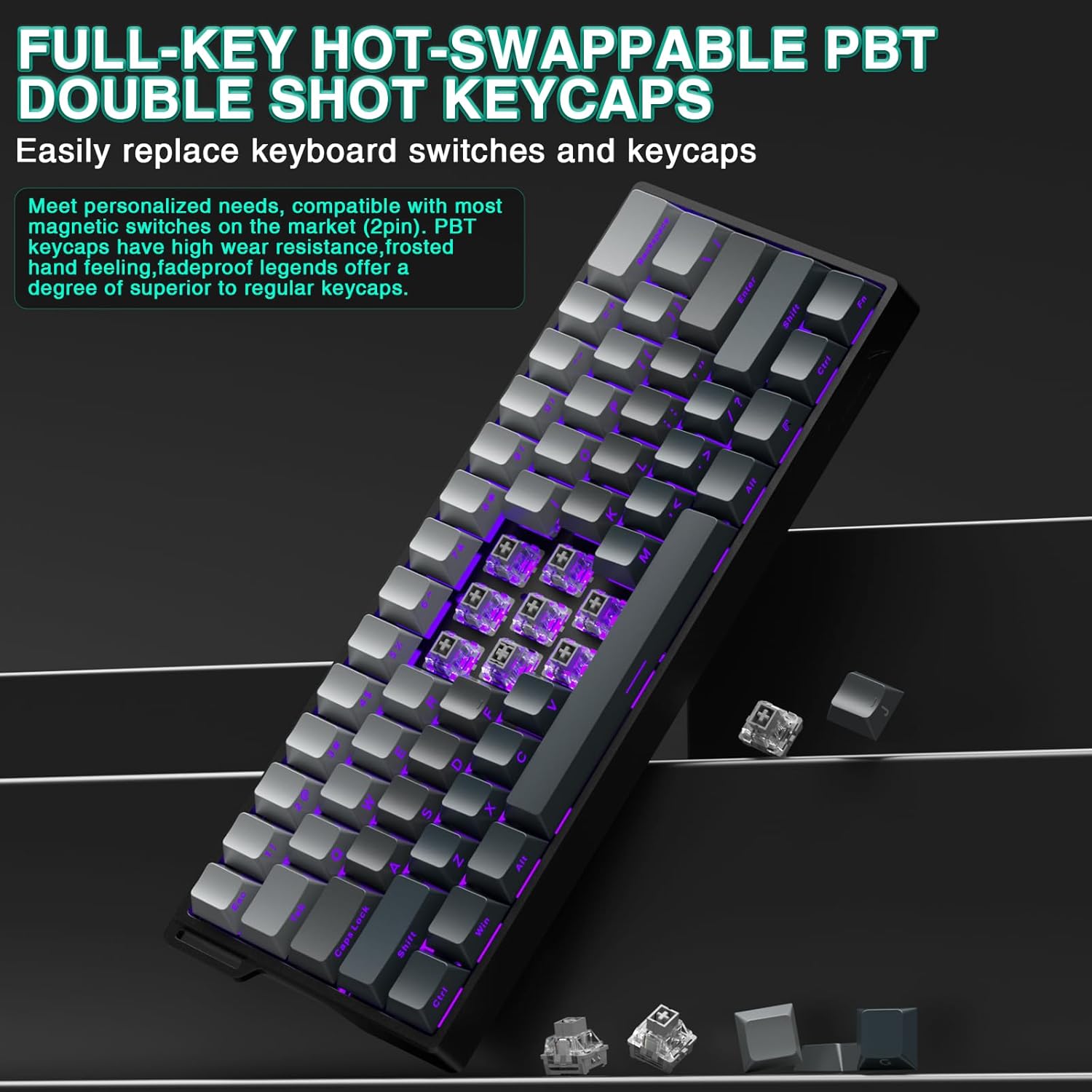
This model supports hot-swappable switches across the full keys, with a durable metal positioning plate for stability and resilience (as described). The practical advantage here is that you can experiment with different Hall-effect magnetic switches without soldering.
On the downside, hot-swap boards still require you to be a bit careful during swapping—alignment and seating matter. Also, the description suggests you can experiment, but it doesn’t specify which switch brands or exact compatibility lists are supported. So it’s worth double-checking what switches you plan to buy will work with this board before you commit.
RGB and keycaps: where it feels tangible
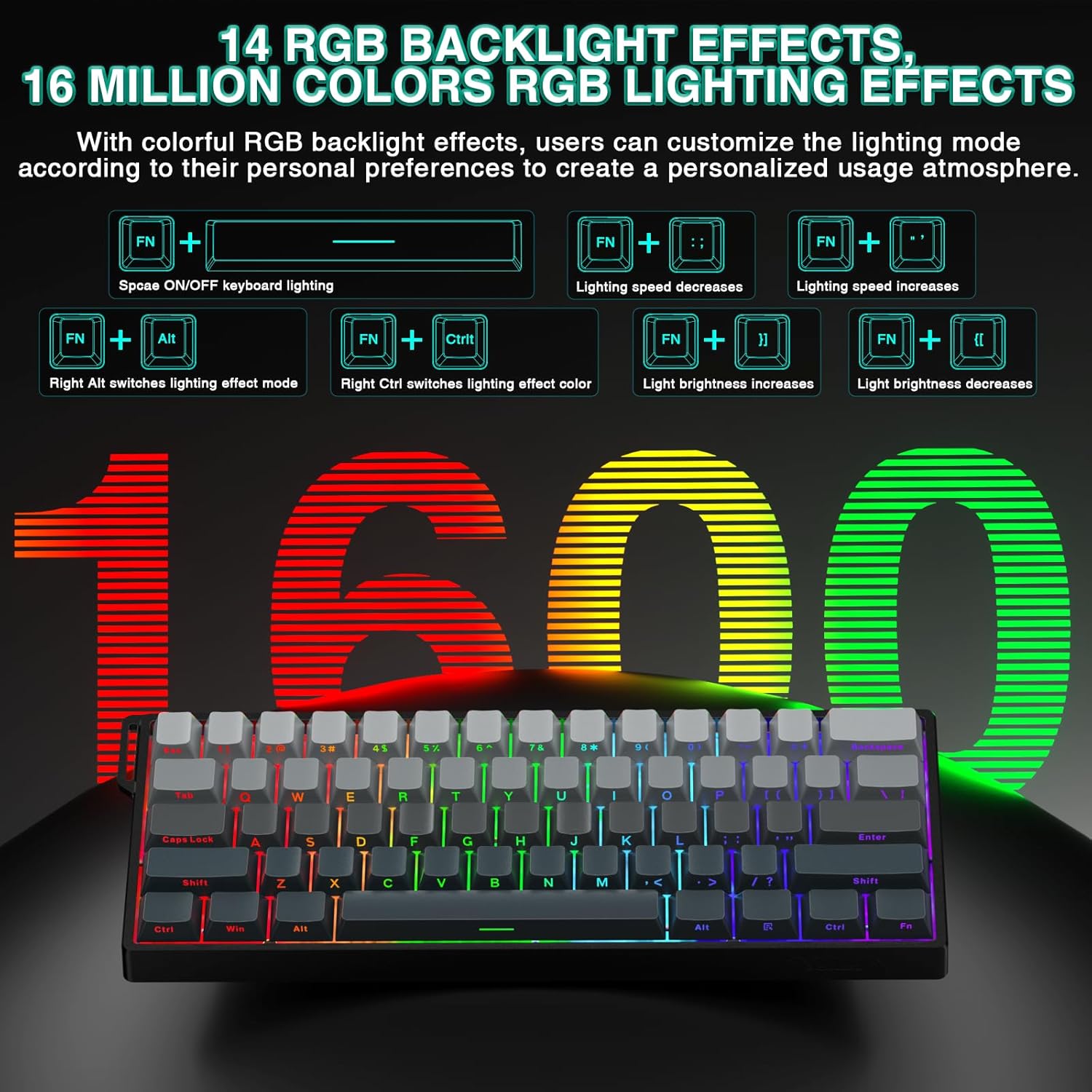
The WIN60 HE comes with RGB backlighting and south-facing LEDs, with 16 million colour options and lighting effects. The driver is used to customise colours and effects, so the lighting is meant to be part of the setup rather than purely decorative.
For the keycaps, it includes PBT keycaps made with a double-layer injection moulding process and described as resistant to fading. In real-world terms, that usually translates to fewer worries about the legends wearing down quickly compared with basic plastic sets.
If you don’t care about RGB or you want a quieter, more minimal aesthetic, that’s fine—but it does mean you’ll probably want to spend a few minutes tuning what you actually like.
Who it suits, and who should look elsewhere
It makes sense if you: - want a wired 60% gaming keyboard with Hall effect magnetic switches and adjustable actuation - play FPS games where faster peeks and quick stop firing are part of your routine - like the idea of Rapid Trigger with a very fine RT step and a configurable touch point - prefer customisation through a web driver, and you’re happy remapping and macroing from there - want hot-swap flexibility so you can tweak your feel over time
It might not be the best match if you: - need a full-size layout for keys, navigation, or muscle memory - dislike managing settings through a web-based driver approach - plan to swap in specific switches later without checking compatibility first
Key takeaways for buying
Before you buy, check whether a 60% keyboard layout fits your daily workflow. Also think about how you’ll configure Rapid Trigger and actuation: the board offers adjustable parameters, but you’ll need to spend a bit of time setting it up to feel right.
Finally, if you’re aiming for the “feel” promised by low latency figures, remember that keyboard settings are only one part of overall responsiveness. Your PC, your system setup, and your own tuning habits will influence how much of that comes through.
Final verdict
Should you buy it? The AULA WIN60 HE looks like a strong value-for-features pick for someone who wants a compact wired gaming keyboard with Hall effect adjustability, Rapid Trigger control, and web-driven customisation—without leaning on huge software installs. Its hot-swap design and south-facing RGB add practical flexibility.
However, it’s not a slam dunk if you depend on full-size key layouts or you don’t want to manage configuration via a web driver. For the right user—especially an FPS player who likes tuning—this could feel like a genuinely purposeful 60% board rather than just another RGB compact keyboard.
Mini FAQ
Is the AULA WIN60 HE good for FPS games?
The description specifically frames it for FPS titles like Valorant and CS2, with Rapid Trigger aimed at faster peeks and quick stop firing. If those are the kinds of games you play, it’s clearly positioned with that in mind.
Can I adjust how quickly a key triggers?
Yes. It’s described as having fully adjustable Hall effect magnetic switches, and Rapid Trigger includes an RT step and adjustable touch point range.
Does it support macros and key remapping?
The keyboard is described as supporting key remapping and advanced macro creation via a web-based driver.
Is it hot-swappable?
Yes, the description states full-key hot-swappable support with no soldering required.
Is it suitable for Mac and Windows?
The product name notes support for Mac/Win, though the description doesn’t go deeper than that—so it’s worth checking the listing details if you want reassurance about specific setup steps.