

TECKNET 2.4G Wireless Keyboard (Silver) – ultra-slim compact mini keyboard with media hotkeys
Product description
If you want a compact wireless keyboard that’s easy to live with on a laptop or at home, this TECKNET 2.4G Wireless Keyboard is designed around that exact idea. It’s small, thin and meant to be used day to day—especially where you don’t want cables, but still want quick access to common actions via dedicated hotkeys.
On paper, it’s the kind of keyboard that suits travel, a spare setup for the office, or a simple command pad for a desktop or Smart TV. It’s not trying to be a full-size typing workstation, and that’s important to understand before buying.
The essentials
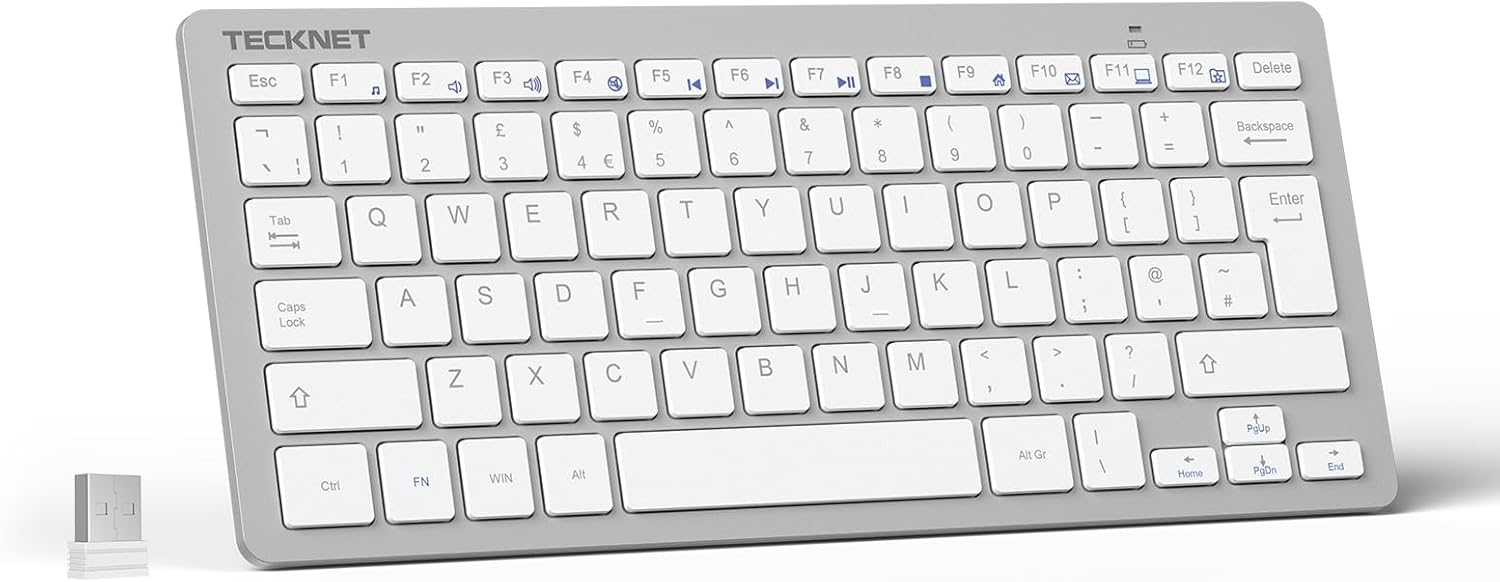
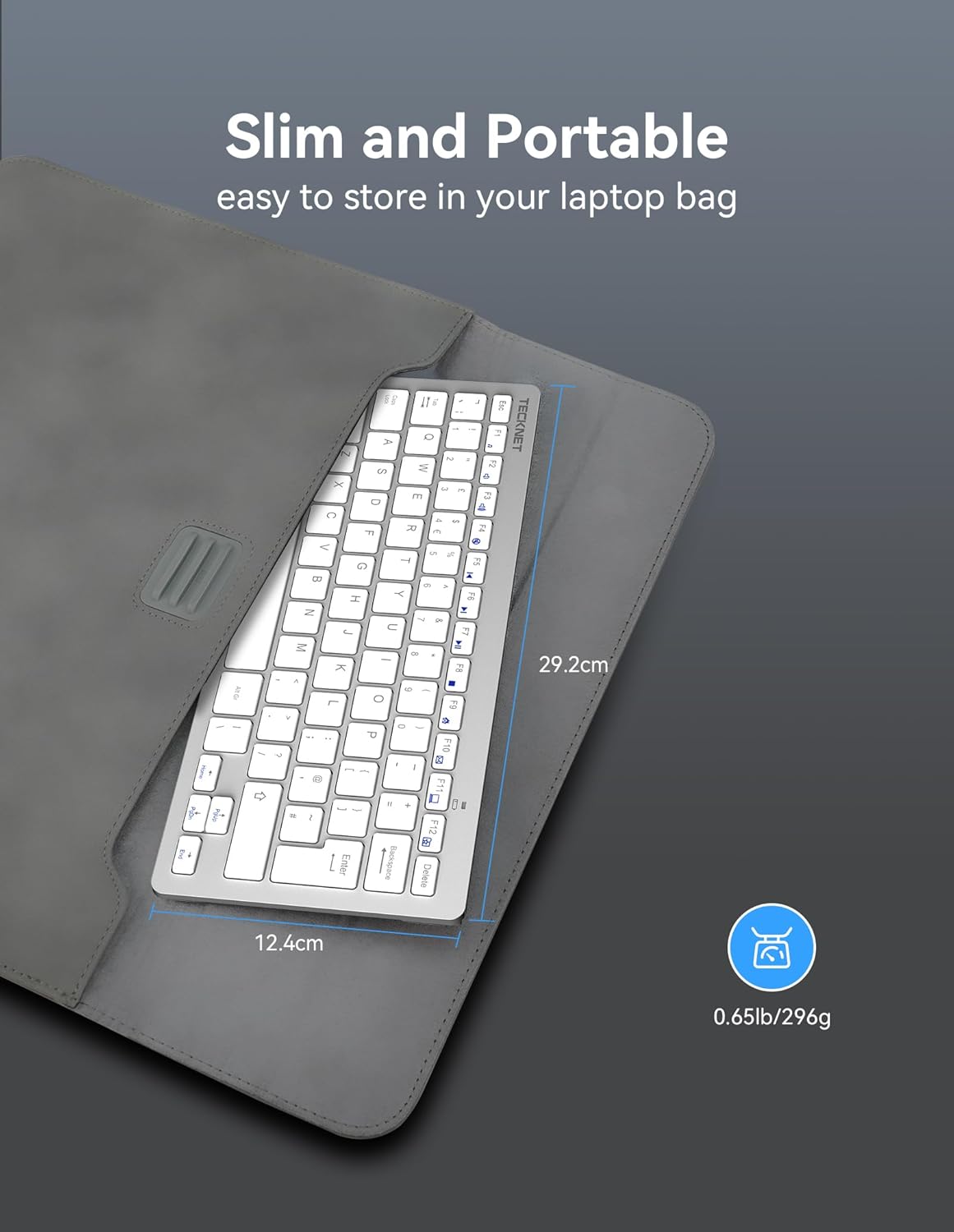
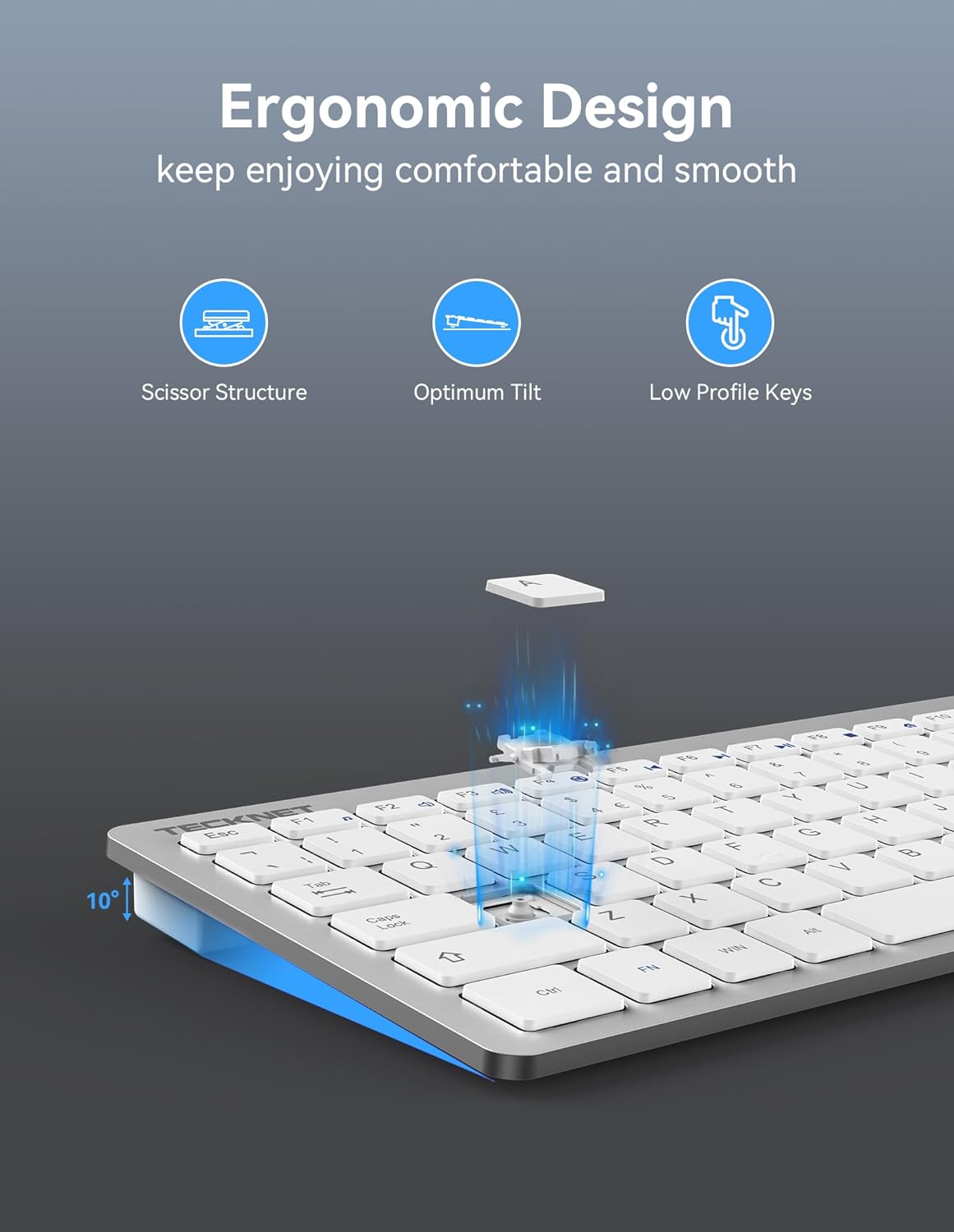
This is a 2.4G wireless mini keyboard with a USB nano receiver that plugs in and lets you type straight away (plug-and-play). The design is ultra-thin at 0.4 cm and light at 296 g, so it’s meant to travel easily.
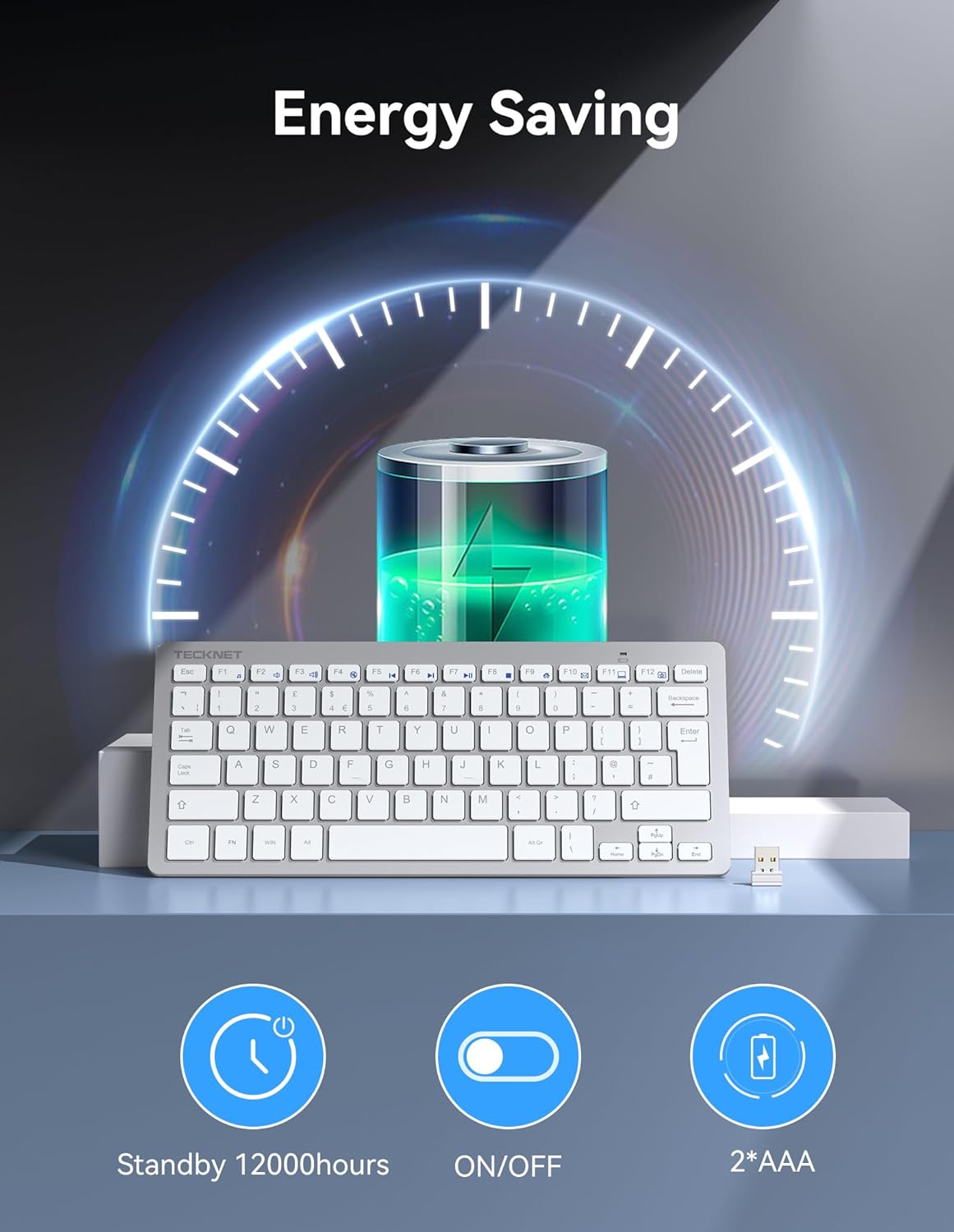
Battery life is positioned as a major selling point thanks to an automatic sleep design, with up to 12 months of usage quoted based on 2 hours of non-stop use per day. You’ll need 2 x AAA batteries, and they’re not included.
You also get quiet typing support. The low-profile keys and the scissor X structure are both aimed at keeping typing comfortable and reducing noise compared with louder, more clicky styles.
What you’ll notice day to day
Small keys and a compact layout are always a trade-off. If you mostly type short messages, browsing, and quick entries, the size can feel refreshing. If you’re expecting lots of long-form typing or need full-size key spacing, it may feel cramped.
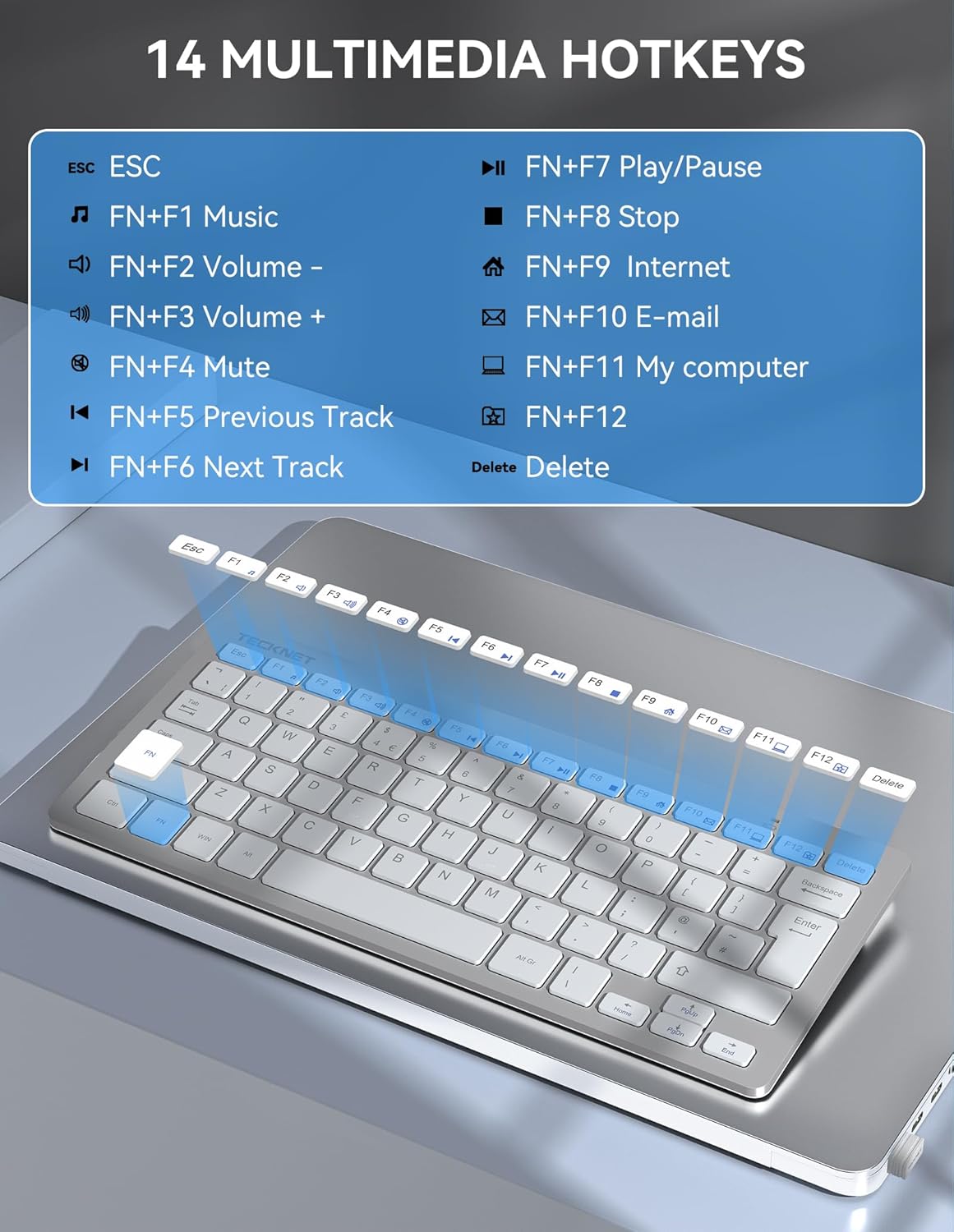
Where it does feel practical is in everyday control. There are 14 shortcut keys described to simplify tasks and reduce reliance on the mouse and navigation steps. In a home setup—like controlling a media screen—having dedicated hotkeys can save time compared with clicking through menus.
For a micro example: imagine you’re using a laptop on the sofa. You plug in the nano receiver, then you can jump to common media or commands with one of the hotkeys rather than moving your cursor, hunting the right on-screen button, and waiting for the interface to respond.
Connectivity and range (and what to expect)
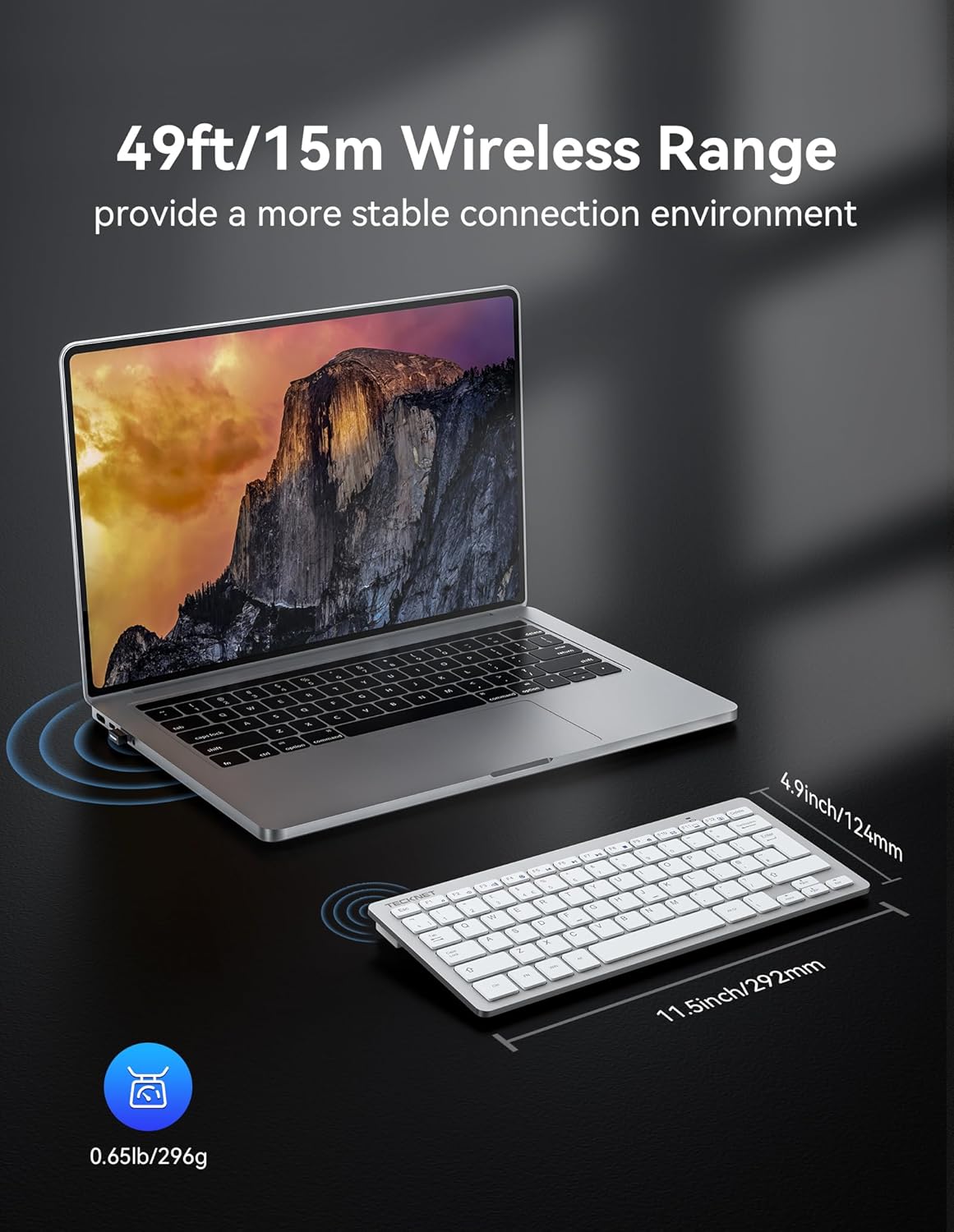
The 2.4G wireless connection is described with a use distance of up to 15 m. In real life, range can vary depending on walls, interference and how your setup is arranged, so it’s worth thinking about how far you’ll actually sit from the keyboard.

If you’re using it in the same room as your laptop, desktop or TV, it should fit the purpose. If you want reliable control across a larger space, you may want to be a bit cautious and plan your layout accordingly.
Compatibility and setup
This keyboard is described as compatible with Microsoft Windows 11/10/8/7/2000/XP/VISTA, Chrome OS, Linux, Smart TV, and more. That broad compatibility is helpful if you’re juggling devices.
Setup is straightforward: the 2.4 GHz nano USB receiver is stored inside the battery compartment. You insert it into your computer or laptop and use the keyboard immediately. No software install is mentioned, so it’s the sort of “set it up and forget it” device for many people.
Tech summary
- Type: 2.4G wireless mini keyboard
- Battery life claim: up to 12 months (based on 2 hours of non-stop use per day)
- Wireless range claim: up to 15 m
- Size/thickness: 0.4 cm slim
- Weight: 296 g
- Hotkeys: 14 shortcut keys
- Connection: USB nano receiver (stored in the battery compartment)
- Power: 2 x AAA batteries (not included)
- Compatibility: Windows 11/10/8/7/2000/XP/VISTA, Chrome OS, Linux, Smart TV and more
Where it shines, and where it may not
It’s a solid pick if you want a portable, ultra-thin wireless keyboard and you like having dedicated shortcut keys for quicker actions. The quiet-typing angle also makes it more suitable for shared spaces—like an office desk or a living room setup—where a very loud keyboard can be annoying.
It might not be the best match if you’re a heavy, long-hours typist who needs a full-size keyboard feel. Small keyboards often come with comfort compromises, and this one stays firmly in the compact category.
Also, keep in mind the battery spec is based on a usage assumption (2 hours of non-stop use per day). If your actual usage is heavier, your real runtime could be shorter.
Is it worth it?
Worth buying if you’re after a travel-friendly, compact 2.4G keyboard with plug-and-play setup, a claimed long battery life, a quiet-typing approach, and 14 shortcut keys to reduce mouse navigation. It suits buyers who want something simple for laptop bags, home desks, or even Smart TV browsing and control.
You may want to skip it if you need a full-size layout for comfort over long typing sessions, or if you’re looking for a keyboard experience that feels closer to a traditional desk model. If your priority is maximum typing comfort rather than portability, this one could feel like the wrong kind of compromise.