

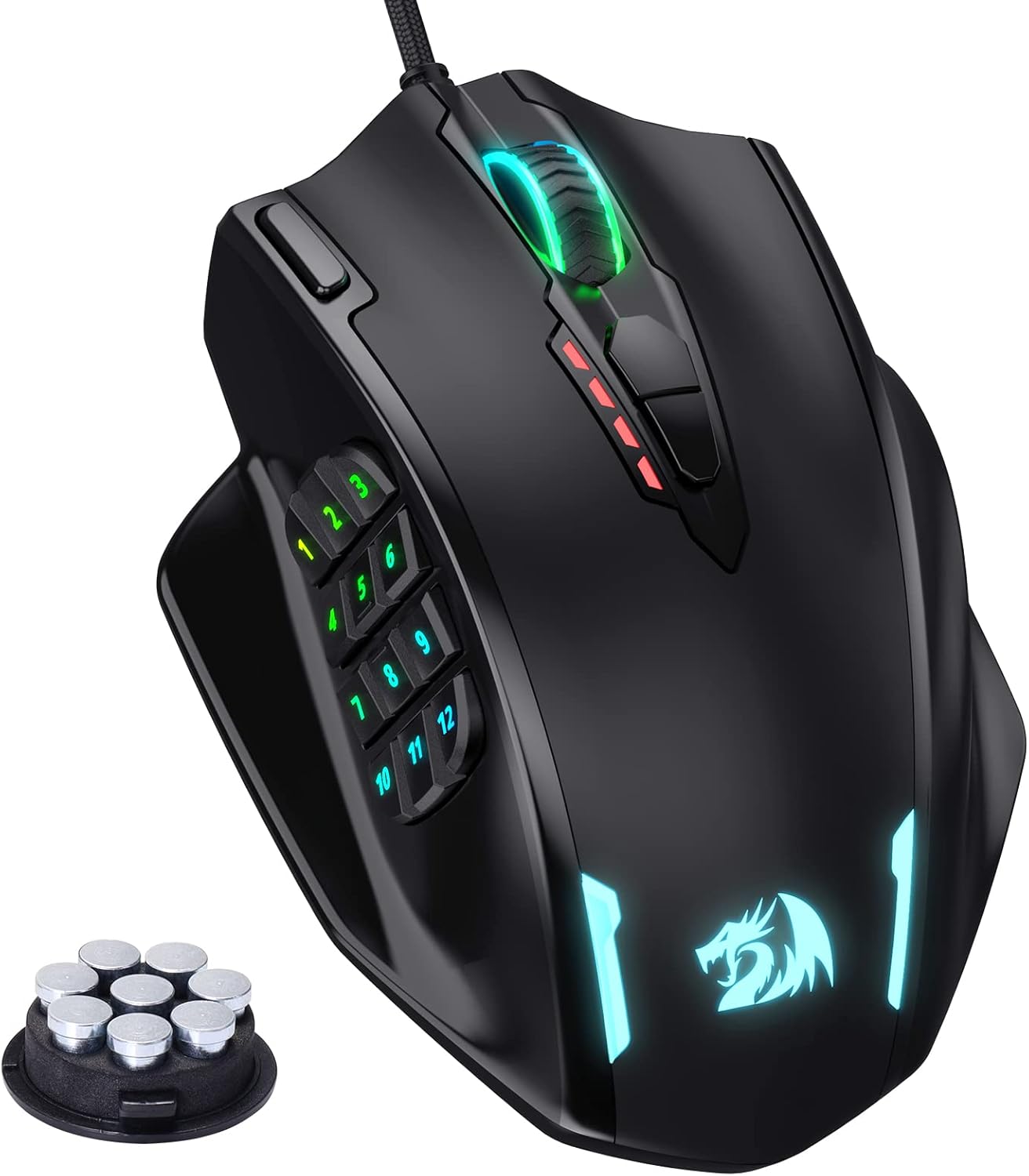
Redragon M913 Impact Elite Wireless Gaming Mouse (dual mode, 16.8M RGB, 45 hr battery, Pixart 3335)
Product description
What this mouse is for
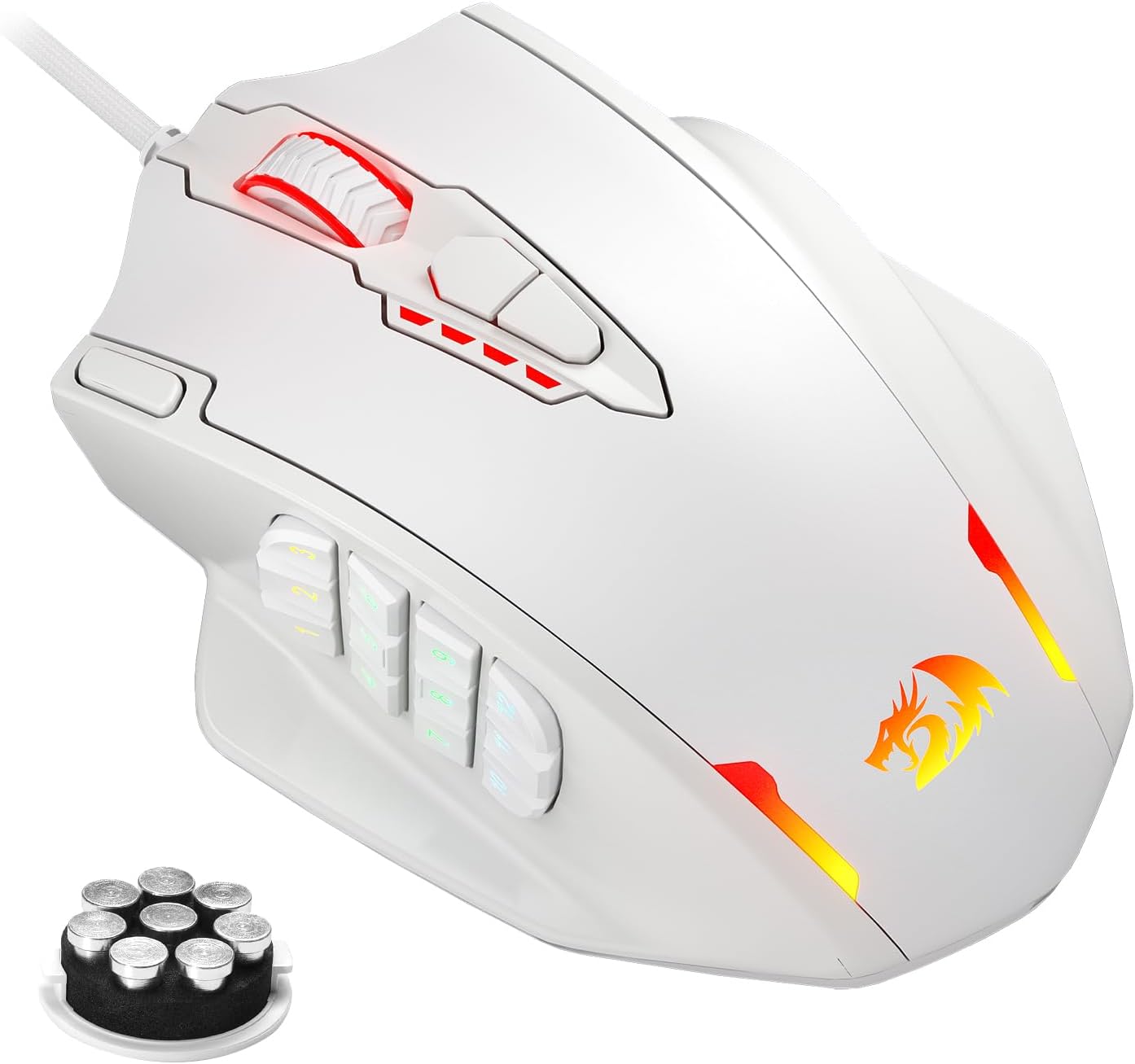
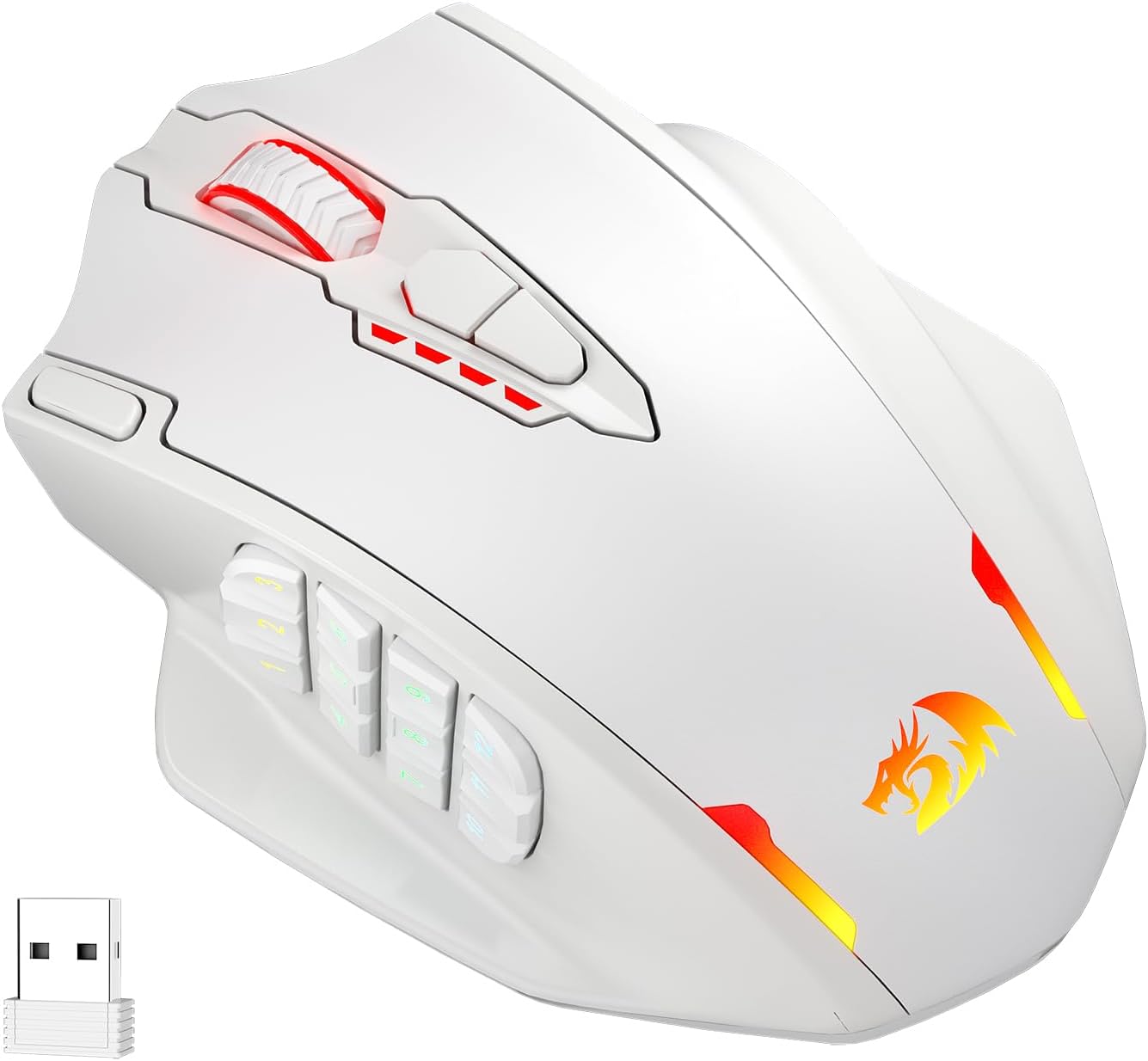
The Redragon M913 Impact Elite is a wireless/wired gaming mouse built around two modes of use: 2.4G wireless and a USB-C wired option. That matters in day-to-day gaming because you can switch depending on whether you want desk freedom or maximum “set-and-forget” stability when you’re plugged in. It also leans into an MMO-style layout, with 12 side buttons in addition to the main controls, so it’s not really a “casual only” shape.
It’s also aiming at low-latency performance. Over the paper, the mouse uses an improved optical Pixart 3335 sensor and claims fast response (quoted as 1ms). Pair that with a stated 45-hour battery figure (and an eco mode that can extend usage further by reducing backlighting) and you get a gaming mouse that tries to cover both sessions and routines without constantly thinking about charging.
The essentials at a glance
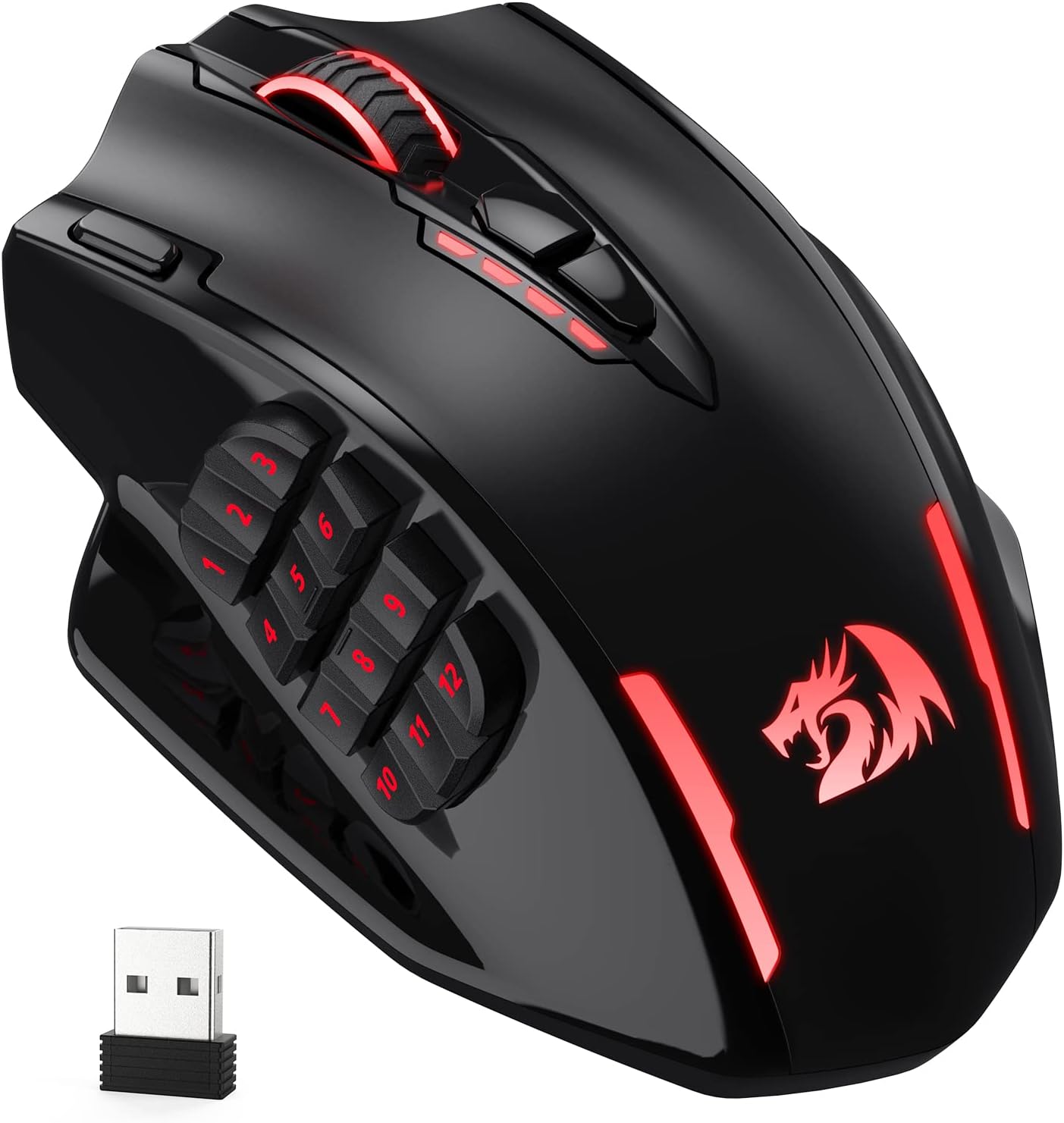
You get dual-mode connectivity (2.4G wireless plus USB-C wired), MMO-friendly button coverage (16 programmable buttons, including 12 side buttons), and RGB lighting with a stated 16.8 million colour range. For tracking, there are 5 onboard DPI steps: 1000/2000/4000/8000/16000, with a note that you can fine-tune DPI within a ±100 range.
One of the more practical “buying” details is onboard DPI and the ability to swap between different settings quickly. If you play games where you alternate between high-precision and faster turning, having multiple DPI levels you can switch between without messing around in software can reduce friction.
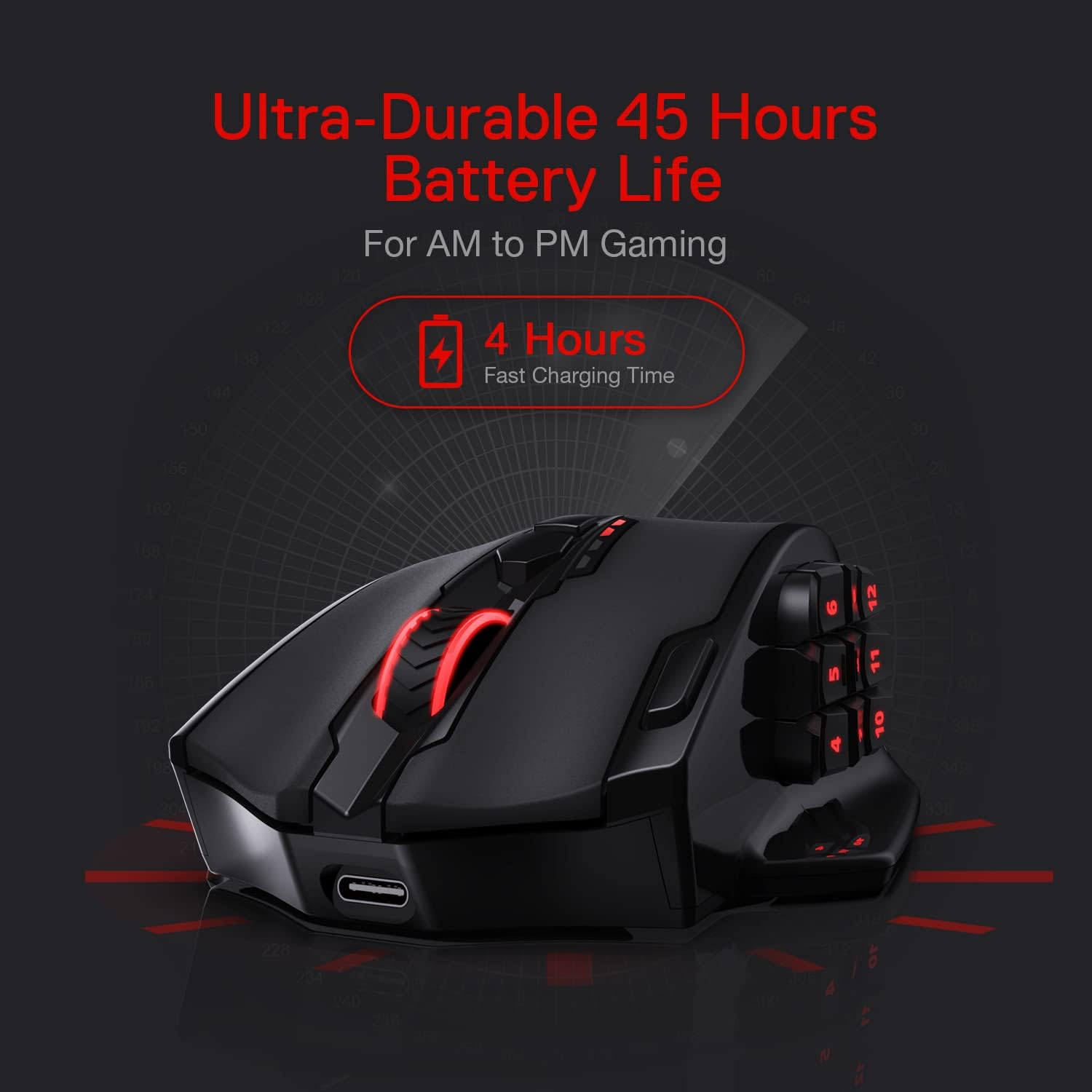
There’s also an eco mode concept: it’s designed to lower backlight usage and shift more focus towards battery life, with the brand quoting up to 80 hours in that mode. That’s a nice touch if you prefer your RGB more subtle, or you just don’t want it chewing through battery during longer sessions.
What stands out in everyday gaming
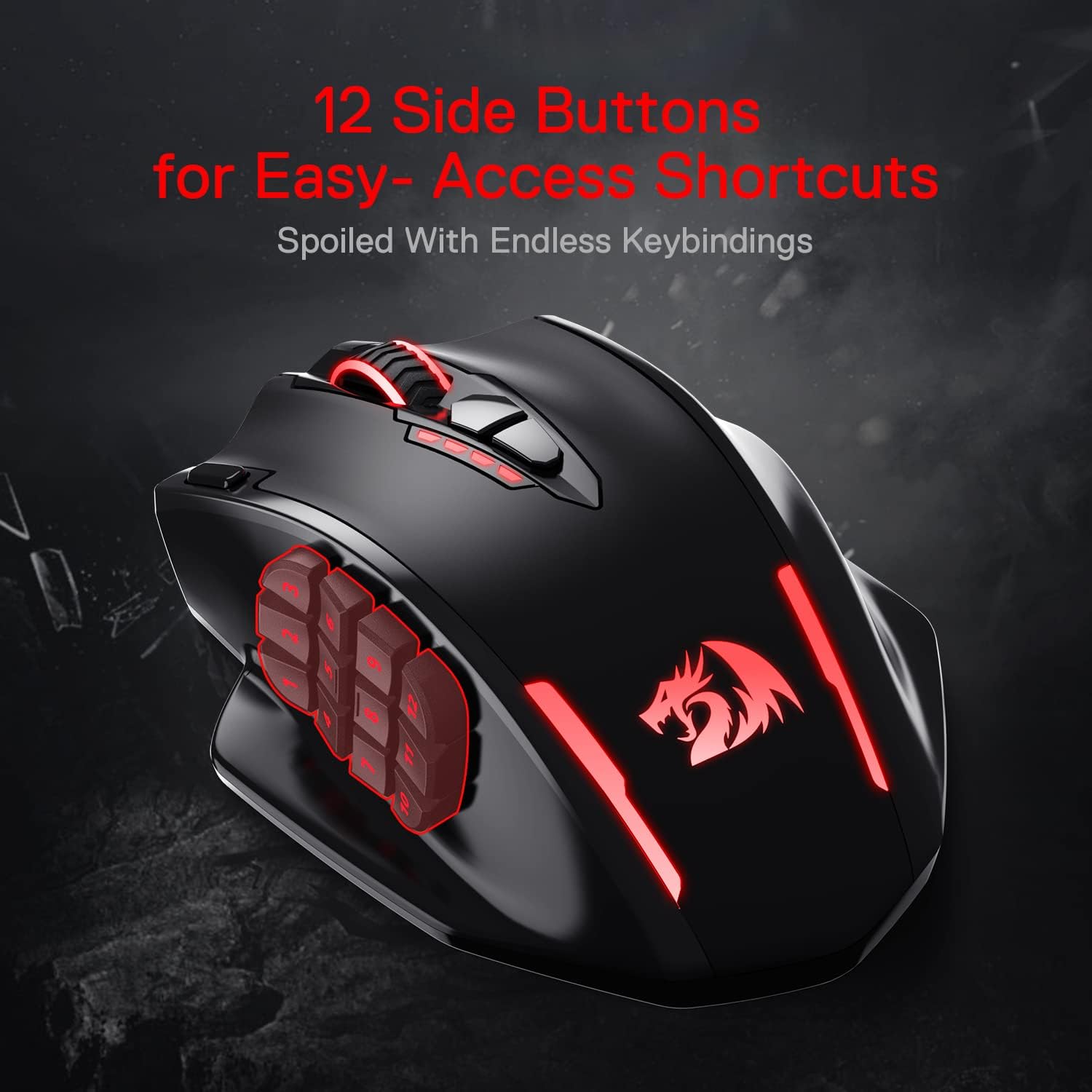
MMO-style controls are the headline here. If your rotation relies on lots of binds—spells, utilities, and quick toggles—the 12 side buttons are the sort of feature that can genuinely change how you play. For example, in an MMO-style session you can set movement-related actions and frequently used abilities on the side so they sit under your thumb, while still keeping core actions on the main body.
The sensor and latency focus is the other big angle. The included claim about immediate registration (within 1ms) is clearly positioned for responsiveness. Whether you can notice it will depend on your setup and the games you play, but at least on paper it’s not pretending to be a generic office mouse.
Dual-mode flexibility is also worth calling out. If you game at home and want wireless freedom, 2.4G makes sense. If you’re travelling or want a “no battery thoughts” approach, wired mode is there.
Where it may fall short (and who should be cautious)
This is an MMO-leaning mouse, so it may feel like overkill if you mostly play shooters where you only need a couple of side buttons. The extra controls are great if you’ll actually bind them—but if you know you won’t use 12 side buttons, you may simply prefer a more minimal layout.
Another limitation to consider is that the charging and battery figures are only meaningful alongside your actual lighting habits. Eco mode can reduce backlight usage, but if you run full RGB all the time, battery life may not match your expectations exactly (the spec is tied to eco mode behaviour). It’s not a dealbreaker, just something to factor into real-world expectations.
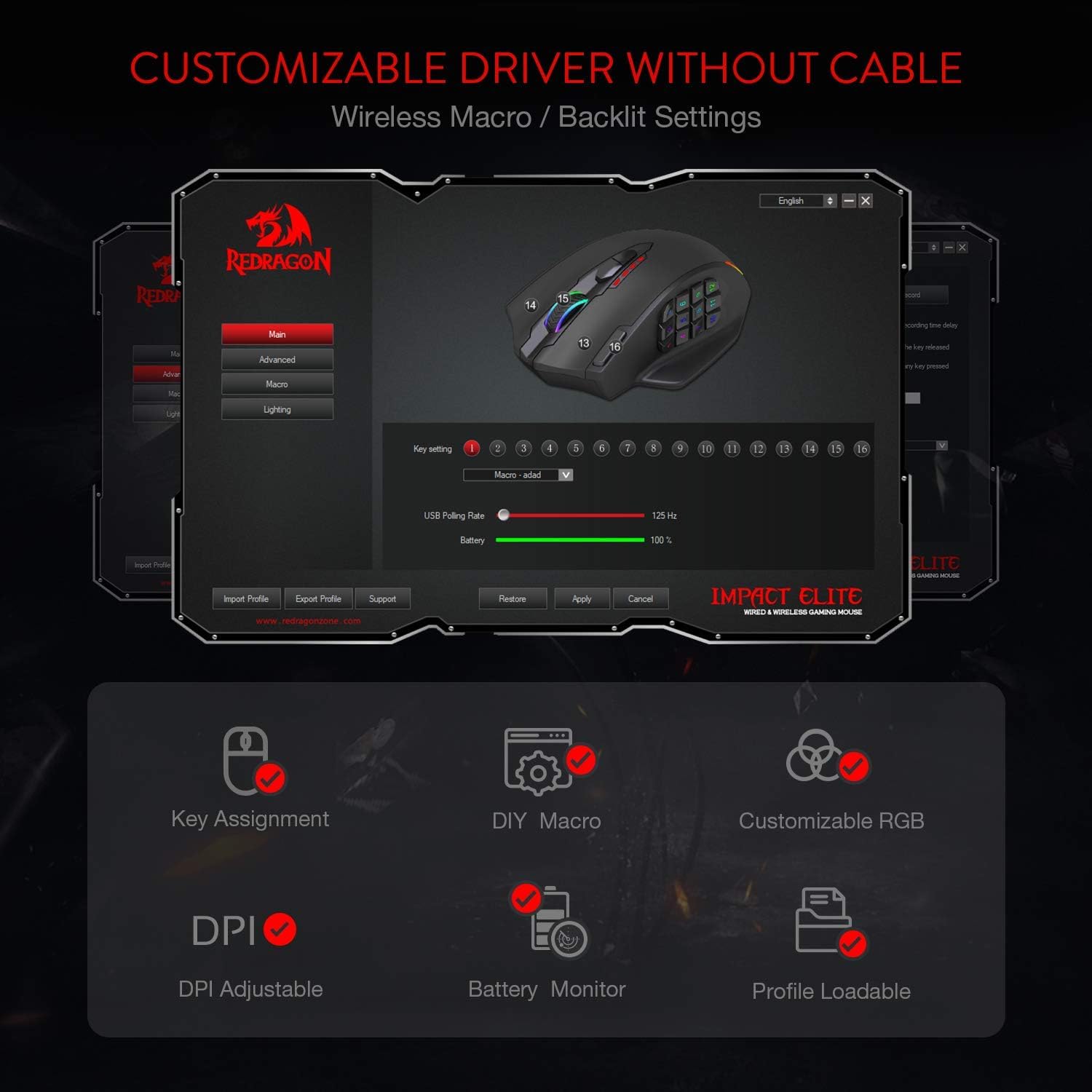
Finally, it’s positioned as a “feature dense” model. That usually means there’s more to configure in the software, especially with 16 programmable buttons and RGB customisation. If you prefer a plug-in-and-forget setup, you might spend a little time dialing it in.
Tech summary
Spec sheet
- Type: Wireless/wired gaming mouse (2.4G wireless + USB-C wired mode)
- Buttons: 16 programmable buttons, including 12 side buttons
- Sensor: Optical Pixart 3335 gaming sensor (stated low-latency response)
- DPI levels: 5 onboard DPI steps (1000/2000/4000/8000/16000)
- DPI adjustment: Personalizable DPI ±100
- Battery: Stated 45 hr battery, eco mode claims up to 80 hr by reducing backlight usage
- Lighting: RGB with 16.8 million colour effects
Compatibility & requirements
It supports wireless use via 2.4G, and wired use via USB-C. For button and lighting customisation, it uses its own software and the description notes that wireless mode is supported for customisation as well.
If you’re buying specifically for a particular device, it’s worth checking your setup has the appropriate port for USB-C (for wired mode) and that your system supports 2.4G wireless mice.
Is it worth it?
Buy it if you want a wireless/wired gaming mouse that’s clearly built for MMO-style binds, and you’re the kind of player who will actually use a big button count on the side. It also makes sense if you care about quick response and like the idea of multiple DPI steps stored on the mouse for swapping between play styles.
Skip it if you mainly play games where you rarely use extra side buttons, or you’d rather keep things simple with fewer controls. It may also not be the best match if you don’t want to do any configuration, because custom button binding and RGB control are a big part of what this mouse offers.
Mini FAQ
FAQ
How does the dual mode work? It’s designed to be used in either 2.4G wireless mode or USB-C wired mode, so you can choose based on your session.
Does it have DPI onboard? Yes—there are 5 onboard DPI levels plus a stated ±100 personalisation range.
Can RGB affect battery life? The description specifically mentions eco mode reducing backlit usage, with the eco figure (up to 80 hours) tied to that idea.
Is the 12 side buttons feature worth it? On paper, it’s aimed at MMO-style play. If you don’t plan to bind lots of actions there, those extra buttons may be unused bulk.
Final thoughts for buyers
The Redragon M913 Impact Elite is a strong “spec-for-what-you-pay” type of gaming mouse: dual-mode connectivity, an MMO button layout, and a sensor focused on fast response. It’s not ideal for people who want a stripped-back design or who won’t use the side buttons—but if you’ll make use of the binds and DPI switching, it’s the kind of mouse that can fit your routine rather than just look good on a desk.