

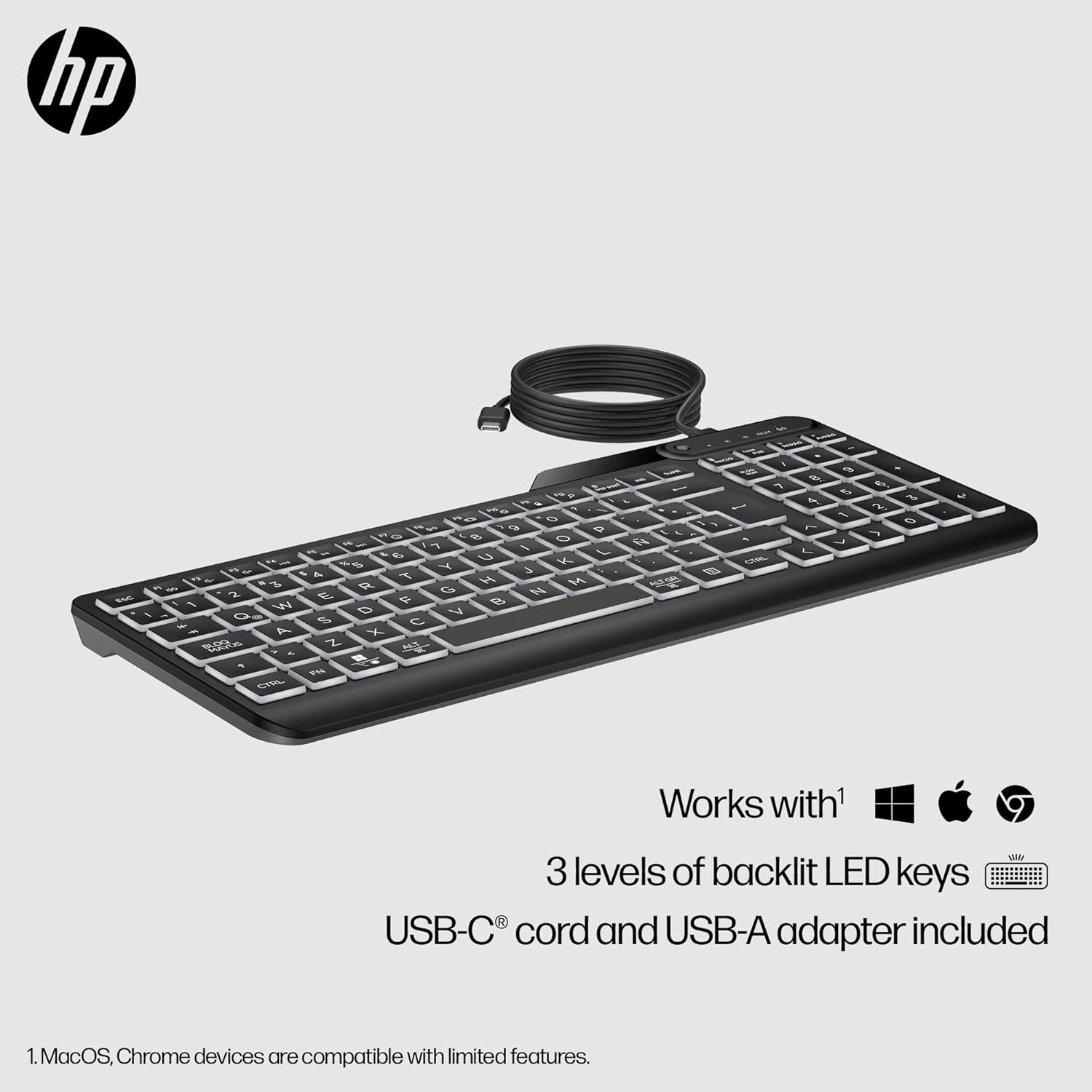
HP 400 Backlit Wired Keyboard (UK layout) with Warm White LEDs, 12 Programmable Keys, USB-C/USB-A
Product description
The essentials
If you’re bouncing between home-office and office-office, a slim wired keyboard can be a surprisingly sensible buy. The HP 400 Backlit Wired Keyboard is designed to travel well, with warm white LED backlighting for late-night work and a compact feel that’s easier to pack than bulkier alternatives. It also leans into practical day-to-day comfort: the keys are described as “super-quiet”, it has a low-profile design, and you get tilt adjustment (0–6 degrees) so your wrists aren’t fighting the desk.
It’s not a gaming keyboard, and it won’t replace a workstation model for high-end macro-heavy workflows. But for office use, commuting, admin tasks, and anyone who wants a tidy setup without thinking about batteries, it’s a good match on paper.
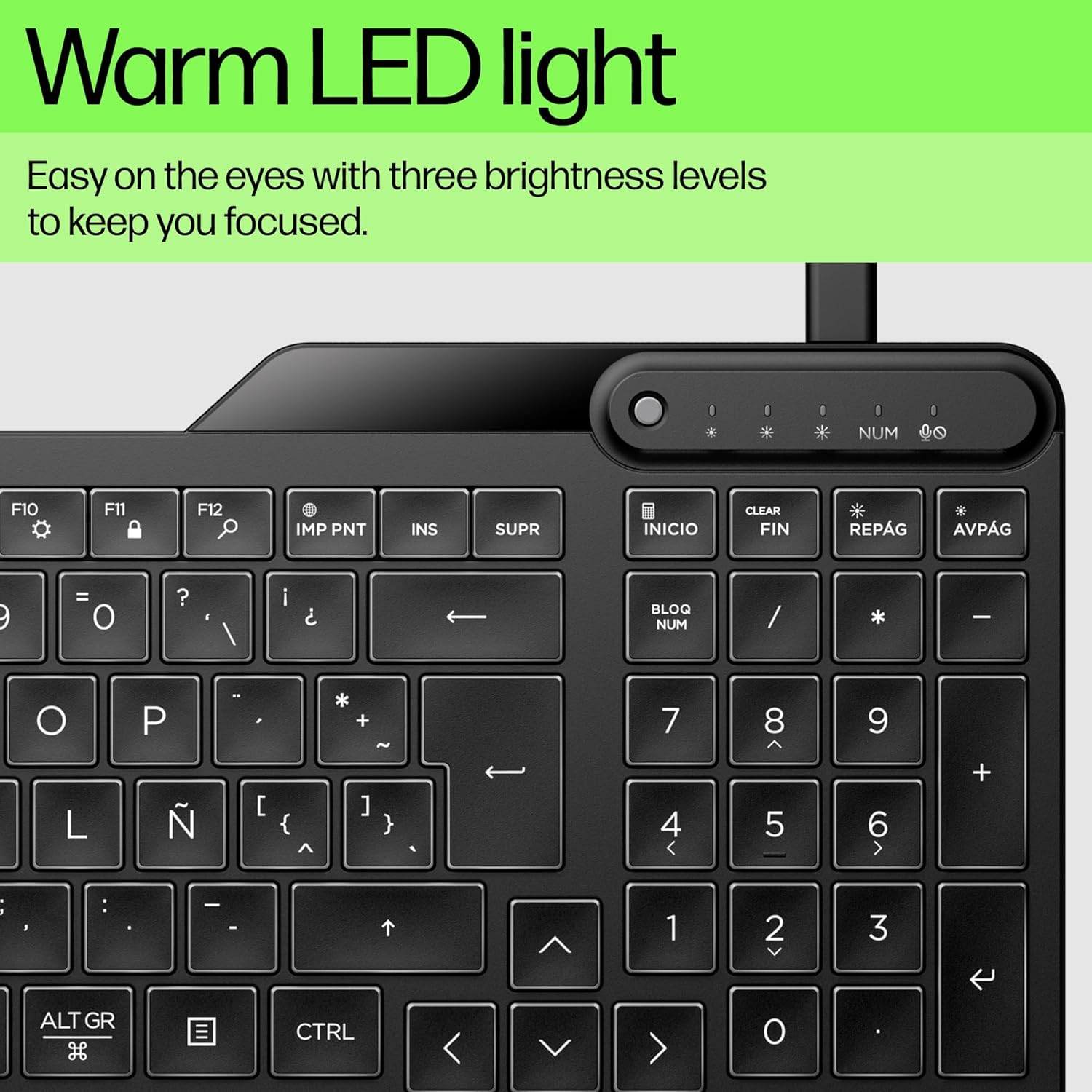
It matters that the backlight is controllable. You get three brightness levels, so you can tune the glow rather than blasting your room in the evening.
Key features that you’ll actually use
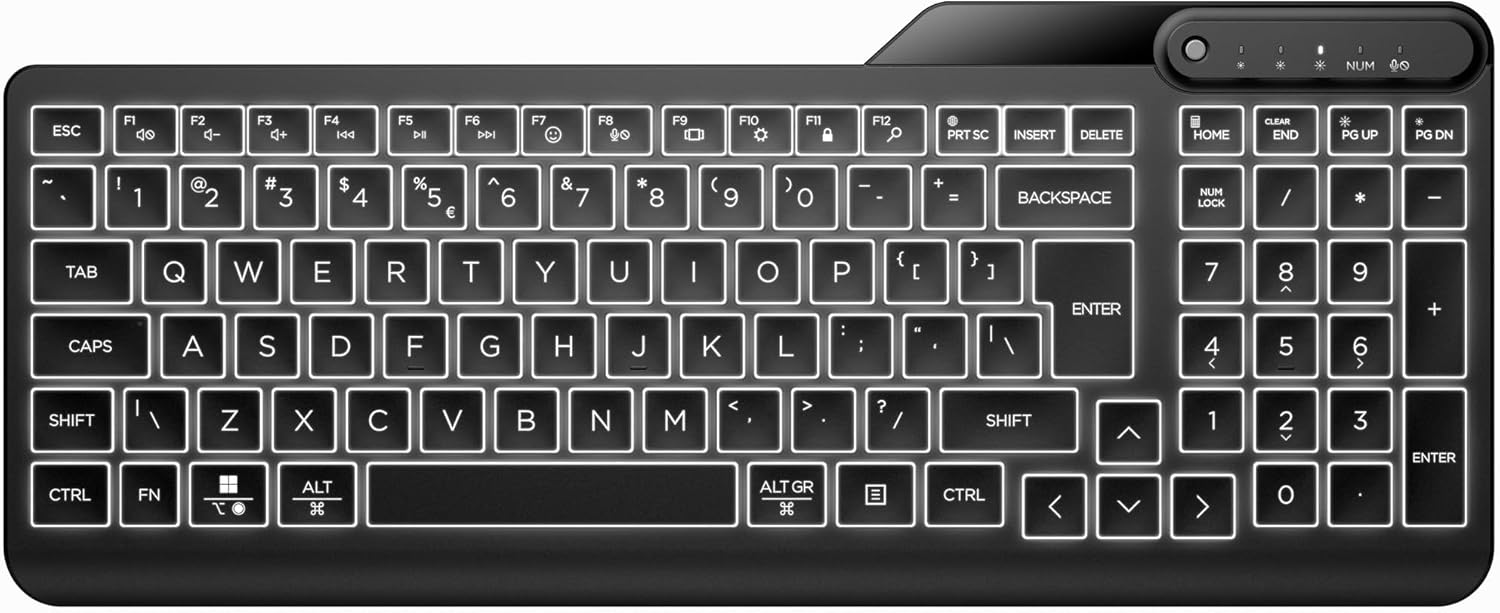
The headline feature here is the warm white backlit illumination on the keys. That helps when you’re typing in lower light, and it also reduces the “where are my keys?” friction for people who type by feel.
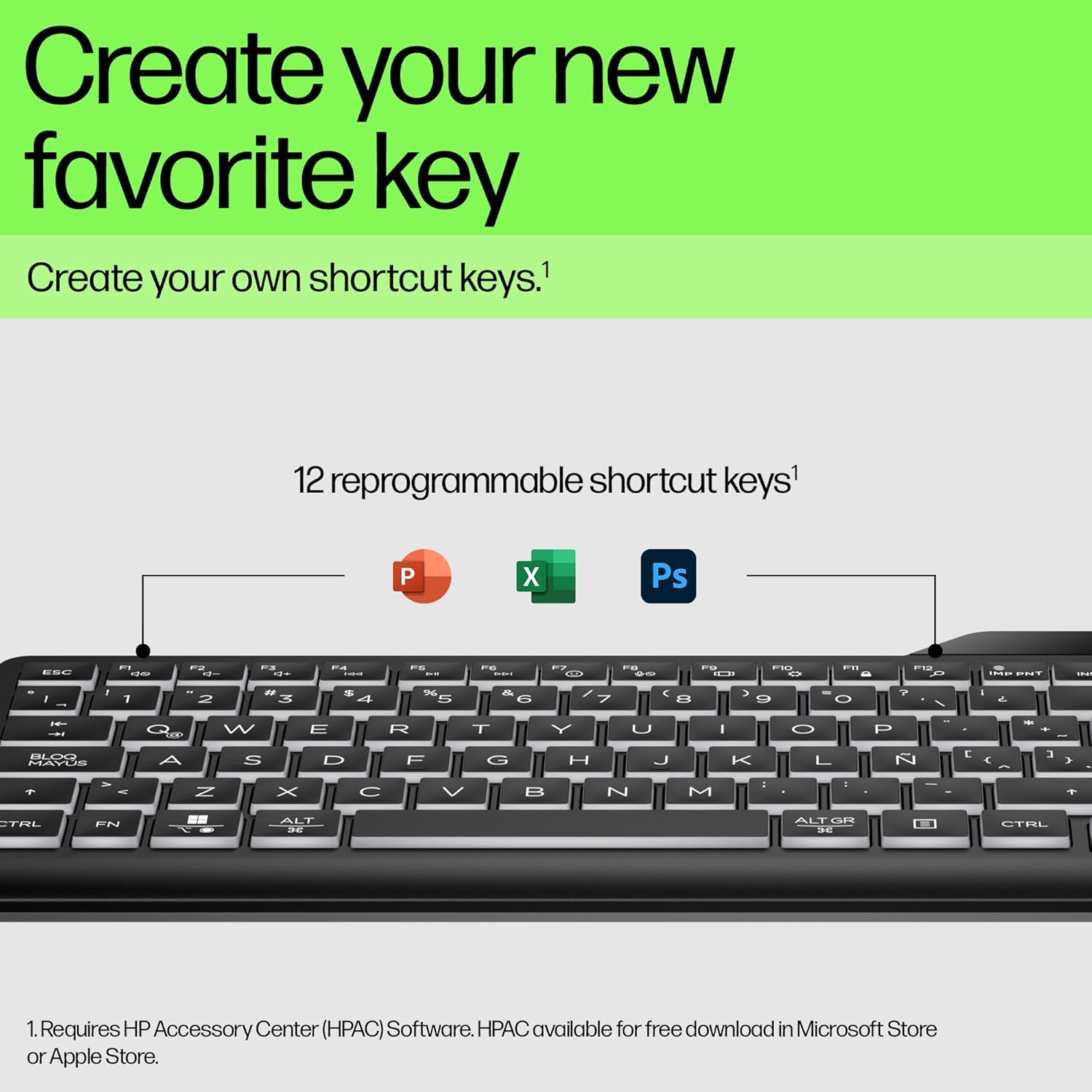
Then there are the 12 programmable keys. In real work, that tends to mean shortcuts you use repeatedly—think of things like launching frequently used tools, triggering a routine, or mapping more complex keystroke combinations you’d otherwise have to remember or manually perform. The value of this is speed and consistency: fewer keystrokes, fewer mistakes.
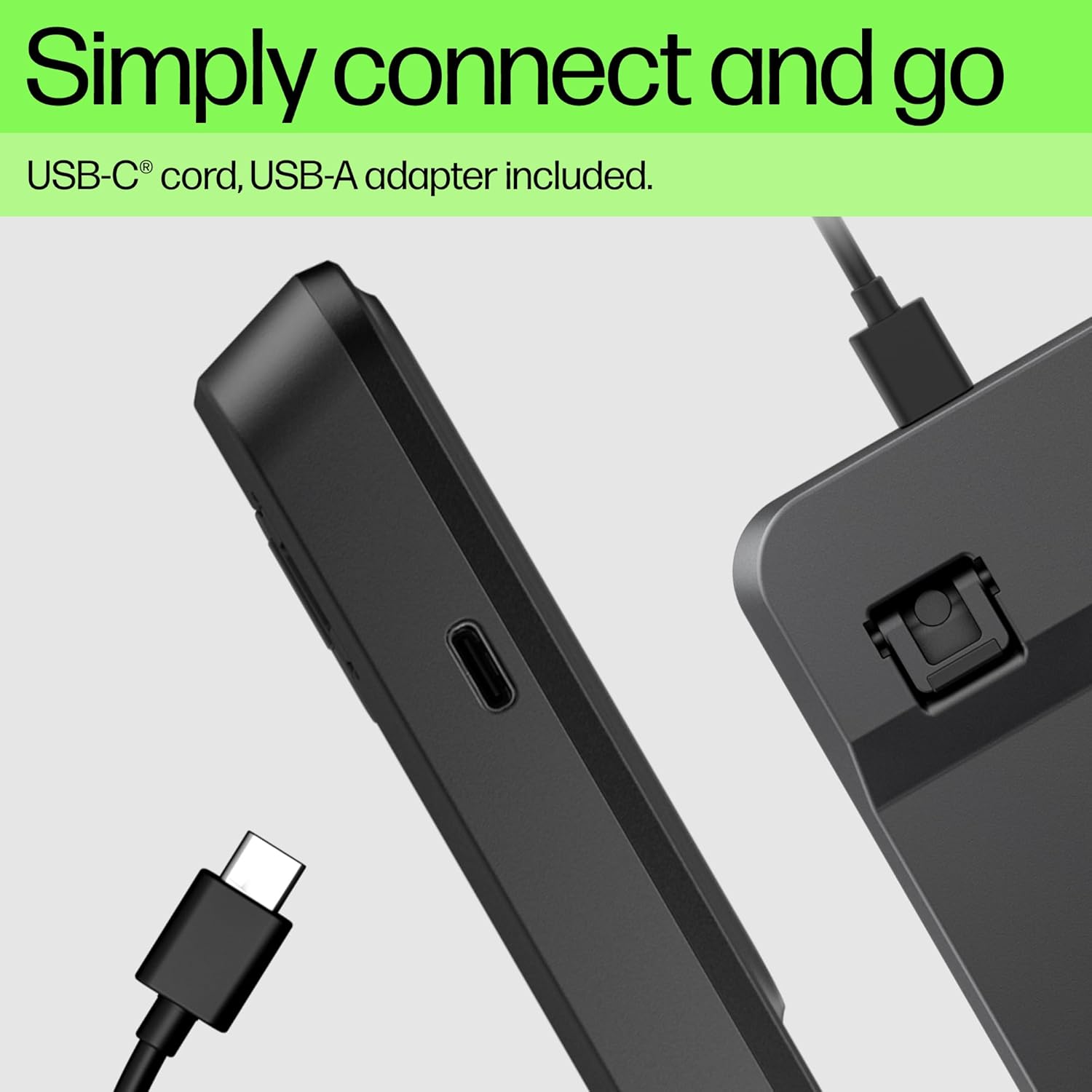
A big practical point for commuters is that this is wired. There’s no battery life to manage, which makes it easier to live with if you’re moving between locations. The keyboard comes with a USB-C cord and a USB-A adapter, which can help when you’re plugging into different devices.
What matters most for comfort and everyday typing

Typing comfort often comes down to small details. This model includes a 0–6 degree tilt, so you can slightly angle the keyboard to suit your desk and chair setup. Over time, that can make a noticeable difference if you’re prone to tensing up when you work for hours.
On noise: the description states it’s “super-quiet”. That’s the kind of detail you care about if you share a room or you’re working near others.
There’s also a spill-resistant approach mentioned in the description. It’s not the same thing as “spill-proof” (accidents still happen), but it does suggest it’s been built with normal day-to-day risks in mind—think of the occasional drink near your desk.
One limitation to keep in mind: because it’s a backlit wired keyboard aimed at office use, the build and feel may sit more in the practical/mid-range side than in premium “enthusiast” territory.
Portability and setup: where it fits in
This keyboard is positioned as travel and commuter friendly. The slim and portable design, plus the always-on wired nature, makes it an easier add-on to a laptop bag. The warm white LEDs also give you one less reason to rely on a bright desk lamp when you’re working into the evening.
Here’s a micro example: you finish late work at home, pack the keyboard next to your laptop for the commute, then plug it in at the office without worrying about charging. If the office lighting is dim, you can switch between the three brightness levels until the keys are visible but not distracting.
Tech summary
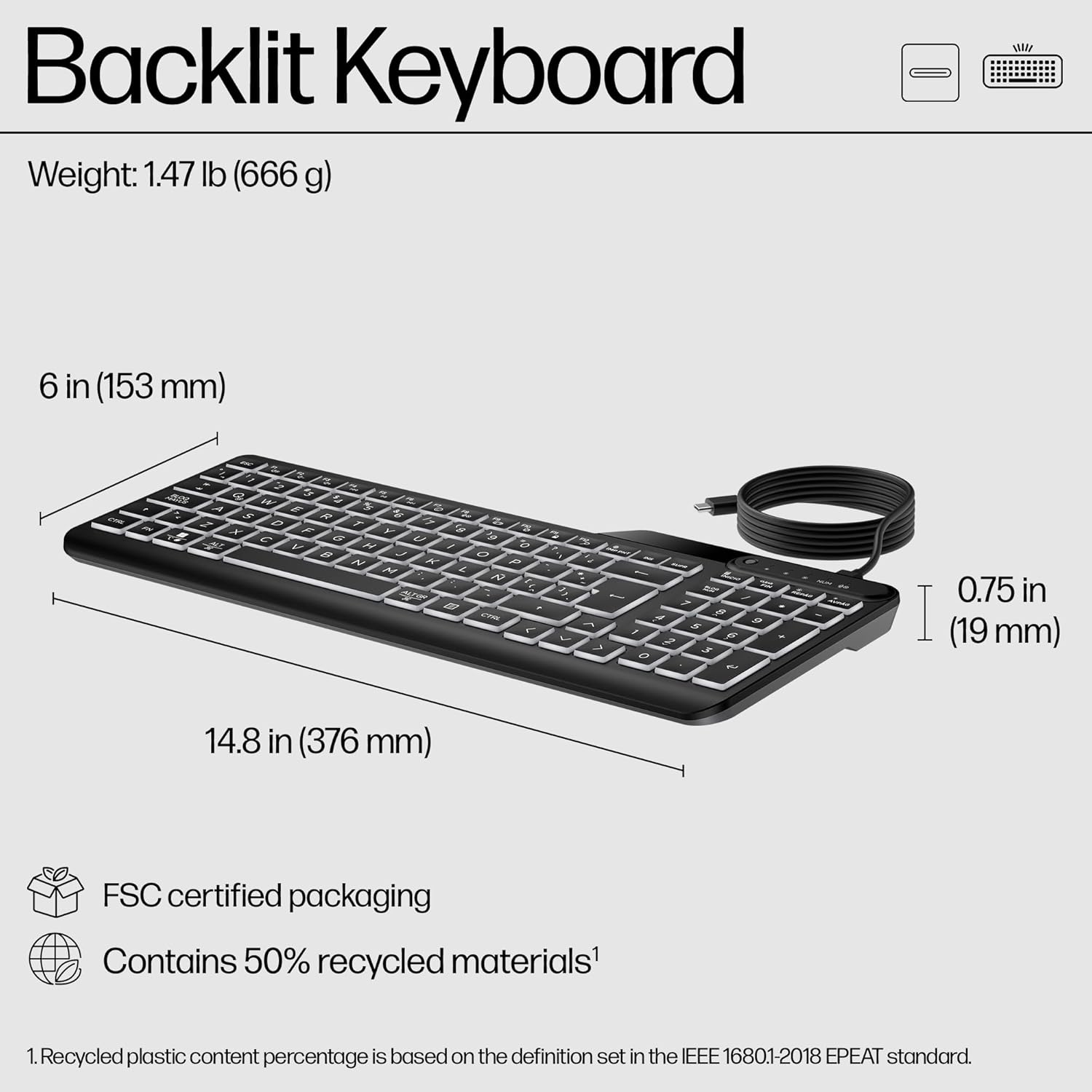
- Name: HP 400 Backlit Wired Keyboard
- Type: Wired keyboard with backlit LED keys
- Colour: Black
- Display: Warm white LED illuminated keys
- Brightness: 3 adjustable brightness levels
- Programmable keys: 12
- Tilt: 0–6 degrees
- Layout: UK layout
- Connectivity: USB-C cord and USB-A adapter
- Features: Spill-resistant, sanitizable, super-quiet keys
Care & requirements to consider
Because the keyboard is described as spill-resistant and sanitizable, it’s designed with hygiene and real-life desk habits in mind. Still, you’ll want to follow sensible handling—avoid soaking the keyboard, and wipe it down appropriately rather than treating it like it can be fully submerged.
Also, while the USB-C cord and USB-A adapter help with flexibility, it’s worth checking what ports your devices actually have. If you mostly use one connector type, the inclusion of both will be convenient, if your setups are unusual, you may need to confirm compatibility before you rely on it.
In the box
The description mentions that the keyboard includes a USB-C cord and a USB-A adapter. Beyond that, there aren’t any specific packing details provided here, so it’s worth checking the listing if you need to know exactly what else comes with it.
Should you buy it?
Buying the HP 400 makes sense if you want a slim, portable, always-ready wired keyboard with warm white key backlighting and a handful of programmable shortcuts for office-style workflows. The three brightness levels and the 0–6 degree tilt are the sort of touches that can improve daily comfort, especially if you work late or in mixed lighting.
You may want to skip it if you’re looking for a wireless keyboard, a fully minimalist mechanical feel, or a higher-spec enthusiast setup. And if you strongly prioritise top-tier ergonomics beyond a simple tilt, this might feel a bit limited—by design it’s more about commuting practicality than deep customisation.
For buyers who commute or work across multiple desks, it’s the kind of keyboard that removes the usual friction (no battery to manage, LEDs for visibility, and programmable keys for speed).
Mini FAQ
Is it battery-free?
Yes—because it’s a wired keyboard, the description frames it as not needing battery life for the backlighting.
Can you adjust the backlight?
Yes. It has warm white LED illumination with three adjustable brightness levels.
What are the programmable keys for?
The description explains you can create your own shortcuts or automate difficult keystroke combinations, which is useful for repetitive tasks.
Does it work with USB-C and USB-A devices?
The keyboard includes a USB-C cord and a USB-A adapter, which is aimed at flexibility across different devices.
Is it suitable if you’re worried about spills?
It’s described as spill-resistant and sanitizable, but it’s still smart to avoid soaking it and to clean carefully.