

OMOTON Wireless Bluetooth Keyboard for Mac 3‑device support
Product description
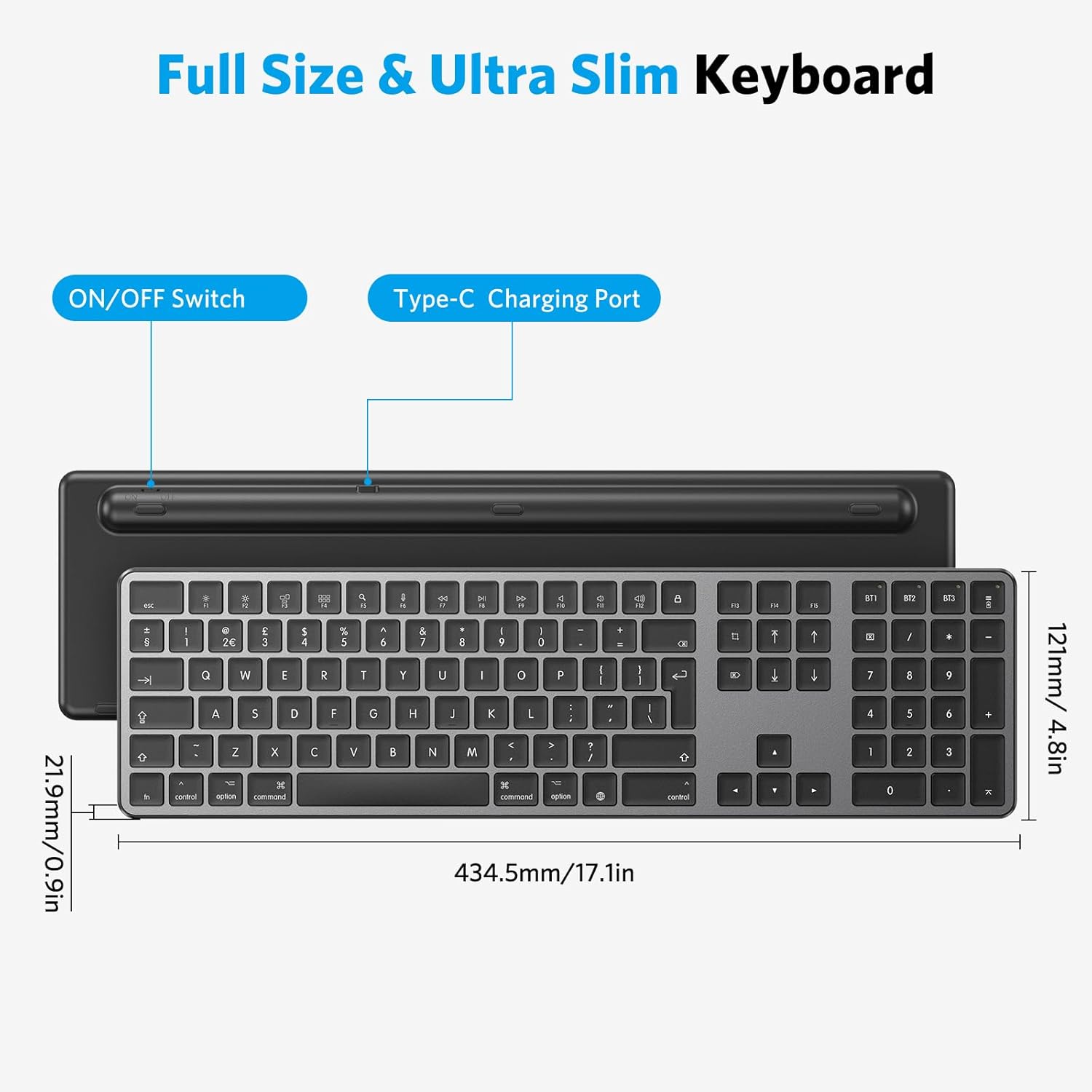
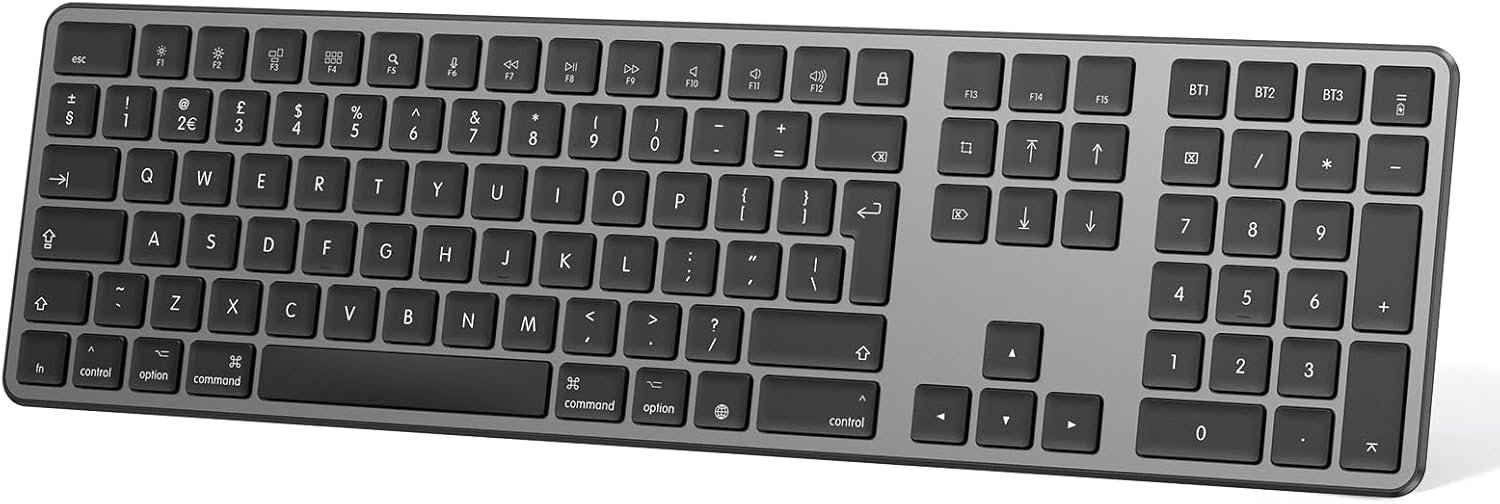
This rechargeable Bluetooth keyboard is built for Mac users who need a quiet, full‑size layout for everyday work. It combines a UK QWERTY Mac layout with a numeric keypad and dedicated Mac hot keys, so typing and shortcuts feel familiar and efficient.
Key points
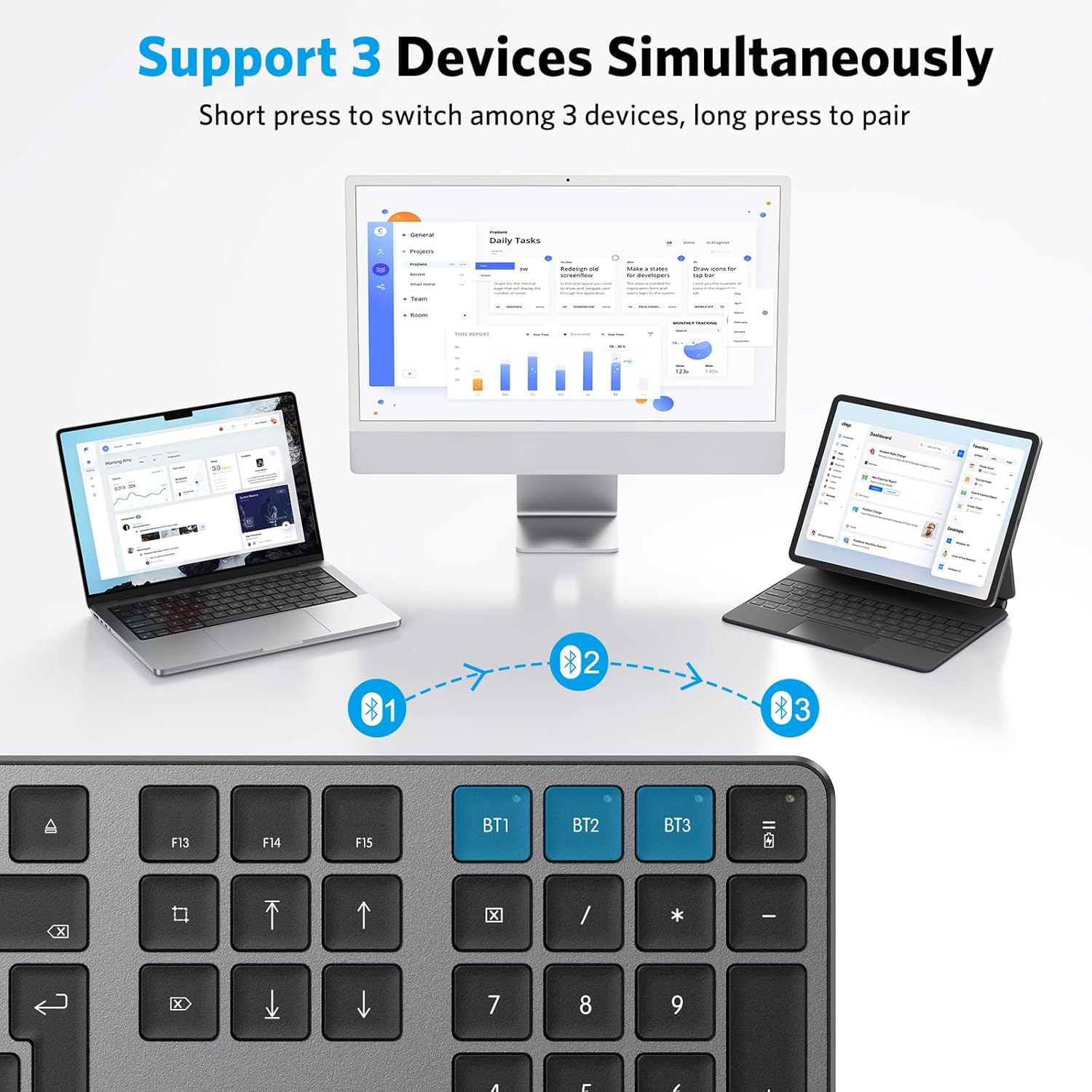
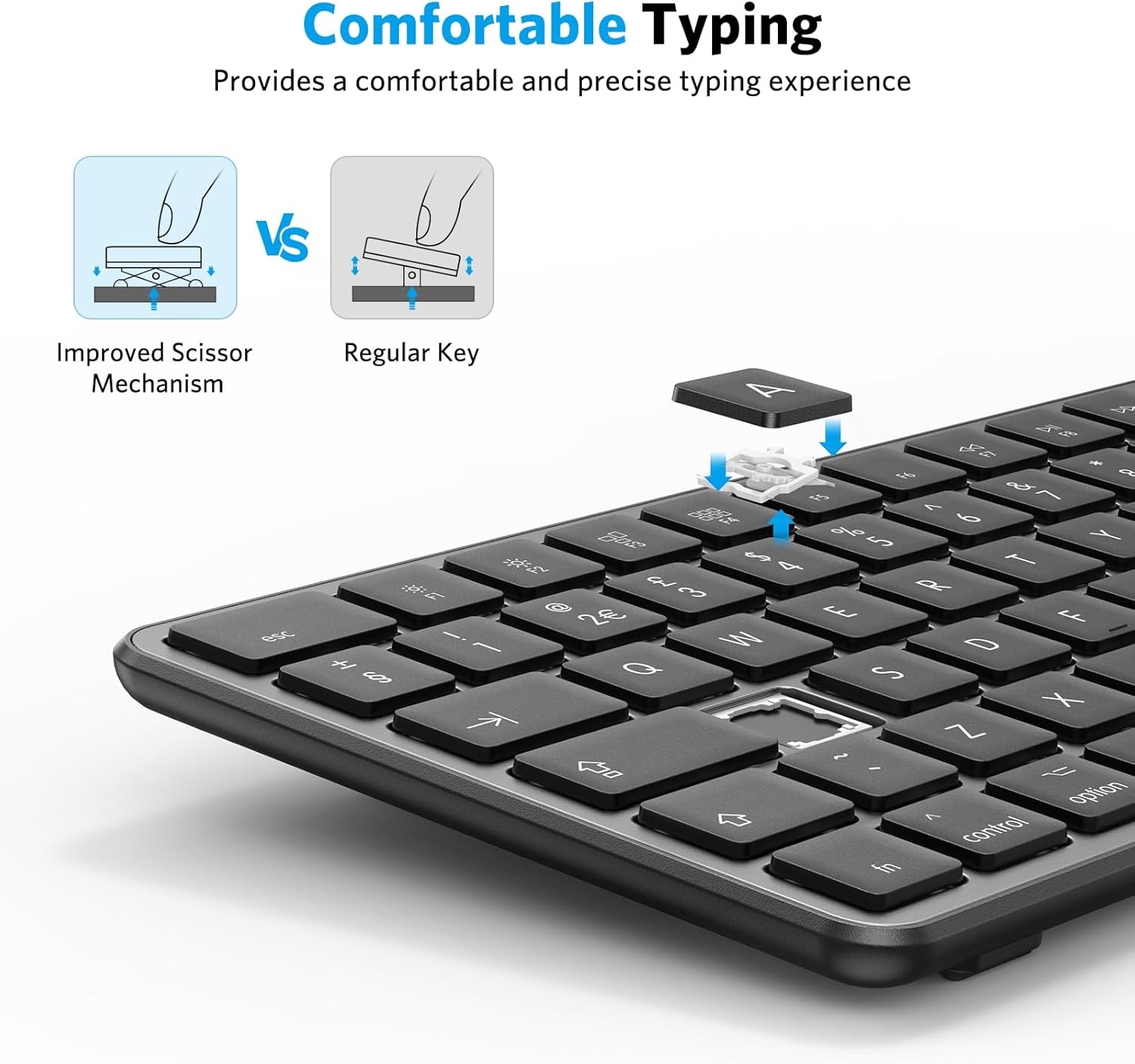
The keyboard offers three Bluetooth channels to pair with multiple Macs or iOS devices and switch between them with a single key sequence. Typing is soft and muted thanks to a scissor‑style key mechanism, which reduces noise during long sessions 👩💻. The slim, lightweight plastic chassis keeps the unit portable without adding bulk.
Tech summary
- Name: OMOTON Wireless Bluetooth Keyboard for Mac
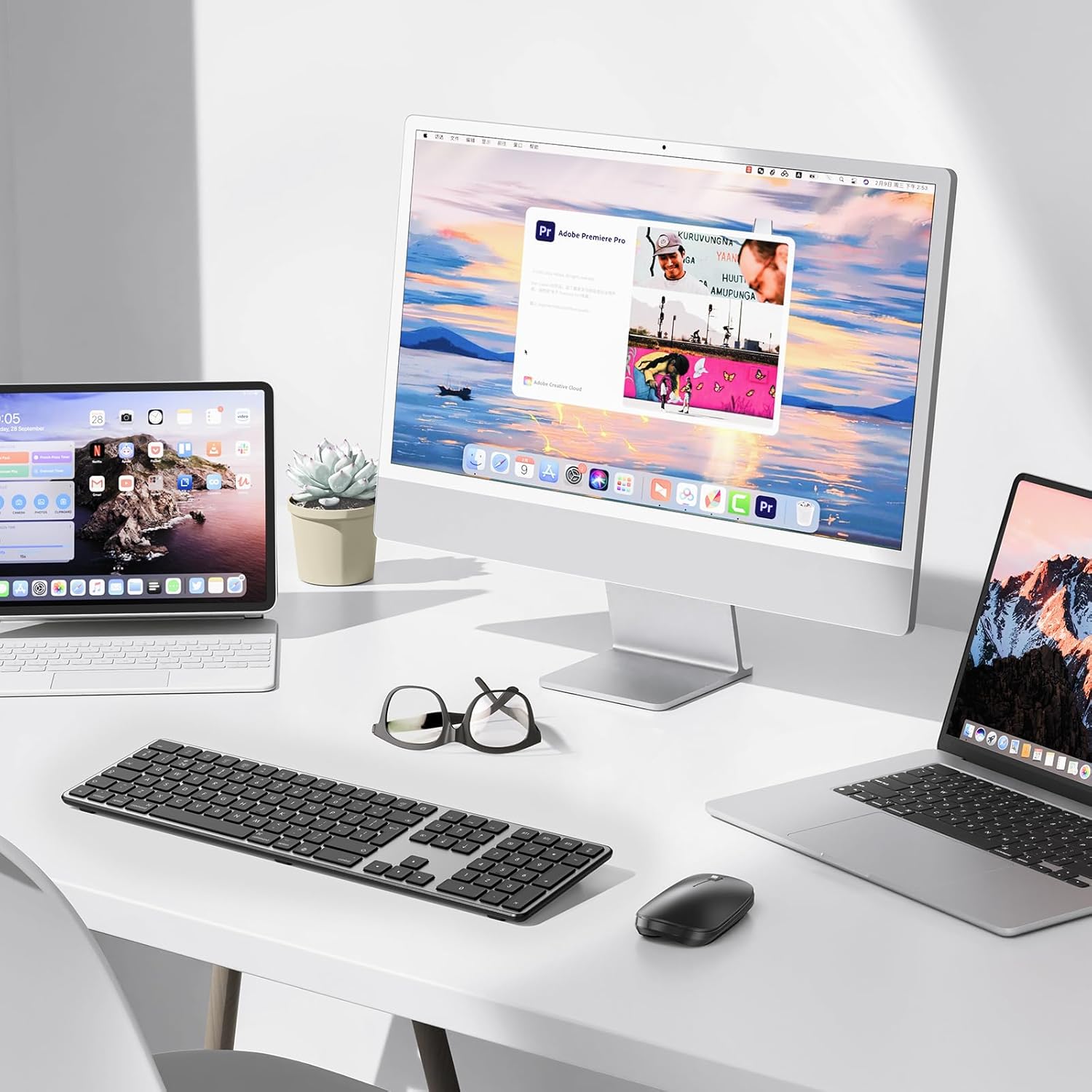
- Compatibility: Mac OS systems only, including MacBook Mac Mini iMac Mac Pro
- Connectivity: Bluetooth with three device channels
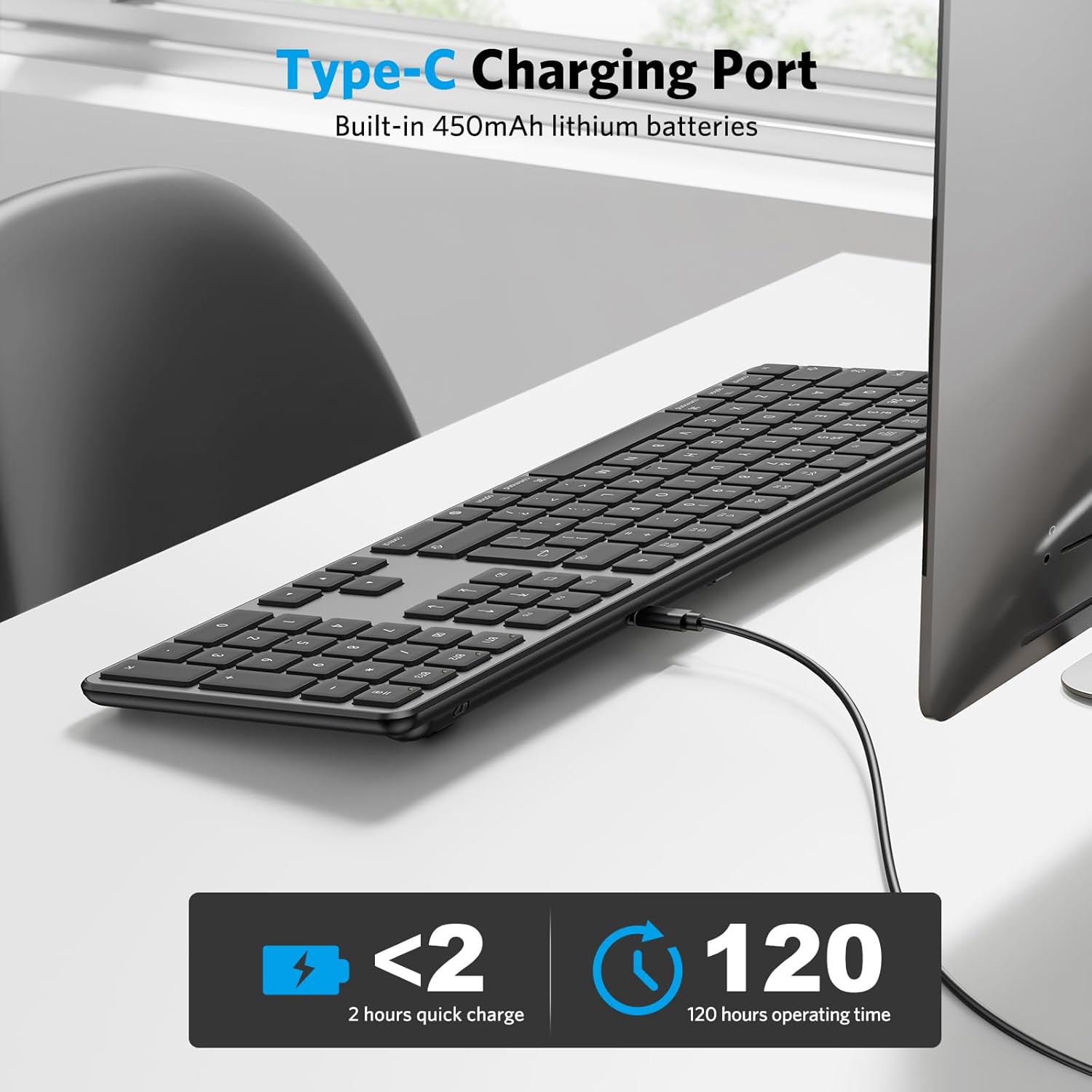
- Battery: Rechargeable built‑in battery with micro USB charging
- Type: Full‑size keyboard with numeric keypad
What you’ll notice day to day
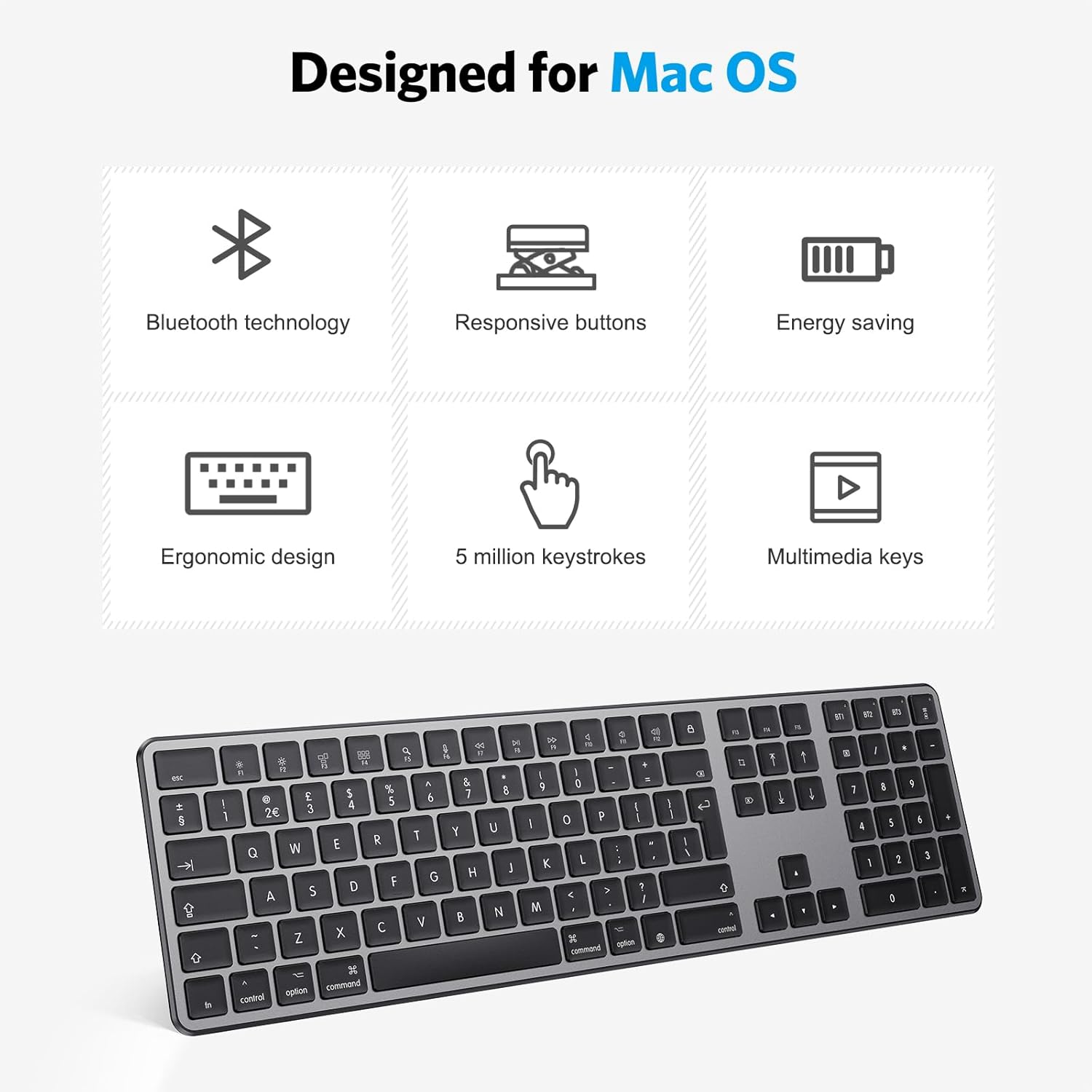
You will immediately appreciate the Mac‑specific hot keys for multimedia and system commands, which aim to speed common tasks. The full numeric pad helps with spreadsheets and data entry, making occasional number work less fiddly. Note that compatibility is limited to Mac OS, so it may not work with non‑Apple systems.
How to use it
Pairing is straightforward, switch channels by pressing the FN key plus the chosen BT key, then select the keyboard from your device’s Bluetooth list. Charge via the included micro USB cable, the manufacturer notes a 2–3 hour charge time for a full battery. Keep the keyboard on a flat surface for the best typing feel and quiet operation.