

ASUS ZenScreen MB229CF Portable Monitor – 22-inch Full HD IPS with USB-C PD, built-in speakers & flexible mounting
Product description
What matters most
The ASUS ZenScreen MB229CF is a compact, 22-inch portable monitor designed to extend or mirror your laptop or desktop work remotely. It weighs around 2.2 kg and sticks to a slim profile that can slip into a bag or slot when not in use. On paper, its blend of USB-C connectivity with 60W Power Delivery, an HDMI input, and built-in speakers aims to cover common travel and on-desk needs where extra screen real estate helps with multitasking, presentations, or simple entertainment.
Tech specs
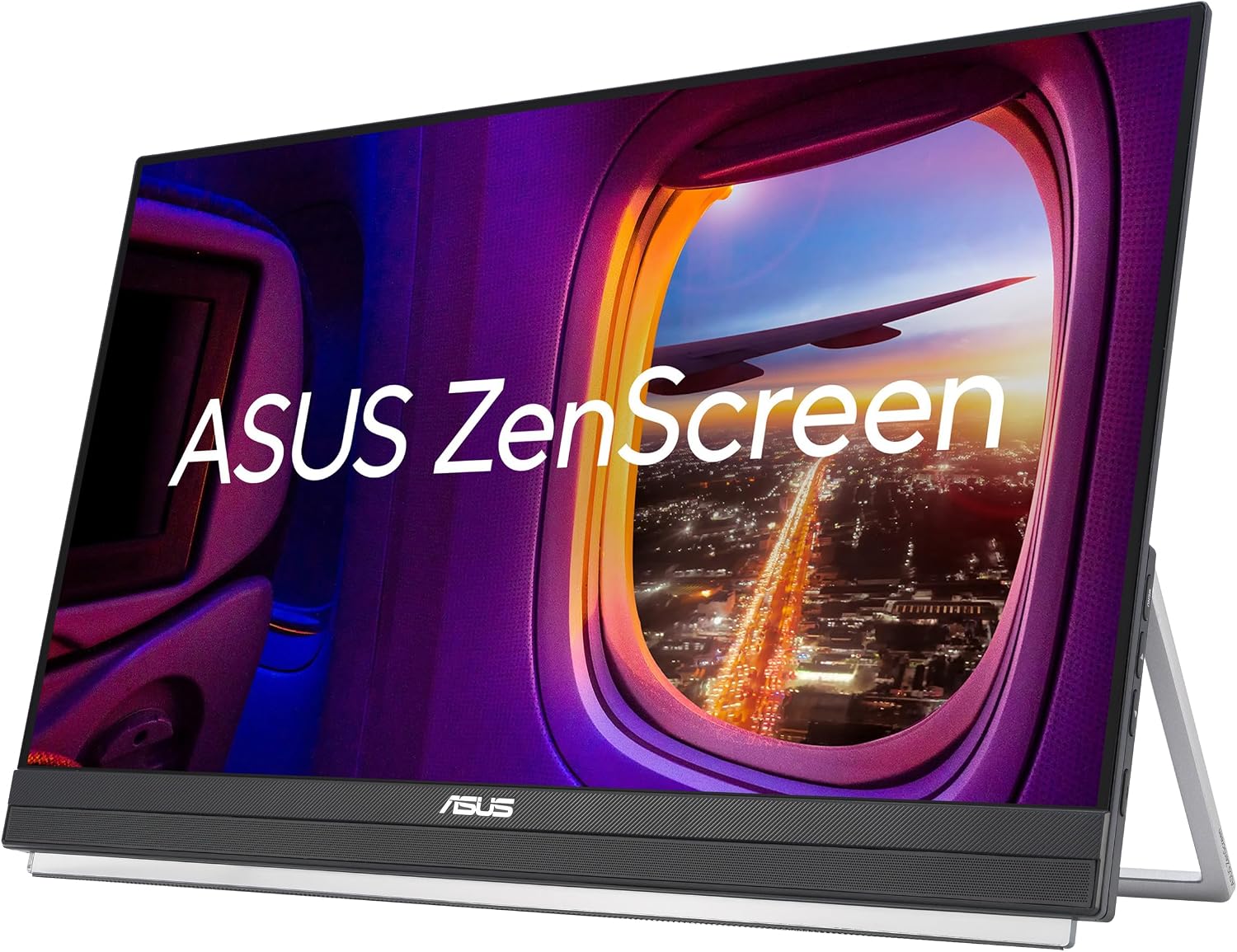
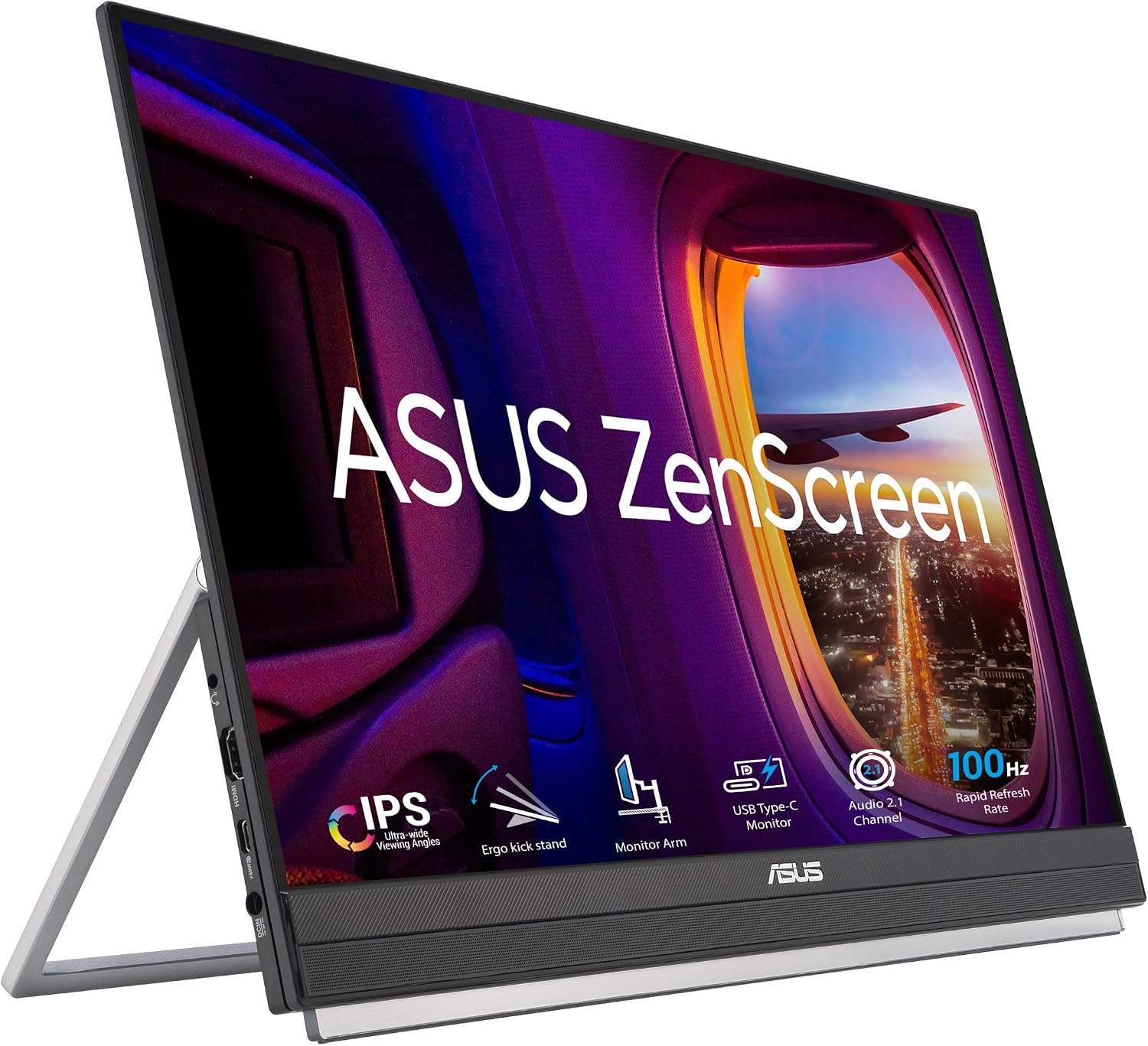
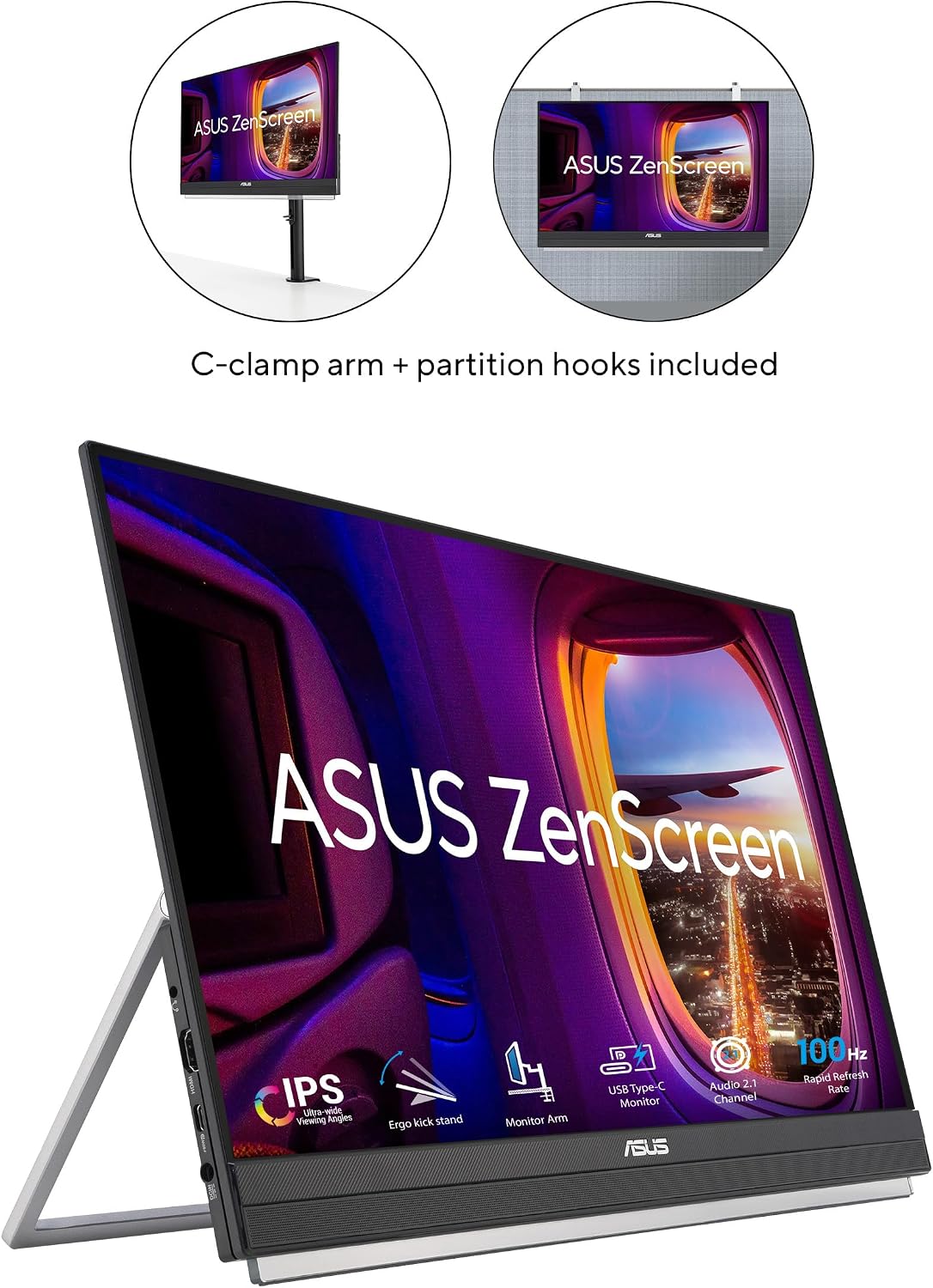
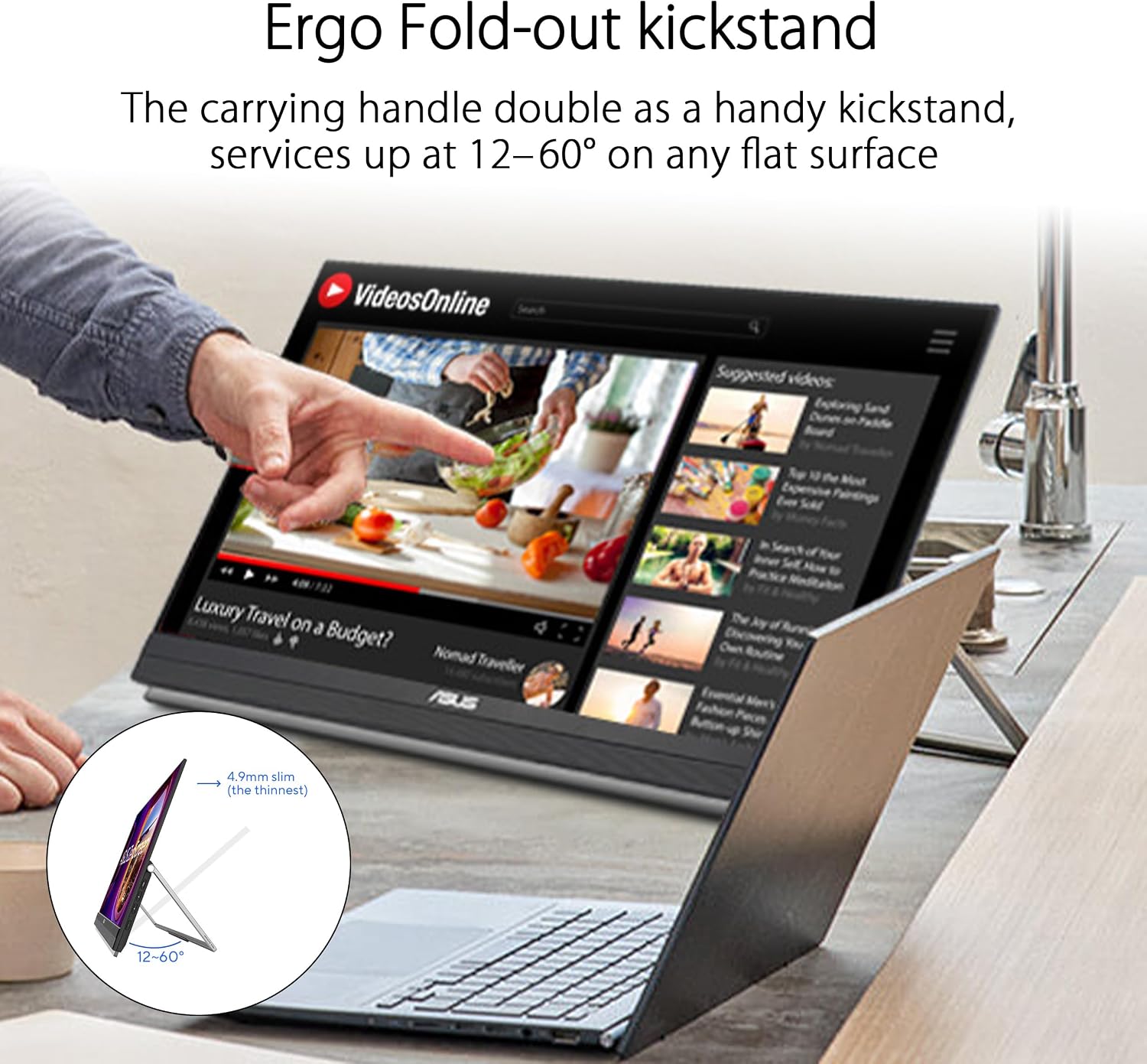
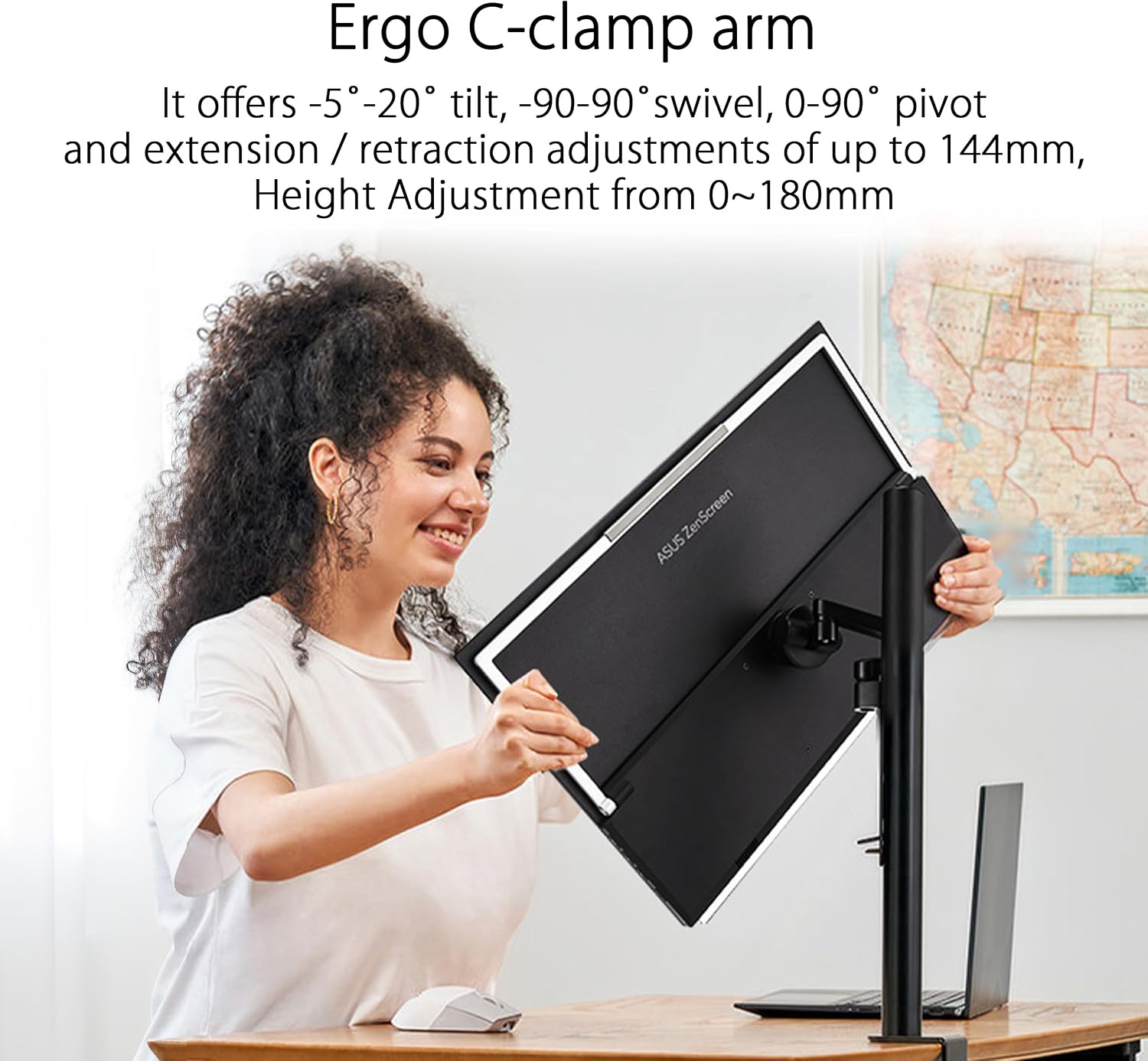
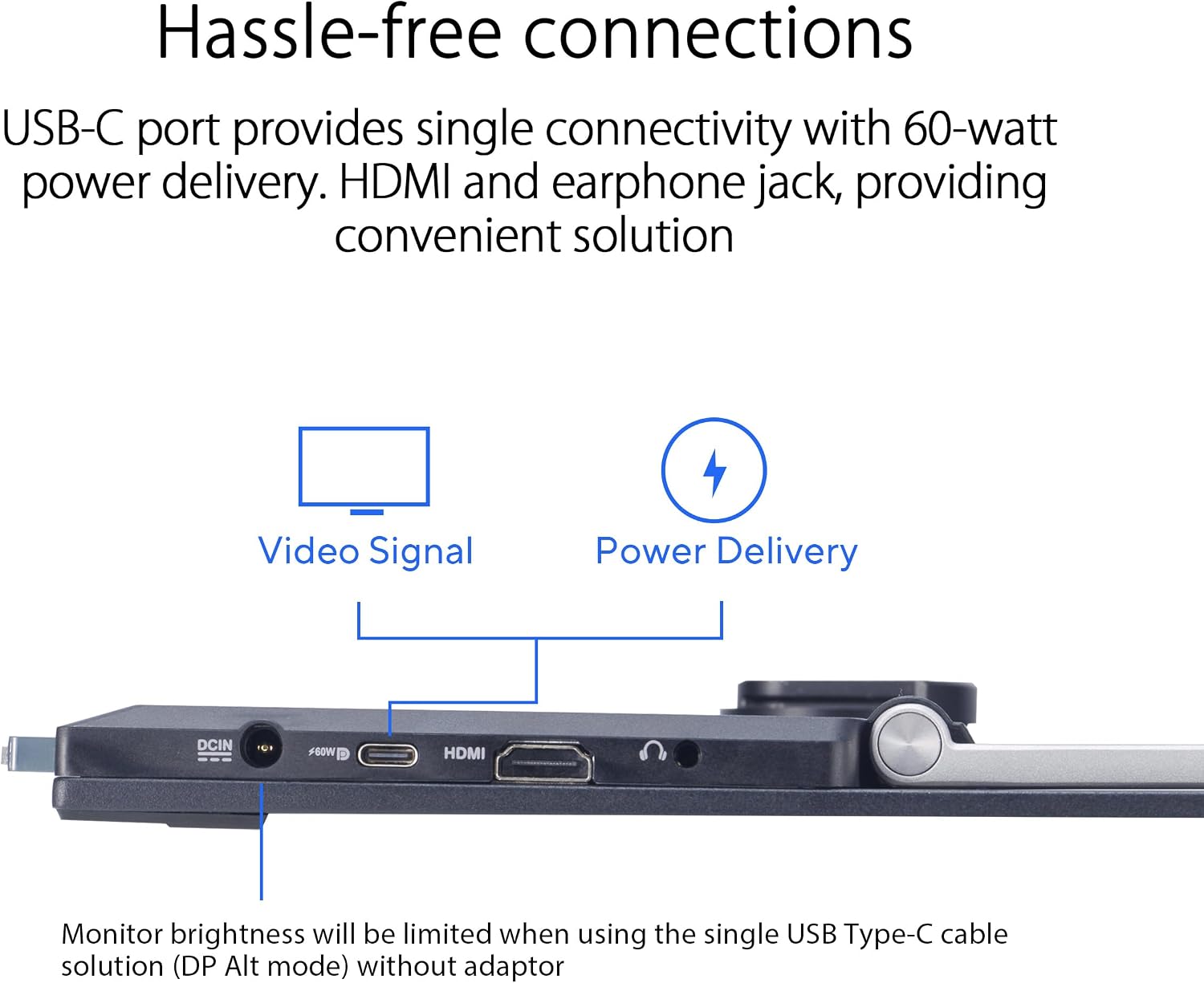
This model features a 22-inch Full HD IPS panel with 21.5 inches of viewable area and a reported 100 Hz refresh rate. It delivers full connectivity through a USB-C port capable of power delivery up to 60W, plus an HDMI input and an earphone jack. The display is described as having an ultraslim profile and includes practical mounting options, such as an integrated carrying handle/kickstand, a height-adjustable C-clamp with Z-axis adjustment, and a partition hook kit for flexible placement in varied spaces.
What stands out
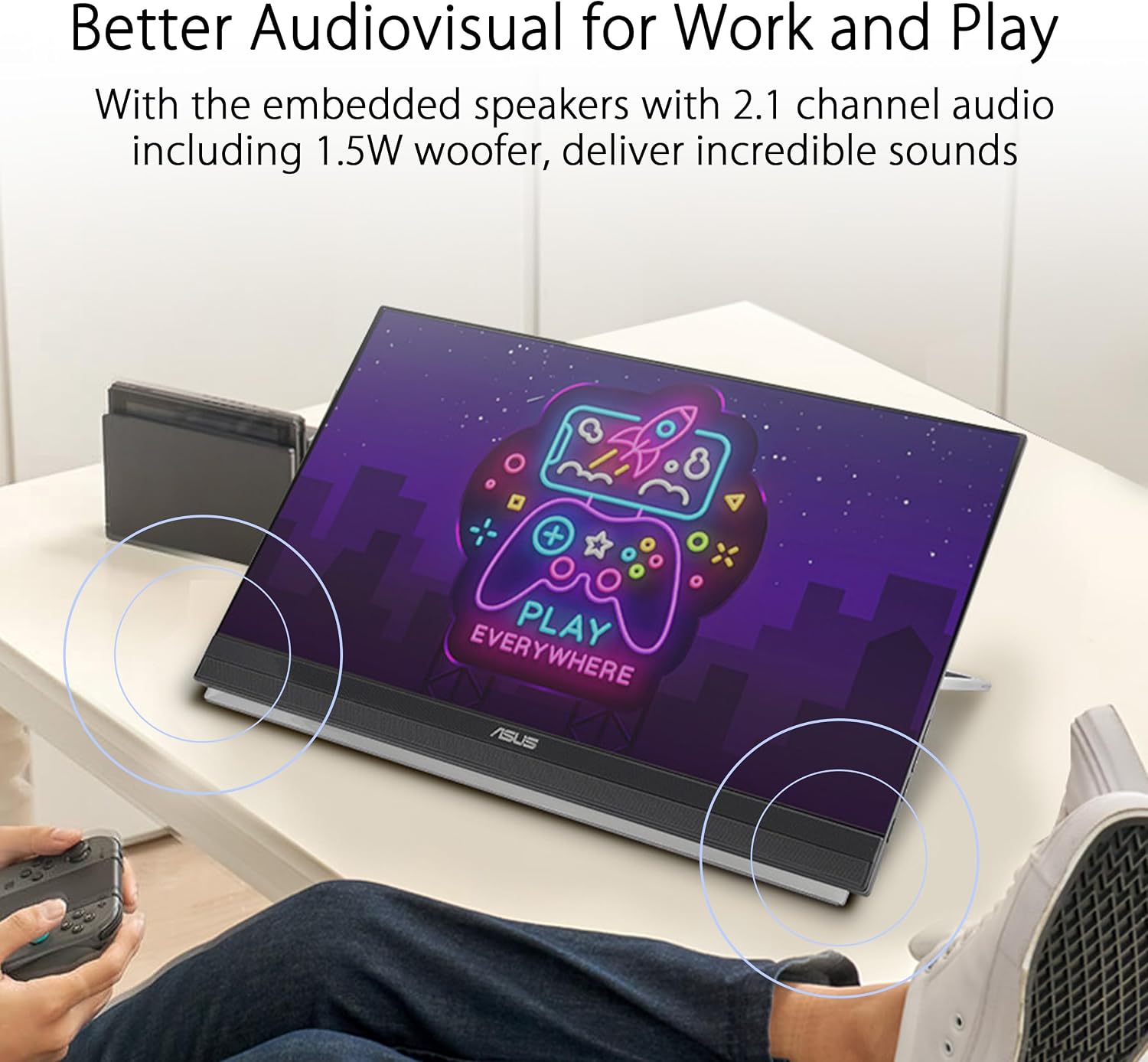
If you prioritise portability without sacrificing screen real estate, this monitor ticks several practical boxes. The built-in carrying handle and kickstand design reduce the need for separate accessories, and the C-clamp/partition hook options offer flexibility for temporary setups in shared spaces or on a workstation with limited desk space. The combination of USB-C connectivity (with 60W PD) and HDMI keeps compatibility straightforward for many laptops and devices, while built-in speakers add convenience for quick video calls or media use without plugging in external audio.
Who it’s for
This model is well-suited for people who travel with a laptop and want a larger screen for work, students working in borrowed spaces, or anyone seeking a compact dual‑screen setup without heavy gear. If you value a streamlined setup with minimal extra cables and space, the MB229CF could be an appealing option. However, if you rely on very high refresh rates for gaming or require top-tier colour accuracy for professional photo editing, you might want to compare expectations against more specialised panels.
Limitations and caveats
It’s reasonable to note that while 100 Hz is generous for a portable office monitor, it isn’t a gaming-focused specification. The actual colour performance and brightness are not detailed here, so depending on lighting conditions, you may want to verify viewing angles and brightness in person. The practicality of the partition hook kit and the C-clamp setup can vary with desk layout and mounting space, so you may need to experiment a bit to optimise stability and reach. If you prioritise ultra‑low latency or high-end professional calibration, this model may fall short of those needs.
When it makes sense to buy
If you’re after a lightweight, all-in-one portable display that adds screen space for general productivity, video calls, or casual media on the move, and you value a simple bundle of features (USB‑C PD, HDMI, built‑in speakers) plus flexible mounting, this ZenScreen can be a sensible purchase. It’s especially worth considering if you already have USB-C devices that support power delivery and you want to minimise peripheral clutter on a busy desk.
What to check before buying
Confirm that your primary devices can supply power via USB-C PD to avoid power issues during extended use. Check your desk or travel setup for compatibility with the C‑clamp and partition hook kit, as space and mounting points vary. If you need premium colour accuracy, you may wish to verify the panel’s calibration or look for user experiences around brightness and contrast in your typical lighting conditions.
Practical use example
Imagine you’re working from a shared co-working space: you connect the MB229CF to your laptop via USB-C for power and signal, clip the monitor to the edge of a temporary stand, and place the partition hook kit to keep cables neatly routed. You can then glance at references on the secondary panel while composing on your laptop, jumping between tasks with less swapping of windows and fewer toggles between devices.
FAQ (quick answers based on available data)
- Does it charge devices via USB-C PD? Yes, up to 60W power delivery.
- Can it be mounted in a non-traditional workspace? Yes, the C-clamp with Z-axis adjustment and partition hook kit offer flexible placement.
- Is it suitable for colour-critical work? The information provided does not specify colour accuracy, so use caution for professional-grade needs.
Final verdict
Is it worth it? Worth considering if you want a portable, adaptable second screen with a straightforward connectivity set and built‑in audio, and you don’t require top‑tier colour calibration or gaming-focused specs. If your priority is travel-friendly productivity with a compact footprint, this MB229CF could fit the bill, otherwise, you may prefer a larger panel or higher colour performance for specific professional workloads.