

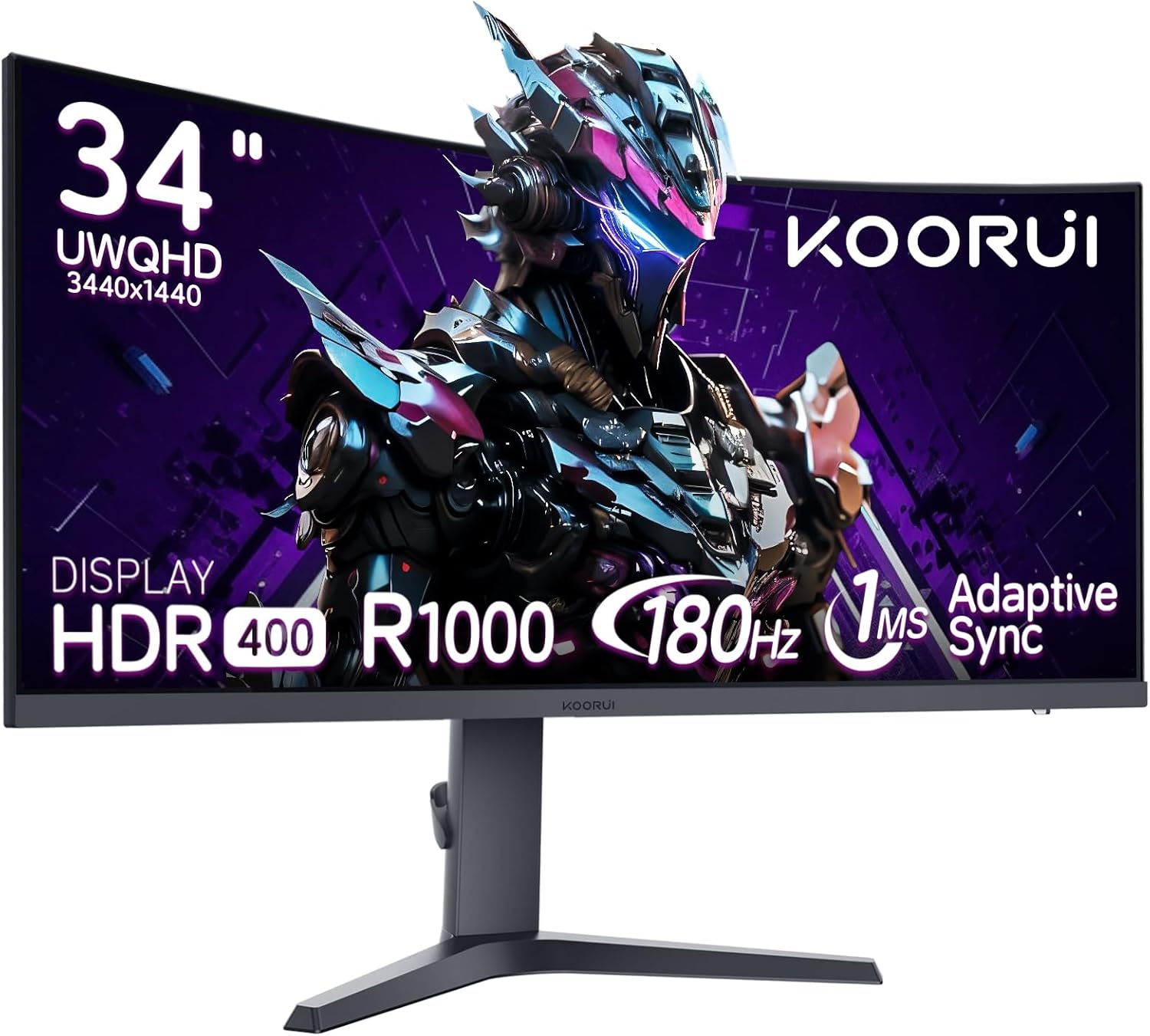
KOORUI 34E6UC 34-inch curved ultrawide gaming monitor (WQHD, 180Hz, HDR400, 1000R)
Product description
What it is and why people buy it
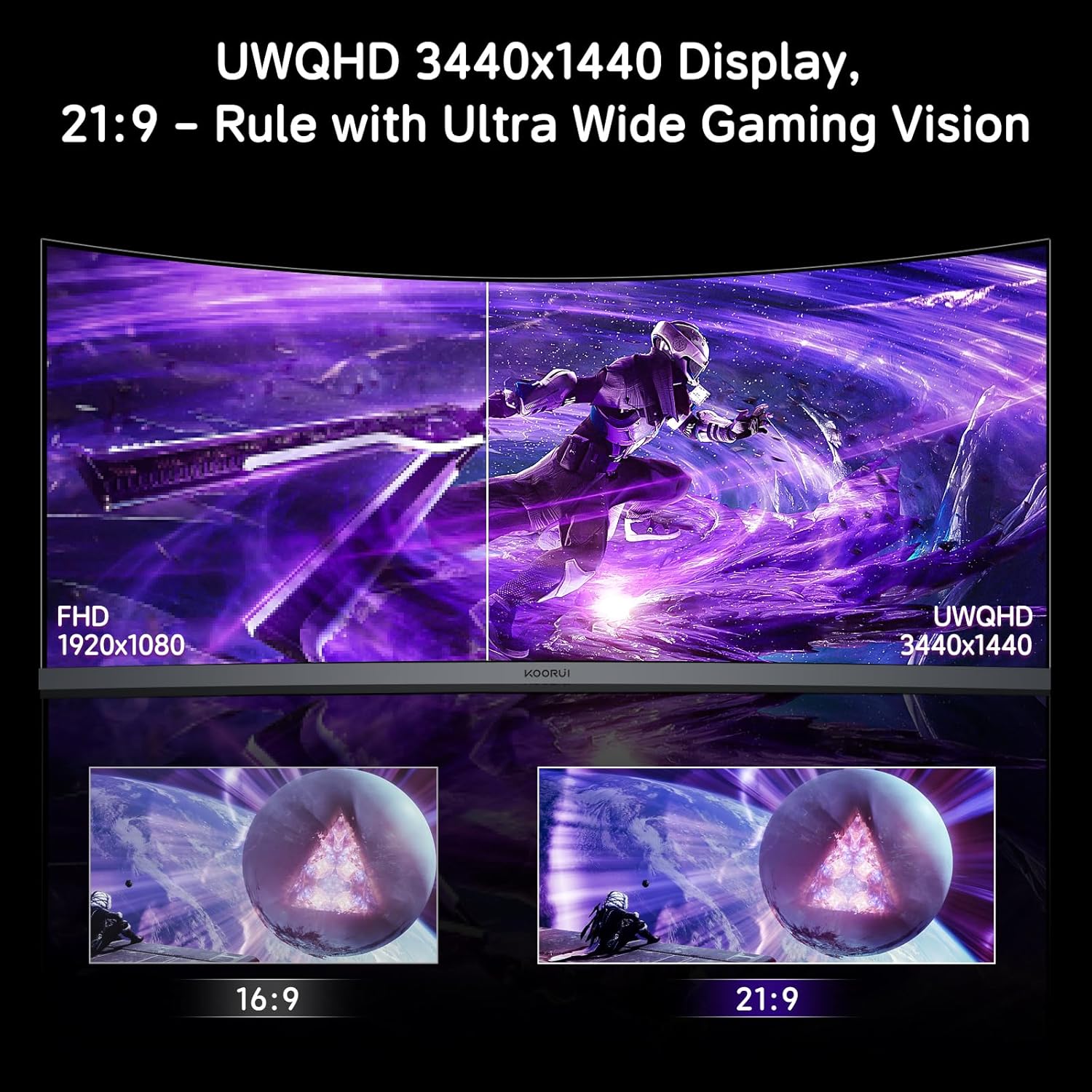
The KOORUI 34E6UC is a 34-inch curved ultrawide gaming monitor built around a WQHD 3440×1440 resolution and a 1000R curvature. In practical terms, it’s aiming to give you a wider, more “in the seat” view than standard 16:9 screens—useful whether you’re gaming, doing spreadsheet work, or simply want more room for timelines and side-by-side windows.
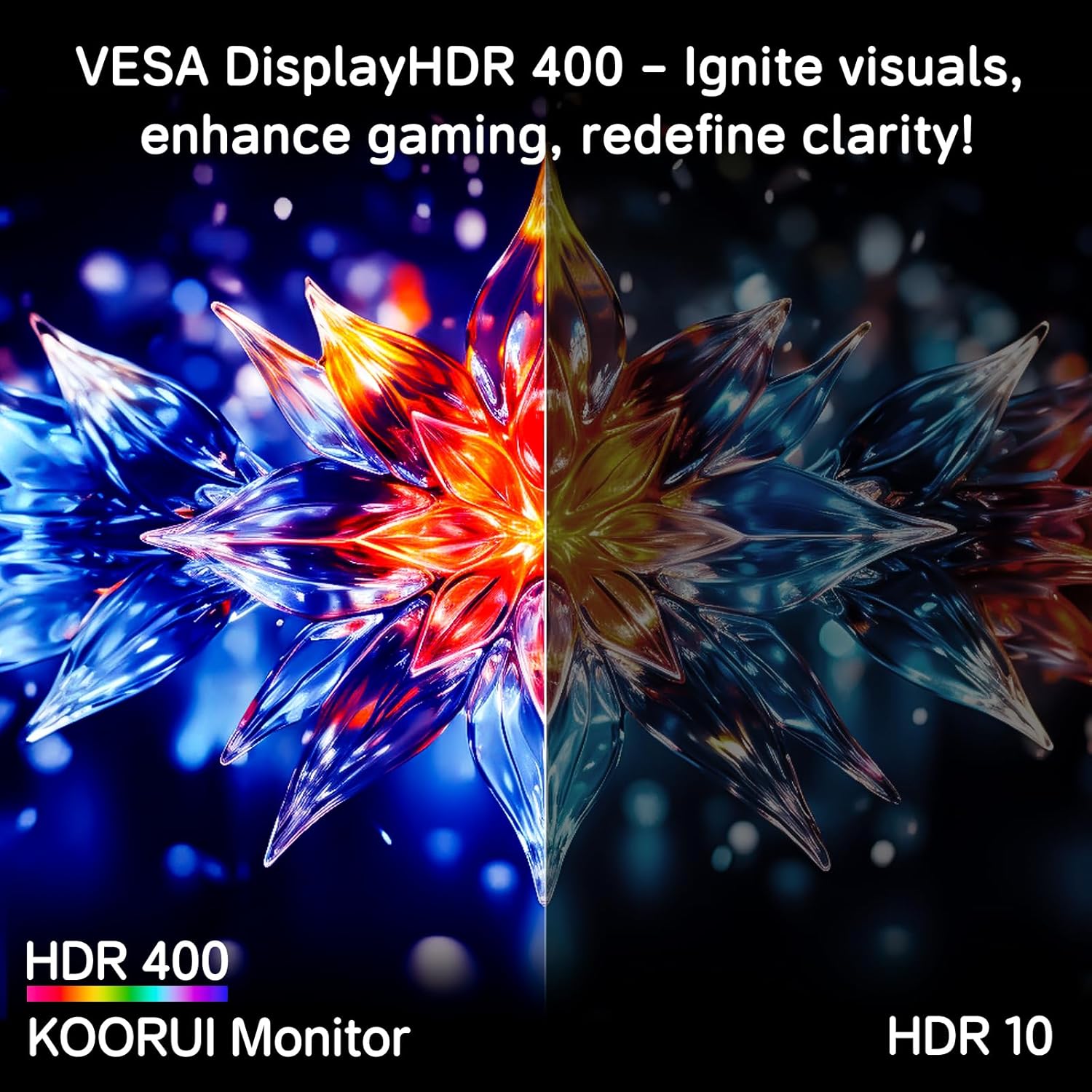
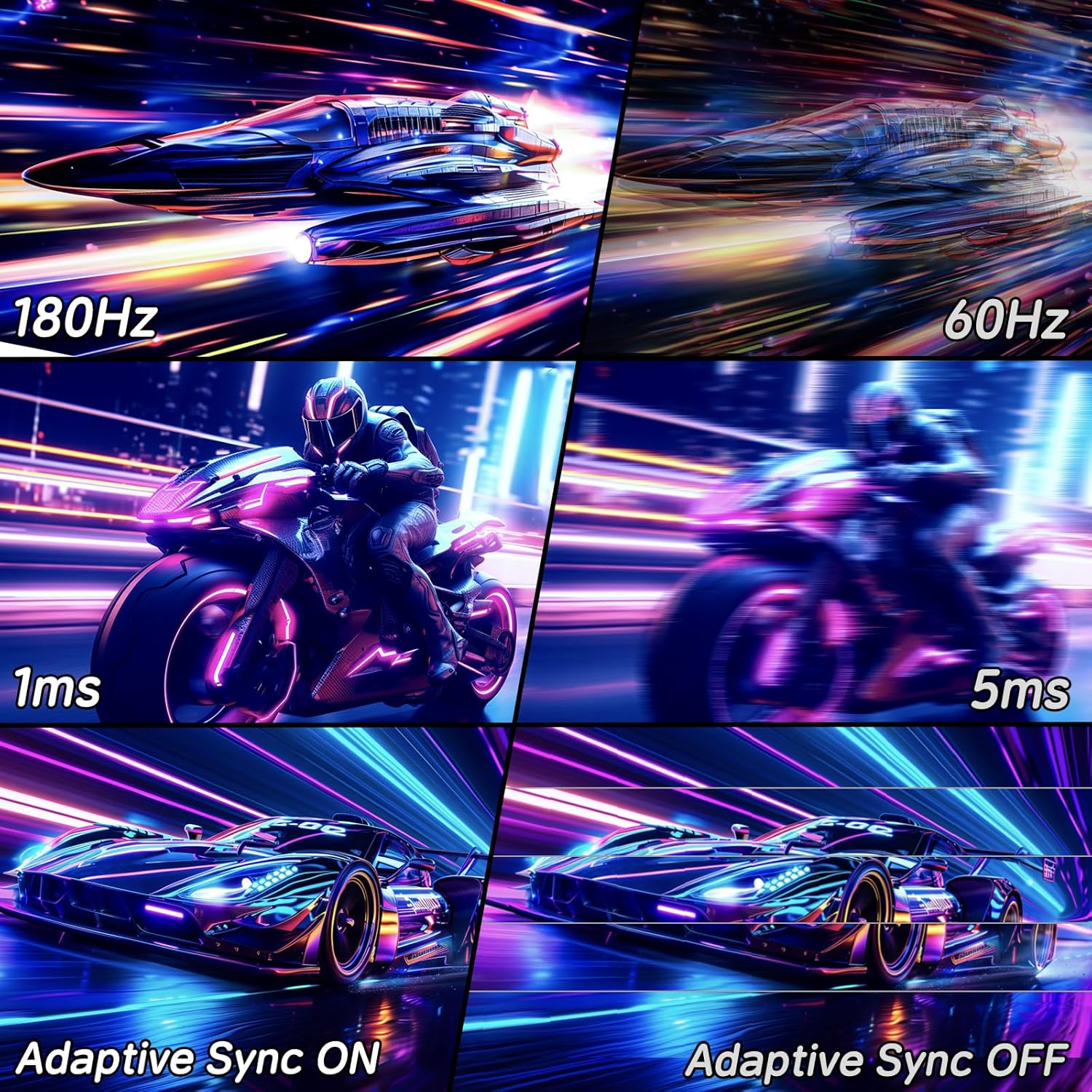
It also leans into fast gaming with a reported 180Hz refresh rate and Adaptive Sync. So on paper, it’s designed for smoother motion and fewer timing issues when your frame rate varies. The HDR is specified as HDR400, which can add punch in bright scenes, but it’s worth keeping expectations sensible: HDR on monitors at this level can look more like “some extra pop” than true cinematic HDR.
The essentials: curved immersion, fast refresh, and colour range
The big selling points are fairly clear from the specs. The 1000R curve is meant to wrap the screen more naturally around your field of view, which can feel more comfortable during longer sessions, especially if you sit fairly close. The resolution (3440×1440) helps content feel less stretched than lower ultrawide options.
For colour, the description mentions a DCI-P3 90% wide colour gamut. That’s a solid signal if you care about more accurate colour gradients—something you’ll notice more in games with varied lighting, and sometimes in creative work where you want colours to look closer to intent.
Still, it’s not perfect in every way. With HDR400, the monitor may not deliver the kind of deep contrast and peak brightness people associate with higher-tier HDR displays. If you’re buying purely for serious HDR performance, you may find you need to look higher up the range.
What’s noticeably good in everyday use
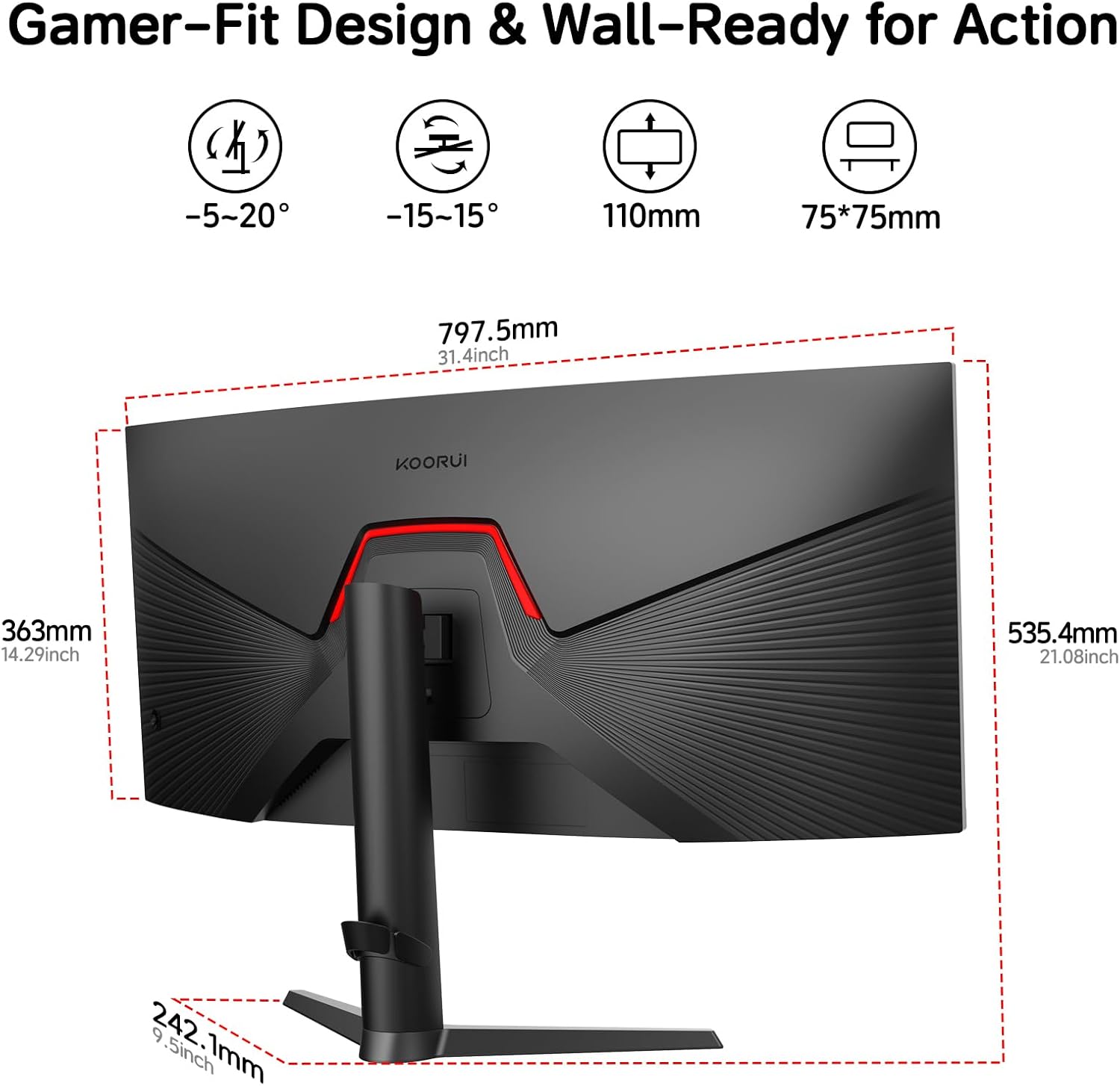
This monitor is built to be lived with, not just “powered on”. The stand is described as ergonomically shaped and allows you to tilt, swivel, and adjust height. That matters more than it sounds: getting the top of the screen at a comfortable height can reduce neck strain, and swivel can help with multi-person desk setups.
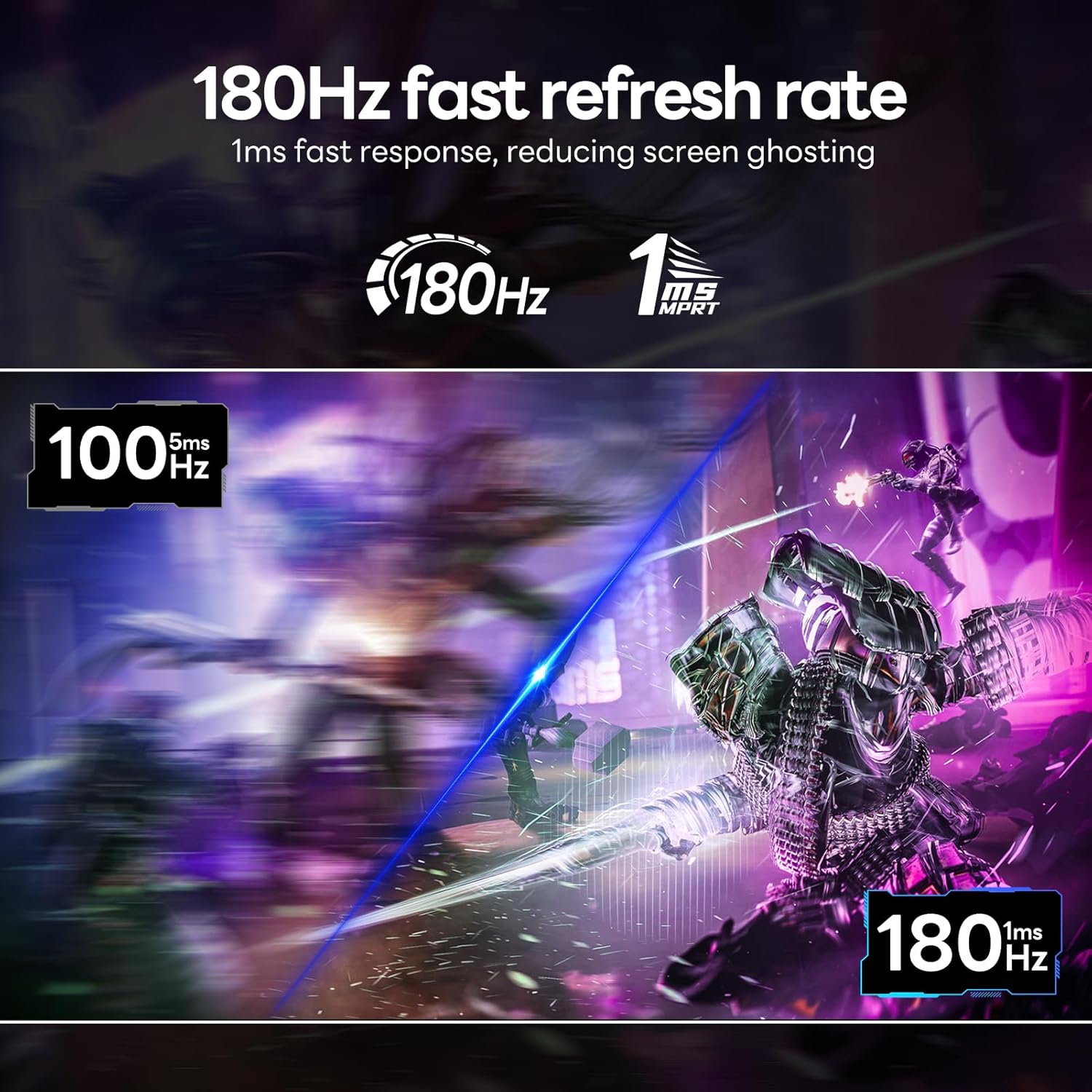
For gaming, Adaptive Sync and the high refresh rate are the headline features. There’s also a Dark Field Control mode for adjusting brightness in low-light conditions, aimed at making details in dark scenes easier to spot. Depending on the game, this can be genuinely helpful—though it’s also the sort of feature that you may need to fine-tune, because making shadows brighter can sometimes reduce depth.
Connectivity and setup: DP/HDMI for PCs, consoles and laptops
The KOORUI 34E6UC includes video ports via HDMI and DisplayPort, so you’re not locked into just one connection type. The description specifically mentions you can connect to Xbox, PC and laptops.
On a desk, ultrawide can be a bit of a commitment if you’re coming from a smaller monitor, so it’s worth checking your current setup supports the resolution you want. If your laptop or graphics setup has limitations, you might not be able to run everything exactly how you’d like.
Key features you’ll likely use
A few details in the spec list are “everyday features” rather than gimmicks.
One is the customizable settings: you can adjust brightness, contrast, and colour. That’s useful because game modes, HDR-like modes, and different lighting conditions in a room can all shift how the picture looks. Having the ability to dial it in is often the difference between “it’s decent” and “I can live with this for hours”.
Another is the port selection. Having both HDMI and DisplayPort gives you flexibility when you swap between a desktop and a work laptop.
And then there’s the refresh rate plus Adaptive Sync combination. If you play titles where your frame rate fluctuates, this is exactly the kind of setup that can feel smoother than a basic fixed-refresh monitor.
Who it suits (and who should look elsewhere)
It’s a good fit if you want a wide, immersive ultrawide screen for both gaming and general computer work, and you care about comfort thanks to the 1000R curvature. It makes sense if you like higher refresh gaming and want a monitor that’s set up to handle varying frame rates with Adaptive Sync.
Worth considering if you also care about colour beyond basic office levels, since the DCI-P3 90% gamut claim suggests the panel can do more nuanced gradients.
It may not suit you if HDR performance is your top priority. HDR400 can look fine for casual HDR content, but it may feel restrained compared with monitors that are clearly built for stronger HDR. You might also want to skip it if you know your desk space is tight, because a 34-inch ultrawide plus curvature can dominate your setup.
Tech specs
- Name: KOORUI 34E6UC
- Type: Curved gaming monitor
- Format: Ultrawide
- Size: 34 inch
- Resolution: 3440×1440
- Refresh rate: 180Hz
- Response time: 1ms
- Curvature: 1000R
- HDR: HDR400
- Colour gamut: DCI-P3 90%
- Adaptive Sync: Yes
- Ports: HDMI and DisplayPort
- Feature: Dark Field Control
When it makes sense
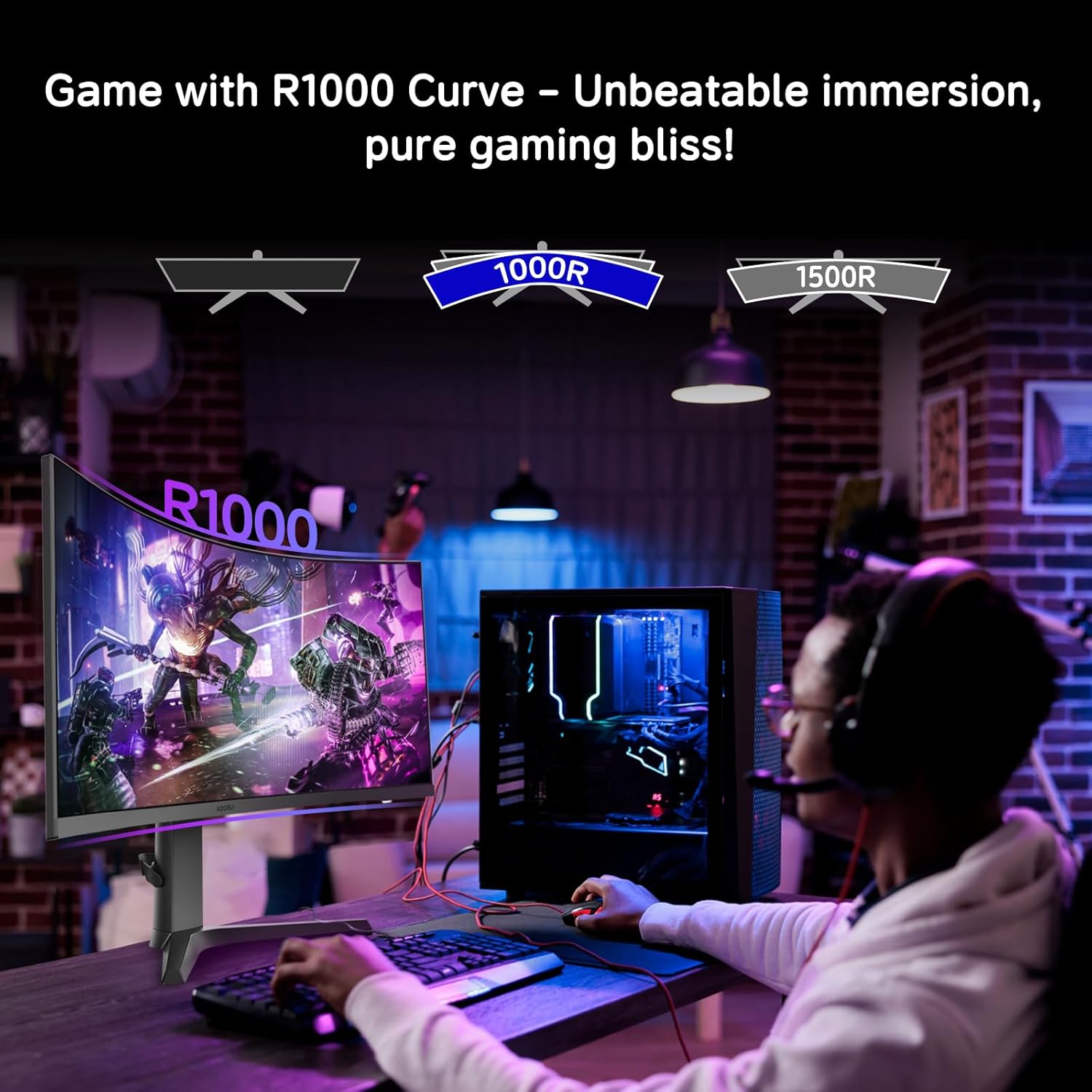
If you’re weighing up whether the KOORUI 34E6UC is “good enough” for gaming while still being practical for day-to-day work, it lands in a sensible place: ultrawide immersion, a high refresh rate, and a stand that can be adjusted to your posture.
For many buyers, the value comes from getting a bigger field of view without stepping into a far more premium tier. But do keep an eye on what you personally expect from HDR, at HDR400 level it’s more about extra brightness and punch than heavyweight HDR mastery.
Mini FAQ
Is HDR400 a deal-breaker?
Not necessarily. HDR400 can add some extra visual pop, but it’s better treated as “entry-level HDR support” rather than top-tier HDR.
Will the 1000R curve feel better for long sessions?
It often does, particularly if you sit at a typical desk distance. If you sit very far back, curvature benefits can feel less obvious.
What devices can I connect with?
The description says you can use HDMI and DisplayPort connections, including Xbox, PC and laptops.
Does Adaptive Sync matter for gaming?
If your frame rate isn’t locked and varies, Adaptive Sync can help the image feel more consistent.
Can I adjust the picture for different games?
Yes. The monitor supports adjusting brightness, contrast and colour settings, so you can tailor it to your preferences.