

MSI PRO MP2412 23.8-inch Full HD Office Monitor (VA, 100Hz, speakers, VESA)
Product description
If you want a straightforward office screen that still feels responsive day to day, the MSI PRO MP2412 is built around that kind of use. On paper it’s a 23.8-inch Full HD VA monitor with a 100 Hz refresh rate, plus eye-comfort features and a practical set of ports for everyday multitasking.
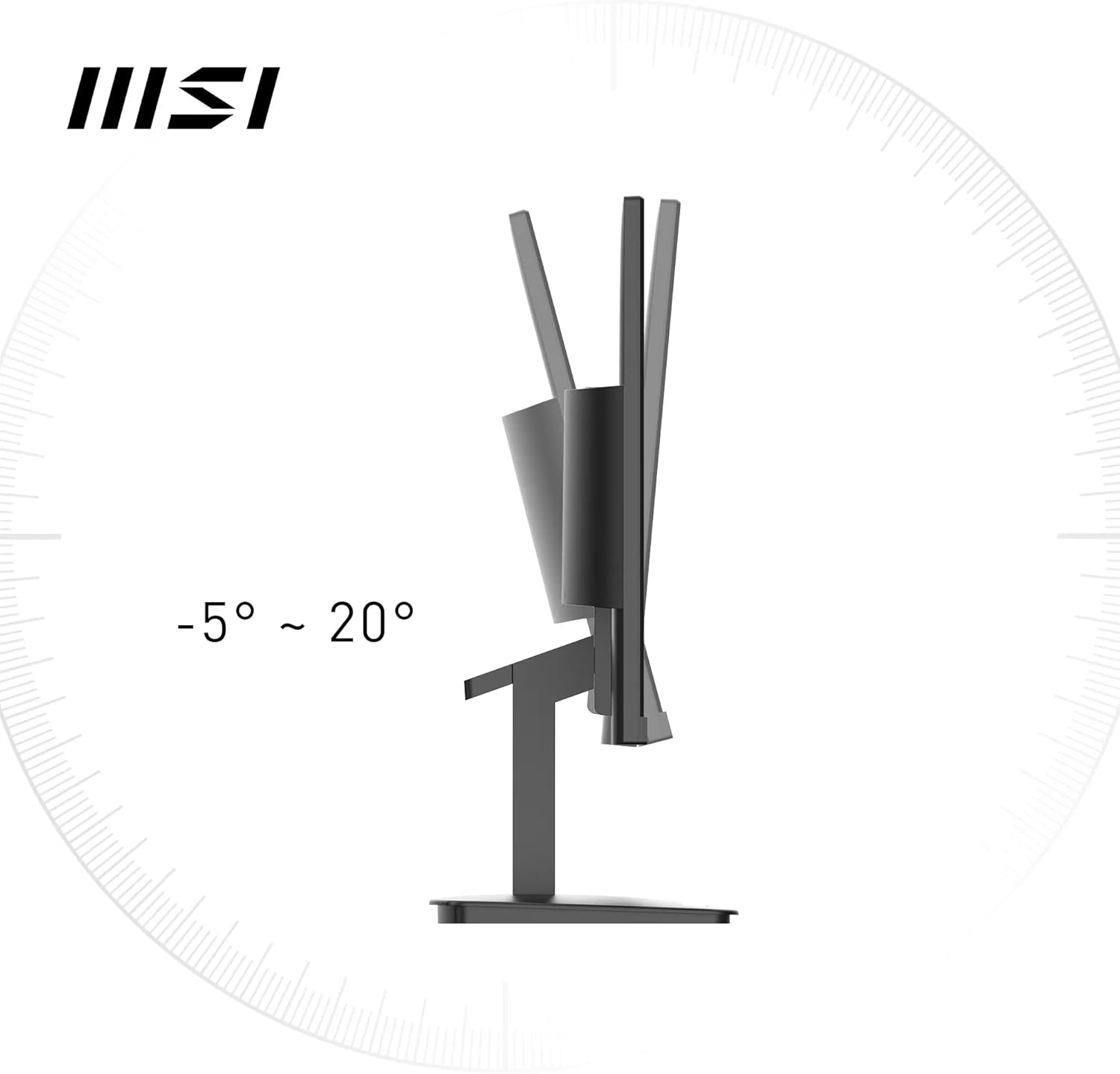
It’s not trying to be a specialist gaming monitor, but the 100 Hz target and Adaptive-Sync support do make smoother scrolling and faster-feeling UI interactions more likely than with standard 60 Hz office panels. Pair that with built-in speakers and a tilt-adjustable stand, and it’s the sort of kit that can reduce desk clutter if you don’t want external audio.
The essentials
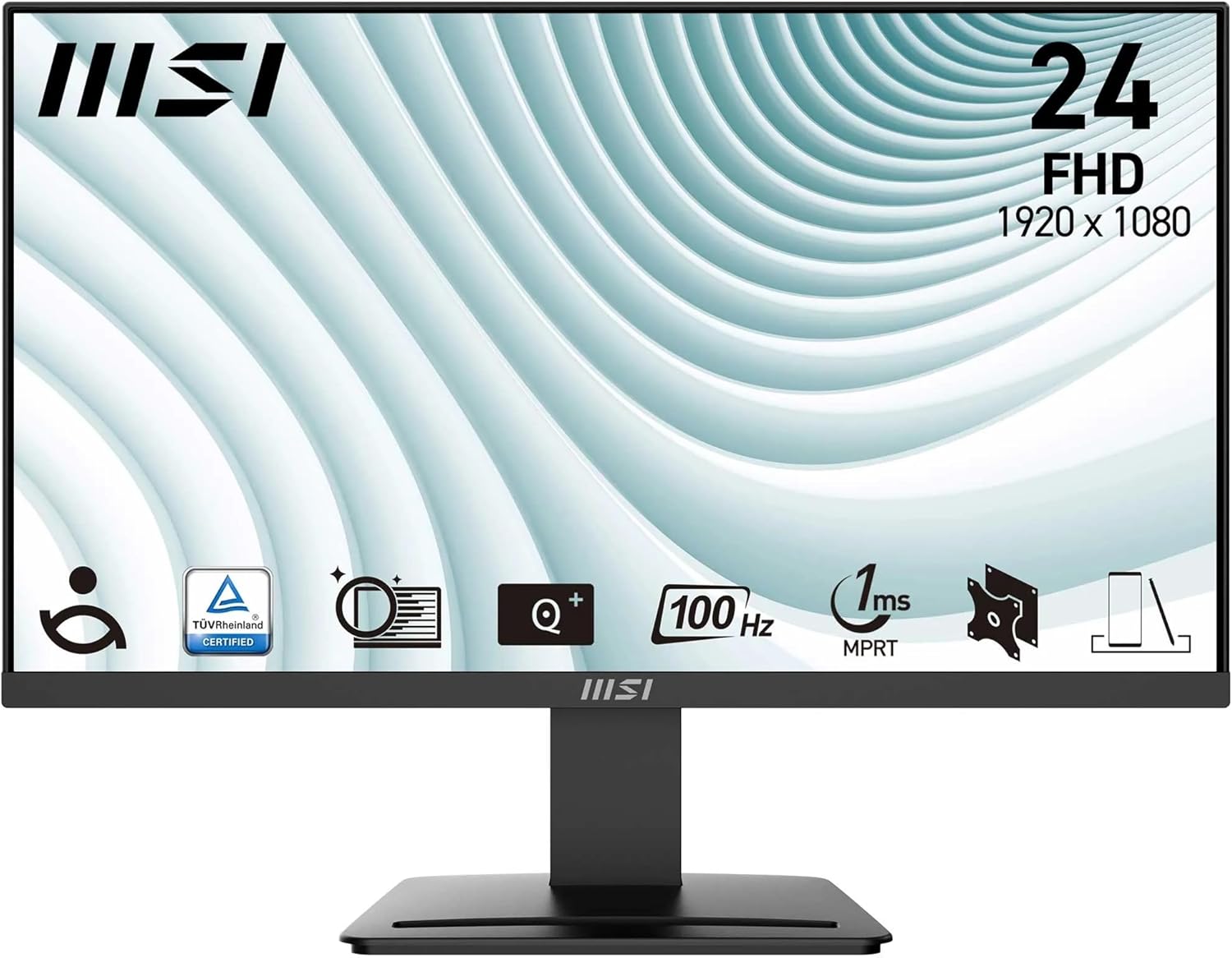
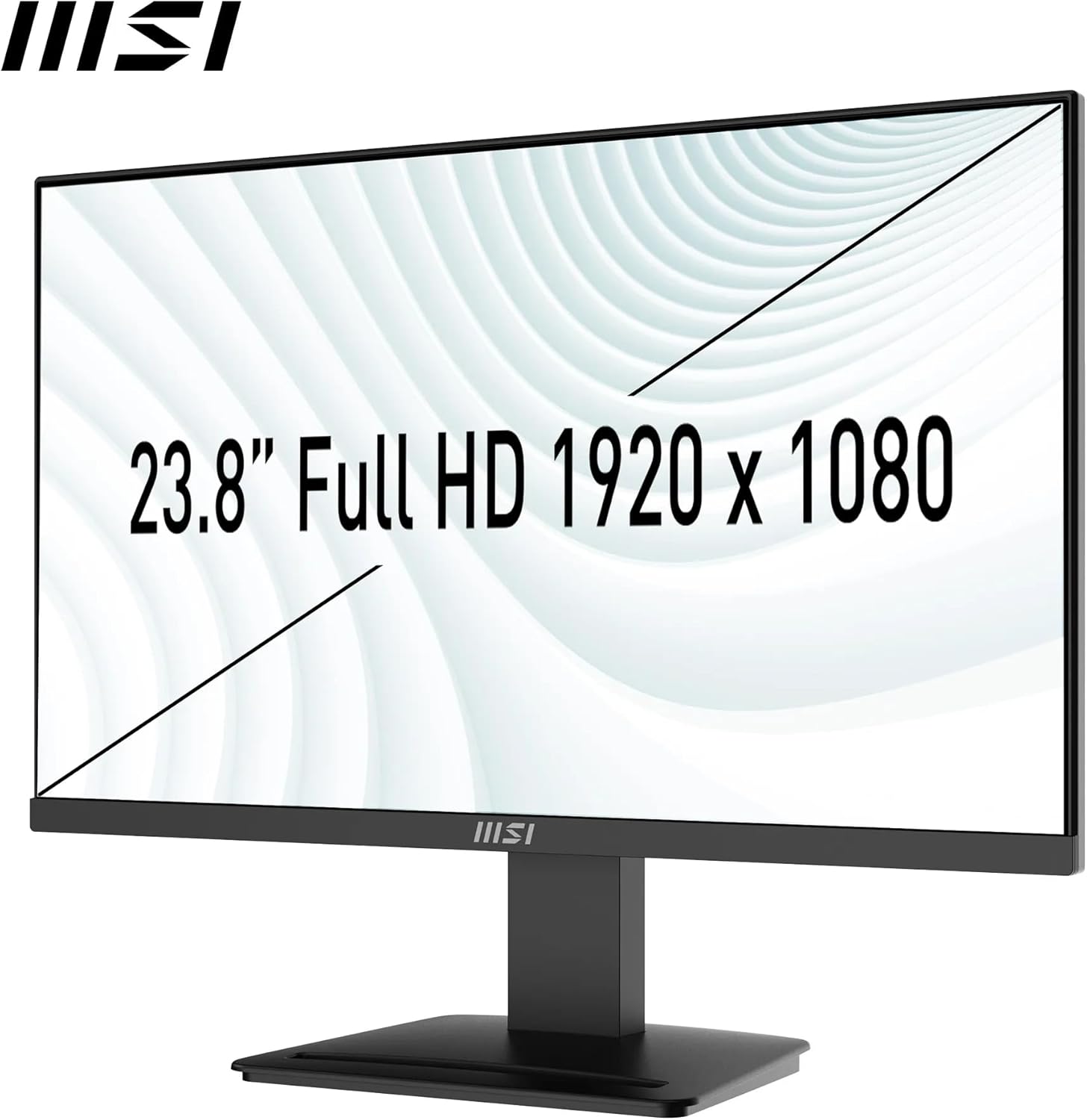
The MSI PRO MP2412 uses a 23.8-inch VA panel with Full HD resolution (1920 x 1080). VA panels typically help with contrast, and here MSI quotes a 4000:1 contrast ratio plus 300 nits brightness. There’s also a claimed 113% sRGB colour gamut (with 6-bit + FRC) which, for many office tasks, is more than enough for spreadsheets, email, and general content viewing.
If your goal is to get through the working day comfortably—long calls, document work, and a couple of apps open at once—this monitor’s feature set is clearly aimed at that.
What stands out in day-to-day use
The practical headline is the 100 Hz refresh rate. For normal office work that usually means less “juddery” movement when you scroll through pages or move windows around. MSI also mentions 1 ms MPRT to support a smoother experience with faster frame rates. You’ll only fully notice the benefit if you’re doing a fair amount of onscreen motion (moving timelines, spreadsheets with lots of scrolling, video previews, and the like).
Colour and visibility are also covered with anti-glare surface treatment and eco-mode defaults. For people who work near their screen for hours, the combination of anti-flicker and a Less Blue Light approach is a sensible baseline—especially as MSI states TÜV Rheinland Eye Comfort certification.
One small “office-friendly” touch is the Eye-Q Check functionality available via the OSD menu. It’s not a magic fix, but it gives you an in-monitor way to review comfort-related settings.
Connectivity and desk flexibility
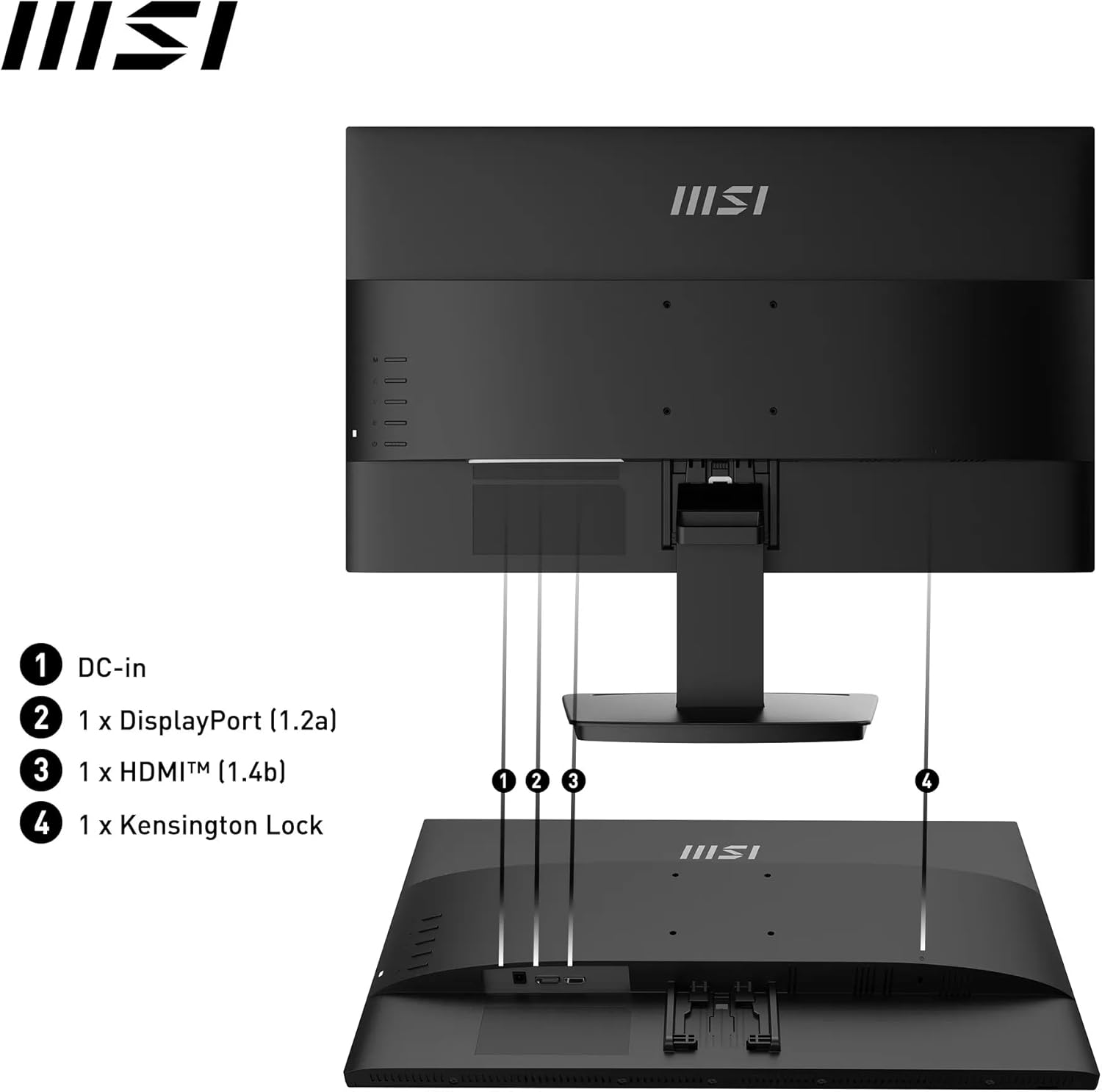
This is where the MP2412 earns its keep as a work monitor. It supports dual sources, with HDMI 1.4b and DisplayPort 1.2a, both described for 1920 x 1080 at up to 100 Hz. There’s also mention of HDMI-CEC for console use (if you ever want to hook in a compatible device) and Adaptive-Sync.
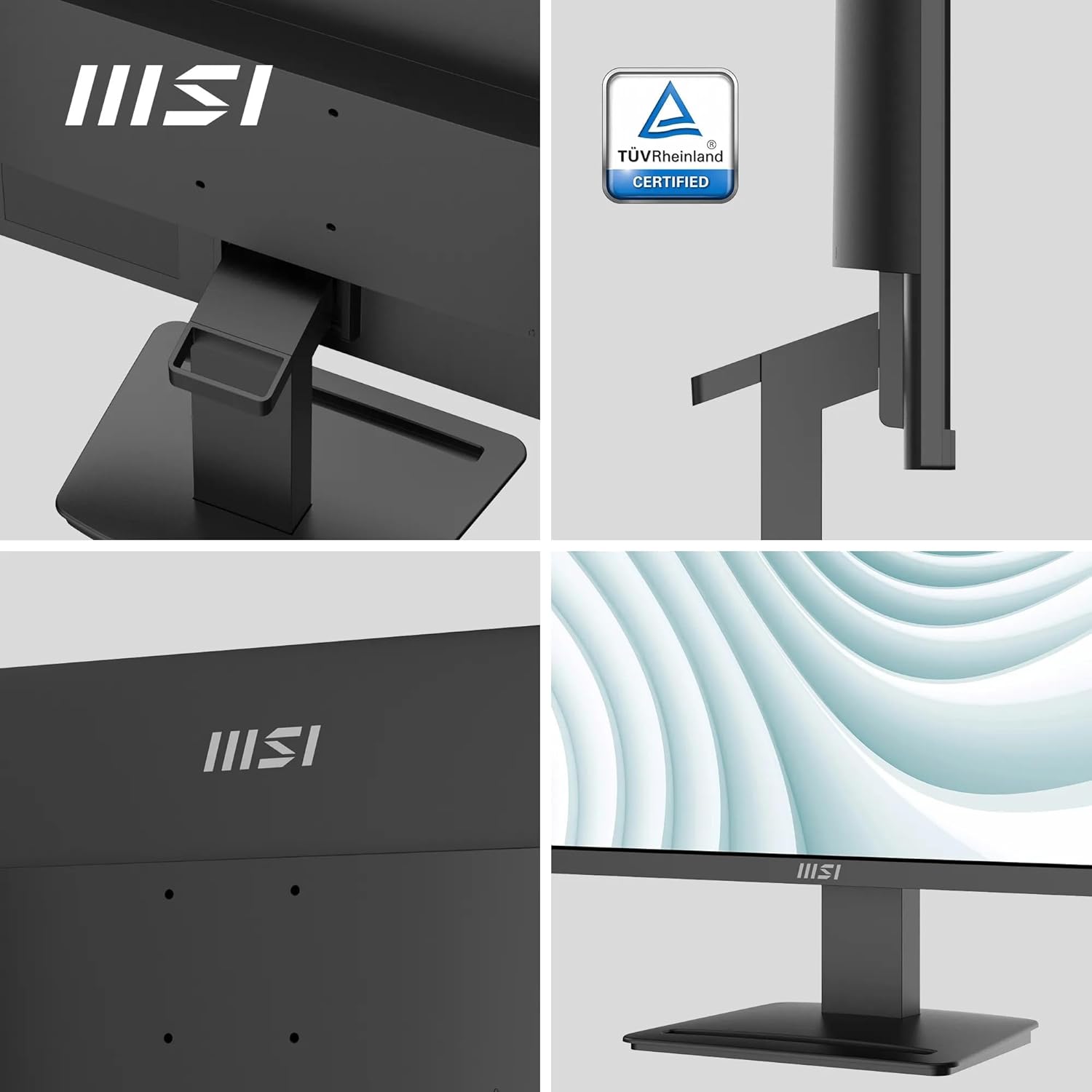
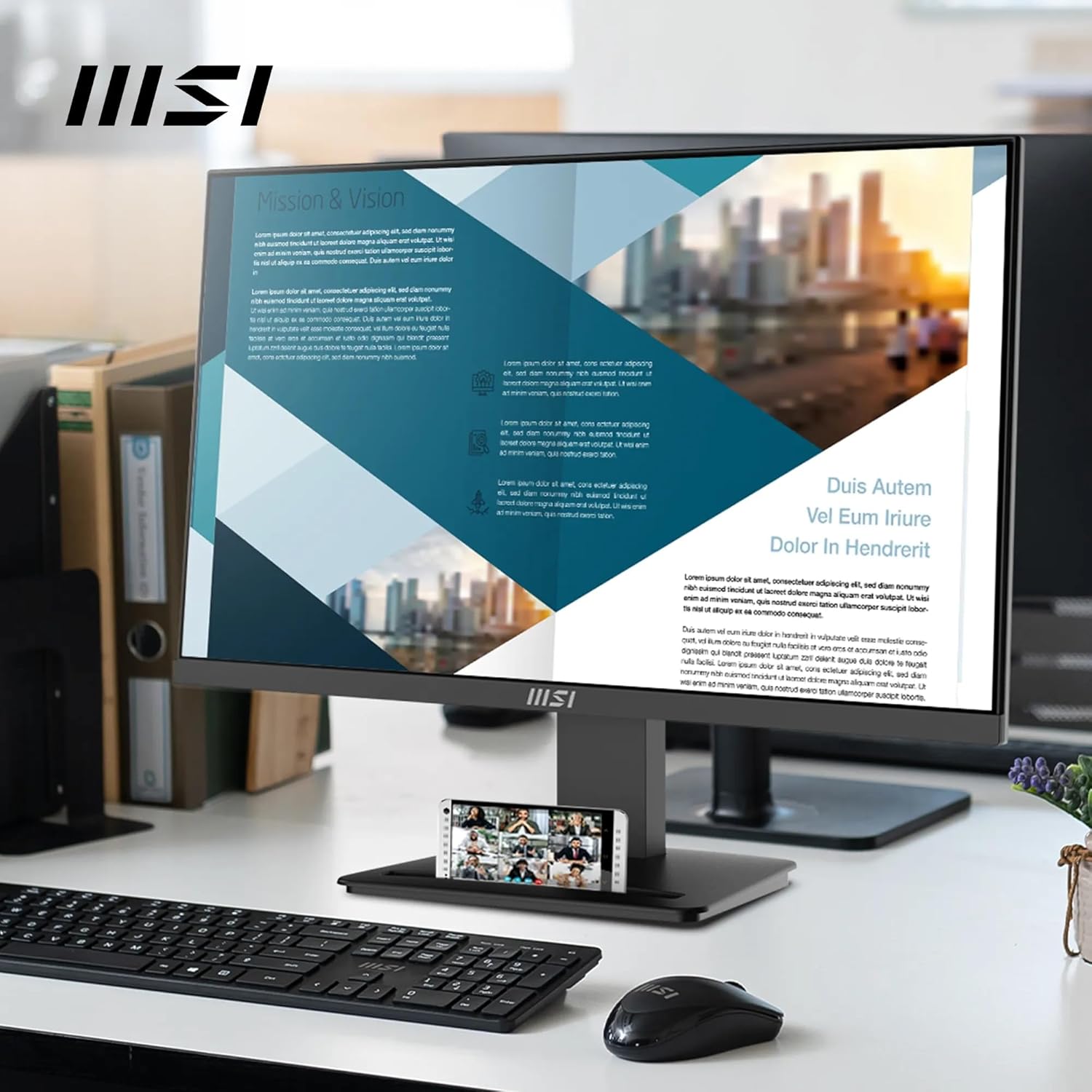
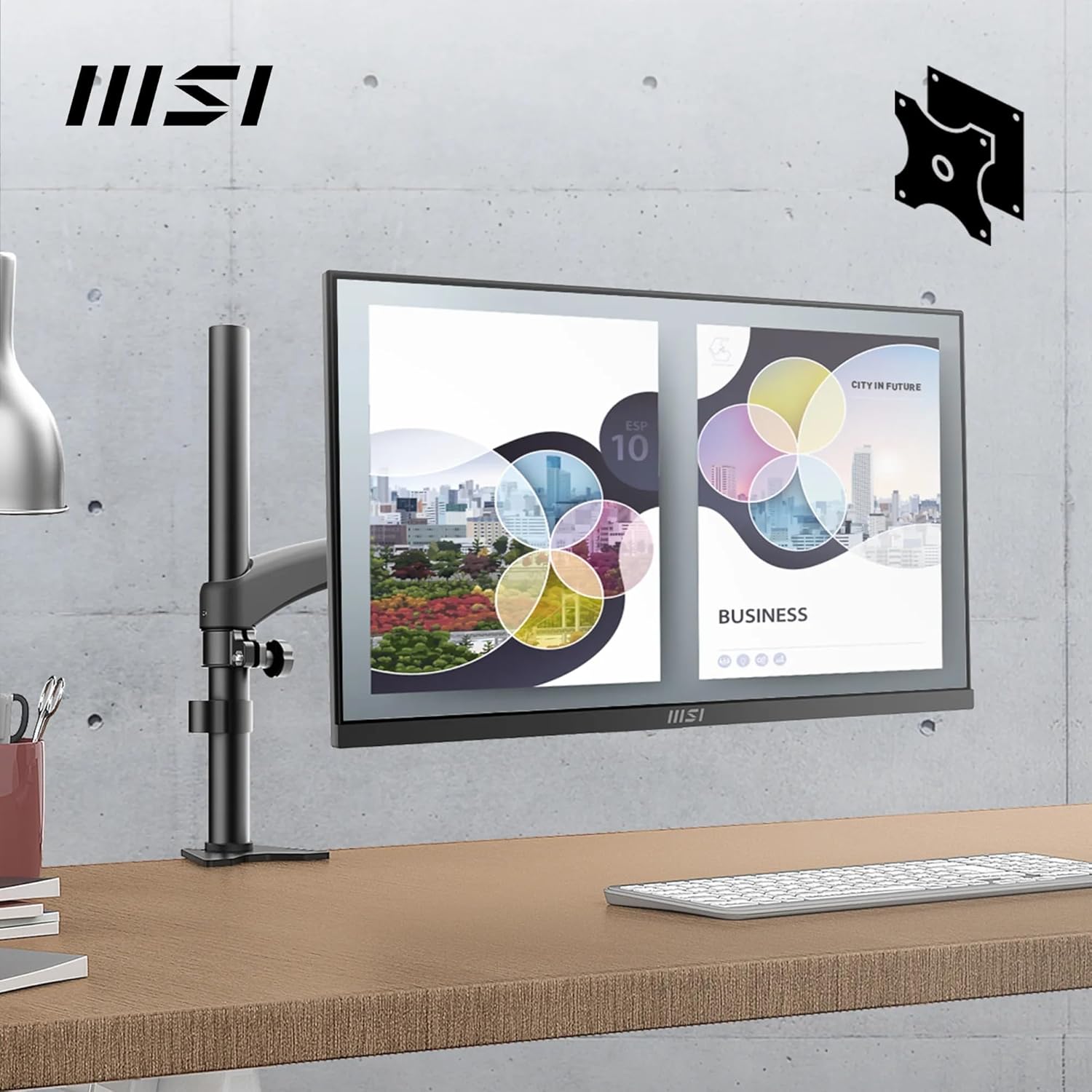
On the physical side, it’s VESA mountable with 75mm VESA brackets. The stand itself is tilt-adjustable, and there’s an accessory slot included—handy if you like keeping small items organised rather than loose on the desk. MSI also includes a Kensington lock, which is more relevant in shared offices or if you want basic physical security.
A practical example: if you’re at a desk with a laptop in the morning and a desktop later, you can keep both connected via HDMI and DisplayPort and switch inputs as needed, without constantly unplugging cables. And because it has built-in speakers, you may not need to set up external audio for everyday video calls.
Key specs at a glance (what you should know)
- Panel size: 23.8-inch VA panel
- Resolution: Full HD (1920 x 1080)
- Refresh rate: 100 Hz
- Contrast: 4000:1 (quoted)
- Brightness: 300 nits (quoted)
- Colour: 113% sRGB gamut (6-bit + FRC, 16.7M colours quoted)
- Viewing angle: 178° wide viewing angle (quoted)
- Eye comfort: TÜV Rheinland Eye Comfort certified, Less Blue Light and Anti-Flicker
- Mounting: 75mm VESA, tilt-adjustable stand, accessory slot
- Ports: HDMI 1.4b and DisplayPort 1.2a, Adaptive-Sync supported
- Speakers: built-in speakers
- Lock: Kensington lock
Where it may feel less ideal
It may not be the right pick if you’re trying to “max out” performance for high-end gaming. Even with 100 Hz and Adaptive-Sync, it’s positioned as an office-focused screen, and the information provided doesn’t suggest features typically expected from serious esports or colour-critical workflows (so don’t assume it will match the best specialist displays).
Also worth noting: it’s Full HD at 23.8 inches. That’s perfectly fine for office use, but if you’re used to sharper higher-resolution setups, you might notice the difference when working with lots of small text.
Who it suits best
It makes sense if you want a single monitor that covers typical office needs (documents, browsing, spreadsheets, and video) while adding comfort features for long sessions and smoother motion via 100 Hz. The built-in speakers are a bonus if you want a cleaner desk or you don’t want to add external speakers straight away.
It may not suit you as well if you need very specific colour calibration, ultra-high refresh gaming performance, or a resolution upgrade from Full HD.
Is it worth it?
Buy the MSI PRO MP2412 if you value an office-first monitor with Full HD clarity, a VA panel with good quoted contrast, Less Blue Light and Anti-Flicker eye-comfort features, and practical dual connectivity (HDMI 1.4b + DisplayPort 1.2a) that supports up to 100 Hz. The VESA mountability and tilt adjustment also make it easier to fit into different desk setups, and the built-in speakers help keep things simple.
Skip it if you need higher than Full HD for fine text work, or if you’re expecting a gaming specialist experience beyond an office-leaning 100 Hz setup. As with any “value” monitor, you’ll want to align expectations with your main use: for everyday productivity and comfort-focused viewing, it looks like it fits, for demanding specialist needs, you may find you want something more targeted.
Mini FAQ
Does it support dual input sources?
Yes. It’s described as supporting dual sources via HDMI 1.4b and DisplayPort 1.2a.
Is the refresh rate actually useful for office work?
In day-to-day use, 100 Hz can make scrolling and moving windows feel smoother than 60 Hz. The benefit will depend on how much on-screen motion you do.
Can it be mounted on a wall or monitor arm?
Yes. It’s VESA mountable with 75mm VESA brackets, and the stand is tilt-adjustable.
Does it include built-in audio?
It does include built-in speakers, which can be convenient for calls and basic video without extra desk gear.
How does it handle eye comfort?
MSI states it’s TÜV Rheinland Eye Comfort certified, with Less Blue Light filters and Anti-Flicker technology, plus Eye-Q Check functionality via the OSD menu.