

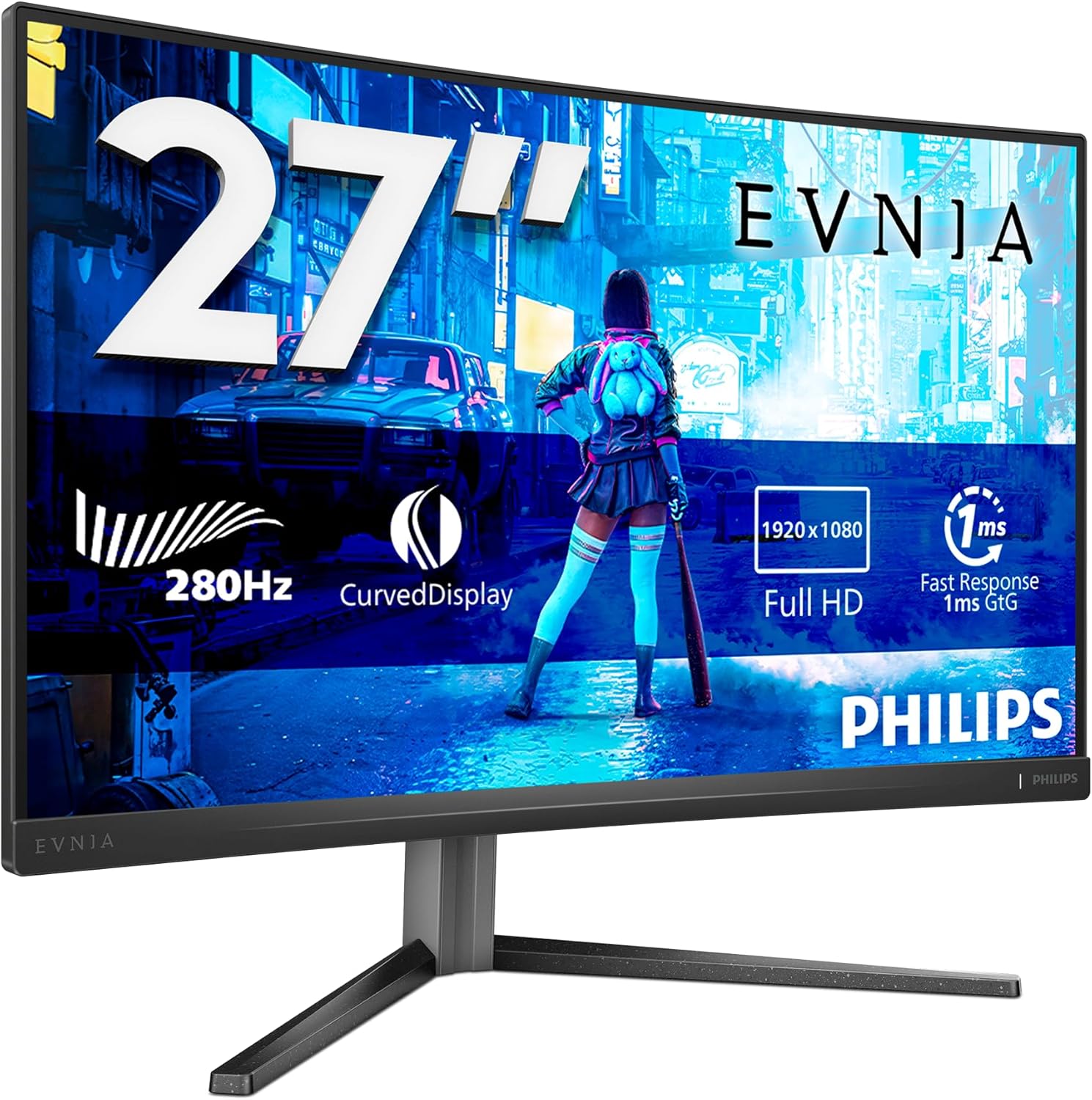
Philips Evnia 27M2N3800A 27" 4K Gaming Monitor
Product description
What this monitor is and what it aims to solve
The Philips Evnia 27M2N3800A is a 27-inch, 4K gaming monitor designed to deliver sharp detail and smooth motion. Built with an IPS panel, it focuses on accurate colours and wide viewing angles, which helps when you’re gaming, creative work or multitasking across multiple windows. The model names signals a feature set aimed at balancing high refresh with practical use, rather than chasing extreme specs alone.
Why this matters: why you might consider it
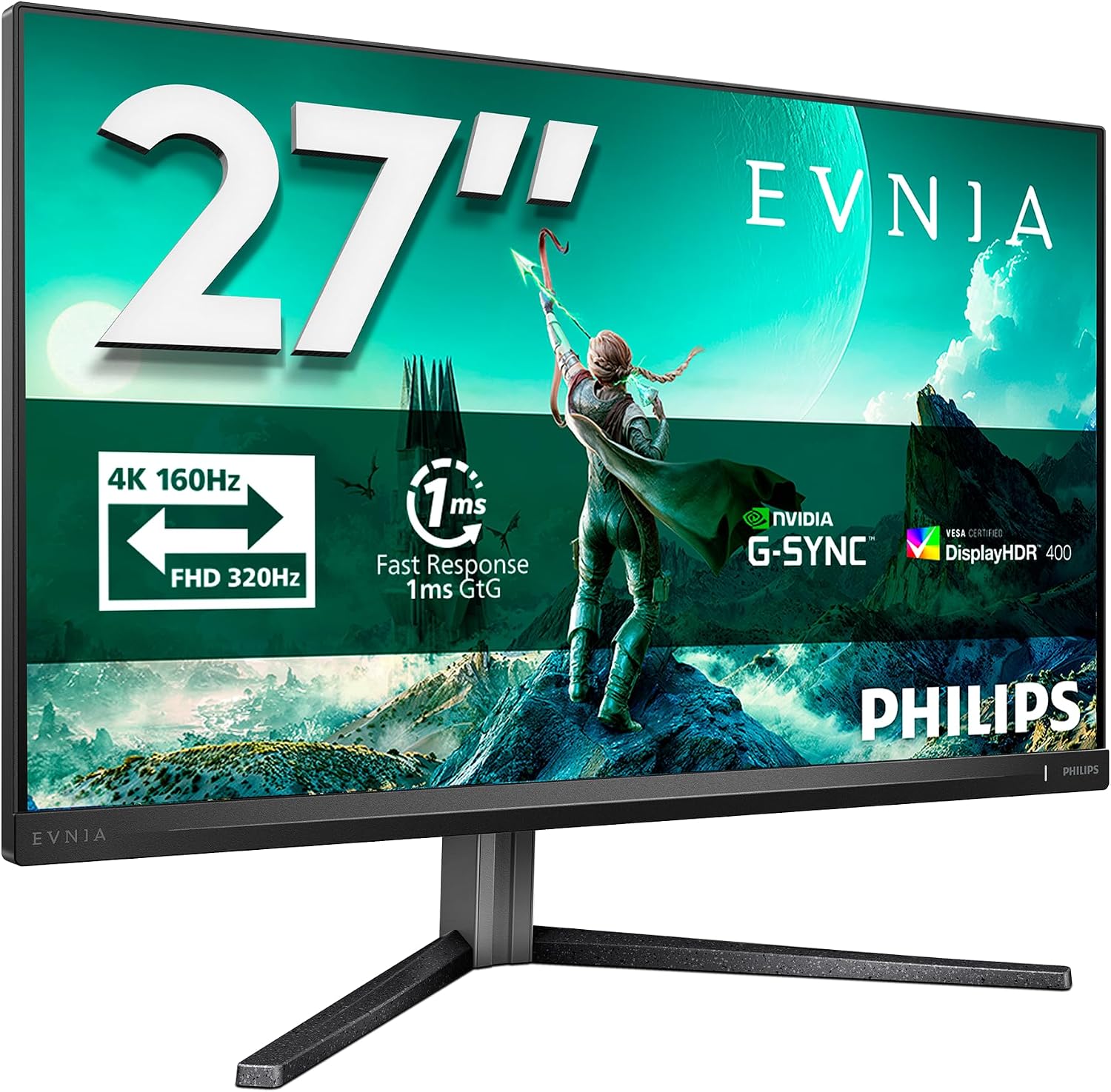
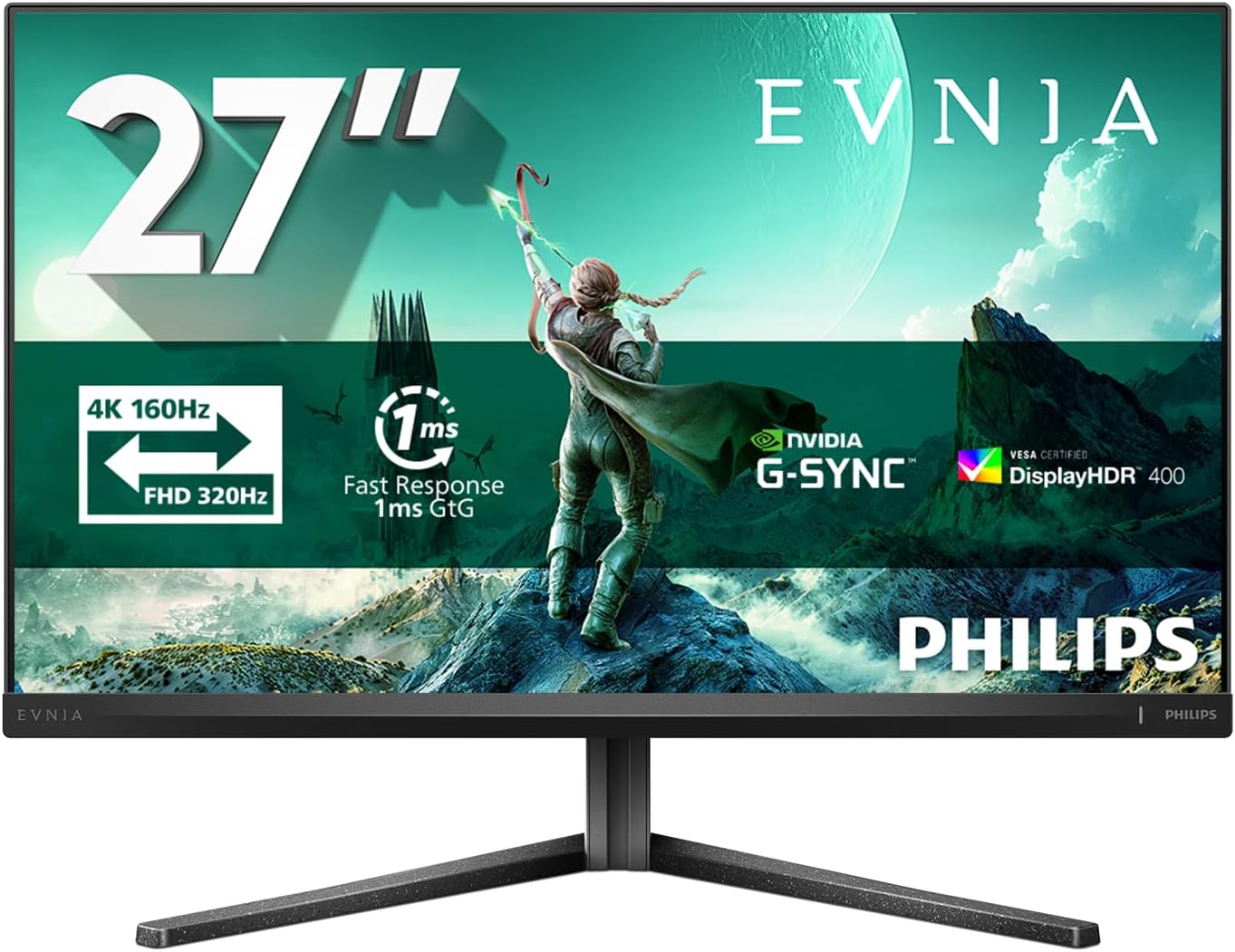
On paper, the generous 4K resolution paired with a fast response time and high refresh rate translates to clearer images and less motion blur during fast-paced scenes. The 0.5 ms response and HDR400 support suggest a tighter, more responsive experience for gaming and media. The inclusion of G-Sync compatibility helps reduce tearing if your PC can output a suitable frame rate, which is particularly relevant for those who value a clean, stutter-free image.
What stands out in everyday use
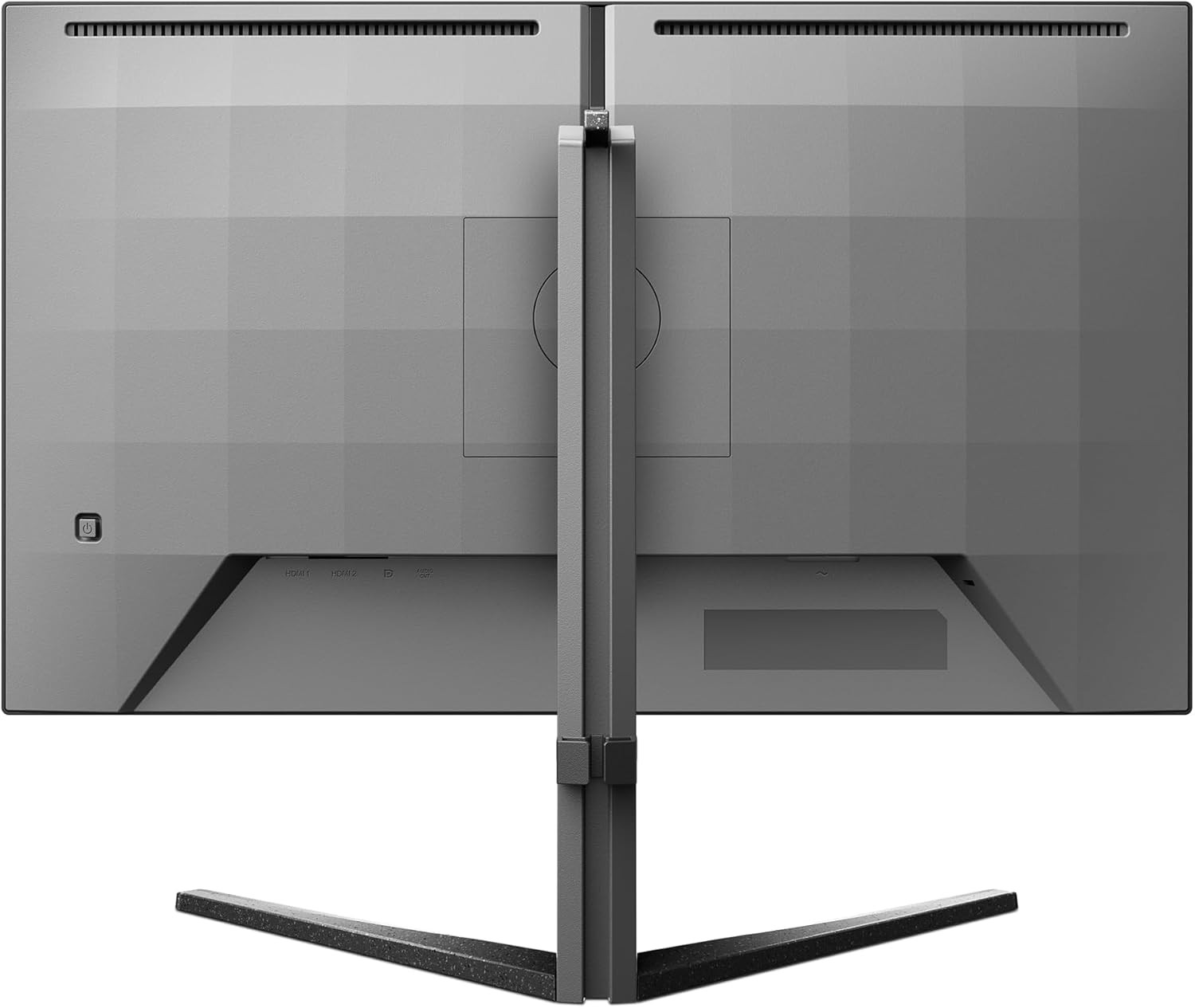
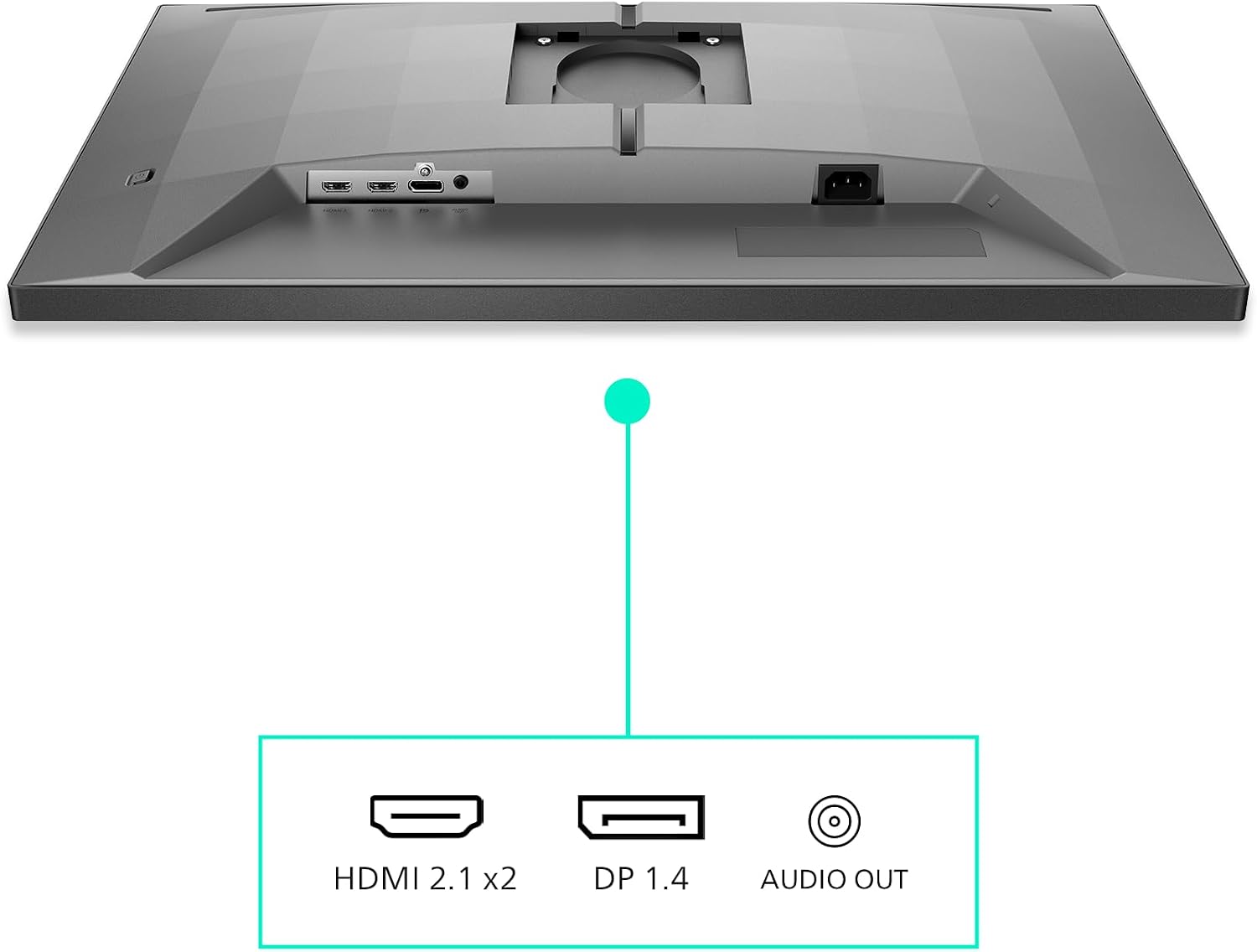
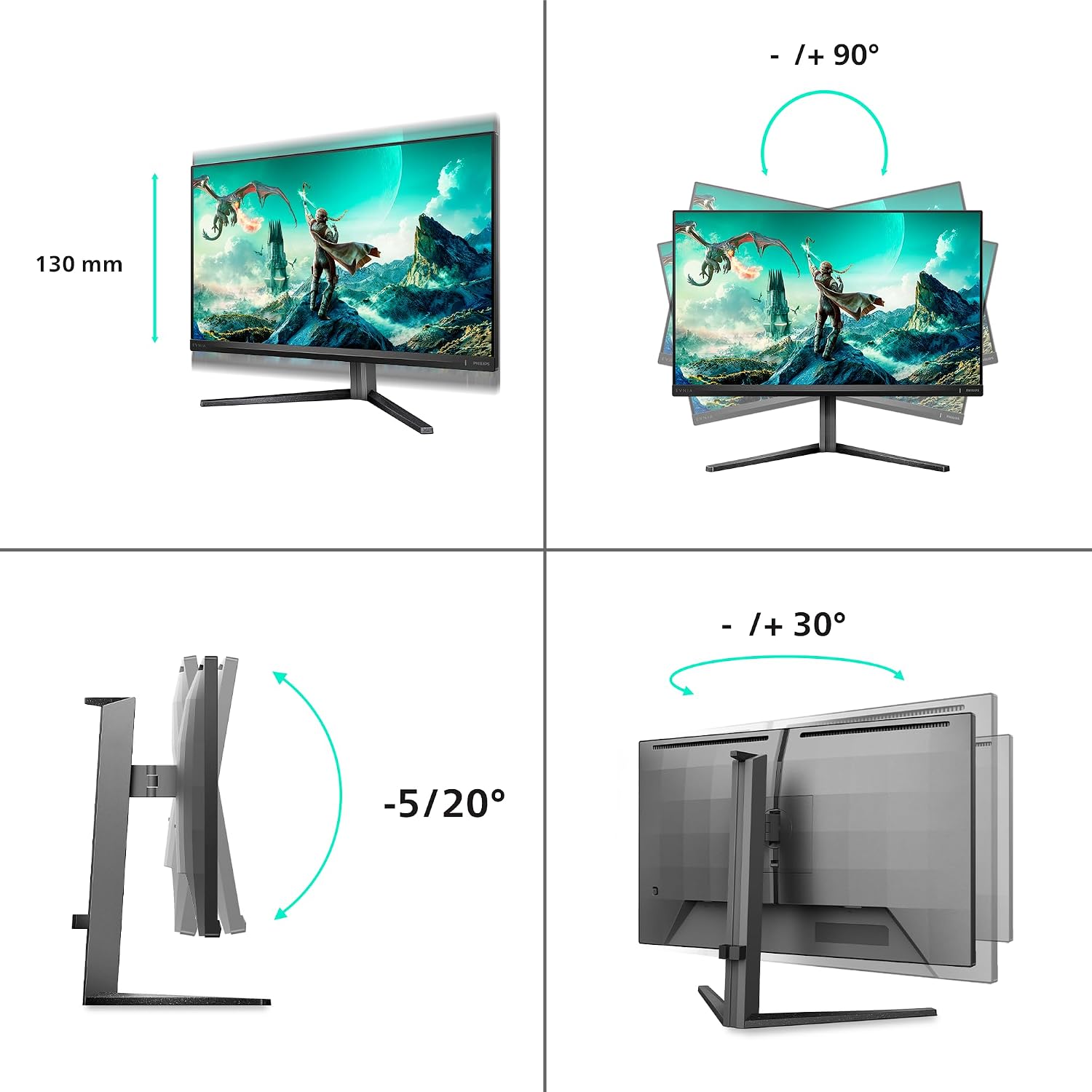
A notable practical element is the height-adjustable stand, enabling ergonomic setup whether you’re seated or standing. The built-in speakers means you can get passable audio without extra peripherals, which is convenient for a clean desk setup or for quick gaming sessions where space is at a premium. The monitor offers a solid mix of ports—HDMI 2.1 (two inputs) and DisplayPort 1.4—so you can connect current-gen consoles or gaming rigs without chasing adapters.
The best and the not-so-perfect parts
On the upside, the combination of 4K clarity, IPS colour consistency and ergonomic adjustability makes it a good all-rounder for both gaming and productivity. It may not be the brightest or the loudest option in its class, and if you prioritise ultra-high peak brightness for HDR games, you might wish for more. Additionally, the spec sheet suggests very strong performance in PC gaming scenarios, but the exact practical impact depends on your GPU’s capability and game optimisation.
Who it’s for
If you want a larger, more detailed screen for immersive gaming and a versatile panel for work-from-home days, this monitor could fit your needs. It’s a sensible contender for those who value a balance of colour accuracy, speed and convenience features like height adjustability and built-in speakers. It’s also a reasonable choice if you’re building a space where multiple devices share a single display output without sacrificing picture quality.
Who it isn’t the best option for
If you primarily game at very high frame rates on a budget, or if you need peak HDR brightness and contrast above the HDR400 spec, you may look elsewhere. Likewise, if you want a monitor that is optimised strictly for competitive gaming with the absolute lowest input lag, you might find other models that prioritise that single metric more aggressively.
When it makes sense to buy
Consider this model if you value a large 4K desktop experience with decent gaming performance, a good colour gamut for everyday content, and you want practical features like a height-adjustable stand and built-in speakers. It’s a reasonable pick for mixed-use setups—gaming, streaming, and productivity—where space and flexibility matter.
What to check before buying
- Confirm your GPU can push 4K at a frame rate that leverages the monitor’s 160 Hz refresh capability, or at least utilise G-Sync comp to smooth out motion.
- Ensure your preferred connections (HDMI 2.1 or DisplayPort 1.4) align with your devices.
- Consider the audio expectations from the built-in speakers, for serious sound you might still want external audio.
- Check the desk setup to ensure the height adjustment range covers your preferred seating/standing height.
Practical use vignette
Imagine sitting down after work, pulling up a strategy game at 4K with a fast-tlick of a mouse, the IPS panel delivers wide viewing angles so you can glance at map edges without colour shift. While you race through a highlighted scene, the screen keeps up with a steady frame cadence, and you can quickly switch to a spreadsheet or media browser thanks to the generous display area.
FAQ
- Do you need a high-end PC to enjoy 4K at 160 Hz? It depends on the title and settings, not all games run at max refresh at 4K, but G-Sync compatibility helps smoothness when frame rates dip.
- Is the HDR400 level enough for a noticeable glow in games? HDR400 offers improved brightness and contrast relative to standard panels, but peak performance varies by game and content.
- Are the built-in speakers adequate for daily use? They’re handy for quick audio without extra gear, but for immersive gaming or music, external speakers or headphones may be preferable.
Final verdict
Is it worth it? Worth considering if you want a balanced 4K gaming monitor with ergonomic comfort and flexible connectivity for a mixed-use desk setup. If pure HDR brightness or the absolute fastest competitive performance is your priority, you might prefer alternatives that push those aspects further.