

KOORUI G3441XC 34-inch ultrawide curved gaming monitor (240Hz, 3440x1440, HDR400)
Product description
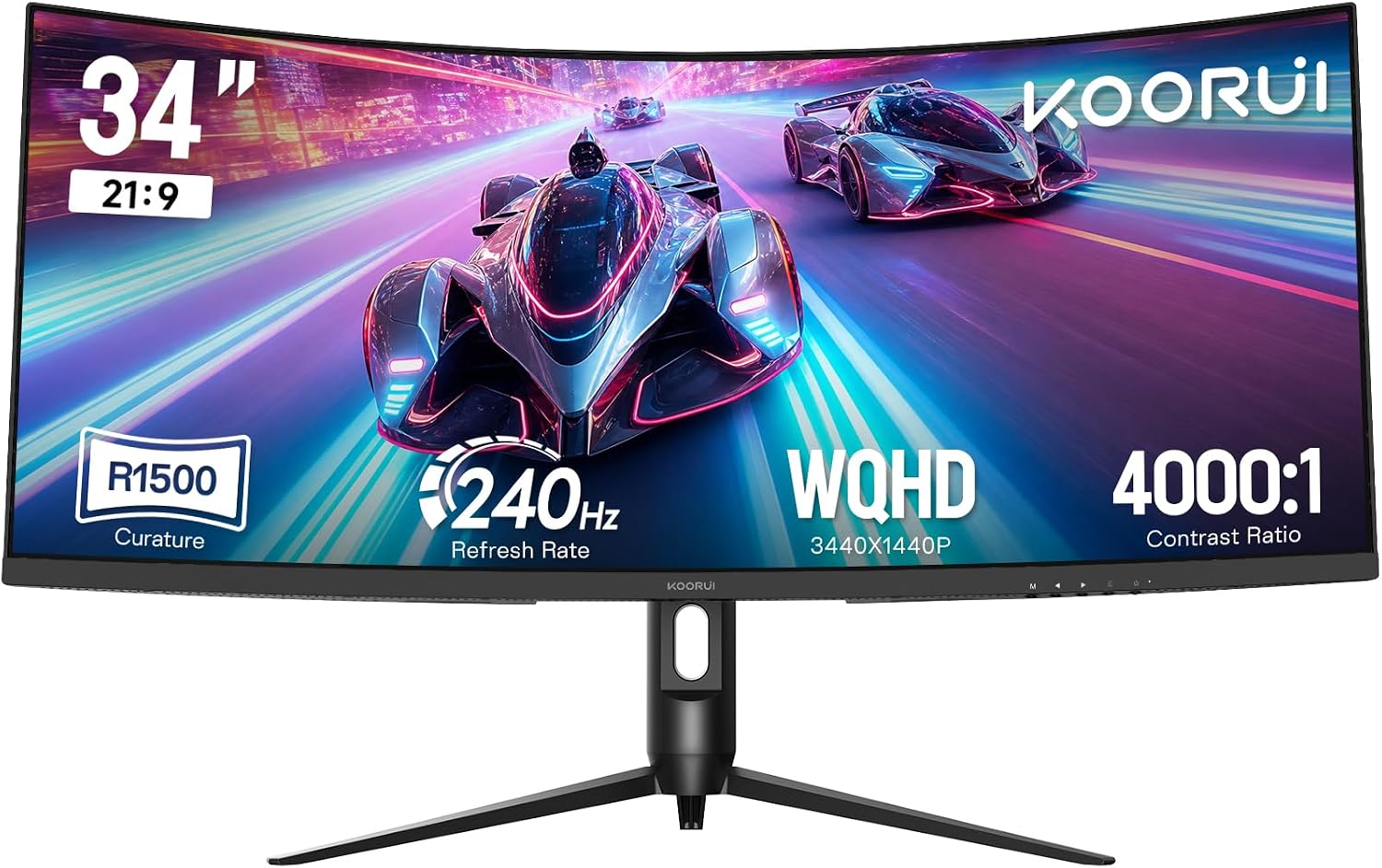
If you’re after an ultrawide curved screen for both games and everyday multitasking, the KOORUI G3441XC is built around the idea of “more view, fewer tab switches”. The 34-inch 21:9 format and 1500R curvature are aimed at pulling your peripheral vision in a bit more naturally, which can feel genuinely immersive when you’re playing or working across multiple windows.
That said, this is still a value-leaning monitor on paper: it has some nice gaming features and eye-care tech, but you’ll want to sanity-check whether your setup can actually make the most of the higher refresh rate and ultrawide resolution.
The essentials
This 34-inch curved gaming monitor uses a WQHD ultrawide resolution of 3440x1440 (21:9) and a 1500R curve, which is often the kind of curvature people notice straight away when they first move from flat screens. It’s designed to help in two common scenarios: games where a wider battlefield view matters, and productivity work where splitting windows side-by-side is the norm.
For visual punch, the VA panel is described as delivering a native 4000:1 contrast ratio. It also supports HDR400, with brightness rated at 400 nits, plus a wide 90% sRGB colour gamut (so it’s not just “big screen”, it’s also meant to look more vivid in games and media).
What you’ll notice day to day
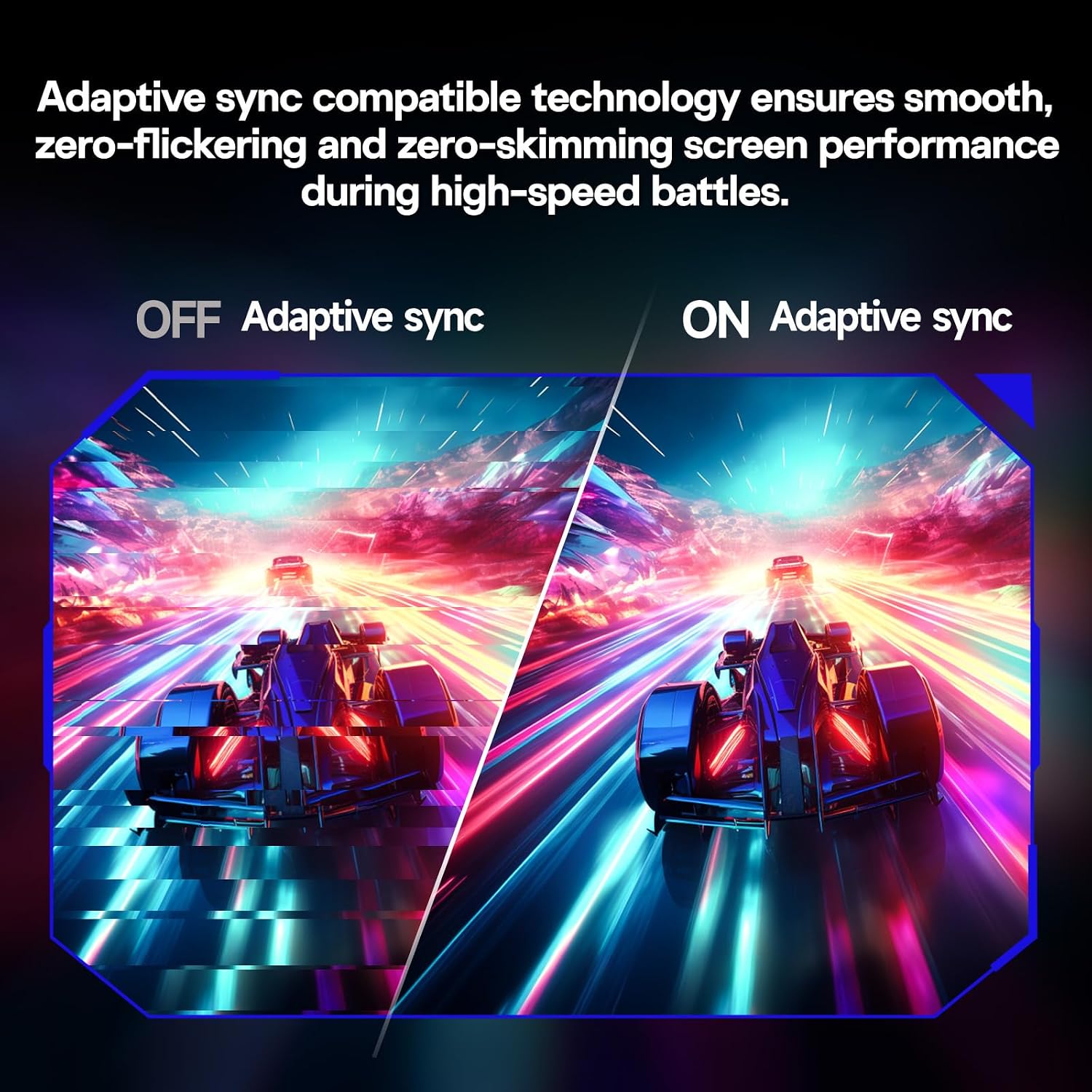
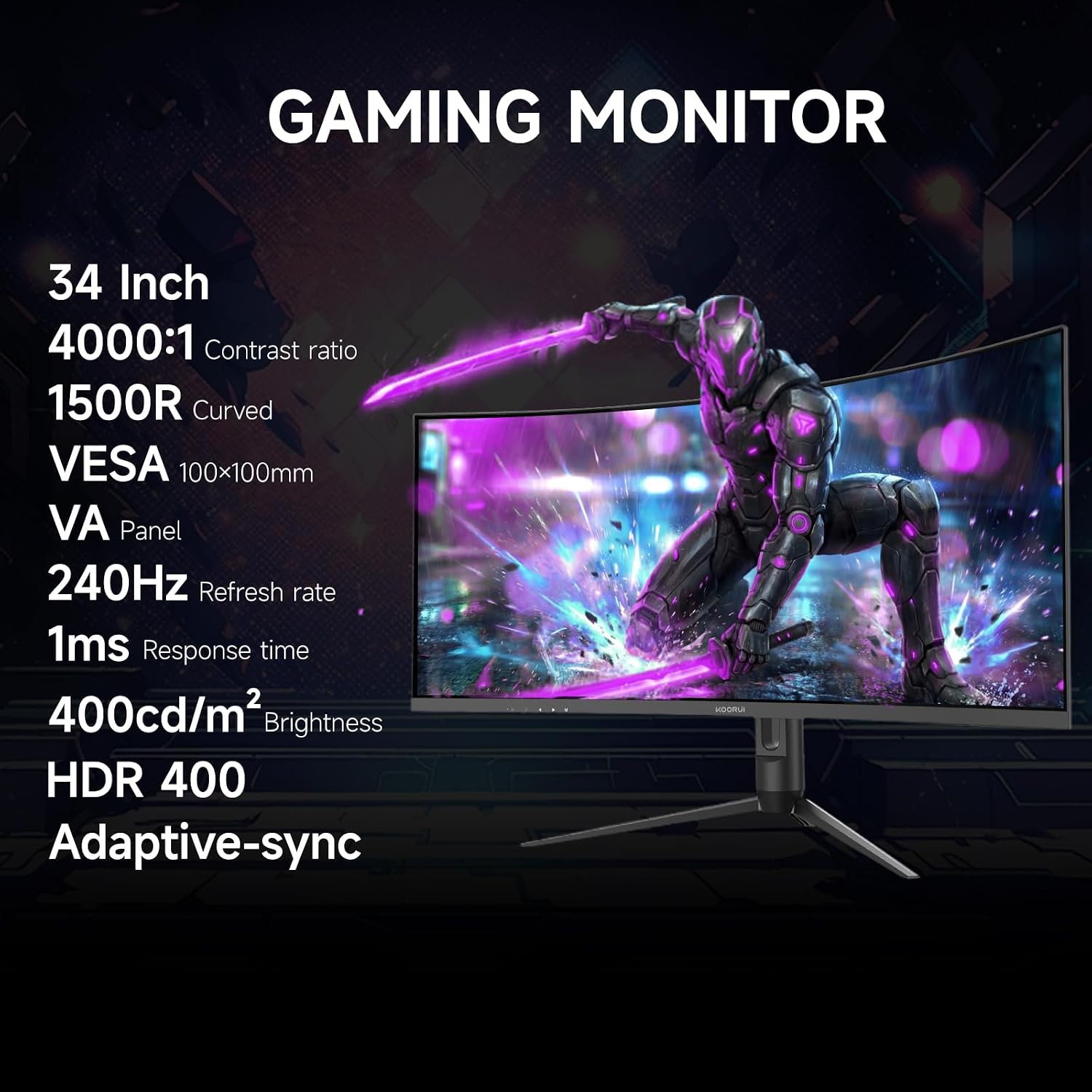
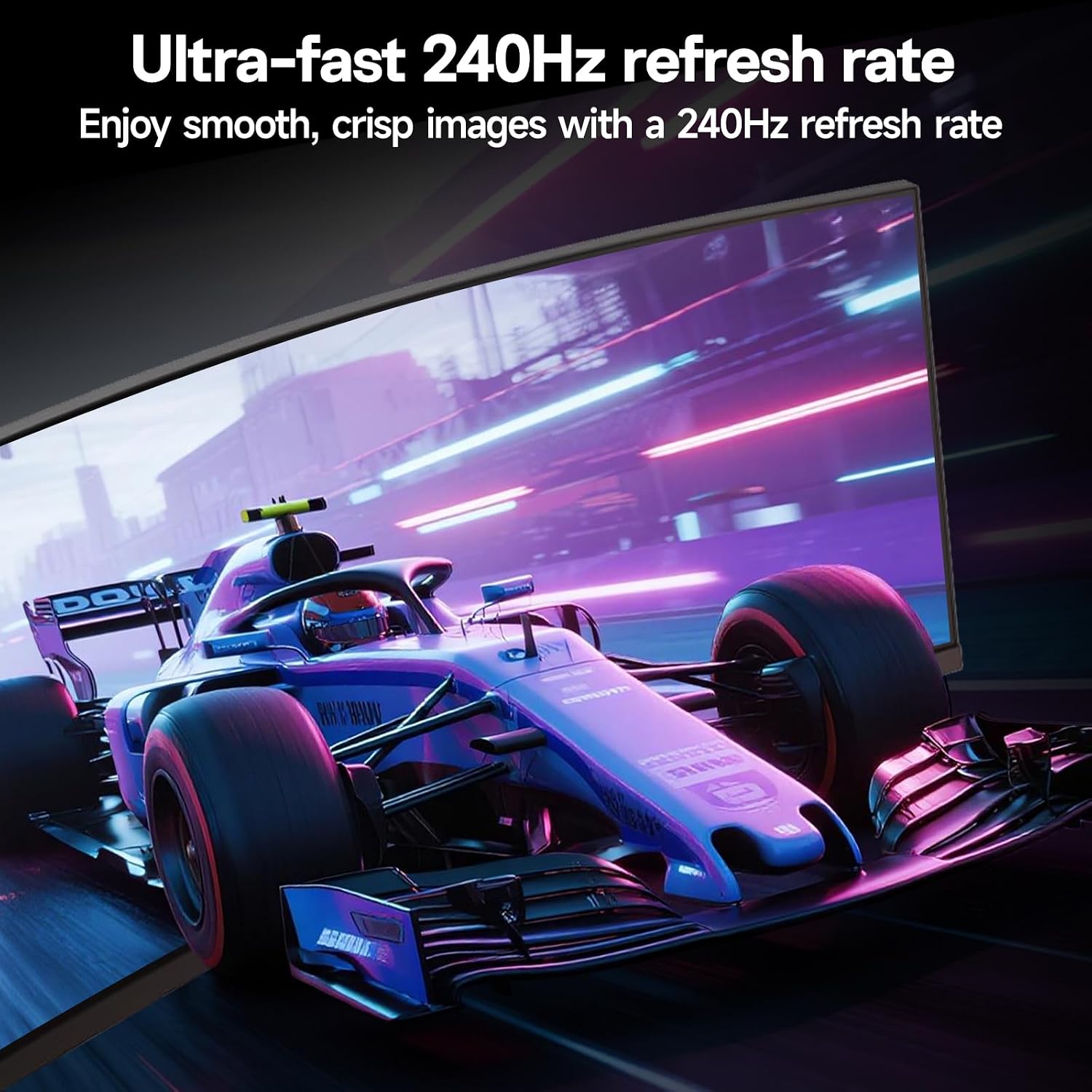
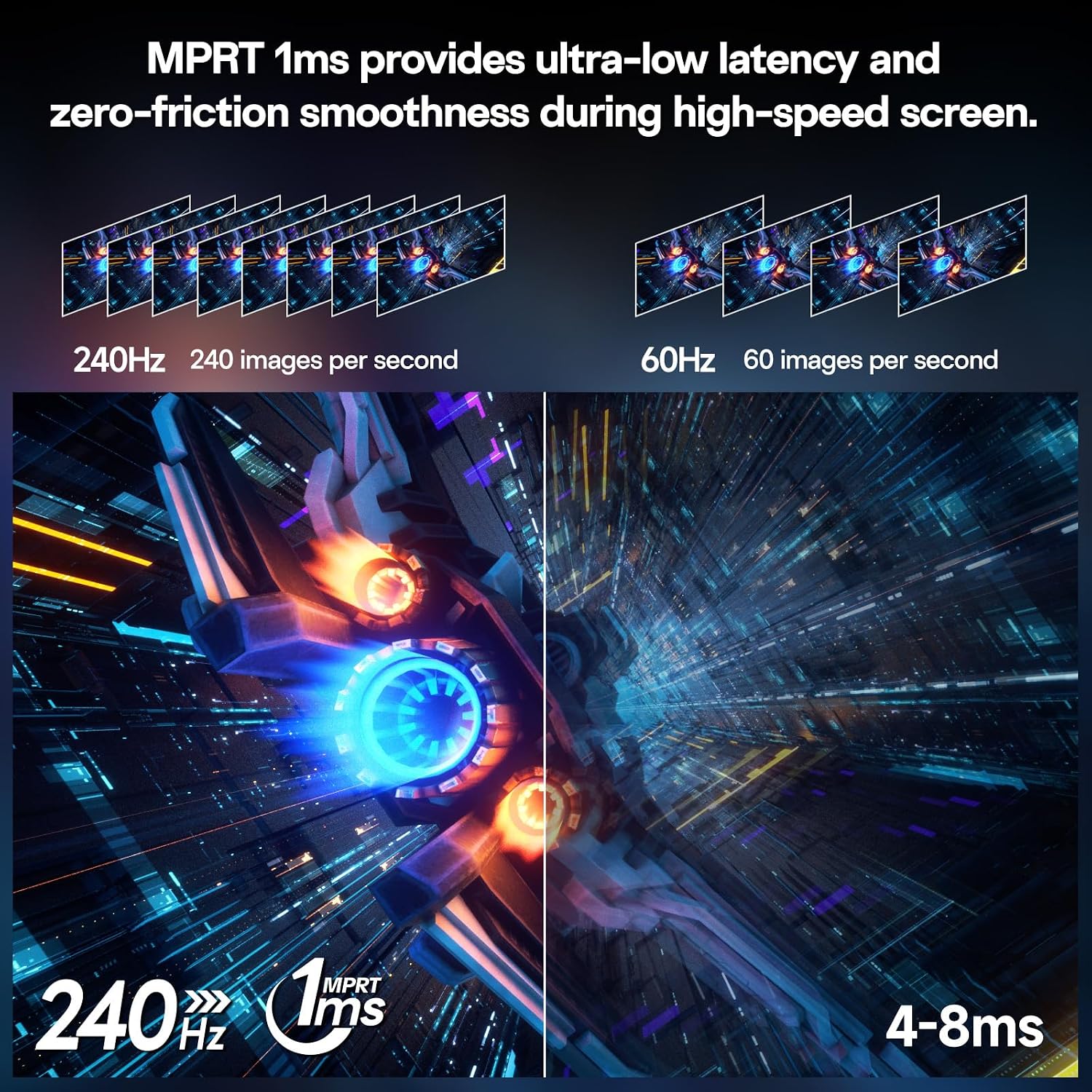
On the gaming side, the headline spec is 240Hz. If you care about smooth motion, this is where the monitor is trying to earn its place. It also supports Adaptive Sync, which should help reduce tearing/stutter when your frame rate fluctuates.
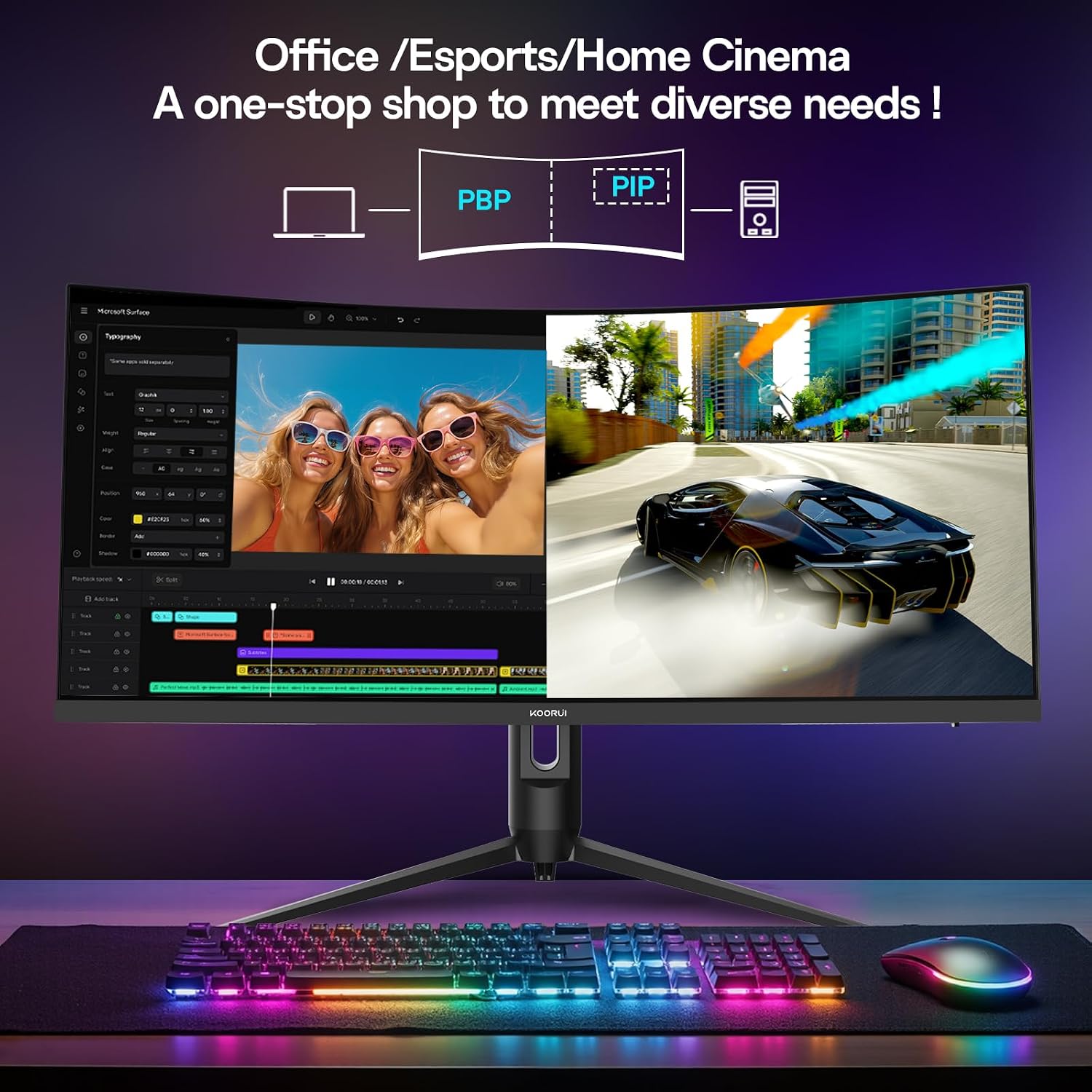
For practical multitasking, it includes both Picture-in-Picture (PIP) and Picture-by-Picture (PBP). That’s one of those features that can be surprisingly useful: for example, you could keep a walkthrough/video in one section while you play, or run a game on one side and a chat/tool window on the other. It’s the sort of convenience you don’t fully appreciate until you’ve used it for a week.
Where it stands out
A few things stand out more than you’d expect for a monitor positioned as value-focused.
First, the combination of 34-inch ultrawide with a gaming refresh rate and adaptive sync means it’s not just “a big office screen with gaming in the name”. Second, it includes on-screen gaming utilities such as an AI crosshair and an on-screen timer, alongside dedicated presets for different genres (FPS/RTS/Racing are mentioned).
The panel and HDR claim also point towards a more immersive visual experience. A 4000:1 contrast ratio plus HDR400 is the kind of pairing that’s aimed at deeper blacks and brighter highlights—especially noticeable in darker scenes.
Finally, there’s eye-care technology: Low Blue Light and Flicker-Free. These don’t magically eliminate eye strain, but for long sessions (gaming or work), they’re a sensible inclusion.
Things to consider before you buy
Worth noting: high refresh rates only feel “real” if your PC and connection can drive the monitor properly. The spec mentions a DP 1.4 connection that can unleash 3440x1440 at 240Hz, while the monitor also has HDMI 2.1. If you’re relying on a specific port or adapter, you’ll want to check compatibility on your side before expecting full performance.
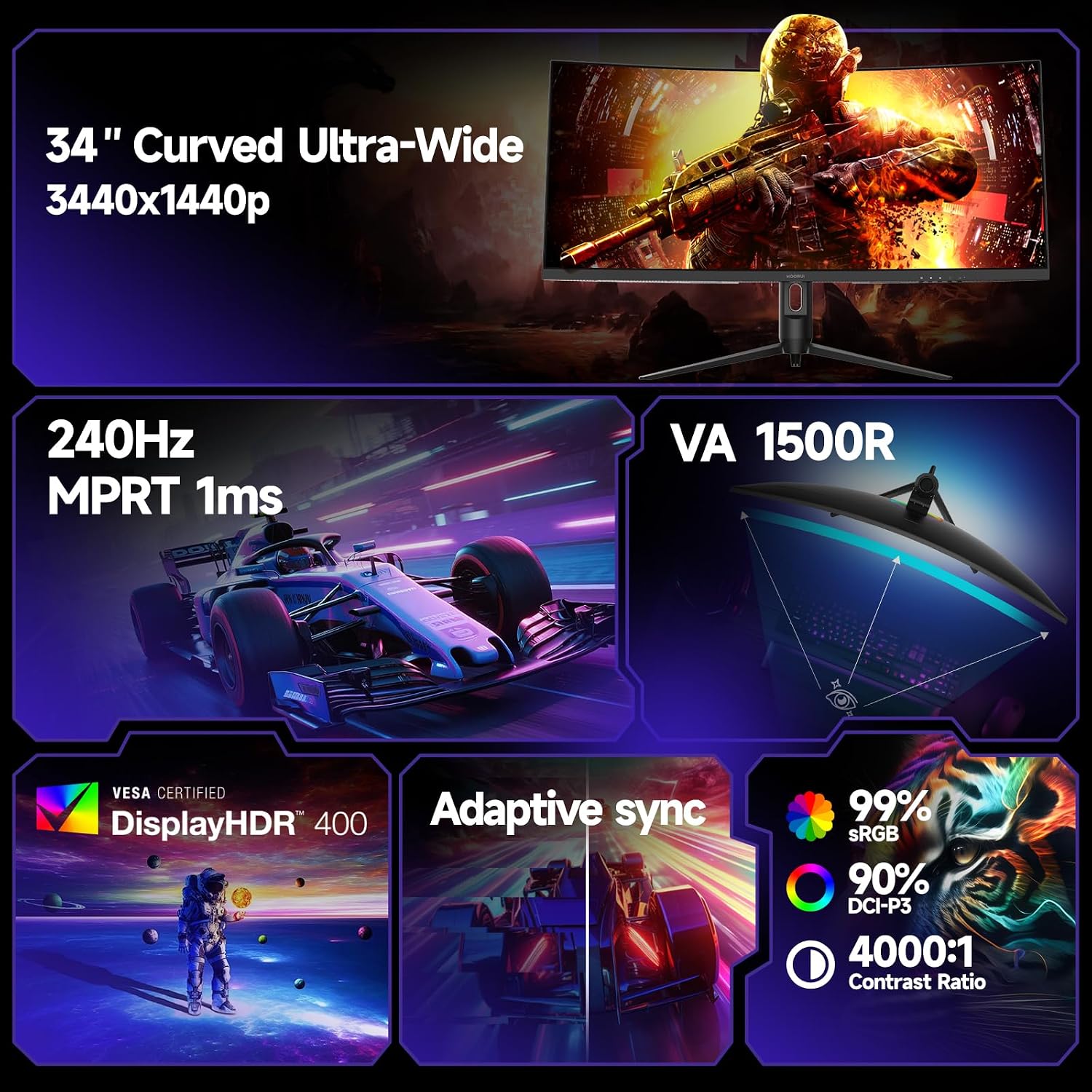
Another small limitation: VA panels tend to perform differently depending on viewing angle and content (not everyone loves how colours/contrast shift when you’re not facing the screen head-on). If you often sit slightly off-centre, it’s something to keep in mind.
Tech overview
- Name: KOORUI G3441XC
- Type: Curved gaming monitor (ultrawide)
- Format: 34-inch 21:9 ultrawide
- Resolution: WQHD (3440x1440)
- Refresh rate: 240Hz
- HDR: HDR400
- Contrast ratio: 4000:1
- Response time: 1ms
- Curvature: 1500R
- Sync technology: Adaptive Sync
- Panel colour coverage: 90% sRGB
- Brightness: 400 nits
- Connectivity: DP/HDMI
- VESA mount: 75x75mm
Who it’s for (and who should skip it)
It makes sense if you want one monitor that can cover gaming and daily productivity, and you specifically like ultrawide multitasking. If you play titles where extra horizontal space helps (more battlefield visibility) and you also want to keep multiple windows open without constant resizing, this is the kind of setup it’s aiming for.
You may want to skip it if your main goal is ultra-accurate colour grading, or if you sit at a noticeable viewing angle. Also, if your system won’t be able to run 3440x1440 at 240Hz using the intended connection, you might not feel the value of the refresh rate as much.
Final verdict
It’s a solid pick if you’re shopping for a curved 34-inch ultrawide with a gaming-focused refresh rate, plus PIP/PBP multitasking and eye-care features for long sessions. The DP 1.4 detail is especially relevant if you want to chase the full WQHD 240Hz experience.
It may not be a great match if you’re mostly after a simple flat, low-configuration display or you can’t realistically drive the higher performance specs from your PC. On paper, it sits in the “value gaming ultrawide” lane rather than being the kind of display you’d buy purely for niche, high-end image work.
Mini FAQ
Does the monitor support using two sources at once?
Yes—PIP and PBP modes are included, so you can show dual inputs in different layouts.
Which connection is best for the full 240Hz ultrawide mode?
The description states that the DP port can unleash 3440x1440 at 240Hz, while HDMI 2.1 is also available.
Is it suitable for long gaming or work sessions?
It includes Low Blue Light and Flicker-Free technologies to support comfort during extended use.
What panel type is it?
The base description says it uses a VA panel.
Is HDR400 actually part of the package?
Yes, HDR400 support is mentioned along with 400 nits brightness and contrast capability.