

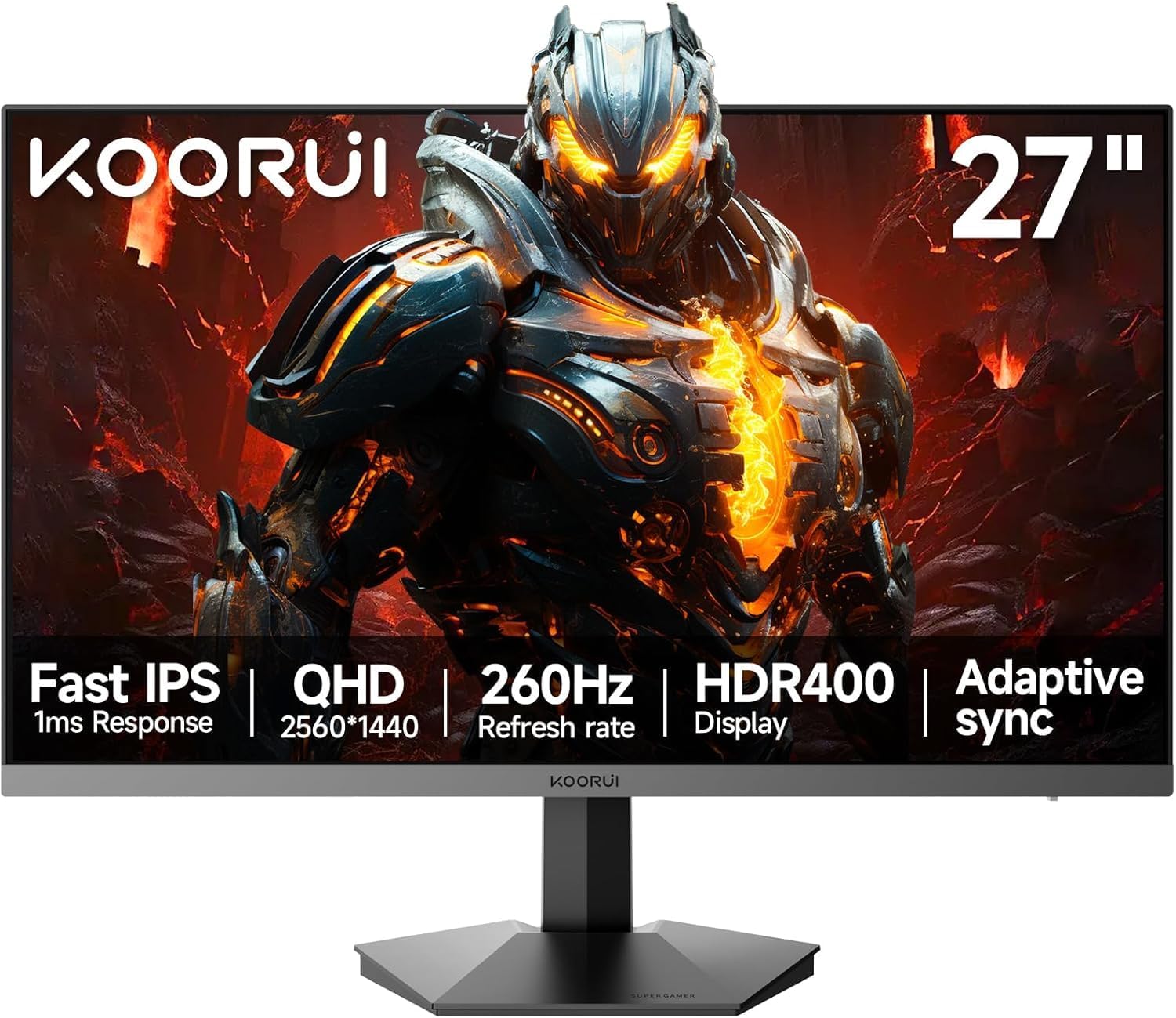
KOORUI 27 inch QHD Gaming Monitor G2721X: 2560x1440, 260Hz (240Hz supported), HDR400, Fast IPS
Product description
What it is
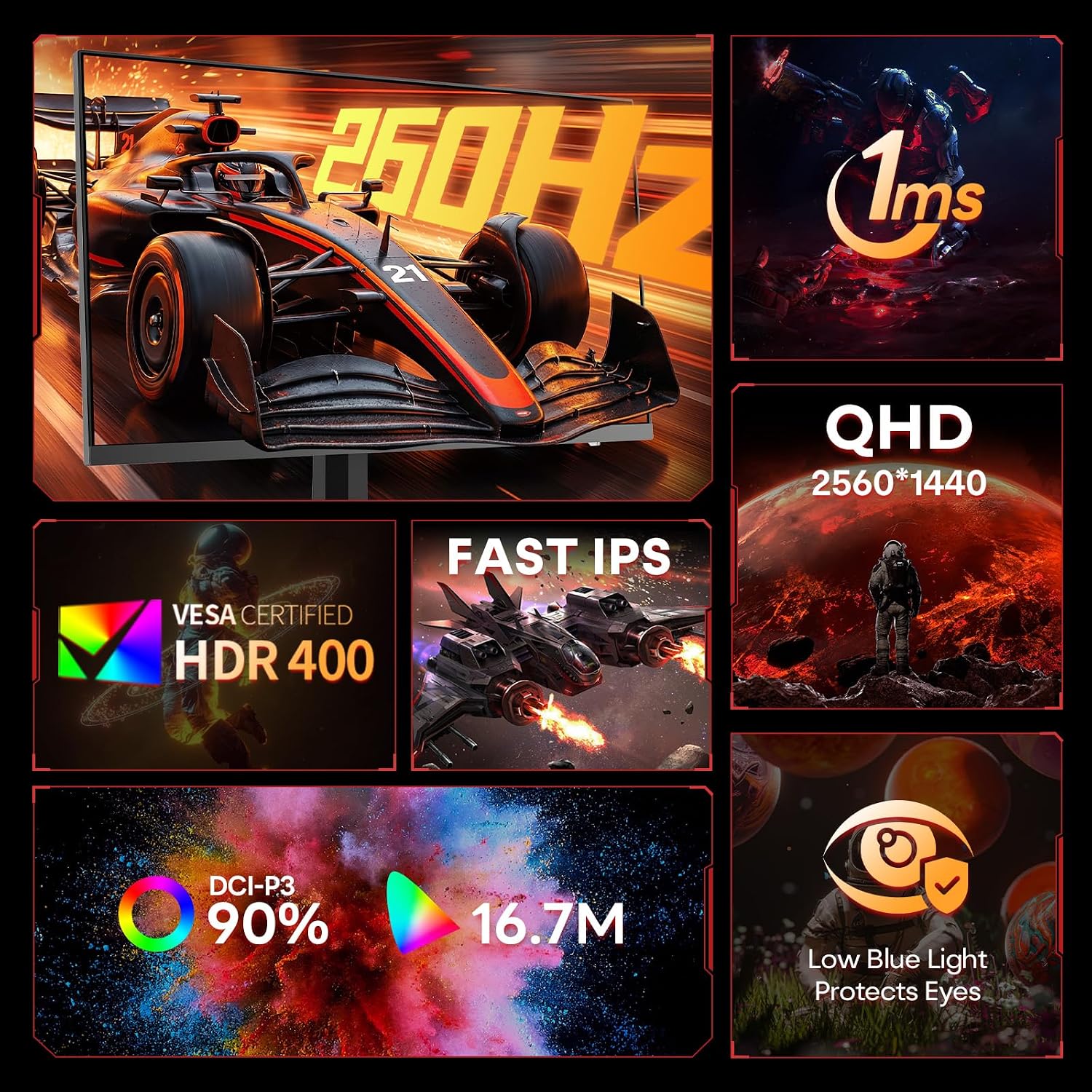
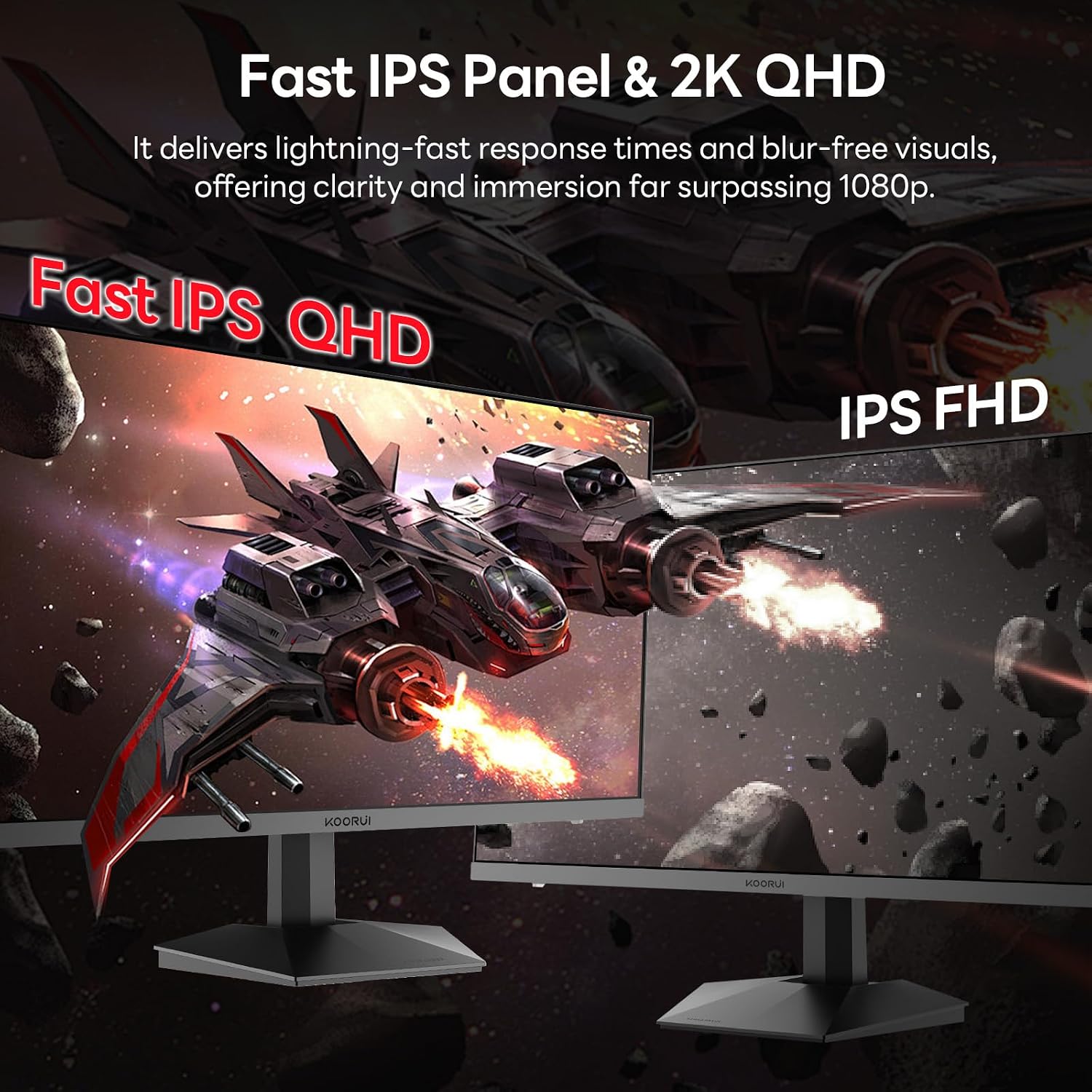
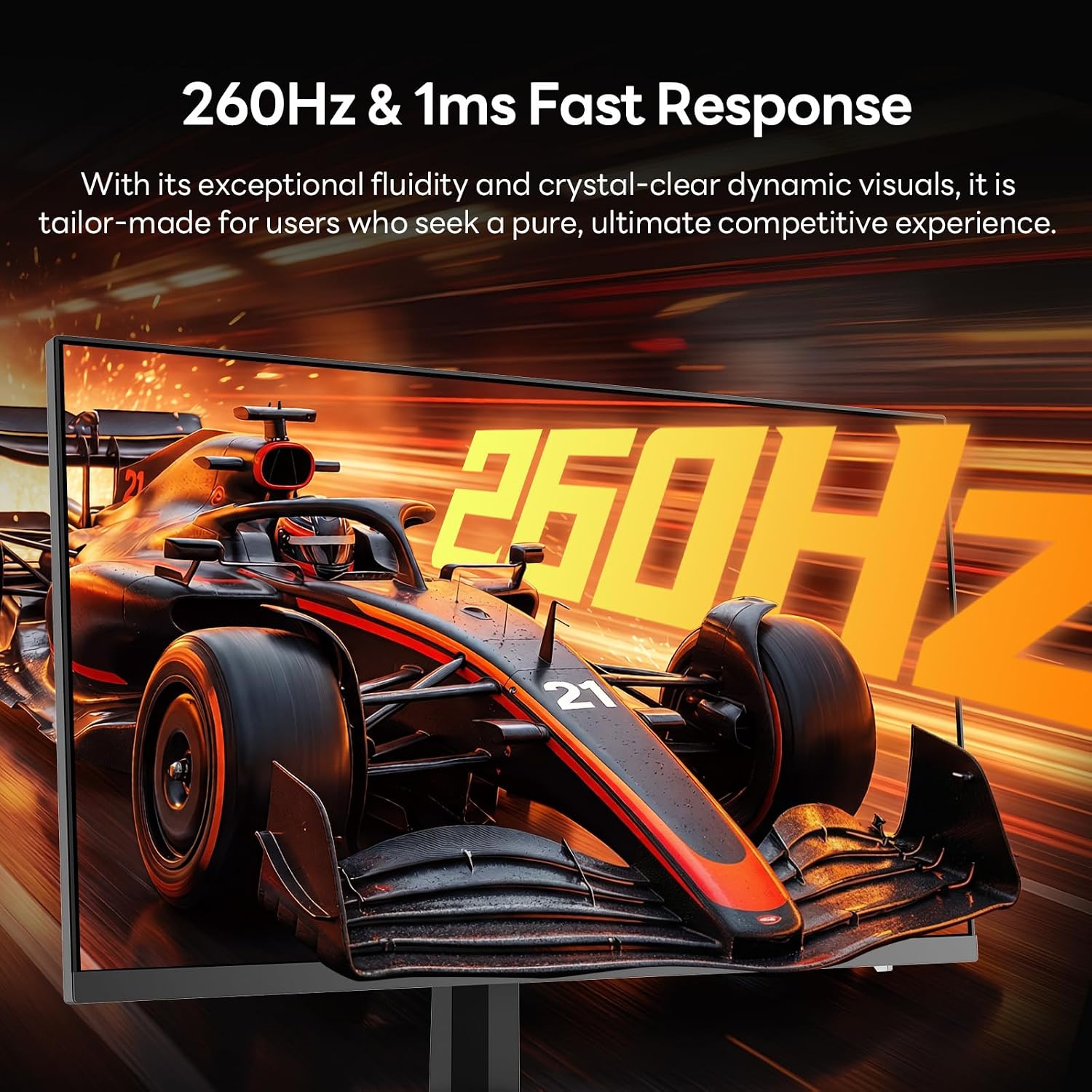
The KOORUI G2721X is a 27-inch gaming monitor offering a native QHD resolution (2560x1440) with a high refresh cadence aimed at fast-paced titles. It supports up to 260Hz, with the potential to operate at 240Hz in practice, and includes HDR400 for brighter visuals and improved contrast. The panel uses Fast IPS technology, promising quicker response times and wide viewing angles. Connectivity includes DisplayPort (DP) and two HDMI inputs, making it straightforward to pair with PCs and consoles.
Who it’s for
If you prioritise smooth gameplay and vibrant imagery at 1440p, this monitor sits in the mid-to-upper tier for refresh rate within the 27-inch segment. It is well suited for competitive shooters, racing sims, and action titles where motion clarity matters, as well as general media consumption and content creation that benefits from a sharp panel.
What stands out in use
On paper, the standout feature is the 260Hz target refresh with a Fast IPS panel and HDR400. This combination aims to reduce motion blur and improve perceived responsiveness compared with standard 60–144Hz displays. The HDR400 tier should provide more dynamic contrast than non-HDR displays, while still keeping power usage and desktop footprint reasonable. The dual HDMI ports and DP connectivity offer flexibility for different devices.
What may hold it back
The claim of 260Hz is a target spec, real-world performance may vary based on game, settings, and hardware output. HDR400 is the entry level of HDR, so contrast and brightness gains won’t reach the levels of higher HDR tiers. For those chasing ultrasharp text or professional colour accuracy, the monitor’s gaming focus might mean it’s not a primary colour-critical display. Some users may notice ghosting or motion artefacts if overdriven in certain titles, depending on game engine and frame pacing.
How it compares to alternatives
If you prioritise ultra-high refresh for competitive play at 27 inches, this model sits alongside other 1440p gaming screens with high refresh rates and adaptive sync. It provides a strong all-rounder package (resolution, speed, and HDR capability) without venturing into the premium price bands of higher HDR tiers or 360Hz+ panels. For everyday gaming and media, it’s a sensible balance of clarity and fluidity, for colour-critical work or top-tier HDR brightness, you might prefer a different panel or higher HDR tier.
Practical usage tips
- Use DP for the maximum refresh capability if your GPU supports it, HDMI may limit the top end depending on version.
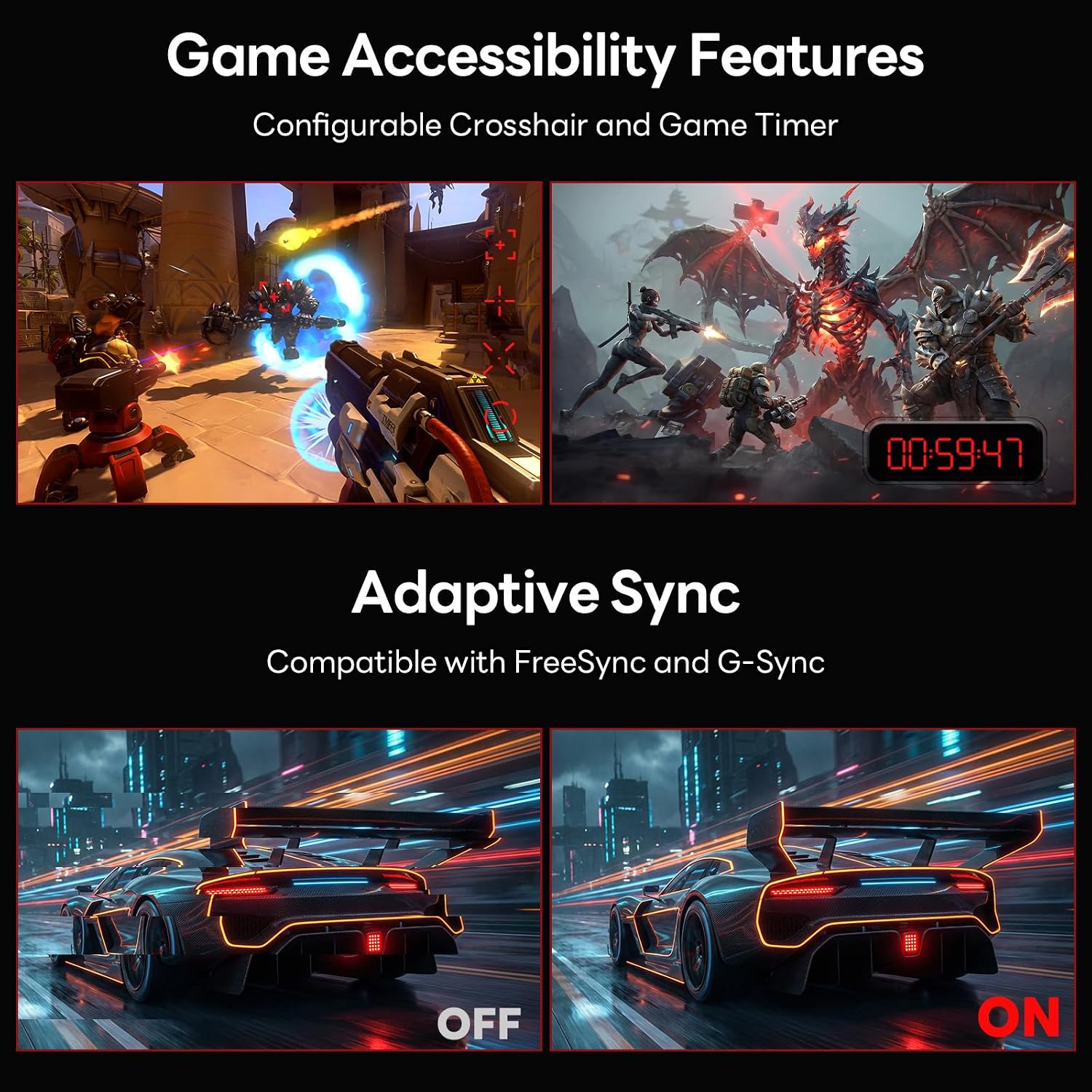
- Enable Adaptive-Sync to minimise tearing in titles with fluctuating frame rates.
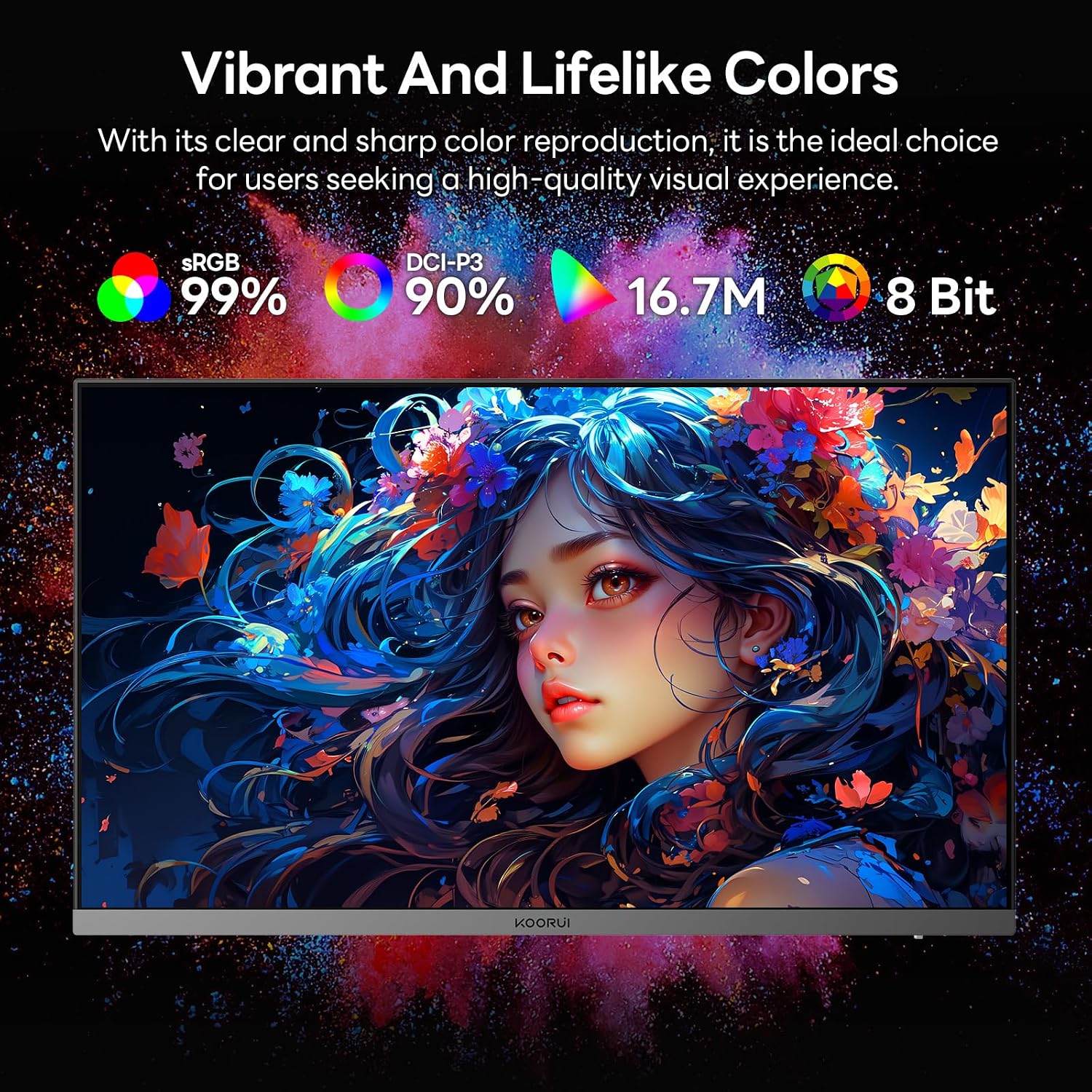
- If you do colour-sensitive tasks, consider calibrating the display or using the monitor’s preset modes with awareness that HDR400 delivers a noticeable boost in brightness and contrast but isn’t a substitute for a professional-grade colour workflow.
- Check game and driver updates, as updates can improve motion handling and input responsiveness over time.
What to review before buying
- Verify your system’s capability to render high frame rates at 1440p to truly utilise the 260Hz target.
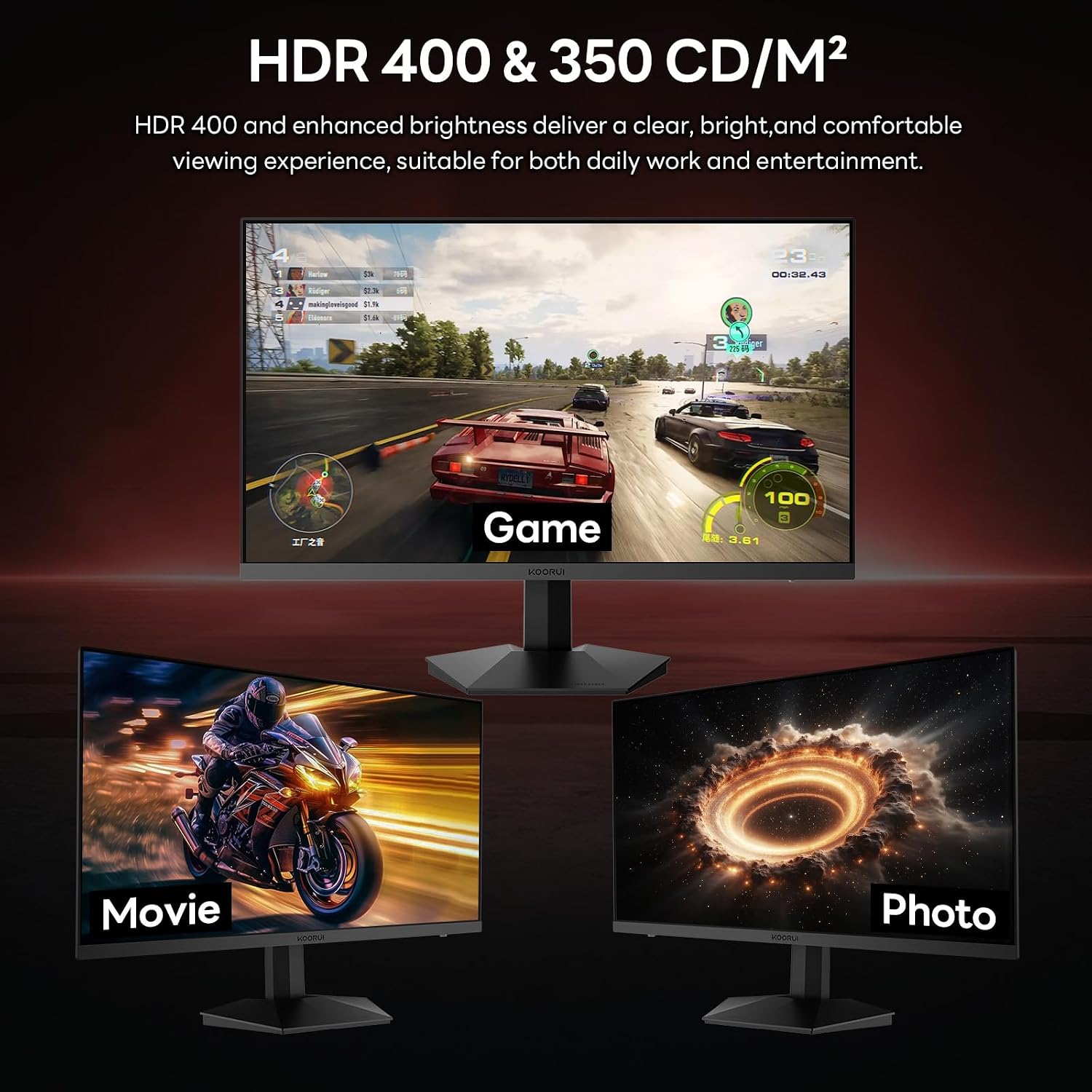
- Confirm whether your use-case benefits more from peak brightness, broader colour gamut, or motion clarity, and set expectations accordingly with HDR400.
- Consider room lighting, as HDR and brightness are more impactful in brighter environments.
Decision context (Is it worth it?)
Final verdict
Worth considering if you want a high-refresh 27-inch 1440p monitor with adaptive sync and HDR-like punch at a reasonable price. It’s a solid choice for gamers who value fluid motion and a sharp image without entering the very top price brackets. Not the best option if you require studio-grade colour accuracy or the brightest HDR experience. If your priority is competitive play at high frame rates and you want flexible connectivity, this model makes sense.
FAQ
- How reliable is the 260Hz claim? It’s marketed as a high-refresh target, real-world performance depends on hardware and game optimisations.
- Does HDR400 mean superb brightness? HDR400 provides improved contrast over non-HDR displays, but it isn’t the brightest HDR standard. Real-world brightness will vary by scene and panel settings.
- Can I use this monitor for long gaming sessions? The panel size and refresh rate support comfortable extended use, but always consider ergonomic setup and eye comfort settings.