

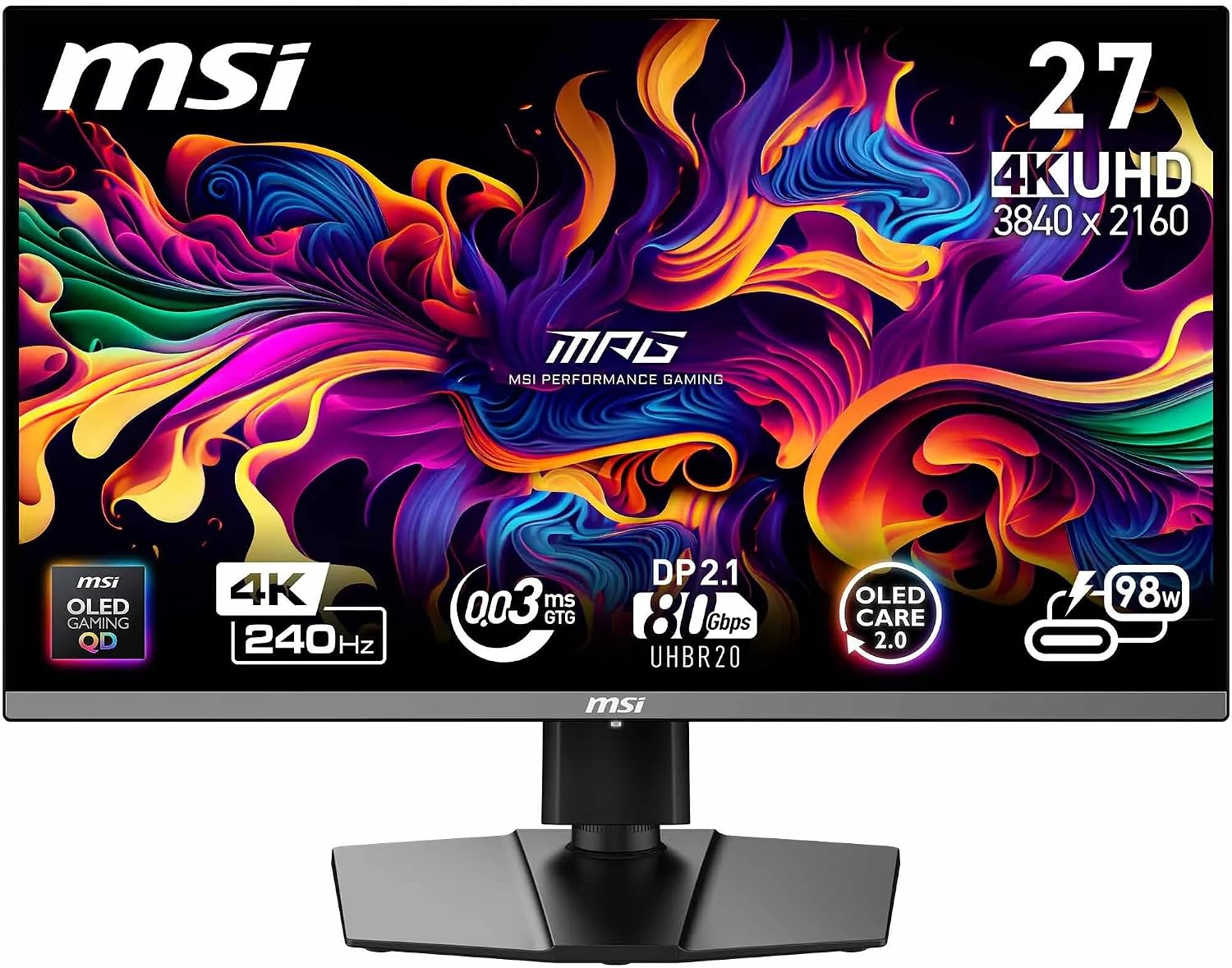
MSI MPG 321CURX QD-OLED 32 Inch UHD Curved Gaming Monitor (1700R) with 240Hz, HDMI 2.1 and USB Type-C
Reviews
Price
Product description
At a glance
If you’re shopping for a 32 inch curved gaming monitor, the MSI MPG 321CURX QD-OLED is one of those models that looks built for people who care about motion and image punch in equal measure. On paper it combines a curved 1700R 32 inch UHD display with a Quantum Dot OLED panel, a very high refresh rate, and modern ports for PC, consoles and laptops.
The key idea here is that OLED brings auto-emissive pixels for very strong contrast, while the Quantum Dot approach is aimed at colour depth and accuracy. It’s not a “do everything at any cost” type of screen, though: OLED can be fussy depending on how you use it day to day, and the curved 1700R shape will suit some desk setups more than others.
What stands out day to day
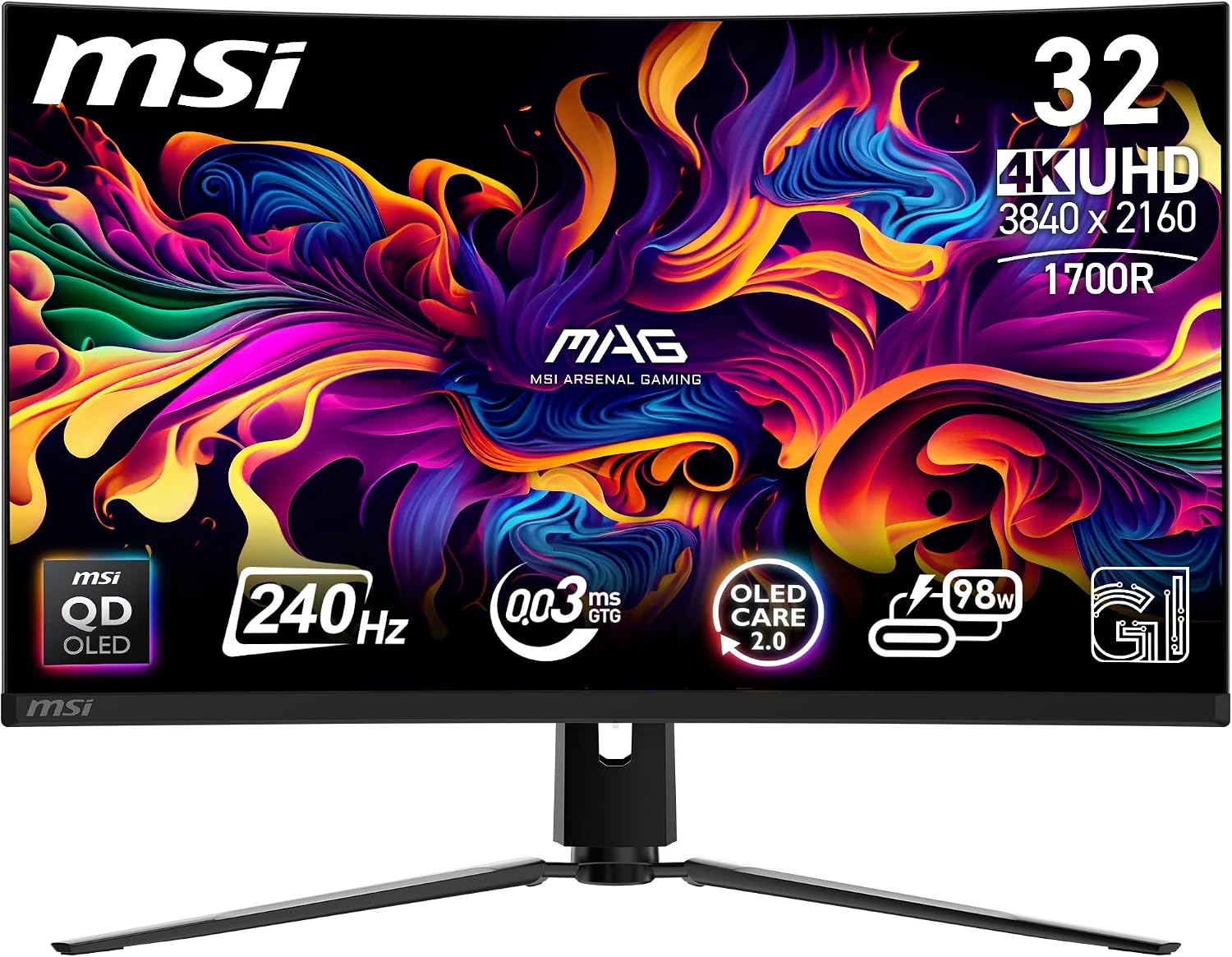
A lot of gaming monitors promise speed. This one is positioned around OLED response and a high refresh rate, with a stated 240Hz and 0.03ms GtG response time. The practical upside, assuming your games and setup can keep up, is smoother movement during fast scenes and less blur in quick transitions.
Colour and dark performance are where OLED tends to make itself felt. The spec lists 99% DCI-P3 and a Delta E ≤2, which is the sort of accuracy-focused detail you’d normally expect when someone is taking visuals seriously—not just chasing a high number. Add in DisplayHDR True Black 400 and the “True Black” angle suggests you’ll get genuinely strong blacks rather than relying purely on dimming tricks.
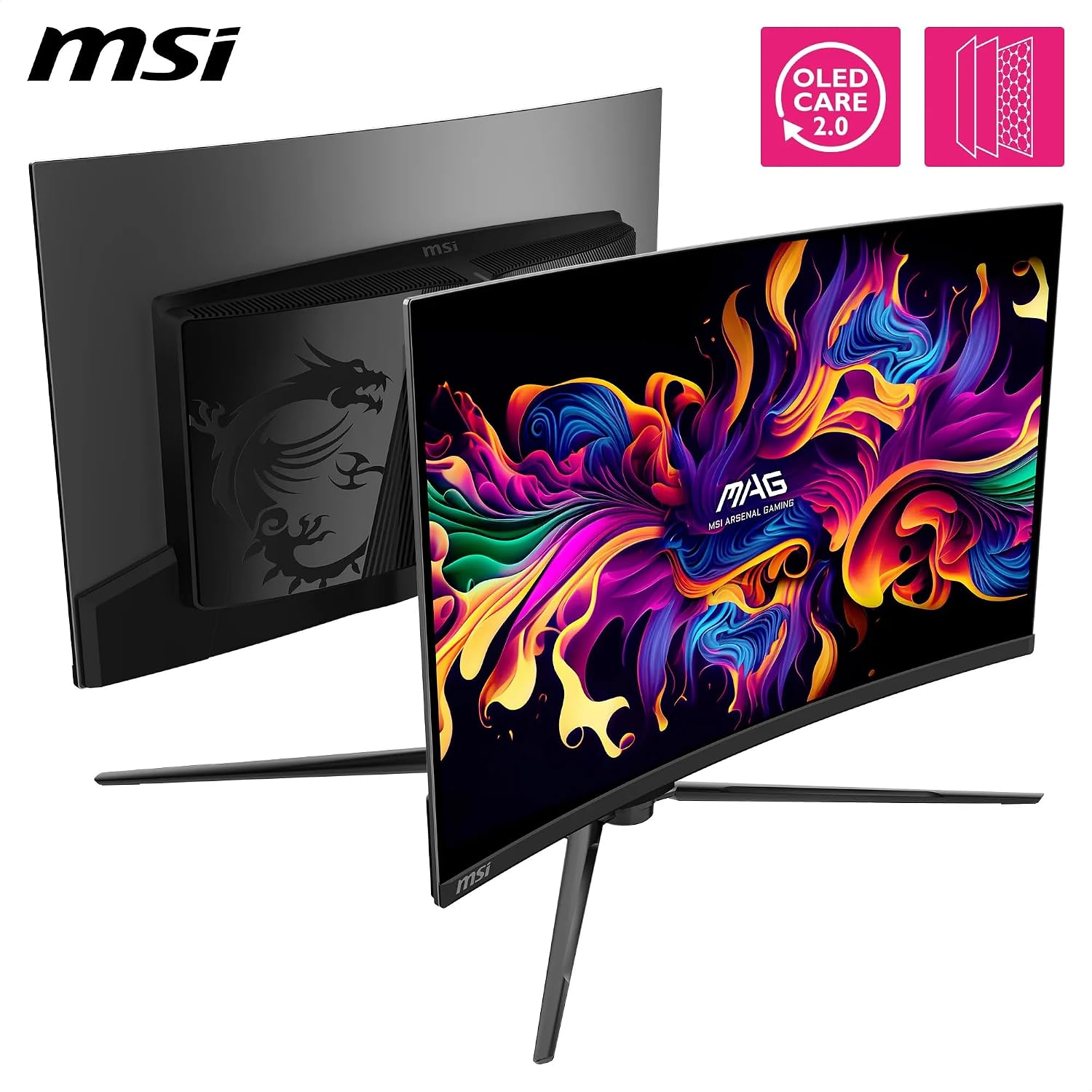
There’s also some “behind the scenes” support via MSI software: OLED Care 2.0 is mentioned to help prevent burn-in, and there’s an “AI Smart Crosshair” feature plus console modes and game assistance. It’s not magic, but it’s the right kind of safety net if you expect to spend long sessions on the same screens and HUD elements.
Key specifications
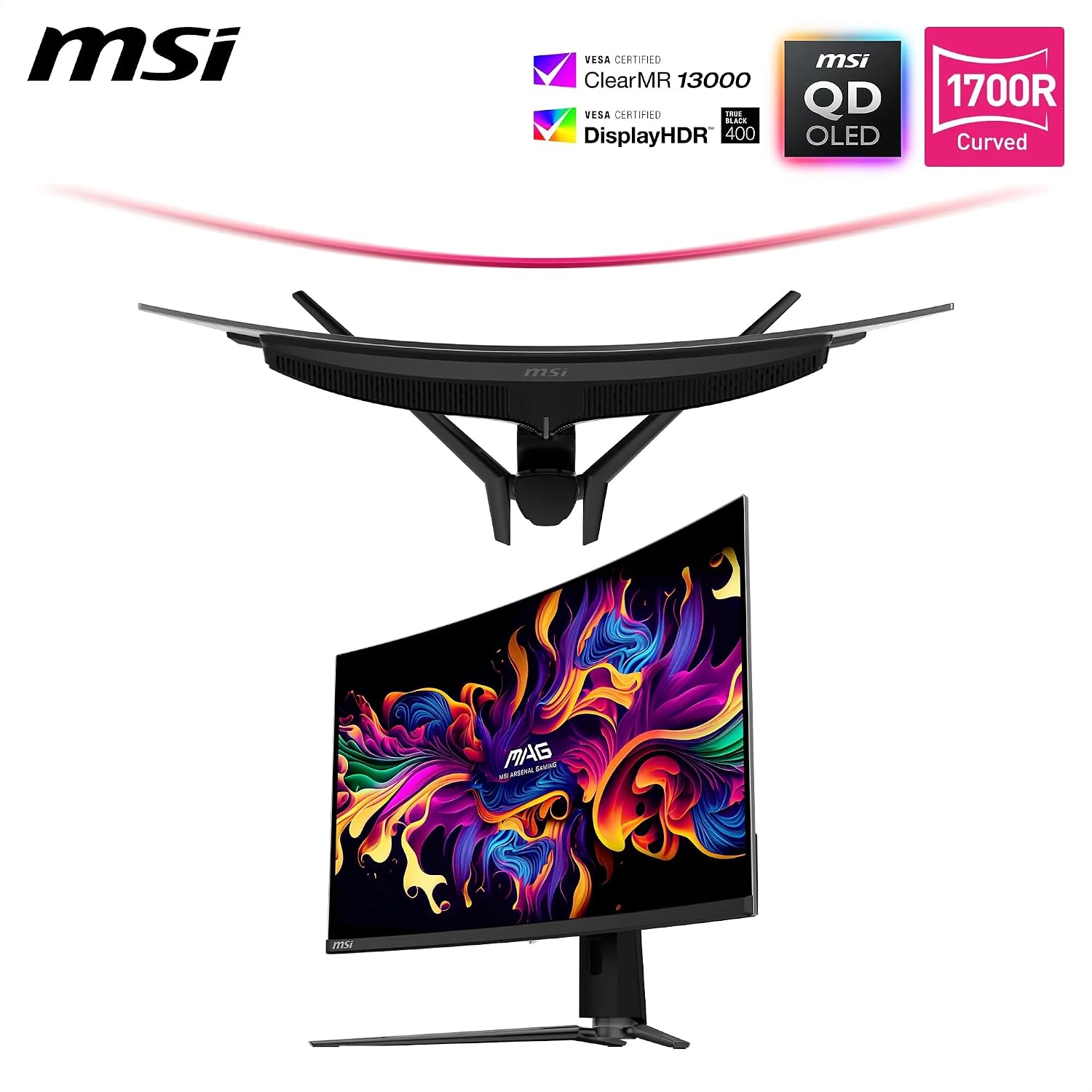
- Display size: 32 inch
- Display type: Quantum Dot OLED curved panel (auto-emissive pixels)
- Curve: 1700R
- Resolution: 3840 x 2160
- Refresh rate: 240Hz
- Response time: 0.03ms GtG
- Colour gamut: 99% DCI-P3
- Colour accuracy: ΔE ≤2
- HDR: VESA DisplayHDR True Black 400
- Native contrast (stated): 1500000:1
- Brightness (stated peak): up to 1000 nits
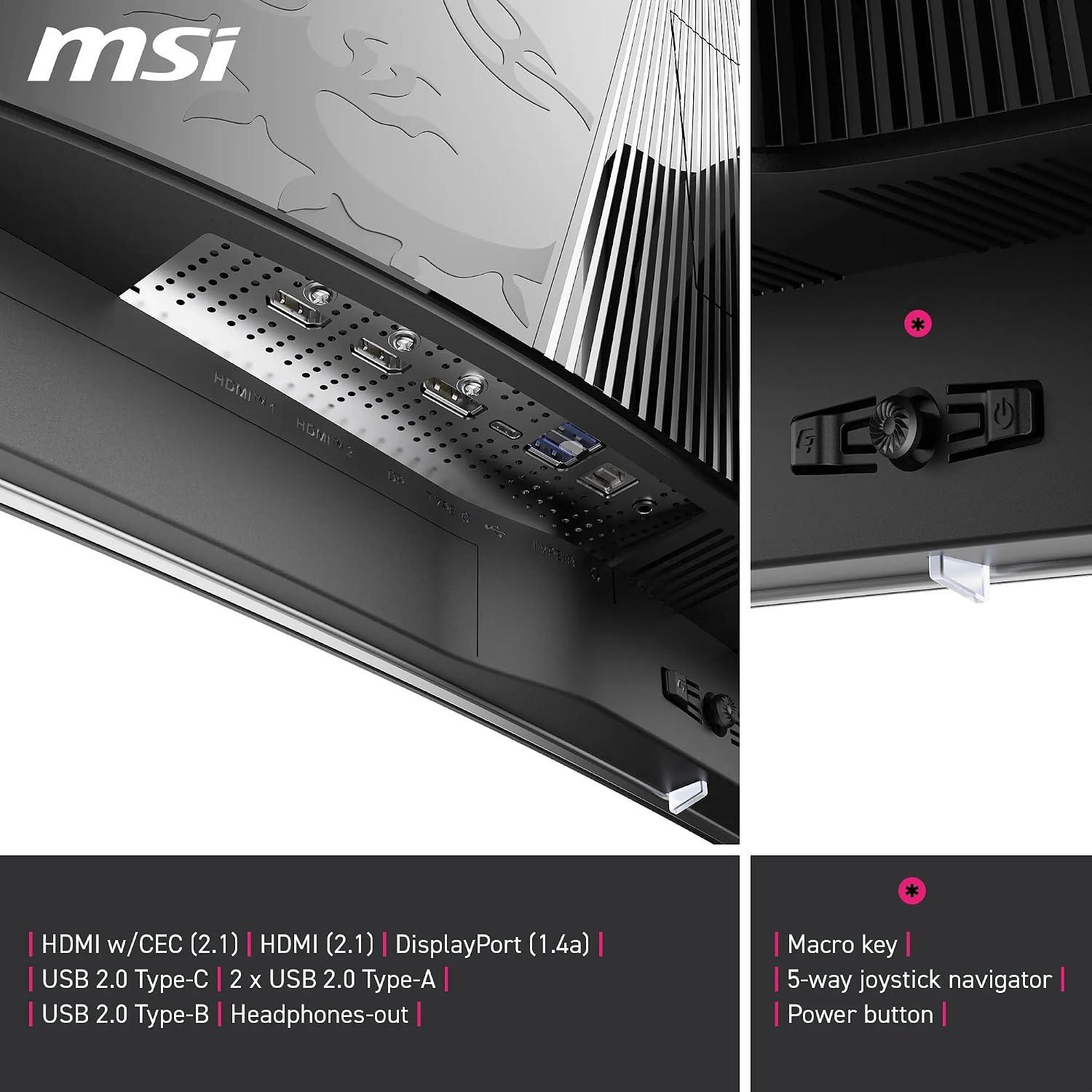
- Ports: DisplayPort 1.4a, HDMI 2.1 (CEC), USB Type-C with Power Delivery 98W
- Software/feature notes: OLED Care 2.0, AI Smart Crosshair, console modes and game assistance, kVM 1.0
Connectivity and desk friendliness
For modern use, connectivity matters as much as the panel. The MSI MPG 321CURX QD-OLED includes DisplayPort 1.4a and HDMI 2.1, plus USB Type-C with Power Delivery 98W—useful if you want your laptop to run with fewer cables. It’s also described as supporting UHD/240Hz across PC, Mac, consoles and laptops, which is the kind of “single monitor for everything” promise many buyers look for.
There’s also a mention of kVM 1.0, which (in practical terms) suggests you can manage different devices more conveniently. The exact behaviour can vary by setup, but the intent is clear: it’s aimed at users who switch between work/laptop and gaming/console.
Who it suits (and who should be cautious)
It’s a good fit if you want a premium-feeling gaming screen that leans into OLED contrast, strong colour performance (99% DCI-P3 and ΔE ≤2 on the spec sheet), and fast response with 240Hz.
It makes sense if you play titles where motion clarity and dark-scene detail both matter—think high-contrast maps, night raids, or games with lots of dark UI elements. The 32 inch UHD resolution also suits players who like a big canvas, not just competitive “minimum latency at all costs”.
It may not suit you if you mostly use your monitor for static content for hours every day, such as fixed dashboards or repetitive desktop layouts, even with OLED Care 2.0. OLED can handle gaming well, but it’s still worth thinking about your habits rather than assuming every use case is identical.
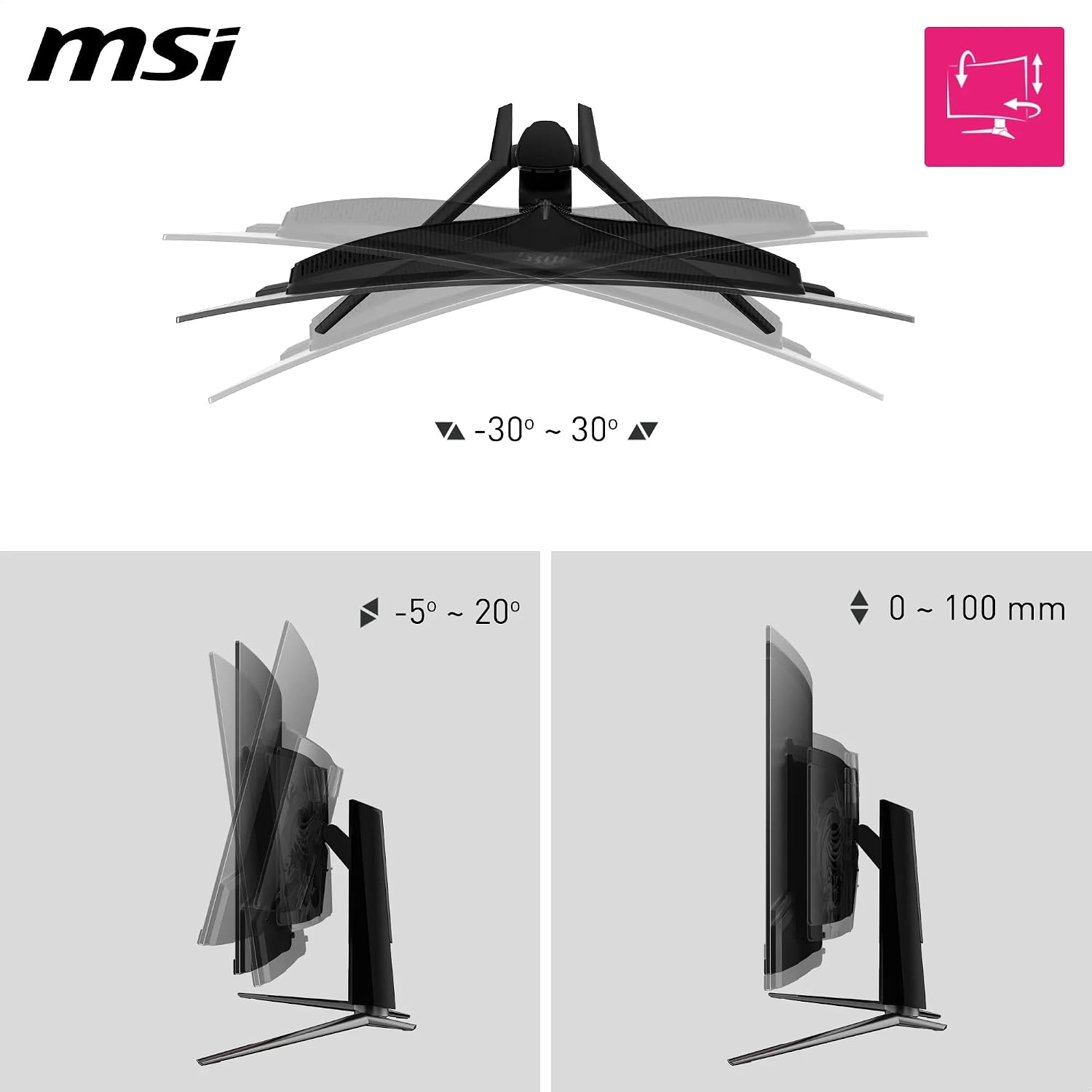
You may want to skip it if your desk setup struggles with a curved 32 inch panel. Curvature is great for immersion for many people, but it’s not universally comfortable if you sit far off-centre or have limited space.
Getting the most from it
A simple way to judge whether this MSI monitor is right for you is to look at your typical sessions:
If you regularly play fast games and can realistically benefit from high refresh rates, you’ll likely appreciate the 240Hz and 0.03ms GtG positioning. For example, in a fast arena shooter, you’ll generally notice smoother tracking during strafing and quicker transitions in bright action.
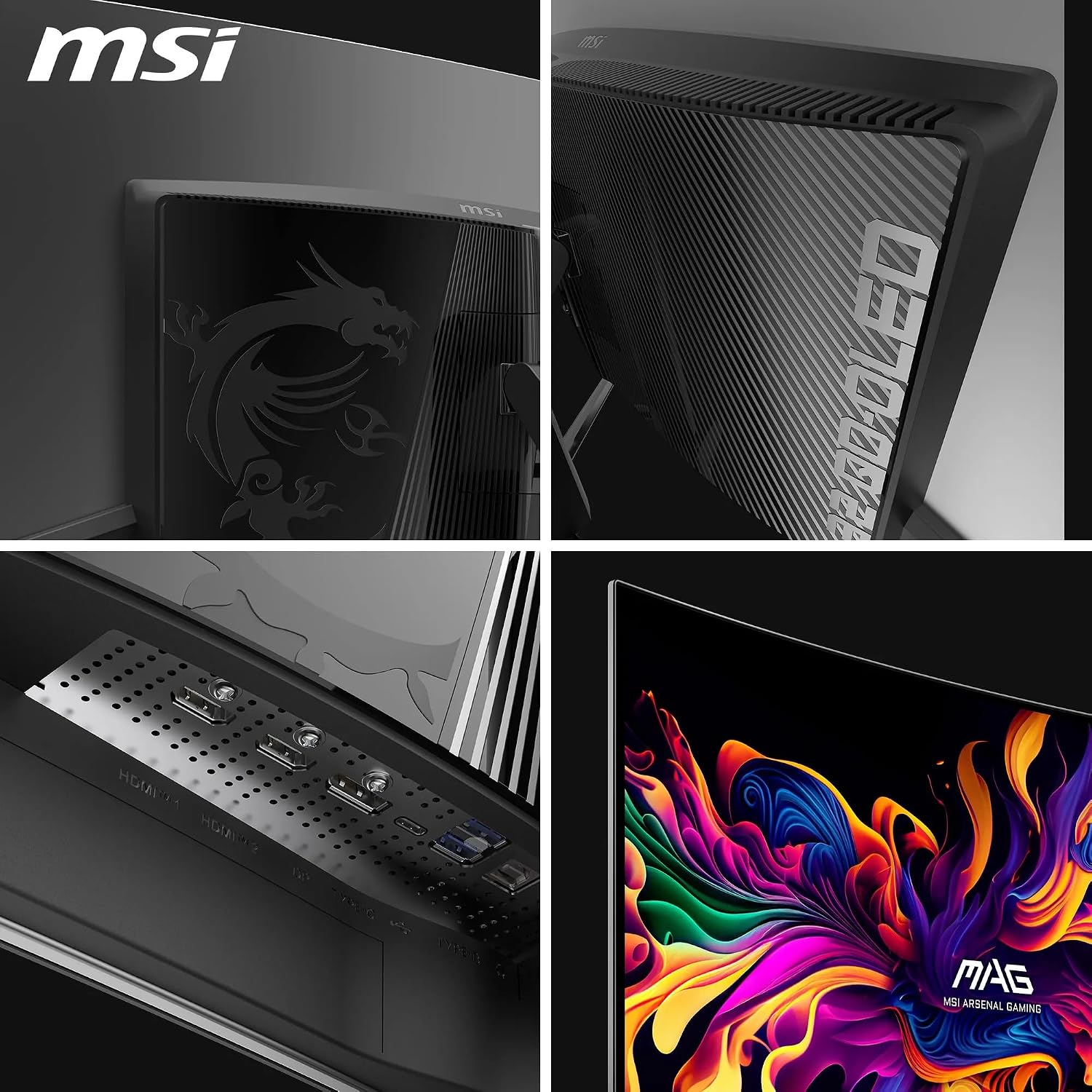
If you also do colour-sensitive work (even at an enthusiast level), the stated colour coverage and Delta E target are encouraging. Pair that with HDR True Black support and it’s built for more than just FPS.
Should you buy it?
Worth considering if you’re specifically after an OLED gaming monitor with a curved 32 inch UHD layout, strong stated colour accuracy, and a 240Hz/0.03ms GtG spec focus. It’s the kind of screen that fits buyers who want one monitor for gaming and daily use, especially if you value USB Type-C power delivery and modern HDMI/DisplayPort inputs.
It’s not the best choice if you mainly display lots of static elements for long periods without changing content, or if you know a curved 32 inch format doesn’t work with your seating position. In those cases, an alternative approach—more traditional non-OLED panels or a simpler usage pattern—may be the safer call.
FAQs
What does 1700R mean in real life?
1700R describes the curvature of the screen. Over a wide 32 inch surface, the curve is meant to wrap your viewing area more comfortably than a flat panel, but it does depend on how you sit and where your eyes land.
Is this monitor suitable for consoles as well as a PC?
The product description explicitly references support for PC, Mac, consoles and laptops, with interfaces listed as DisplayPort 1.4a and HDMI 2.1, plus USB Type-C with Power Delivery.
Does OLED Care 2.0 remove the risk of burn-in?
It’s designed to help prevent burn-in, but no system can eliminate all risk in every scenario. If you use the monitor with a lot of static content for extended stretches, it’s sensible to be cautious and use relevant prevention practices.
Can it run UHD at 240Hz?
The description states UHD/240Hz support across those device categories. Whether you reach 240Hz in practice will still depend on your source device and how the game or signal is configured, but the spec target is there.