

Z-Edge 27 Inch Gaming Monitor (240Hz, 1ms, Full HD, IPS) with FreeSync, HDMI & DisplayPort, VESA — Black
Product description
At a glance
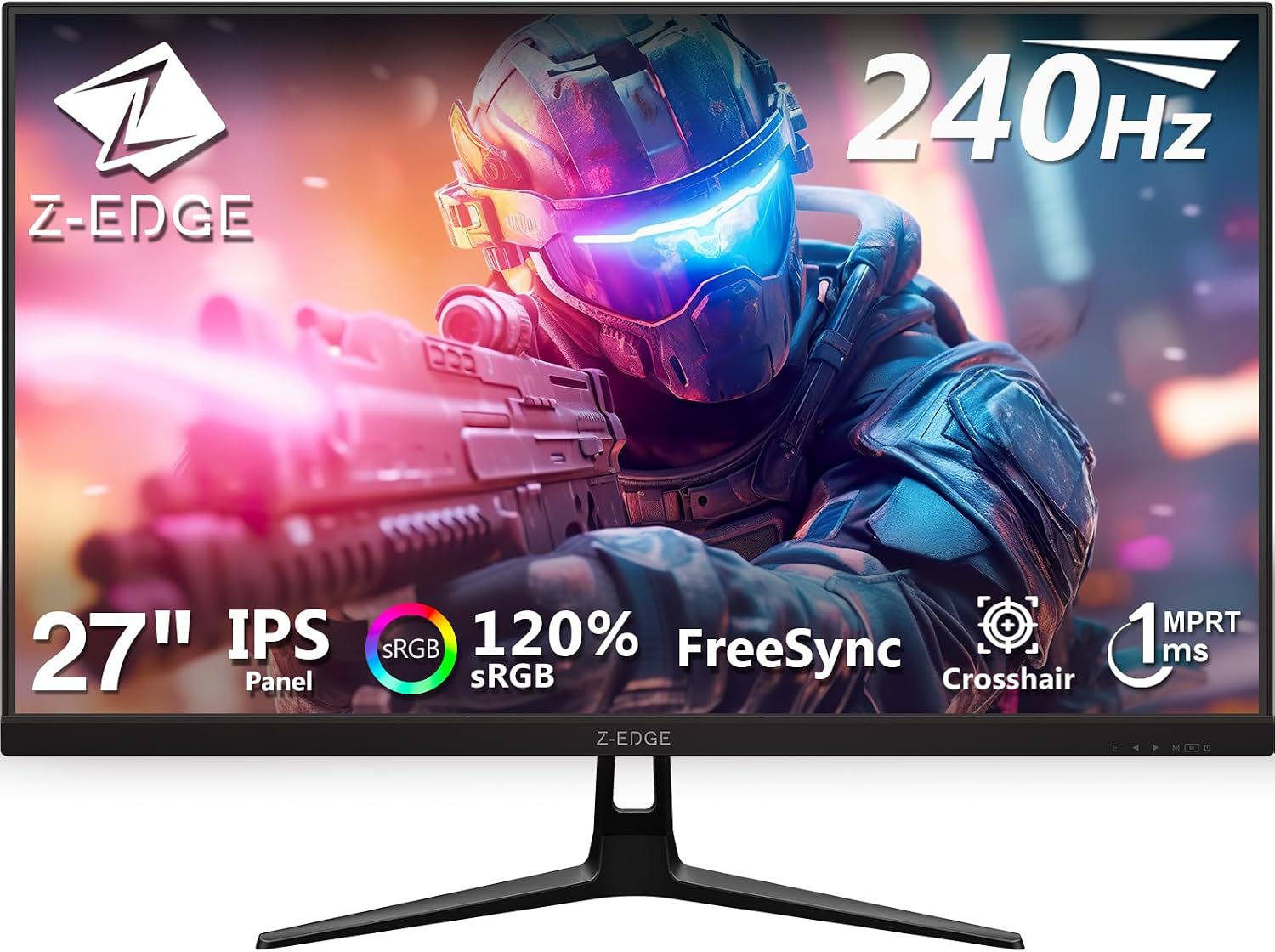
A 27-inch gaming monitor tuned for fast play: the Z-Edge combines a 240Hz refresh rate with a 1ms response time and an IPS panel. On paper it’s aimed at people who want smoother motion for competitive games without dropping into ultra-high-end pricing. The deal becomes more believable when you think about the rest of the package too: FreeSync support to help reduce tearing/stutter, plus HDMI and DisplayPort inputs so you can switch between devices more easily.
Where it can be a bit more “depends” is around the practical reality of running 240Hz. High refresh rates only feel meaningful if your PC can push consistently close to that frame rate, and the graphics card needs to support 240Hz as well. If you’re the kind of player who mainly plays lower-FPS titles or you’re still upgrading your system, you may find it better to treat 240Hz as a future-proofing feature rather than an instant upgrade.
What to know before you buy
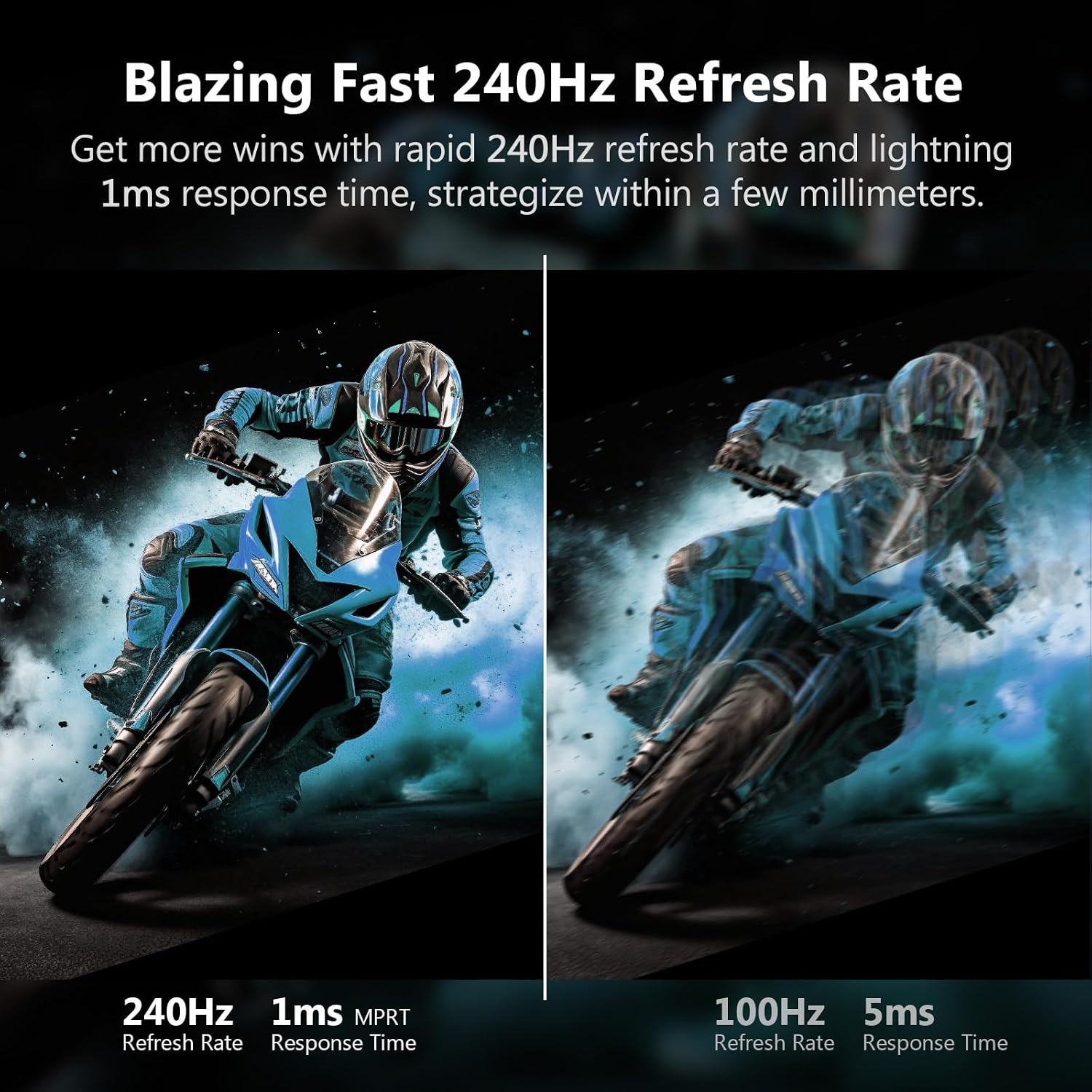
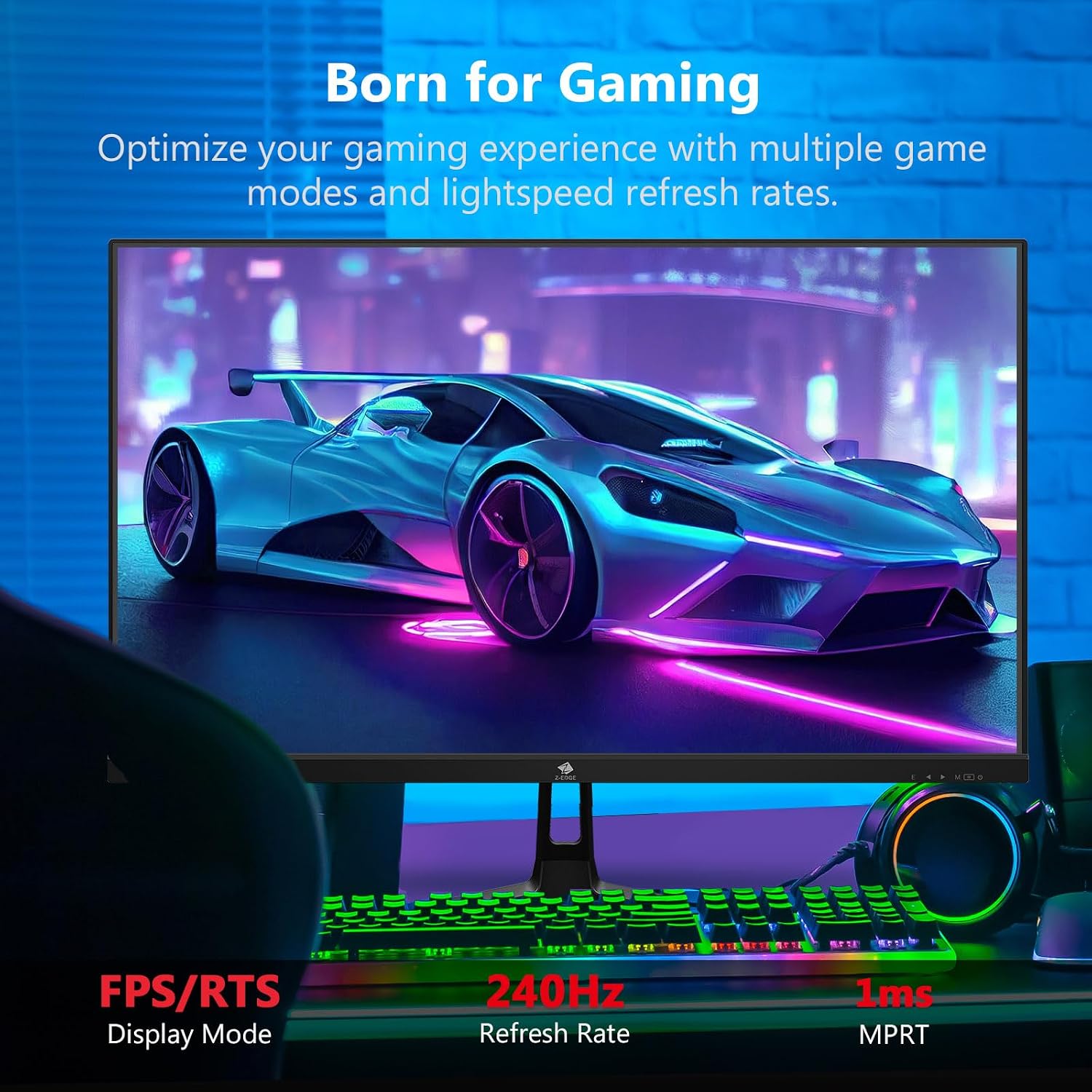
This monitor is built around the usual gaming priorities: smooth motion and responsive transitions. A 240Hz refresh rate helps reduce perceived lag between frames, and the 1ms response time (listed as MPRT 1ms) is designed to limit motion blur during fast actions.
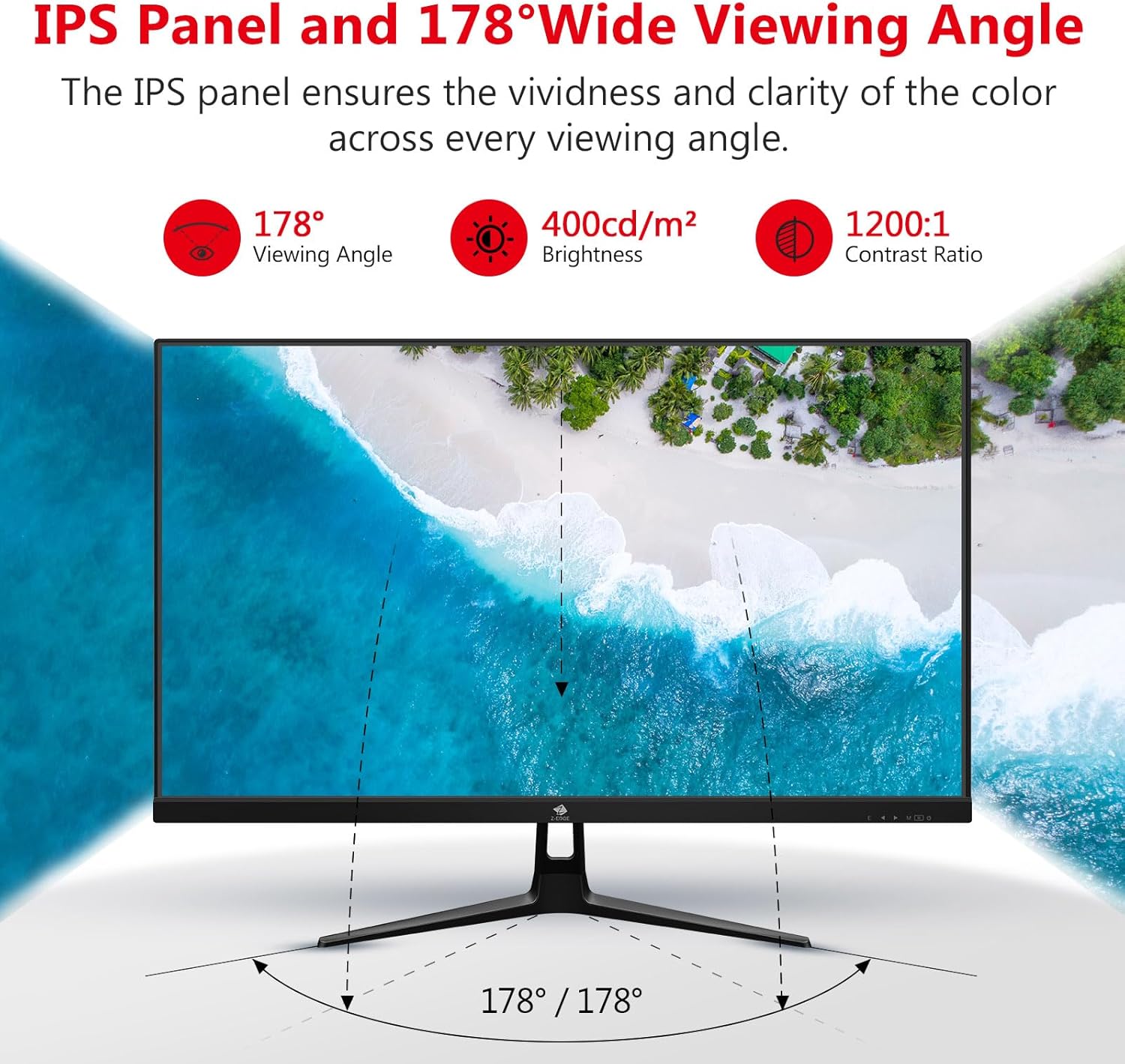
You’ll also get an IPS panel with a wide viewing angle rating (178°). That’s useful beyond gaming if you share your screen, work on it for long stretches, or do mixed use like editing and watching action movies. Colour consistency from different angles is typically one of the reasons people pick IPS over more basic panels.
On the “comfort” side, the monitor includes flicker-free operation and low blue light features, which can help if you’re sensitive to eye strain after prolonged use. It’s not a substitute for breaks, but it’s a reasonable inclusion for a gaming screen you might also use for work.
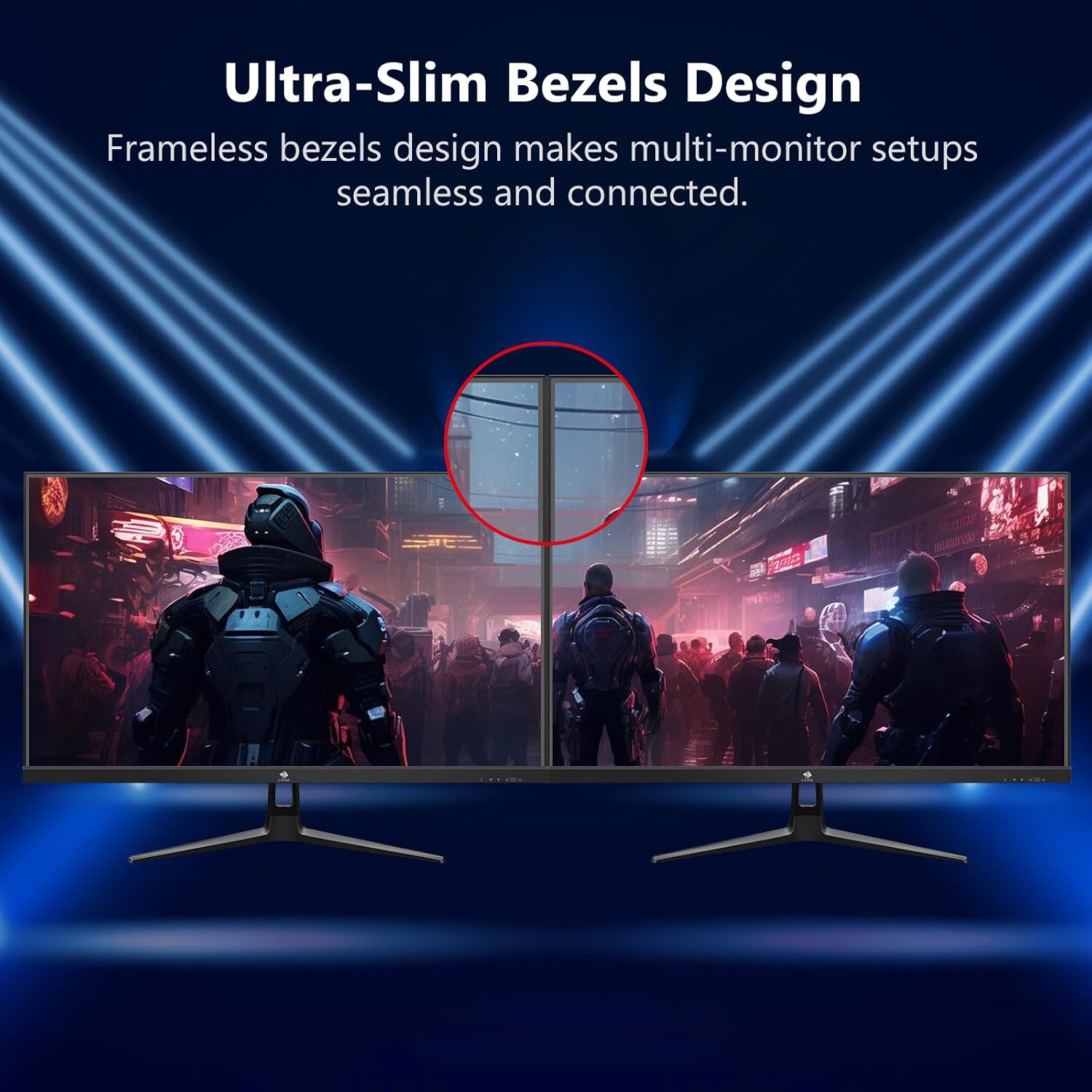
Finally, the ultra-thin bezel design is there for immersion and a cleaner dual-monitor look. Just keep in mind that bezel-thin monitors sometimes make it easier to notice desktop alignment issues when you set them up side by side.
Tech specs
- Type: LED monitor with IPS panel
- Size: 27 inch
- Refresh rate: 240Hz
- Response time: MPRT 1ms
- Brightness: 400cd/m²
- Viewing angle: 178°
- Technology: AMD FreeSync Premium
- Inputs: two HDMI 2.0 and two DisplayPort 1.4
- Mounting: VESA mountable
- Features: flicker-free and low blue light
Where it shines
If you prioritise fast, fluid gameplay, this is the type of monitor that makes sense: 240Hz plus FreeSync Premium is a strong combination for reducing screen tearing and stutter when frame rates fluctuate. For high-tempo shooters, racing, or any game where tracking matters, smoother motion can make the experience feel more controlled.
The IPS panel also gives it extra mileage for everyday use. After a match, it’s the sort of screen you can keep on for general content viewing or work without immediately feeling like you’ve switched to a “compromise” display. If you sometimes share what’s on screen, the wide viewing angle rating is the right kind of spec to look for.
A practical example: if you set up two monitors for ranked play and a browser/chat window, the ultra-thin bezel can make the overall workspace feel less cramped, while the wide viewing angle helps when you’re seated slightly off-centre.
Limitations to keep in mind
It might not be the best choice if your PC can’t realistically target 240Hz gameplay. Even with FreeSync, you’ll still notice the difference between a system that can maintain high frame rates and one that can’t. Also, while the spec list says all connection ports support up to 240Hz refresh rate, you’ll want to make sure your graphics card and setup actually enable that.
Another small caveat: response time is listed as MPRT 1ms, which is typically how marketing specs present motion blur reduction. It’s still useful, but it’s worth managing expectations—no monitor can fully eliminate all blur in every scenario, especially with very fast camera movement.
Usage tips
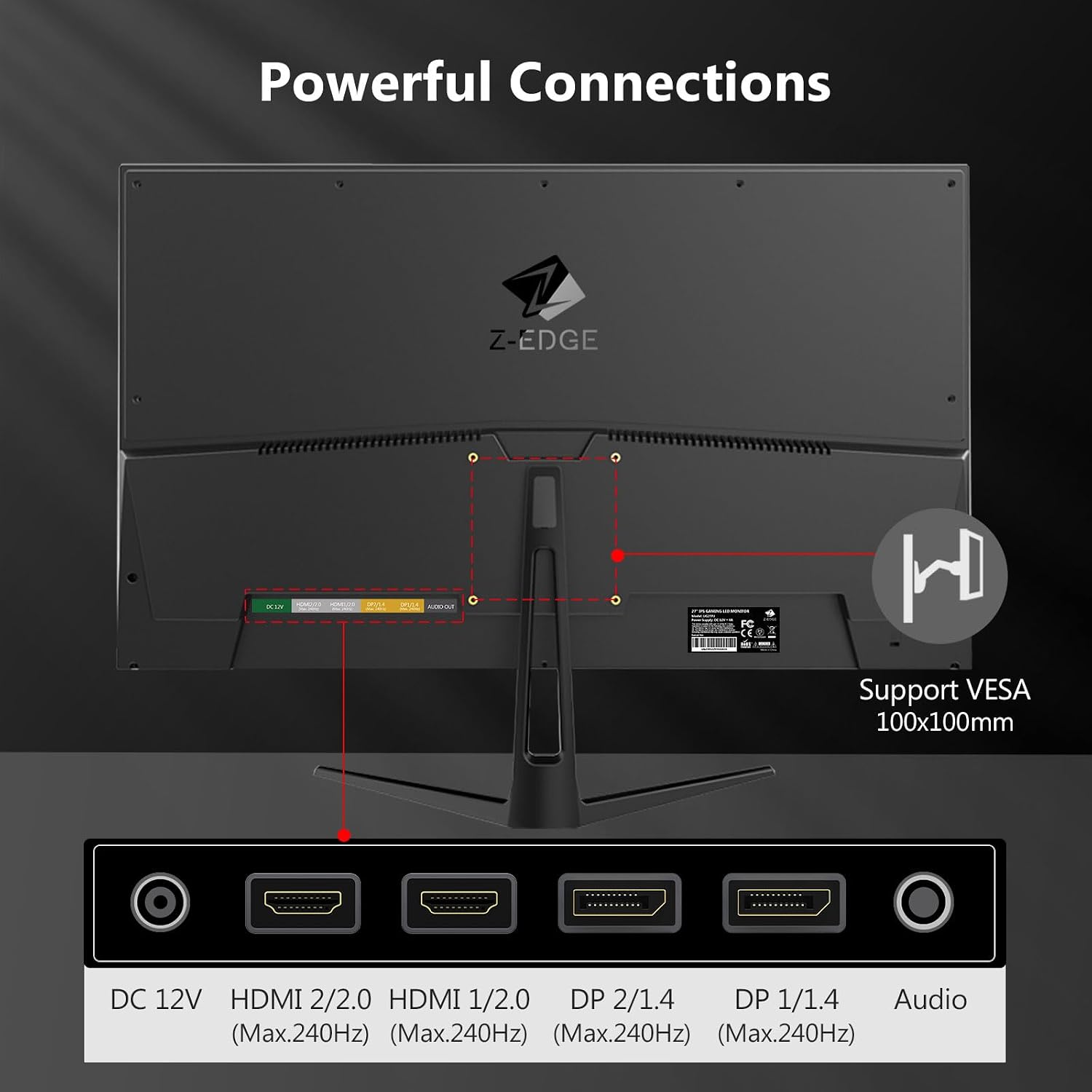
To get the best out of the 240Hz claim, start by checking your connection choice and your PC’s output settings. Use the included display options that support the high refresh rate, then enable FreeSync in your graphics settings if you want tearing and stutter reduction.
For general comfort, the flicker-free and low blue light features can be left on for long sessions. If you spend hours gaming and working, try pairing that with regular breaks and an ergonomically sensible desk setup—your eyes will thank you more than any single feature.
If you’re mounting it with VESA, measure your space first and think about how you’ll position it in dual-monitor setups. Ultra-thin bezels are great, but alignment looks more critical once you go “almost full screen”.
Is it worth it?
This is worth considering if you want a 27-inch IPS gaming monitor that targets smooth motion (240Hz + MPRT 1ms) and also ticks the boxes for everyday viewing comfort (flicker-free, low blue light) and wide-angle viewing. FreeSync Premium support is the kind of feature that helps when your frame rate isn’t perfectly steady, which is common in real play.
It may not suit you if you’re expecting a dramatic improvement but your PC hardware can’t take advantage of 240Hz, or if you mainly play games that don’t run high frame rates. In that situation, you’d likely be better off focusing on a monitor that matches your actual performance rather than chasing the highest refresh number.
If you like the idea of a fast IPS screen with multiple ports (two HDMI 2.0 and two DisplayPort 1.4) and you want something VESA mountable for a clean desk, it makes sense to look closer.
Mini FAQ
Does it have FreeSync?
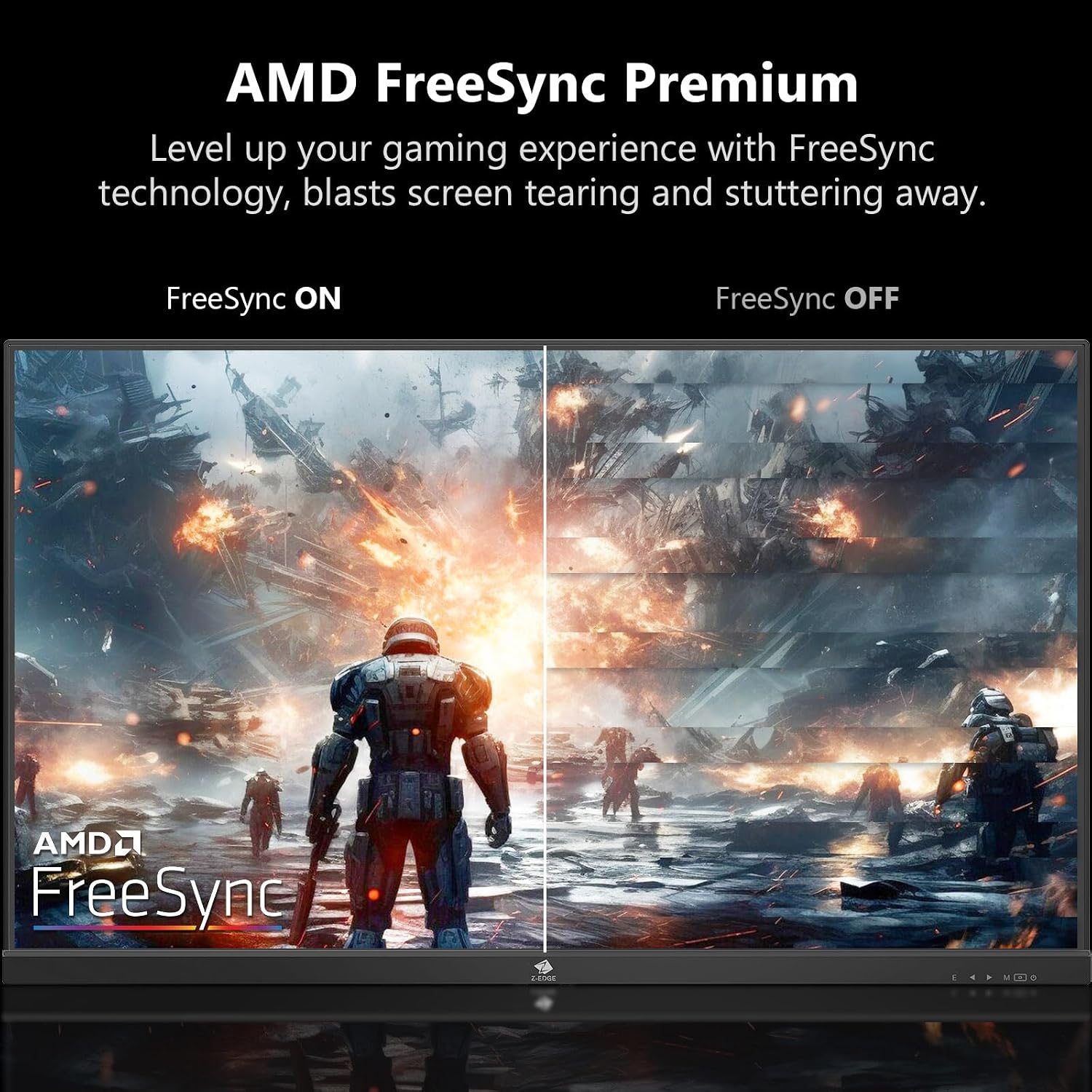
Yes, it includes AMD FreeSync Premium to help reduce tearing, stutter, and input latency during gameplay.
How many HDMI and DisplayPort inputs does it offer?
It features two HDMI 2.0 ports and two DisplayPort 1.4 ports.
Is VESA mounting supported?
Yes, the monitor is VESA mountable.
Will I actually see 240Hz in games?
Only if your graphics card and setup support 240Hz and your games can run at high frame rates—otherwise it won’t feel as meaningful.
Is it okay for non-gaming use?
With an IPS panel and wide viewing angle rating, it should work well for content viewing and shared viewing, and the eye-care features are designed to reduce fatigue during long sessions.