

ARZOPA A1S 14-inch Portable Monitor (FHD IPS 1920×1080) with single-rod stand
Product description
Quick overview
ARZOPA’s A1S is a 14.0-inch portable monitor aimed at people who want a proper second screen when they’re away from a desk. With a 1920×1080 FHD IPS panel and a focus on practical connectivity (HDMI plus Type-C/USB-C support is mentioned), it’s designed for laptop extenders and flexible use across laptop, PC and consoles. It’s not trying to replace a large home monitor, but as a travel-friendly extra display, it ticks several boxes.
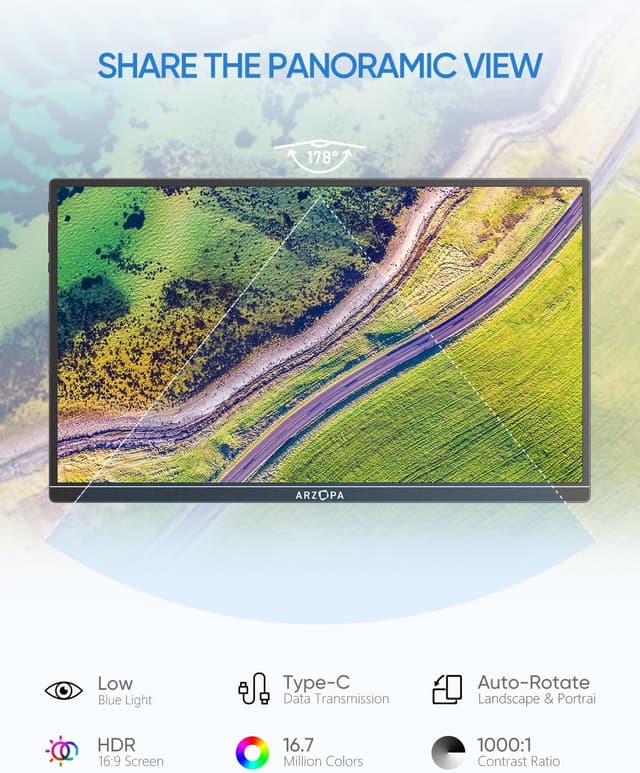
On paper, the IPS panel and wide viewing angle (178° is stated) should help when you’re viewing from slightly off-centre positions—useful on trains, in hotel rooms, or when you’re sharing what’s on-screen. There’s also an eye protection angle (a blue light filter is mentioned) which matters if you’ll spend long sessions working or gaming.
What matters most day to day
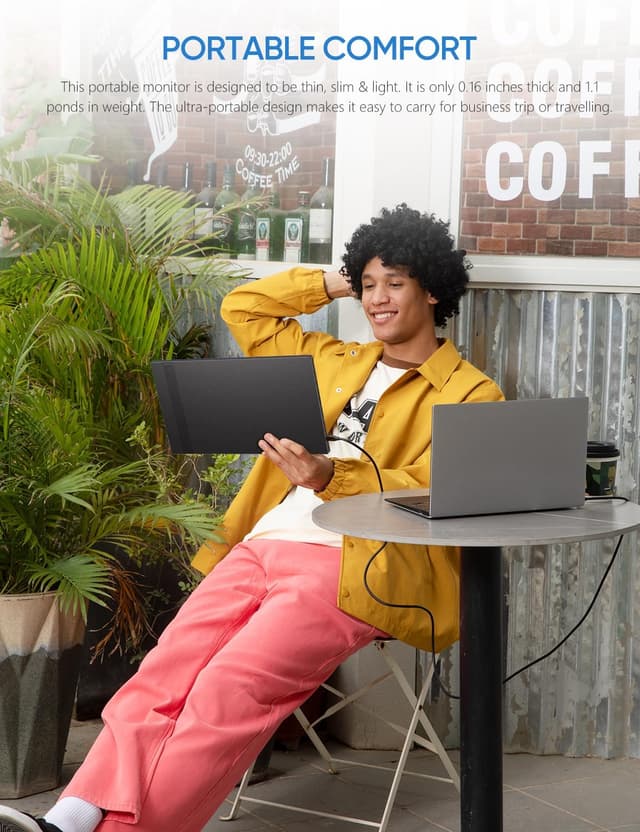
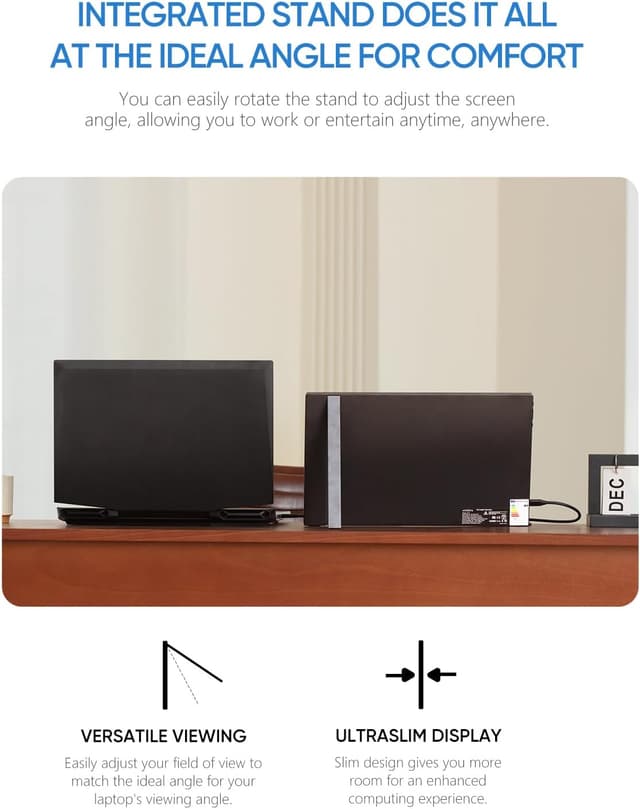
The point of the A1S is convenience: a slimmer, lighter portable display that’s easy to pack, plus a stand that keeps it steady enough for typical desk-on-the-go setups.

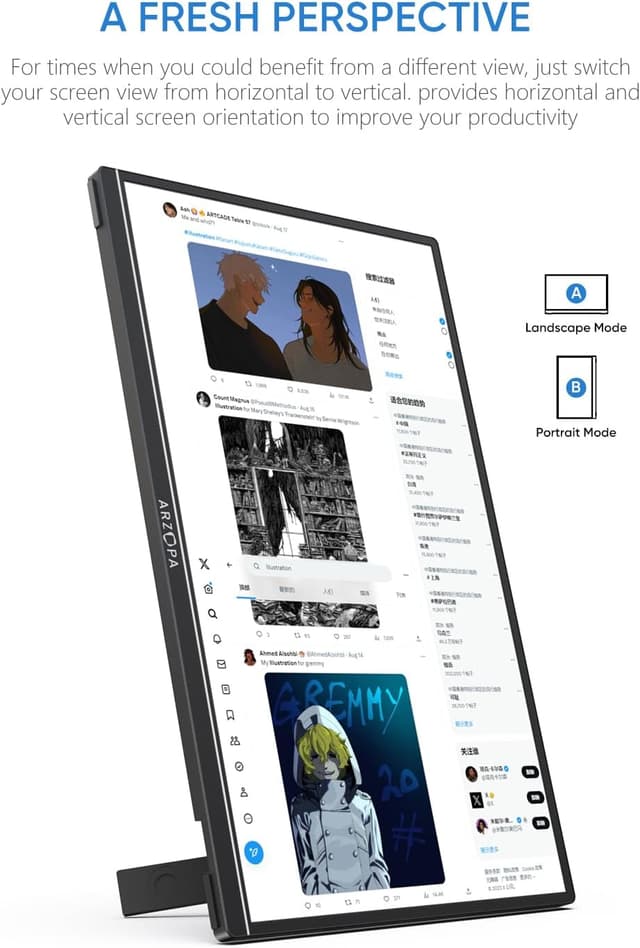
You can also switch orientation. The description says it can be used in landscape or portrait mode, which is handy if you sometimes work with documents, spreadsheets, or anything that benefits from a taller layout.
A simple real-world scenario: you’re working in a small space with your laptop closed or partially set aside. You connect the portable monitor, choose a display mode (duplicate, extend, or second screen mode are listed), and suddenly your email, chat windows, and a reference document have somewhere to live. That “extra workspace” feeling is where this kind of monitor tends to pay off.
Key features and display modes
The core spec that supports that “usable second screen” goal is the FHD IPS panel. A contrast ratio of 1000:1 and a refresh rate of 60Hz are stated, alongside a 16:9 screen shape.
There’s also mention of HDR rendering technology. In practice, “HDR” on a portable monitor can mean different things depending on how the device implements it, so it’s worth treating this as a boost to visual contrast and details rather than expecting the same performance profile as higher-end dedicated HDR displays.

On the software/display side, ARZOPA lists “3 in 1 display mode” options: - duplicate mode - extend mode - second screen mode
It also says you can adjust brightness, volume, and toggle things like HDR, Freesync and other settings from the monitor itself. That local control is genuinely useful when you’re travelling and don’t want to keep bouncing between menus.
Connectivity and compatibility: where it fits
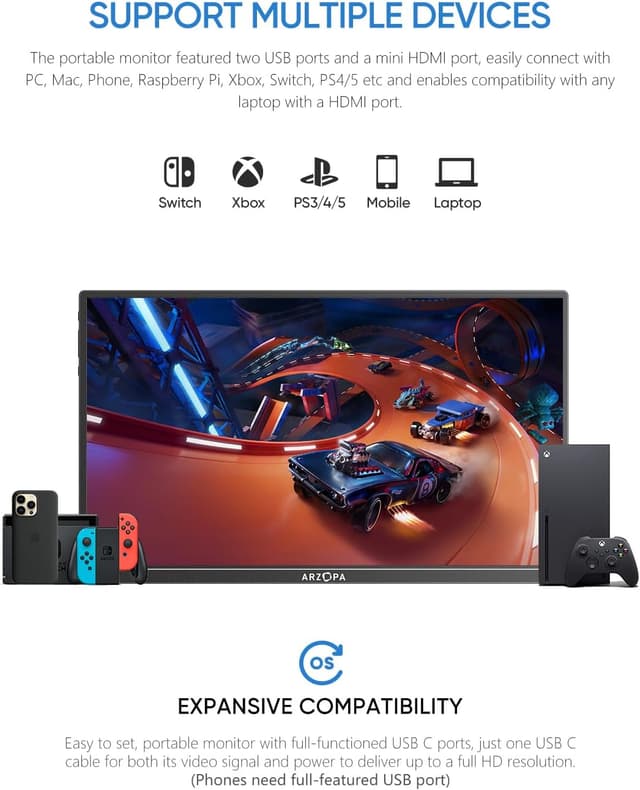
The product description is fairly clear about the intended devices. It says you can connect via Type-C or Mini HDMI, including laptop, PC, Mac, Xbox, PS3/PS4/PS5, and Switches.
That broad compatibility is great if your setup spans more than one device type. It also helps if you’re looking for one portable screen you can move between work and home entertainment.
That said, you’ll still want to sanity-check your own outputs and cables before buying, because “Type-C/USB-C and Mini HDMI” support can mean different things depending on the exact port on your laptop and whether it supports video over USB-C.
Design, build and audio
The A1S is positioned as ultra-slim and travel-friendly. A single-rod support is included to keep the monitor stable, and the body is described as metal, CNC anodised, with thickness figures provided (top thickness 0.2 inch, bottom thickness 0.35 inch). Weight is stated as 1.32lb, which puts it in the “grab-and-go” category.
There are also dual built-in speakers. For casual viewing—music, movies, and gaming while you’re away from your usual speakers—that can be convenient. Just bear in mind that built-in laptop-style speakers are rarely going to beat proper external audio if sound quality is your priority.
What you’ll notice (and what might disappoint)
This monitor is more “practical portable workspace” than “high-end main display”. If you’re expecting sharp, punchy visuals across a wide range like a premium desktop monitor, the FHD 60Hz spec and portable-focused design suggest it’ll stay in the sensible mid-range lane.
The viewing angle and IPS panel should help with consistency when you’re not sitting dead-on. The blue light filter is also a nice touch for comfort during longer sessions.
However, if you need the smoothest motion for fast competitive gaming, 60Hz is a limitation to consider. It can still be enjoyable for many types of play, but it’s not built around chasing ultra-high refresh performance.
Specs to double-check before you buy
Because this is a portable monitor, the “fit” is often decided by your setup more than the marketing.
Things worth checking: - Do you have a matching video output for your laptop/device (the description mentions Type-C and Mini HDMI)? - Are you planning to use it in extend mode for work, or mainly as a second screen for entertainment? - Do you want portrait mode often enough to justify choosing this over a standard landscape-only portable option? - Do you rely on audio from the screen, or will you use headphones/speakers most of the time?
Is it worth it?
It makes sense if you want a compact 14-inch IPS portable monitor with FHD resolution, broad device connectivity (HDMI and Type-C/USB-C support is mentioned), and the convenience of duplicate/extend/second-screen modes for work or travel.
You may want to skip it if you’re chasing high refresh performance for competitive play, or if your device’s ports/cable situation isn’t straightforward—portable monitors can work brilliantly, but only if your laptop can output video reliably through the ports you plan to use.
Worth considering if you’re in that “hybrid use” group: working away from your main desk, then switching to casual gaming or entertainment at home without wanting a bulky second monitor.
Mini FAQ
Can the ARZOPA A1S work as a second screen for a laptop?
Yes, the description explicitly lists second screen usage modes (including duplicate and extend modes).
Does it support both landscape and portrait orientation?
The product information says you can adjust landscape or portrait mode.
What devices does it connect to?
The description mentions laptop, PC, Mac, Xbox, PS3/PS4/PS5, and Switches via Type-C or Mini HDMI.
Does it have built-in speakers?
Yes, it includes 2 speakers, which should cover music, movies and gaming audio when you’re travelling.
Is HDR included?
HDR rendering technology is mentioned, with an on-screen toggle for HDR according to the description.