

KTC 32 Inch Curved VA 1500R 2K QHD 180Hz Gaming Monitor with Adaptive Sync, HDR10
Reviews
Price
Product description
If you’re shopping for a curved gaming monitor in the 32-inch bracket, the KTC 32 Inch Curved Monitor is the kind of spec-led pick that can make sense for fast, immersive play. On paper it stacks a 1500R curved VA panel with 2K QHD resolution, a high refresh rate of 180Hz, and features aimed at smoothing out screen tearing via Adaptive Sync.
That said, “gaming monitor” is a broad label, and VA panels don’t suit everyone’s viewing preferences. It’s worth having a clear idea of how you game (and what you care about visually) before committing.
What it is and what it’s for
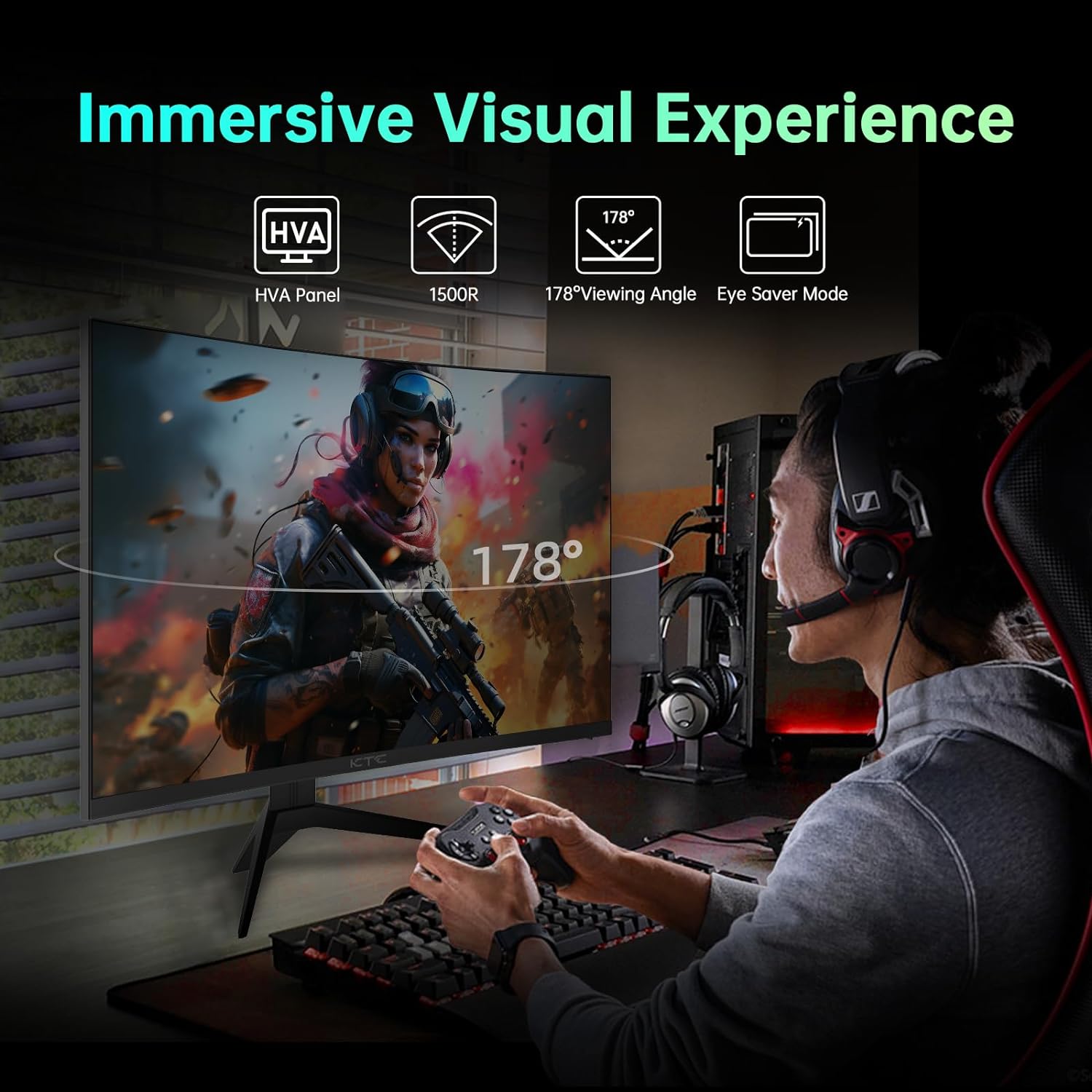
This is a 32-inch curved gaming monitor designed for desktop and console-style setups. The 1500R curvature is there to wrap more naturally around your field of view, so in games you’re meant to feel more surrounded by the action rather than looking at a flat screen. The 2K QHD (2560 x 1440p) resolution is a step up from basic 1080p, and it’s meant to help with sharper detail at typical desk distances.
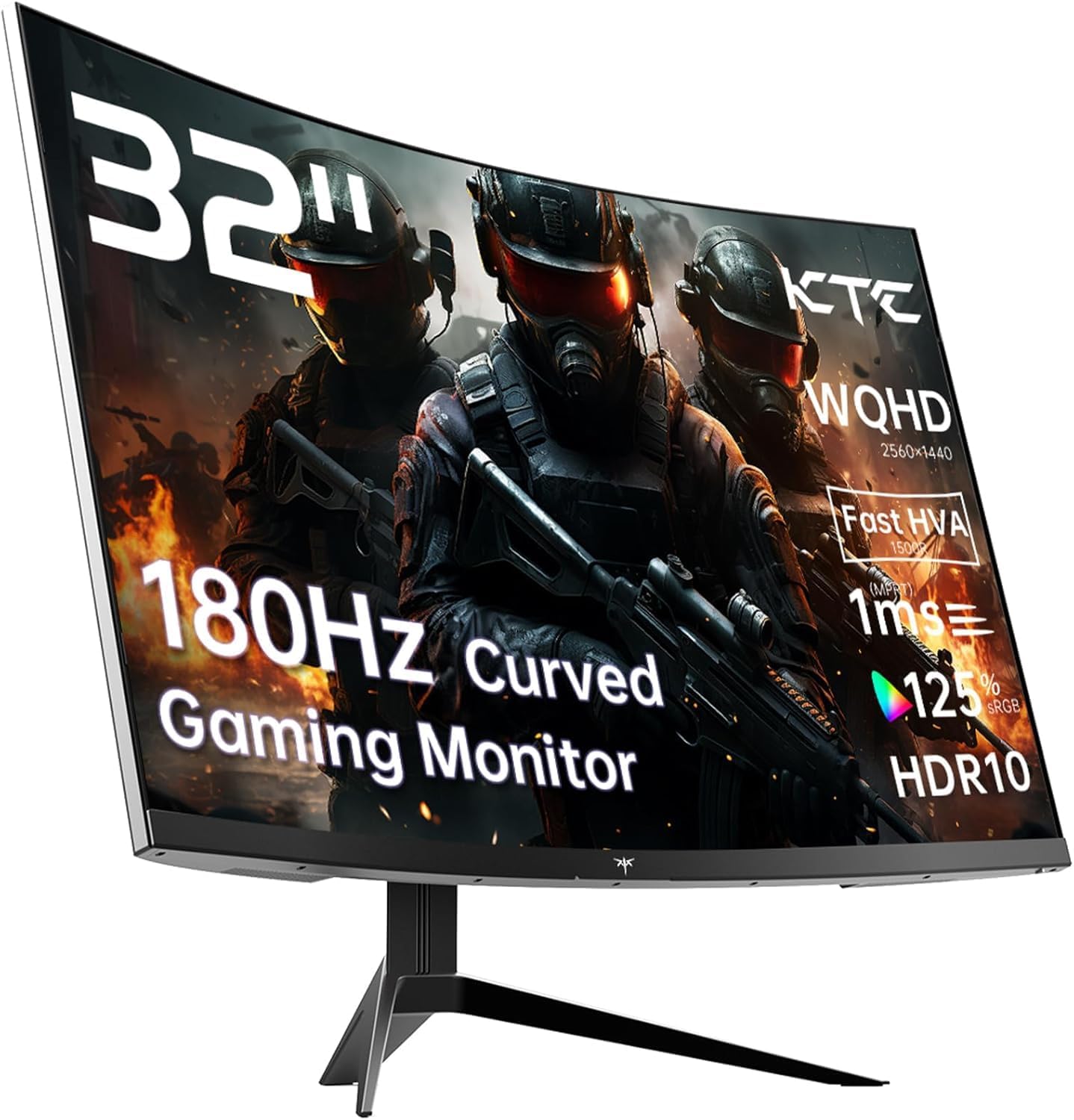
From the features listed, it’s aimed at people who want: - high refresh rate motion handling for competitive play - colour and contrast enhancements via HDR10 and a claimed wider sRGB coverage - connectivity flexibility so you’re not stuck on one device
A quick example: if you’re playing an FPS and you sit slightly closer to the screen than you would with a TV, the combination of the curvature and faster refresh rate is meant to reduce the “watching a flat panel” feeling and make fast targets easier to track.
The essentials you’ll notice in use
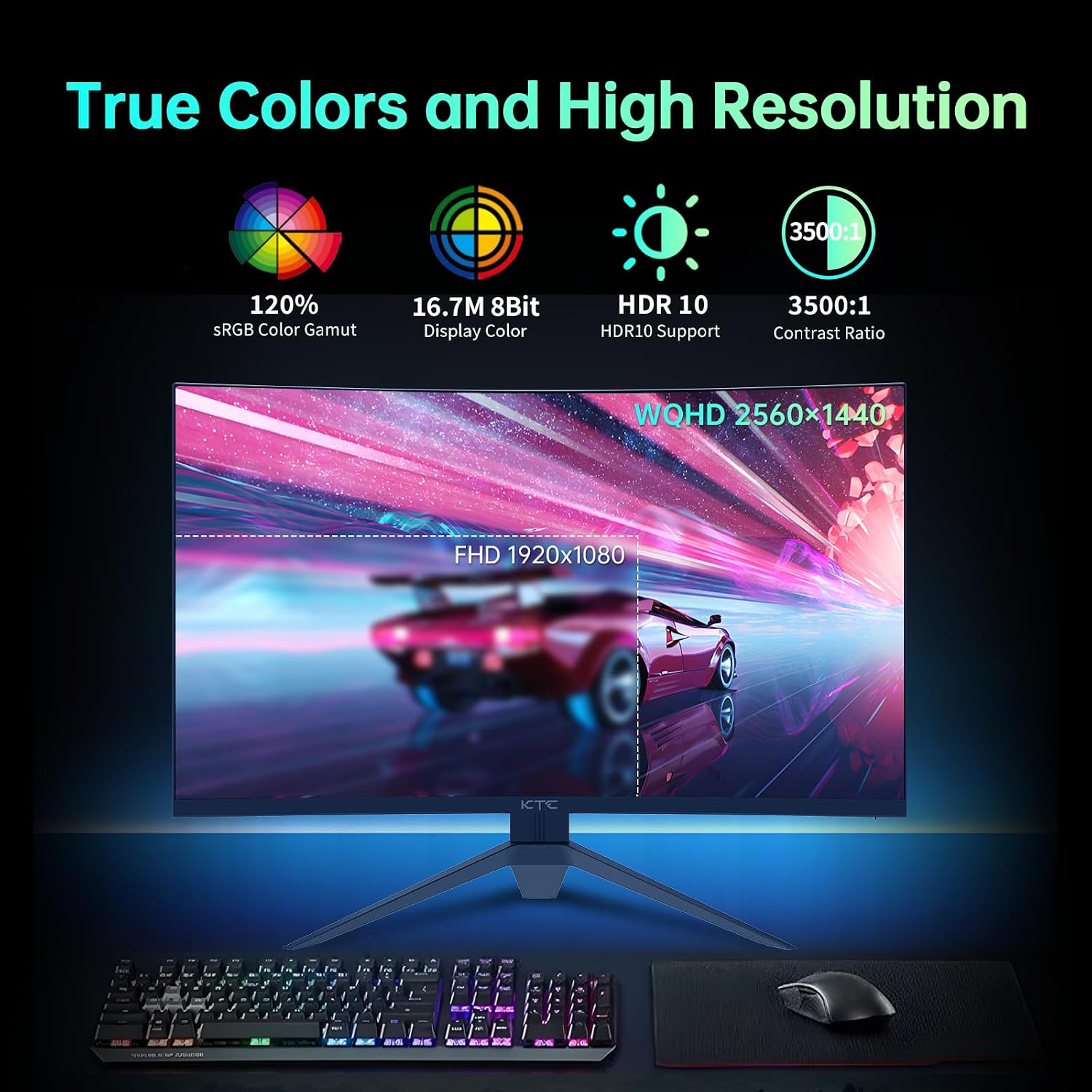
The main headline is the refresh rate and motion response. A 180Hz refresh rate is on the higher end for monitors in this size category, and the listing also mentions a 1ms MPRT response time. In practice, that’s the sort of setup people buy for reducing perceived blur when objects move quickly.
Adaptive Sync is another practical item: the monitor is described as supporting Adaptive Sync compatible with FreeSync Premium and G-SYNC. That’s the kind of feature that can help when your frame rate isn’t perfectly locked, making gameplay feel steadier by syncing the display timing to the incoming signal.
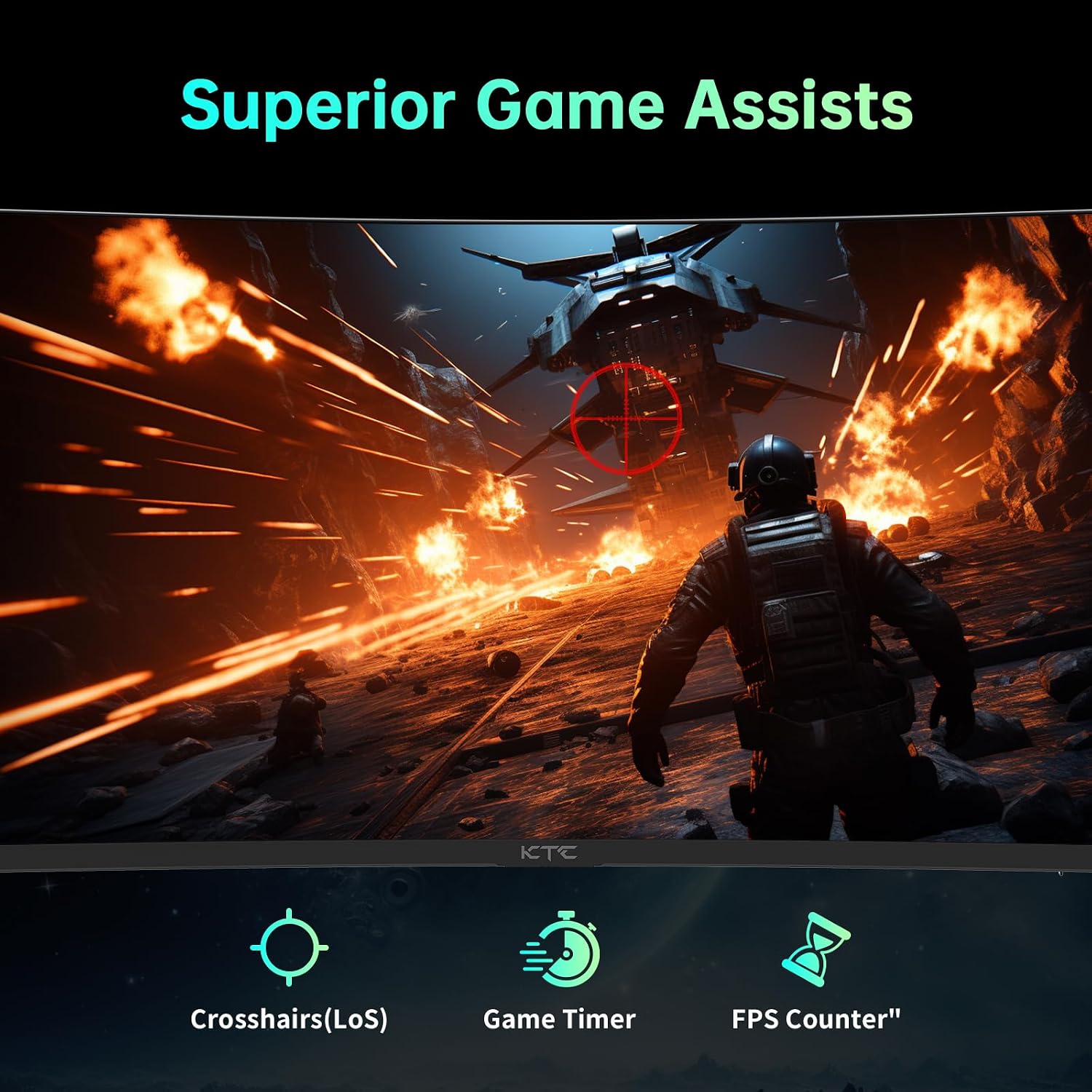
There are also “GamePlus” options called out: crosshairs for FPS aiming support, Black eQualizer to reveal details in darker areas, and a GAMEPLUS Timer to help you keep track in longer sessions. These are the sort of add-ons that can be genuinely useful if you play those genres regularly, even if they won’t replace strong in-game settings.
Colour and HDR10: where it could feel better
This model is described as offering 122% sRGB colour gamut and HDR10 support. If colour accuracy and vividness matter to you for games and media, the wider sRGB figure is meant to help with more saturated, “punchier” tones compared with more basic displays.
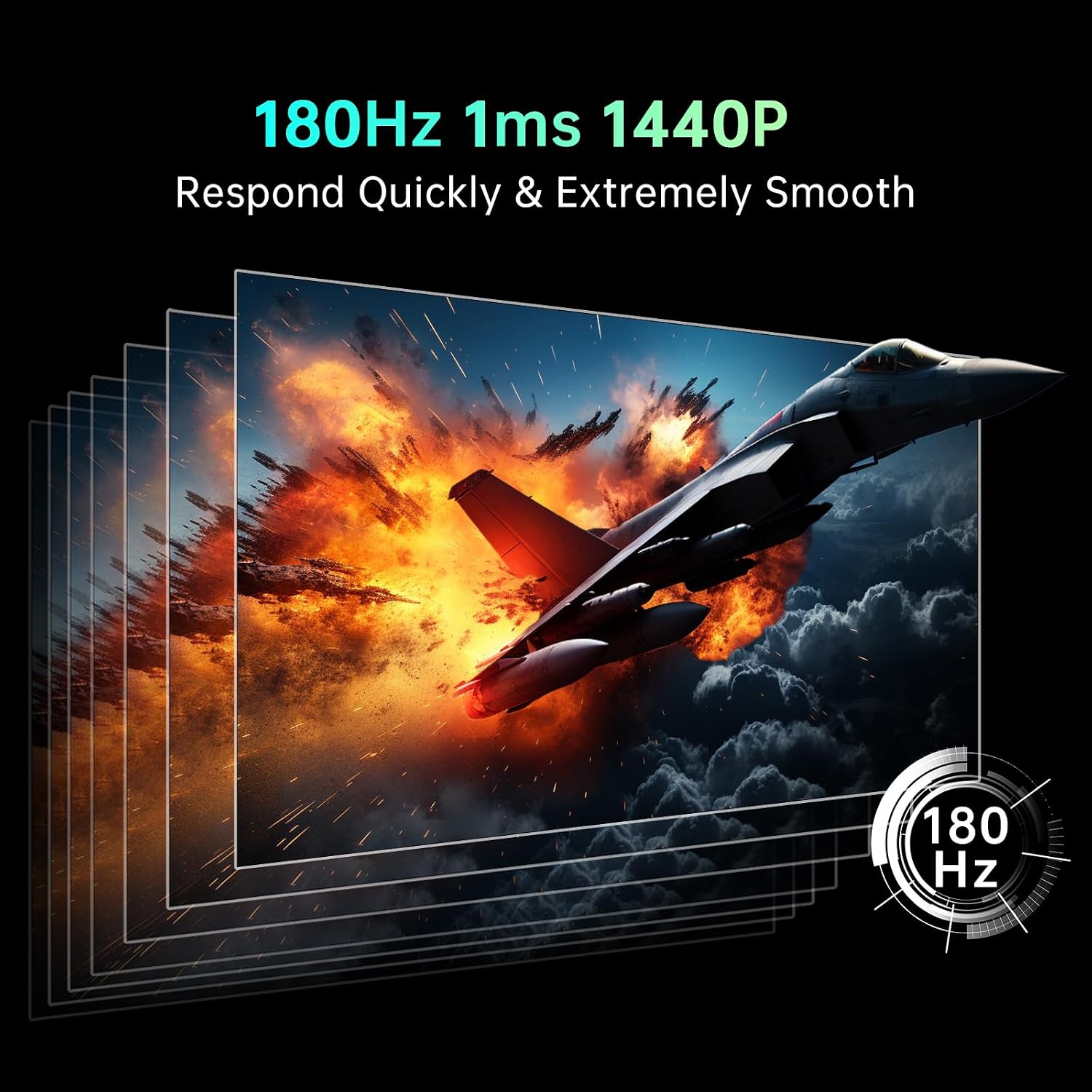
One limitation to keep in mind: HDR10 support doesn’t automatically guarantee an HDR experience that matches high-end HDR displays, because performance in HDR depends on factors that aren’t included in the provided specs. So it’s best to view this as an HDR10-enabled gaming monitor rather than something solely built for reference-grade HDR.
Connectivity and flexibility (desktop, laptop, console)
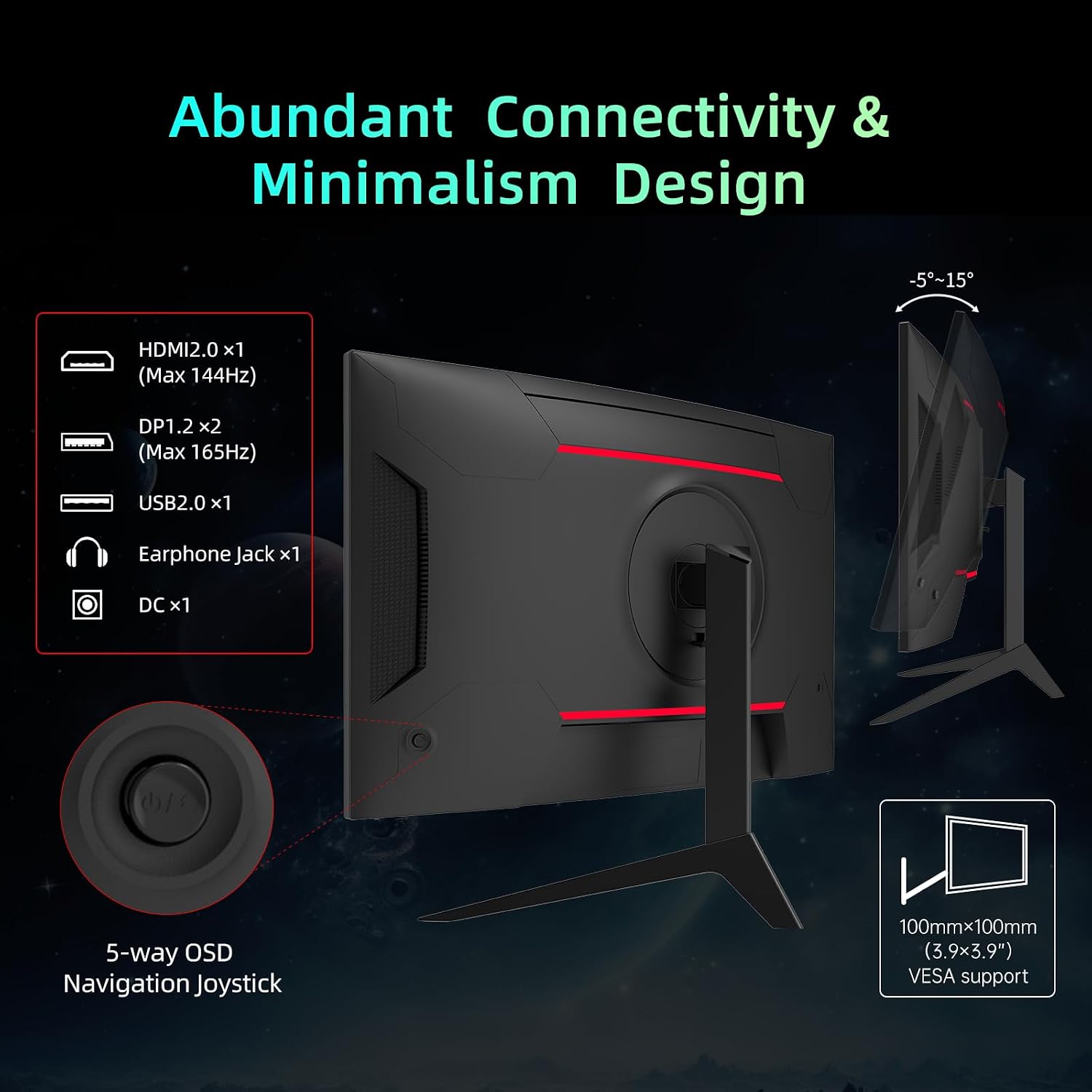
The spec sheet text mentions multiple ports: HDMI, DP, a USB connection, an earphone jack, and DC ports. It’s also stated to be compatible with desktop, laptop, PS5, Xbox and more.
For day-to-day ownership, that matters more than it sounds. If you switch between a PC and a console, having both HDMI and DisplayPort options can reduce the faff of swapping cables. If you use headphones, an earphone jack can be handy for late-night sessions without turning speakers on.
Ergonomics and mounting: practical considerations
Ergonomic tilt adjustment is listed from -5° to 15°, and there’s VESA mounting support (3.9 x 3.9 inch). That makes it easier to dial in a comfortable viewing angle and potentially mount it on an arm or wall setup if you already have the hardware.
Still, do check your desk space. A 32-inch curved monitor is big, and the 1500R curve plus stand footprint can take more room than you expect. If you’re on a smaller desk or sit very close, it’s worth planning your layout first.
Tech specs (as provided)
- Name: KTC 32 Inch Curved Monitor VA 1500R, 2K QHD 1440p
- Type: Gaming monitor
- Format: Curved
- Size: 32 inch
- Resolution: 2560 x 1440p
- Refresh rate: 180Hz
- Response time: 1ms MPRT
- Panel style: VA (VA 1500R)
- Display compatibility: Adaptive Sync (compatible with FreeSync Premium and G-SYNC)
- HDR support: HDR10
- Colour gamut: 122% sRGB
- Mounting: VESA (3.9 x 3.9 inch)
- Connections: HDMI, DP, USB, earphone jack, DC
Is it worth it?
It’s a strong “spec-forward” buy if you want a 32-inch curved QHD gaming monitor and you care about high refresh rate motion handling, Adaptive Sync smoothing, and extra gaming features like crosshairs and Black eQualizer. If your goal is competitive gaming at a desk, the 180Hz + Adaptive Sync pairing is the part most likely to feel worthwhile.
You may want to skip it if you’re sensitive to the way VA panels can look off-axis (and the provided details don’t mention viewing angles, so you’d be relying on general expectations). It may also be less suitable if you’re expecting top-tier HDR performance regardless of lighting conditions—HDR10 is included, but the listing doesn’t give enough to judge how strong it will be.
A sensible approach is: buy it if the combination of 32-inch immersion, 2K QHD, 180Hz motion smoothness, and the listed connectivity matches your setup. Don’t buy it if you mainly need a simple monitor for mixed casual use and you’d rather spend less on gaming-focused features you won’t fully use.
Mini FAQ
Is this monitor mainly for PC gaming or consoles too? It’s designed for both. The listing states compatibility with desktop, laptop, PS5, Xbox and more.
Does it support VRR / Adaptive Sync? Yes. The listing mentions Adaptive Sync support compatible with FreeSync Premium and G-SYNC.
Will it be good for dark scenes? It includes Black eQualizer, which is intended to reveal details in darker areas, but results still depend on the game and your settings.
Is HDR10 included? Yes, HDR10 is listed, though the stronger HDR experience you get will depend on real-world screen performance details not provided here.
Can it be mounted on a VESA arm? Yes. VESA mounting is listed as 3.9 x 3.9 inch, and you have tilt adjustment from -5° to 15°.