

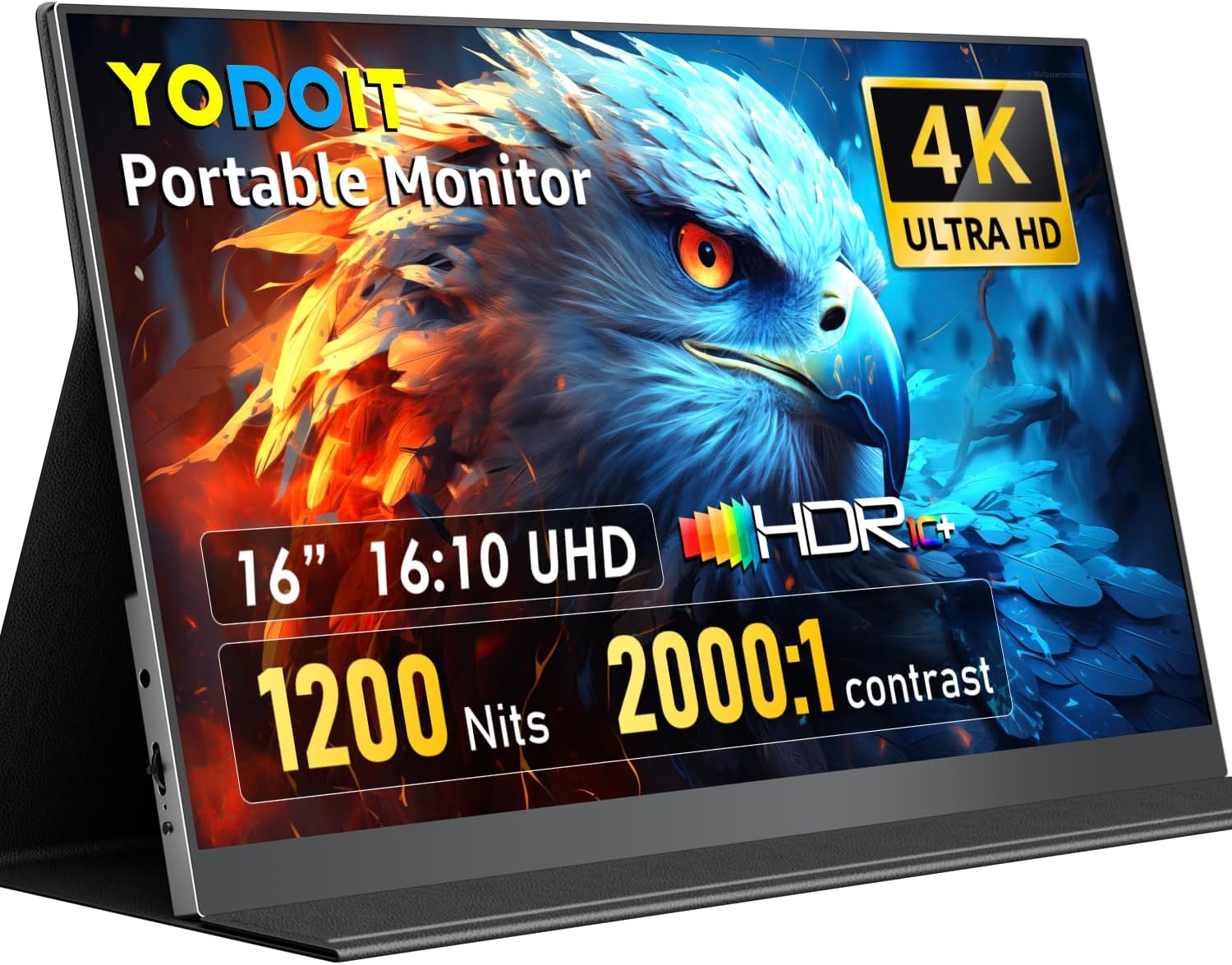
Yodoit 16-inch 4K Portable Monitor: a high-brightness second screen
Product description
What this is and what it’s for
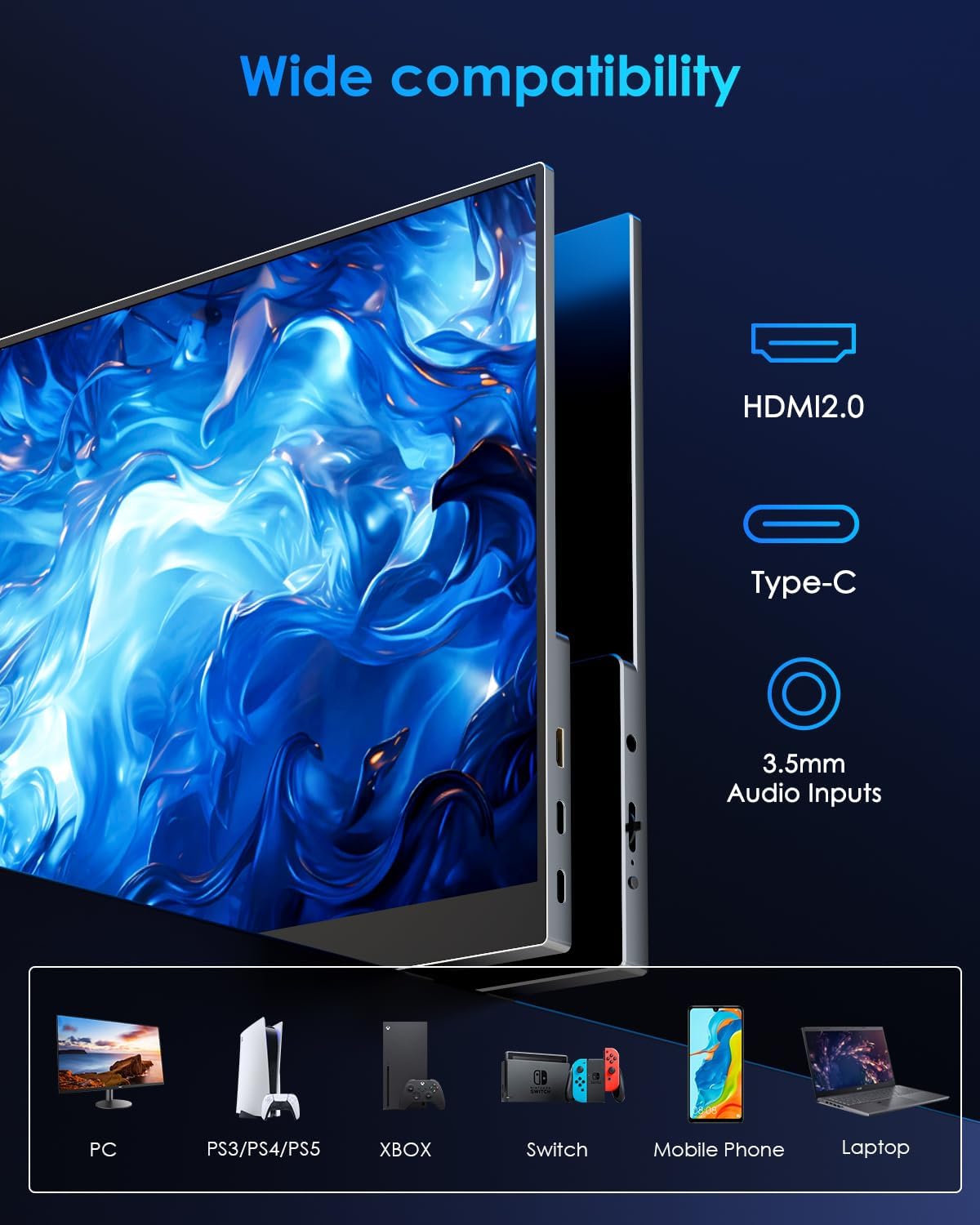
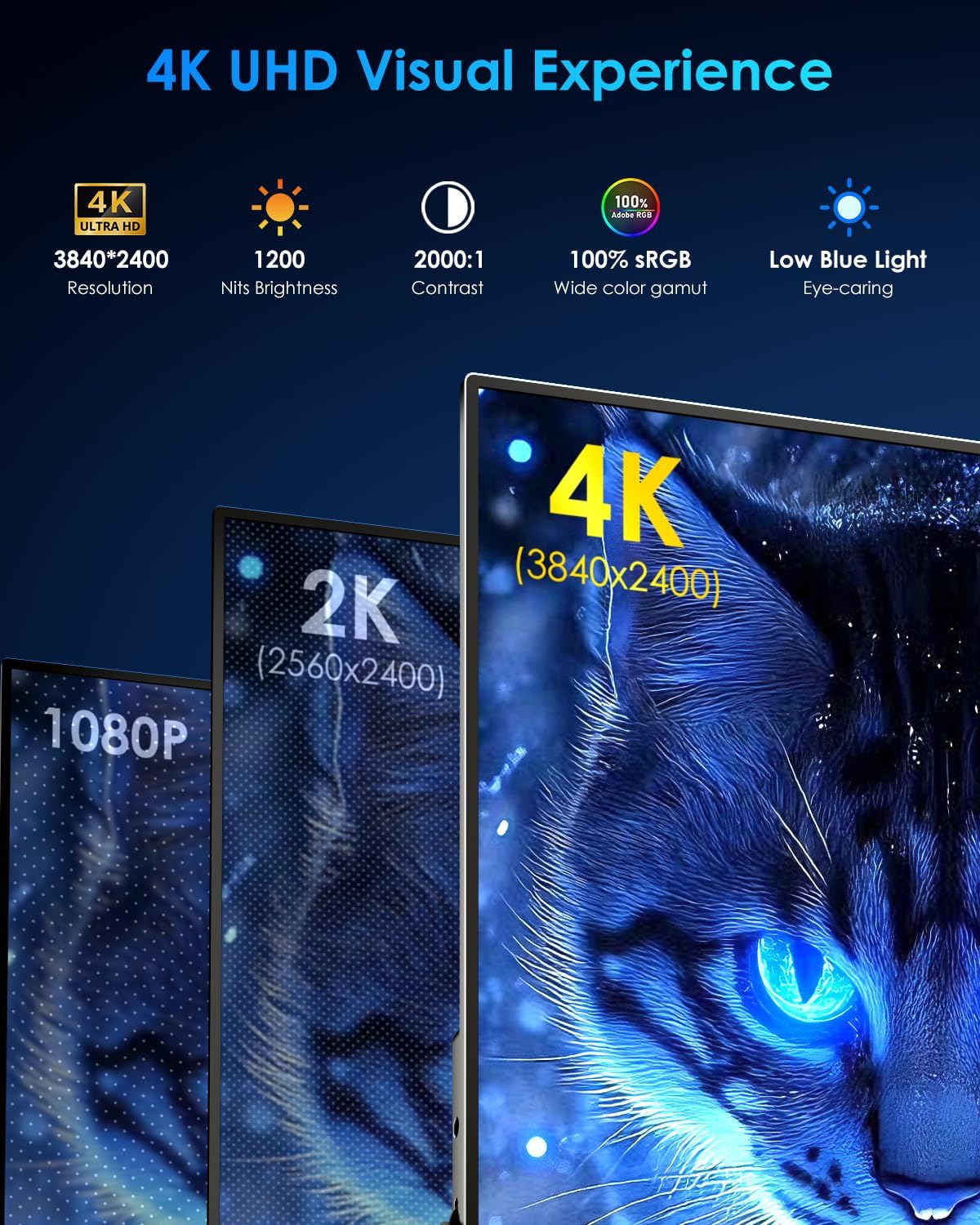
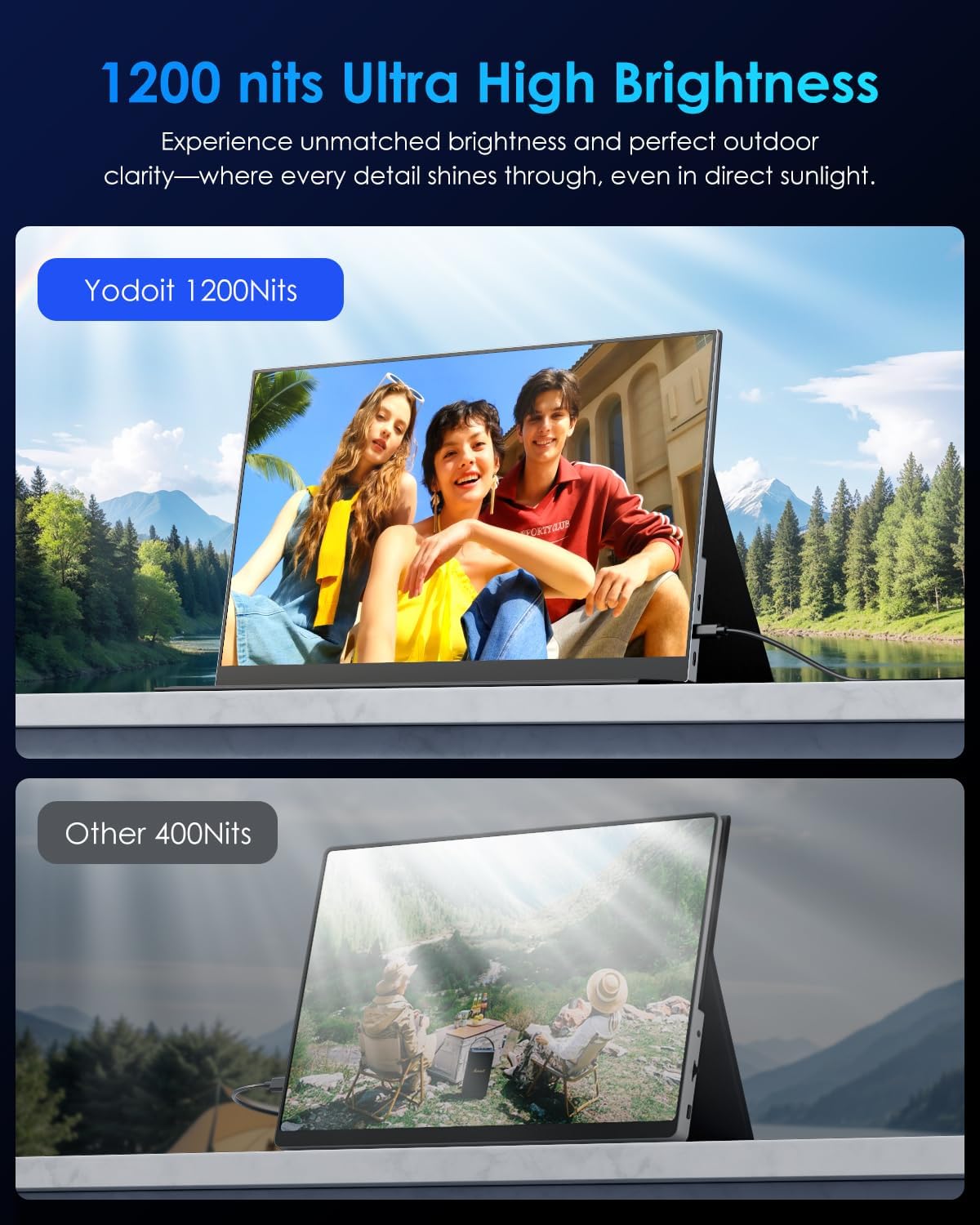
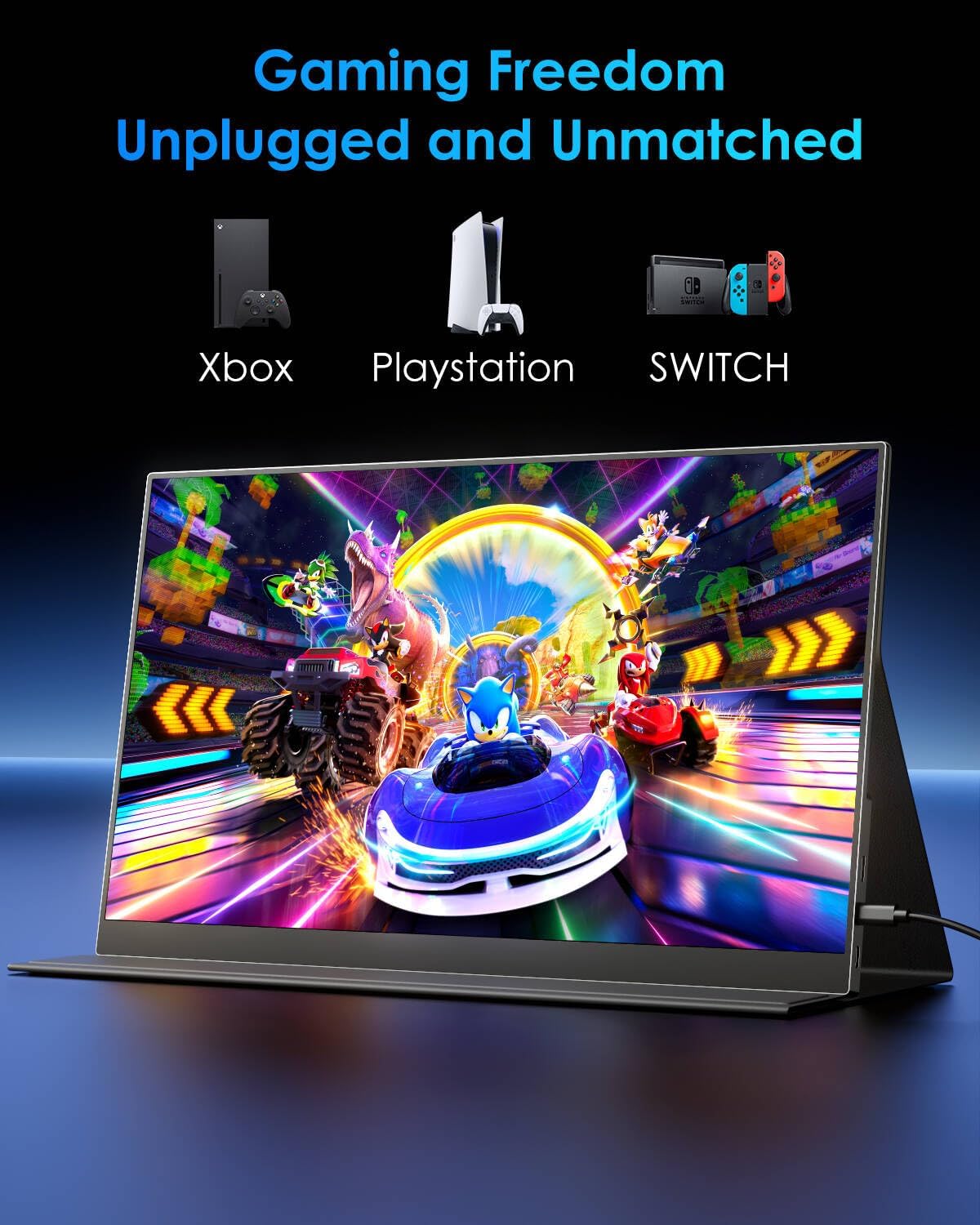
The Yodoit 16" 4K portable monitor is designed as a lightweight external display intended to extend laptops, PCs and gaming consoles. With a 3840x2400 resolution and 1200 nits peak brightness, it aims to deliver crisp, bright visuals in bright environments. It supports USB-C (full-featured) or HDMI with a separate power input, and includes built-in speakers and a smart cover for protection. On paper, it positions itself as a compact, plug‑and‑play second screen for productivity, gaming and creative work when you’re on the move.
How it performs in practice
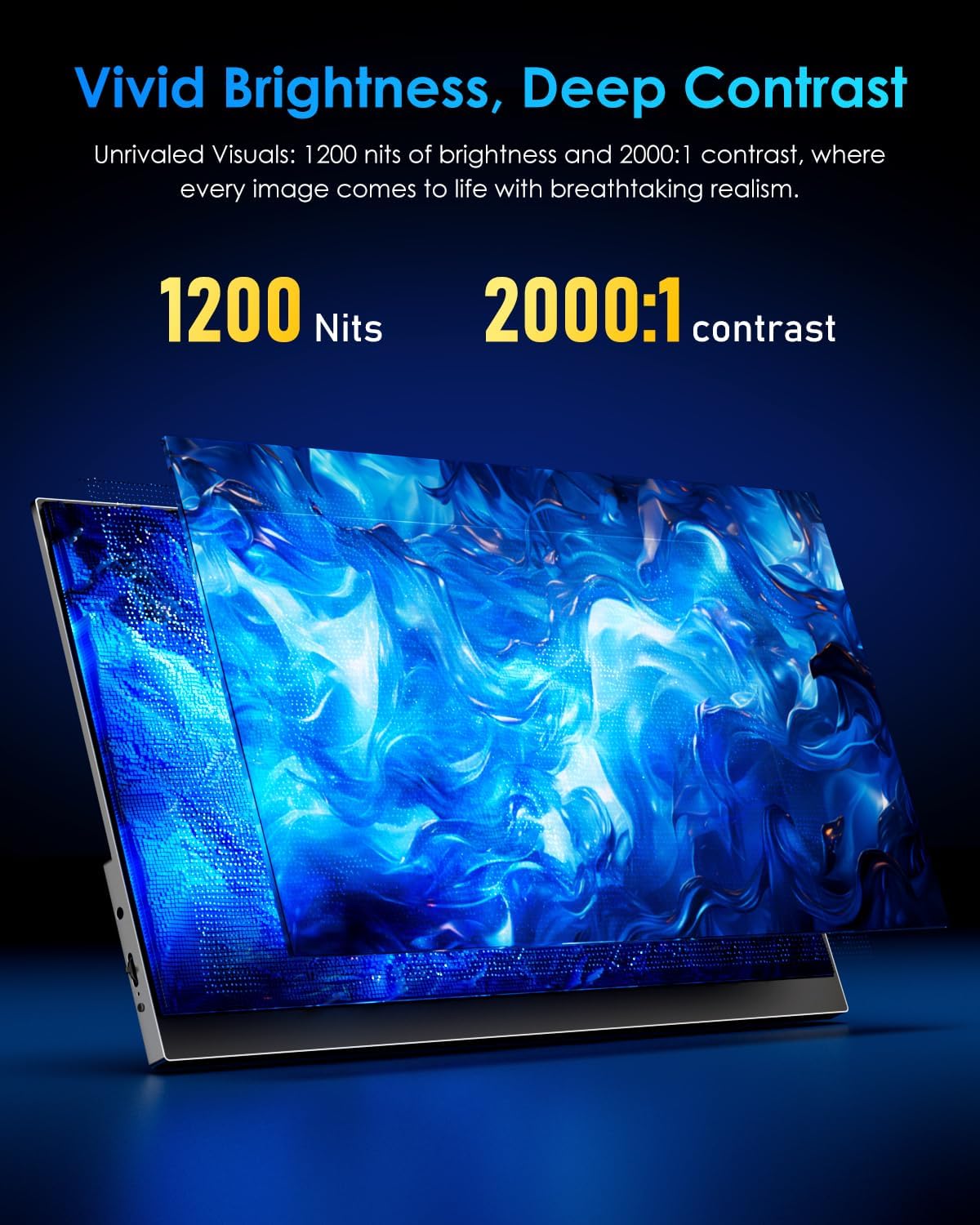
On paper, the combination of 4K resolution and 1200 nits brightness offers the potential for vivid images, good contrast and legibility in daylight or bright office spaces. The claimed 2000:1 contrast ratio suggests deeper blacks and more dramatic highlights, which could help when editing photos or watching HDR-like content. However, actual performance will depend on content and source device capabilities. The device is described as plug‑and‑play, with no drivers required, which is convenient for quick setup but may still require checking the compatibility of your laptop, console or phone for video output.
What stands out
A notable strength is the high-brightness panel paired with 4K resolution in a portable form factor, offering a potentially immersive viewing experience on the go. The built‑in speakers reduce the need for extra peripherals in travel scenarios, and the smart cover adds protection while not in use. The quick setup via USB-C or HDMI is practical for travellers, students or remote workers who want a roomy screen without carrying a second bulky display.
What might hold it back
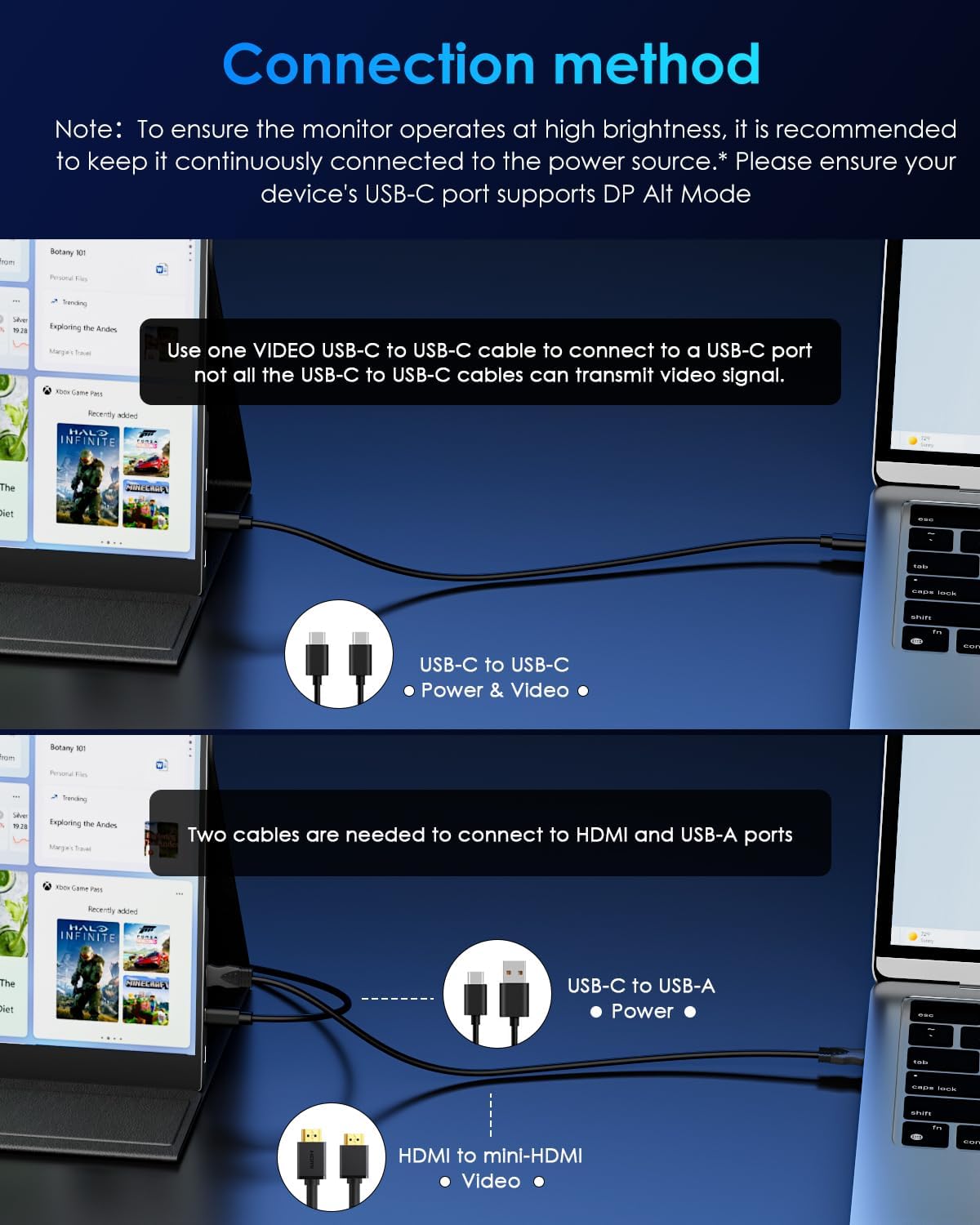
There are important caveats worth noting. Not all USB‑C ports output video, you need a DP Alt or HDMI Alt capable USB‑C for video transmission. A compatible video C2C cable is also required if you connect via the C2C option. This means you’ll need to verify your port specifications and maybe source a suitable cable, which can complicate a straightforward purchase if you’re buying for a particular device. The note about smartphones needing extra power input hints that some setups may require additional charging to drive the display. Also, as with most portable 4K panels, peak brightness is beneficial but can drain batteries faster when used without an external power source.
Who it’s for
This monitor could suit remote workers, students, or gamers who want a sizeable, high-resolution second screen that can travel. If you prioritise a bright, detailed image and a slim build, and you don’t mind managing port compatibility, it can be a sensible companion for a laptop or console setup.
Who it’s not for
If your devices lack compatible USB‑C/DP Alt outputs or you dislike managing extra cables and cables that support video signals, this model might feel fiddly. It’s less straightforward for users who require guaranteed plug‑and‑play without checking port capabilities or buying additional cables. For those who seldom travel or need a rugged, always-on display, alternatives with integrated power or wireless casting could be more convenient.
When it makes sense to buy
Consider this monitor if you need a large, high-brightness portable panel that can supplement a laptop screen for productive work or gaming on the move, provided you have a device whose USB‑C or HDMI output can deliver video and you’re prepared to manage the connection requirements.
What to check before buying
- Confirm your device’s video output capabilities (DP Alt or HDMI Alt via USB‑C).
- Verify whether you have or are willing to source a compatible video C2C cable (as supplied or otherwise).
- Check whether you’ll be powering the display externally in mobile scenarios to maintain brightness and performance.
- Consider your primary use case (productivity, media, or gaming) and whether 4K on a 16" portable panel aligns with your expectations for refresh, scaling and colour accuracy.
Practical use example
Imagine you’re working away from your desk, you connect your laptop with a USB‑C to USB‑C cable, open a document on a bright surface, and extend your screen for reference materials while you draft. You switch to a gaming console and appreciate the extra screen real estate for maps or chat windows. The built-in speakers can handle casual media playback, though a dedicated audio setup will still improve sound quality for longer sessions.
FAQ (brief)
- Do I need drivers? No, it’s described as plug‑and‑play.
- Can I use it with a phone? Yes, but a full‑featured USB‑C port and adequate power are required, and some setups may demand an additional power source.
- Is 4K helpful on a 16" screen? It can deliver sharp images, but UI scaling and content availability will affect perceived clarity in practice.
Is it worth it?
It makes sense if you need a high-brightness, high-resolution portable screen and you can confirm port compatibility and cable requirements without extra hassle. If you prioritise absolute simplicity or a guaranteed wireless secondary display, you may want to look for alternatives that reduce setup steps or cables.