

KTC 24 Inch FHD Gaming Monitor (1080P) with Fast IPS Panel, 180Hz (OC 190Hz), HDR400 and Adaptive Sync
Product description
Key takeaways
If you’re shopping around for a 24-inch FHD gaming monitor with a fast IPS panel, the KTC model here is aimed at smooth gameplay without turning your desk into a science project. On paper, it combines a high refresh rate (listed up to 180Hz, with overclock to 190Hz) with a very low response time (1ms), plus Adaptive Sync to help reduce tearing.
What also stands out is that it doesn’t ignore day-to-day comfort and image basics: there’s hardware anti-blue-light protection, a VESA 100×100mm mounting option, and connections that include HDMI 2.0 and DisplayPort 1.4. Where it may not be a perfect match is if you specifically need strict HDR performance beyond what a mid-range spec can deliver, or if you’re chasing maximum colour accuracy for professional workflows.
What to know before you buy
This monitor is clearly positioned for gaming first. The headline features are the refresh rate, the response time, and Adaptive Sync. In practical terms, that’s the difference between a screen that feels “snappy” in fast motion versus one that can look slightly smeary or stuttery in action scenes.
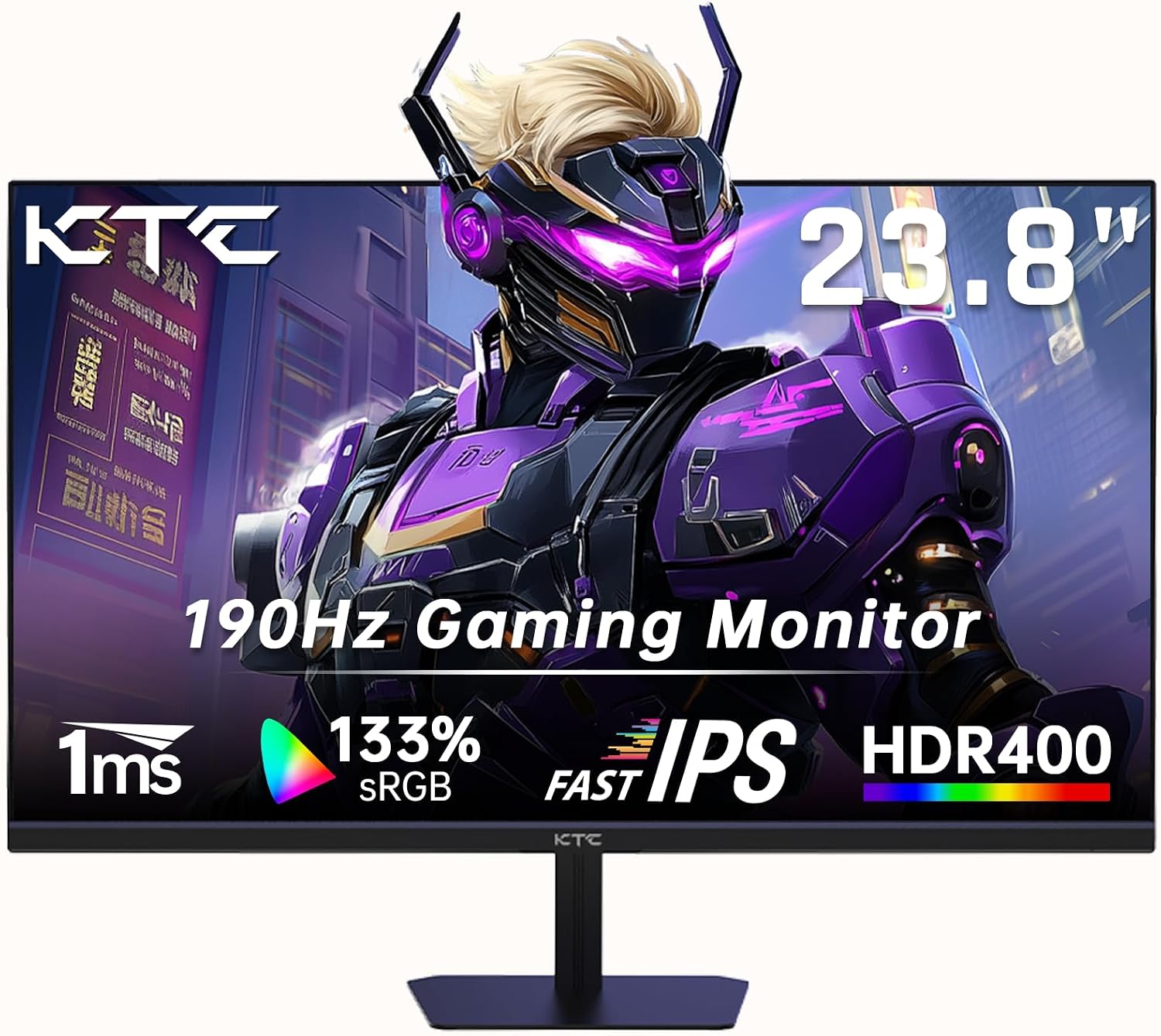
A simple micro-scenario: imagine you’re playing a fast FPS match and tracking targets while strafing. Higher refresh rate and Adaptive Sync are meant to keep motion looking more consistent, and the 1ms response time figure suggests it’s designed to reduce ghosting. It’s not a guarantee (real performance depends on your PC and game settings), but it’s the right kind of spec stack for that use case.
Key features that affect gameplay
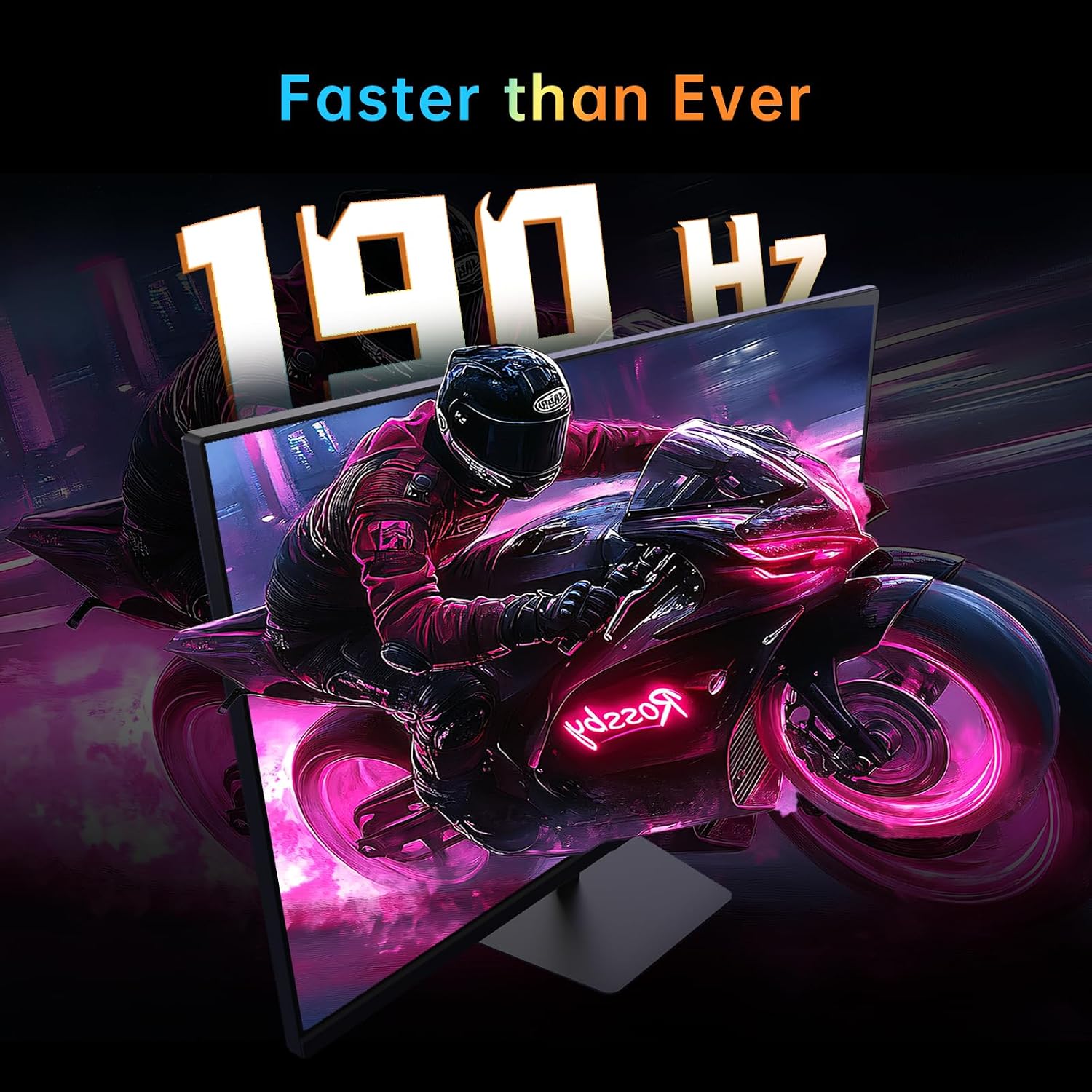
The combination of 180Hz refresh rate (with OC up to 190Hz) and a 1ms response time is the core of the gaming pitch. If you often play competitive titles or you’re sensitive to input lag and motion clarity, this is the kind of monitor that tends to feel better once you’re running it at high frame rates.
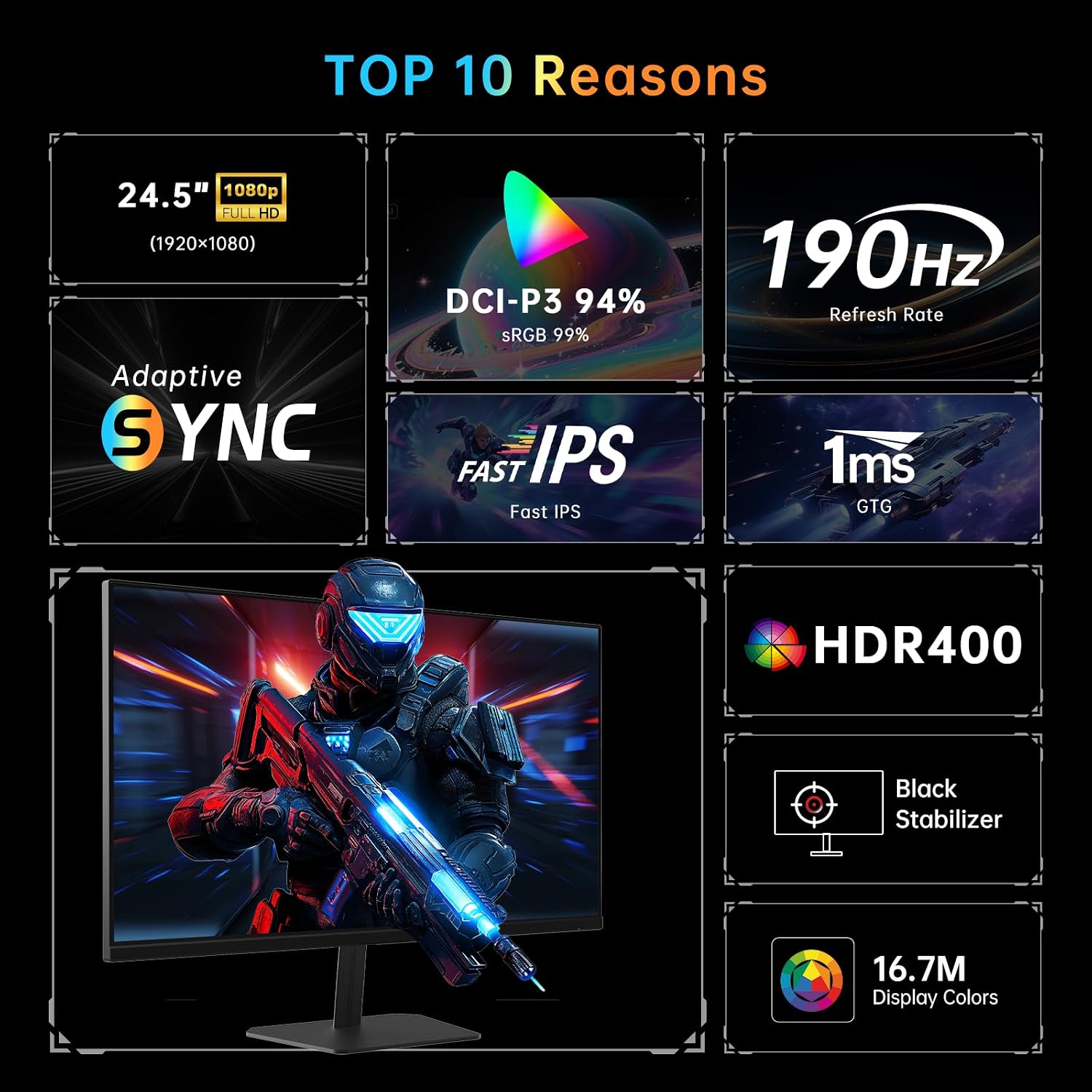
Adaptive Sync is another meaningful inclusion: it’s described as compatible with G-Sync and FreeSync, with the goal of reducing screen tearing and keeping gameplay smooth when your frame rate fluctuates.
It also uses a Fast IPS panel, which is typically chosen because it can support fast transitions while still aiming to maintain stable colour updates at higher refresh rates. In other words, it’s trying to balance speed and visual consistency, not just raw speed.
Colour, HDR and brightness in everyday use
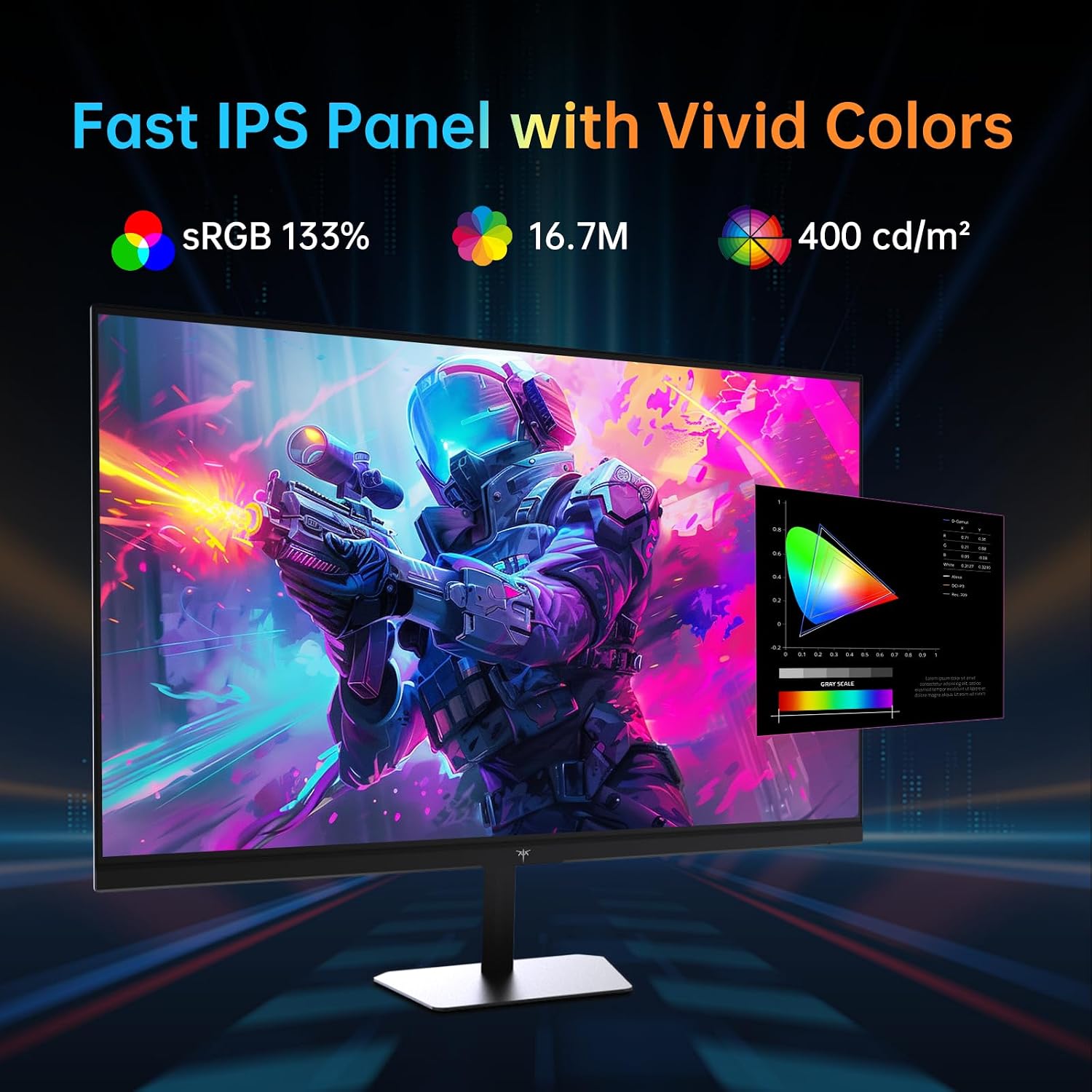
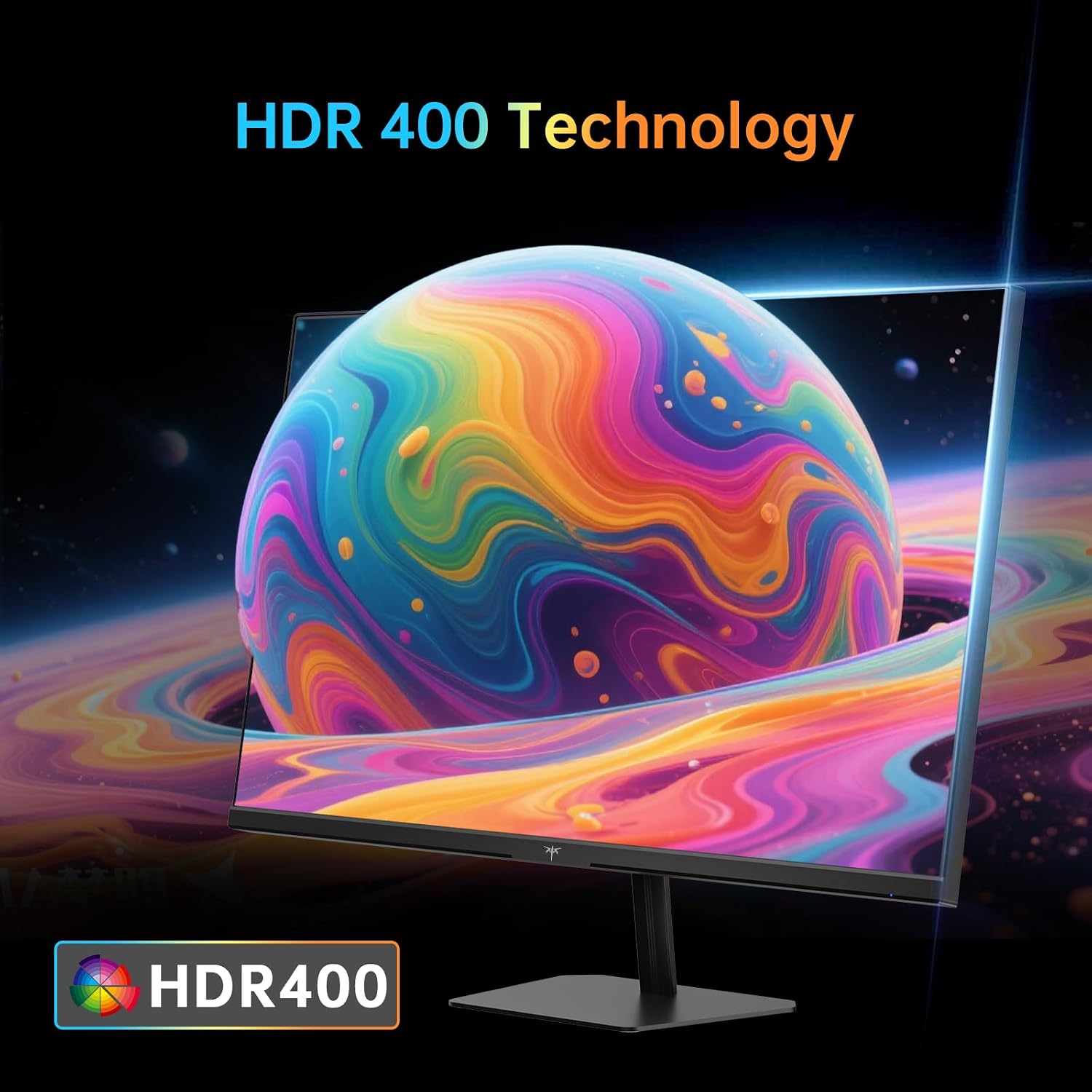
KTC also leans into “cinema quality colour” and HDR support. It’s listed with HDR400 and a brightness of 350 cd/m². That brightness figure suggests it should cope reasonably well in a typical bright room, where darker panels can feel washed out.
On colour coverage, the listing includes 133% sRGB, plus DCI-P3-related figures. It also claims 16.7 million colours (8-bit) and a delta E value “less than 2”, which—if accurate—points to decent factory tuning for consistent on-screen colour.
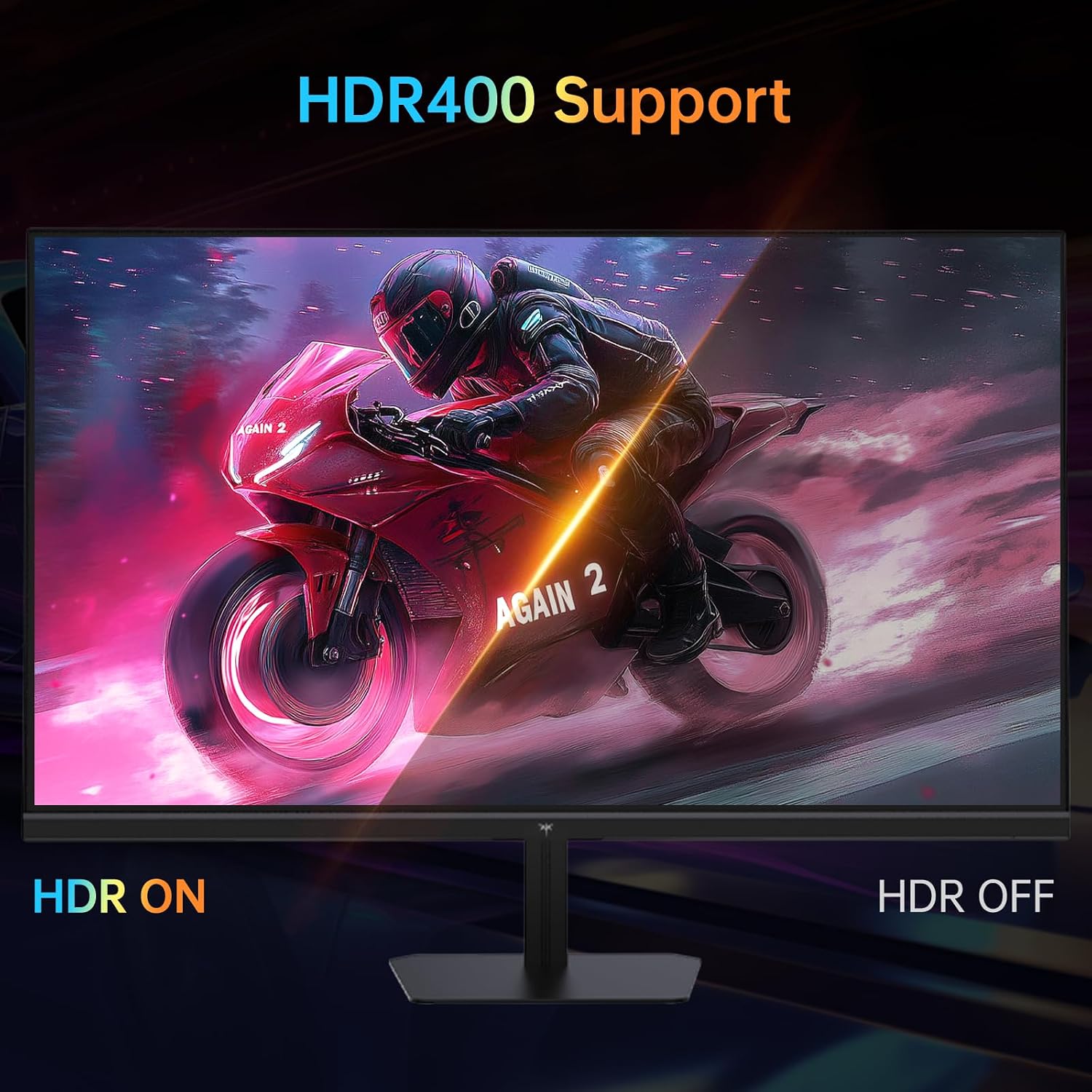
Still, it’s worth keeping expectations realistic: HDR400 is a specific class of HDR support, so if you’re buying purely for the strongest HDR punch, you may want to compare against higher-spec HDR options. For mixed use (games, streaming, casual editing), it looks more like a sensible enhancement than a statement HDR monitor.
Comfort and screen setup
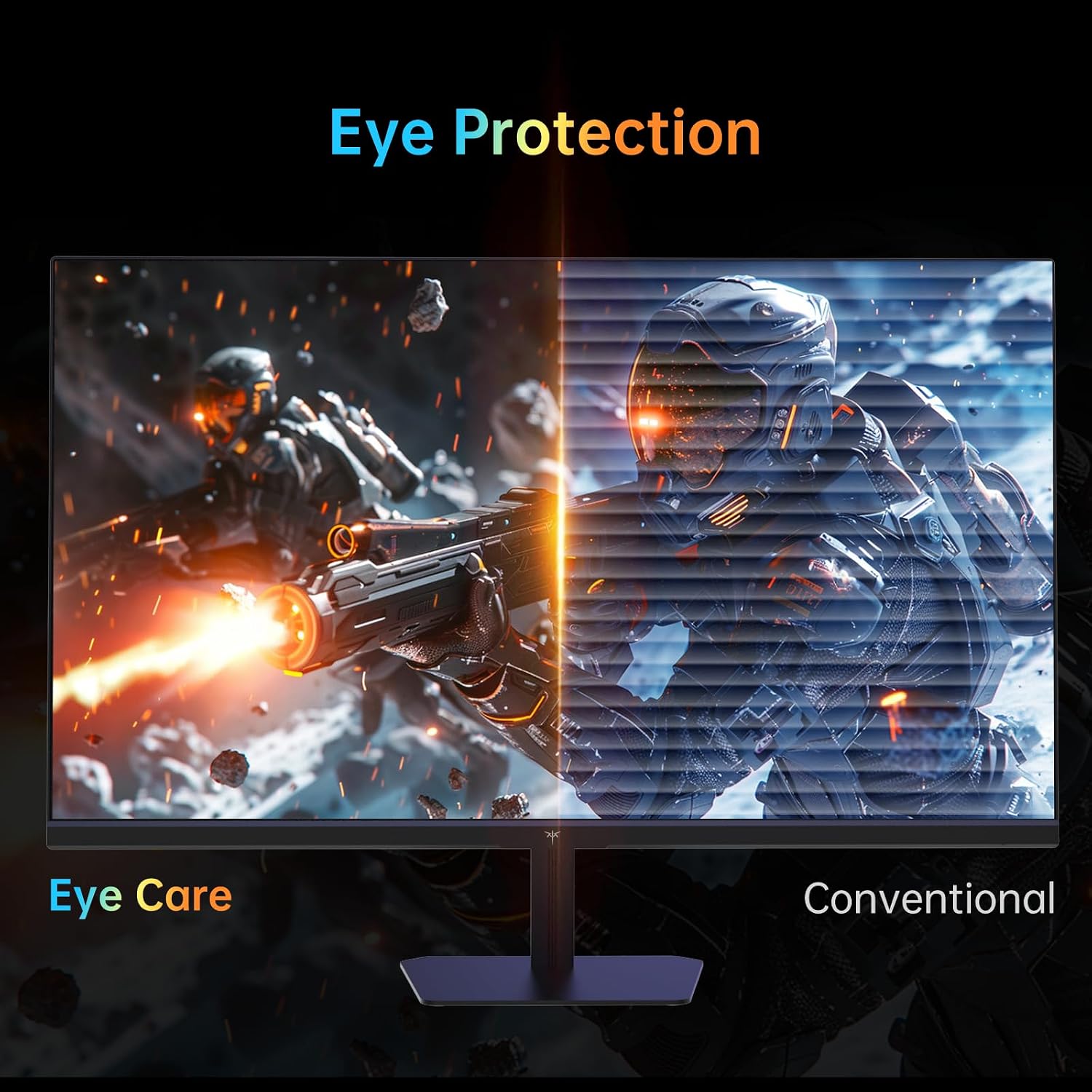
Hardware anti-blue-light protection is included, aimed at reducing the impact of short-wave blue light to help with eye comfort during longer sessions. The listing also notes it does so without affecting screen colour accuracy, which matters—some “eye comfort” features can make the image look tinted.
For desk setup, you get a stand that supports vertical, height and tilt adjustments, plus VESA 100×100mm mounting if you prefer wall/arm placement. There’s also a useful connection set: dual HDMI 2.0, DisplayPort 1.4, a USB 2.0 for upgrades, and an earphone jack.
One limitation to consider: the exact features you’ll unlock (for example, high refresh rates over each input) depend heavily on the device you connect and the settings you pick in both the monitor and your PC. It’s not unusual, but it’s worth double-checking your setup before assuming every mode will run at the top figures.
Is it for you? (and who should skip it)
It makes sense if you want a 24-inch FHD gaming monitor with a Fast IPS panel, Adaptive Sync support (for tear-free-ish gameplay), and a high refresh rate aimed at smoother motion. You’ll likely appreciate it if you play fast-paced games and you prefer having adjustable ergonomics on your desk.
It may not suit you if you’re primarily buying for deep HDR performance, or if you need the most demanding colour work where you’d expect a stronger professional calibration chain and higher-end HDR hardware. It also might not be a great match if you’re not planning to run games at high frame rates—then the jump in refresh rate may feel less meaningful.
Should you buy it?
If your priority is responsive 24-inch FHD gaming with Adaptive Sync, a fast IPS panel, and practical connectivity, the KTC monitor looks like a solid “spec-led” choice. It’s also the kind of monitor that can work as a daily screen because brightness, colour claims, and anti-blue-light support are included rather than treated as afterthoughts.
However, don’t ignore the small reality checks: the top refresh rate is listed with overclock, and HDR400 is still HDR in name more than “flagship-level” HDR. If you’re the type of buyer who needs consistently excellent HDR punch and ultra-demanding colour accuracy, you’ll probably want to compare higher-tier options.
Quick questions before you decide
Does Adaptive Sync really matter for gaming?
Yes, on the listing it’s the feature designed to help reduce tearing when your frame rate isn’t perfectly stable. It’s most noticeable in games where performance can fluctuate during action.
Is HDR400 good enough for movies and games?
HDR400 is intended to enhance contrast and colour in supported content, but it won’t replace higher-end HDR hardware. It’s more of a “nice improvement” than a dramatic transformation.
Can I mount it without the stand?
Yes. It supports VESA 100×100mm wall mounting, which is handy if you want a monitor arm.
Will the maximum refresh rate work on every input?
The listing doesn’t spell out input-specific limits in the details provided here. In practice, you may need to set things correctly in your PC and monitor to reach the best results.
Is it comfortable for long sessions?
The monitor includes hardware anti-blue-light protection, aimed at reducing short-wave blue light and helping with eye comfort while keeping colour accuracy in mind.